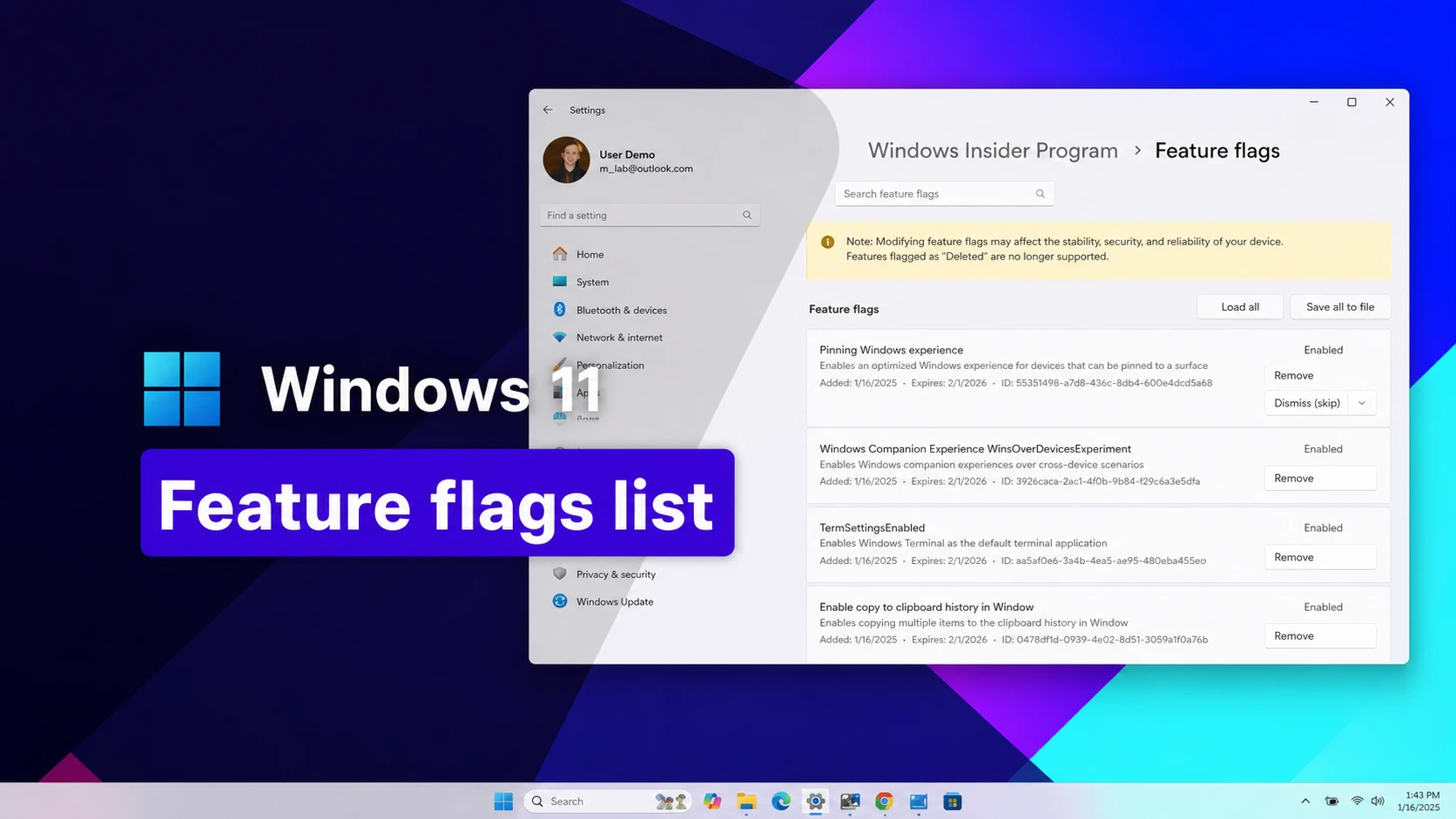
Windows 11 ships with dozens of features that are already built into the system but switched off behind internal feature flags. A small command-line tool called ViveTool can flip those switches early, using numeric feature IDs tied to specific updates and Insider builds. Below is the current set of working IDs, organized by what they unlock, along with the exact commands needed to apply them.
Working ViveTool codes for Windows 11
These IDs apply to the publicly released (Stable) version of Windows 11 rather than Insider preview builds. Codes tied to older monthly updates generally keep working on newer installs unless Microsoft removes the underlying feature.
61161244— September 2026 update feature bundle NEW61754985— New Start menu resize and customization settings NEW62762248— New Windows Search settings NEW59213768— Taskbar positioning in Settings (top, left, right, or bottom) NEW60813048— Customizable context menu settings NEW61090762— Option to make the Taskbar smaller NEW59728252— Modern boot-style animation on sign-in, shutdown, and restart screens NEW27829265,61457898— Modernized mouse pointer indicator with a “keep indicator visible until dismissed” option NEW61160789— August 2026 update feature bundle58989177— July 2026 update feature bundle58989092— June 2026 update feature bundle58989092,60716524,48433719,61391826— Low Latency Profile, a short processor speed boost that shortens app launch times58989070— May 2026 update feature bundle58989021— April 2026 update feature bundle58989002— March 2026 update feature bundle, including the network speed tester, camera pan and tilt, and Extract All support for non-Zip archives57741219— Redesigned Protected Print Mode dialogs in Settings55994763— New Widgets settings page58988972— February 2026 update feature bundle57048237— December 2025 update feature bundle59162732,55994763— Widgets redesign41356296— New Taskbar auto-hide animation45690266— Cloud file search inside File Explorer59265307— Redesigned About page in Settings57882334— Share any open Taskbar window53343270— Device info card in Settings, currently limited to the United States57048231— November 2025 update feature bundle47205210— Single-page redesigned Start menu48433719— Battery percentage display on the Taskbar icon57048226— October 2025 update feature bundle57048218— September 2025 update feature bundle57048216— August 2025 update feature bundle61754985,61225604,61596616,61596617,61596618,61596619— New Start menu resize and customization settings51406324,60288851,48433719,58989092,58989177,61160789,61161244,61161268,61161283,61161304,61754985,61225604,61596616,61596617,61596618,61596619— Enables Administrator Protection in Windows Security61014711— Turns off the new KB, MB, and GB file-size display in File Explorer’s Details view
Microsoft has already assigned feature bundle ID 61161268 to the upcoming October 2026 update. It won’t do anything until that update actually reaches your PC, so there’s no point running it early.
Expired or replaced codes
A handful of older IDs have been folded into newer combinations and no longer need to be entered on their own.
60716524,61391826— Replaced by the full stable Low Latency Profile combination listed above
How to enable a ViveTool code on Windows 11
vivetool /enable /id:57048231Some features need more than one ID entered together. In that case, separate them with commas in a single command:
vivetool /enable /id:61754985,61225604,61596616,61596617,61596618,61596619You’ll know it worked when the command prompt reports the change was applied and, after restarting, the relevant Settings page, dialog, or interface element actually shows the new option. If nothing appears, the feature is likely gated by hardware, region, or a server-side rollout control that ViveTool can’t override on its own.
To turn a feature back off, run the same command with /disable instead of /enable, then restart. Running vivetool /fullreset clears every custom feature change you’ve made and returns flags to their default state, so use it only if you want to undo everything at once.
Codes for Insider preview builds (26H2 and 25H2)
Windows Insiders testing the Experimental and Beta channels can reach features months before they land in a stable update. Many of the stable codes above started out as one of these build-specific IDs.
| Build | Feature ID(s) | Feature |
|---|---|---|
| 26340.9354 | 61456288 | New visuals for the Temporary files settings page |
| 26340.9354 | 61275938 | New sign-in method experience on the lock screen |
| 26340.9354 | 62369220 | Device Info card in the Settings app |
| 26340.9212 | 62141177 | Redesigned AutoPlay dialog |
| 26340.9212 | 62915050 | “Open apps maximized” option under Visual effects |
| 26340.9212 | 61384404 | Emoji 17.0 support |
| 26300.8697 | 61441697 | Windows Hello ESS support for external fingerprint sensors |
| 26300.8687 | 61465695,61465915 | Middle-click support in File Explorer |
| 26300.8553 | 61754985,61225604,61596616-61596619 | Start menu resizing and customization |
| 26300.8346 | 61014711 | Turns off the new KB/MB/GB file size display in File Explorer |
| 26300.8289 | 60662124 | New “Screen tint” accessibility setting |
| 26300.8289 | 57156807 | Modern version of the Run dialog |
| 26220.8170 | 60772592 | FAT32 formatting up to 2TB from the command line |
| 26220.8148 | 60911173 | New Feature Flags settings page in the Beta channel |
| 26220.7523 | 58938944,57900749,58324036 | Taskbar AI agent |
| 26220.7271 | 58423575 | Decluttered File Explorer context menu |
| 26220.7070 | 55994763,59162732 | Full-page Widgets settings |
| 26220.6972 | 41356296 | Taskbar auto-hide animation (prerequisite: 48433719) |
Prerequisite IDs matter here. Several 26H2 features, including Administrator Protection, only activate when a full chain of bundle IDs is enabled together, not just the single ID tied to the visible feature.
Windows 11’s feature-flag system keeps changing month to month, so an ID that works today can be replaced the moment Microsoft finishes testing the feature it controls. Checking back before a major cumulative update, rather than relying on an old command from a previous build, keeps the process from wasting a reboot.