

Celestial is a Roblox-based trading community that runs daily drops, giveaways, and events for players who deal in Adopt Me!, MM2, Robux, and more. The “Road to Celestial” pitch is simple. Join the Discord, watch for the drop windows, and take part in the giveaways as they go live. Here is exactly what the server offers and how to get in.
Quick answer: Open the Celestial Traders server invite, select Accept Invite inside Discord, and you will land in the server with full access to its drop and giveaway channels.
What the Celestial Discord server offers
Celestial Traders centers on Roblox trading. Members buy, sell, and swap items across popular games, and the server layers regular community events on top of that. Daily drops are the main draw, alongside giveaways and scheduled events for active members. The community holds a 4.1 rating from 20 reviews and counts close to 9,800 members.
| Detail | Value |
|---|---|
| Focus | Roblox trading (Adopt Me!, MM2, Robux) |
| Regular activity | Daily drops, giveaways, events |
| Member count | ~9,786 |
| Rating | 4.1 from 20 reviews |
| Categories | Giveaway, Roblox |
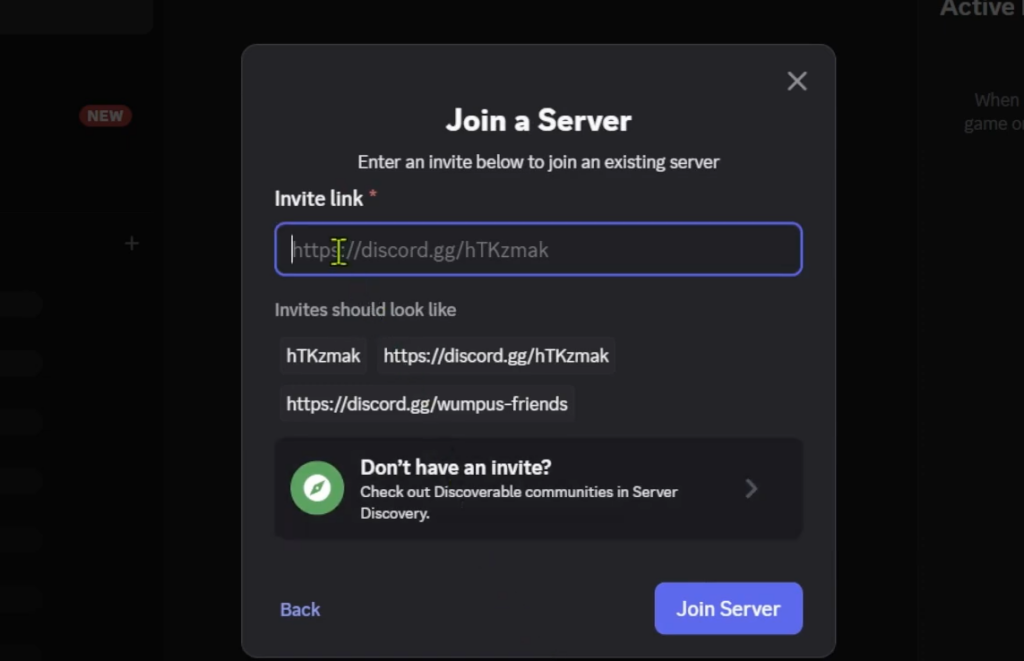
How to join the Celestial Discord server
If you are new to Discord, you may be asked to set a display name and confirm your date of birth before the account is created. Finish that prompt first, then accept the invite.
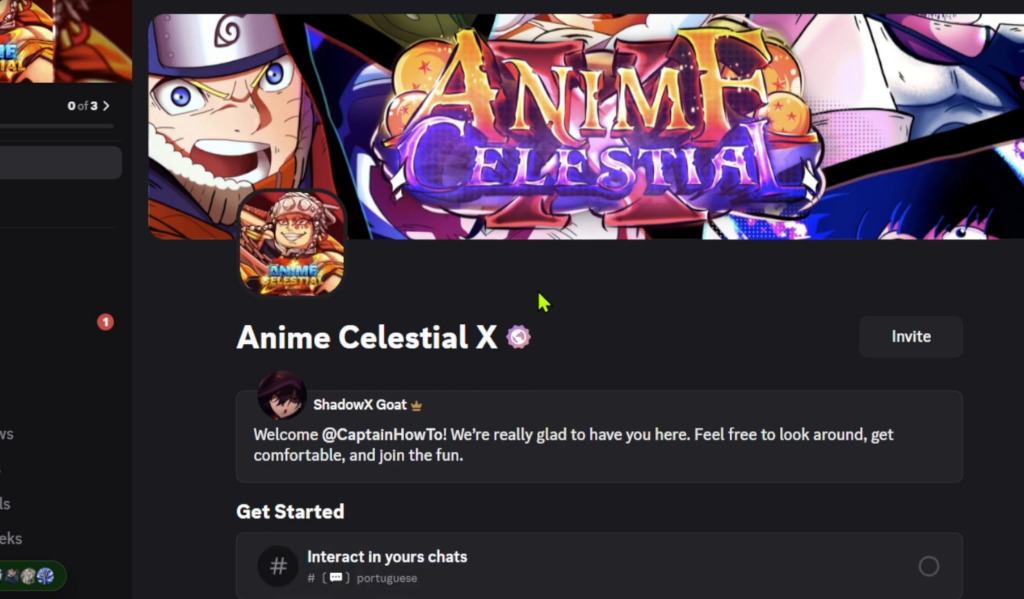
How to confirm you joined
You are in once the Celestial server appears in your left-hand server list and its channels load. From there you can open the drops and giveaways channels to see current activity. If the server does not show up, the invite did not complete, and you should repeat the accept step.
Don’t confuse it with other Celestial servers
Several unrelated Discord communities share the Celestial name, so it is easy to land in the wrong place. The drops-and-trading server you likely want is Celestial Traders. The others below run entirely different communities.
| Server | What it is | Members |
|---|---|---|
| Celestial Traders | Roblox trading with daily drops and giveaways | ~9,786 |
| Celestial (Bloxfruits) | Blox Fruits trading, stock updates, giveaways | 25,980 |
| Celestial (Genshin bot) | Anime game with waifus, battles, and arena play | 9,301 |
| Celestial (STAR tag) | Psychology and personality-type community | 7,363 |
| ⟪ Celestials ⟫ | Embodiment Celestial community server | 4,191 |
| Celestial Official Games | Games-focused community server | 8,200 |
If the invite won’t work
Most failed joins come down to one of a few fixable reasons. Check these before assuming the link is dead.
- You are not logged in to a Discord account, so the invite only previews and never completes.
- You skipped the final Accept Invite prompt inside Discord.
- You opened the wrong Celestial listing and joined a different community.
Once you are inside Celestial Traders, keep an eye on the drop channels, since drops run daily and giveaways rotate alongside them. That is where the “Road to Celestial” activity actually happens.