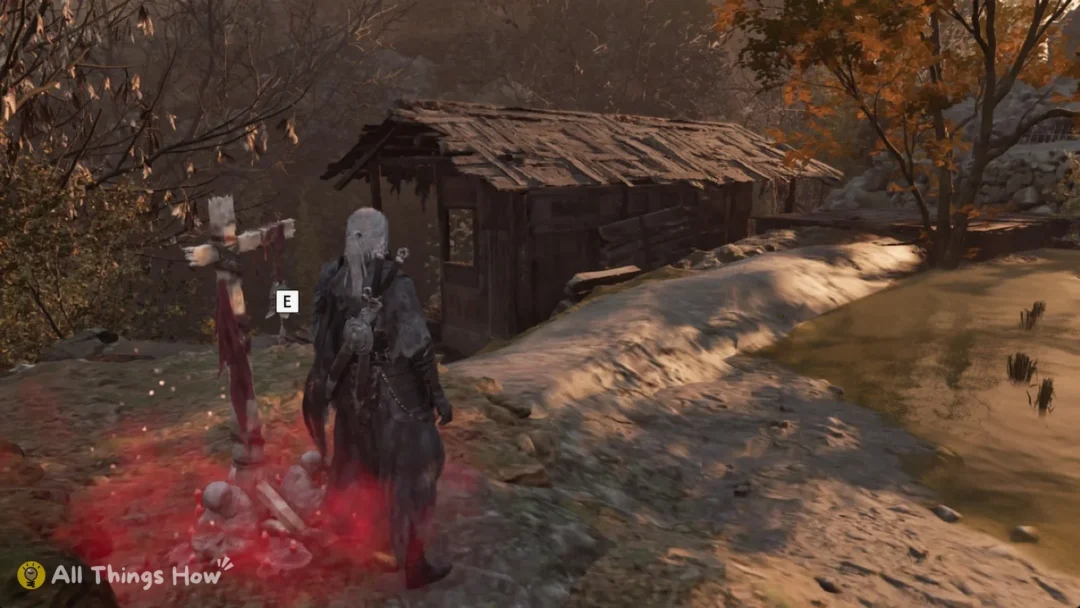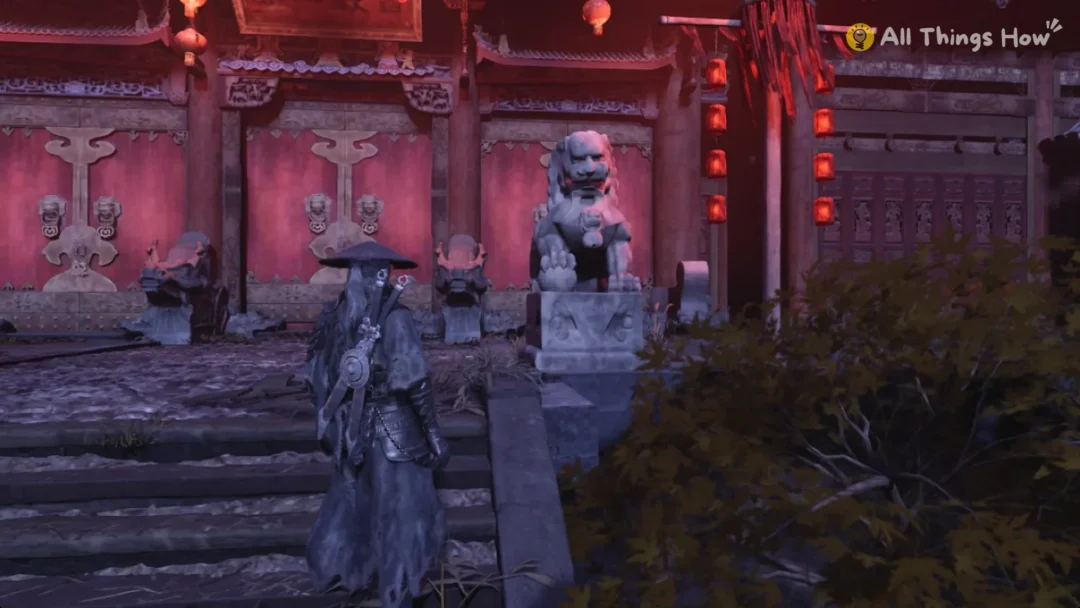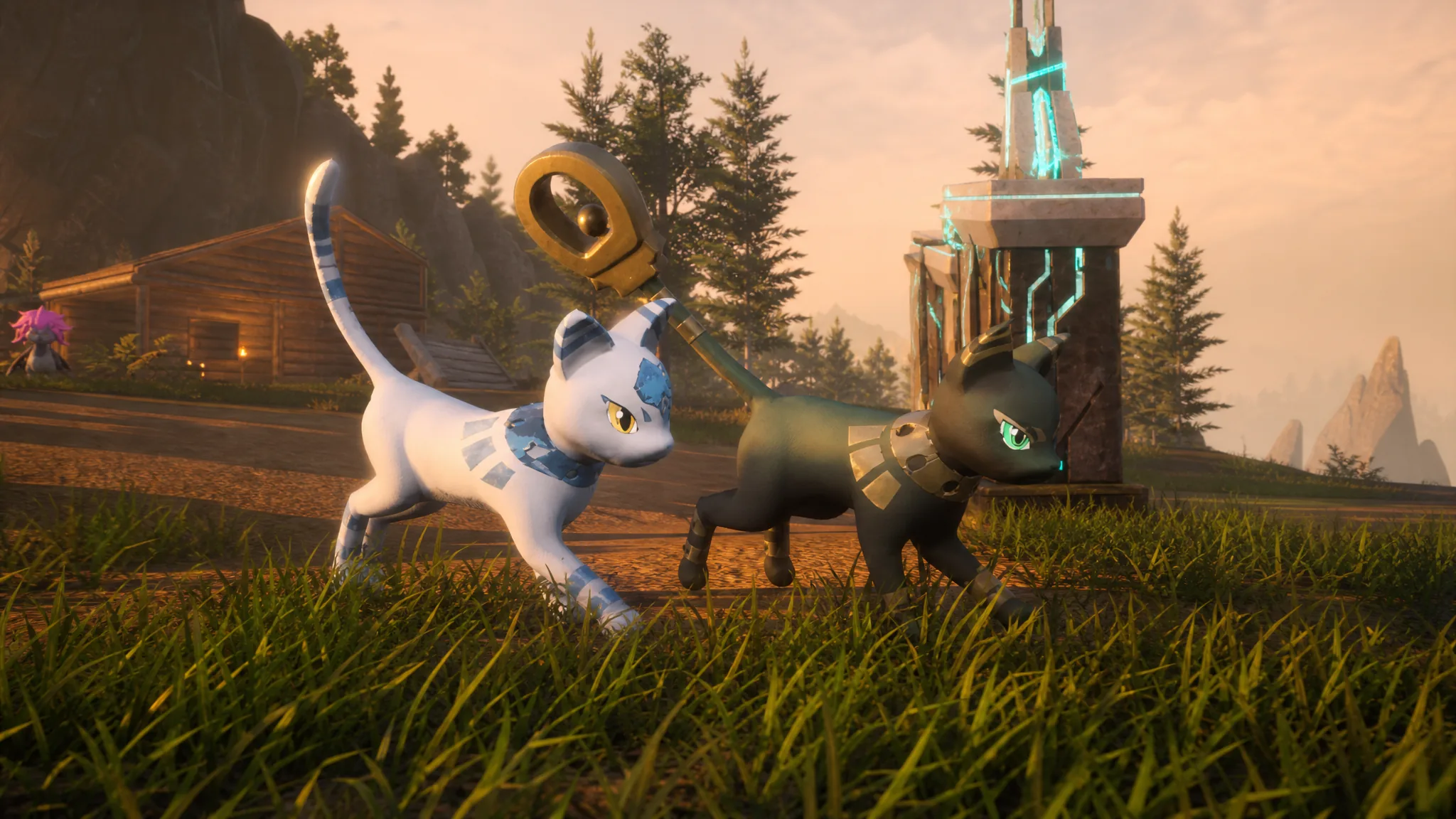
Palworld version 1.0.2.101103 is a small hotfix built around one problem. After you defeat the World Tree boss, the game could sometimes hang on an infinite loading screen and never move forward. This patch removes that stall so you can finish the fight and continue playing.
Quick answer: Update Palworld to v1.0.2.101103 on Steam to stop the infinite loading screen that could appear after beating the World Tree boss. The fix is live on Steam now and rolls out to other platforms later.
What Palworld 1.0.2.101103 fixes
The patch addresses a single bug. In some cases, defeating the World Tree boss triggered a loading screen that never finished, blocking any further progress. The update resolves that case so the game loads back into play as expected.
| Detail | Value |
|---|---|
| Version | v1.0.2.101103 |
| Type | Hotfix |
| Fix | Infinite loading screen after defeating the World Tree boss |
| First platform | Steam |
| Release date | July 30, 2026 |
This is a follow-up to v1.0.2, which shipped on July 29, 2026, and focused on crash fixes, multiplayer issues, achievement unlocks, controls, and performance in Sunreach. The 101103 build narrows in on the World Tree loading stall that surfaced afterward.
Release date and platforms
Version 1.0.2.101103 went live on July 30, 2026, for the Steam version of Palworld first. Pocketpair is preparing the update for other platforms and will release it there once those builds are ready. If you play on Xbox or another platform, you may not see the patch immediately.
How to download the update on Steam
Steam can download the update automatically or on demand. If you want the fix right away, trigger it manually instead of waiting for the scheduled update window.
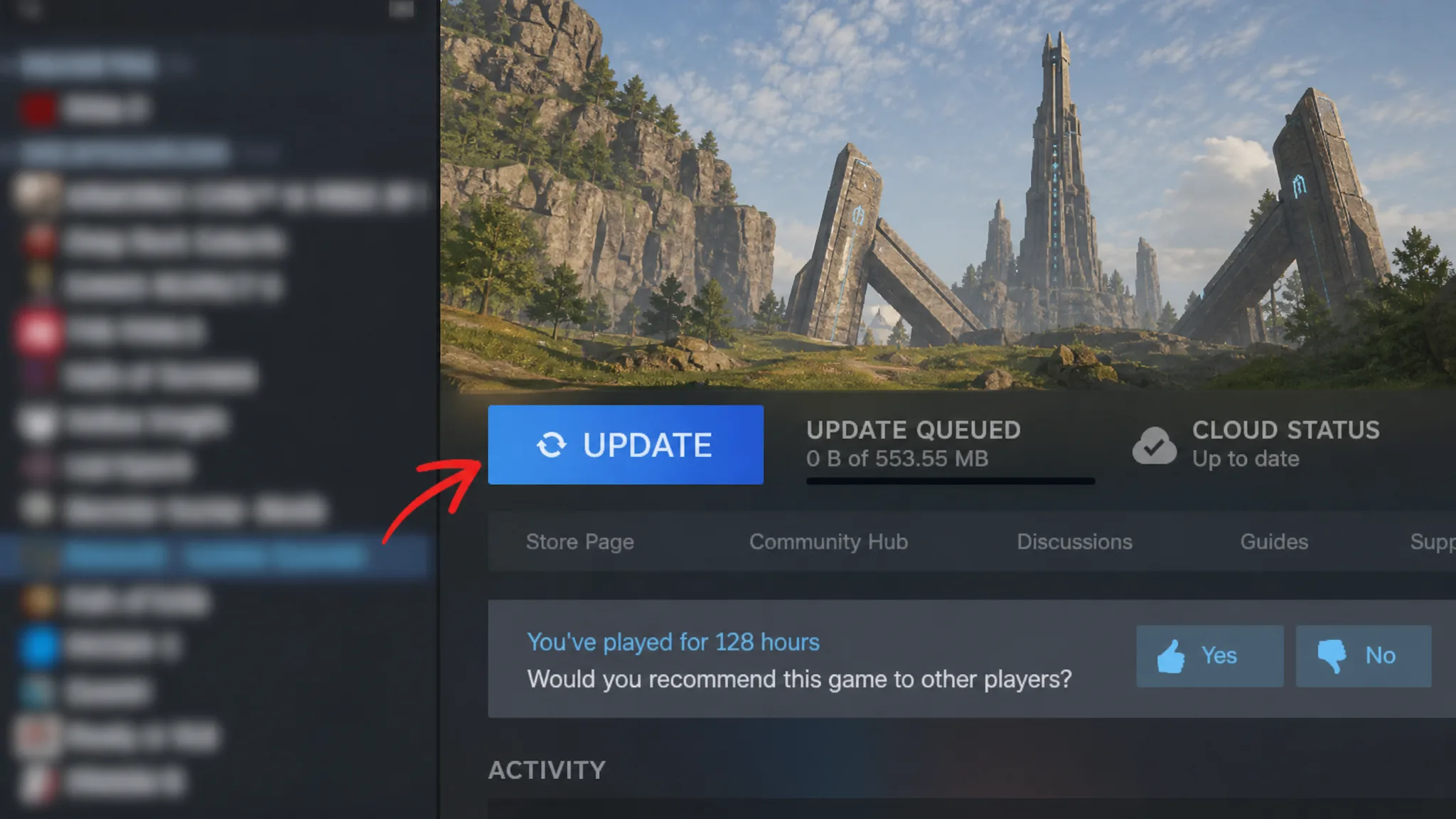
You will know the update applied when Palworld shows version 1.0.2.101103 and the World Tree boss fight no longer hangs on the loading screen after victory.
If you are working through the endgame, grabbing this hotfix before your next World Tree attempt is worth doing, since it removes the only issue that could otherwise leave you stuck at the finish line. Players on non-Steam platforms should keep auto-updates on so the patch installs as soon as it reaches their version.