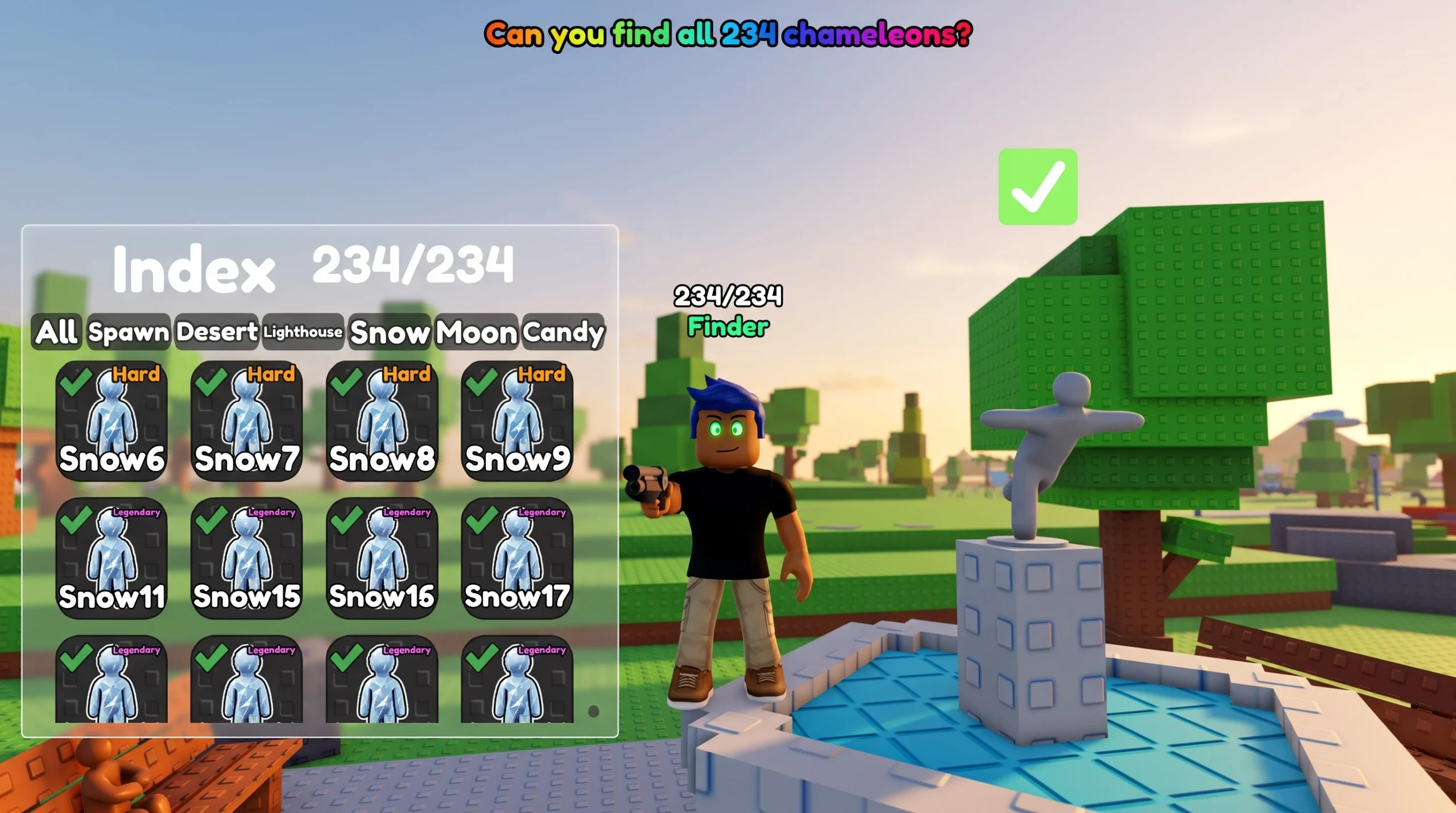
Find the Chameleons is a Roblox hunting game where every collectible is a stick figure hidden somewhere in the world. You clear the roster by aiming at each figure and firing, then watching for the unlock popup that adds it to your Index. The full set is spread across five areas, and you cannot reach some of them until you unlock the matching teleport.
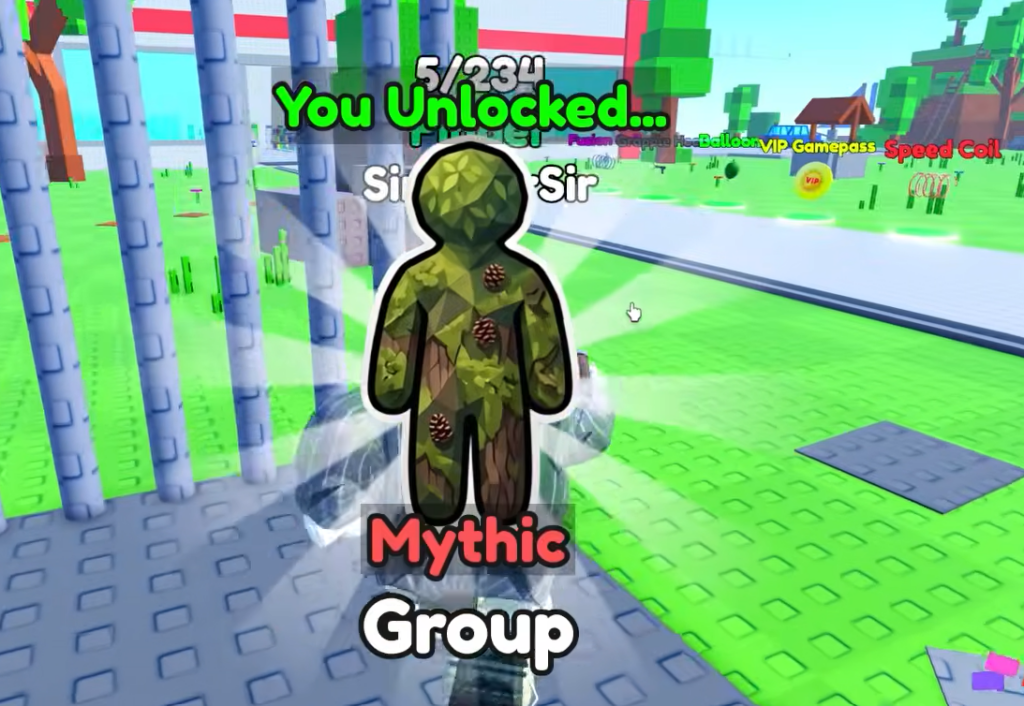
Quick answer: Equip the shotgun, open the Index to see which chameleons remain, then shoot each stick figure once. A “You Unlocked…” popup confirms the hit and marks that chameleon in the Index. Use the Teleports menu to move between Spawn, Desert, Lighthouse, Snow, and Moon.
How unlocking chameleons works
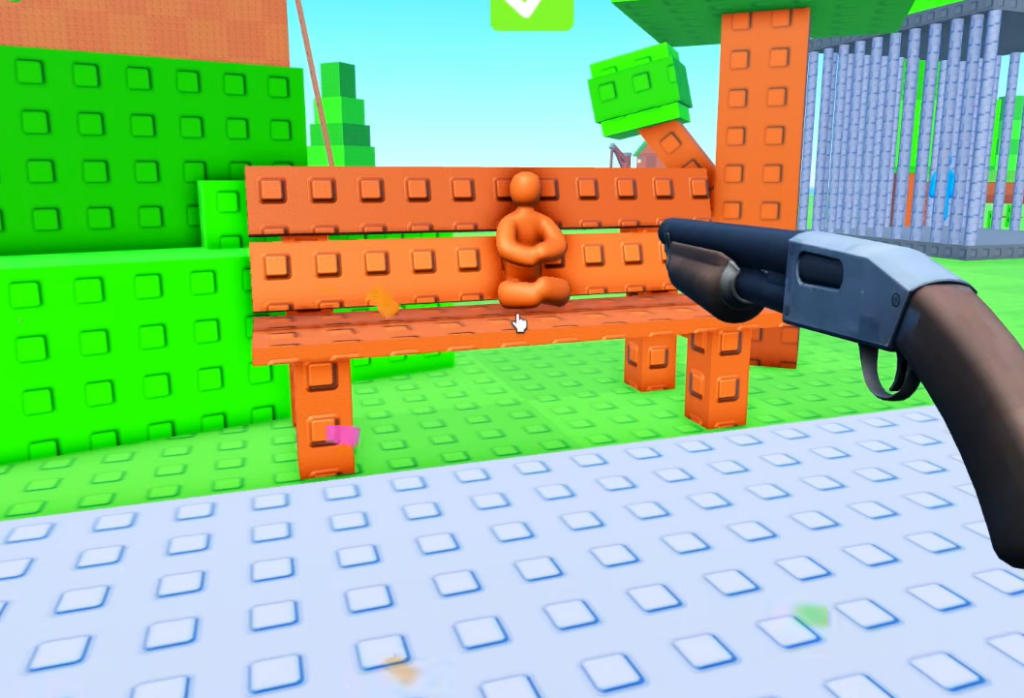
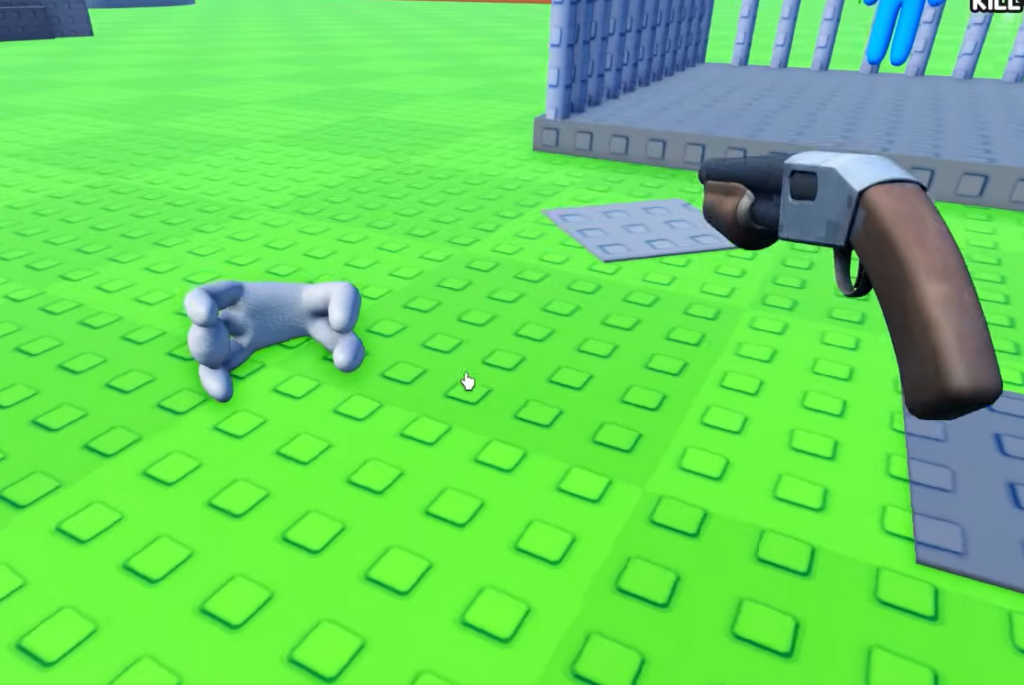
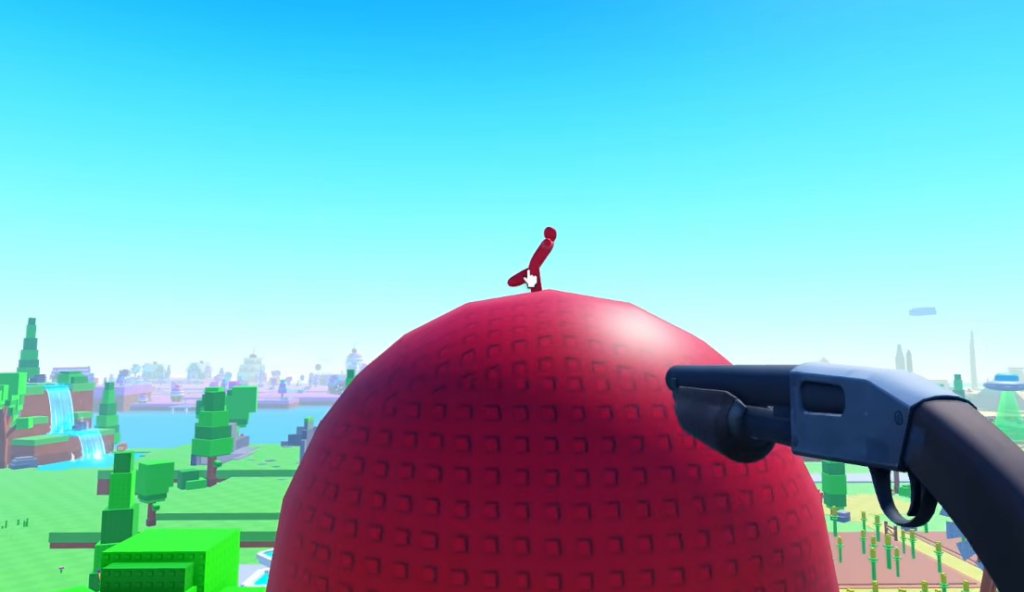
Each chameleon is a small stick figure placed on a surface somewhere in the map. They come in different colors so they blend into whatever they are sitting on. A green figure sits on grass or a green wall, a brown one hides on wood or dirt, and a red one hangs on red containers or vehicles. Spotting the color mismatch is how you find them.
Areas and the Teleports menu
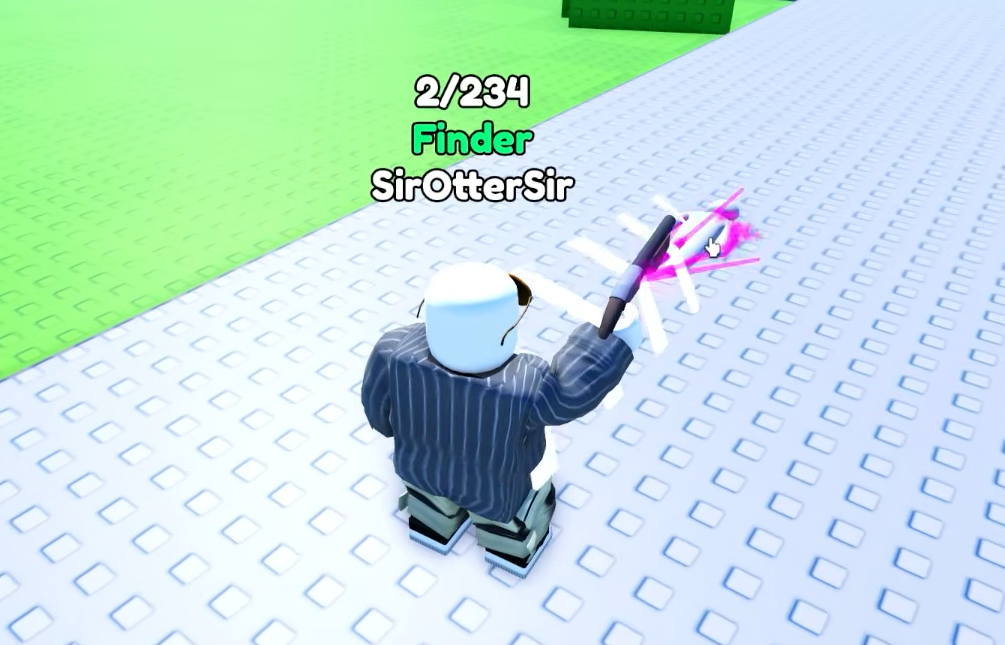
The map is divided into distinct regions, and the Teleports menu is how you jump between them without walking. Each area holds its own labeled set of chameleons, so completing the collection means clearing every region in the list.
| Area | What it contains |
|---|---|
| Spawn | Starting hub with the fountain, barn, cornfield, windmill, Mecha-Mart, playground, docks, and beach |
| Desert | Includes the Backrooms rooms and desert islands with skeletons and marker crosses |
| Lighthouse | Separate teleport region |
| Snow | Separate teleport region |
| Moon | Separate teleport region |
Some chameleons are tucked inside structures rather than out in the open. The Backrooms rooms, for instance, are entered from the Spawn side but hold chameleons labeled under the Desert set.
Chameleon rarity tiers explained
Every chameleon carries a rarity word in front of its area and number. The tier tells you roughly how tough the figure is to spot or reach. Easy figures sit in plain view along paths and benches, while Mythic and Legendary ones are usually tucked into high, hidden, or awkward spots.
| Rarity | Typical placement |
|---|---|
| Easy | Open paths, benches, lampposts, and fountains |
| Normal | Tree trunks, shelves, and structures at eye level |
| Hard | Rooftops, silos, windmill blades, and behind cover |
| Legendary | Archways, undersides, buoys, and elevated ledges |
| Mythic | Upper windows, ceiling lights, and well-concealed corners |
Where Spawn chameleons hide
Spawn is the largest starting region and holds the biggest share of chameleons. Work landmark by landmark so you do not miss the ones tucked inside buildings or on top of tall structures. The table below maps notable figures to their exact spots.
| Location | Chameleon |
|---|---|
| Pedestal near spawn (purple) | Mythic Purple |
| Pedestal near spawn (green) | Legendary Neon |
| Side of the fountain (green) | Easy Spawn1 |
| Inside the fountain (blue) | Easy Spawn3 |
| Lamppost (black) | Easy Spawn2 |
| Large blocky tree trunk (green) | Normal Spawn22 |
| Tunnel archway (white) | Legendary Spawn89 |
| Windmill blades (white) | Hard Spawn65 |
| Cornfield ground (brown) | Hard Spawn76 |
| Hay bales inside the barn (green) | Normal Spawn15 |
| Upper barn window (white) | Mythic Spawn115 |
| Behind barn hay bales (green) | Hard Spawn71 |
| Top of the silo (red) | Hard Spawn44 |
| Mecha-Mart pillar (green) | Easy Spawn6 |
| Top shelf in Mecha-Mart (white) | Hard Spawn49 |
| Behind a potted plant in Mecha-Mart (green) | Mythic Spawn91 |
| Inside the green pipe (white) | Normal Spawn19 |
| Red and white buoy (red) | Legendary Spawn106 |
| Red swing set (green) | Normal Spawn26 |
| Blue slide (blue) | Normal Spawn31 |
| Lifeguard tower wall (purple) | Normal Spawn16 |
Check every surface at multiple heights. Several Spawn figures sit on rooftops, silos, and mushroom houses that are easy to walk past if you only scan at ground level.
Desert and Backrooms chameleons
The Desert set includes the enclosed Backrooms rooms along with open desert islands. The Backrooms figures blend into the yellow walls and pillars, so look up toward pillars and ceiling lights as well as along the walls.
| Location | Chameleon |
|---|---|
| Backrooms pillar (brown) | Hard Desert9 |
| Backrooms wall (brown) | Normal Desert7 |
| High up on a Backrooms pillar (brown) | Hard Desert20 |
| Backrooms ceiling light (yellow) | Mythic Desert28 |
| Red cross on a desert island (red) | Hard Desert17 |
| Sand of a desert island (brown) | Mythic Desert29 |
| Skeleton in a fenced area (brown) | Hard Desert15 |
How to confirm a chameleon is unlocked
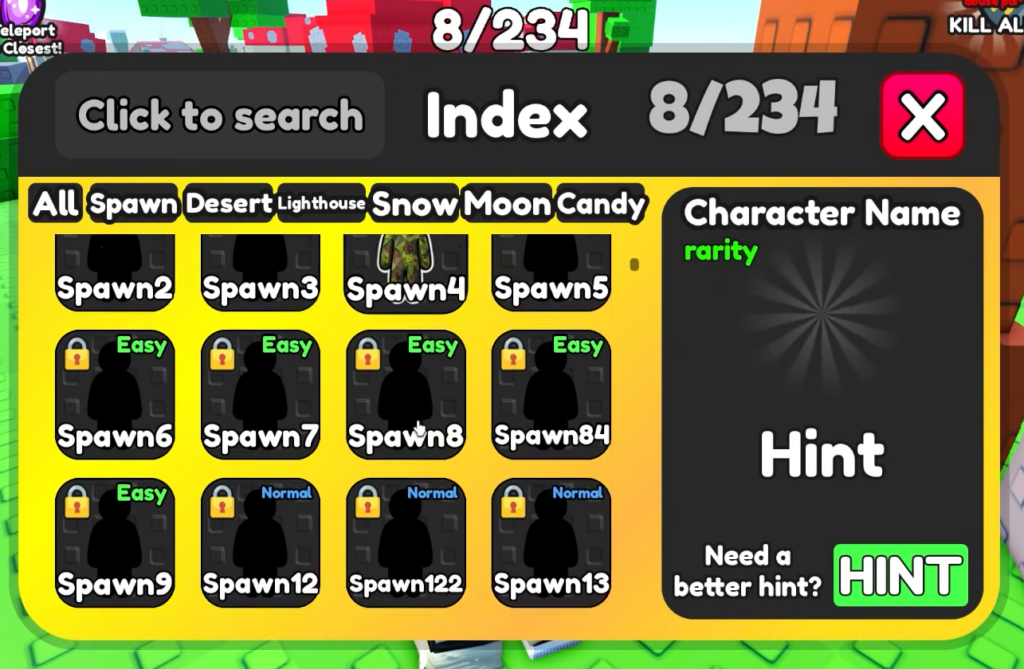
You know a hit registered when the “You Unlocked…” popup appears with the chameleon’s name. That same entry then shows as collected in the Index. Reopen the Index tab for the area you are clearing to verify the count went up and to see which figures are still missing.
Working through the Index tab by tab is the fastest way to track completion, because the “All” view can be overwhelming while the per-area tabs show exactly what remains in the region you are standing in.
Why a chameleon won’t unlock
If a figure isn’t registering, the cause is almost always one of a few things.
- You didn’t land the shot on the stick figure. Line the shotgun up and fire directly at it.
- The chameleon is in an area you haven’t unlocked yet. Open the Teleports menu and confirm the region is available.
- The figure is hidden inside a structure, such as the barn’s upper window, behind hay bales, inside the green pipe, or up on a silo. Get an angle where the figure is actually visible before firing.
- You already collected it. A figure that is checked off in the Index will not produce a second unlock popup.
Clear each landmark in Spawn first, then step into the Backrooms and desert islands for the Desert set before teleporting out to Lighthouse, Snow, and Moon. Keep the Index open between zones, and the full collection comes down to methodical scanning, one color mismatch at a time.