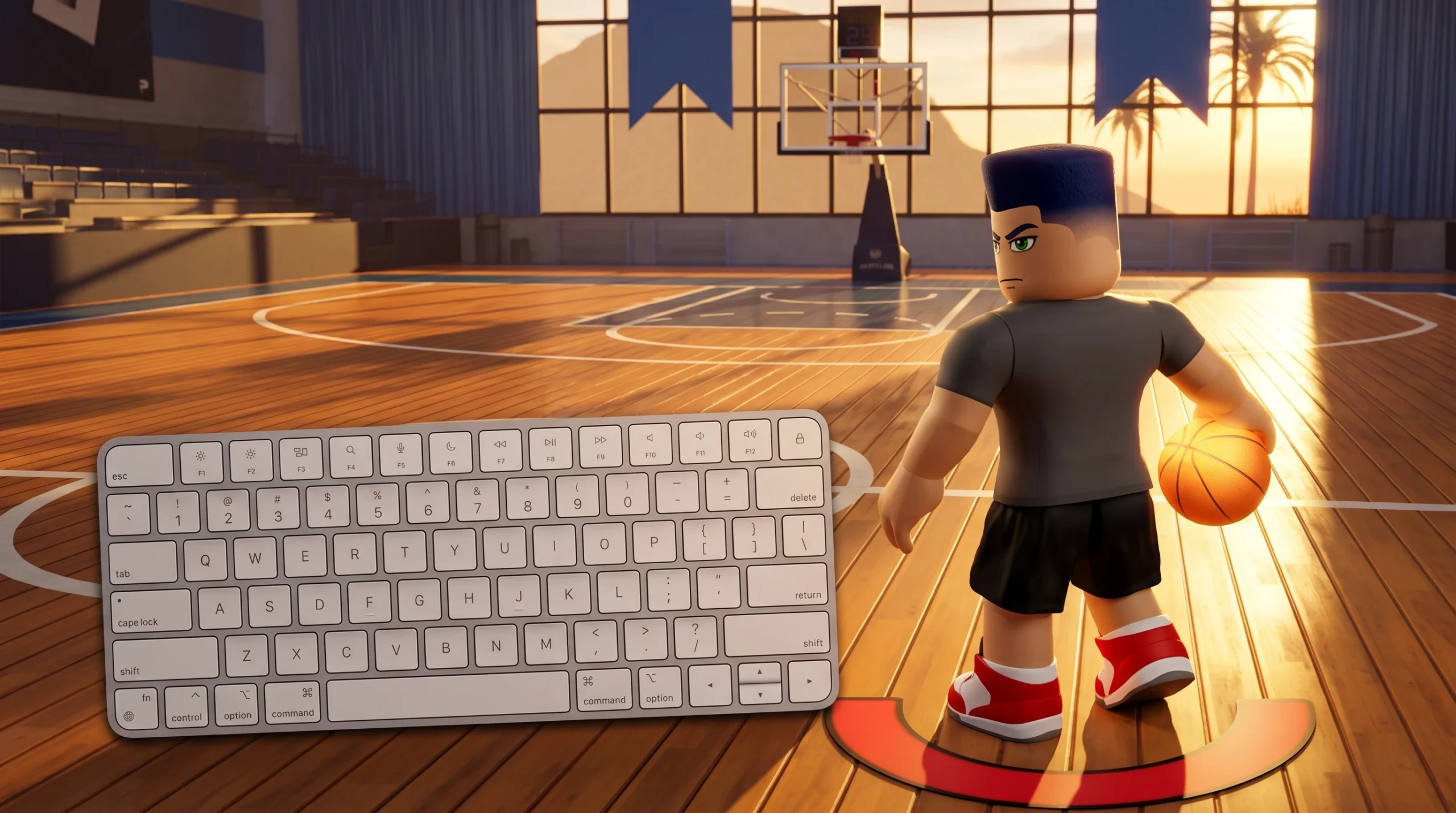
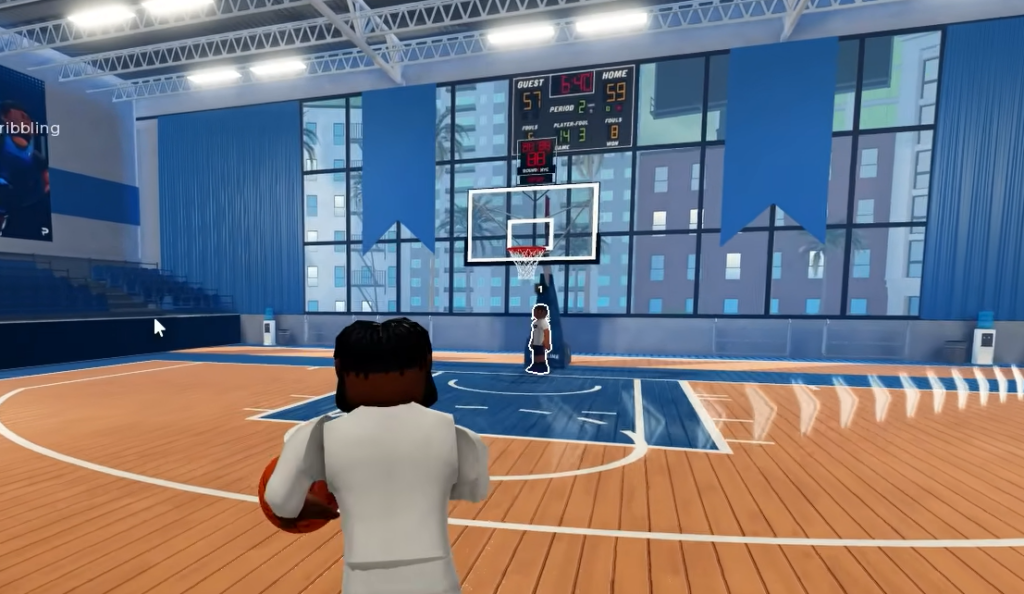
Practical Basketball plays like a skill game, not a stat game, and its control scheme is the reason. Every action on the court runs on a real input you press, from crossovers and spins to shot timing and lobs. Nothing is decided by a hidden percentage roll, so learning the buttons is the difference between clean separation and a turnover.
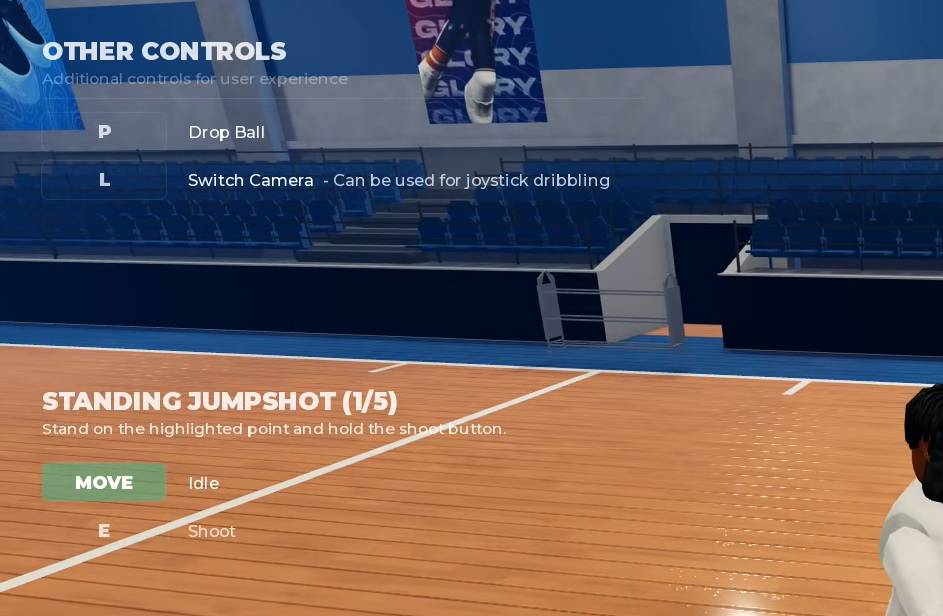
Quick answer: Controls are split across movement, hand-dependent dribble moves, release-timing shooting, passing, dunking, and alley-oops. The full keybind reference for PC and console is maintained in the game’s community server, and the game shows an on-screen overlay for double crossover, switch hands, and other inputs during play.
How the control scheme is built
The core idea is skill execution over stat rolls. Ball handling uses real keyboard or controller inputs rather than one generic dribble button, and each move is tied to a specific hand. Chaining those inputs correctly is what forces a defender to shift and opens the lane or the shot.
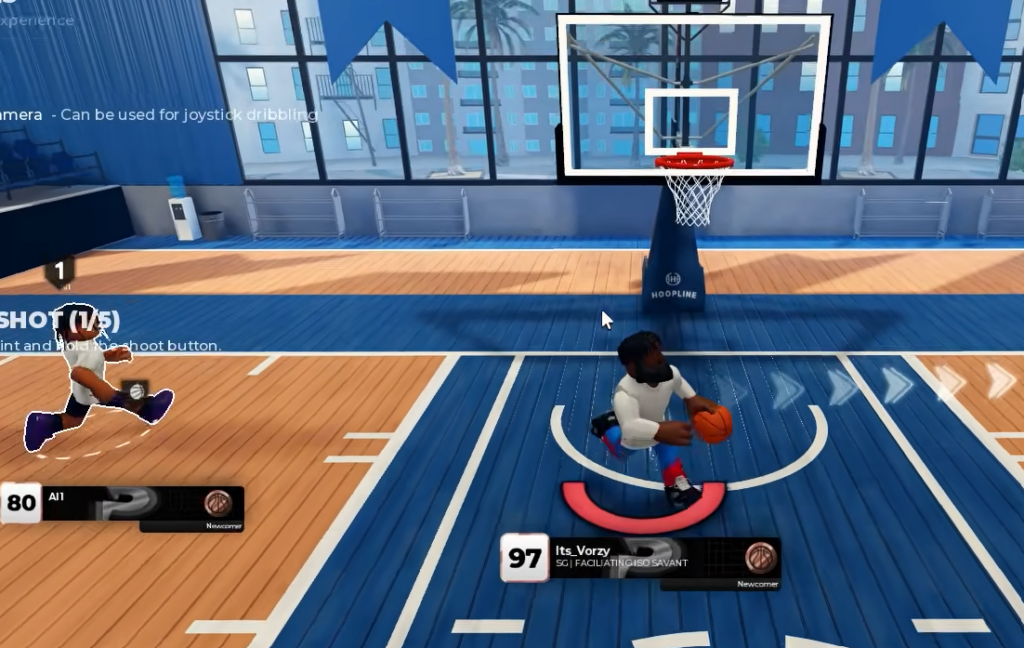
Shooting works the same way. You hold to start the shot and release at the right point in the animation. The game returns direct feedback such as “Perfect Release” or “On Contested,” so each attempt tells you whether your timing landed. That feedback loop is how you calibrate your release without guessing.
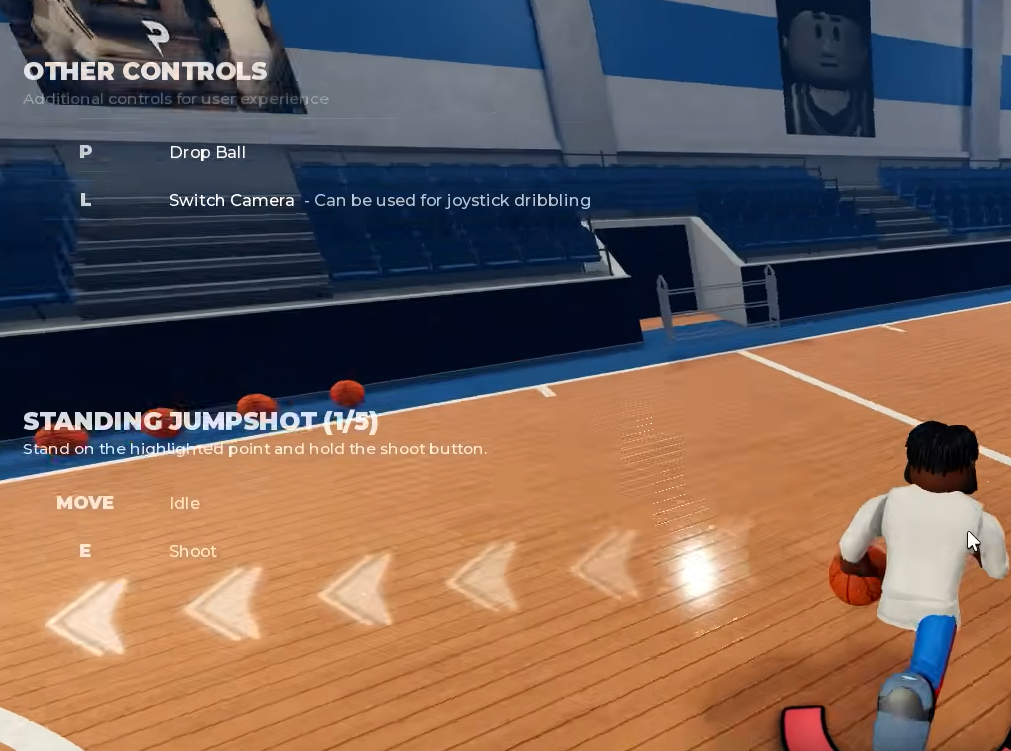
Practical Basketball is best on keyboard, and console players get an on-screen overlay that shows D-Pad bindings for moves like the double crossover and the switch hands input. That overlay is the fastest way to confirm a control mid-session.
Control categories and what each one does
The inputs group into a handful of systems. Understanding what each category controls makes the exact keybind sheet far easier to read once you open it.
| Control group | What it covers |
|---|---|
| Movement | Forward, backward, and lateral motion while keeping the camera on the play |
| Dribble moves | Crossovers, escape and push crossovers, hesitations, spins, and the Shammgod, each tied to a specific hand |
| Switch hands | Changes the dribbling hand so the following move attacks the correct side |
| Shooting | Hold to start, release on timing for Perfect Release or contested feedback |
| Passing | Standard passes plus teammate alley-oops timed to a cutter |
| Dunking | Driving dunks and standing dunks, each needing real spacing to finish clean |
| Alley-oops | Self alley-oop off the glass while driving, or a lob to a teammate’s cut |
Dribbling inputs and hand dependency
Dribble moves stack on top of each other, so the same crossover behaves differently depending on which hand holds the ball. Escape and push crossovers, hesitations, spins, and the Shammgod are all separate inputs rather than variations of one button. The switch hands control matters because it sets up which side your next move attacks.
Read the defender before firing a combo. A single direction change into a drive, stop, or pass creates more separation than repeating moves that gain no ground.
Shooting controls and how to confirm a make
Dunking and alley-oop inputs
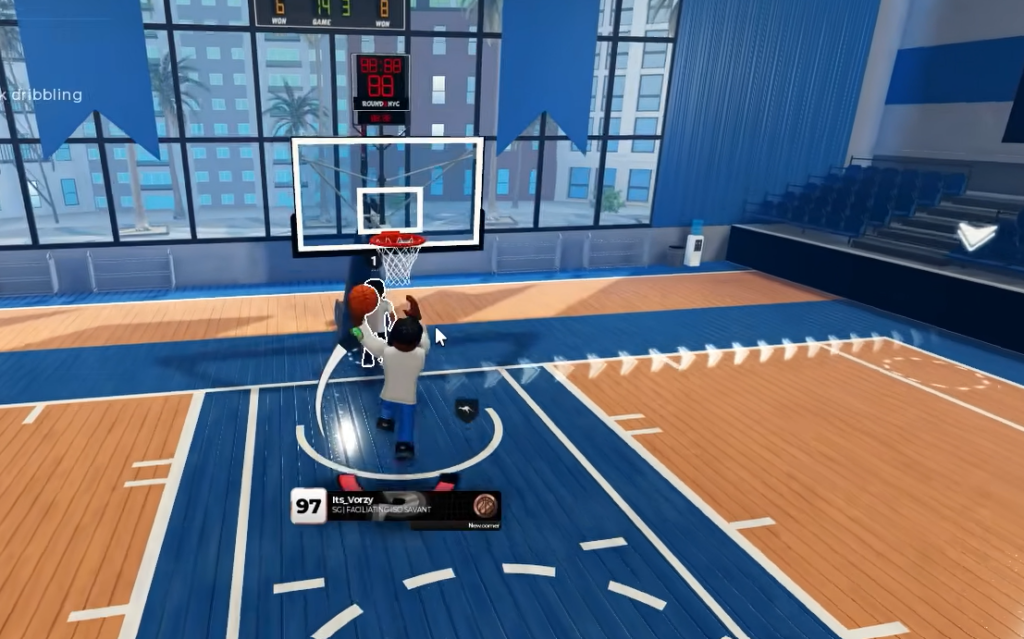
Both driving dunks and standing dunks need real spacing to land, so the input alone will not finish through traffic. Alley-oops come in two forms. A self alley-oop is thrown off the glass while you are driving, and a teammate alley-oop is a lob timed to a specific player’s cut to the rim. Timing the lob to the cutter is the part that decides whether it connects.
PC, console, and mobile differences
Keyboard is the recommended platform because the layered inputs map cleanly to keys. Console uses controller bindings, including D-Pad inputs shown in the in-game overlay for moves like the double crossover. Mobile relies on touch controls for movement, dribbling, shooting, and passing, so the same systems exist but the input method changes.
Where to find the exact keybinds
The developers keep the full, current control list in the community server, and the in-game overlay surfaces individual bindings as you play. Because Practical Basketball is running through stress-test phases, keybinds can change between builds, so confirm them in the community server before a session rather than relying on an older layout.
You can jump straight into a live test build to check the overlay and practice each input in a shootaround before park queues.
Practical Basketball also runs active anti-cheat detection, and the developers ask players to report bugs and suspicious behavior through the official Discord. Learning the real inputs is the intended path, since the whole game is built around a skill gap that timing and hand-dependent moves create.