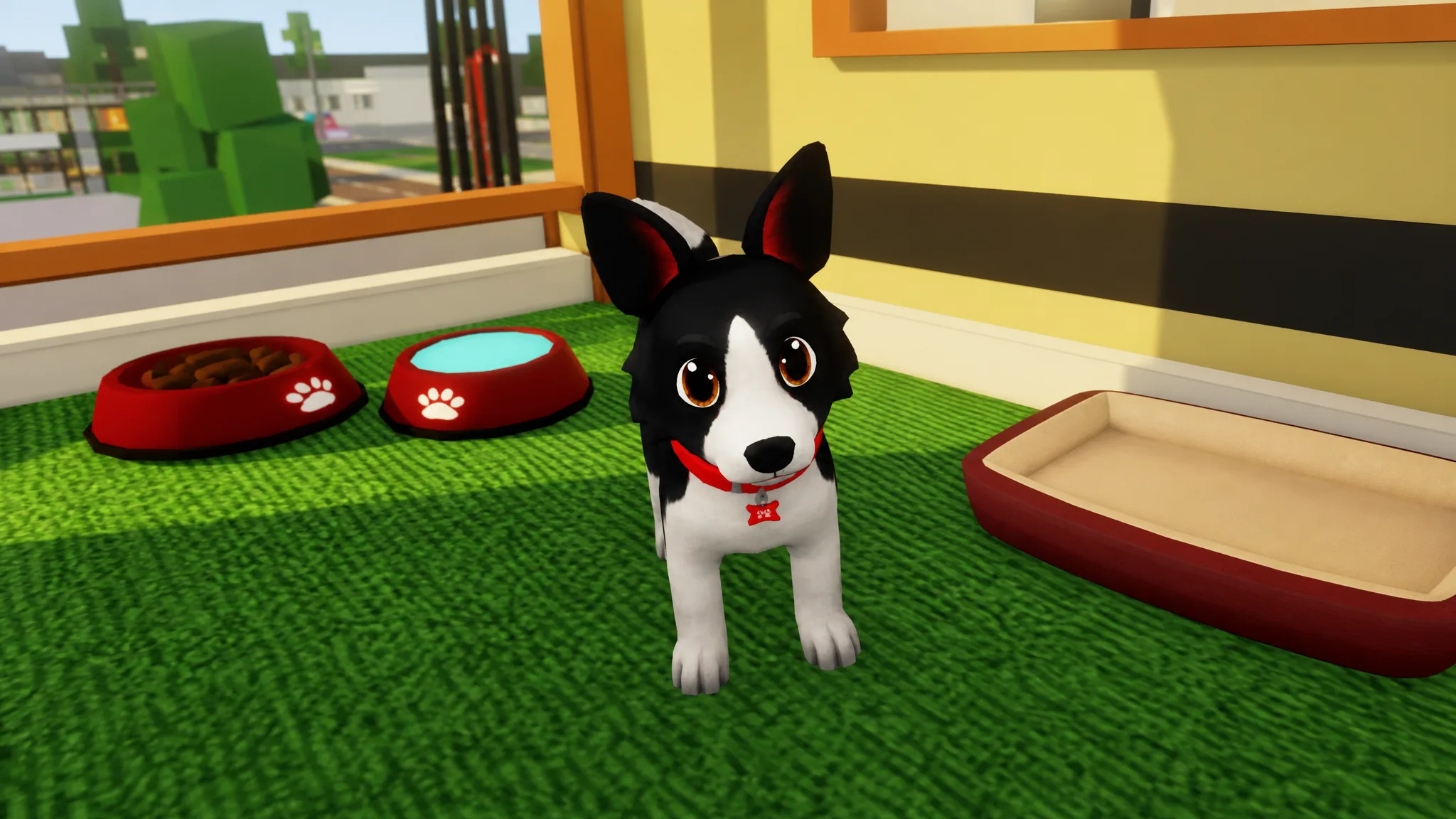
Pets arrived in Brookhaven RP as fully interactive companions you can carry, pet, feed, and have follow you around town. You do not need Robux to get one. Several dogs and cats are free to adopt, while a handful of premium breeds sit behind a paid gamepass.
Quick answer: Go to the Pet Adoption Center near the Museum, walk to the pet pens, and click a free pet such as Toby, Pepper, or Biscuit to equip it instantly. For premium breeds, click a locked pet and buy the House Pets gamepass for 720 Robux.
Where to find the Pet Adoption Center
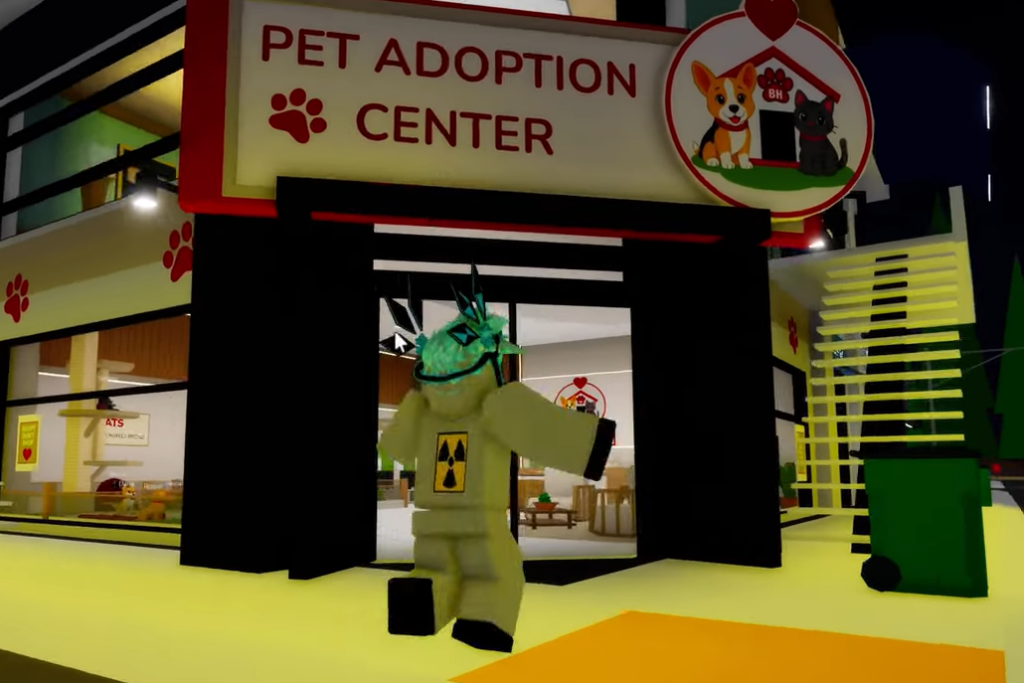
The Pet Adoption Center sits in the town center, directly below the Art & History Museum. It was added alongside the pets update, together with a Pet Hospital and a Post Office, so all three new buildings cluster in the same area near the Museum. Look for the signage reading “PET ADOPTION CENTER” and “BROOKHAVEN ANIMAL RESCUE” at the entrance.
Adopt a free pet
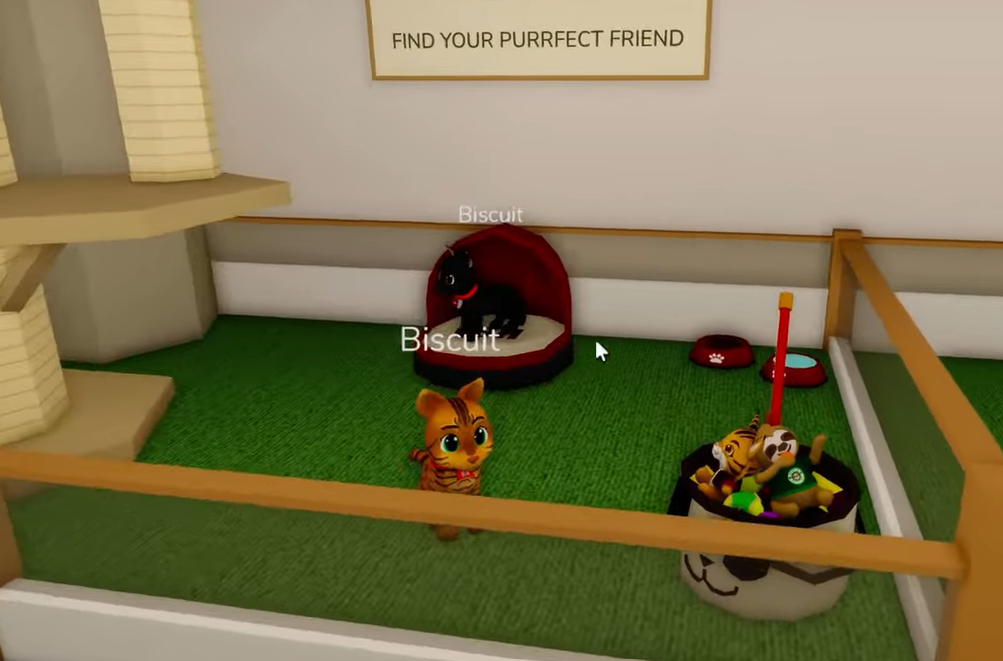
The fastest way to walk out with a companion costs nothing. The free pets live in the pens inside the building.
You know it worked when the pet appears with you and follows you out of the building. You can return and swap pets at any time at no cost.
House Pets gamepass and premium breeds
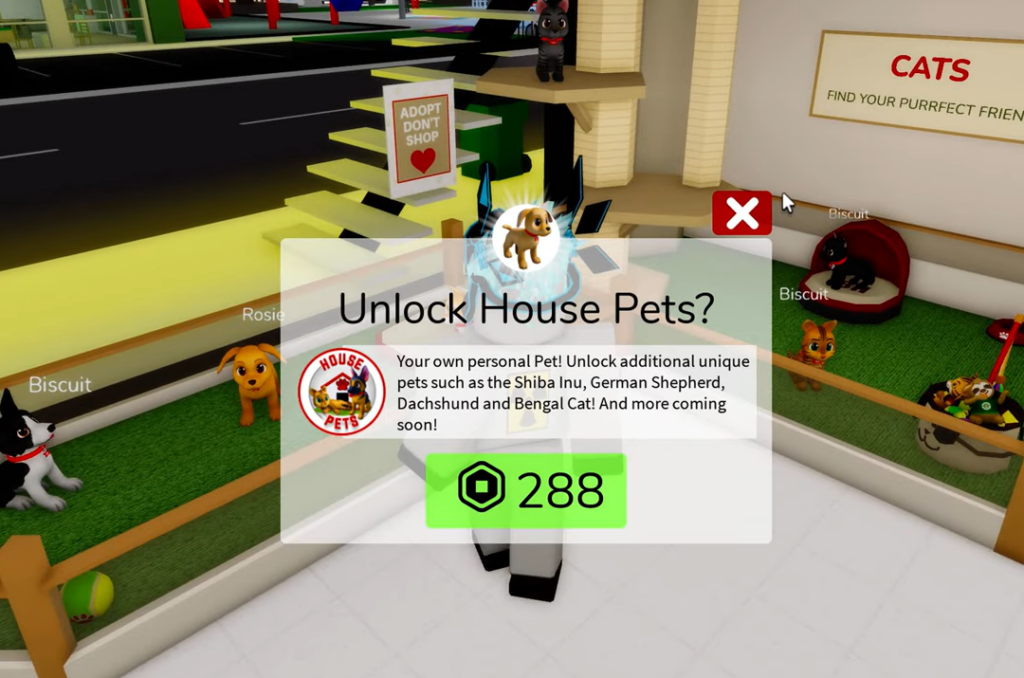
Some breeds are locked behind the House Pets gamepass, which costs 720 Robux. Clicking a locked pet brings up the “Unlock House Pets?” purchase screen. Without the gamepass, the game shows a message that you need it to use that pet. The pass gives you a personal pet plus these additional unique breeds.
| Premium breed | Type |
|---|---|
| Shiba Inu | Dog |
| Golden Retriever | Dog |
| German Shepherd | Dog |
| Dachshund | Dog |
| Bengal | Cat |
If a premium pet still will not equip, it is almost always because the gamepass was not purchased yet. Tapping a locked pet on its own does nothing until the pass is on your account.
Equip pets from the Avatar Editor
Pets also live inside the Avatar Editor, the same menu where you change your character’s clothes and face. This is why some players miss them entirely.
Shoulder pets vs leashed pets
Brookhaven splits companions into two styles, and the right one depends on the scene you want. Both types are free in the base lineup.
| Style | Behavior | Best for |
|---|---|---|
| Shoulder pet | Perches on your character and rides along | Staying with you while you drive or fast-travel |
| Leashed pet | Walks on the ground and follows your steps | Pet-owner roleplay, like walking a dog around the neighborhood |
A leashed dog is the safest first pick because it reads as a real pet to everyone in the server. Cats work well as a cozy shoulder pet, and frogs or other unusual creatures stand out since most players default to cats and dogs.
Pet won’t show up? Quick fixes
If nothing appears after you equip a pet, the cause is usually one of a few simple things rather than anything you are missing.
- Reopen the Avatar Editor and confirm the pet is actually selected. Tapping a locked, paid pet equips nothing.
- On smaller phone screens, swipe the category tabs sideways to reach the cat-icon tab at the end of the row.
- Respawn your character. A fresh spawn reliably loads your equipped pet.
None of the standard pets cost Robux, so when one refuses to equip, it is almost always a paid lock or a scrolling issue. Between the free adoptions at the Pet Adoption Center and the House Pets gamepass breeds, you can build a full lineup of companions and swap between them whenever you like.