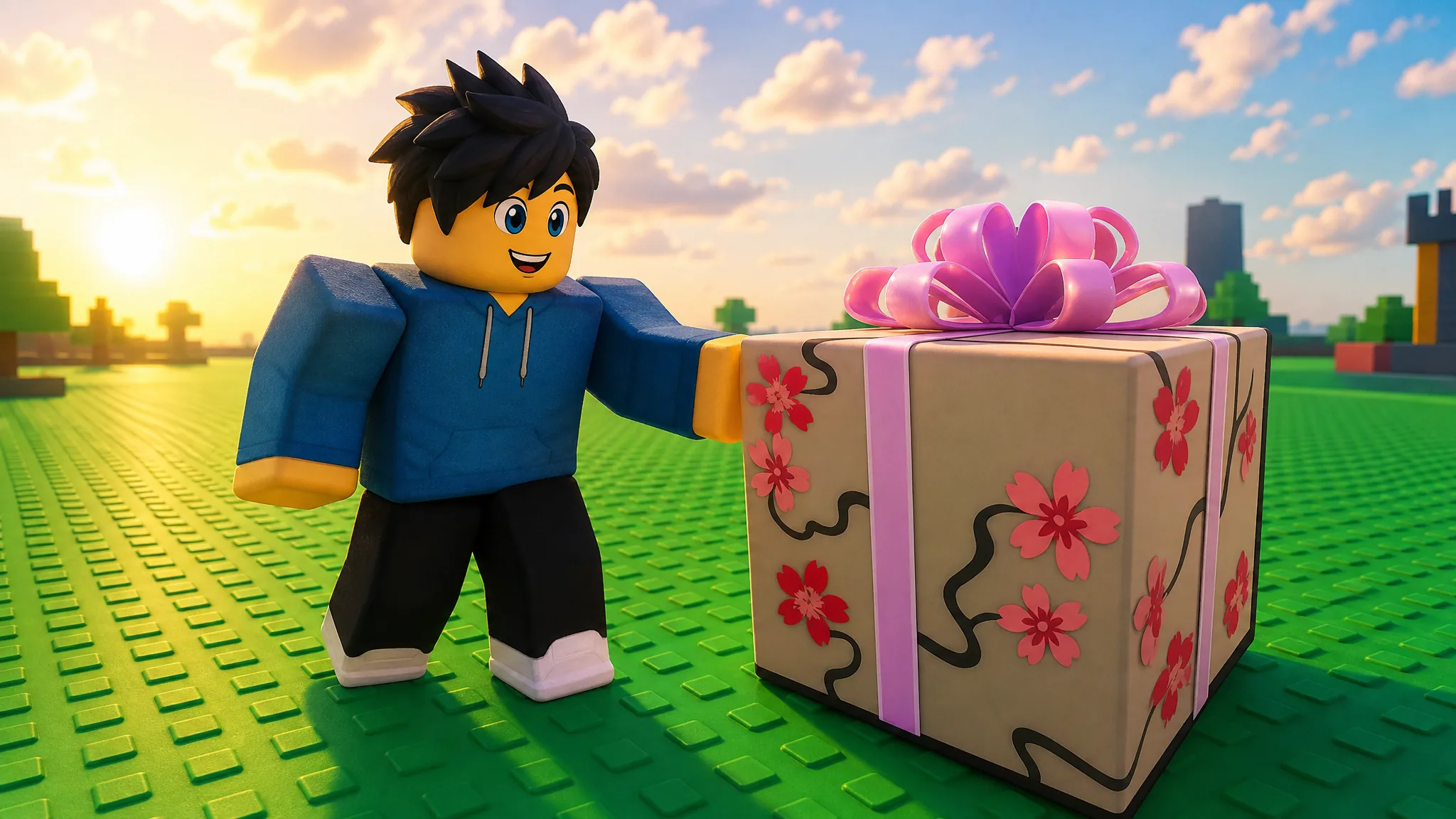
The Blossoming Gift of New Beginnings is an exclusive head accessory tied to Roblox Plus. It arrives in your inventory as a wrapped pink gift box covered in cherry blossoms, and it stays sealed until a set date, when it transforms into the collectible hidden inside. Getting it comes down to one thing: having an active Roblox Plus subscription during the eligibility window.
Quick answer: Have an active Roblox Plus subscription before August 14, 2026. The gift is placed in your inventory automatically, and it opens on its own on August 14, 2026. No quests, purchases, or in-game tasks are required beyond the subscription.
What the Blossoming Gift of New Beginnings is
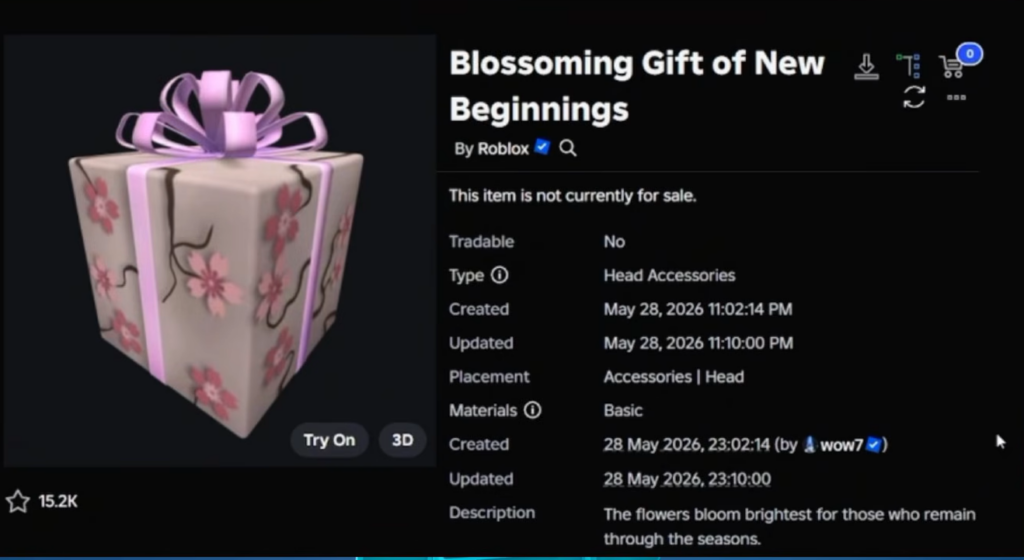
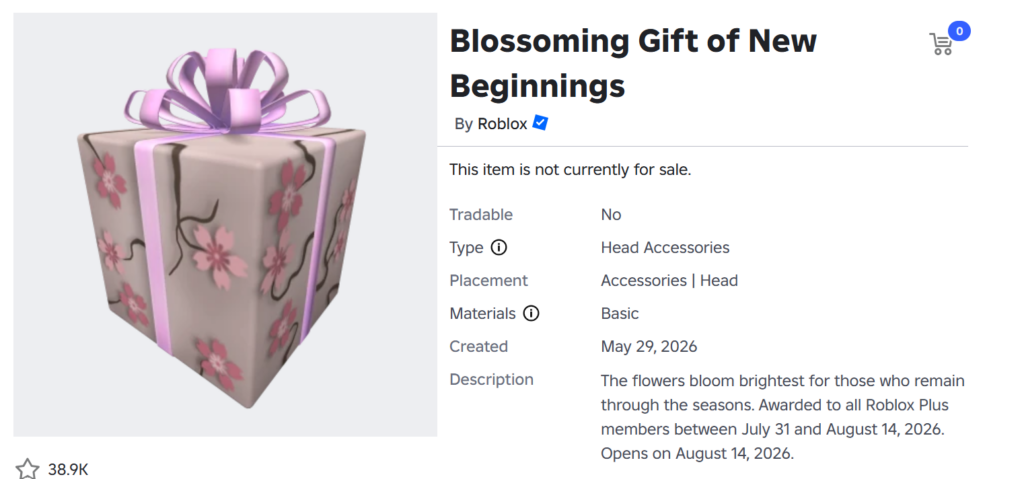
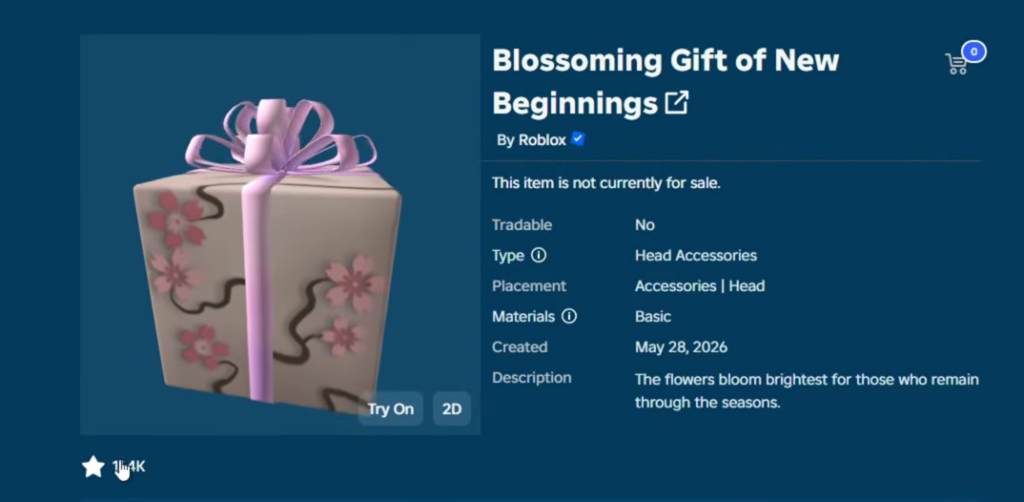
The item is a hat-type head accessory published by the official Roblox account on May 28, 2026. It sits directly on top of your avatar’s head as a pink box wrapped with a purple ribbon and decorated with cherry blossom patterns. Its description reads, “The flowers bloom brightest for those who remain through the seasons.”
It is the first traditional Roblox-published gift box to open into another item since the Metaverse Champions event in 2021, and the first gift accessory of this kind since the Brilliant Gift of the New Year in 2017. The box is not tradable, and it cannot be earned through normal gameplay. You can view the item on its catalog page.
Eligibility requirements
Only Roblox Plus subscribers receive the gift. You qualify by keeping the subscription active before the eligibility deadline, which was extended from July 31 to August 14, 2026. Free trials of Roblox Plus also count, as long as the subscription is still active during the window.
| Roblox Plus tier | Price |
|---|---|
| Roblox Plus | $4.99/month |
| Plus 500 | $8.99/month |
| Plus 1000 | $12.99/month |
Any active Roblox Plus subscription satisfies the requirement, so the base $4.99 plan is enough to qualify.
How to subscribe and claim the gift
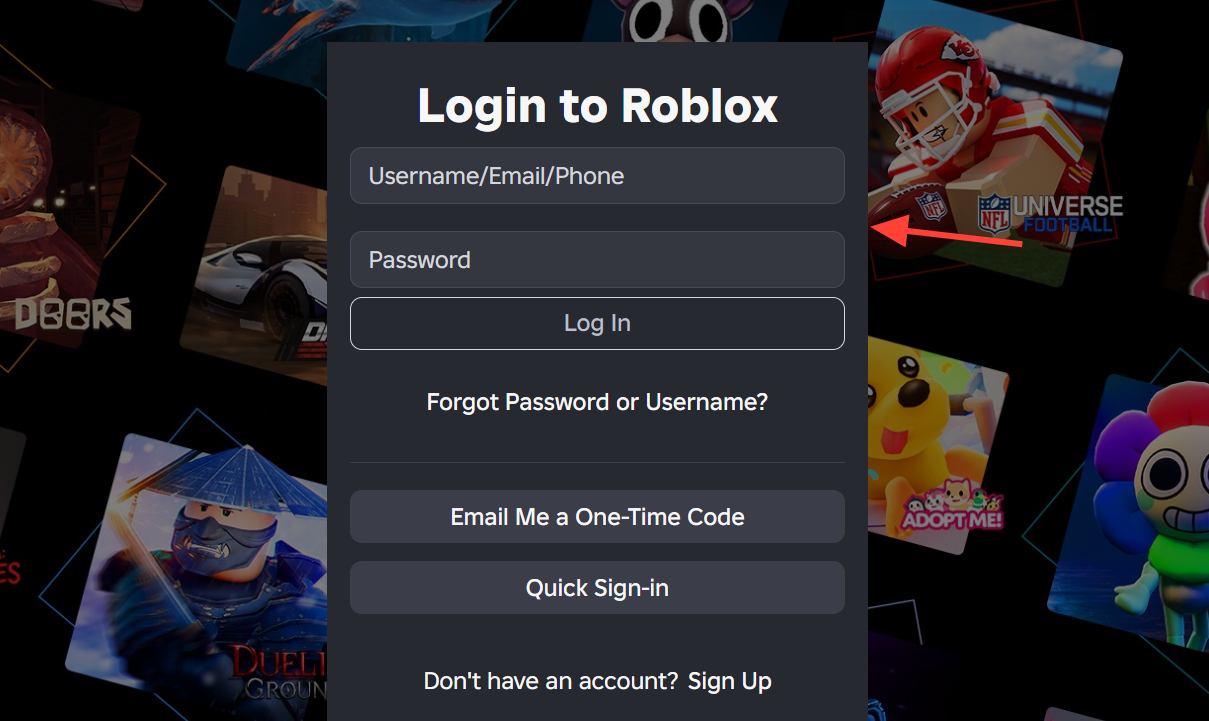
You do not need to do anything special to claim the box beyond keeping the subscription active. Roblox distributes it to eligible accounts, and a banner on the Roblox Plus page confirms when the gift has been added.
When it opens and how to confirm it worked
The gift does not unwrap the moment you receive it. It stays a sealed box until August 14, 2026, when it opens automatically and turns into the collectible inside. You do not need to trigger the opening yourself.
You will know it worked in two places. On the Roblox Plus page, a banner tells you the gift has been received. In your inventory, the box appears under head accessories, and after August 14, it changes from the wrapped box into the final item.
Why the gift may not appear or open
If the box is missing or still sealed, the cause is usually one of a few specific things.
- Your Roblox Plus subscription was not active during the eligibility window before August 14, 2026.
- The opening date has not arrived yet, so the box is correctly still wrapped.
- Roblox is still rolling out the item to eligible accounts, and it will appear shortly.
As long as your subscription was active in time, the box will land in your inventory and open on its own once the date passes. Keeping the plan active through the window is the only condition that matters.