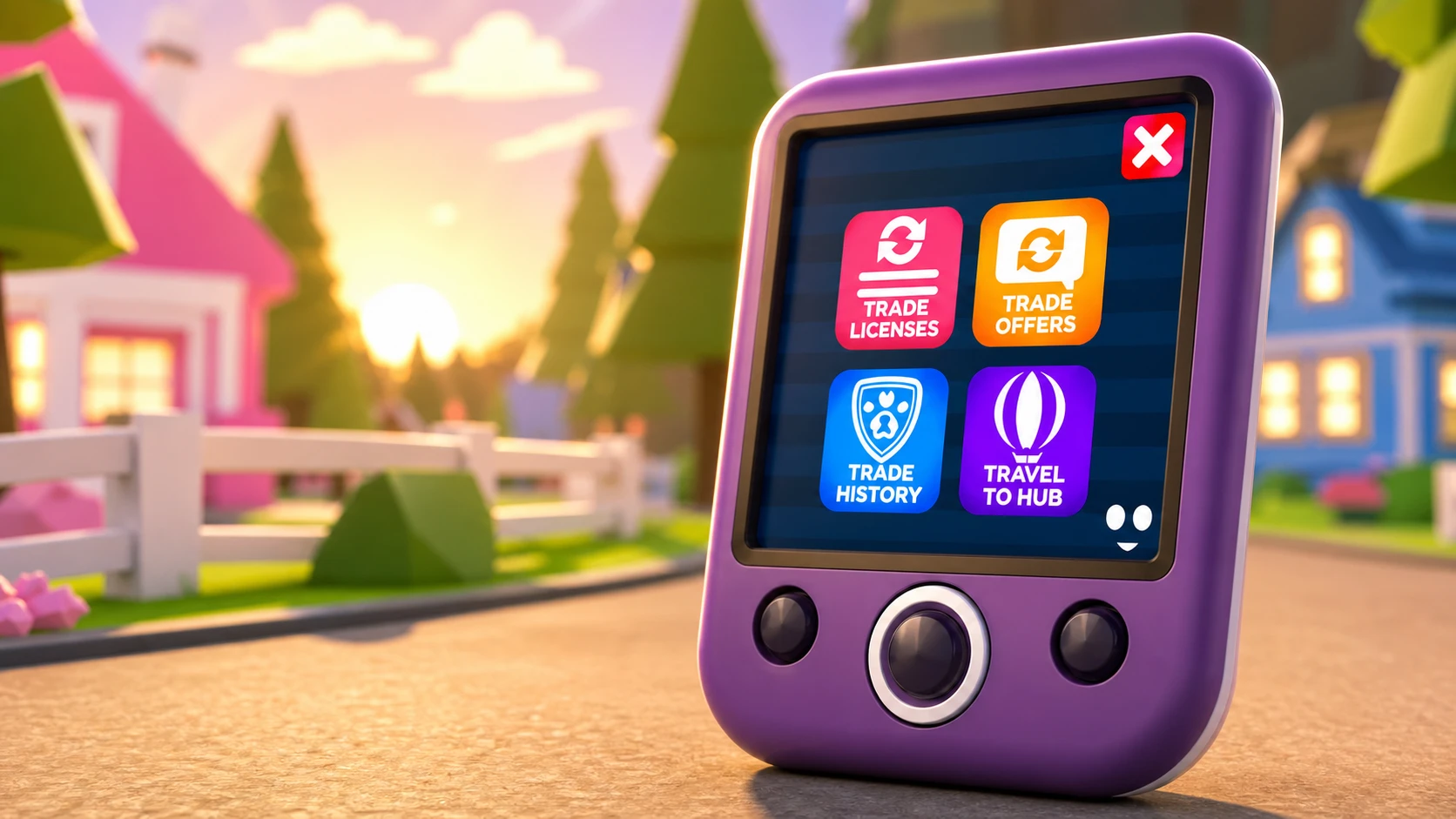
The Trade Phone is a free item in Adopt Me that connects you to a new cross-server Trading Hub, letting you post pets or items for trade, review offers, and check your past deals without hopping between servers. You unlock it through the Guide, then equip it from your inventory to start using it.
Quick answer: Own at least one Neon pet, finish a single play session that passes the two-hour mark, then redeem the Trade Phone from the Pets Guide menu. Equip it under Inventory → Toys.
Requirements to unlock the Trade Phone
Two conditions gate the Trade Phone, and both live under the Guides column inside the Pets section. You need to own a Neon pet and complete a two-hour play session. Both must be finished before the game lets you claim the item.
| Requirement | What it takes |
|---|---|
| Own a Neon pet | Fuse four Full Grown copies of the same pet at the Neon Cave under the main bridge to create one Neon pet. |
| Play for two hours | Stay in a single, unbroken session that passes the 120-minute mark. |
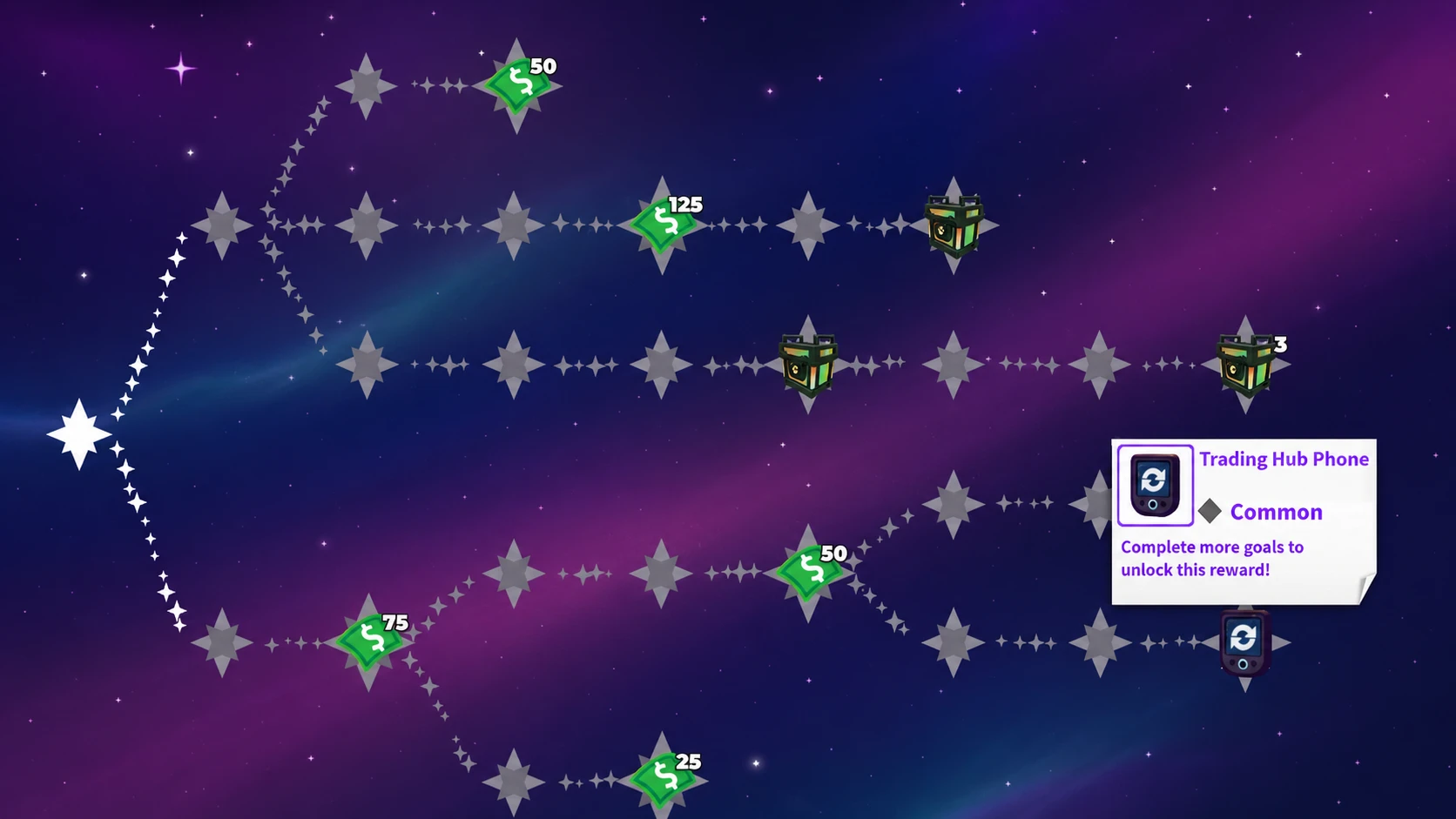
One extra condition applies to newer accounts. The Trade Phone sits on the third and final page (3/3) of the Pets Guide. If you have played regularly, you are probably already there. If you are new, work through all three pages of the Guide Book first, then the two tasks above become available.
How to make a Neon pet
The Neon pet is the harder of the two requirements, so it helps to plan it early.
Note: If you do not want to grow four copies yourself, you can trade for a Full Grown pet to fill in a missing slot, which saves the time of raising another one from scratch.
Claim and equip the Trade Phone
You know it worked when the Trade Phone shows in the Toys category and opens the trading menu when used. If it is not there, one of the two requirements has not registered yet, or you are not on page 3/3 of the Guide.
What the Trade Phone does
Opening the Trade Phone gives you four options, each tied to a part of the trading flow.
| Option | Function |
|---|---|
| Trade Listings | Shows the pets or items you have put up for trade. |
| Trade Offers | Shows the offers other players have made on your listings. |
| Trade History | Shows the trades you have completed before. |
| Travel to Hub | Summons a hot air balloon that carries you to the Trading Hub. |
In a normal Adopt Me server, the phone is read-only. You can check listings, view offers, and look at your trade history, but you cannot create a new listing or edit an existing one until you travel to the Trading Hub.
Inside the Trading Hub
The Hub is where the actual posting and searching happens, handled by two robot characters.
Robo Todd handles your outgoing trades. You pick what you are offering and what you want in return, and your listing goes onto the cross-server trading boards. Each listing costs 100 Bucks to post, and you can keep two active at once. You can also use Robo Todd to view offers on a listing or adjust it if the offers are not what you hoped for.
Robo Rob handles searching. Enter the trade you are after, and the search engine looks for matching listings. If nothing exact exists, it shows similar offers instead.
If two active listings are not enough, you can add one more slot for 49 Robux.
Rules to know before you list
Two constraints affect how the system behaves, and both are worth knowing so a trade does not stall unexpectedly.
- Any pet you list or offer becomes locked in your inventory. You cannot equip it, change it, or trade it another way until you remove the listing or offer. This keeps posted trades real and completable.
- The Hub blocks trades that are heavily imbalanced. This is a spam filter rather than a value system, so it does not guarantee every listing is a fair deal. It simply stops obvious lowballs like offering a sandwich for a Shadow Dragon.
The Trade Phone does not replace traditional face-to-face trading or the Trade Stand. It is meant to cut down on constant server hopping and give newer players an easier route into trading. Traditional methods still work exactly as before.