
The Chapter 7 Season 2 Jess questline includes a task that asks you to ping items of different rarities on the Battle Royale map. It sounds fiddly, but the requirement is simpler than it reads: you only need to mark loot of several distinct rarity tiers during matches, and the game tracks progress cumulatively across games.
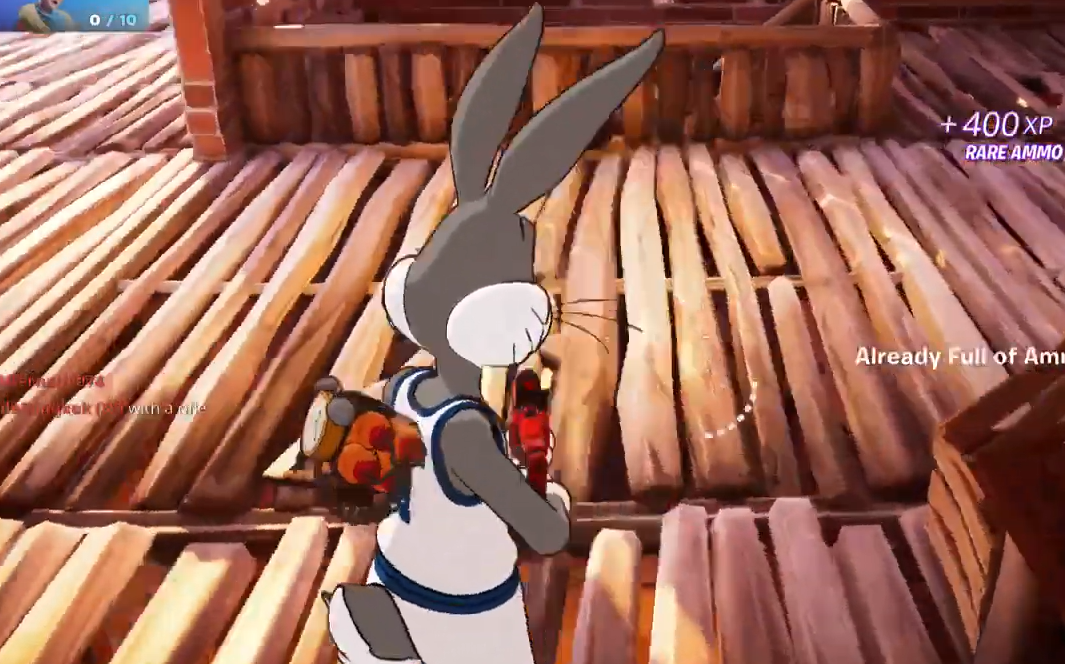
What counts as a ping
A ping is the contextual marker you place by aiming at an item and pressing the ping input for your platform. When the crosshair is on a weapon, consumable, or resource on the ground, the ping registers that item’s rarity. You do not need to pick it up. The quest is satisfied by distinct rarity tiers, not by pinging the same rarity repeatedly.
Fortnite’s standard loot rarities, in ascending order, are Common (grey), Uncommon (green), Rare (blue), Epic (purple), Legendary (orange), Mythic (gold), and Exotic (cyan). The Jess quest is completed with the common-through-legendary spread that appears in almost every match.
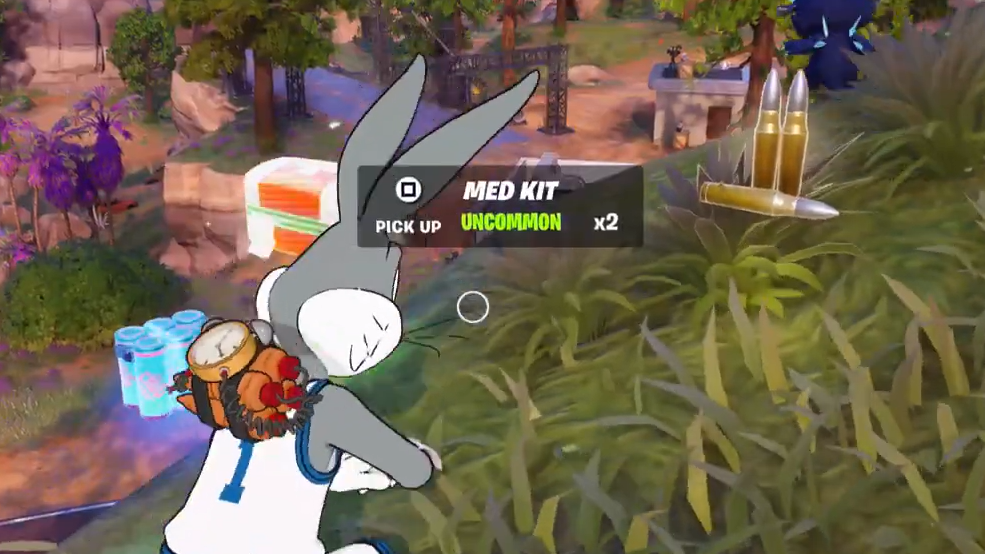
Ping inputs by platform
| Platform | Default ping input |
|---|---|
| PC (keyboard/mouse) | Middle mouse button |
| PlayStation | Left on D-pad |
| Xbox | Left on D-pad |
| Nintendo Switch | Left on D-pad |
| Mobile | Ping button in the HUD |
If you have remapped controls, check the Communication section of your input settings to confirm the ping binding.
Fastest completion method
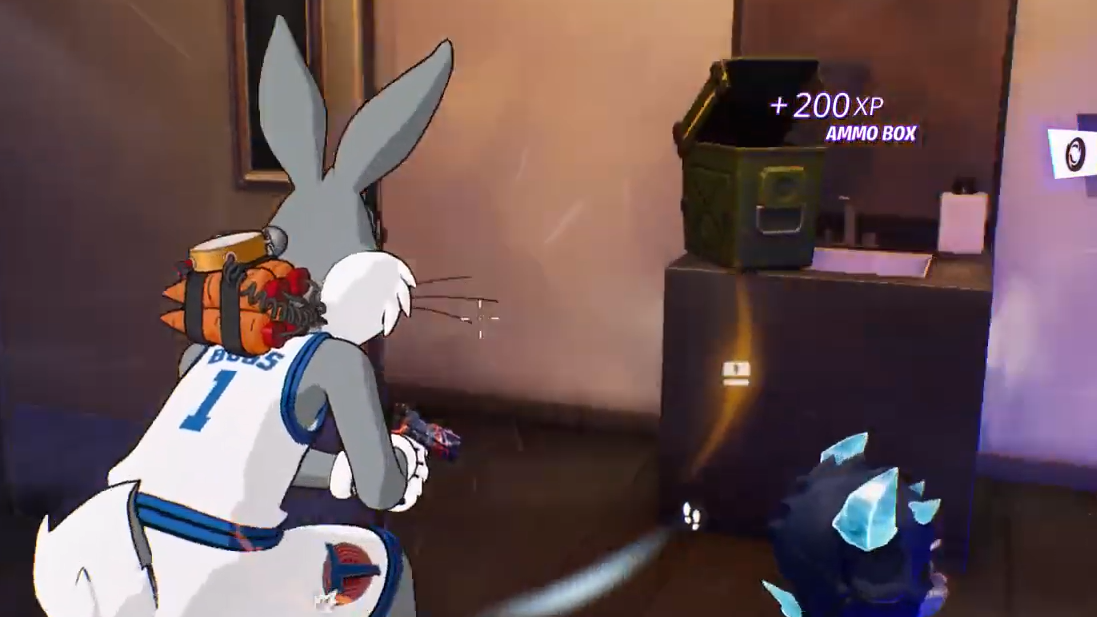
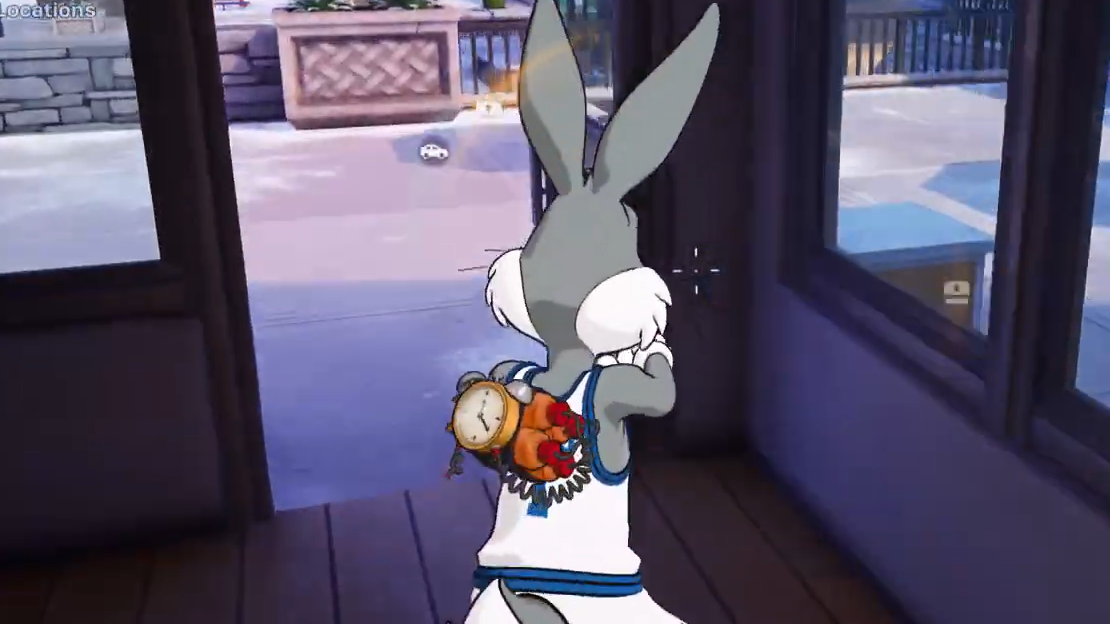
Where to find each rarity reliably
| Rarity | Color | Best source |
|---|---|---|
| Common | Grey | Floor loot in houses and small structures |
| Uncommon | Green | Floor loot and basic chests |
| Rare | Blue | Chests at named POIs |
| Epic | Purple | Chests, Supply Drops, rare chest variants |
| Legendary | Orange | Supply Drops, vaults, boss drops, rare chest variants |
Pinging any five distinct rarities is plenty, but the quest accepts whatever spread you encounter across multiple matches, so there is no need to finish it in a single game.
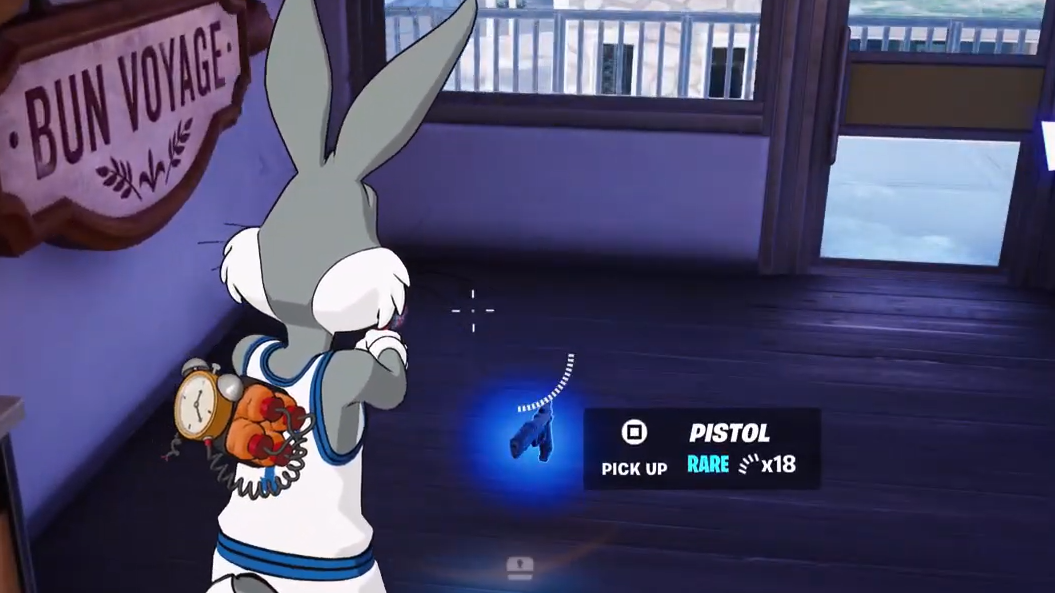
How to confirm it registered
When a ping lands on a valid item, a callout marker with the item’s name and rarity color appears on screen, and the HUD announces it in chat. Progress on the Jess quest updates in the quest tracker on the right side of the HUD. If the tracker does not tick up after a ping, the item was either a duplicate rarity you already logged, or your crosshair was not on an item at the moment of the input.
Common reasons the quest does not progress
- The item pinged was the same rarity as one already counted in that match.
- The ping landed on terrain, a vehicle, or a player instead of a loot item.
- You are in a mode that disables the challenge, such as certain LTMs or Creative islands that do not track Battle Royale quests.
- The quest line requires an earlier Jess step to be completed first; check the quest order in the menu.
Once the required number of distinct rarities has been pinged, the Jess quest ticks off and awards its XP, letting you move to the next step in her questline for Chapter 7 Season 2.