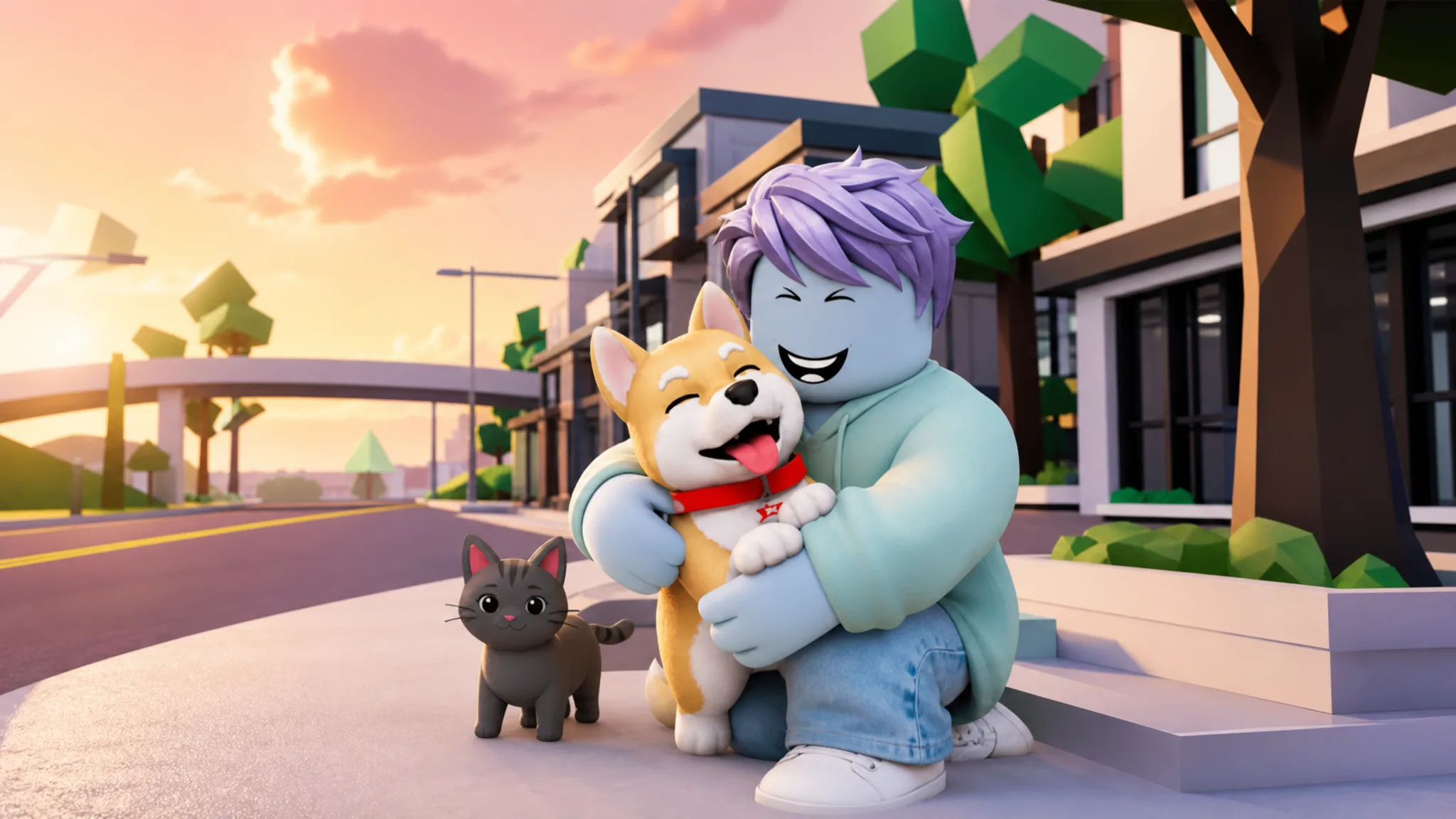
Pets arrived in Brookhaven RP with the Pets Update, and they work differently from almost everything else in town. There is no pet shop to visit and no in-game currency to save up. The animals live inside a menu on your screen, and most of them cost nothing to equip.
Quick answer: Spawn into the world, tap the arrow button on the right side of the screen, open the tab showing a dog being petted, then tap any unlocked pet. It appears instantly and walks beside your avatar. Four pets are free; the rest need the House Pets Gamepass.
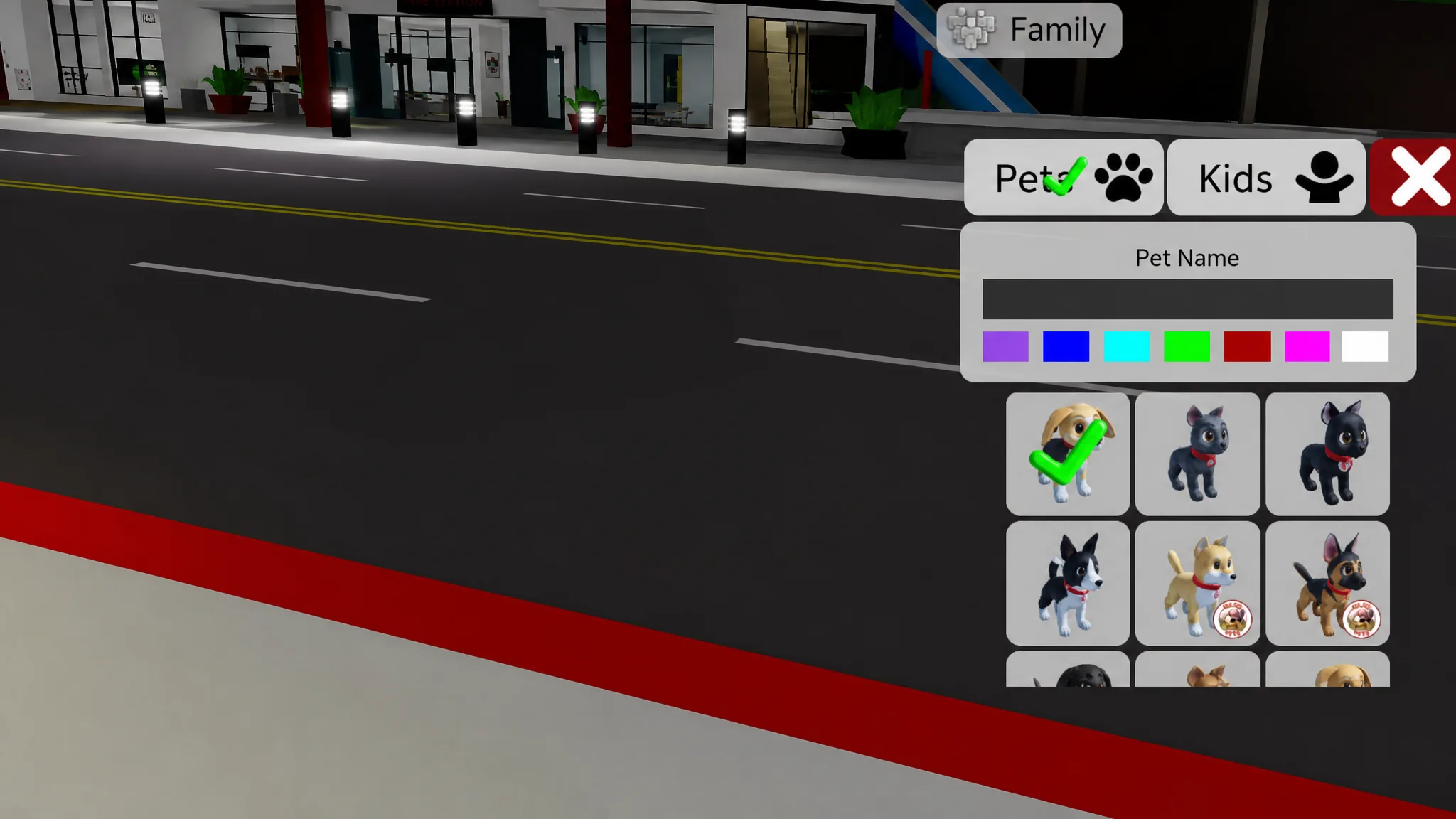
Equip a free pet from the pet menu
The pet menu is available at any point during a session. Six dogs and three cats exist in total, and four of them are unlocked for free right away, split as two dogs and two cats.
You will know it worked when the animal spawns and starts trotting alongside your avatar, letting out the occasional bark or meow as you move around. Only one pet can be equipped at a time, but you can reopen the menu and swap whenever you like at no cost.
Unlock the rest with the House Pets Gamepass
The remaining animals sit behind the House Pets Gamepass, which you can buy from inside Brookhaven RP for 319 Robux. Once purchased, every gamepass pet becomes selectable through the same pet menu and can be used as a companion. These pets carry their own Brookhaven-themed collars and unique looks.
| Pet | Type |
|---|---|
| Shiba Inu | Dog |
| Golden Retriever | Dog |
| German Shepherd | Dog |
| Dachshund | Dog |
| Bengal | Cat |
Because pets are cosmetic companions, the gamepass gives no gameplay edge. It is aimed at collectors and roleplayers who want more breeds to choose from. The developers have set aside space for future animals, with turtles hinted for a later update.
Interact with your pet
Click on your equipped pet to open its interaction options. The animals respond to several commands rather than just following you around.
| Command | What it does |
|---|---|
| Pet | Your avatar pets the animal, which purrs or reacts happily. |
| Feed | A food bowl appears and the pet eats from it, sometimes with heart animations. |
| Carry | Your avatar picks the pet up and holds it while moving. |
| Stay | The pet remains in one spot, useful for screenshots or roleplay scenes. |
| Follow | Calls the pet back to your side so it trails you again. |
Every pet can also be renamed. After you change a name there is a short cooldown before you can rename it again.
Where the pet buildings are
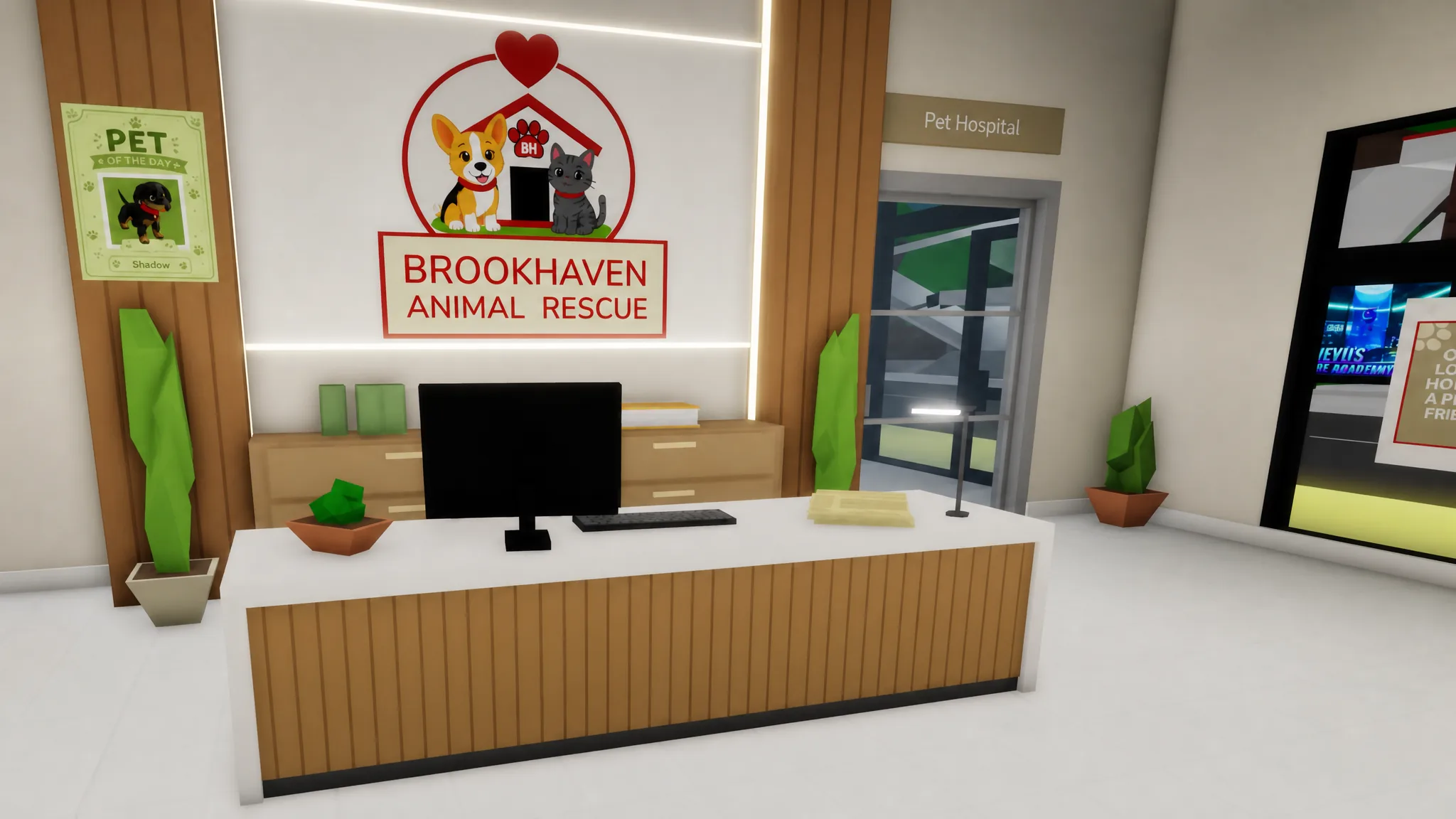
The Pets Update added three new buildings clustered near the Museum in the town center. You do not need them to equip a pet, but they give roleplay a home.
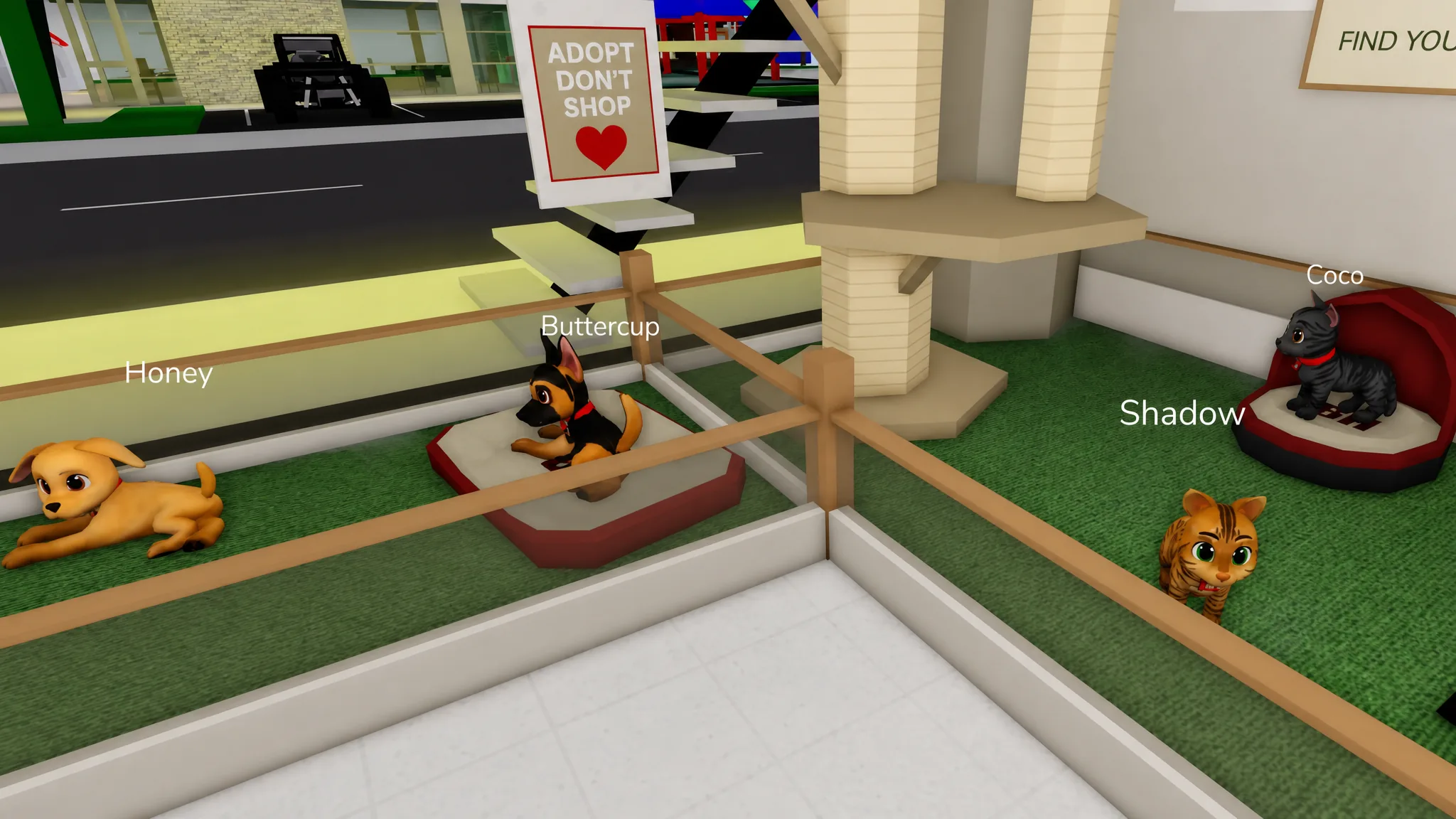
- Pet Adoption Center — also called the Animal Rescue Center, this is where the gamepass-exclusive pets are displayed. It also holds a section marked for future animals.
- Pet Hospital — a detailed clinic with a consultation room and a surgery room for veterinarian-style roleplay.
- Post Office — a bonus location with a passport photo station, currency exchange, and mail counters.
Pet won’t appear? Common fixes
If nothing shows up after you tap a pet, the cause is almost always one of a few simple things rather than a bug.
- You tapped a locked pet. Paid pets do nothing until you own the House Pets Gamepass, so pick a free one or buy the pass first.
- The pets tab is off-screen. It sits at the end of the tab row, so on smaller phones you may need to swipe the tabs sideways to reach it.
- The pet did not load. Respawn your character, since a fresh spawn reliably brings your equipped pet back.
The whole system is free to try, so grabbing a companion takes about ten seconds once you know the pets tab is tucked into the same menu as your character options. Start with a free dog or cat, and only reach for the House Pets Gamepass if you want the extra breeds.