Eeyore’s mood is finally lifting in Honeyglow Woods, but he still can’t sleep. His old house in the Gloommeadow has collapsed into a pile of sticks, buried under amber growth, and Chapter 6 asks you to rebuild it from scratch. That means upgrading your Pickaxe, clearing the growth, repairing the structure, and decorating the space before Eeyore officially joins the Valley.
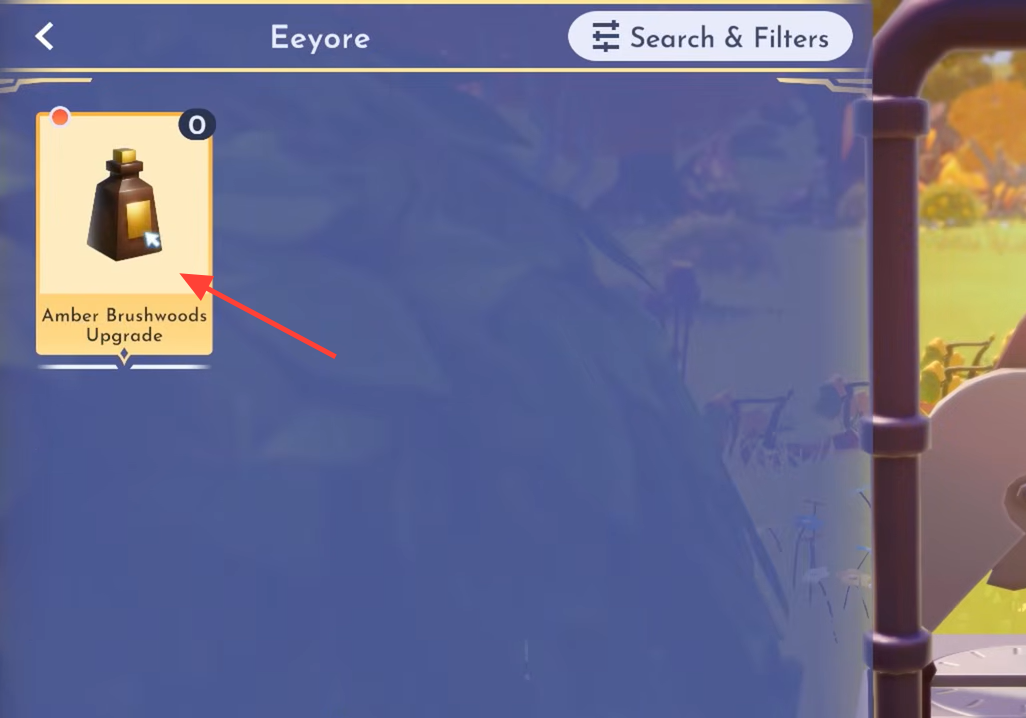
Quick answer: Craft the Amber Brushwoods Upgrade for your Pickaxe (4 Juniper Berry, 2 Acorn Snail, 1 Honey Agate), smash the 8 Amber Brushwoods chunks, repair the house (10 Driftwood, 5 Tree Resin, 3 Oak Leaves, 12 Soft Limestone), then craft the decorations Pooh suggests to complete the chapter.
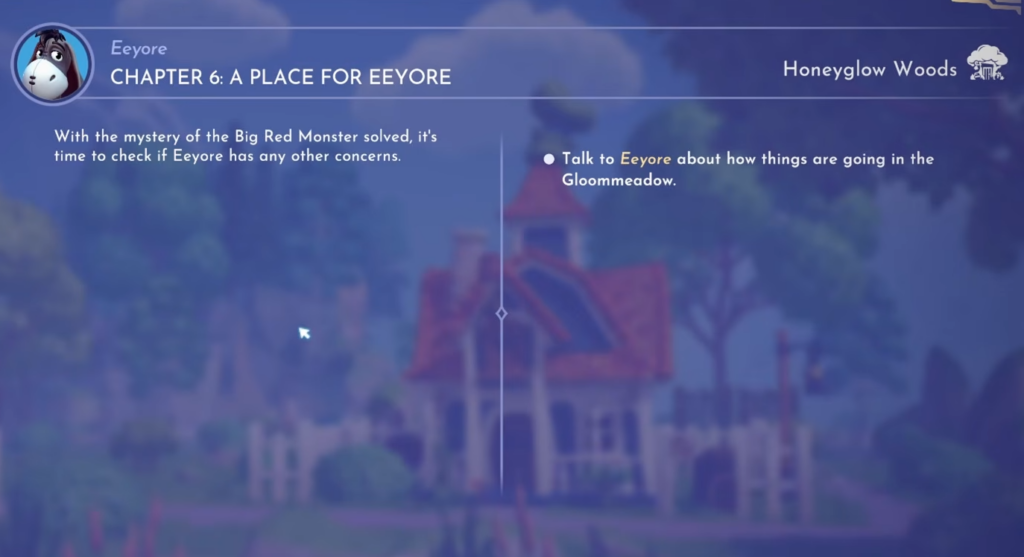
Upgrade your Pickaxe with the Amber Brushwoods Upgrade
The resin chunks that wrecked Eeyore’s house are too tough for a standard Pickaxe, so the first task is a tool upgrade. Talk to Eeyore about how things are going in the Gloommeadow, and he’ll point you toward crafting the Amber Brushwoods Upgrade.
| Material | Amount | Where to get it |
|---|---|---|
| Juniper Berry | 4 | Berry bushes around the Gloommeadow |
| Acorn Snail | 2 | White water ripples in any biome |
| Honey Agate | 1 | Mining nodes in Honeyglow Woods, or farmed via the Busy Bees’ House |
Clear the 8 Amber Brushwoods chunks
With the upgraded Pickaxe equipped, walk over to the remains of Eeyore’s house and smash the 8 chunks of Amber Brushwoods surrounding it. Only the upgraded tool will work here, so if nothing breaks, check that the upgrade is actually equipped in your inventory. Once the growth is gone, talk to Eeyore about what kind of home he wants.
Repair Eeyore’s House
Eeyore doesn’t want anything fancy. He just wants his old house back. Interact with the pile of sticks to open the Blueprint Crafting menu, then feed in the missing components. The finished build looks small for the pile of resources it takes, but it unlocks as furniture once complete.
| Material | Amount | Where to get it |
|---|---|---|
| Driftwood | 10 | Fished or foraged around Drowsybloom Acre and the Gloommeadow |
| Tree Resin | 5 | Found by digging |
| Oak Leaves | 3 | Foraged from the ground |
| Soft Limestone | 12 | Mined from ore nodes |
Add every component in the Blueprint menu, and the house rebuilds instantly. Talk to Eeyore afterward to move on to the finishing touches.

Craft decorations and welcome Eeyore home
Eeyore isn’t sure what else would cheer him up, so you visit Winnie the Pooh for ideas. He suggests decorating the space around the house, which sends you on one more material run. You’ll need to craft two types of decoration at a cooking or crafting station.
| Decoration | Quantity | Materials (per craft) |
|---|---|---|
| Acorn Lantern | 2 | 2 Honey Agate, 1 Acorn Snail, 1 Golden Honey |
| Driftwood Path | 16 | 1 Driftwood, 1 Golden Honey |
Golden Honey comes from the Busy Bees’ House, while the Honey Agate, Acorn Snails, and Driftwood use the same sources from the earlier steps. Craft everything, then place the lanterns and paths around Eeyore’s house.
Stock up on Golden Honey early. Between the lanterns and the 16 lengths of Driftwood Path, this step eats through a lot of it.
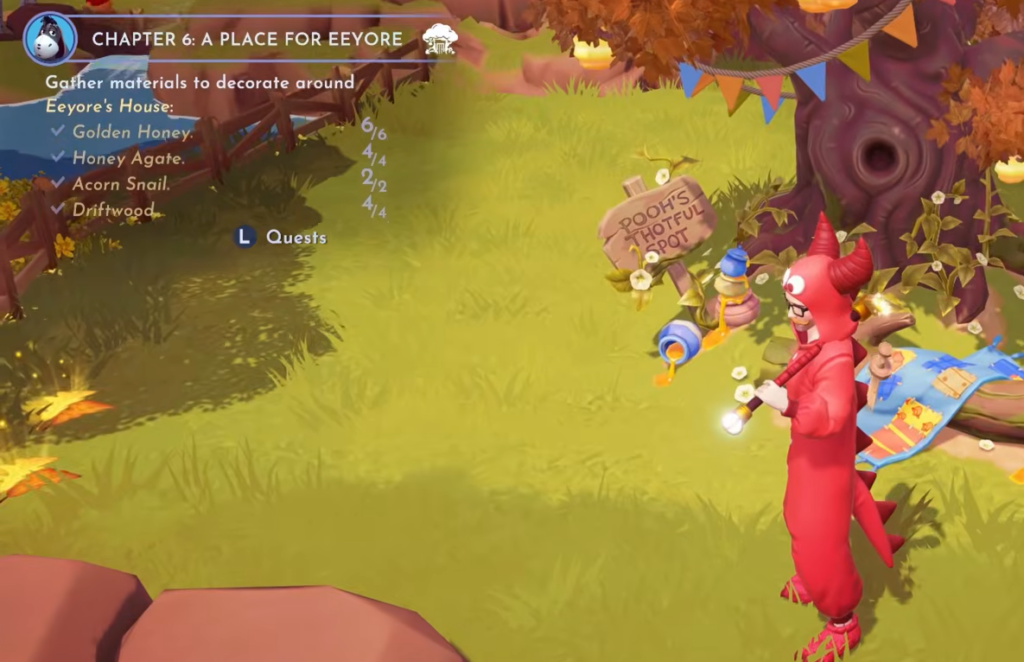
How to know Chapter 6 is complete
After the decorations are placed, take a selfie with Eeyore and Winnie the Pooh to mark the moment. That final photo closes out A Place for Eeyore, and Eeyore officially becomes a Valley resident. From here, the story continues into Interlude 2: The Gloomy Hollow.