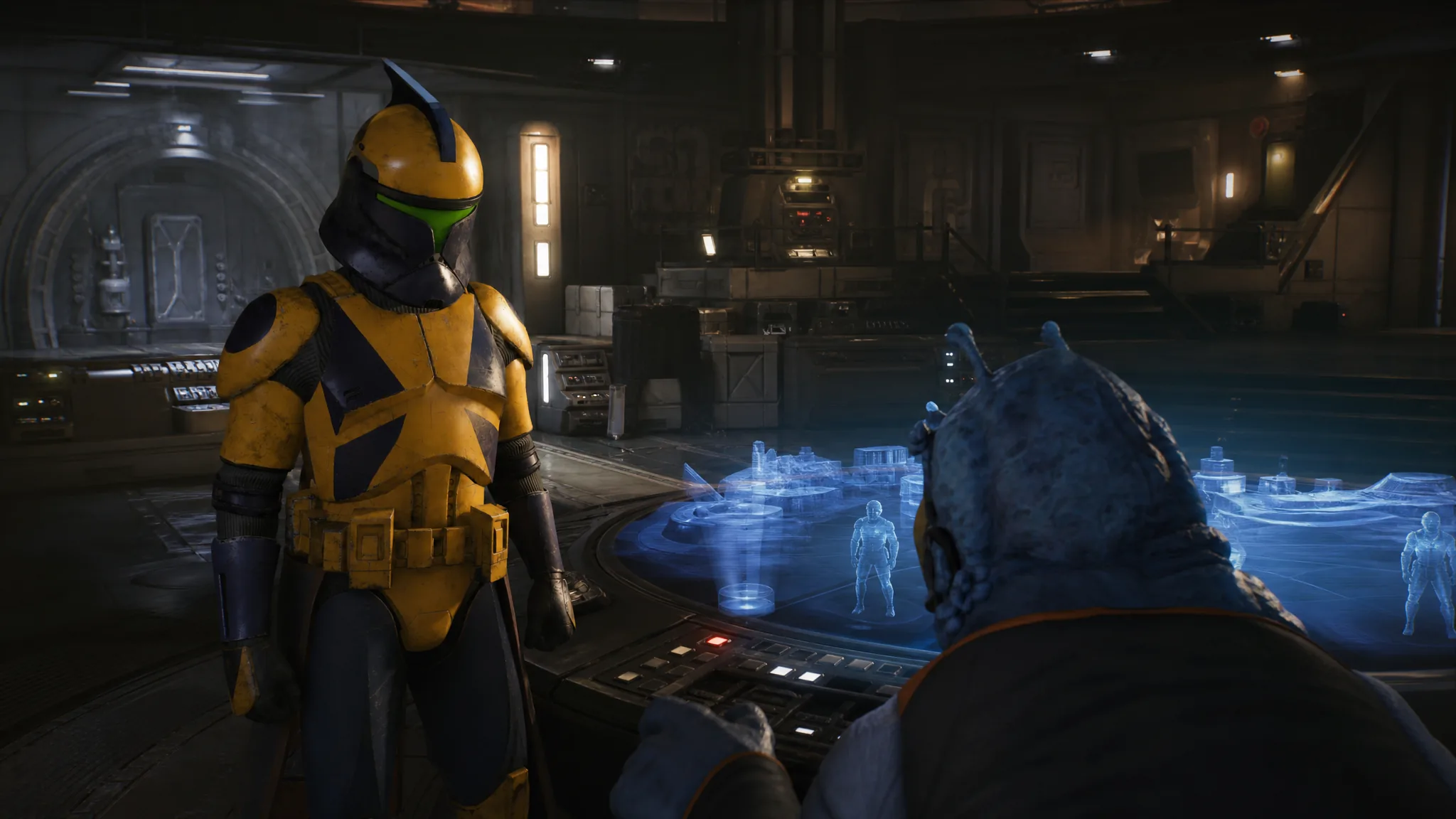
The “Interact with the Holotable” objective in the Business as Usual mission asks you to walk up to the circular holotable inside the Den and activate it. Doing so plays a scene with Runa and Gorga the Hutt, then opens the Holotable interface where you pick your missions and operations for the Cycle.
Quick answer: Open the Den map, go to the Command Center, walk to the circular holotable in the middle of the room, and press the interact key (E on PC). The cutscene plays, and closing the Holotable tutorial completes the objective.
Where the holotable is in the Den
You start this objective in the main hangar area of the Den, Zero Company’s home base docked at the Ring of Kafrene. The holotable itself sits inside the Command Center, one of several facilities listed on the Den map alongside The Pit, Office, Medbay, Memorial, and Customization. This step takes place during Cycle 2.
Open the Den map to confirm the route. Selecting the Command Center highlights the room and shows its overview, so you can head straight there instead of wandering the hangar.
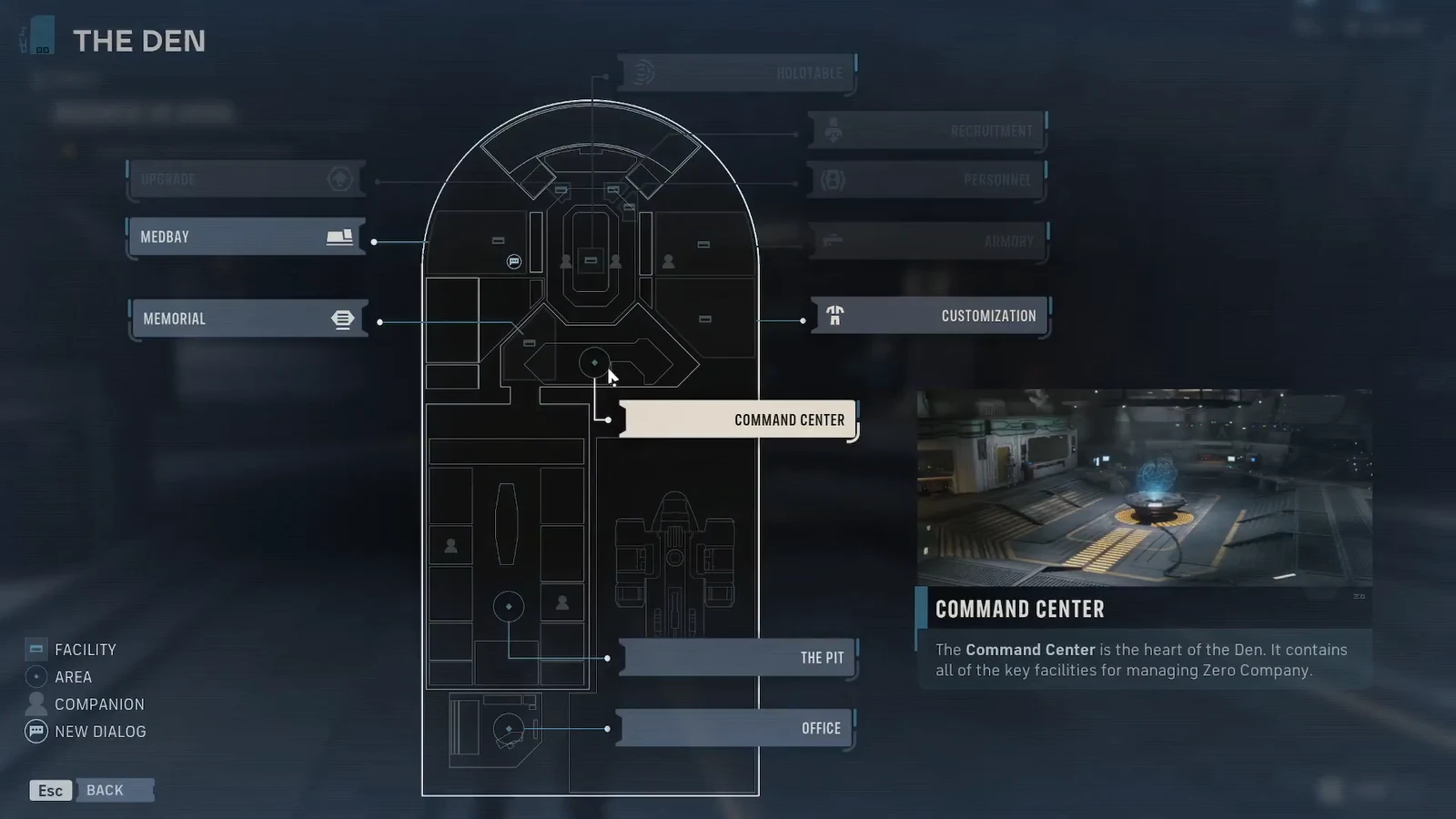
How to interact with the holotable
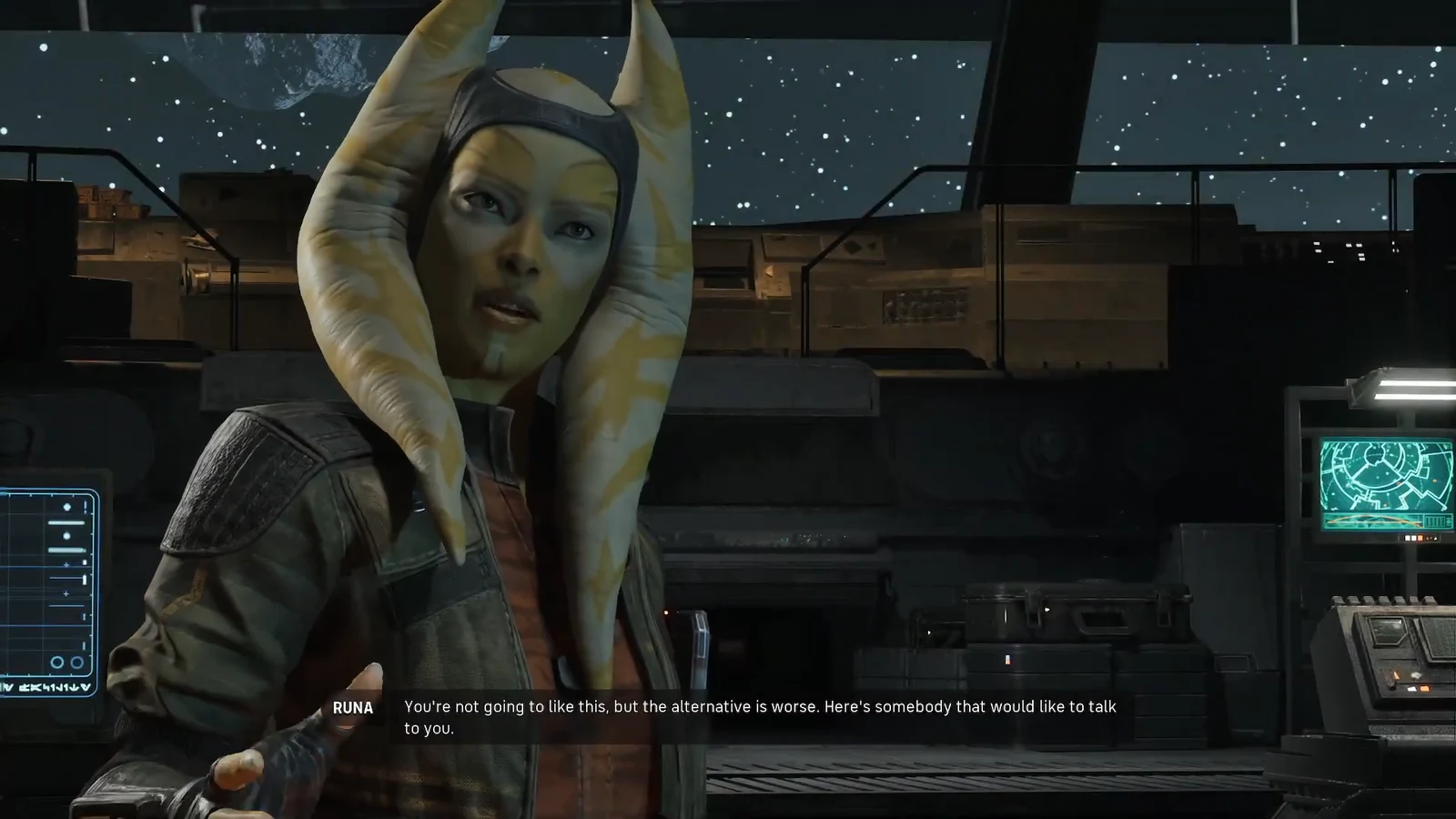
What the Gorga cutscene sets up
The scene establishes the debt that drives the early game. Gorga the Hutt reminds Hawks of a substantial balance, then offers a deal: take on work for him and he will forgive part of it. The figure lands at 80,000 credits at 25 percent, and Runa’s competence earns her a standing job offer from Gorga if Zero Company ever folds.
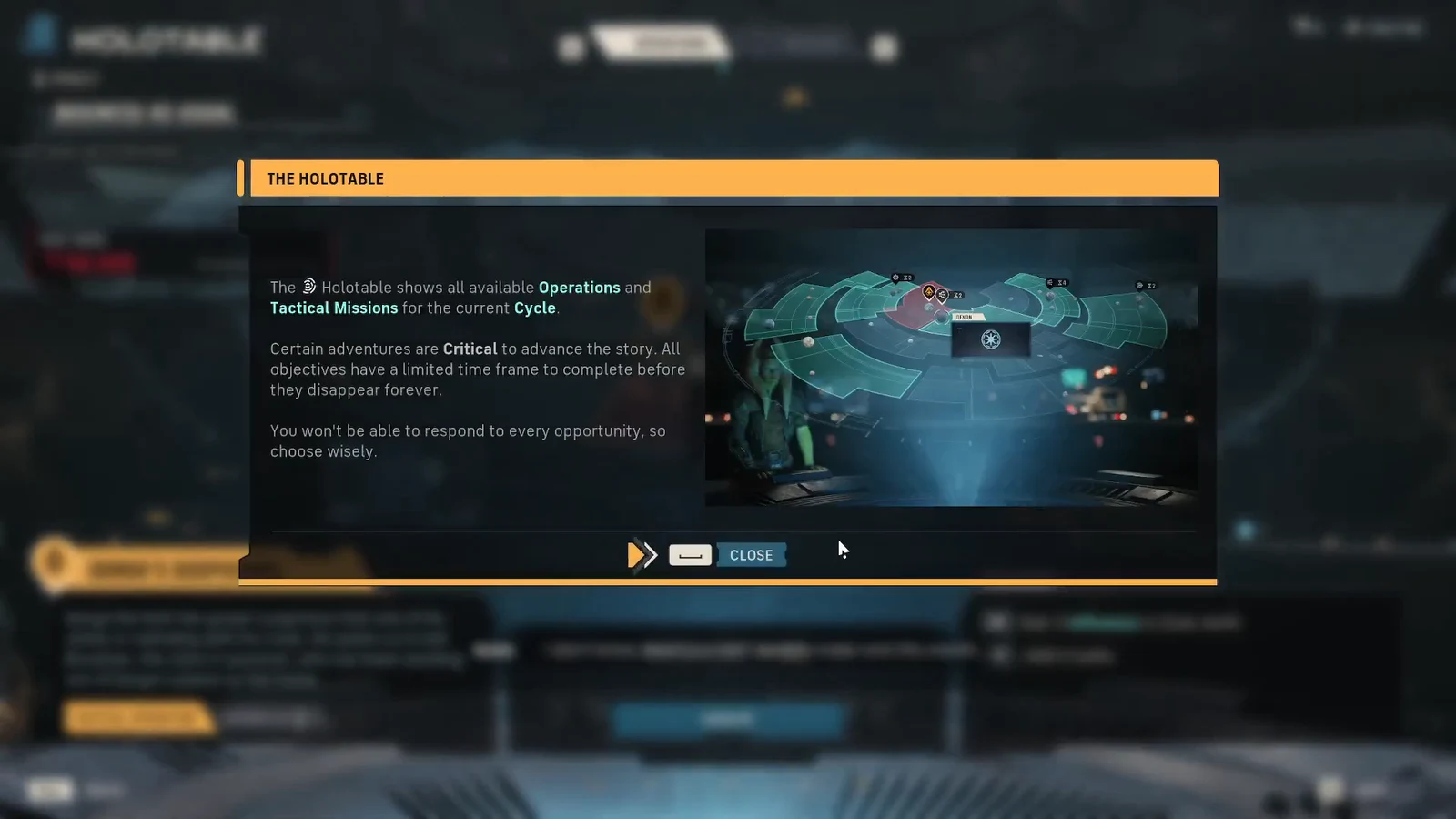
Once the cutscene ends, the Holotable tutorial explains what the table does. It shows all available Operations and Tactical Missions for the current Cycle. Critical adventures advance the story, and every objective has a limited window before it disappears for good, so you can’t take on everything.
What unlocks after the objective
Completing the interaction opens the Holotable with your first job ready to launch. The critical operation on offer is Gorga’s Suspicions, tied to the debt you just discussed.
| Detail | Value |
|---|---|
| Debt owed | 80,000 credits |
| Cycles remaining on debt | 9 |
| First operation | Gorga’s Suspicions (Critical) |
| Operation expiry | Expires in 1 Cycle |
| Rewards | +3 Influence in Zone Jenth, +500 Credits |
Gorga’s Suspicions sends you after Ulis Bruckner, a clerk suspected of colluding with Gorga’s rivals, last seen leaving Gorga’s palace on Nal Hutta. Because it is marked Critical and expires quickly, plan to launch it soon rather than letting it lapse.
How to confirm the step is done
You know the objective is complete when the cutscene ends and the Holotable interface stays open with the tutorial dismissed. The Interact with the Holotable task clears from your objective list, and you can now select the Gorga’s Suspicions operation from the table.
If nothing happens when you press the interact key, make sure you are standing next to the circular holotable in the Command Center and not near another facility. The prompt only appears within range of the table, and the map’s Command Center marker is the fastest way to reach the correct room.