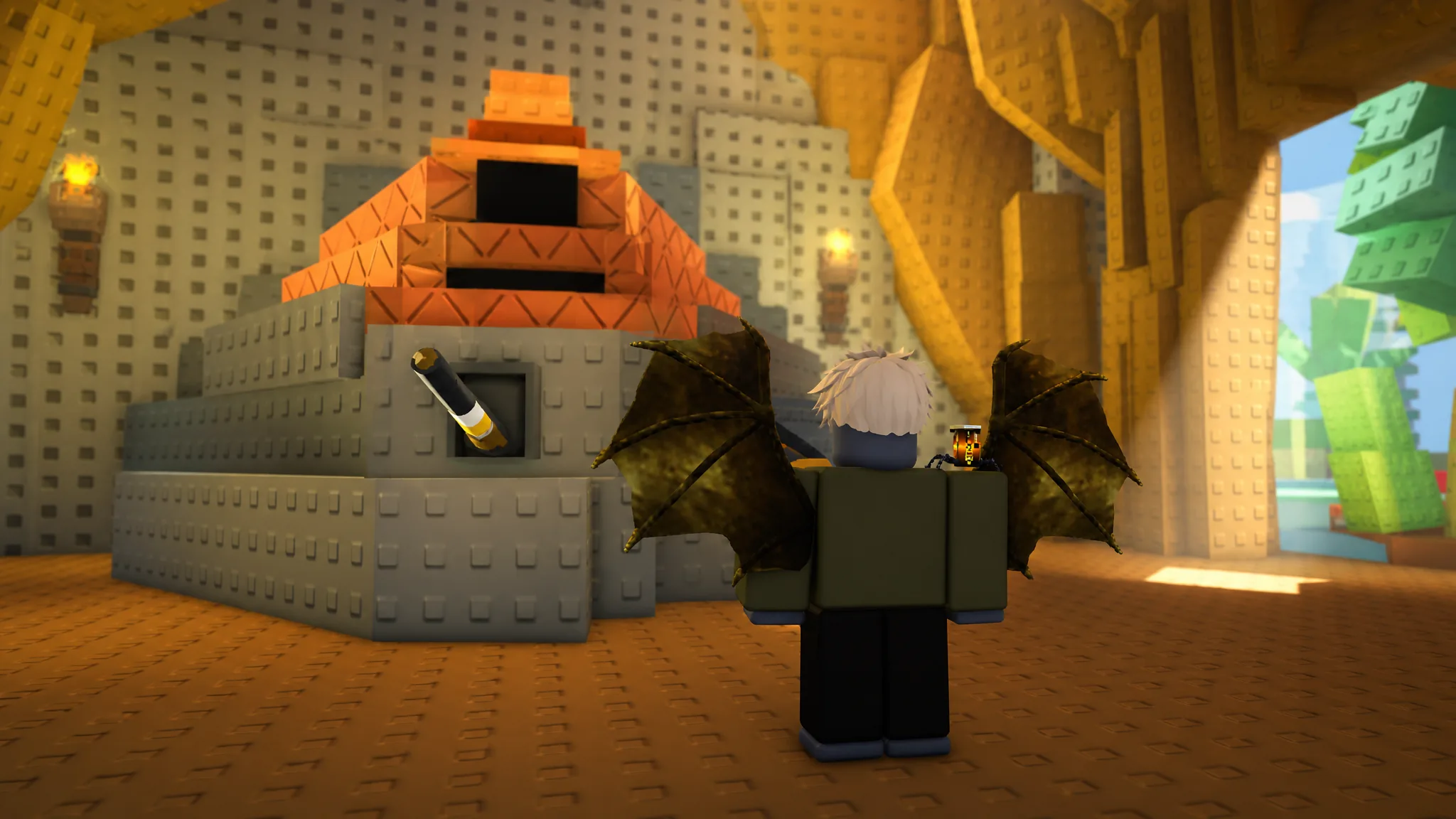
New animals in ZOO or OOF 2 come from the Animal Shop, where you spend in-game cash on base creatures and unlock more as you go. Each round drops you into a lobby with free starter animals, but buying your own lets you widen your options for hiding from the Zookeeper.
Quick answer: Open the Animal Shop (or click the ANIMALS button), pick a category tab, select an available animal, and buy it with in-game cash. Buying one animal, such as the Giraffe for $750, unlocks the next animal in the progression tree.
Buy animals from the Animal Shop
All purchasable animals live inside the Animal Shop, which you reach from the lobby during the intermission between rounds. The process is short once you know where the shop sits.
Animal categories: Savannah, Boreal, and Desert
The shop groups animals into three themed tabs. Switching between them shows different creatures at different price points, and prices climb as you move to rarer picks.
| Category | What it holds |
|---|---|
| Savannah | Grassland animals such as the Giraffe, one of the cheaper entry buys at $750. |
| Boreal | Cold-climate and forest animals. |
| Desert | Dry-region animals, including the Ostrich unlocked from the Giraffe. |
Costs in the shop range from a few hundred cash up to tens of thousands, so the highest-tier animals take longer to save toward.
Unlock the next animals in the progression tree
Animals are laid out as a progression tree rather than a flat list. Buying one creature opens the option to purchase the animal that sits after it. For example, buying the Giraffe unlocks the Ostrich as a follow-up purchase.
That means the fastest way to expand your roster is to work through the tree in order, buying each animal to reveal the next available slot rather than skipping ahead.
Earn in-game cash to afford new animals
Animals are bought with cash you earn from playing, so the bigger buys depend on stacking currency across rounds. There are several reliable ways to build up your balance.
- Taunt with the E key while playing as an animal. Each taunt pays out cash, and taunting closer to the Zookeeper pays more, though it briefly reveals your position.
- Survive rounds. Winning as an animal adds bonuses like the Specie Bonus, Party Bonus, Escape Duration, Taunt Bonus, and Keeper Proximity to your payout.
- Complete active Quests shown on the HUD for quick cash and ticket refunds.
- Claim Daily Rewards and daily login bonuses from the lobby.
Pick a specific animal with an Animal Ticket
Round assignments are normally random, so owning an animal does not guarantee you spawn as it. To force a choice, use an Animal Ticket at the ticket machine in the lobby. This is handy when you want to avoid large, easy-to-spot animals like the Elephant and instead pick a small, stealthier morph.
Change animal costumes in the Market
The Market is separate from the Animal Shop. It sells costumes and skins that change how an animal looks rather than adding a new creature to your roster. Options there include themed sets such as Wizard Rhinoceros, Artist Hippopotamus, Vacation Flamingo, and Coquette Zebra, all bought with in-game currency.
Note: Costumes are cosmetic. If you want a genuinely different animal with its own health value and hiding profile, buy it from the Animal Shop instead of the Market.
Confirm your new animal is equipped
After a successful purchase, the animal appears in your owned collection and can be equipped from the shop. Once equipped, you will see it on your character in the lobby, and it becomes eligible to spawn when the next round begins. If a buy does not go through, the most common reason is not having enough in-game cash, so keep earning until your balance covers the price.
Work through the progression tree one animal at a time, top up cash by taunting and clearing quests, and reach for the Market only when you want to restyle a creature you already own.