The Advanced Battery is the higher-capacity sibling of the Basic Battery in Subnautica 2, storing 200 energy and powering the same lineup of handheld tools for much longer between swaps. You unlock the recipe by scanning fragments scattered around the Karakorum Power Plant region, then craft it at any Fabricator.
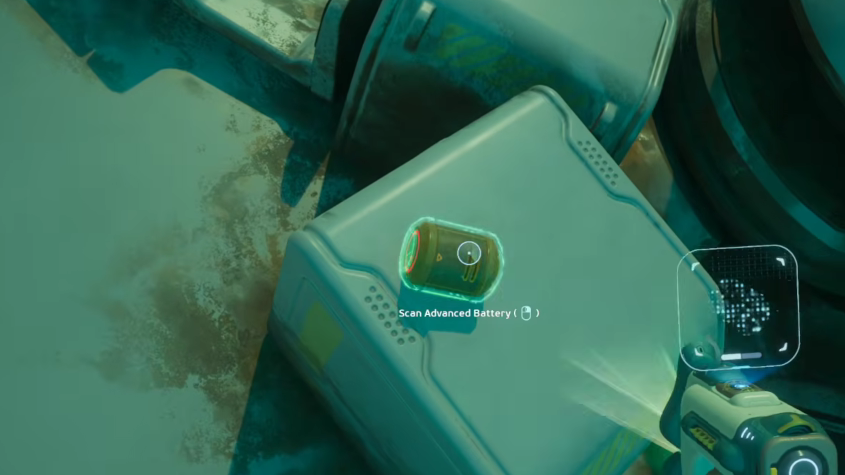
Where to find the Advanced Battery fragments
The fragments are clustered around the Karakorum Power Plant region, which sits beyond the early shallows and requires a bit of depth tolerance before you head out. Bring a fully charged Scanner, a Rebreather, and at least a Standard Air Tank, since the area sits below the comfortable diving range of starter gear.
Inside the power plant zone, look for derelict equipment, wall-mounted battery housings, and debris piles near the structure. The Scanner highlights scannable objects with the usual fragment glow, and each completed scan ticks the blueprint progress up by one.
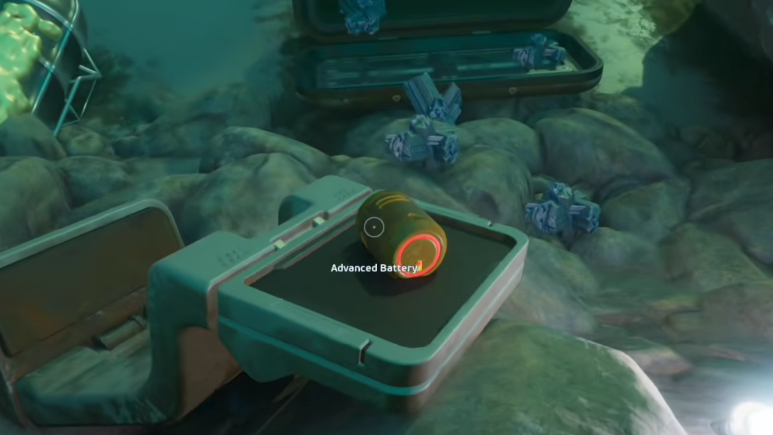
Advanced Battery recipe and crafting station
| Detail | Value |
|---|---|
| Category | Electronics |
| Crafting station | Fabricator |
| Unlock method | Scan 2 fragments |
| Energy capacity | 200 |
| Materials | Conduit Crystal x1, Strong Acid x1, Silver Ingot x1 |
The Lifepod Fabricator works for this recipe, but the materials themselves are the real bottleneck. Conduit Crystal and Silver Ingot push the build into mid-game resource territory, so most players unlock the blueprint well before they can craft the first battery.
How to confirm the blueprint unlocked
After the second scan, the PDA logs the blueprint, and the Advanced Battery entry appears under the Electronics tab in any Fabricator menu. If the entry is still missing, the second scan did not complete, which usually means the Scanner ran out of charge partway through, or you scanned the same fragment twice without realizing it.
Scanning an Advanced Battery prop after the blueprint is complete returns 1 Titanium instead of progress, which is also a quick way to verify the unlock without opening the Fabricator.
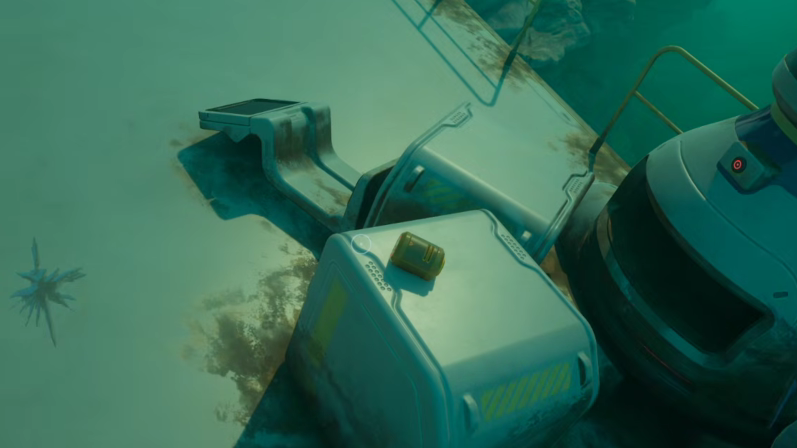
Charging Advanced Batteries
Advanced Batteries are rechargeable using the Battery Terminal, the same wall-mounted station that handles Basic Batteries. The terminal needs a powered base and accepts up to six batteries at once, drawing from your habitat’s energy supply to refill them over time.
If you do not have the Battery Terminal yet, the Old Habitat, roughly 380 meters north of the Lifepod (around 45 meters deep) holds two scannable terminals close together, which is enough to complete that blueprint in a single trip.