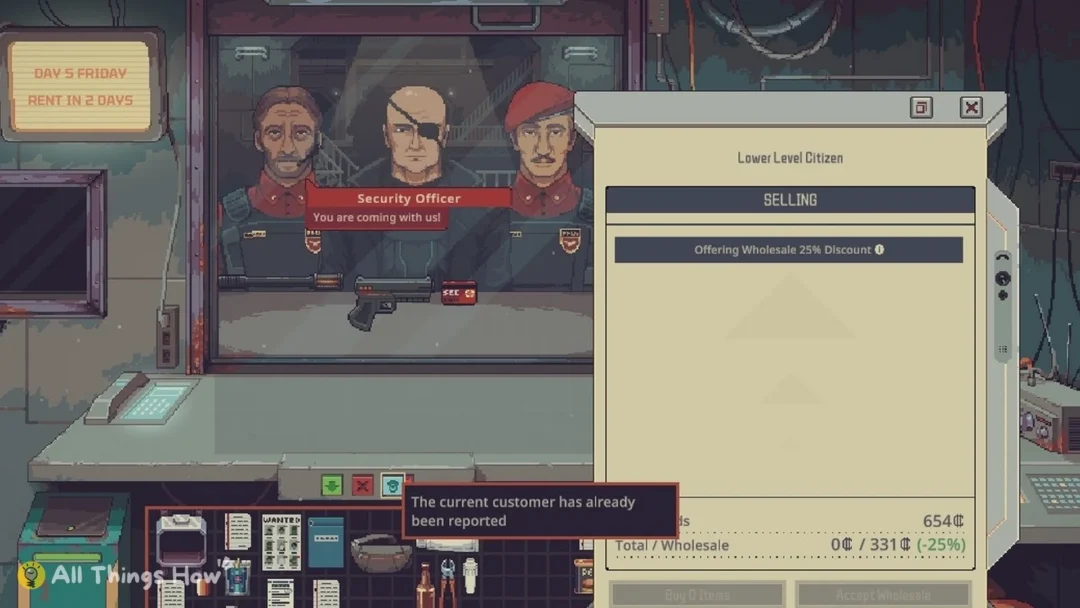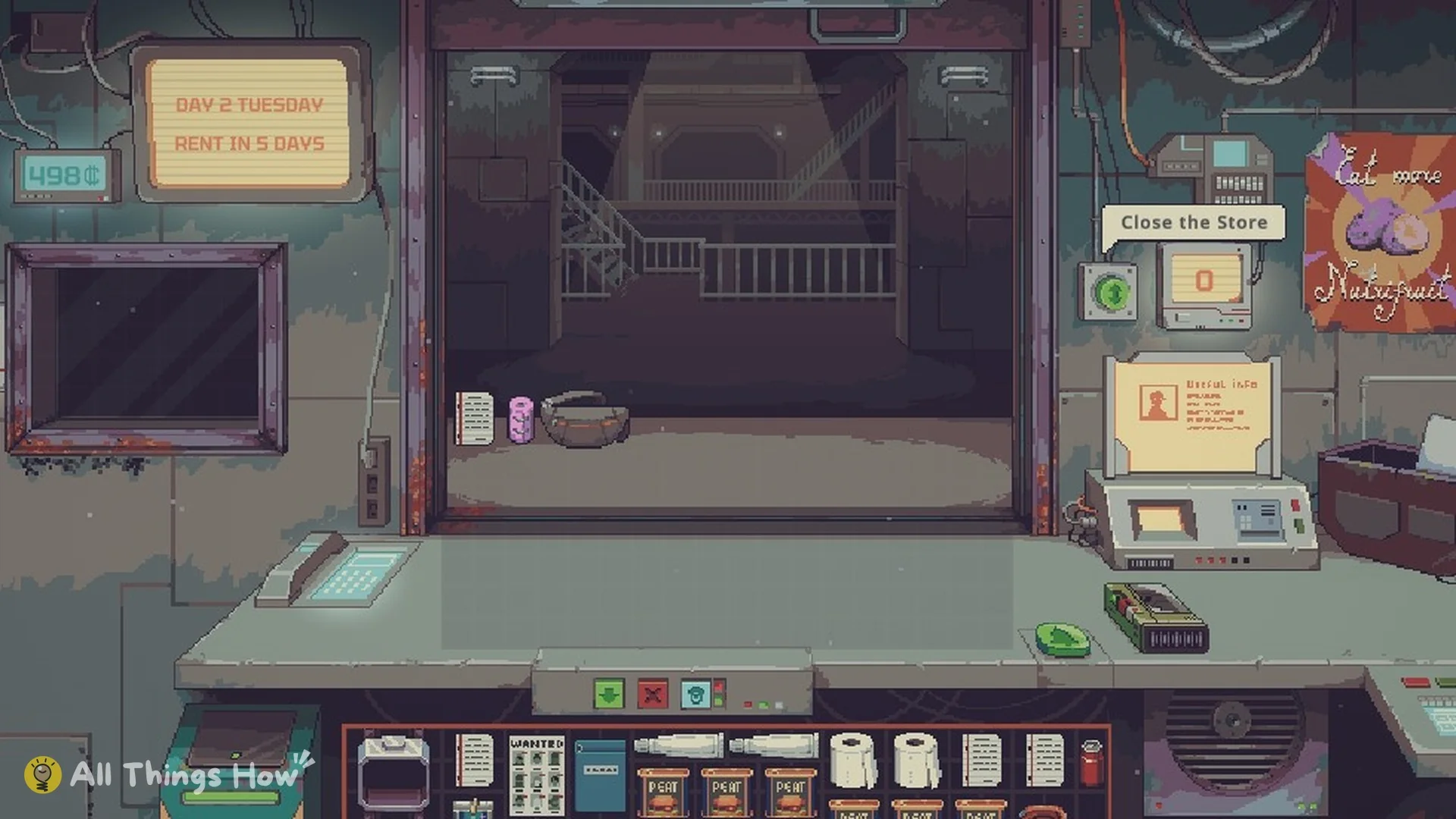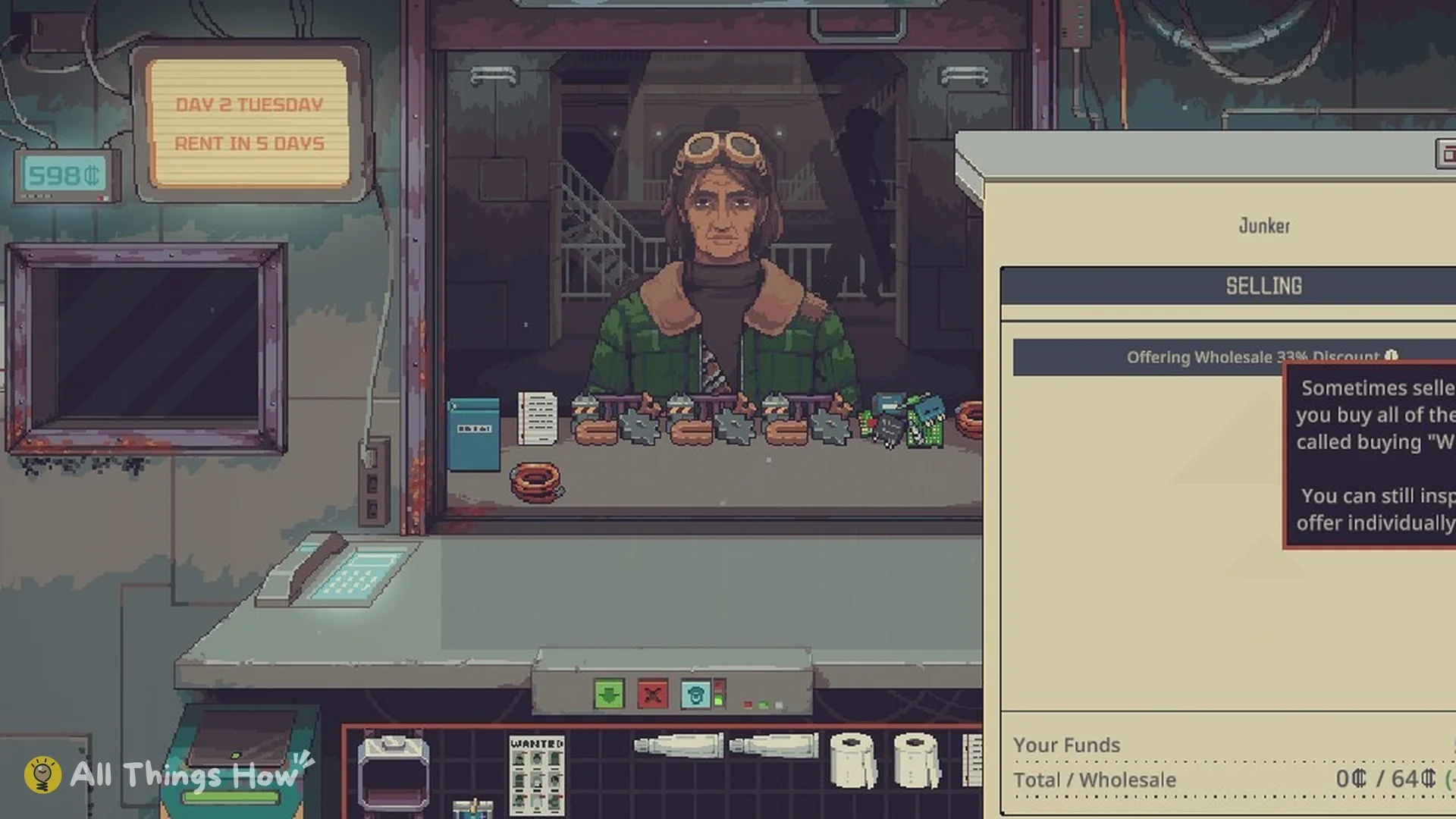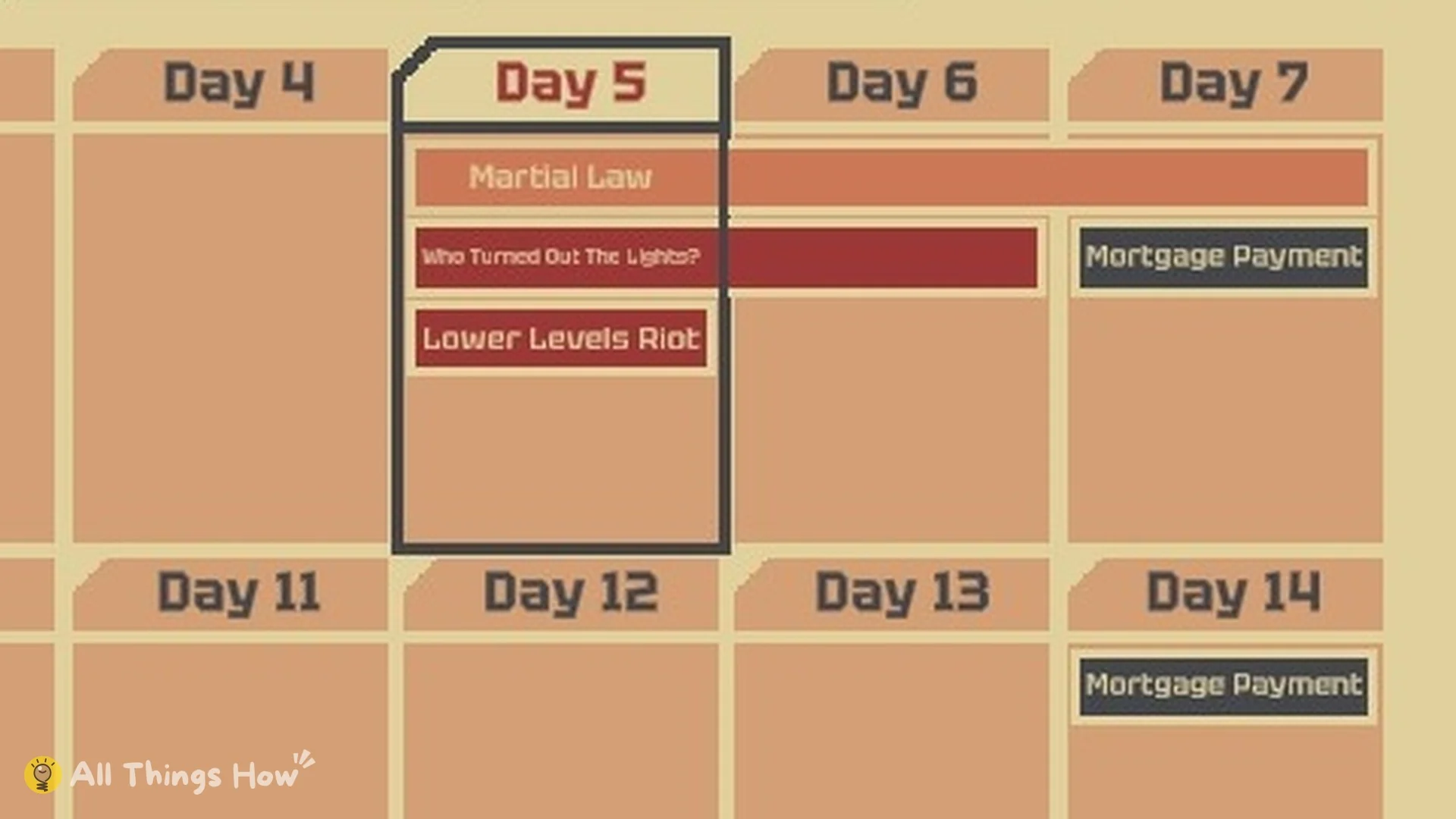
Prices in Probably Stolen: Cyberpunk Shopkeeper Sim change when the station does. Blackouts and riots push the price of certain goods up, and the game shows them on the Calendar before they arrive.
Quick answer: Station events appear as coloured bars on the end-of-day Calendar. Click a bar to see its price changes. A blackout raises Energy Cells 50 percent, and a riot raises Food 30 percent and Weapons and Ammunition 50 percent.
Each bar spans every day the event covers, so you can see which days are affected and stock up before those days begin. Several events can overlap. On one Calendar, Martial Law, a blackout and a riot were all active on Day 5.
How to see upcoming station events
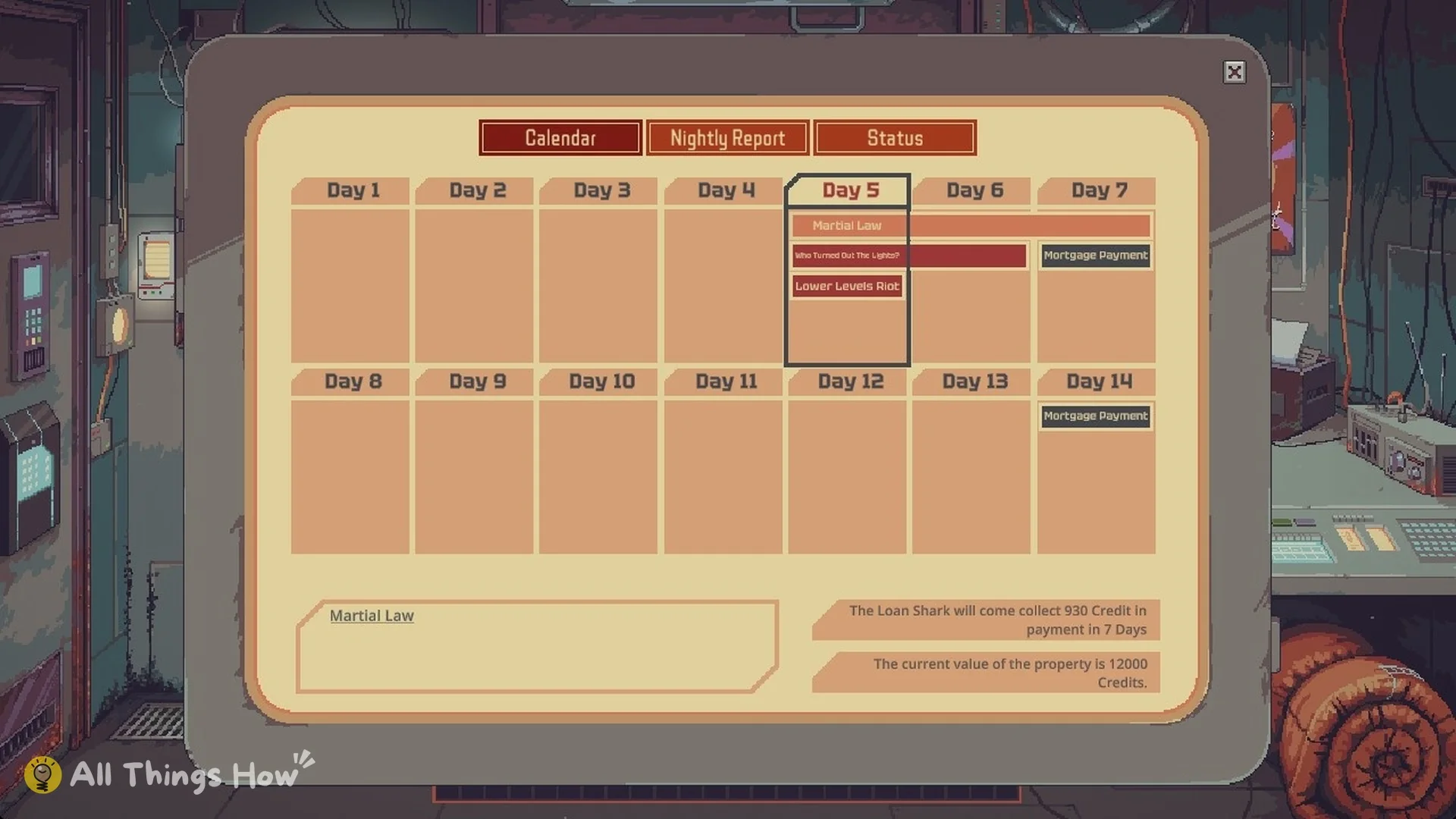
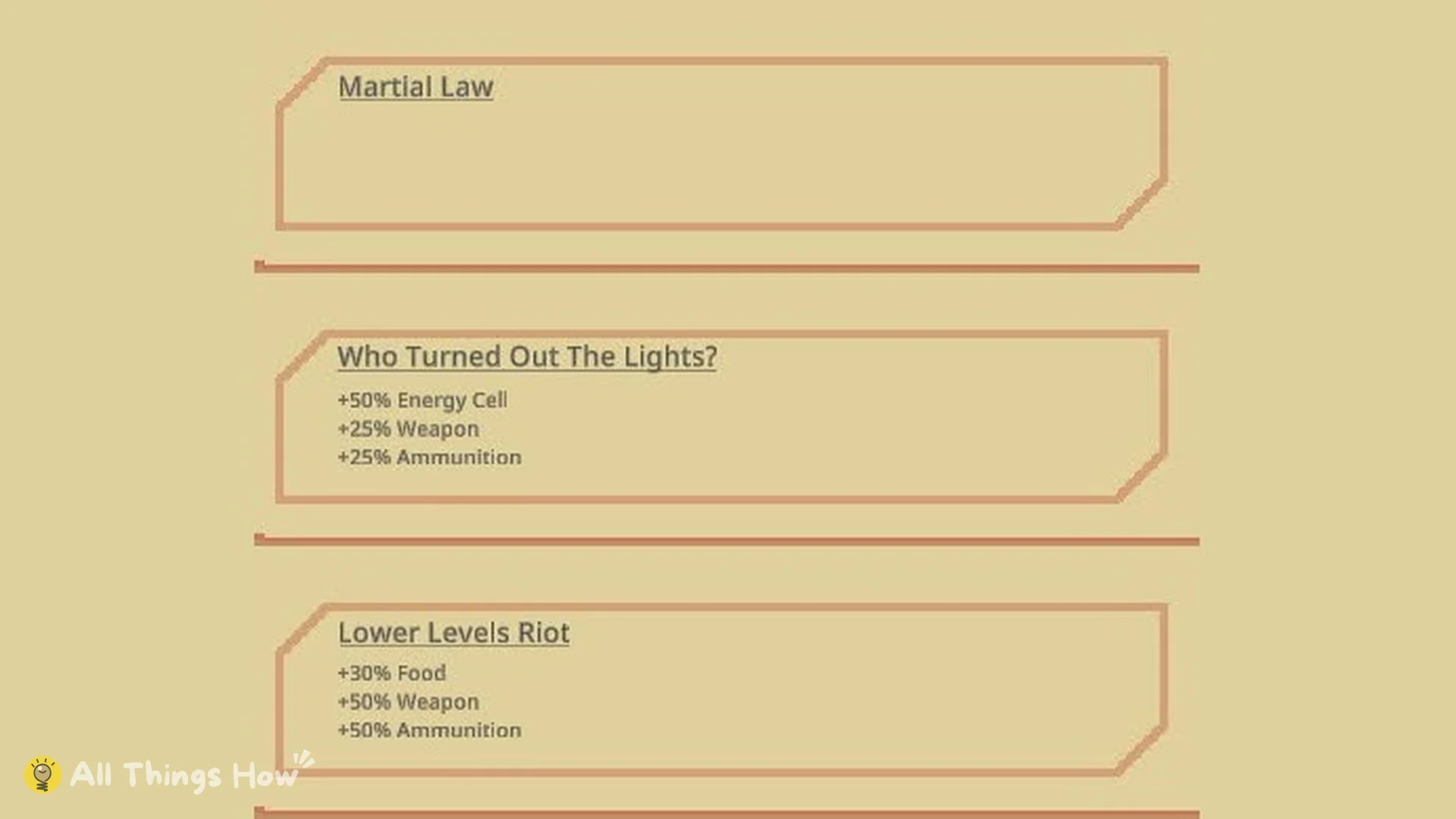
Not every bar signals trouble. A green “Household Relief Drive” bar has also appeared on the Calendar, on Day 6. Click it like any other bar to see what it changes.
Blackout, riot and Martial Law price changes
| Event | Energy Cell | Food | Weapon and Ammunition |
|---|---|---|---|
| Who Turned Out The Lights? | +50% | — | +25% each |
| Lower Levels Riot | — | +30% | +50% each |
| Martial Law | — | — | — |
The two price events affect different goods, apart from Weapons and Ammunition, which both events raise. If both are active on the same day, check each bar so you know every modifier in play.
Who Turned Out The Lights? (blackout)
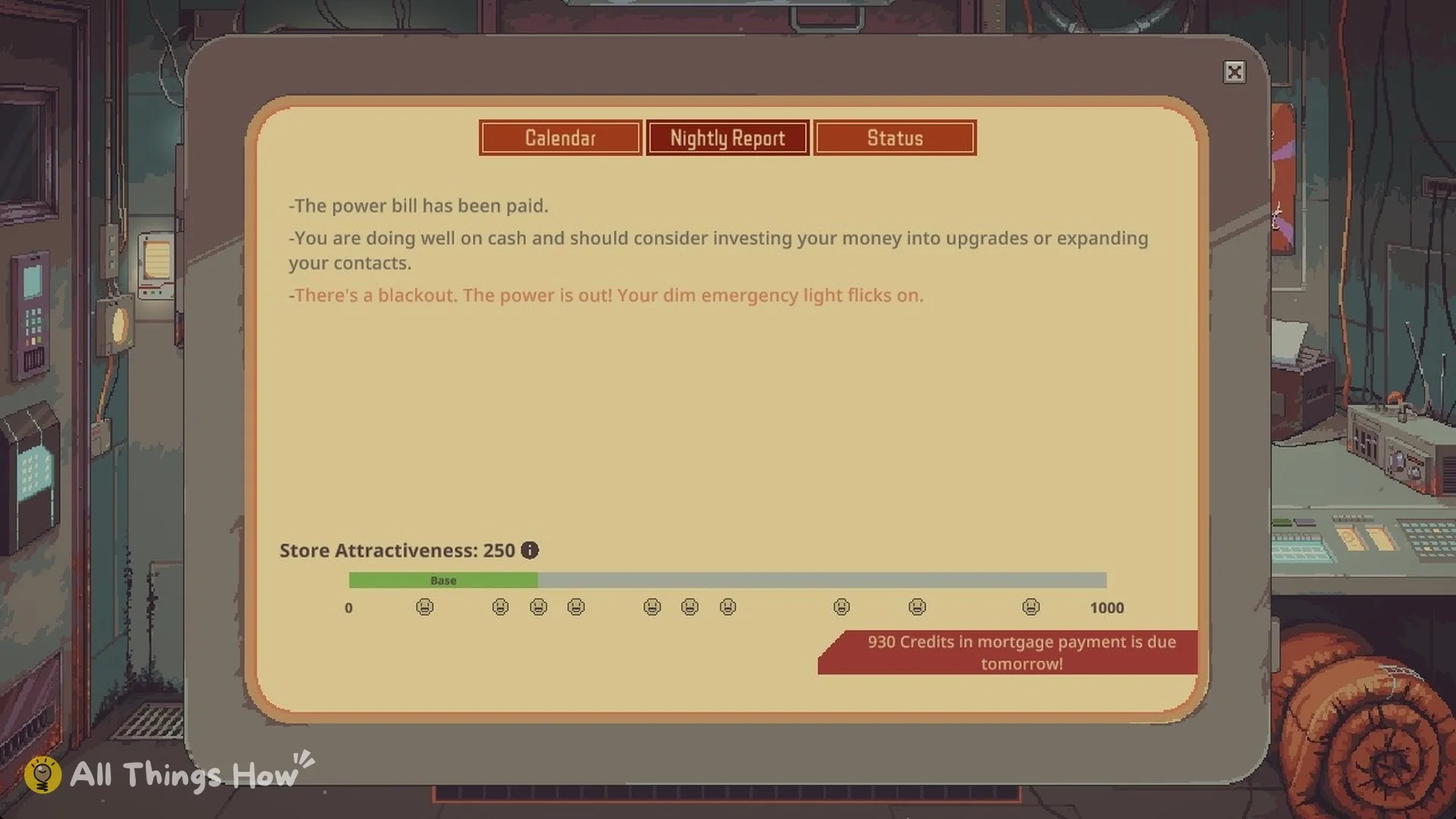
The station-wide blackout raises Energy Cells by 50% and Weapons and Ammunition by 25% each. The morning it starts, the Nightly Report says “-There’s a blackout. The power is out! Your dim emergency light flicks on.” The shop itself looked and traded the same during the blackout; the change is in what people pay.
Lower Levels Riot
The riot pushes Food up 30% and Weapons and Ammunition up 50% each. Food is the station’s most traded good, so a riot is the best time to have a full stock of it.
Martial Law
Selecting the Martial Law bar reveals that prices are unchanged. The news headline is “Martial Law Declared!” and the description says:
“Due to recent events, Martial law has been declared across the Lower Levels. Curfews, checkpoints, and surveillance blanket the district. Revolutionary and Black Market activities are suppressed.”
So Martial Law does not move prices, but it does hold back the Revolution and the Black Market while it lasts.
Vending Machine Core and Makeshift Reactor
You can bypass some effects of the event system in two ways. The Vending Machine Core always sells items at a set marked-up price, whatever events are active. Its tooltip reads: “Vending machine will sell with a markup at a fixed price regardless of active events. Certain types of item are more popular in the vending machine.”

The Makeshift Reactor starting perk keeps your store off the station grid permanently. Blackouts do not affect you, but the reactor needs regular repairs. The perk text reads: “You are permanently disconnected from the station power grid and are not affected by blackouts. Start with an upgradable Makeshift Micro Nuclear Reactor sold to you by Dr. Jackson. It powers the Store but needs regular repairs.”
How to profit from station events
- Check the Calendar every night. Bars appear ahead of time, so you can buy the goods an event will push up before it starts.
- Before a blackout, hold Energy Cells; during it, sell them at +50%.
- Before a riot, stock Food, Weapons and Ammunition; Weapons and Ammunition go up in both events.
- Put event goods on the counter, not in the vending machine: its prices stay fixed whatever events are active.
- When two events overlap, click each bar; every one lists its own modifiers.
After-hours events at the night destinations
The night destinations you visit after closing have their own events, separate from the station Calendar:
| Event | Where | When | Effect |
|---|---|---|---|
| Fresh Dump | Dumping Grounds | Wednesdays | Junk 50% less likely, injuries 25% more likely |
| Georgio’s Assistance | Dumping Grounds | Some nights | No injuries, +5 scavenge attempts |
| Closed | Dr. Jackson | Mondays | “Dr. Jackson seems to be closed on Mondays.” |
| Special Stock | Dr. Jackson | Mondays (with Monday’s Special Stock) | Rarer items in stock, prices 150% higher |
| Discount | Dr. Jackson | Some nights | Prices 10% lower |
| Burglary | Commissary | Some nights | Reduced stock |
| Fresh Restock | Commissary | Fridays | +35% of max stock |
As of version 100-REV1, those three are the night destinations: the Dumping Grounds, the Commissary and Dr. Jackson’s. None of them is a trip off the station. Our Dumping Ground guide covers scavenging there.
Read the vending machine’s full rules in our vending machine guide, every starting perk including Makeshift Reactor in the starting perks guide, and everything else in the complete Probably Stolen guide.