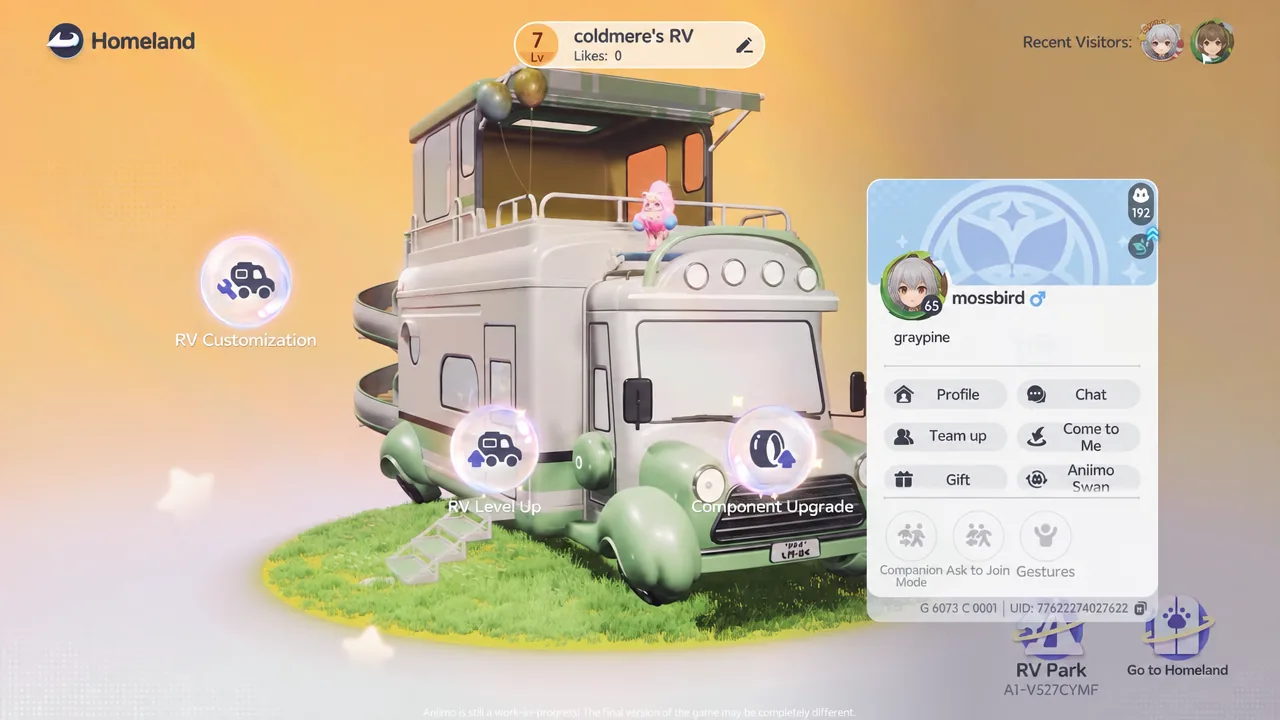
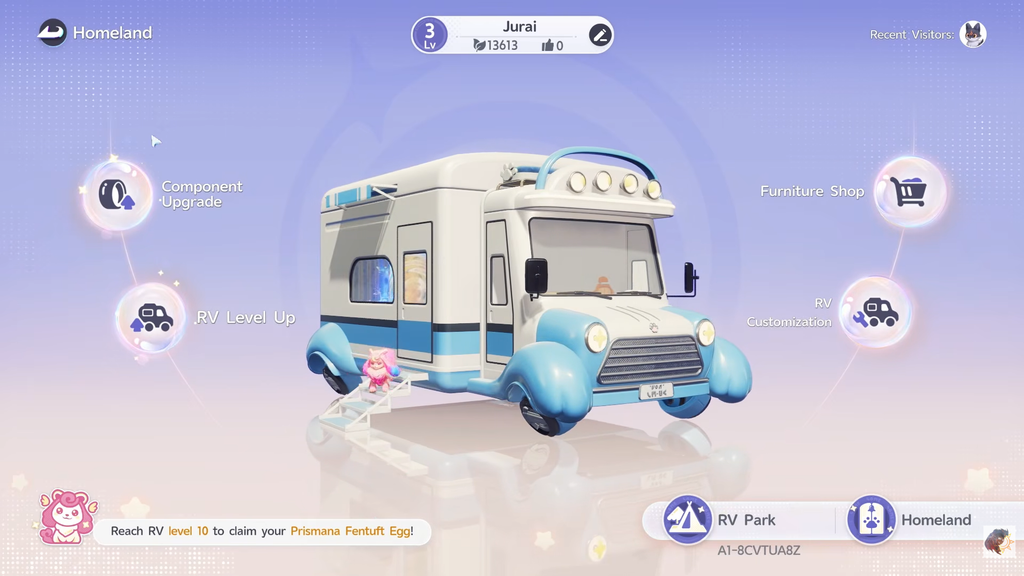
Homeland is Aniimo’s housing and production system, and it turns the creatures you catch into workers who farm, mine, craft, and brew while you explore. The whole thing runs through your RV, which acts as both the entrance to your home and the hub that decides how far everything can grow.
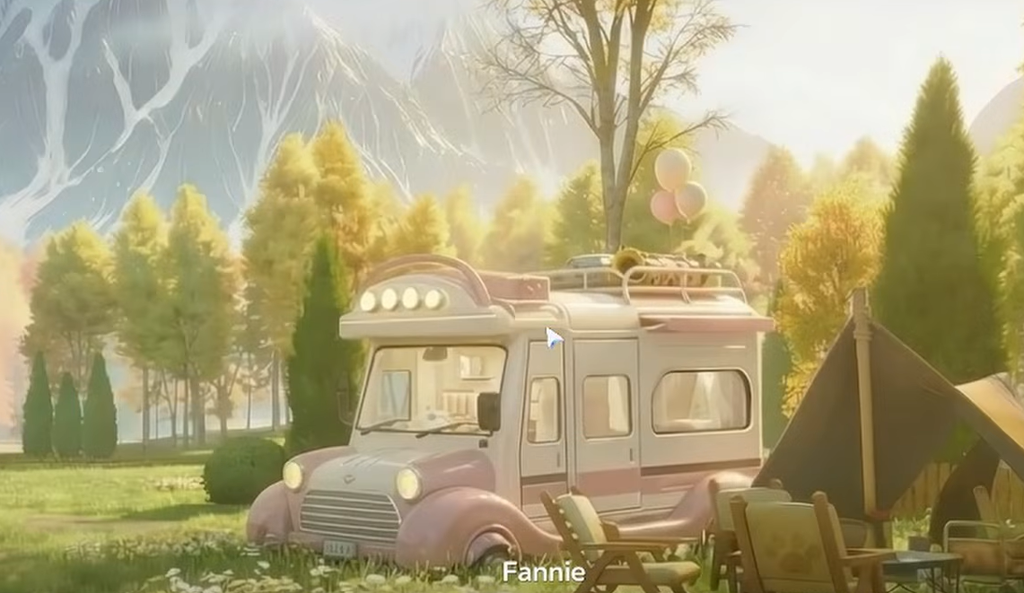
Quick answer: Reach Level 20, then complete the Welcome Home mission (Prologue: The Wondrous RV) to meet Fannie and receive your RV. Register it at the park board and step through the portal inside to enter Homeland.
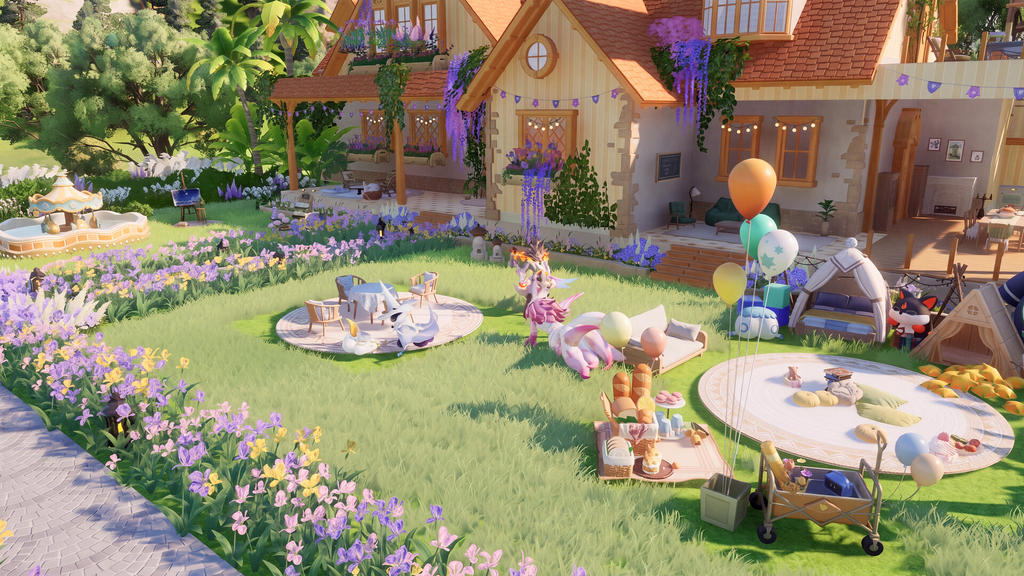
How to unlock Homeland in Aniimo
Homeland opens up after you reach Level 20 and start the introductory quest tied to your RV. From there it is a short, guided sequence.
You will know the unlock is finished when the tutorial loop ends and you can sell your first harvest, usually wheat, at the Home Co-op Store for Home Coins. Those coins are the main Homeland currency, and you spend them to upgrade the RV, buy new plots, and improve production facilities.
What you can do in Homeland
Your home is the area where you place plots, facilities, storage, decorations, and the Aniimo who do the work. Most of these activities exist to produce upgrade materials and to customize your space.
| Feature | What it does |
|---|---|
| Farming | Grow crops and harvest resources |
| Resource Gathering | Produce wood, minerals, and other raw materials |
| Material Processing | Turn gathered resources into processed materials |
| Item Production | Craft items such as Aniipods and growth items |
| Aniimo Management | Assign Aniimo to work at facilities |
| Orders | Complete requests for rewards |
| Storage | Hold crops, seeds, materials, and finished products |
| Furniture | Buy and place furniture and decorations |
| Egg Hatching | Incubate Aniimo Eggs in the Hatchinator |
How Homeland production works
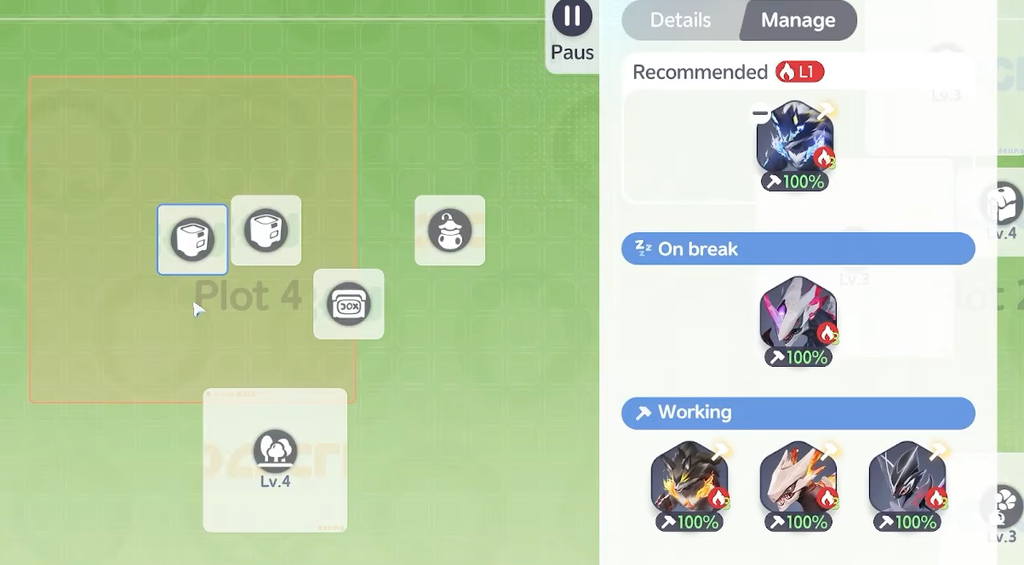
The production loop is simple once you understand the pieces. You place a facility, choose what to make, and then staff it with Aniimo whose jobs match the recipe.

Keep your workers fed. If food runs low, workers become unhappy and stop working, so treat food production as part of your regular routine rather than an afterthought.
Job level and work speed
Work speed depends on the assigned Aniimo’s job level for that facility. A higher level clears the same task much faster, so reorganizing your workforce can sometimes boost output more than building extra facilities.
| Job level | Workload per minute |
|---|---|
| Level 1 | 60 |
| Level 2 | 90 |
| Level 3 | 120 |
| Level 4 | 150 |
A Level 4 worker produces 150 workload per minute, two and a half times the 60 a Level 1 worker manages. That said, coverage comes first. A Level 1 worker filling a required job the facility actually needs is more useful than a Level 4 worker sitting on a job that recipe never uses.
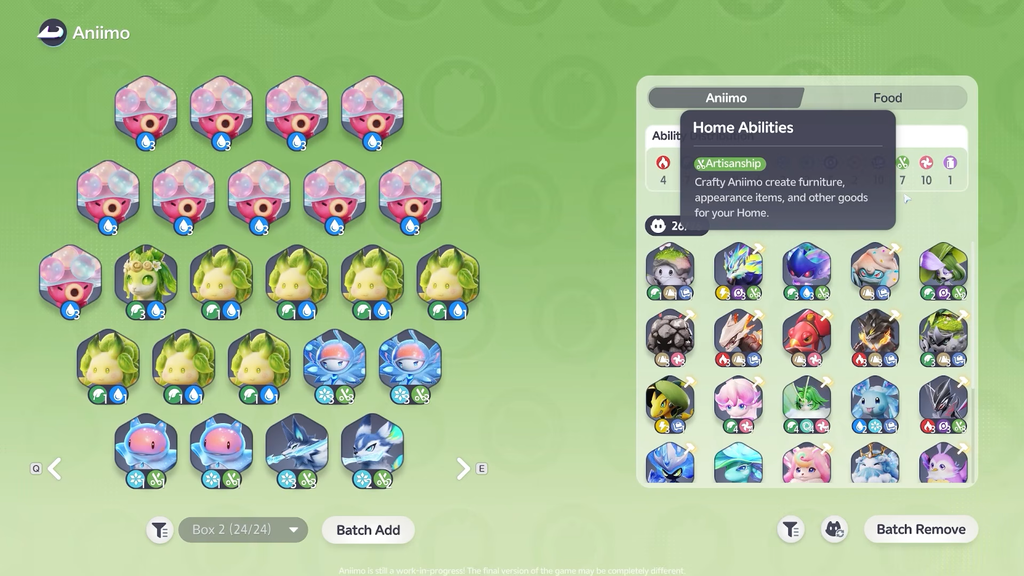
Element roles in Homeland
The nine elements share their names with combat types, but their Homeland roles are separate. An Aniimo’s element decides which production tasks it handles best.
| Element | Homeland role |
|---|---|
 Fire Fire | Cooking, smelting, and supplying heat |
 Grass Grass | Planting seeds and gathering resources |
 Water Water | Brewing, fetching water, and watering plants |
| Earth | Reclaiming land and mining resources |
| Lightning | Manipulating electricity |
 Ice Ice | Cooling your Homeland |
 Wind Wind | Controlling wind to process products |
 Dark Dark | Harvesting crops, cutting plants, and drying items |
| Light | Illuminating your Homeland |
No single worker covers every task well, so keeping a spread of elements becomes more useful as your home grows.
Facility jobs
On top of an element, each Aniimo has one of four facility jobs that set what it does around your home.
| Job | What it handles |
|---|---|
| Carry | Moves stockpiled produce from facilities to Home Storage |
| Artisanship | Creates furniture, appearance items, and other Home goods |
| Leisure | Produces items through recreational activities |
| Perfumery | Works effectively at the perfume bench |
Check each creature’s Ability Distribution before assigning it. Matching the right element, job, and job level to a facility raises how efficiently your whole network runs.
An Aniimo assigned to a Homeland facility cannot be used in combat at the same time. If you want the same species working and fighting, catch a second copy. You can also stack multiple copies as workers when you need extra coverage for one job.
Leveling up your RV
Homeland progression is tied directly to your RV level. Each upgrade has its own objectives and material costs, and clearing them unlocks more before you can advance again.
To reach RV Level 2, you need to finish The Wondrous RV quest and place four farmland plots in your home. Requirements shift at later levels, steadily pushing you to expand farming, develop production, and complete new objectives.
Every RV upgrade widens your home in several ways at once. Higher levels raise the number of farm plots and worker slots, unlock additional facility features, and improve production quality. Because of that, upgrading the RV whenever you meet the requirements is the clearest way to turn your small starting farm into a full production base.