Some of the money Jason earns in GTA 6 doesn’t go straight into his pocket. Payouts from completed jobs pile up in a mailbox outside his house in the Keys, and they stay there until you walk over and grab them.
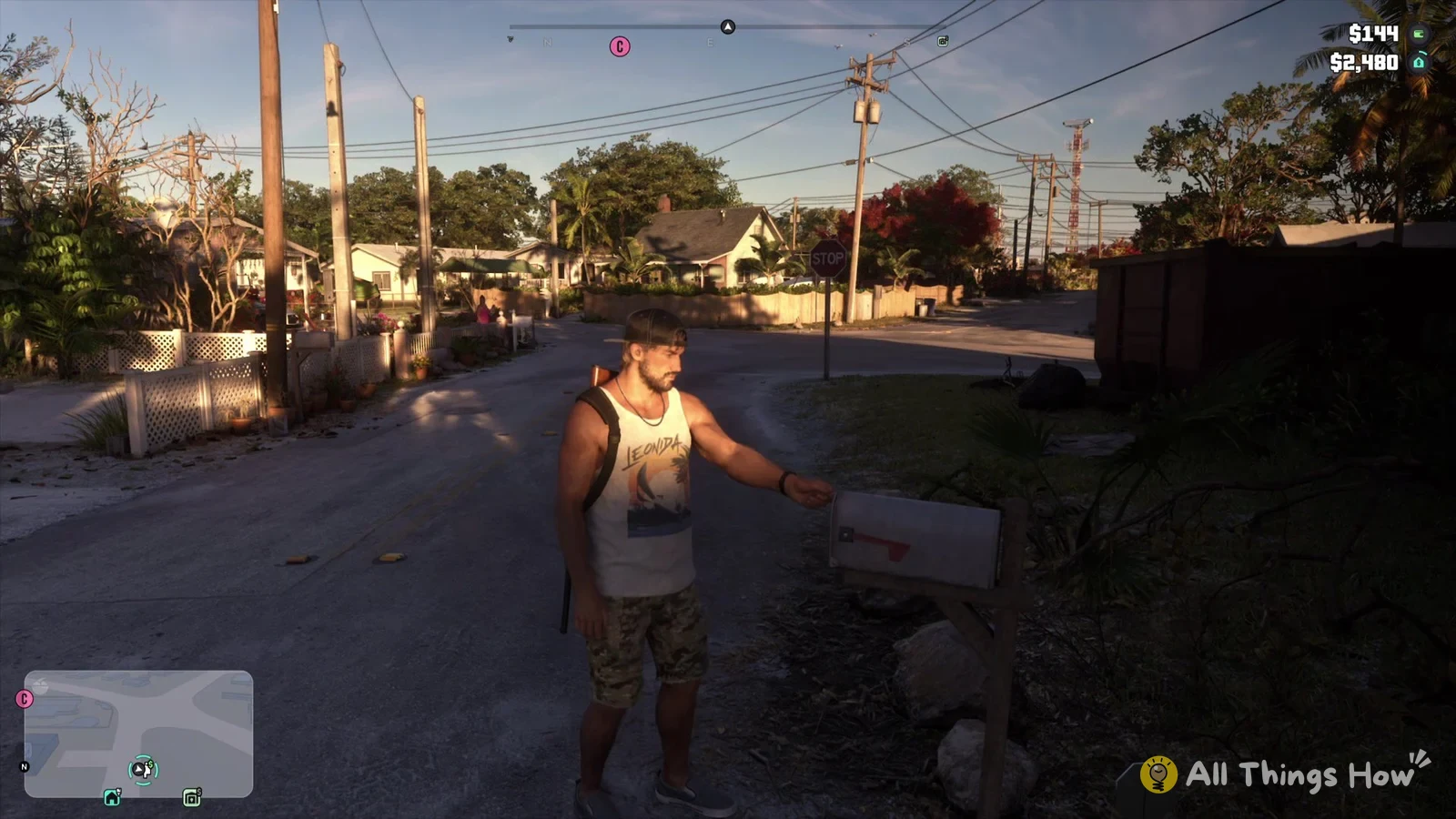
Quick answer: Go to the corner of Jason’s lot by the street, walk up to the mailbox, and press Triangle on COLLECT. The cash goes straight into the money Jason carries.
Where Jason’s mailbox is
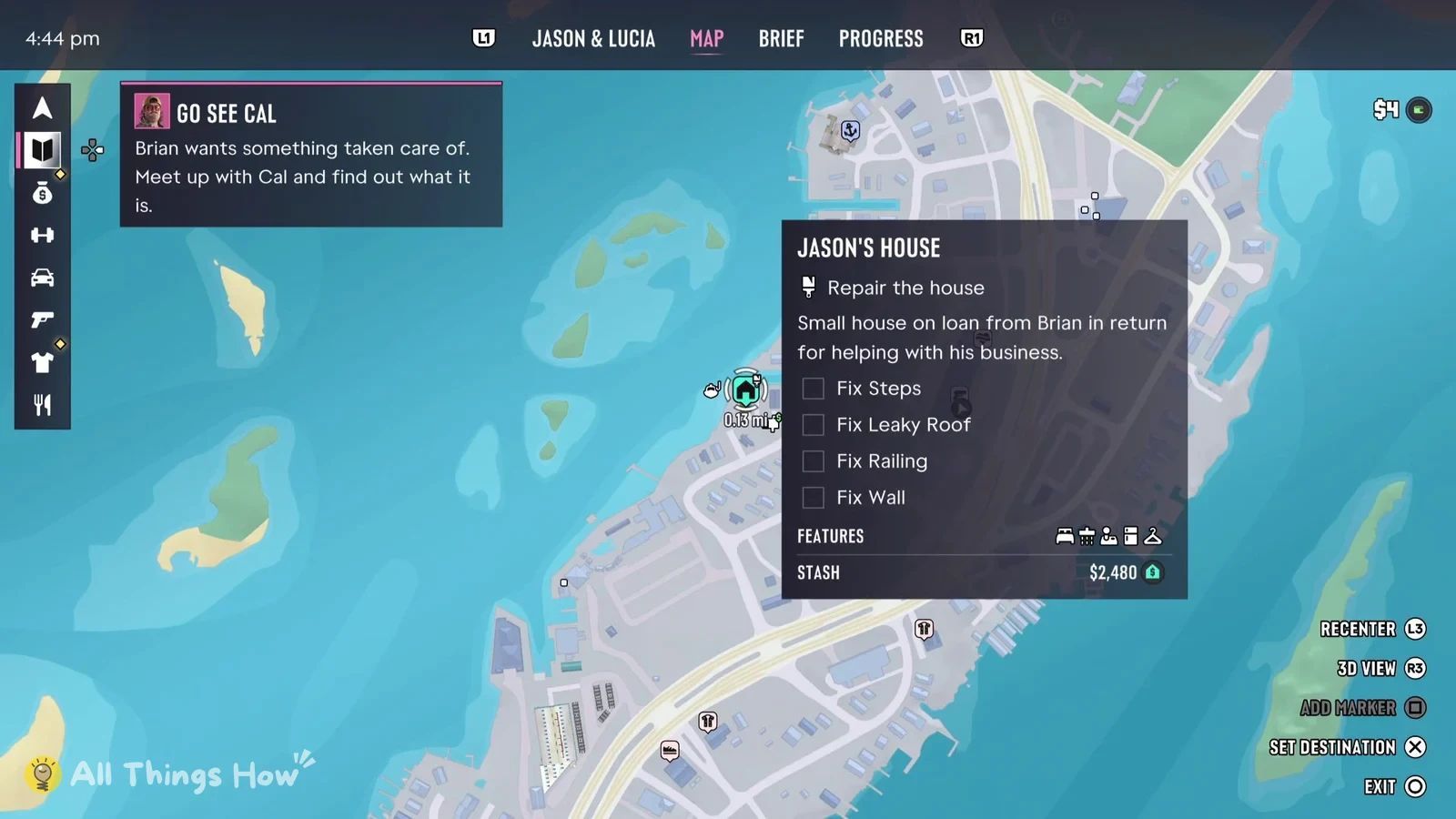
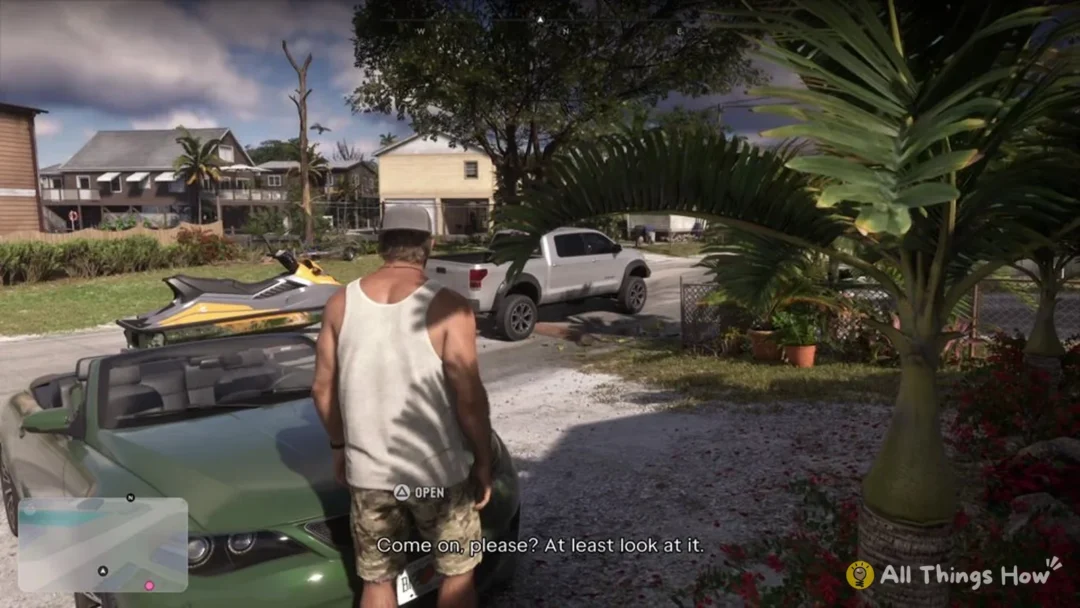
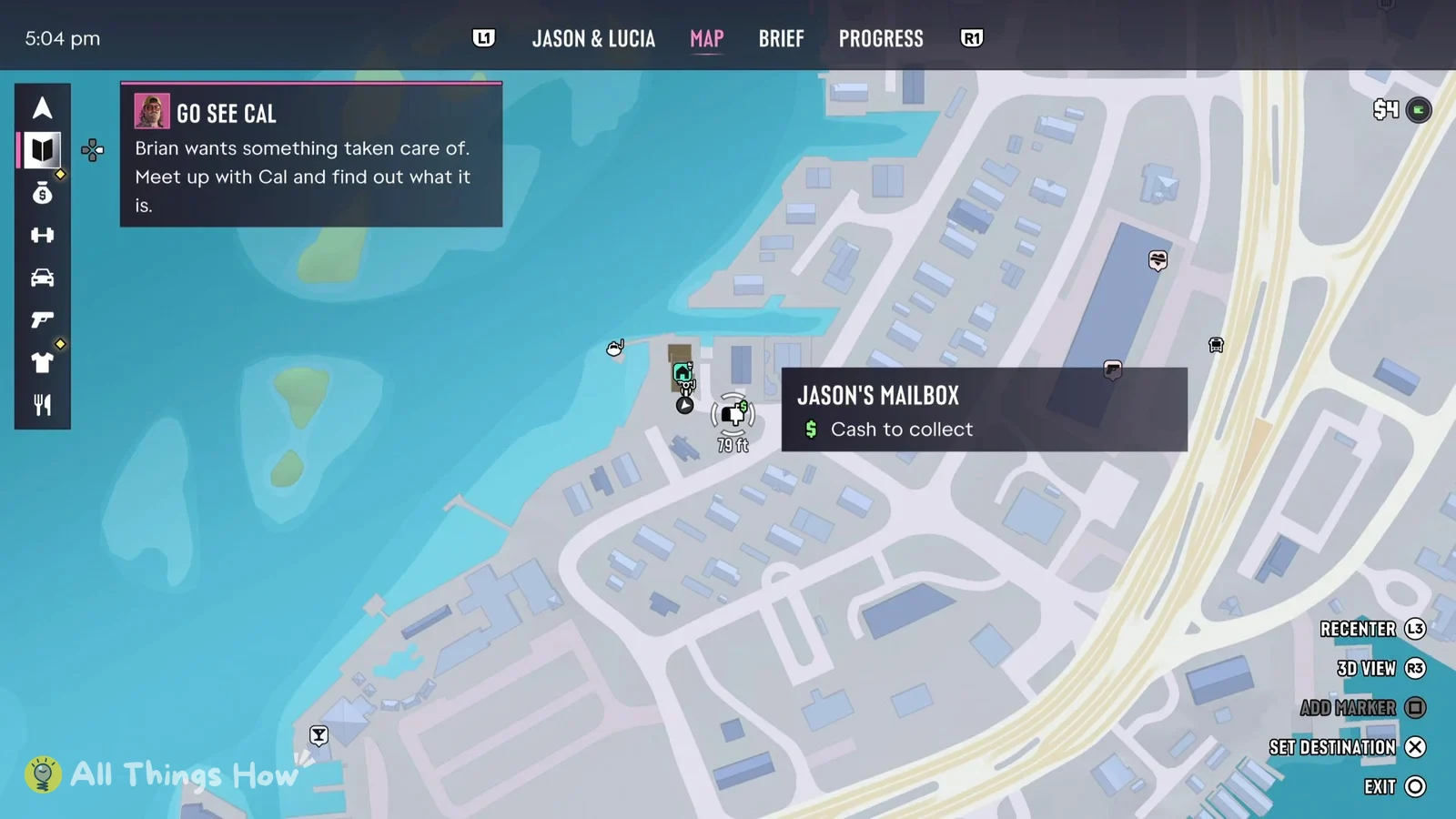
A few steps from Jason’s front door, a metal mailbox stands by the driveway at the roadside. Both maps mark it, so you can see if cash is waiting before you go home.
- Pause map: Jason’s teal house marker has the mailbox icon right beside it, with a green $ on the mailbox.
- Map card: selecting the icon shows “JASON’S MAILBOX – $ Cash to collect”.
- Minimap: the mailbox icon shows up next to the house icon once you’re close.
How to collect cash from the mailbox
Walk up to the mailbox at Jason’s house. On PS5 with the default controls, it works like this.
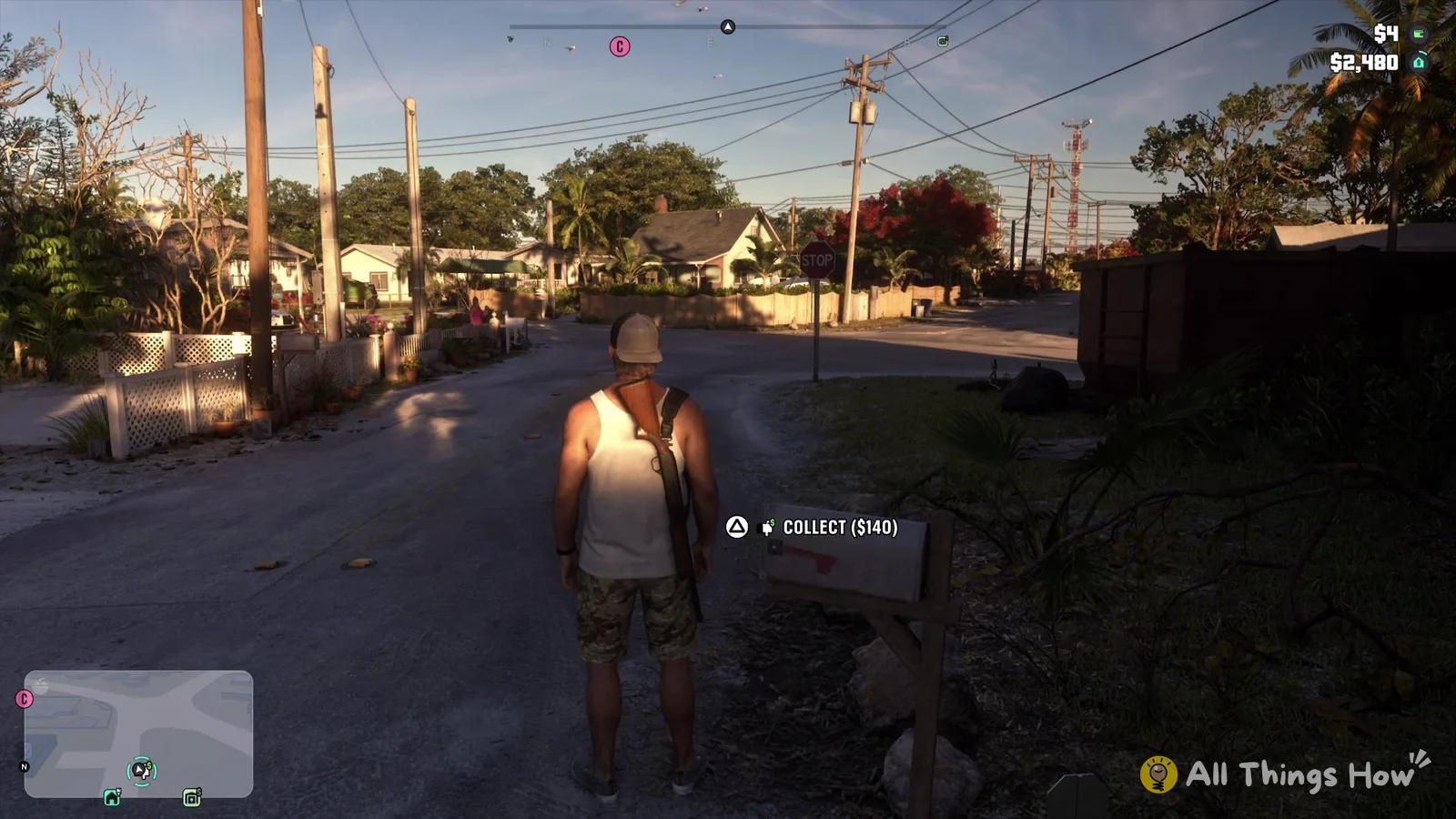
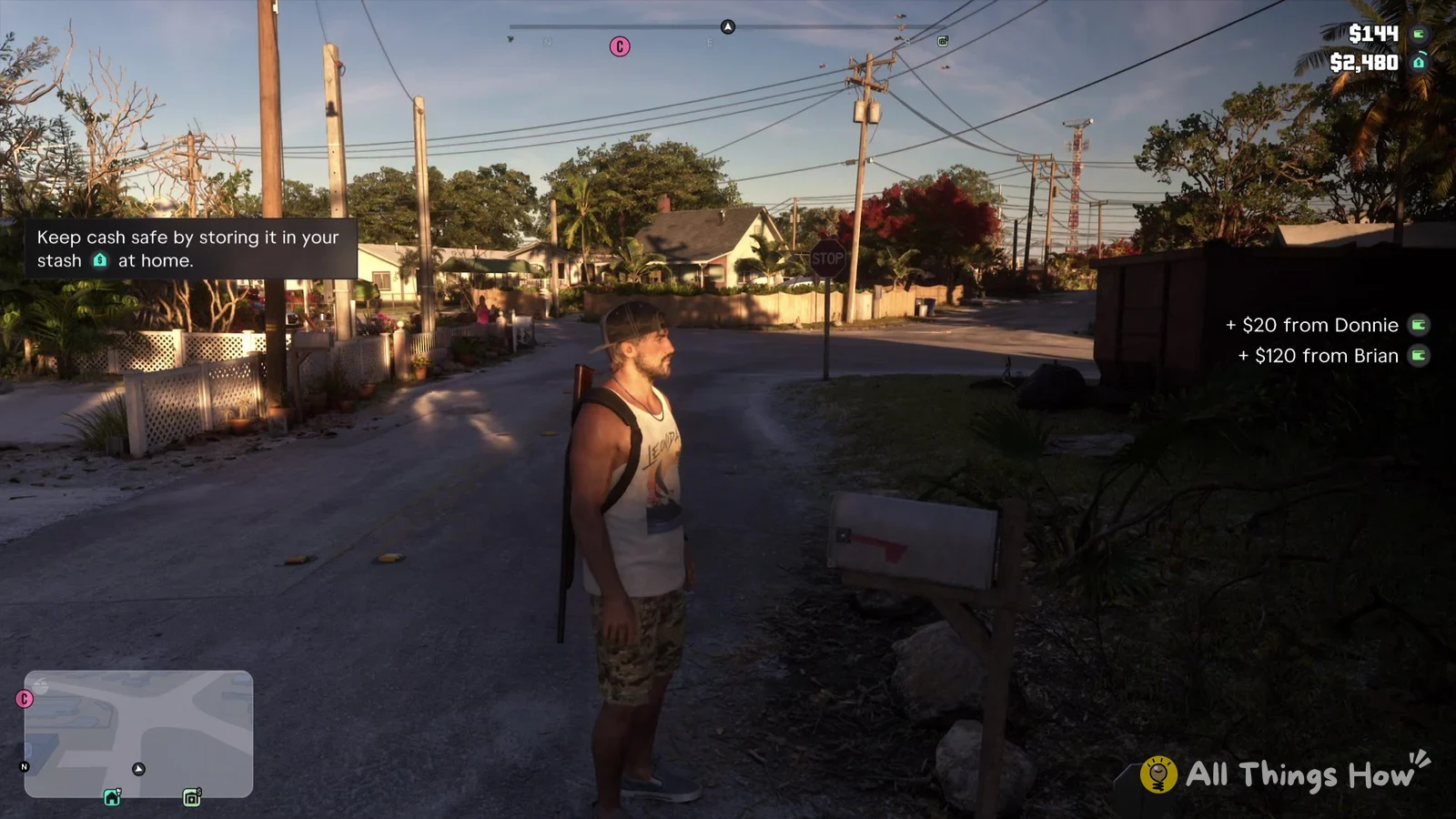
The stash line under the cash, the one with the house icon, doesn’t move. It stays at $2,480, because mailbox money is added to the cash Jason carries and not to his stash.
Where the mailbox money comes from
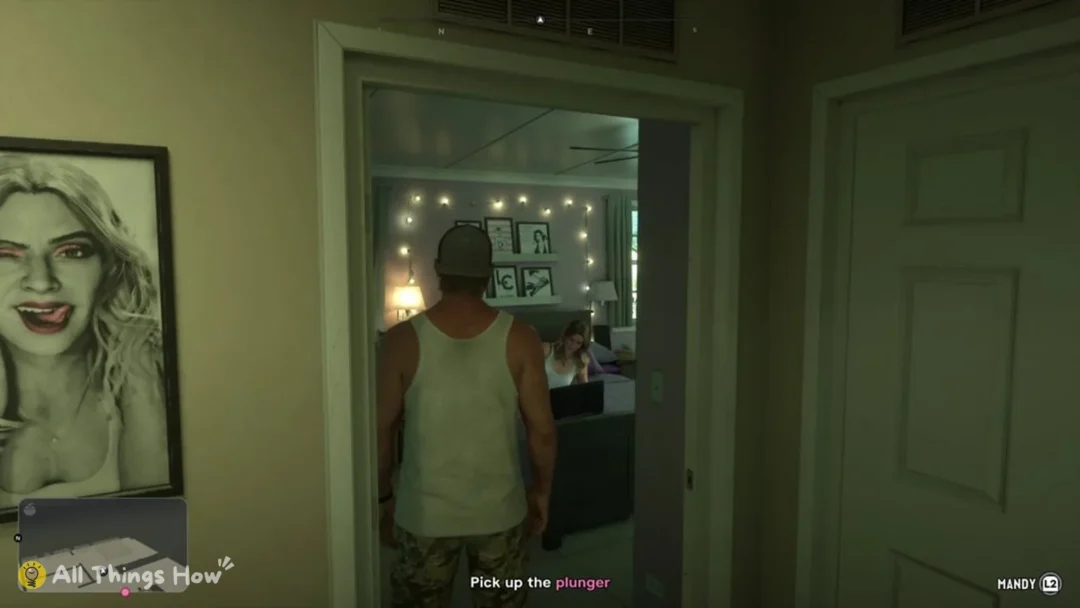
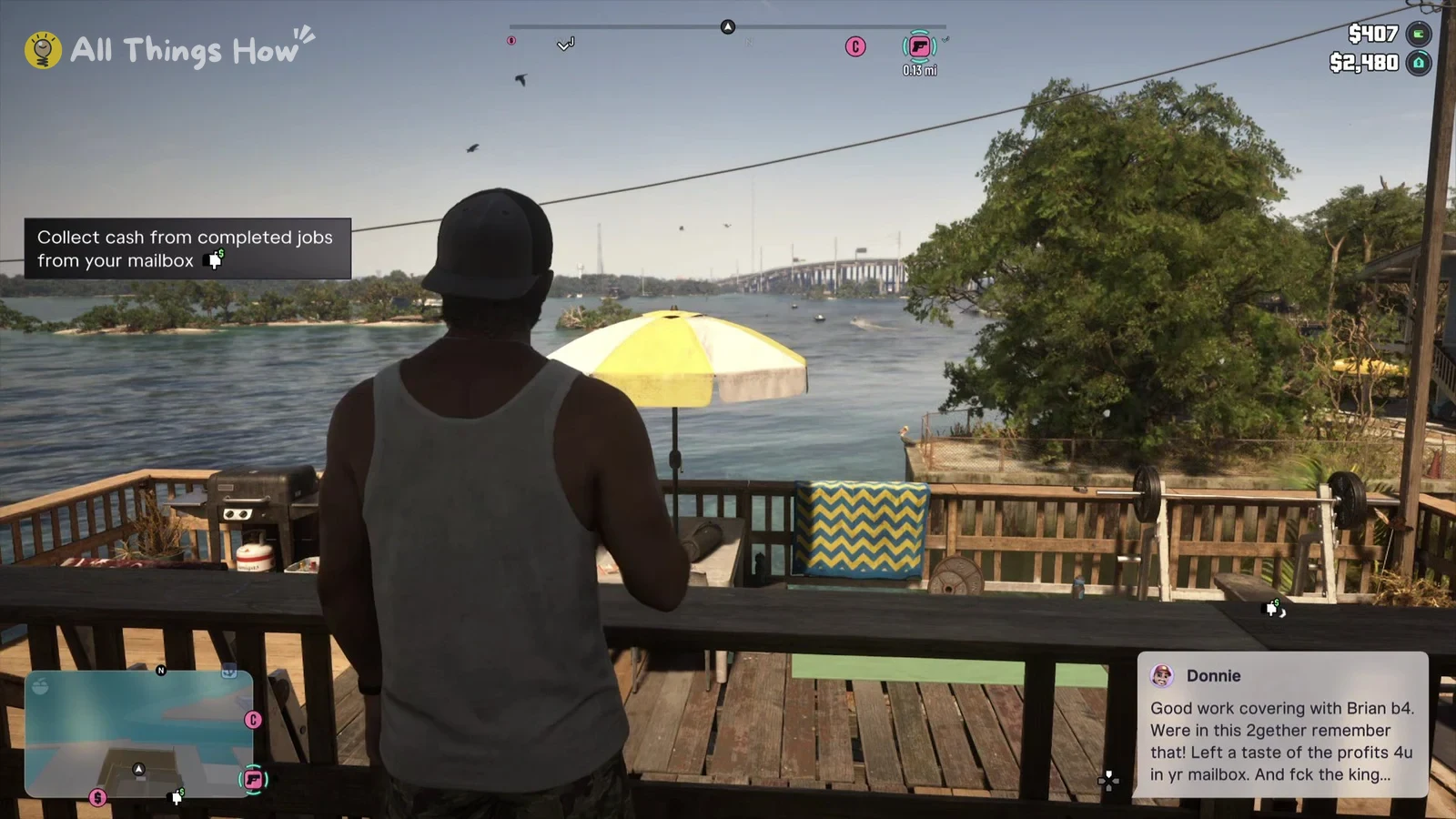
A tip on Jason’s deck spells it out: “Collect cash from completed jobs from your mailbox”. The $20 from Donnie shows up after Donnie texts to say he’s left Jason’s cut of the profits in the mailbox. The $120 from Brian comes after the mission “Pipework”, where Mandy sends her rent to Brian.
Move it to the stash
Right after you collect, a help box shows up that reads “Keep cash safe by storing it in your stash at home.” Since the mailbox payout ends up in Jason’s pocket, the stash inside the same house is the place to put it. You can check the stash total without going inside, too. The JASON’S HOUSE card on the pause map shows “STASH $2,480” next to the house icon.