Lamb Coins are the main currency in Animal Daycare, and they sit in the bottom-left corner of your screen next to a small lamb icon. You spend them in the Classes Shop to unlock roles with better stats and passive perks. There are two ways to build up a balance: earn them by surviving shifts, or buy them with Robux.
Quick answer: Queue into a shift on the matchmaking pads and survive to the end for roughly 5 Lamb Coins per shift, or buy bundles with Robux in the Shop menu.
Earn Lamb Coins for free by surviving shifts
The no-cost route runs entirely through gameplay. You join a match, complete a shift, and the game pays out coins when it ends. Each survived shift is worth about 5 Lamb Coins, so reaching a 50-coin target takes roughly ten completed shifts.
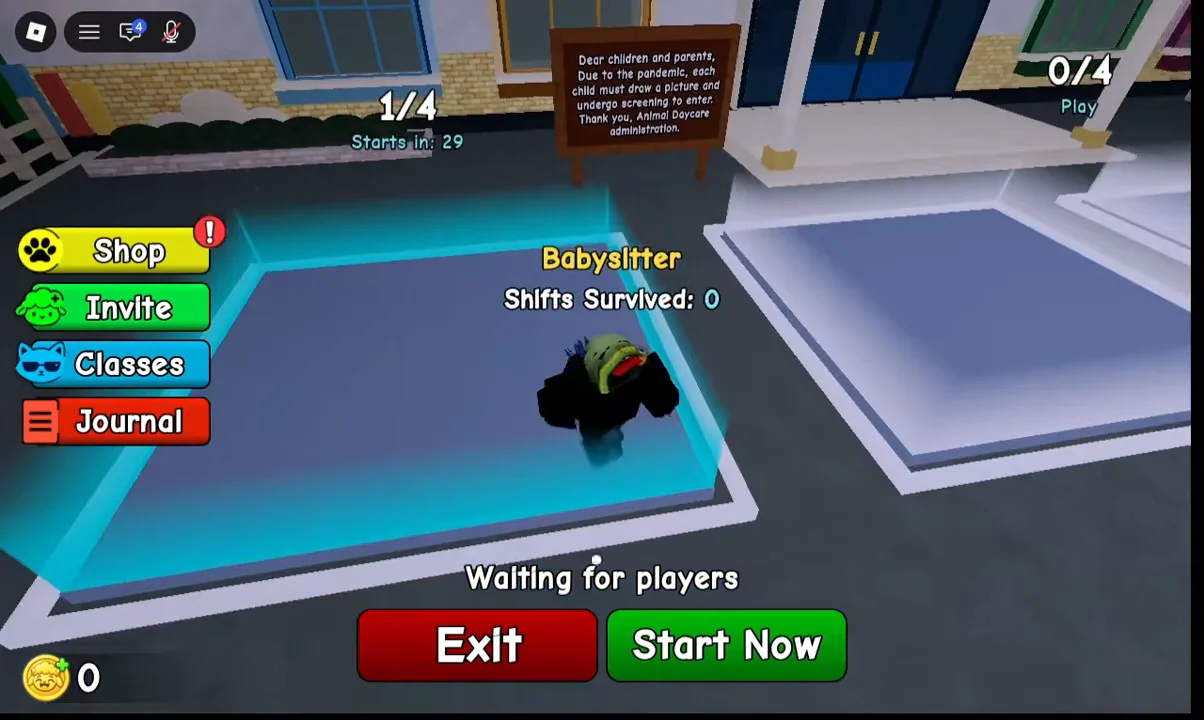
Your overhead nameplate tracks a “Shifts Survived” count, which is a quick way to confirm each successful run is registering.
Buy Lamb Coins with Robux in the Shop
If you want coins instantly, open the Shop from the button on the left side of the HUD. It sells straight Lamb Coin bundles plus a Starter Pack, and the larger bundles come with a percentage discount off their base Robux price.
| Offer | Contents | Price (RBX) |
|---|---|---|
| Starter Pack | Chief Class, 75 Lamb Coins, 1 Revive | 59 |
| Great Start | 50 Lamb Coins | 49 |
| 13% off | 175 Lamb Coins | 149 (was 172) |
| 25% off | 550 Lamb Coins | 399 (was 539) |
| 38% off | 2,500 Lamb Coins | 1,499 (was 2,450) |
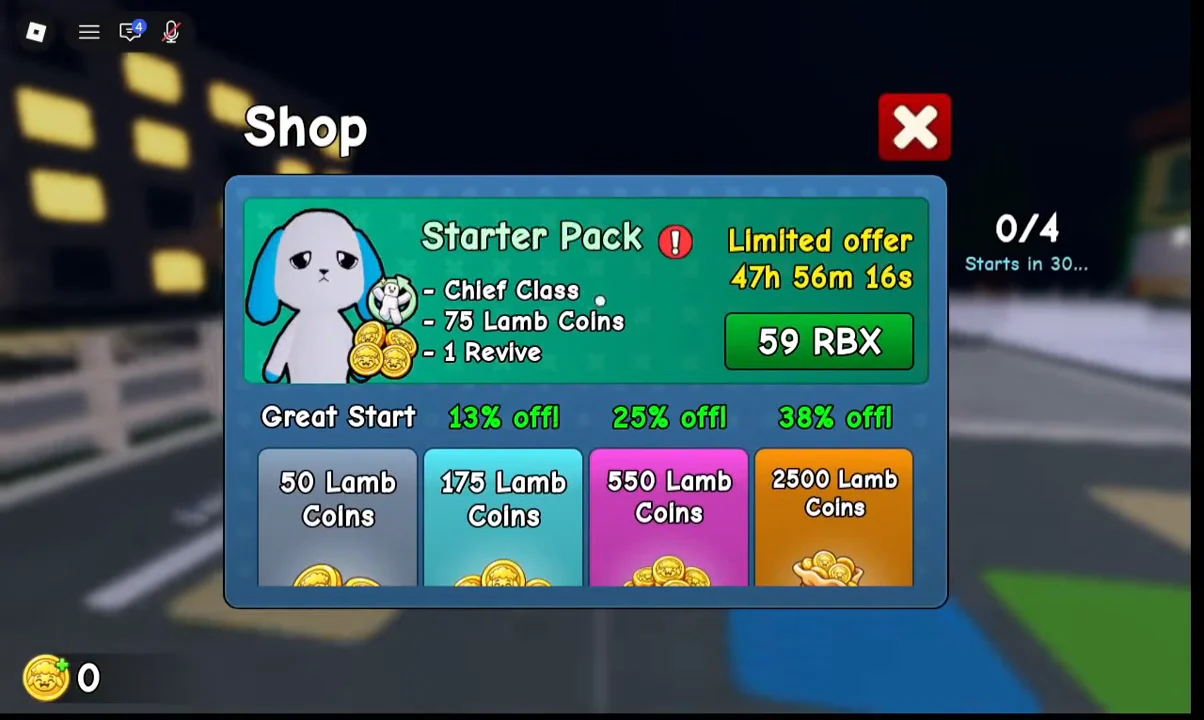
The Starter Pack is a limited offer that runs on a countdown timer, so it will not stay available indefinitely. You can open the game directly from its official Roblox listing.
Spend Lamb Coins on classes
Lamb Coins are spent in the Classes Shop, reached through the Classes button on the HUD or the “E Open Classes” trigger in the lobby. Each class carries its own base stats for Calm, Speed, and Start Money, plus a passive bonus. Babysitter is the default starting role, while the coin-gated classes are shown below.
| Class | Cost | Bonus |
|---|---|---|
| Chief | 50 Lamb Coins | +15 calm on first dish |
| Trader | 700 Lamb Coins | -20% all prices, +1 item slot |
| Security | 1,500 Lamb Coins | Ghosts shown on cameras |
Chief is the cheapest unlock at 50 coins, which is why it is bundled into the Starter Pack. It suits players who want an early calm boost without a long grind. Trader is a bigger investment aimed at cutting costs and carrying more, and Security is the priciest of the three, trading a low starting budget for camera visibility of ghosts.
Confirm your coins were added
After a purchase or a completed shift, check the coin counter in the bottom-left corner of the HUD. It should climb from its previous value by the amount you bought or earned. Once you have enough, the class you want in the Classes Shop switches from a locked cost to a purchasable option, and buying it marks the role as Equipped when you select it.