The Medal Event Quest in Anime Astral Simulator hands out a limited reward bundle for connecting your account to Medal and sharing a short gameplay clip. It runs across three separate tasks, and all of them have to register before the game lets you claim the prizes.
Quick answer: Install the Medal desktop app, link your Roblox account under Connected Accounts, play Anime Astral for 15 minutes, press F8 to record a clip, post that clip to your Medal profile, then leave and rejoin the game to claim the Broke pet, Medal Emblem title, and 1,000 F2P Tickets.
What the Medal Quest gives you
The quest is a single event with one combined reward set. Finishing every task unlocks the same payout, so there is no partial credit for completing only one or two steps.
| Reward | Type |
|---|---|
| Broke | Pet |
| Medal Emblem | Title |
| F2P Ticket x1K | 1,000 summon tickets |
You can find the event at the Medal Quest board inside the game hub, near the quest-giving characters. The board lists the three requirements you need to clear.
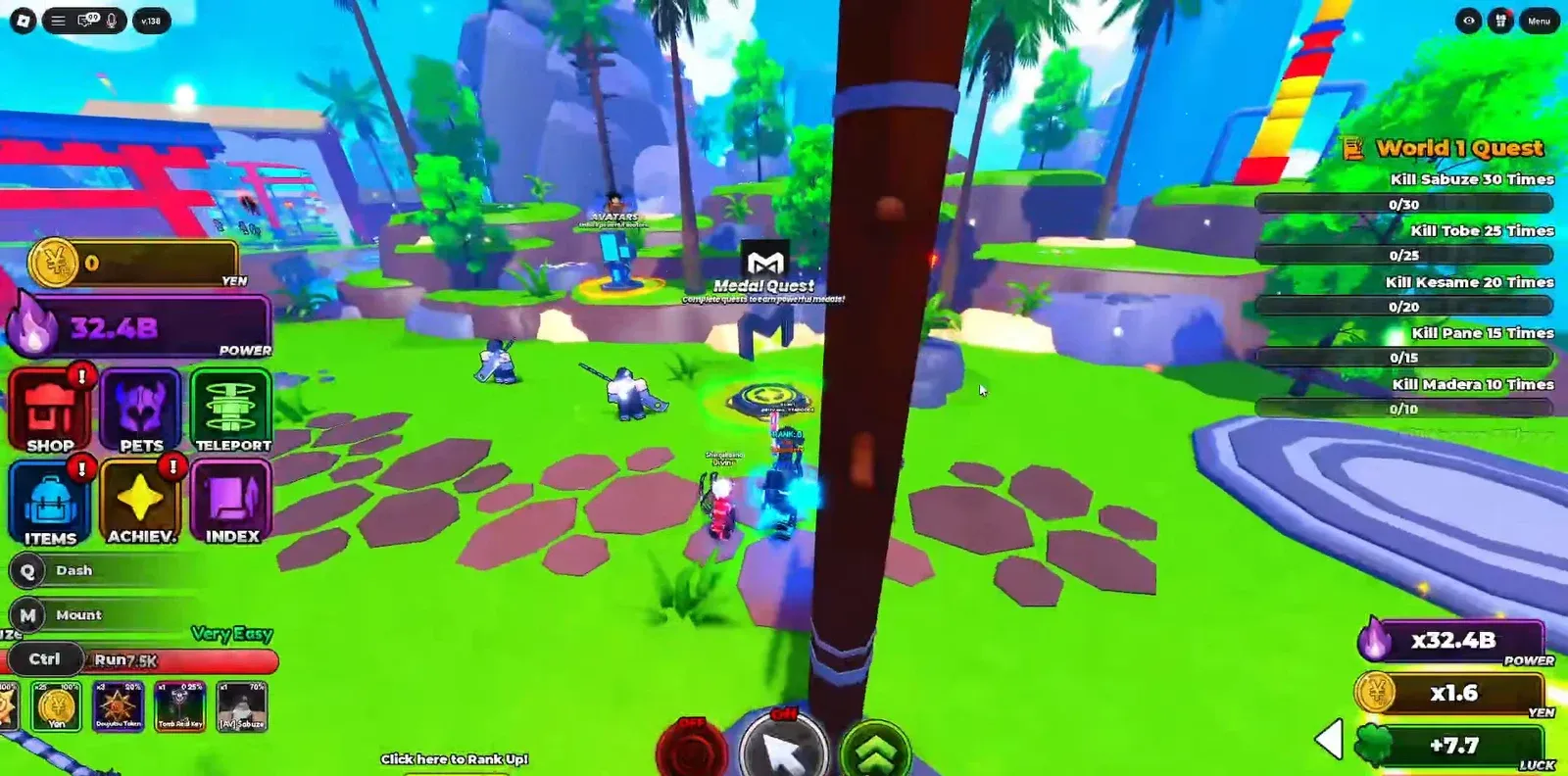
The three tasks you must clear
| Task | What it asks |
|---|---|
| Connect Account to Medal | Link your Roblox account to a Medal account |
| Post a clip | Publish a clip of Anime Astral on Medal |
| Play time | Play the game for 15 minutes |
How to complete the Medal Quest
F8 key to record a gameplay clip with Medal. This captures the footage you will post.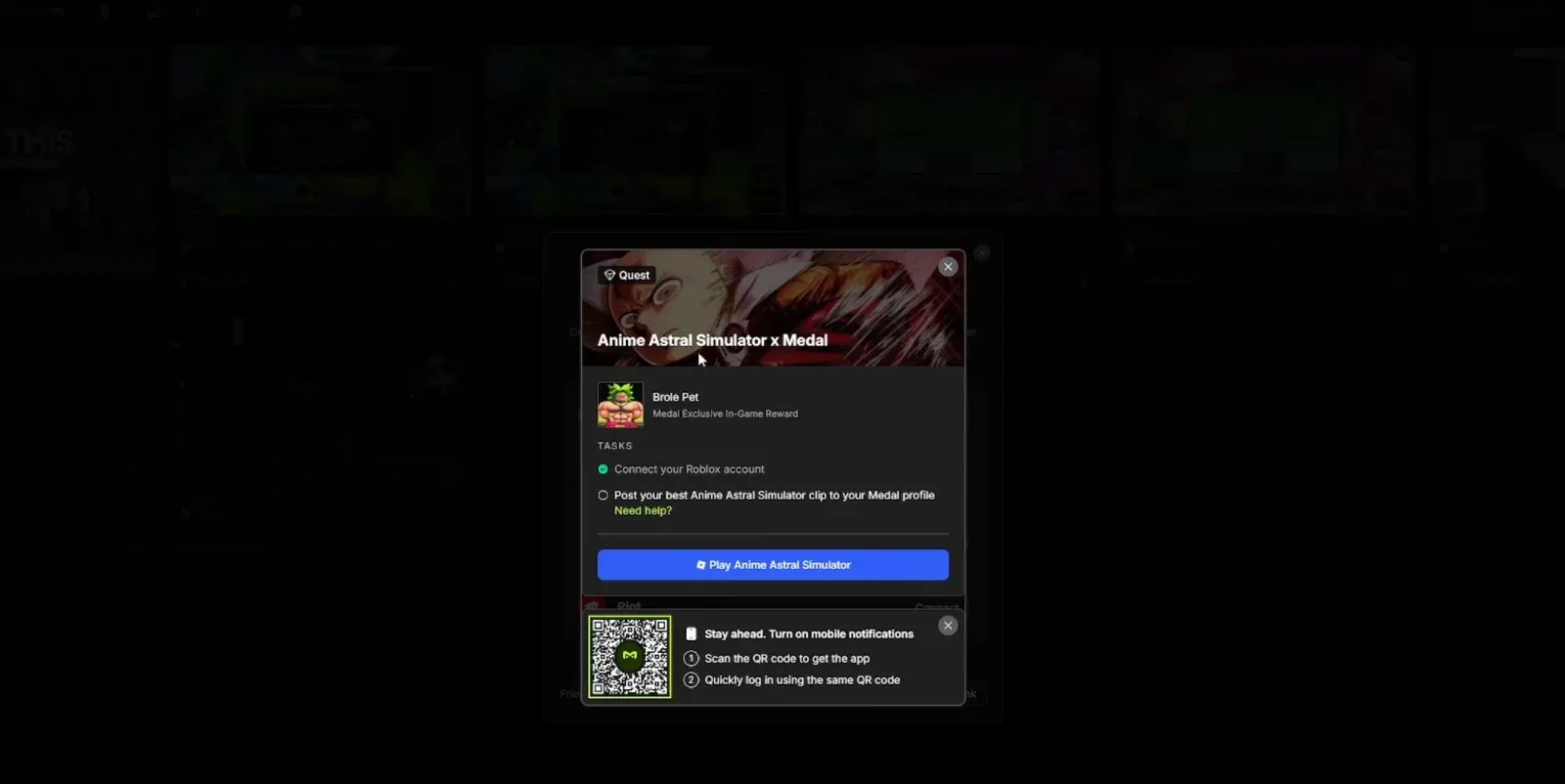
How to confirm the quest worked
After rejoining, the Medal Quest board should mark all three tasks as complete, and the Broke pet, Medal Emblem title, and 1,000 F2P Tickets land in your inventory. The clip should also appear on your Medal profile as confirmation that the upload posted.
If the quest still shows an incomplete task, the most common reasons are a clip that never finished uploading, a Roblox account that is not actually linked under Connected Accounts, or fewer than 15 minutes of recorded play time. Fix the missing task, then leave and rejoin once more to force the progress to update.
Because this is a limited event, treat the 1,000 F2P Tickets like any other ticket haul and save them for a real summon session rather than spending them right away. That keeps the reward working toward stronger pulls instead of one-off upgrades.