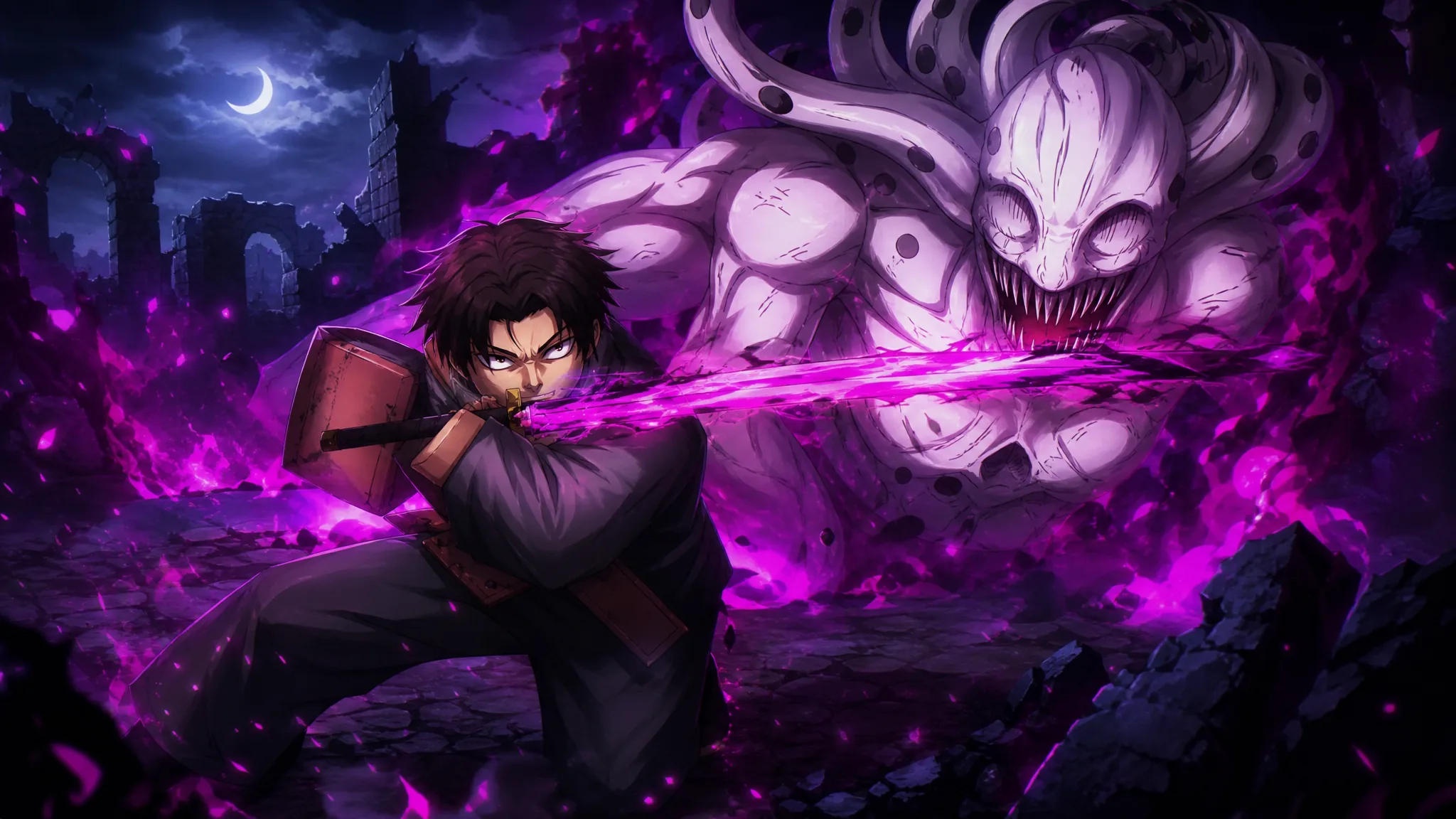
Guess That Unit is a daily minigame added to Anime Expeditions in the Warrior Saga update. You are shown a blacked-out silhouette of a summonable unit and have to pick its name before the timer runs out. Correct guesses hand you Event Coins, which you spend in the Event Shop on progression materials. The event stays in rotation until Update 2.
Quick answer: To clear a round, match the silhouette to the correct unit name. The confirmed answers so far are Vegetable, Carrot, Scissor, Elf Mage (and its Shiny), Crimson (Brother), Bounty Hunter, Curly Brow, Bioinsect, Shadow (Divine), Hollow, Demon Cyborg, Crow, Flame Emperor (Reincarnate), Puppet Telekinetic, 8th Sword, Lady Giant (Envy), and Cursed Student.
All confirmed Guess That Unit answers
The silhouette pool draws from the full in-game roster, including Shiny variants and skins. If you have summoned a unit before, its outline is much easier to recognize. These are the answers you may be asked to identify:
- Vegetable
- Carrot
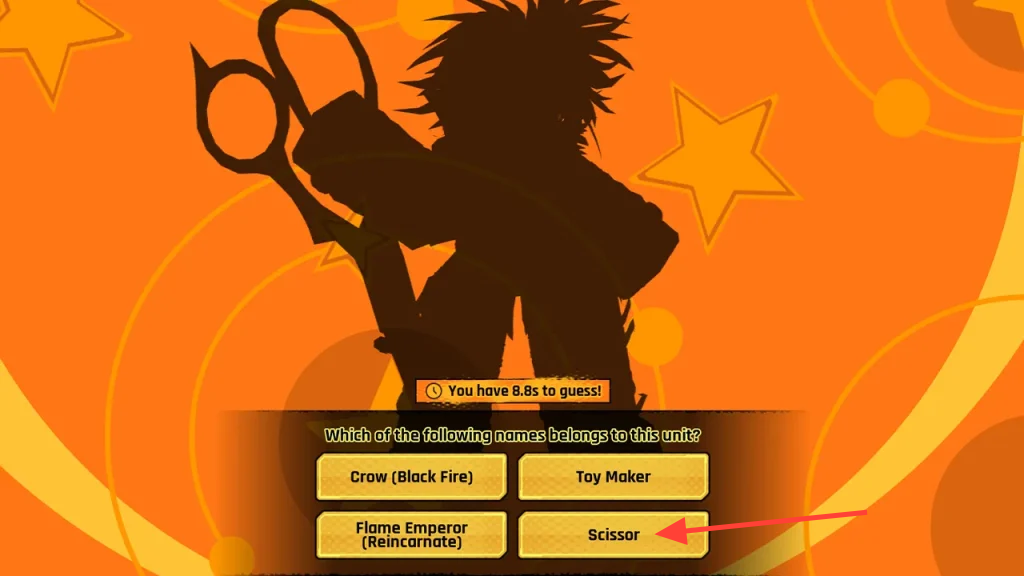
- Scissor
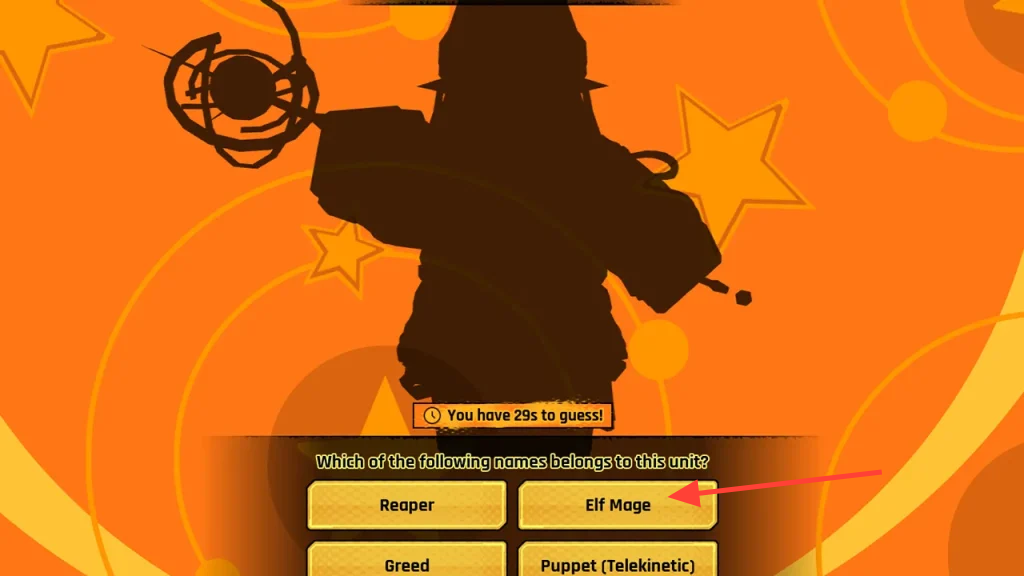
- Elf Mage (base and Shiny)
- Crimson (Brother)
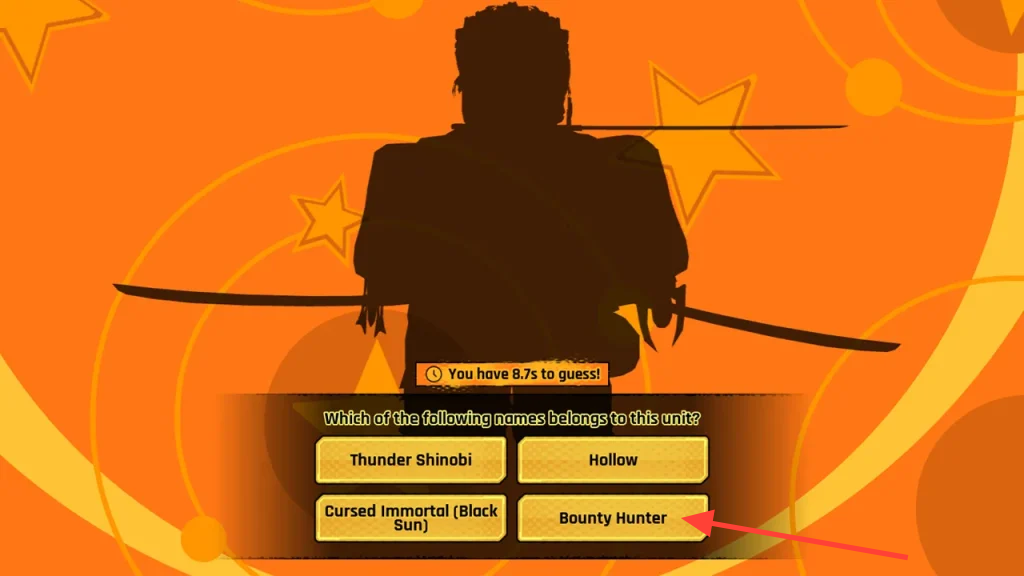
- Bounty Hunter
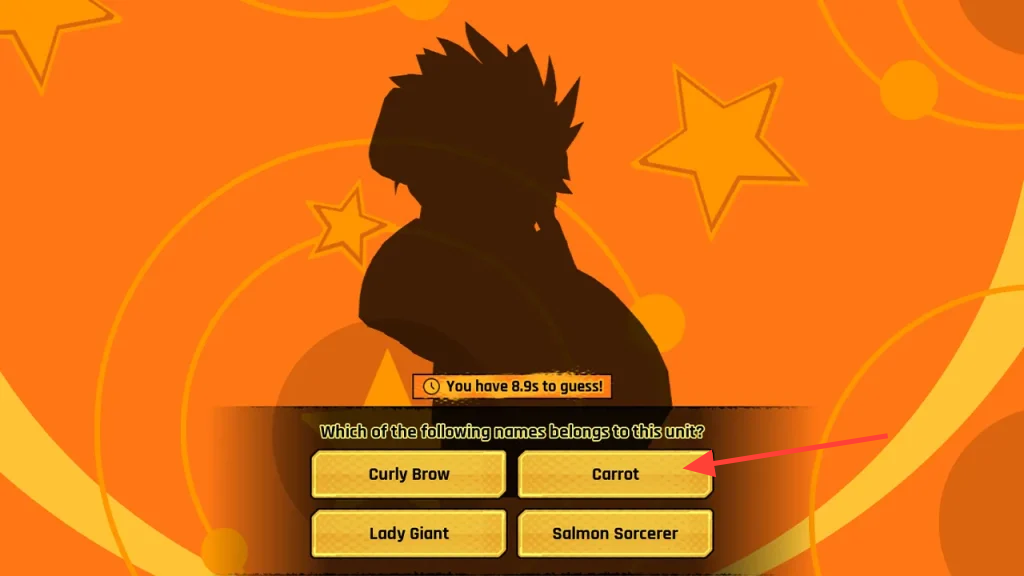
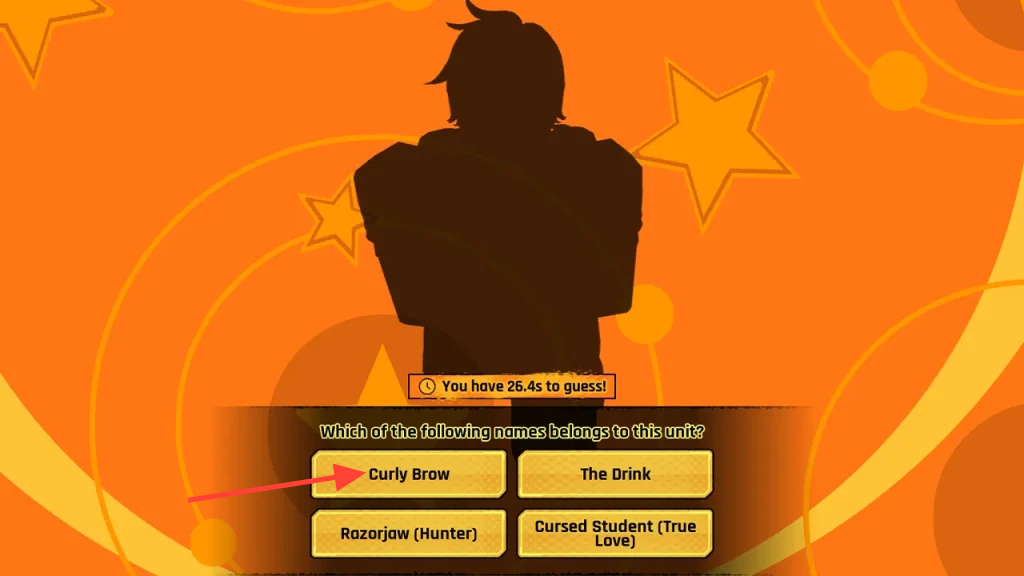
- Curly Brow
- Bioinsect
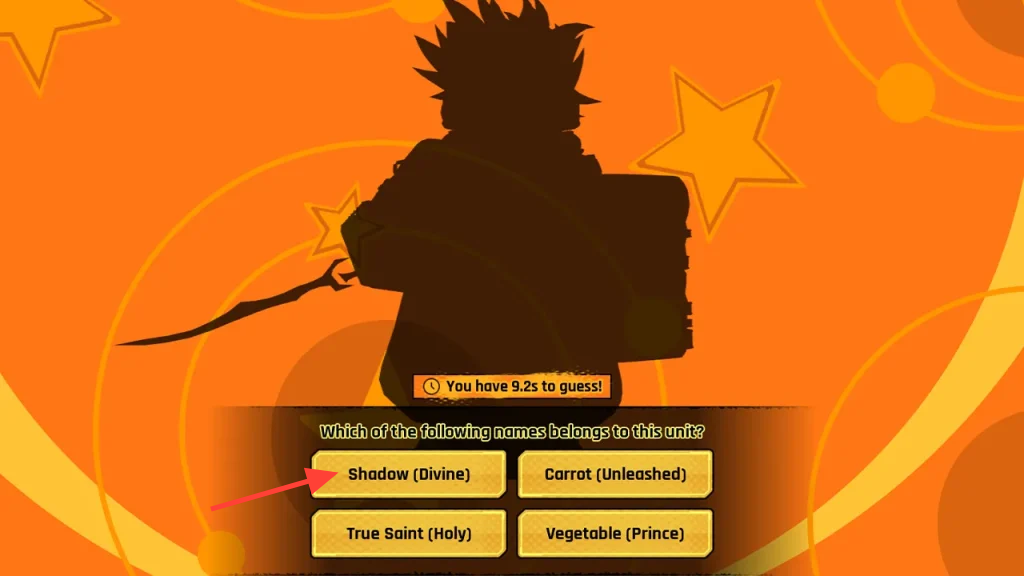
- Shadow (Divine)
- Hollow
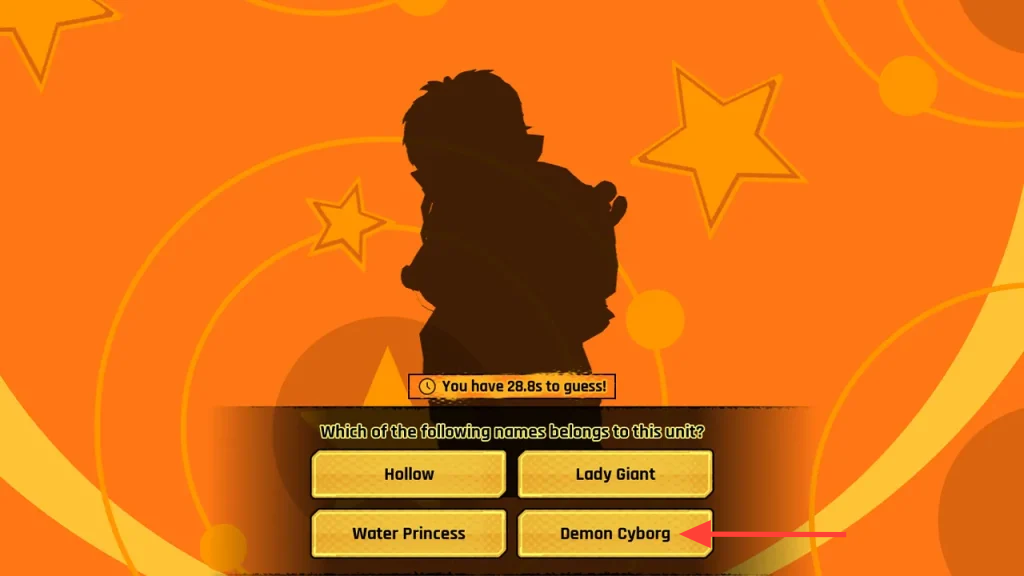
- Demon Cyborg
- Crow
- Flame Emperor (Reincarnate)
- Puppet Telekinetic
- 8th Sword
- Lady Giant (Envy)
- Cursed Student
New silhouettes keep getting cycled in, so the pool can grow as more units are added to the game.
Silhouette answers to watch for
Several outlines look close enough that players tap the wrong button under time pressure. Here are the correct selections for the trickier ones.
Carrot: pick the “Carrot” answer button when the spiky-haired warrior outline appears.
Scissor: the answer is “Scissor” for the slim, sharp-edged silhouette.
Elf Mage: choose “Elf Mage” for the caped caster. The same unit can also appear as its Shiny version, and the answer stays the same.
Bounty Hunter: select “Bounty Hunter” for the armored, rounded-helmet outline.
Curly Brow: the answer is “Curly Brow” for the suited figure.
Shadow (Divine): pick “Shadow (Divine)” when the winged, cloaked silhouette shows up.
Demon Cyborg: the correct choice is “Demon Cyborg” for the lean, upright outline.
Normal and Hard mode rewards
Both modes pull from the same silhouette pool, so the answers do not change between them. The difference is how many units you must name correctly and how long you have to do it. Normal gives you roughly 30 seconds per round, while Hard drops that to about 10 seconds.
| Mode | Units to guess | Reward | Retry cost |
|---|---|---|---|
| Normal | 4 correct | 20 Event Coins | 2,500 Gold Coins |
| Hard | 6 correct | 40 Event Coins | 5,000 Gold Coins |
You get one free attempt at each mode every 12 hours. If you fail a run and want another try before the timer resets, you pay the Gold Coin cost listed above to retry. Event Coins earned from both modes are spent in the Event Shop on progression materials.
How to open and play Guess That Unit
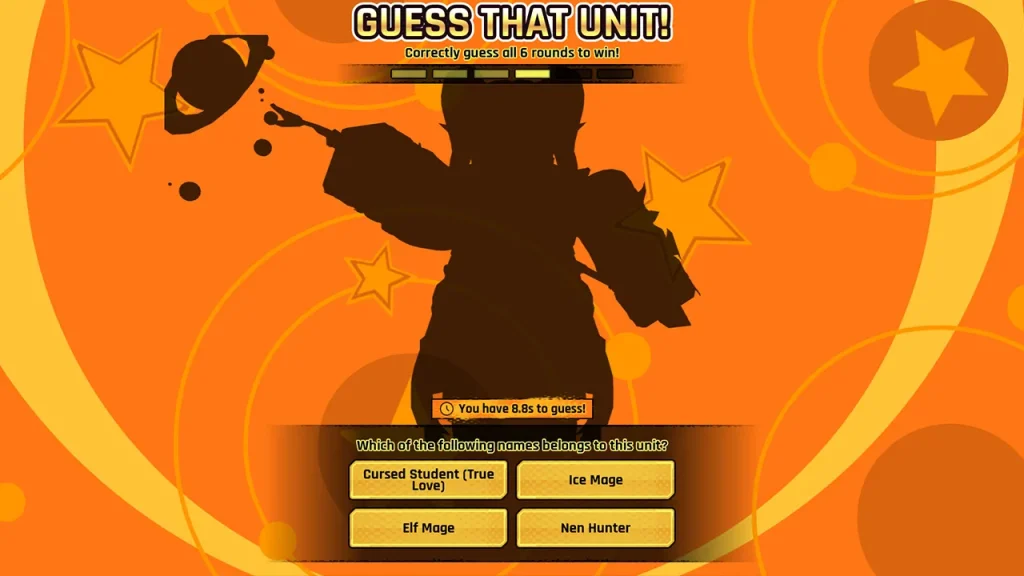
You know a run succeeded when the required number of correct answers registers and the Event Coins land in your event currency total. A run ends early if the timer expires before you tap, or if you select the wrong name, so read the outline quickly and lock in your answer.
Because the answers stay fixed regardless of difficulty, memorizing the outlines above is the fastest way to clear Hard mode, where the shorter timer punishes any hesitation. Bank your Event Coins toward the progression materials you need before the event closes with Update 2.