Anime Galaxies follows a simple early loop. You summon characters, give one of them a trait, then take that team into the first act. There you place units on the map and hold out against waves of enemies. You don’t need to bring anything before your first run. Everything you use in Act 1 comes from the summoning platform.
Quick answer: Summon characters at the summoning platform, apply a trait to one, enter the portal to start Act 1, then place units and survive ten waves to clear it.
Anime Galaxies summoning and traits
Your team comes from summons, so this is the first stop after you load in.
Starting Act 1 through the portal
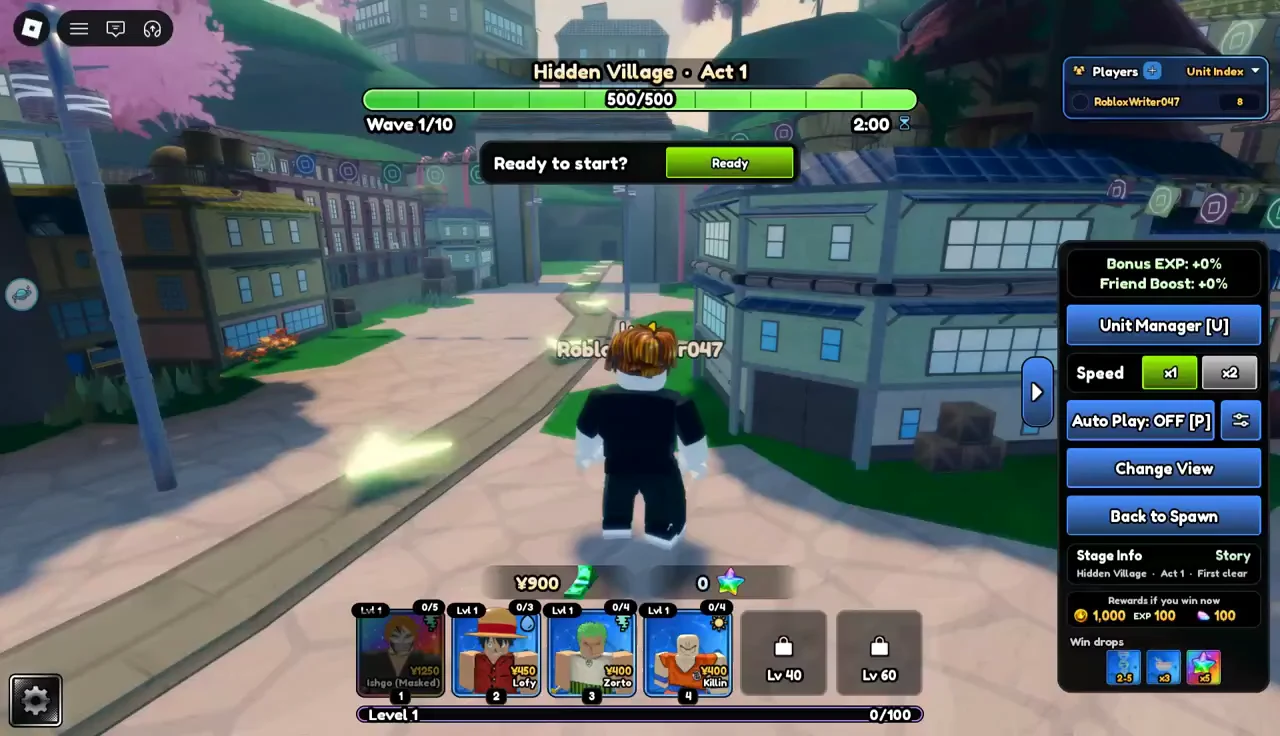
Once your roster is ready, enter a portal to start Act 1. The battle opens on the Hidden Village map, with the stage name and wave counter shown on screen. Nothing begins right away.
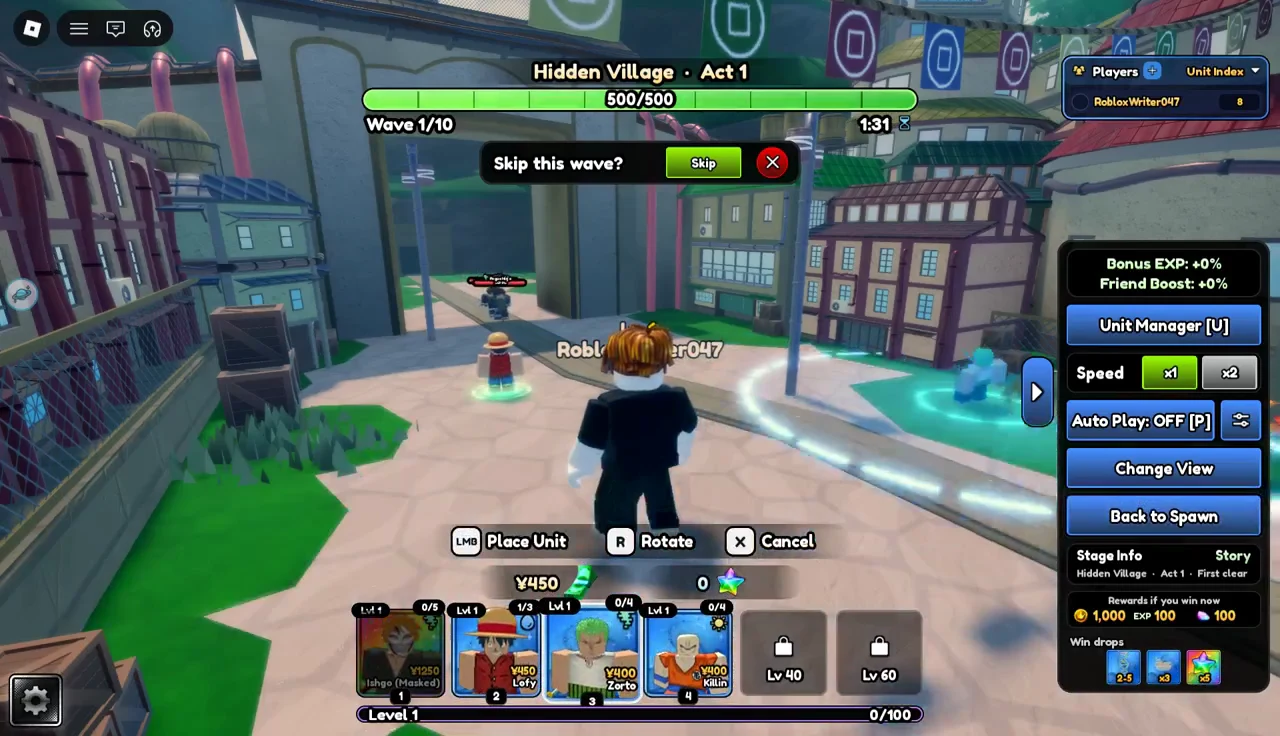
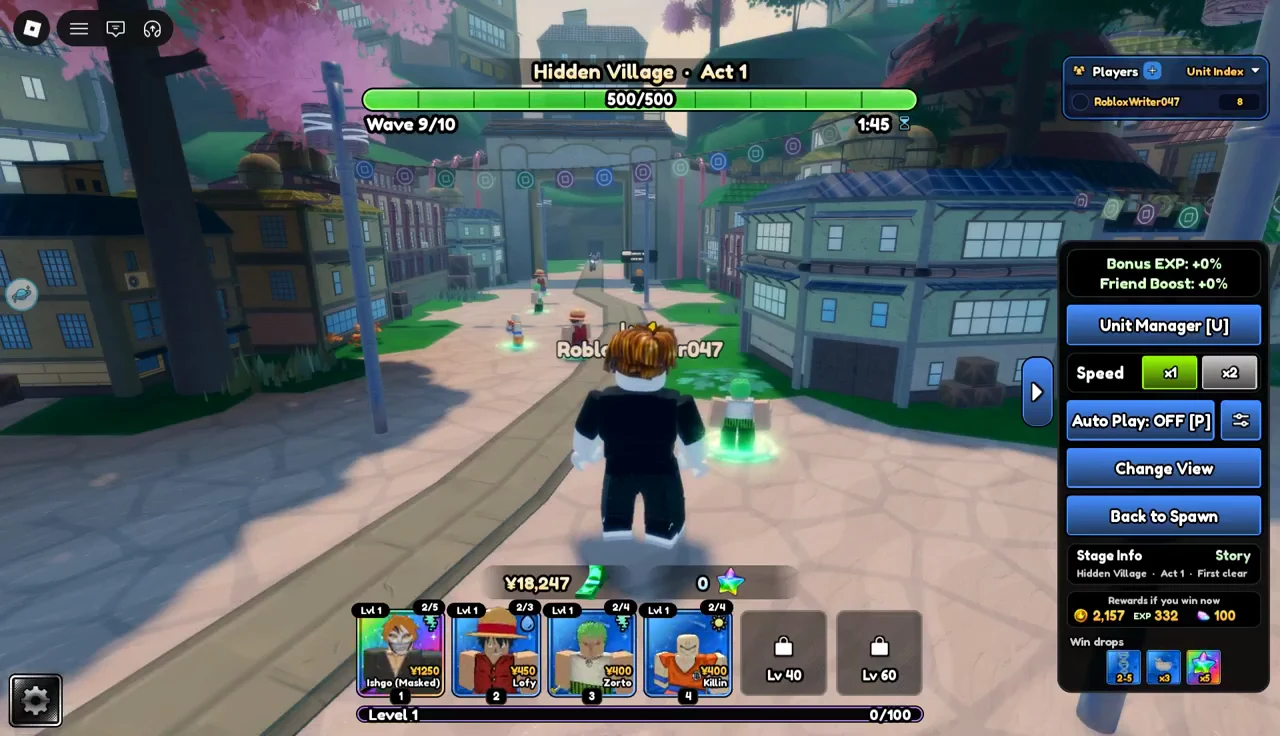
Your summoned characters show up along the bottom of the screen as a roster of units. When you select one, a place-unit prompt appears and you set the unit down on the map.
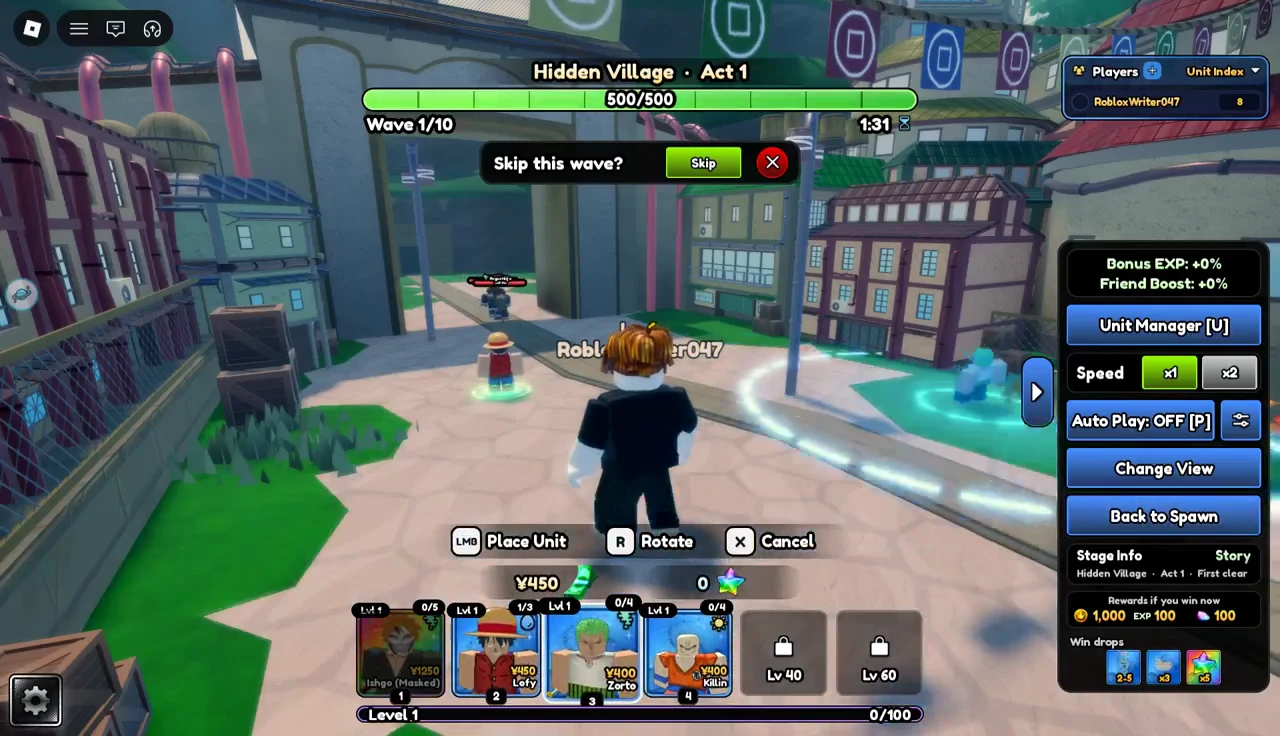
Surviving the ten waves of Hidden Village Act 1
Act 1 is a wave-survival stage. Enemies come in rounds, and your placed units fight them. The counter at the top tracks your progress toward the tenth wave. The same few screen elements repeat every round, so learning them in the first wave makes the rest of the act easier to read.
The wave skip prompt
You can ignore it if you want more time to place units.
Speed and Auto Play controls
A control panel on the right side of the screen holds the battle speed setting and an Auto Play toggle. With Auto Play turned off, every unit placement is your call. The speed setting can stay at its default for the whole act.
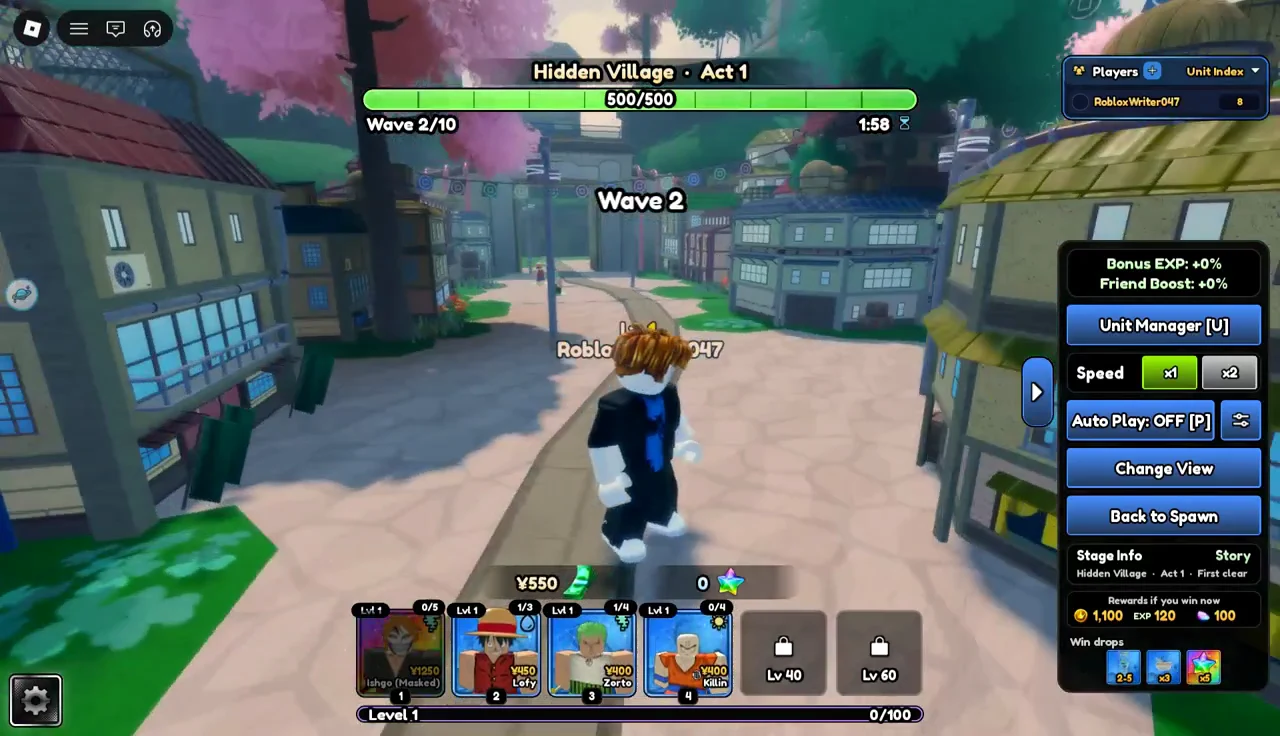
Waves 2 to 5
The second wave works like the first.
Clearing the second wave brings back the wave completed message. The right-side panel keeps whatever speed and Auto Play settings you chose earlier.
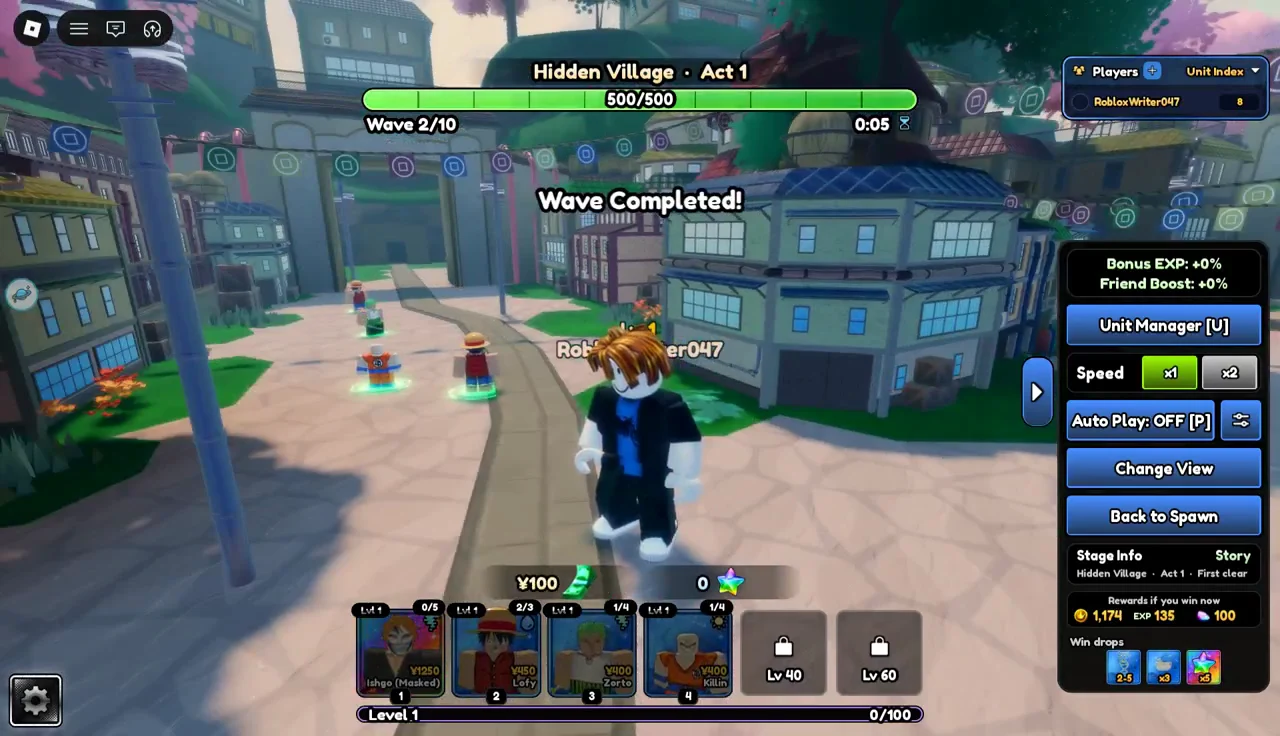
The third wave follows the same pattern. Watch the counter at the top to keep track of how far you are into the act.
By the fourth wave you will have a feel for the rhythm. Enemies arrive, and your placed units fight them.
The fifth wave marks the halfway point of the act. It is a good moment to place more units from your roster before the second half begins.
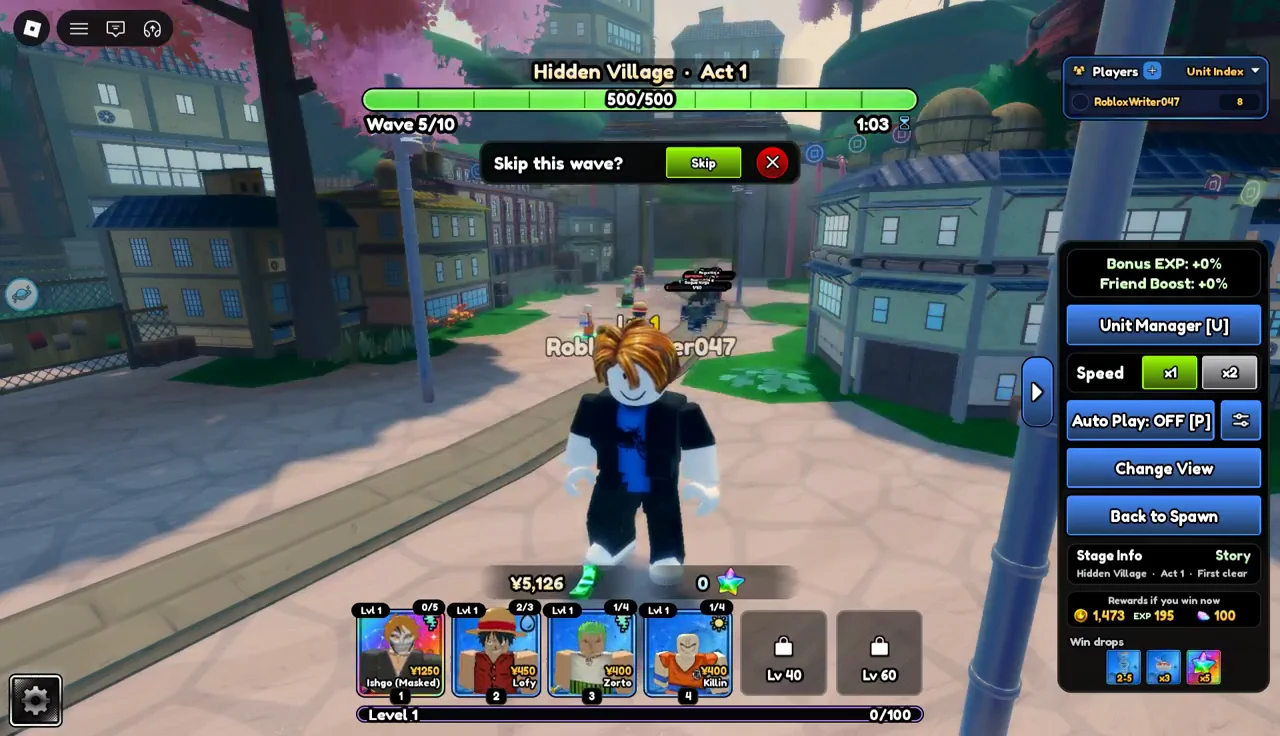
Waves 6 to 9
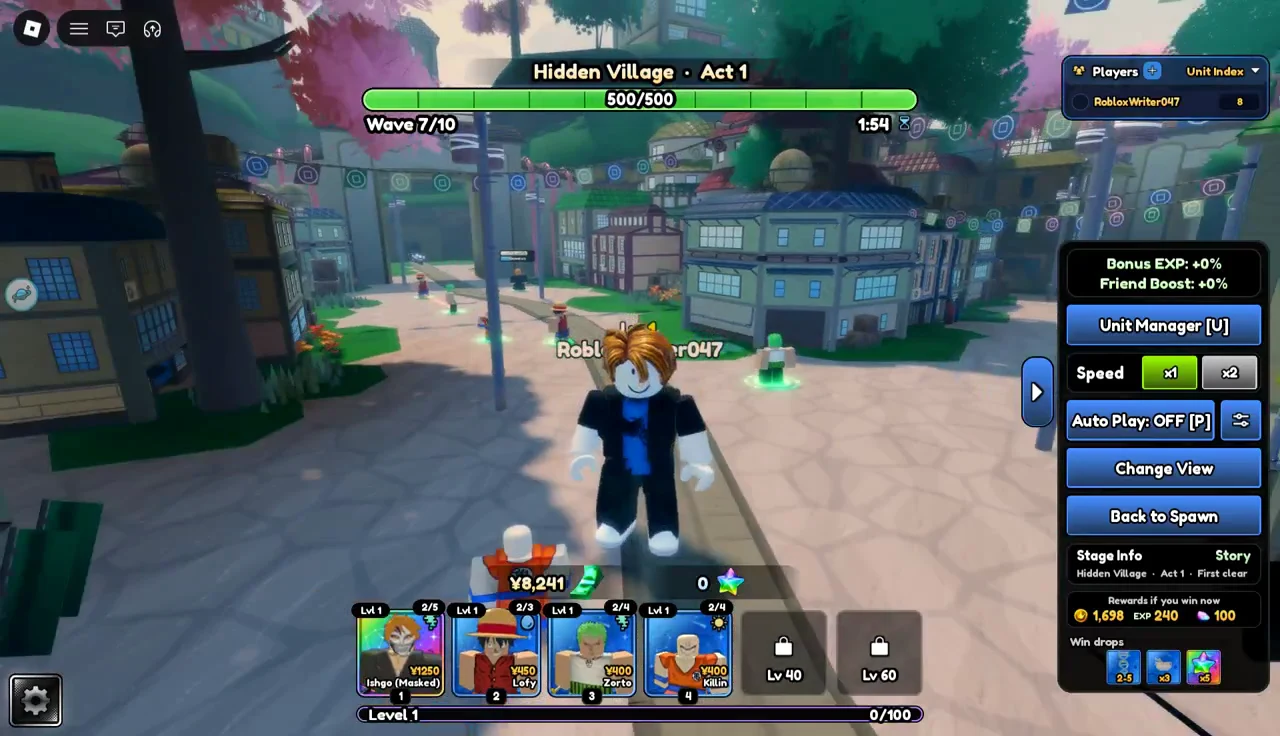
In the second half, your placed units do most of the defending while you watch the path. The speed setting on the right panel stays where you left it.
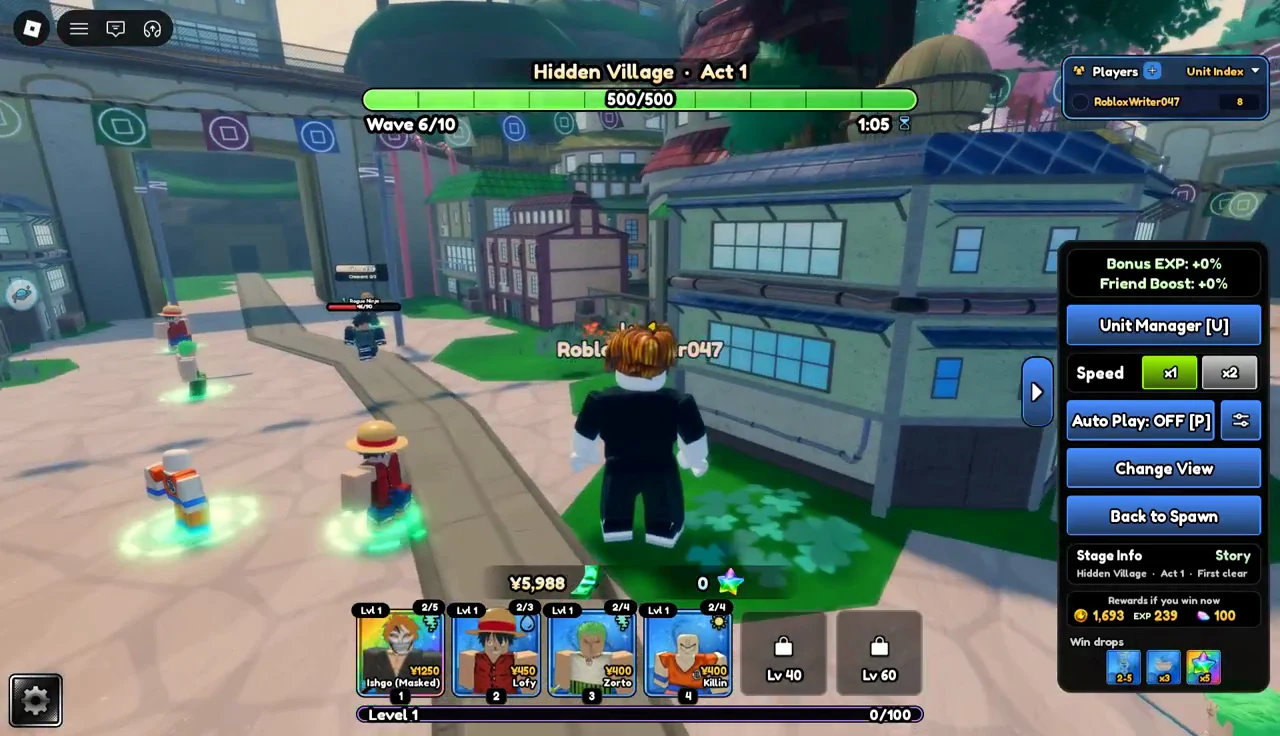
The right side of the screen can also show a Unit Manager panel.
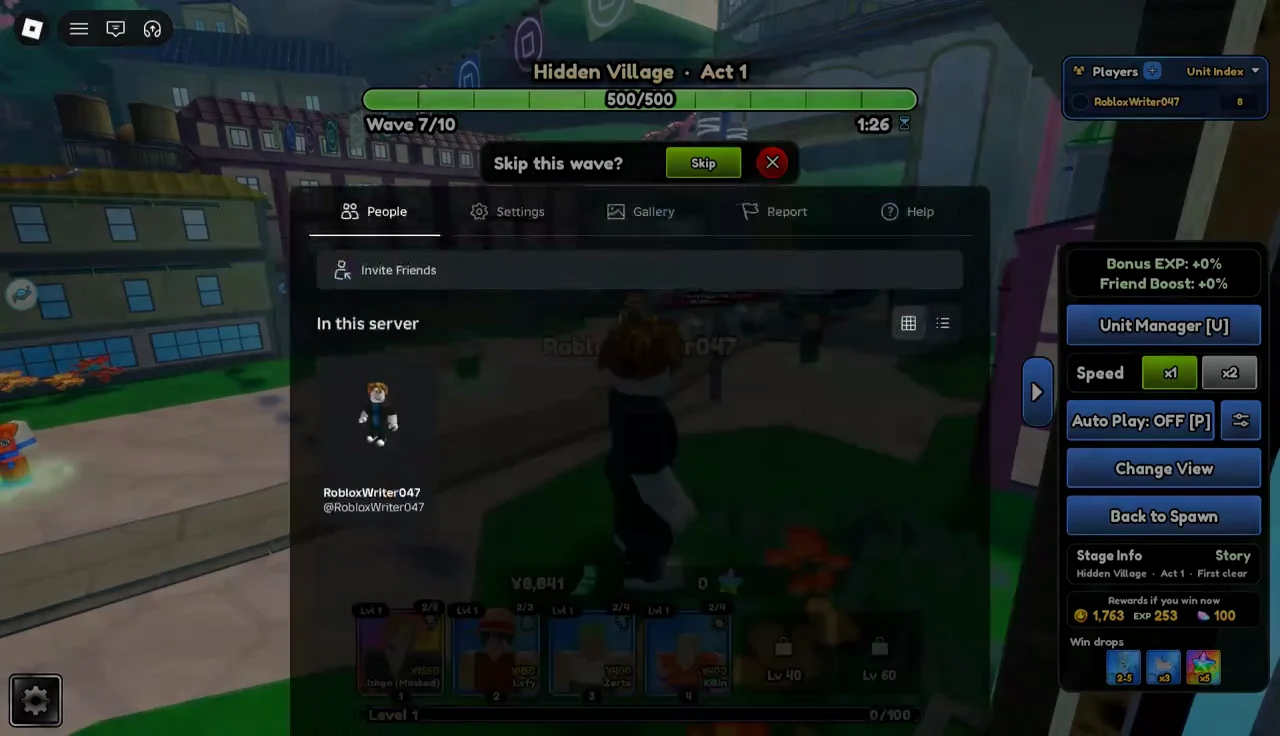
Opening the system menu does not clear the battle prompts. The People menu can sit on top of the screen while the skip prompt waits underneath, and the act picks up again when you close the menu.
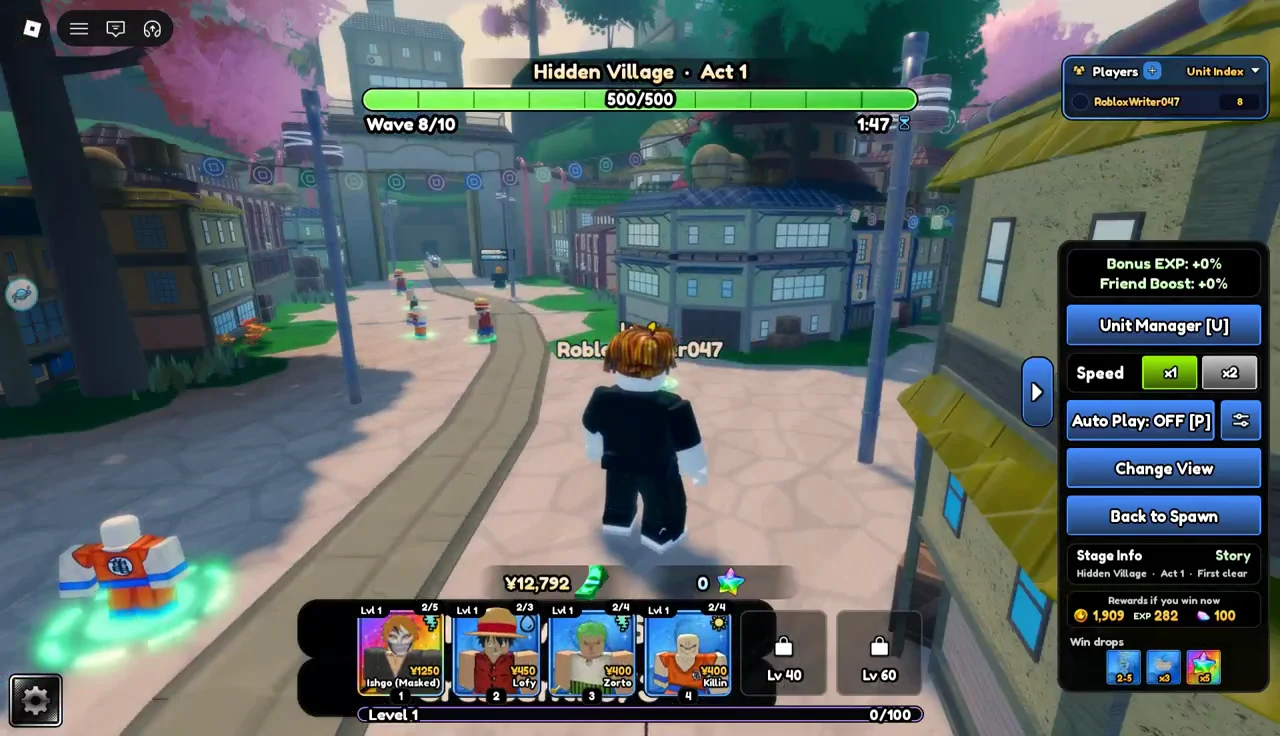
The eighth wave plays out the same way, with your units holding the path at the speed you set.
Wave 10 and clearing Act 1
The counter reads ten out of ten on the last wave. The controls are the same as before, with the speed setting and Auto Play still on the right panel.
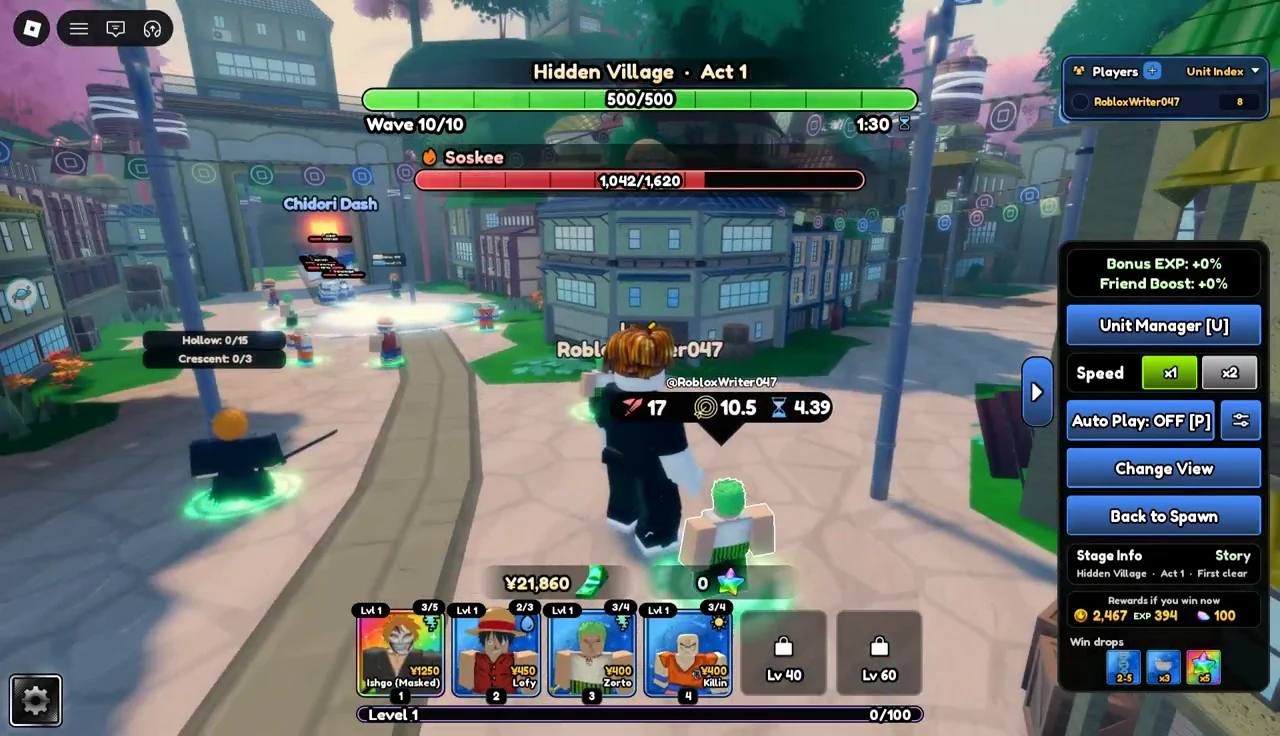
You can still place units during the final wave. Place units during Act 1. Once your units survive the tenth wave, the first act is complete.