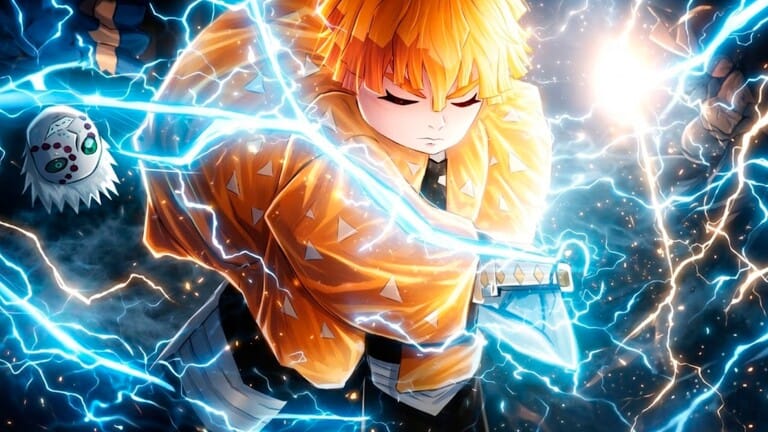
Anime Rift Tower Defense lets you redeem promo codes for free rewards that can help with summoning, upgrades, and early progression. To use them, open the game on Roblox, reach Level 5, then enter each code in the Codes menu.
Working Anime Rift Tower Defense codes
1KLIKES— Free rewardsMimoBlox— Free rewardsDelaySorry— Free rewardsUPD1— Free rewardsR6LEAS4— 1000 Coins, 500 Gems, 5 Trait Disk
Expired Anime Rift Tower Defense codes
SRRYFORR4NGOKU— Previously gave 1 Rengoku and 2 Special Glasses
How to redeem Anime Rift Tower Defense codes
What the codes are used for
These codes can grant Coins, Gems, Trait Disk items, and other free rewards. In practice, that means faster summons, more upgrade resources, and less time spent farming basic currency at the start of the game.
Anime Rift Tower Defense centers on building a team of Units, improving them through systems like evolving and trait rolling, and using that roster to clear waves across Story Stages, Raids, and other modes. Free code rewards fit directly into that loop because they give you extra resources without needing to grind for them first.
Anime Rift Tower Defense code requirements
| Requirement | Details |
|---|---|
| Minimum level | Level 5 is required before codes can be redeemed. |
| Where to enter codes | The Codes menu on the right side of the screen. |
| Success result | Rewards appear in your inventory immediately after redemption. |
Use active codes while they are still available, since the list changes as older rewards are retired and new ones are added.