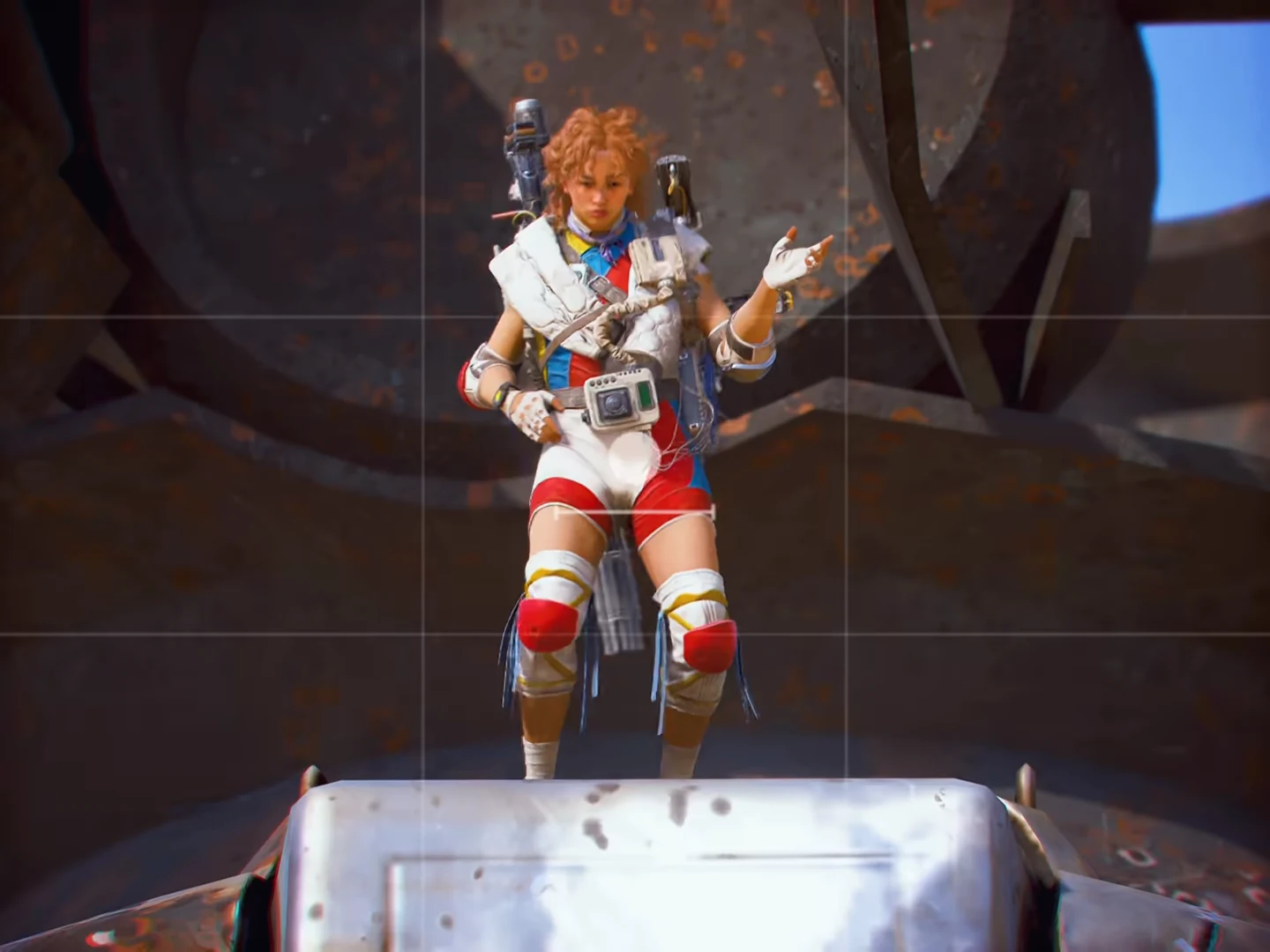
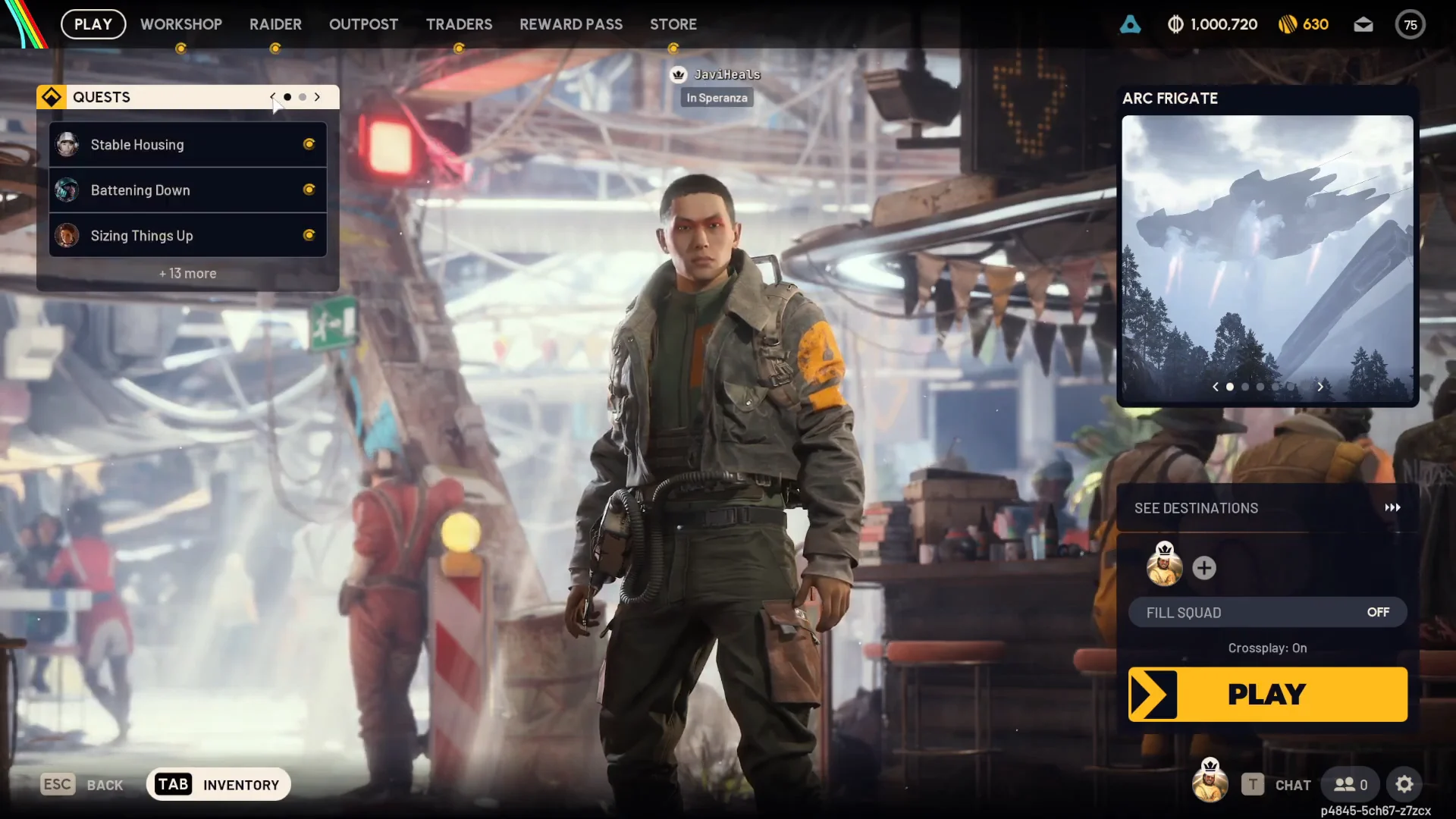
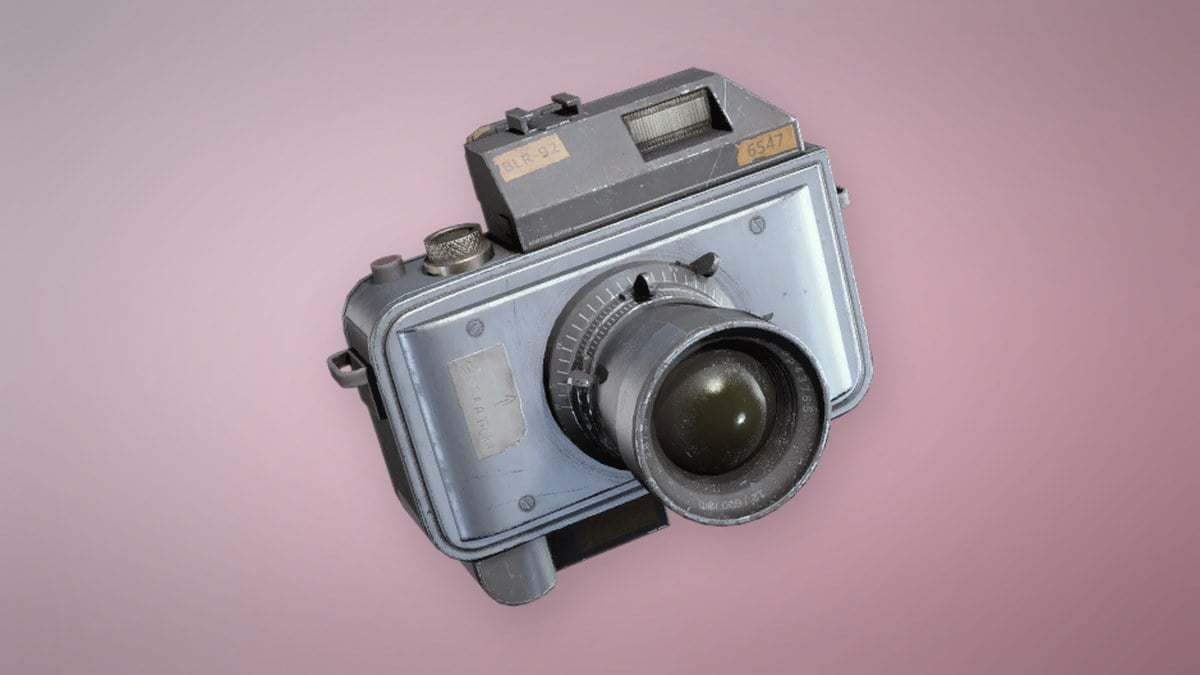
The Basic Camera is a Quick Use gadget added to ARC Raiders in the Frozen Trail update, and it opens the game’s photo mode for taking pictures and selfies on a run. It does no damage, but the Outpost project and several quests now ask for photos, so having one in your bag saves a trip back to base. There are four ways to get it: craft it, buy it, pull it from a quest, or claim it off the reward track.
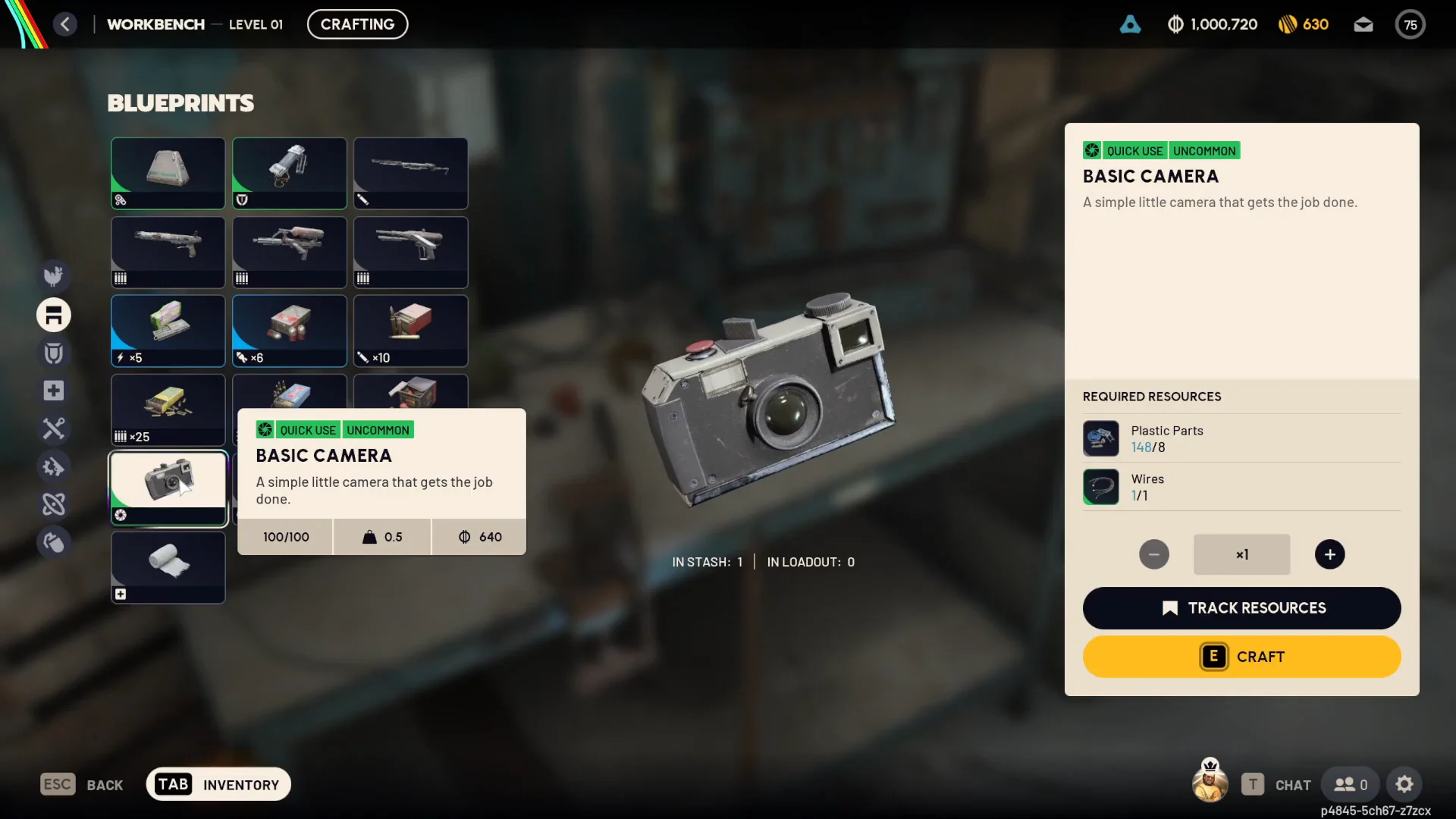
Quick answer: Use a Level 1 Workbench to make a Basic Camera from 8 Plastic Parts and 1 Wires; alternatively, purchase one from Shani for 1,920 Coins.
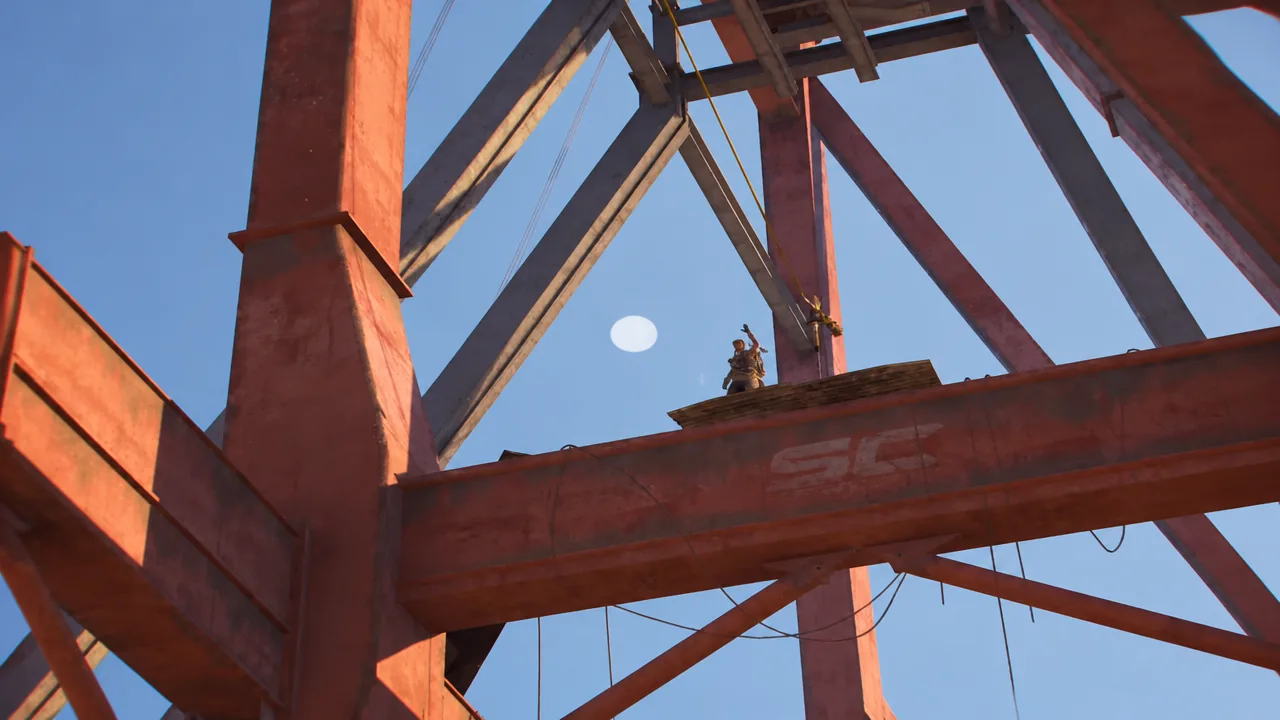
Craft a Basic Camera at the Workbench (cheapest route)
Crafting is the most reliable way to keep a steady supply. The Basic Camera blueprint is unlocked from the start, so you do not need to find or buy one, and you can craft as many as you like. The recipe stays the same no matter how far you have upgraded the Workbench.
Where to get Plastic Parts and Wires
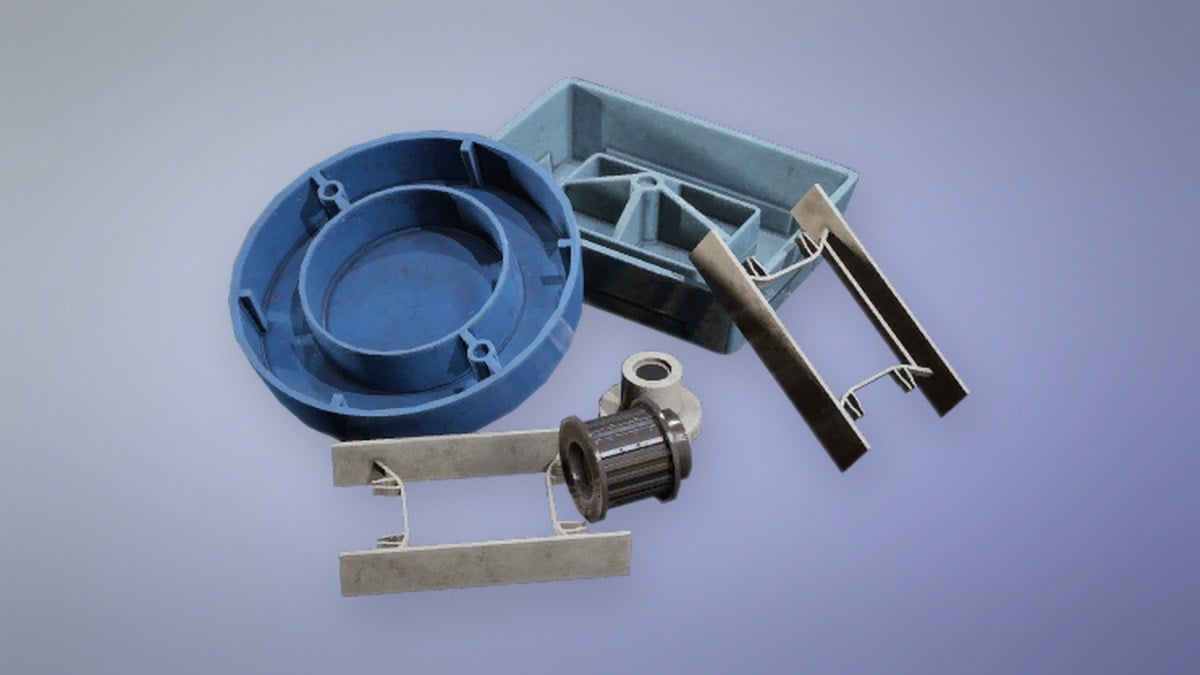
Both crafting materials come from the trader Celeste, who takes Assorted Seeds, or from scavenging on the surface. Plastic Parts are common loot; Wires turn up in Electrical and Technological areas.
| Material | Qty | Source | Notes |
|---|---|---|---|
 Plastic Parts Plastic Parts | 8 | Celeste, or loot | 1 Assorted Seed each, no purchase limit |
 Wires Wires | 1 | Celeste, or Electrical/Technological areas | 4 Assorted Seeds each, 10 a day, unlocks at level 7 |
Celeste’s Wires offer is capped at 10 per day and only appears once you reach account level 7, while Plastic Parts have no cap. A single Wires can also be recycled from a scavenged Camera Lens if you happen to pick one up.
Buy a Basic Camera from Shani
If you prefer paying Coins to collecting parts, a brand-new account can buy the Basic Camera from Shani at her security desk. Go to the Traders tab, choose Shani (Security), and view her Trades list. The price is 1,920 Coins, with unlimited purchases; selling it back returns 640 Coins. Confirm the purchase and the camera goes directly to your stash.
At account level 12, Shani adds the Rare Advanced Camera to her stock for 3,000 Coins, with a cap of 3 per day. The Basic Camera handles most objectives, so you can use it rather than wait for the Advanced model unless you want its extra controls.
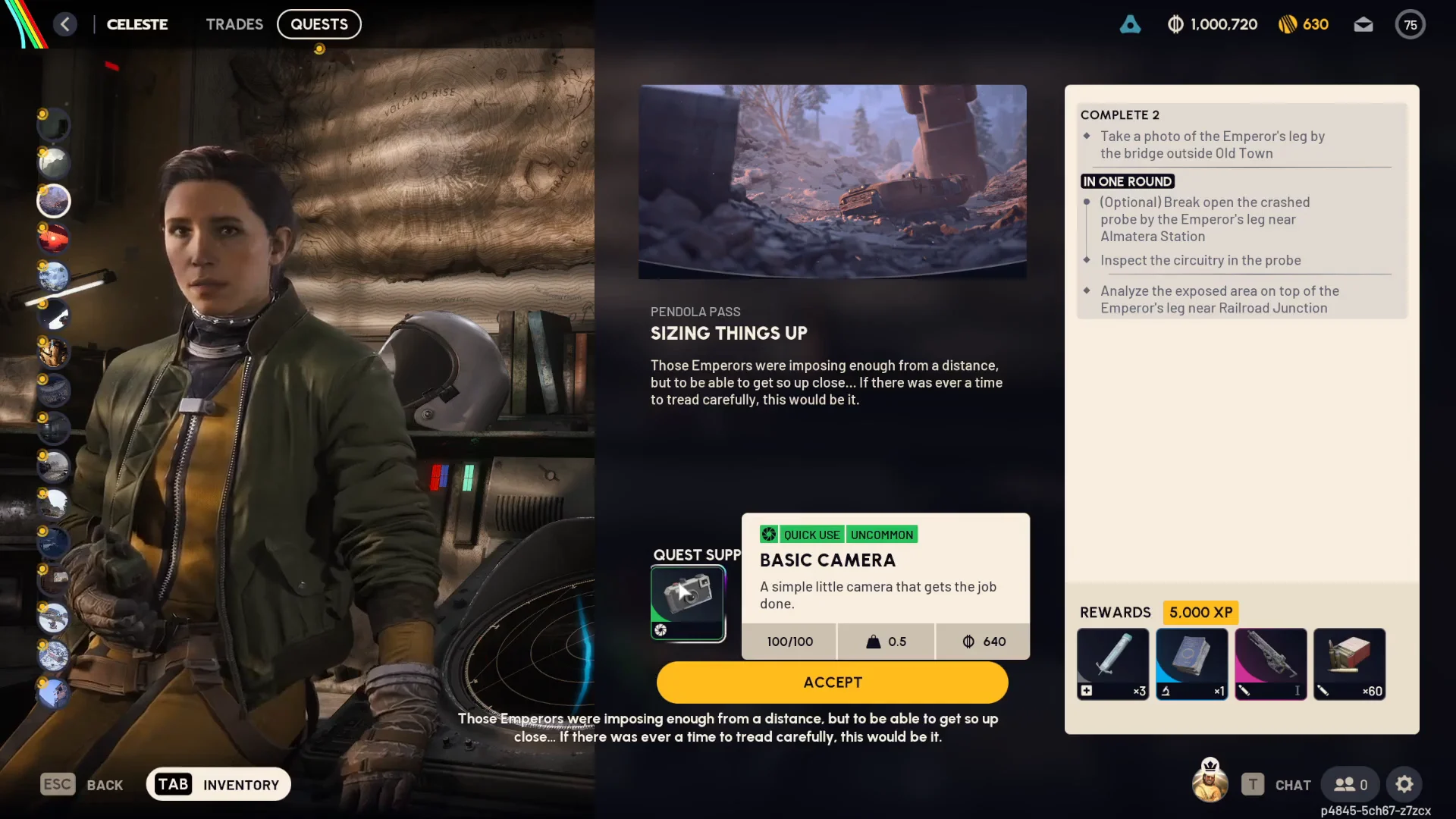
Get one free from Celeste’s “Sizing Things Up” quest
Accepting the right quest hands you a Basic Camera at no cost. Celeste’s “Sizing Things Up” quest, based around Pendola Pass, includes one under Quest Supplies the moment you take it on. The quest “Taking Stock” also rewards a Basic Camera.
Claim a camera from the Frozen Trail Pass
The Frozen Trail Pass free track grants cameras at various tiers, using only Reward Points earned through regular play. At tier 2, claim 2 Basic Cameras for 300 Reward Points. At tier 30, much later in the pass, you can get 2 Advanced Cameras for 4,500 Reward Points.

Basic Camera and Advanced Camera stats
Both cameras are Quick Use items weighing 0.5 with 100/100 durability. The split comes down to rarity, resale value, and trader price.
| Camera | Rarity | Sell value | Shani price |
|---|---|---|---|
 Basic Camera Basic Camera | Uncommon | 640 | 1,920 |
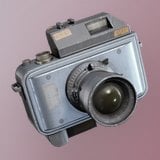 Advanced Camera Advanced Camera | Rare | 1,000 | 3,000 |
A Basic Camera recycles into 5 Plastic Parts and cannot be salvaged. The Advanced Camera is crafted differently: its blueprint comes from the Topside Living Conditions step of the Outpost, and it is built at a Level 2 Utility Station from 1 Camera Lens, 1 Calculator, and 1 Electrical Components. Its extra settings, such as aperture, autofocus, and zoom, are the only features the Basic model lacks.
How to use the camera in a run
Cameras function only when assigned to a Quick Use slot, so transfer yours from your backpack first. Hold Q to bring up the gadget wheel and select the camera. Press the right mouse button to aim and enter Photo Mode; adjust the zoom, then click the left mouse button to take a picture. Press R to switch to Selfie mode.
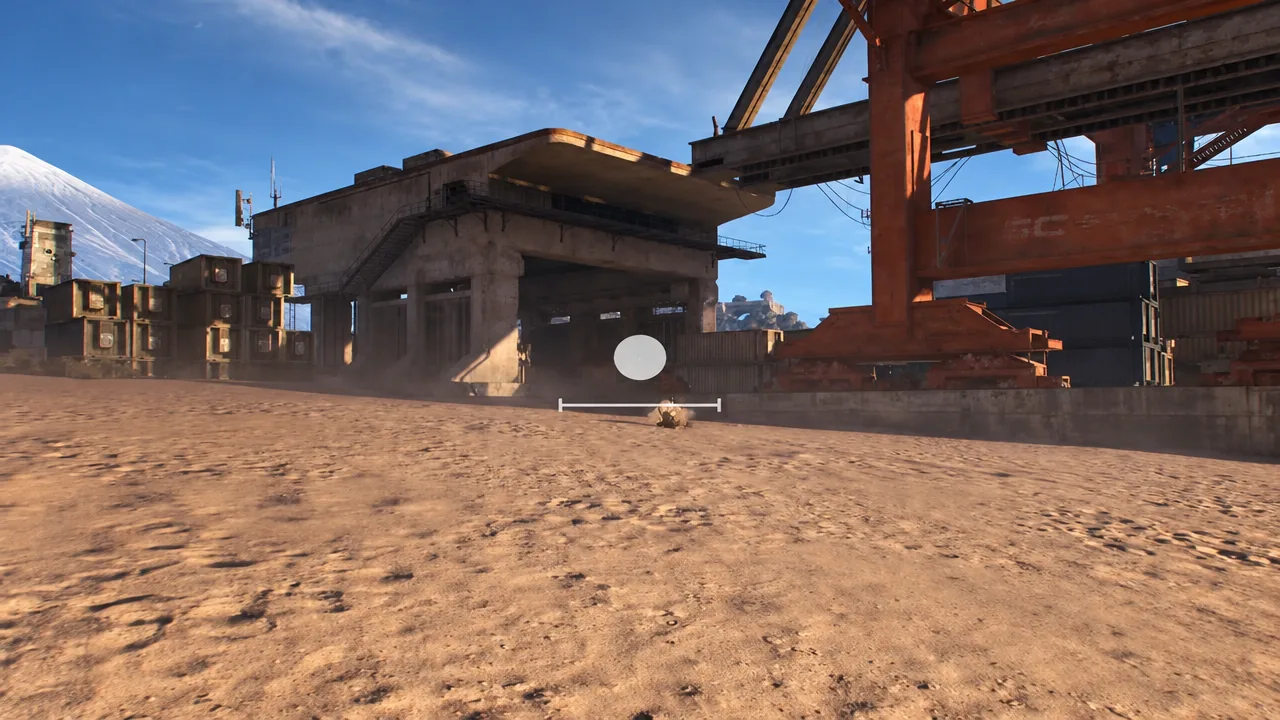
You can photograph anything you like, but quests such as “Sizing Things Up” call for pictures of fixed subjects, so you have to be standing in the right spot with the camera out. Framing works the same whether you are capturing a teammate’s stunt or a required quest target.
A camera carried in your backpack is lost if you die on a run, just like any other loot. Crafting is cheap enough that you can replace one easily, or keep spares in your stash.
Quests and projects that need a camera
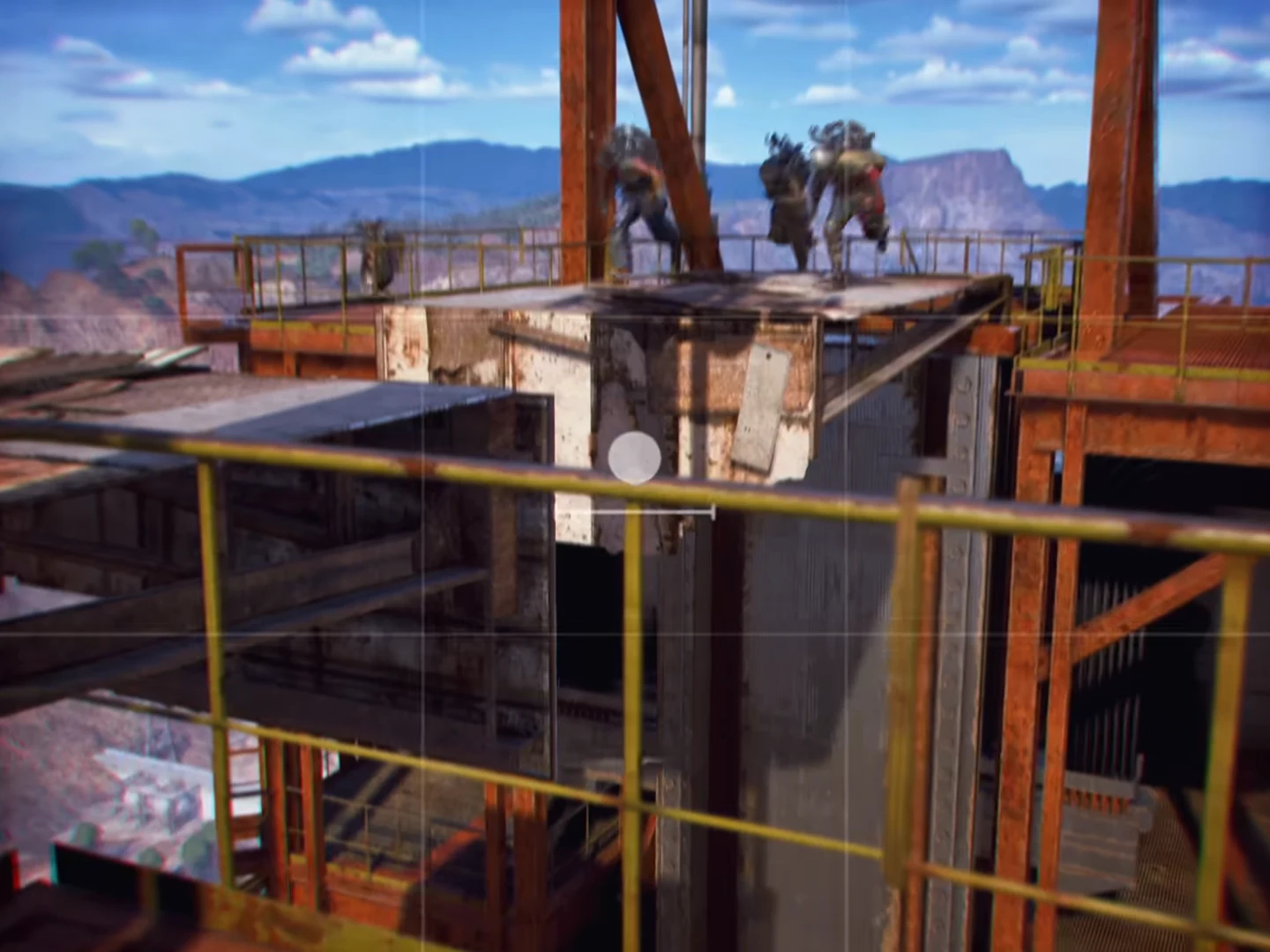
Having a camera on hand saves a return trip when an objective requires a photo. The Outpost project opens with “Research Topside Living Conditions,” requiring a picture of a farmland house; access to the Outpost tab unlocks at account level 18.
Several quests also call for photos taken with the camera:
- The League
- Reduced to Rubble
- Life of a Pharmacist
- Battening Down
- Groundbreaking
- Sizing Things Up
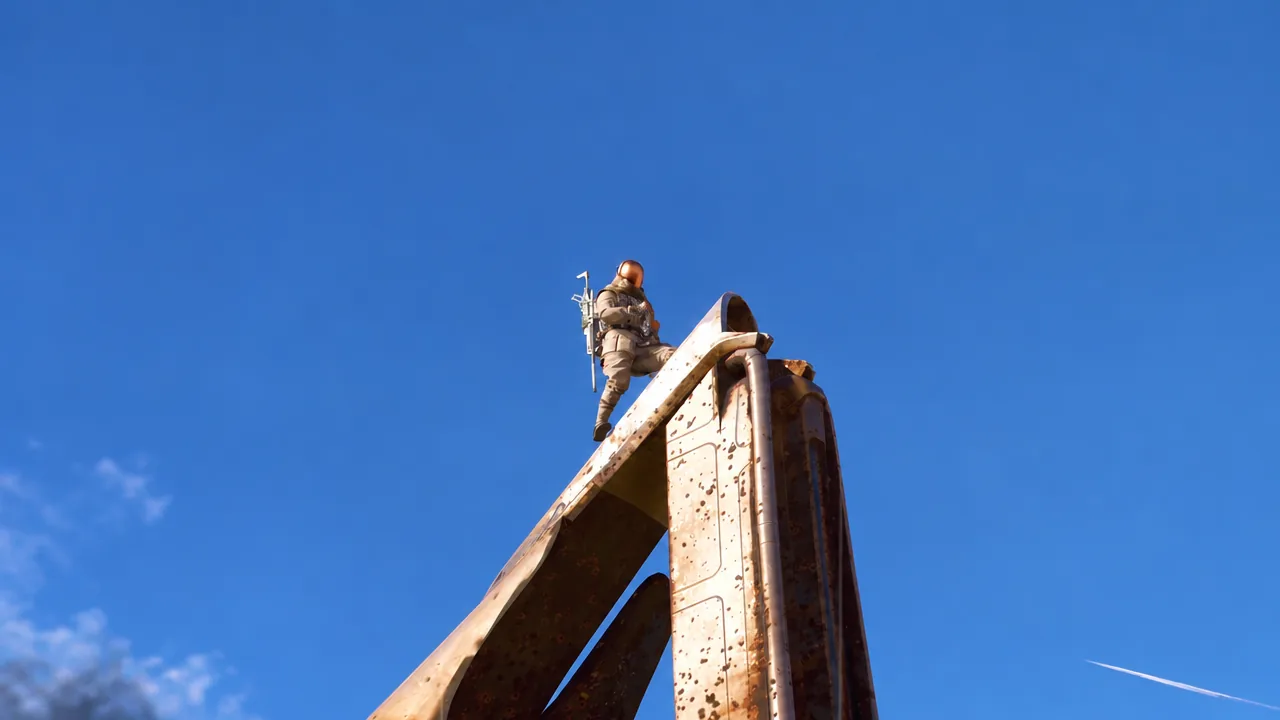
You will know the camera is working the moment it appears in your Quick Use wheel and the viewfinder opens on aim. Quest photos register as soon as the target is framed and captured, updating the objective on your screen. For the Outpost and these quests, a Basic Camera covers everything you will be asked to shoot, so there is little reason to spend on the Advanced model unless you want its finer controls.