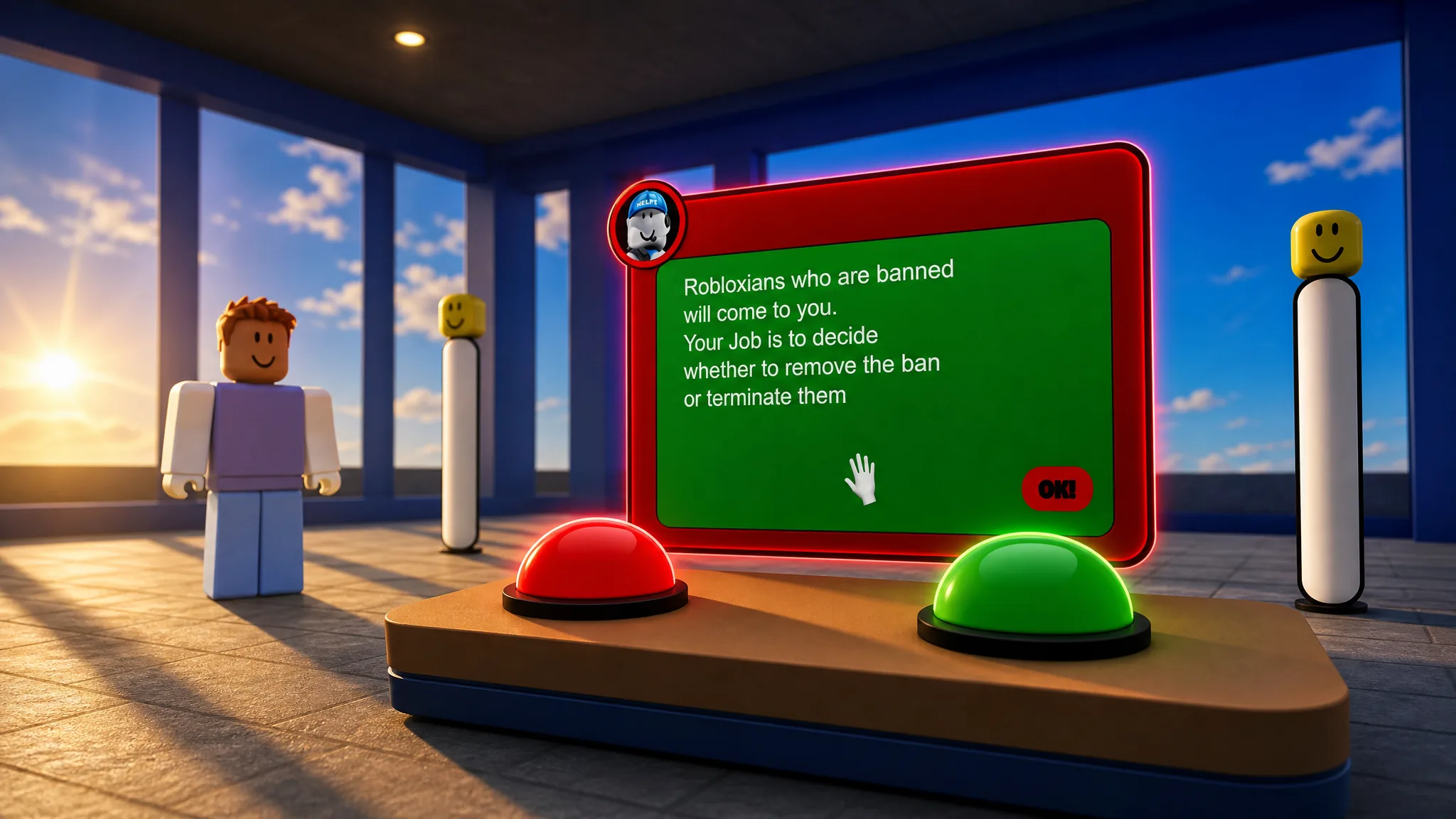
Ban Simulator 2000 puts you behind a moderation desk where every Robloxian who walks up carries an “Offensive Item” note and a pending ban. You either unban them with the green button or terminate them with the red button, and every choice pushes two hidden meters. The game’s endings are not random. Each one fires when you deliberately fail in a specific direction, so knowing which meter to push decides which cutscene you see.
Quick answer: The “Irregularity” secret ending fires in the Original (Canon) mode. Keep unbanning Robloxians against the AI’s decisions until David is furious, then unban one more appeal that shows a blank offense note. The screen cuts to a jumpscare and the “An irregularity has been detected” error.
How the moderation desk works
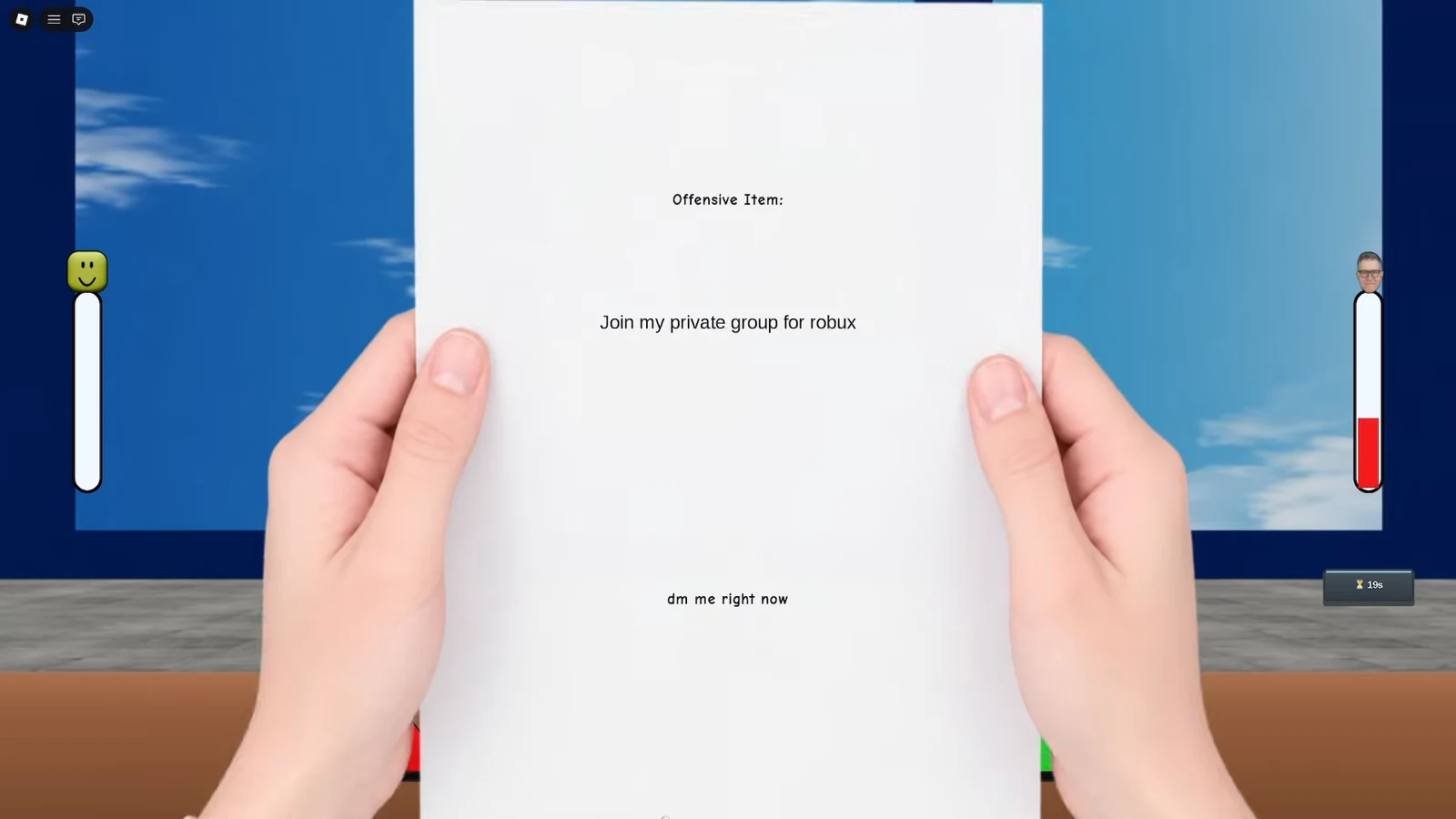
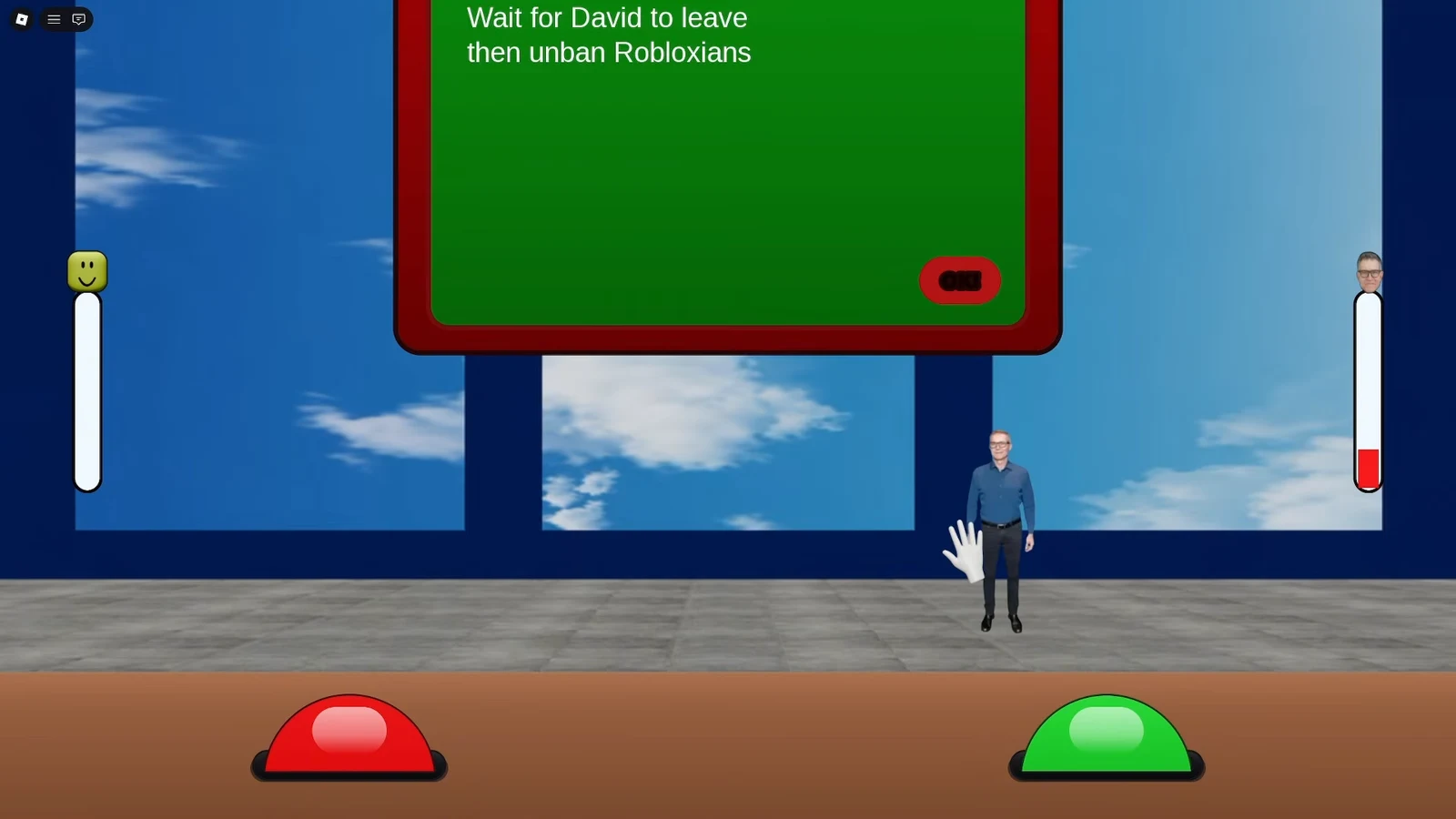
A guide named Helpy explains the controls at the start of a run. Each Robloxian approaches with an appeal paper. Click the paper to reveal the “Offensive Item”, then decide. The green button unbans the player and the red button terminates them.
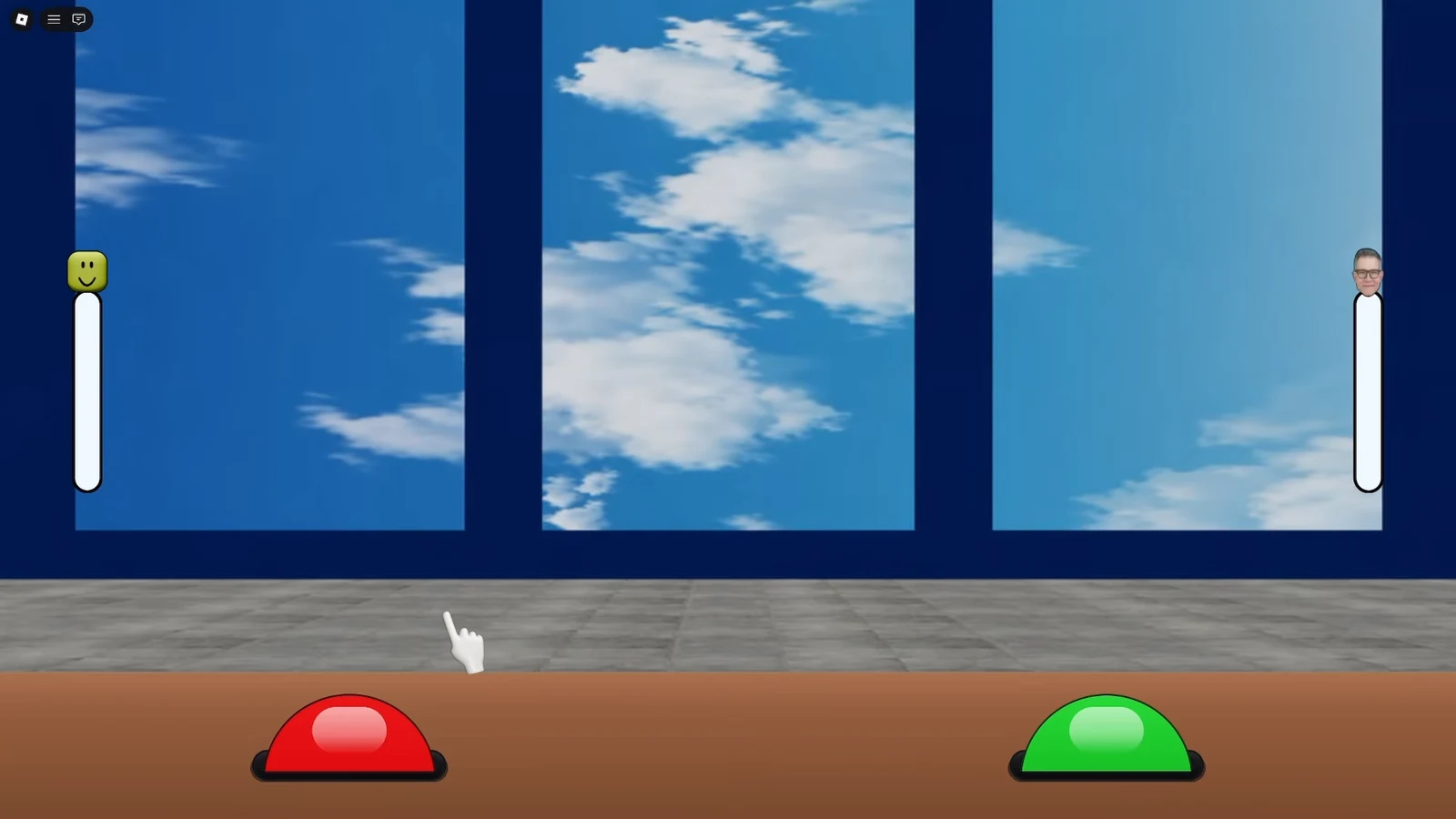
Two forces react to your decisions. Reversing an AI ban angers David Baszucki, who appears as a portrait and fills a rage meter. Terminating an innocent player lowers playerbase satisfaction. Helpy warns you at each threshold, and once David is furious, a single extra reversal ends the run. Some cases add pressure with a “You’re taking too long!” alert if you hesitate.
Reading the note is the whole skill. Messages like “Hi”, “I love my family”, “good morning”, or “roblox is fun” mark innocent players you should unban. Notes such as “Download my cheat v4.2 aimbot”, “FREE ROBUX SECRET GENERATOR”, “Give me your password for 1000 R$”, or “I will hack this server” mark rule-breakers you keep banned.
Game modes: Original, Infinite, and Multiplayer
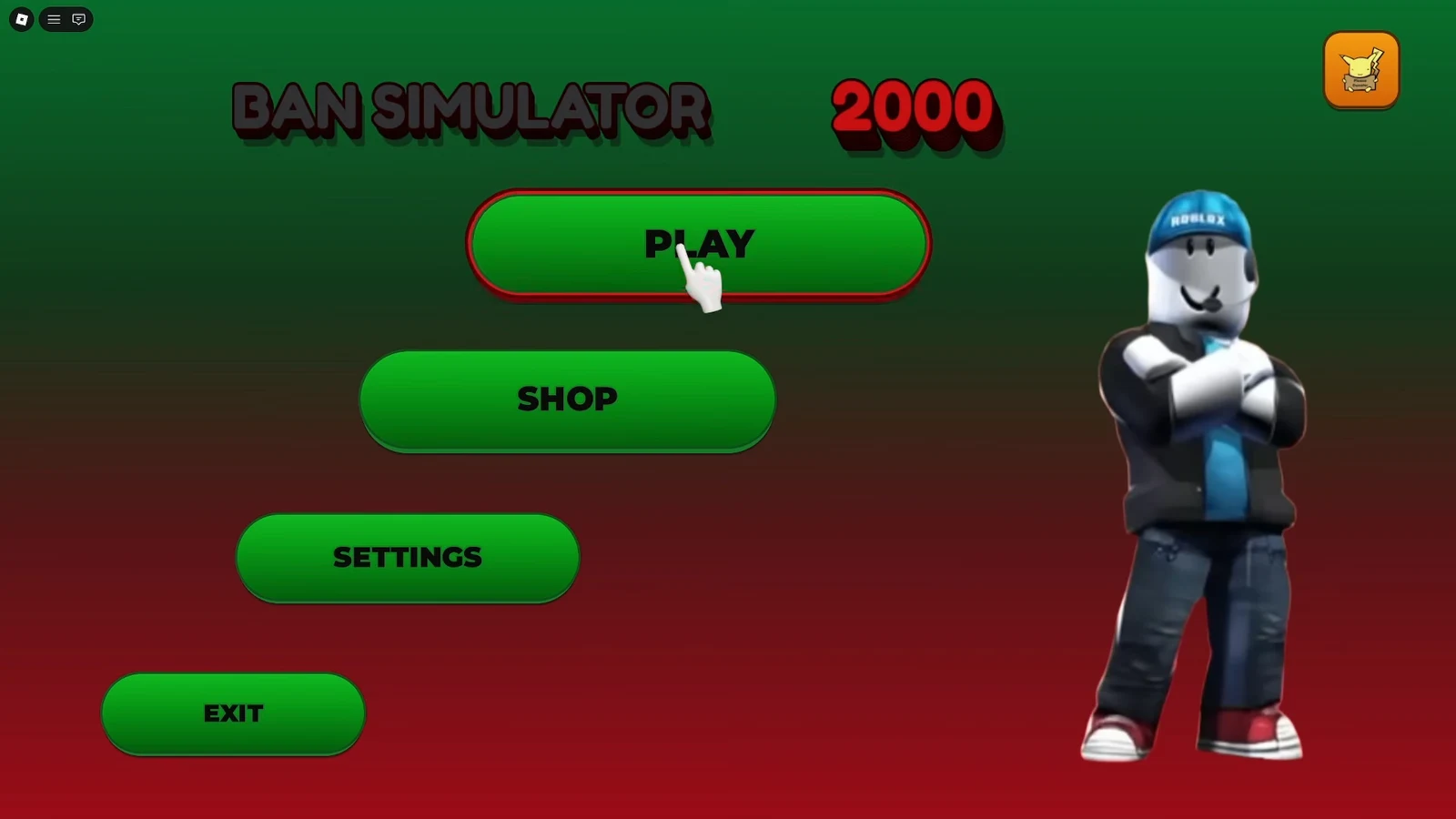
From the main menu you pick a mode before any ending is reachable. Original is the scripted Canon story that leads to the secret ending. Infinite is an endless shift that tests speed and accuracy across randomized cases. Multiplayer lets you play with friends, tracks a leaderboard, and is where the first good ending lives.
In Infinite mode, David periodically shows up and you tap the Distract button to keep his suspicion down while you keep processing cases. A clean run can stretch well past 50, 70, or 100 cases before a mistake ends it.
Every ending and how to trigger it
Each ending is tied to a meter you push or a special mode you enter. The table lists the trigger and the result screen you see when it lands.
| Ending | Mode | Trigger |
|---|---|---|
| Irregularity (secret) | Original / Canon | Keep unbanning against the AI until David is furious, then unban a blank offense note. Jumpscare plus the “irregularity has been detected” error screen. |
| Bad Ending 1 | Bad ending run | Fill David’s rage meter, then approve one more unban with no valid reason. Dark room, white hands reaching for a chair, ending on Score: 3. |
| Bad Ending 2 | Bad ending run | Wrongly terminate innocent players until playerbase satisfaction bottoms out. The Playerbase avatar fires a rocket launcher at the Roblox tower, ending on Score: 0. |
| First good ending | Multiplayer | Reach it during multiplayer, then clear the dark maze under “find the exit and avoid david” while David hunts you. |
| Fired by the CEO | Infinite | Let David’s suspicion max out during the endless shift. A jumpscare leads to the “FIRED BY THE CEO” results screen. |
The Irregularity secret ending
This is the centerpiece of the Canon story. The scripted cases in order are “Hi” (unban), “I love my family” (terminate), and “yes” (unban), each pushing David closer to furious. After the “He’ll do it again / I won’t :)” case, Helpy’s warning text glitches and corrupts. The final Robloxian arrives with a blank offense paper. Unban them and the screen goes black, an ominous figure appears, and the jumpscare plays before the disc-error screen and shattered avatar pieces.
The two bad endings
Bad Ending 1 is about David. Reverse AI bans until the rage meter is full and Helpy warns the next reversal is game over, then approve one more unban. The cutscene drops you into a pitch-black space with a single wooden chair and closes on a Score: 3 screen.
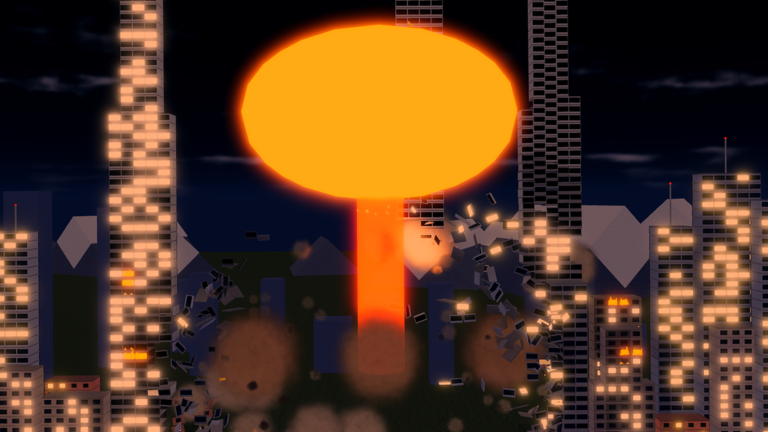
Bad Ending 2 flips the target to the community. Keep terminating harmless players to drive playerbase satisfaction down. When it bottoms out, an enraged white avatar labeled “Playerbase” marches to the Roblox headquarters tower, fires a rocket launcher, and the run fades to Score: 0.
The good ending and Fired by the CEO
The first good ending is reached through Multiplayer. Playing the mode leads into a dark maze where you hold a flashlight and must reach the exit while David actively looks for you, shown by the red “HE IS LOOKING FOR YOU.” warning. Failing to find the exit ends the attempt without the reward.
Fired by the CEO is the Infinite-mode failure state. If David turns suspicious and the meter maxes out, a jumpscare animation plays and the results screen reads “FIRED BY THE CEO” with your cases reviewed, shift duration, accuracy percentage, and a letter rank.
How to confirm an ending triggered
Each ending has a clear on-screen confirmation, so there is no guesswork.
- Irregularity: the black screen, jumpscare, and the text “An irregularity has been detected / Please remove the disc from the drive and return it to Roblox Entertainment”.
- Bad Ending 1: the chair cutscene and a Score: 3 screen with a play again button.
- Bad Ending 2: the Playerbase avatar destroying the Roblox tower and a Score: 0 screen.
- Fired by the CEO: the “FIRED BY THE CEO” summary with your case count, accuracy, and rank.
Note: the endings depend on which meter you push, not on speed. If you keep both David and the playerbase calm and simply judge cases correctly, no ending cutscene fires and the run continues.
Badges you can earn
Progress is tracked through badges alongside the endings. Three of them cover your first steps as a moderator.
| Badge | How to earn it |
|---|---|
| Welcome Moderator! | Granted when you start playing. |
| Original Mode Completed! | Beat the Original game mode. |
| First Look | Play and finish your first run in the endless (Infinite) mode. |
Higher-tier badges such as “CEO Approved” and “Better than the AI” reward strong Infinite runs, which is where reading each Offensive Item correctly and tapping Distract while David is present matters most. Push a meter on purpose when you want an ending, and keep both meters steady when you want the shift to keep going.