Big Walk drops a group of friends onto a large island with no quest markers, no mini-map, and very little hand-holding. Getting anywhere is only part of it. The real work is figuring out how the world reacts to you, keeping your team in earshot, and not losing your gear along the way. A few habits make the first few hours far less chaotic.
Quick answer: Set the lobby to the number of people who will actually play, keep the in-game proximity chat on instead of Discord, and always hold or attach your important items before the host ends a session so they return in the starting area.
Set the player count before you start
Big Walk cannot be played solo. It needs at least two players and supports up to 12. The host also picks the session size when starting, and that choice changes the puzzles. A puzzle built for three people in a three-player world may only ask for two hands in a two-player world.
The setting works as a minimum, not a maximum, so choose it around the people who will stay for the session rather than everyone who might pop in. If you host a four-player world, latecomers can still drop in and out. Pick honestly and you avoid seeing puzzles your smaller group physically cannot finish.
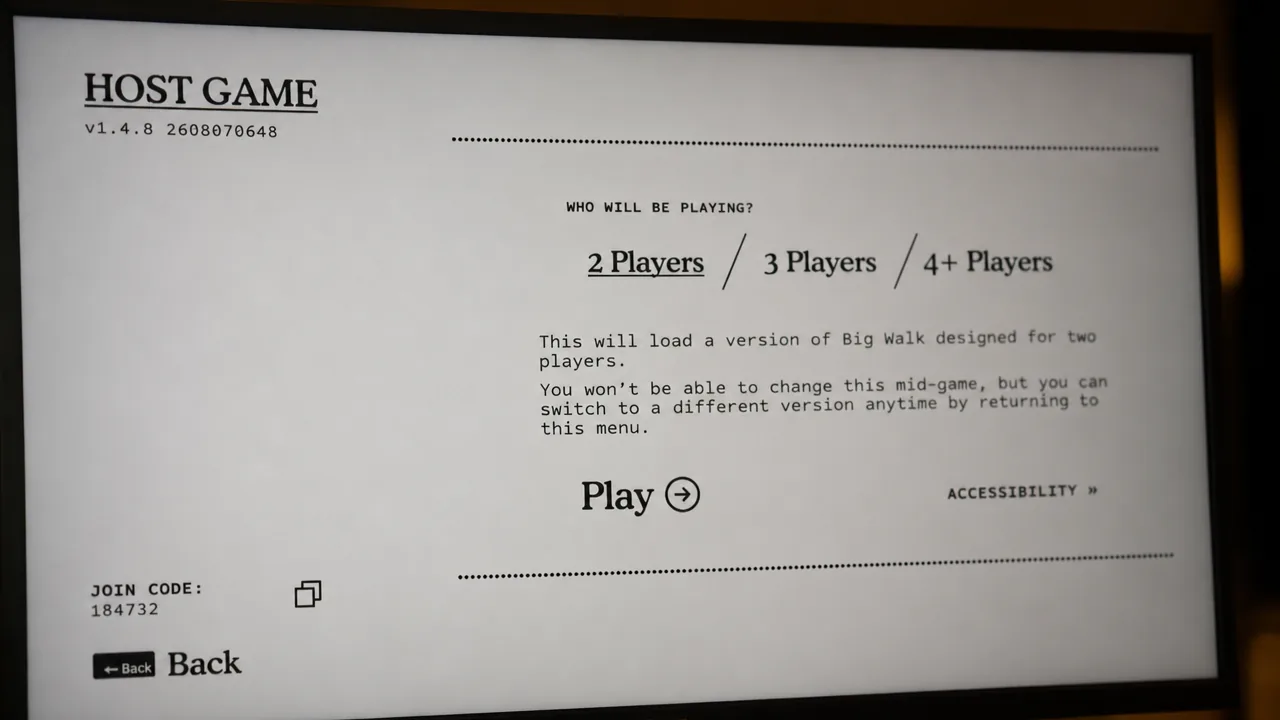
Keep the same host across sessions. World progression is saved on the host’s game, so switching hosts scatters your progress across separate saves.
Practice the core moves in the starting area
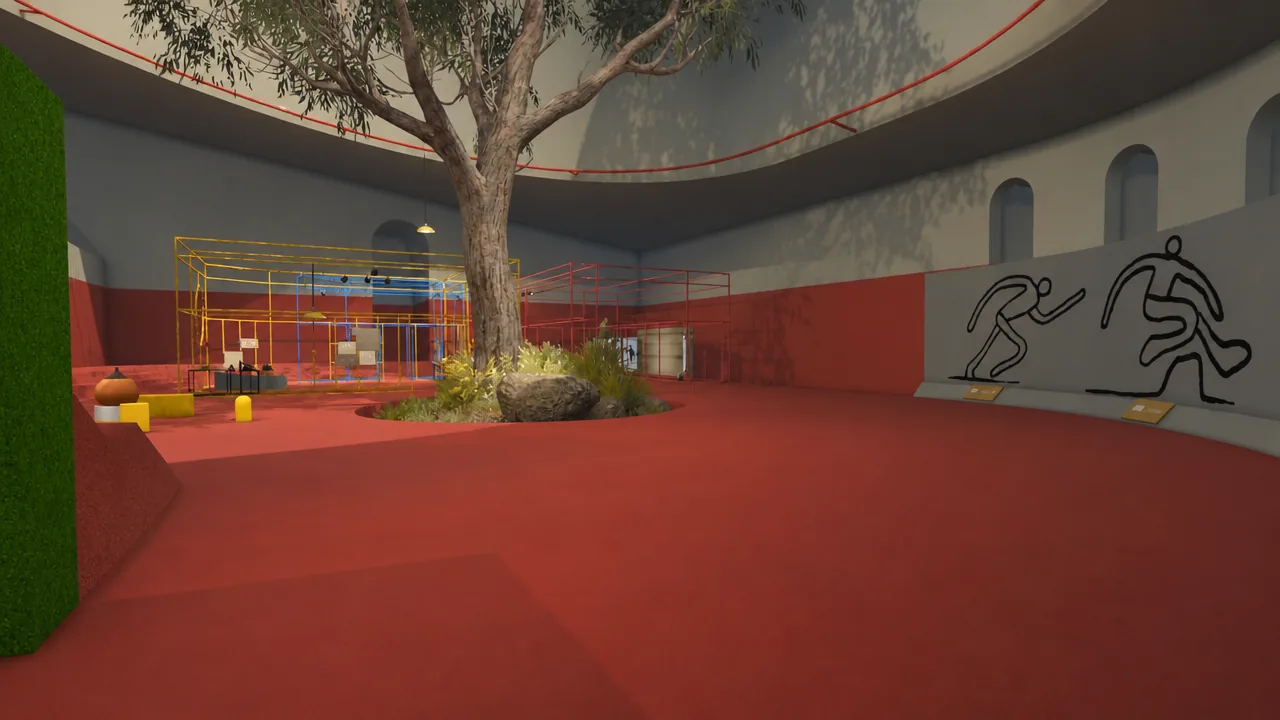
The opening playground is not just a tutorial to rush through. Read the signs and experiment with objects there, because the same actions solve puzzles across the whole island. Sitting, crouching, carrying, stacking, and throwing cover most of what you will do later.
Try holding an object above your character’s head. After about 10 seconds raised, the holding icon fills up and you can release the button without lowering the item. Press again to cancel that lock. Holding an object overhead also turns it to face away from you, which is handy for showing something to a teammate or aiming a torch’s light.
There is also a throwing trick tied to kicking. Raise an item overhead first, then charge a kick, and you launch the object through the air instead of just scooting it along the ground.
Stop losing your gear during falls
Falling never costs health, but it costs you your grip. Drop from a risky height and your character gets stunned and lets go of whatever is in their hands. Small items like a Walkie-Talkie or Flare Gun disappear easily into the grass, so if you take a fall, note where you landed and grab the dropped item before wandering off.
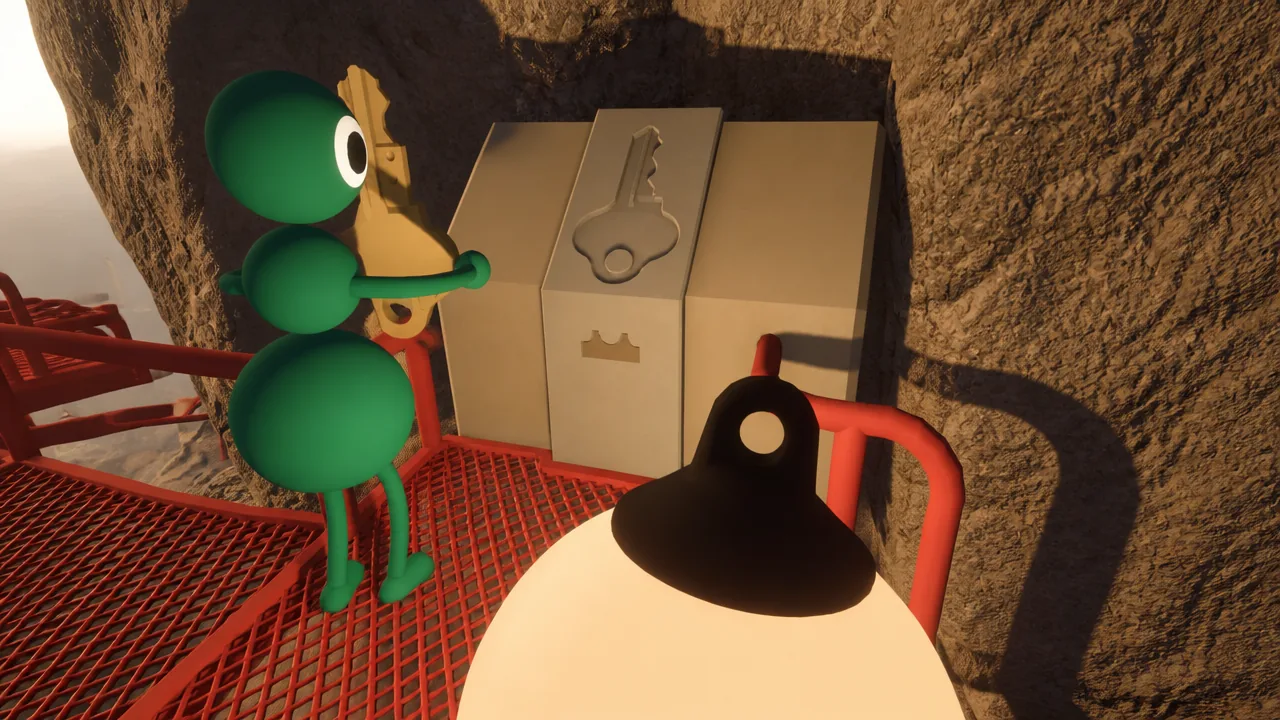
Anything stored on your back or waist stays put through a fall. Look for the blue buildings scattered around the island. Inside each one is a backpack or a belt, and each holds one item. With those plus your two hands, one person can carry up to three things at once. Storage on the back or belt can’t be knocked loose by a plunge, so keep your most important equipment there before crossing steep terrain.
The heavy co-op design means you can’t equip or unequip a backpack or belt, or the items inside them, without a friend’s help.
Get lost items back from the Lost and Found
Leaving something behind is not permanent. The gym area where each session begins has a Lost and Found pedestal that returns whatever you and your group were holding when the previous session ended. Items carried in hands or properly attached reappear there when you come back.
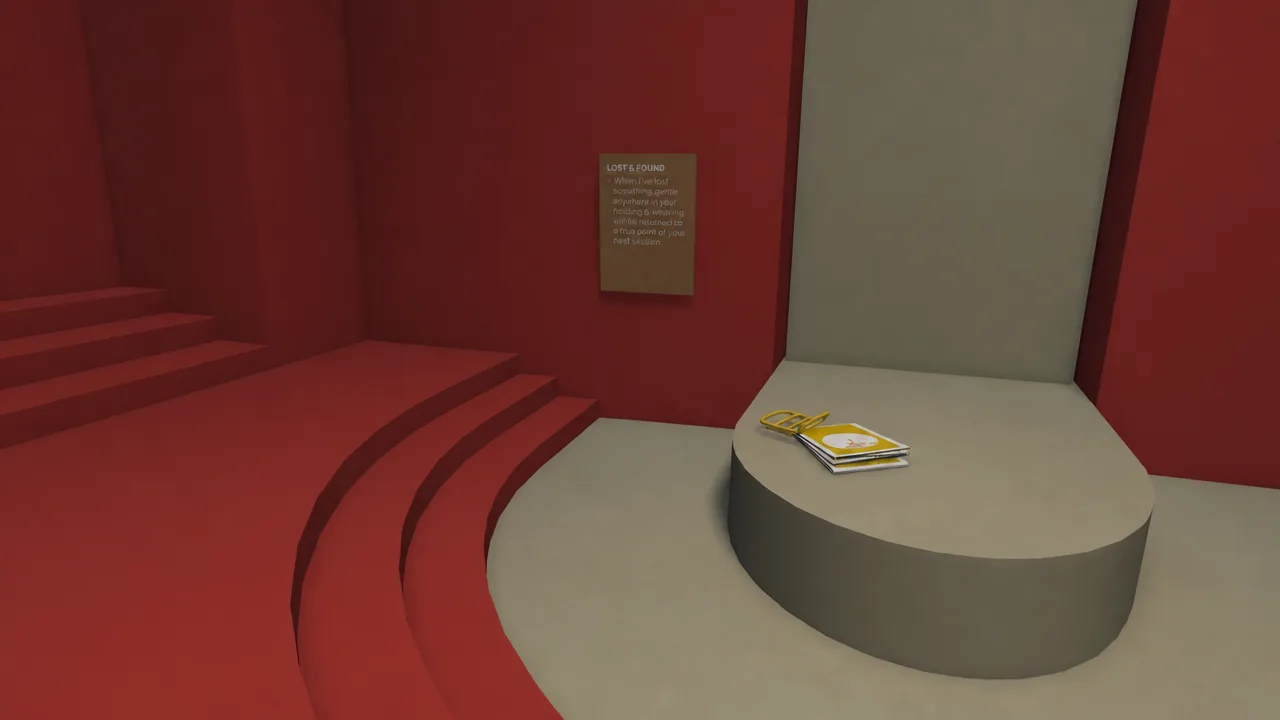
So before the host closes a session, make sure someone is holding the tools you want ready next time, such as a flashlight. Your backpack, belt, and their contents count as held items too. If you forget, the missing gear respawns wherever you first found it, so at worst you know exactly where to walk to grab it again.
Treat communication as the main mechanic
Big Walk is built around talking, and its proximity voice chat is deliberately more realistic than most multiplayer games. A friend a few steps away can be hard to hear, especially if they are facing away. Moving closer or asking them to turn around makes a real difference. It is tempting to bypass all this with an external voice app, but the in-game audio is part of the puzzle. Some challenges force you to communicate quietly or from separate spots, so it pays to learn how the sound actually behaves.
Voice isn’t your only long-range option. Different tools solve different distance problems.
| Tool | Best use |
|---|---|
| Walkie-talkie | Talk normally across long distances; a pair works together, one half per player. |
| Signboards | Write a message at the gym that friends read from afar with spyglasses or binoculars. |
| Tower radios | Chat from a tower with anyone carrying a walkie-talkie. |
| Flares | Fire from a tower or terminal to mark your location. |
| Flashlights and bouncy bulbs | Blink your own signal code, such as one flash for yes and a solid light for no. |
| Hand signals and body language | Point, crouch, or jump in place to be read at a distance with no sound at all. |
Before any big split, agree on a landmark and a rough time to regroup, and pick a quick check-in phrase you repeat every minute or two. If a voice doesn’t answer, you know instantly someone is out of range and can fix it early.
Regroup with signal flares
It is easy to lose track of friends on an island this size. Orange terminals topped with a red button fix that fast. Press the button and a flare launches into the sky, throwing up a bright flash and a loud noise that carries a long way.
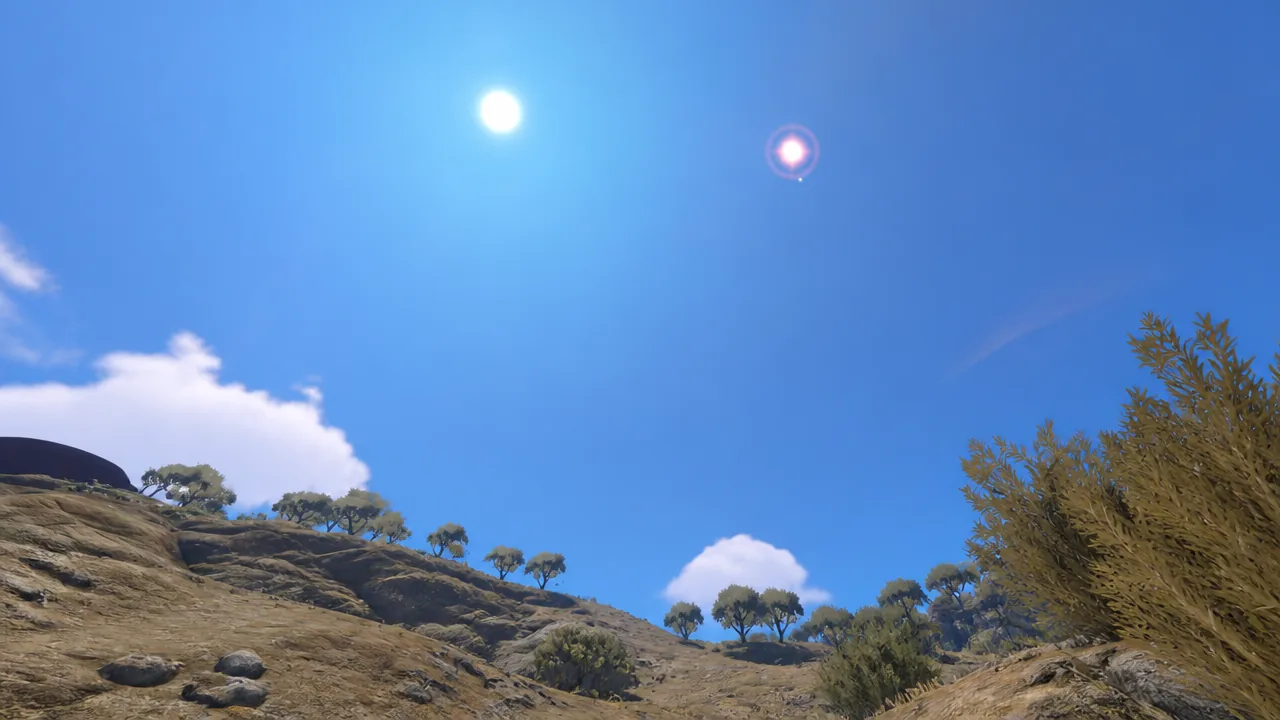
Flares are ideal when the group splits to investigate different areas and later needs to converge on one spot. Keep one player near a terminal or tower when the team scatters.
Find a light source before nightfall
The day and night cycle moves quickly. Daytime runs about eight minutes and the evening is a little shorter at roughly six. Darkness arrives fast, and stumbling around a cliffside island in the dark is a bad time, so a reliable light should be an early priority.
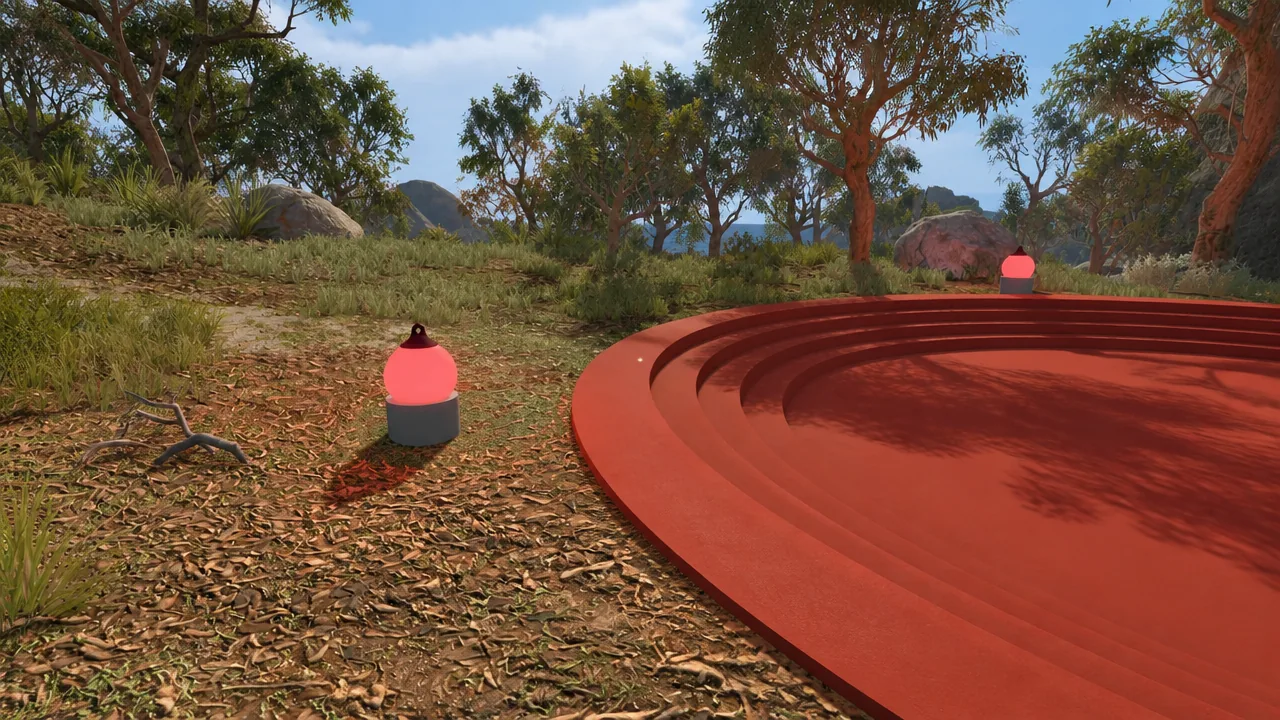
Flashlights are the best option, but carryable lanterns and other lights help too. The island also has small fruit-shaped lights on pedestals and switches attached to puzzle structures. Turn these on whenever you pass them. They won’t replace a flashlight, but they mark the areas you have already explored.
Move faster and see farther
Jumping is more useful than it looks. The island is full of uneven ground, rocks, and slopes that make plain walking awkward. Jumping frees a stuck character and is actually quicker than walking, especially uphill. If the whole group hops together, the trip goes noticeably faster.
To spot a distant friend or peek over a tall structure, pick another player up. Characters can stand on each other to form a human tower, and someone can even carry a player who is already carrying a third, stacking surprisingly high. The person on top gets a wide view and can be seen from farther away.
Read the train schedule before you commit
Once you get the train running, it never stops on its own unless someone stands on it holding the brake. That makes timing everything. Every train station shows a real-time view of where the train currently is on the island, so you can decide whether it’s worth waiting a couple of minutes for a ride or just setting off on foot.
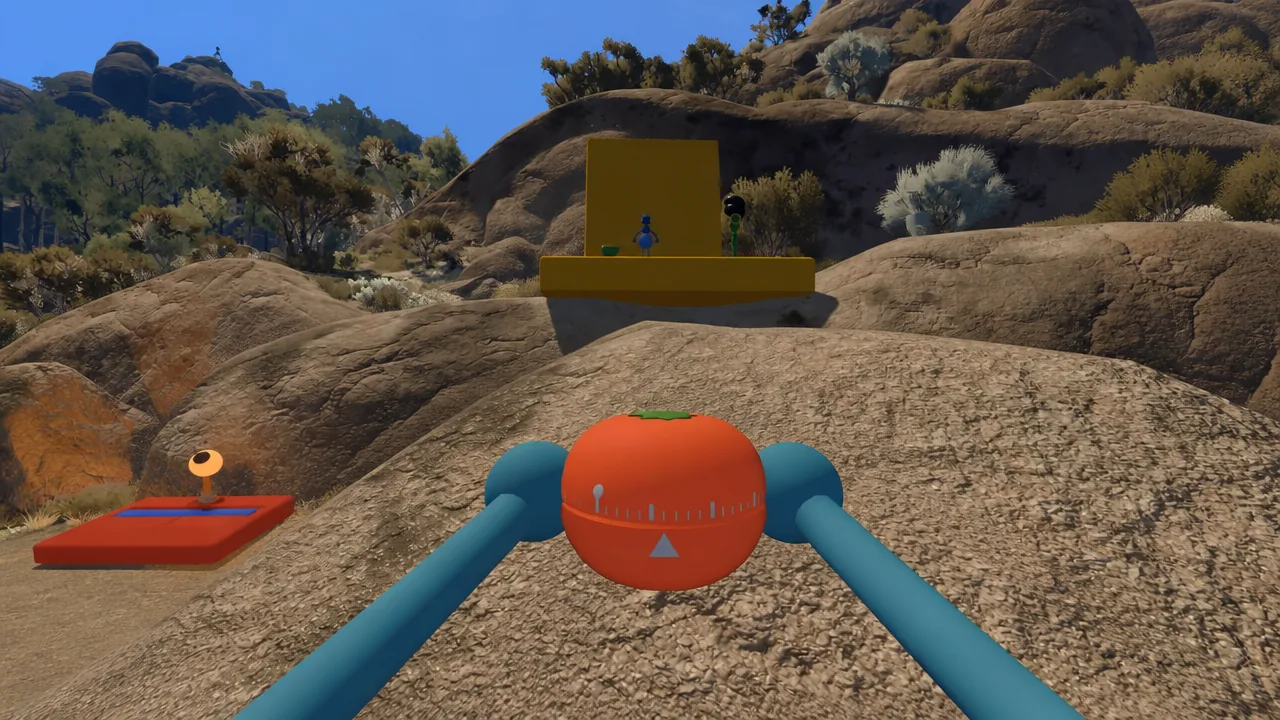
The train, like the ski lift, is not especially fast. Its value is a fresh view of the island, easier landmark spotting, and sometimes a more direct route than hiking.
Start with the red tower
After the opening section, you solve four puzzles, shape a key, and lower a footbridge that wraps a mountain. From there the island opens up around four colored mountaintop towers, in red, blue, green, and yellow. Filling a tower’s console with enough of the glowing egg-shaped puzzle items unlocks a major reward tied to that tower.
The order is up to you, but the game gently points you at the red tower by starting you right beside it. Completing it takes five of those egg items and hands over a reward that makes the rest of the game easier, which is why it’s the natural first stop.
Changing how your character looks
There is no customization menu. Appearance is handled inside the world, at a building near the starting area that holds a paint palette and a mirror. You can’t paint yourself, so a teammate has to do it for you. It’s a tiny detail, but it reinforces the whole point of the game, which is that even simple tasks lean on cooperation.
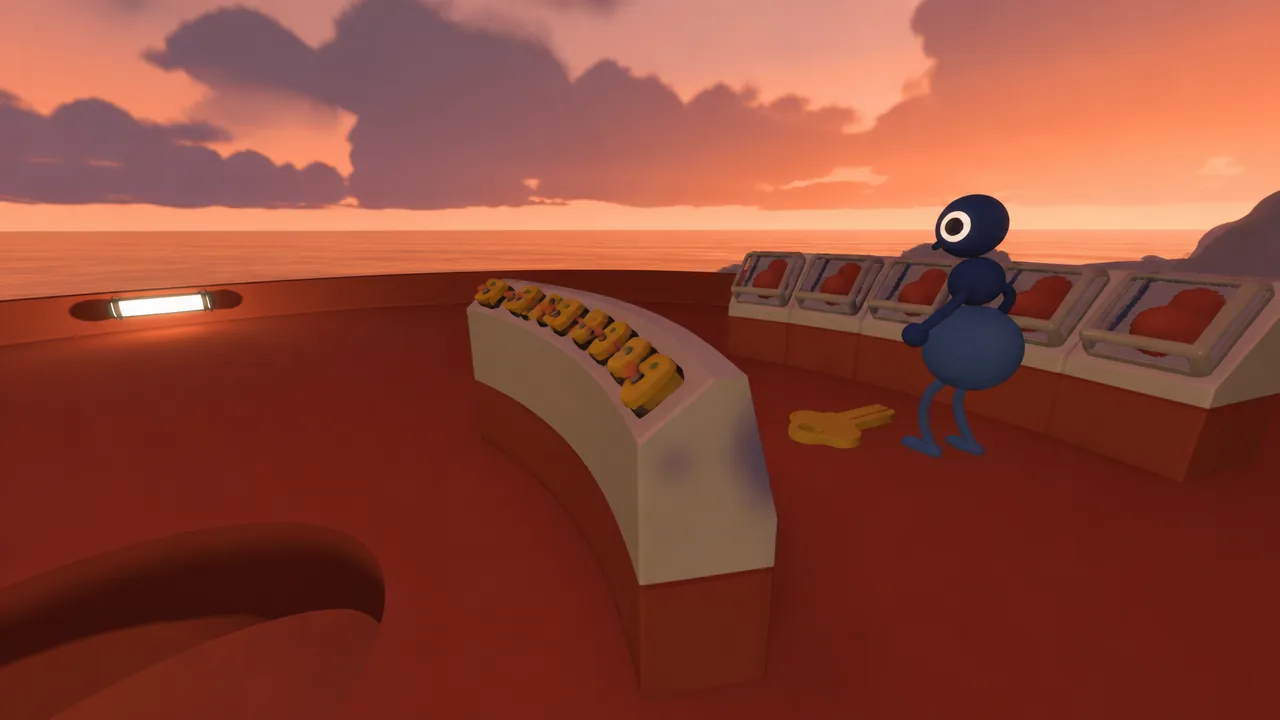
Big Walk is out now on Steam, the Mac App Store, PlayStation 5, and Switch 2, with crossplay between platforms, and you can grab it from the Big Walk Steam page. Get your lobby size right, keep your gear attached, stay in voice range, and the island’s early hours turn from a scramble into a proper expedition.