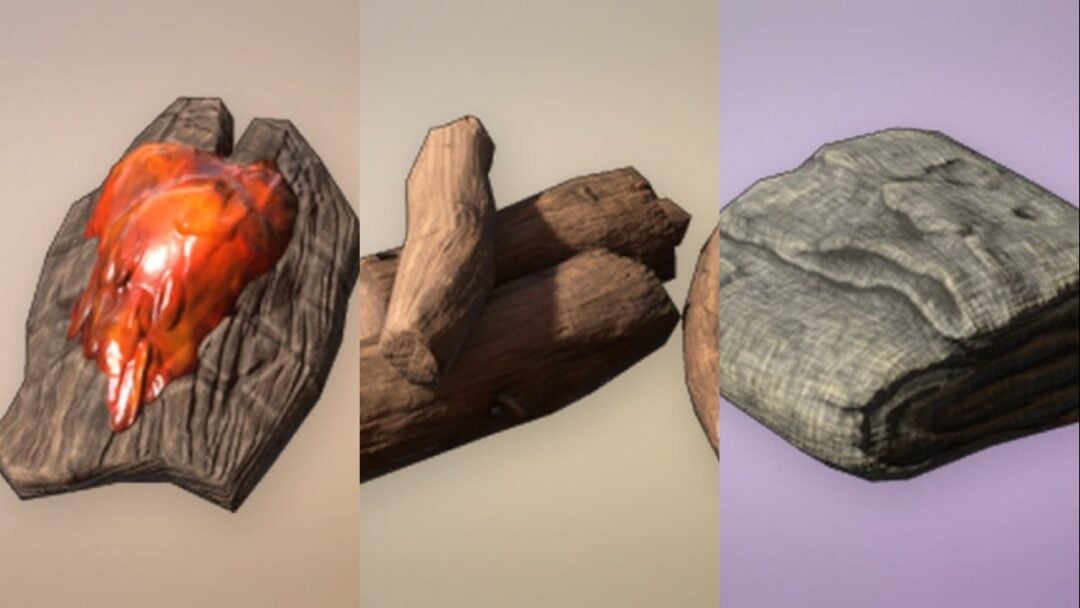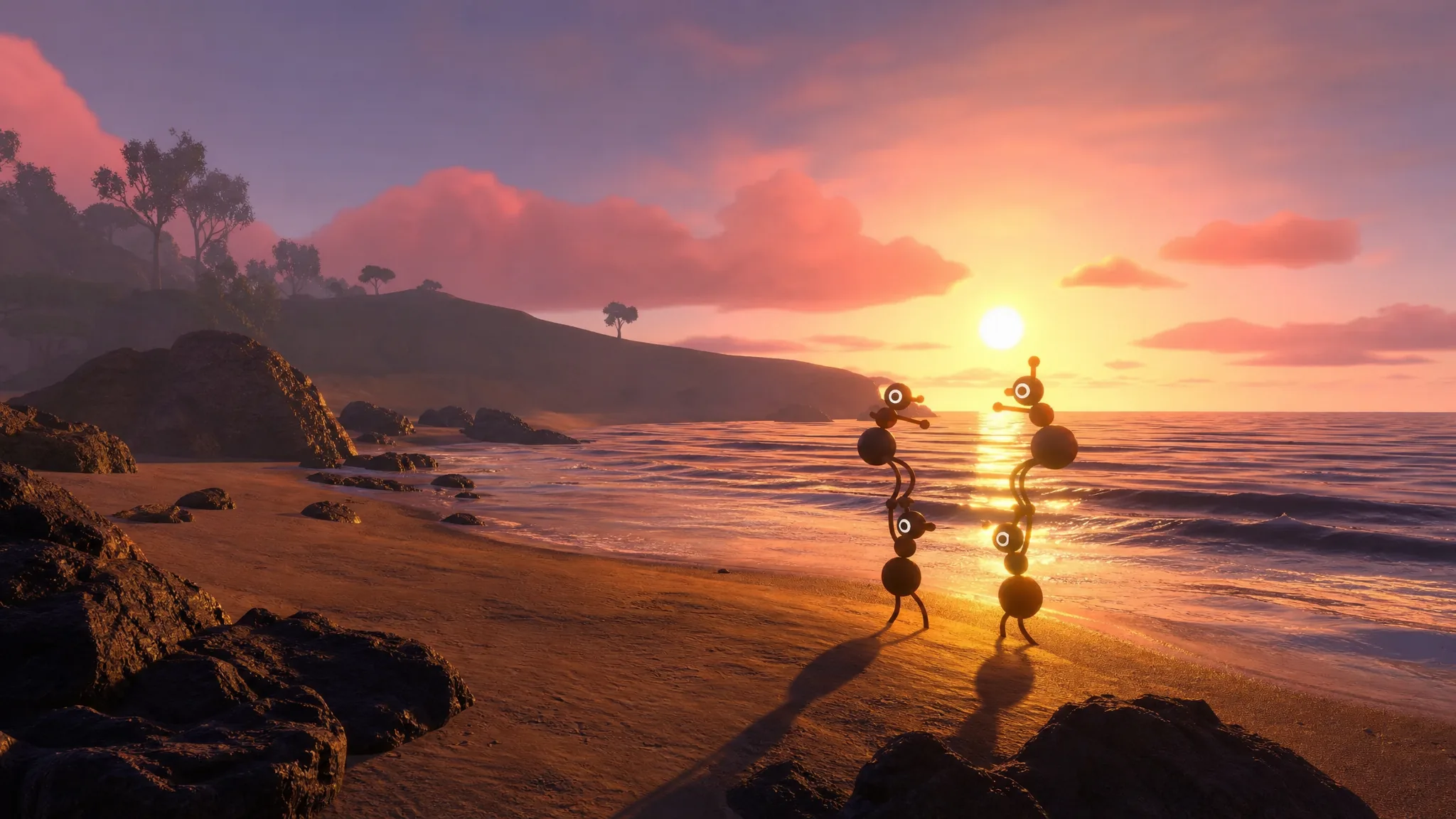
Big Walk is built to be figured out together. It is an open-world co-op puzzle adventure with almost no quest markers, and getting lost on its island is half the appeal. The problem is that a handful of systems work in ways the game barely mentions, and a group can stall for the wrong reasons. The game runs on PS5, Switch 2, and Steam for Mac and PC, with cross-platform play and no regional servers, so mixed groups can jump in from anywhere.
Quick answer: Enter the correct player count when you start or resume a session, grab the red tower key early to unlock the map, and pick up a backpack, belt, and figurine holder so hands stay free for puzzles.
Set the player count correctly every time you start a session
Every session, including a resumed save, asks how many players are joining. That number is not cosmetic. Some puzzles only activate when the required number of players is physically present, so an incorrect count can leave a puzzle that simply refuses to start.
If your group size changes between sessions, the cleanest fix is to end the current session and restart with the right count. You can still share the session code so friends can join, but registering the correct number from the beginning is what keeps those player-gated puzzles working. You will know it worked when a puzzle that stayed inert before finally responds to your inputs.
Unlock the red tower first to get the map and reduce travel
The island has red, blue, green, and yellow towers on the mountaintops, and the game seats you close to the red one on purpose. A short tutorial section comes first, where you solve four puzzles, shape a key, and lower a footbridge around the mountain. After that the island opens up, and working the red tower next is the sensible move because its reward makes the rest of the trip smoother.
Filling a tower’s console with enough figurines unlocks the major item tied to that tower. The red tower key also matters because it is what unlocks the map. The map shows the full island with every structure marked, and blue flags appear at the spots where figurines have already been found, so you can see completed puzzles and remaining areas at a glance.
Travel time is a real cost on this island, so open shortcuts as you find them. Large archway gates are blocked at first and open from a button on the far side, and a tunnel network unlocks with the yellow tower key to give direct routes between towers. Once you get the train running, note that it never stops on its own unless someone holds the brake. Every train station shows a live view of where the train is, so you can decide whether to wait or set off on foot.
| Shortcut | How it opens |
|---|---|
| Archway gates | Press the button on the far side; clustered around the red area near the Map Room |
| Tunnels | Unlock with the yellow tower key; link the towers underground |
| Train | Runs continuously; check any station’s live map to time your ride |
Free up your hands with a backpack, belt, and figurine holder
There are no pockets in Big Walk. Anything you carry occupies your hands, so deciding what to hold and what to drop is a constant part of play. Exploration turns up items that expand what a single person can carry, and coordinating those across the group is its own puzzle.
| Item | What it does |
|---|---|
| Backpack | Adds one item of storage on your back |
| Belt (hip bag) | Frees one hand by holding one item at your side |
| Figurine holder | Attaches to the backpack and carries two red figurines, freeing both hands |
Wearing a backpack and a belt together plus your hands means one person can carry up to three items at once. Two catches are worth knowing. You cannot equip, unequip, or swap the contents of a backpack or belt without a friend’s help, and those bags cannot hold the round lanterns. The upside is that items stored in a bag are not dropped when you take a big fall, so they are far more reliable than anything in your hands.
Use the built-in communication tools before you split up
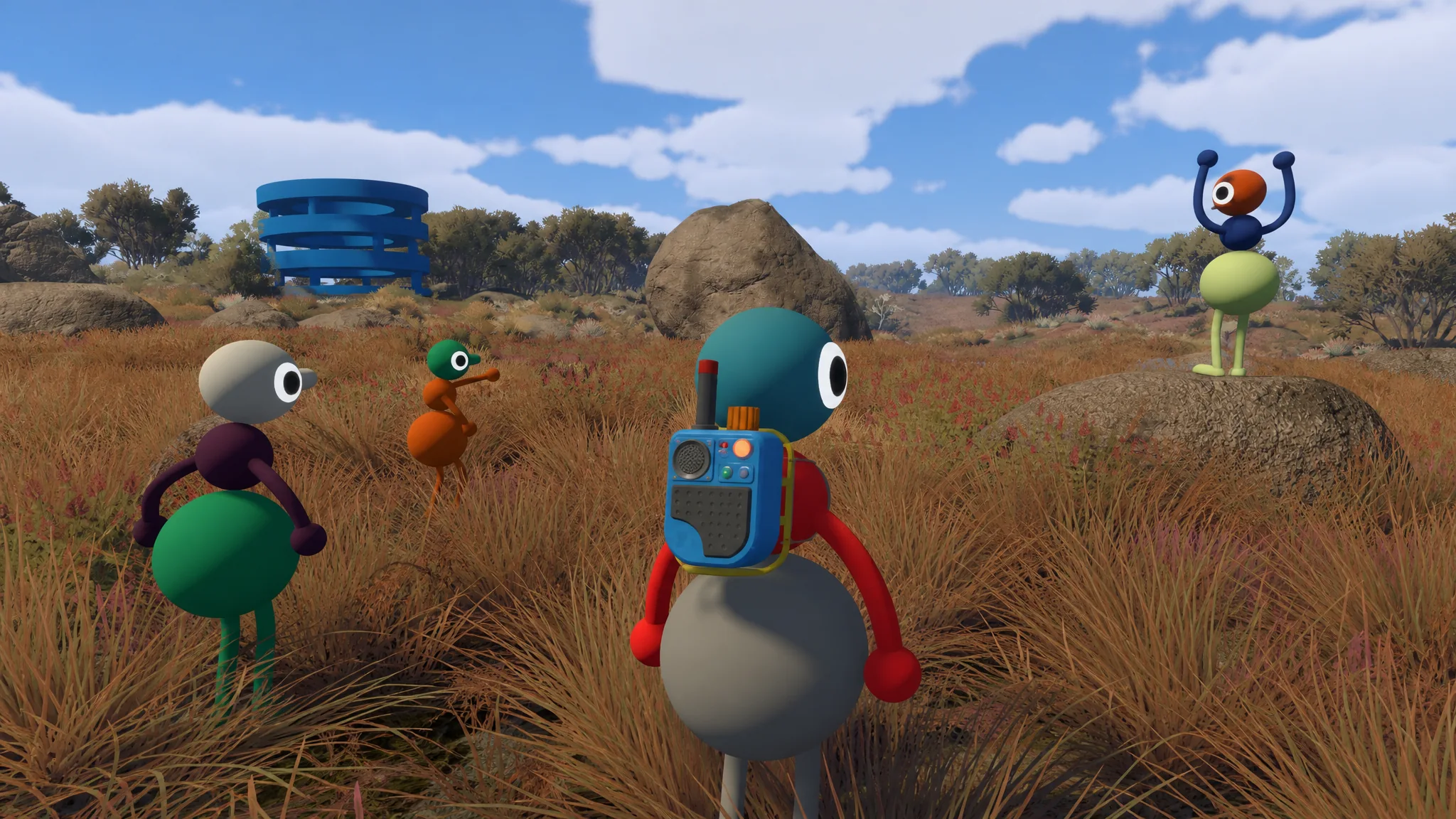
The game is designed around its own communication systems rather than an external voice call. Proximity chat only carries a short distance, roughly two to three meters, and voices and typed messages get louder and bolder as players close in. Once you separate to cover different areas, that range is not enough, so pick up the tools scattered around the island.
| Tool | How it helps |
|---|---|
| Walkie-talkie | Keeps split groups in contact; also receives messages sent from tower radios |
| Tower radios | Broadcast to every radio receiver and walkie-talkie on the map |
| Megaphone | Carries your voice across long distances; only two exist on the map |
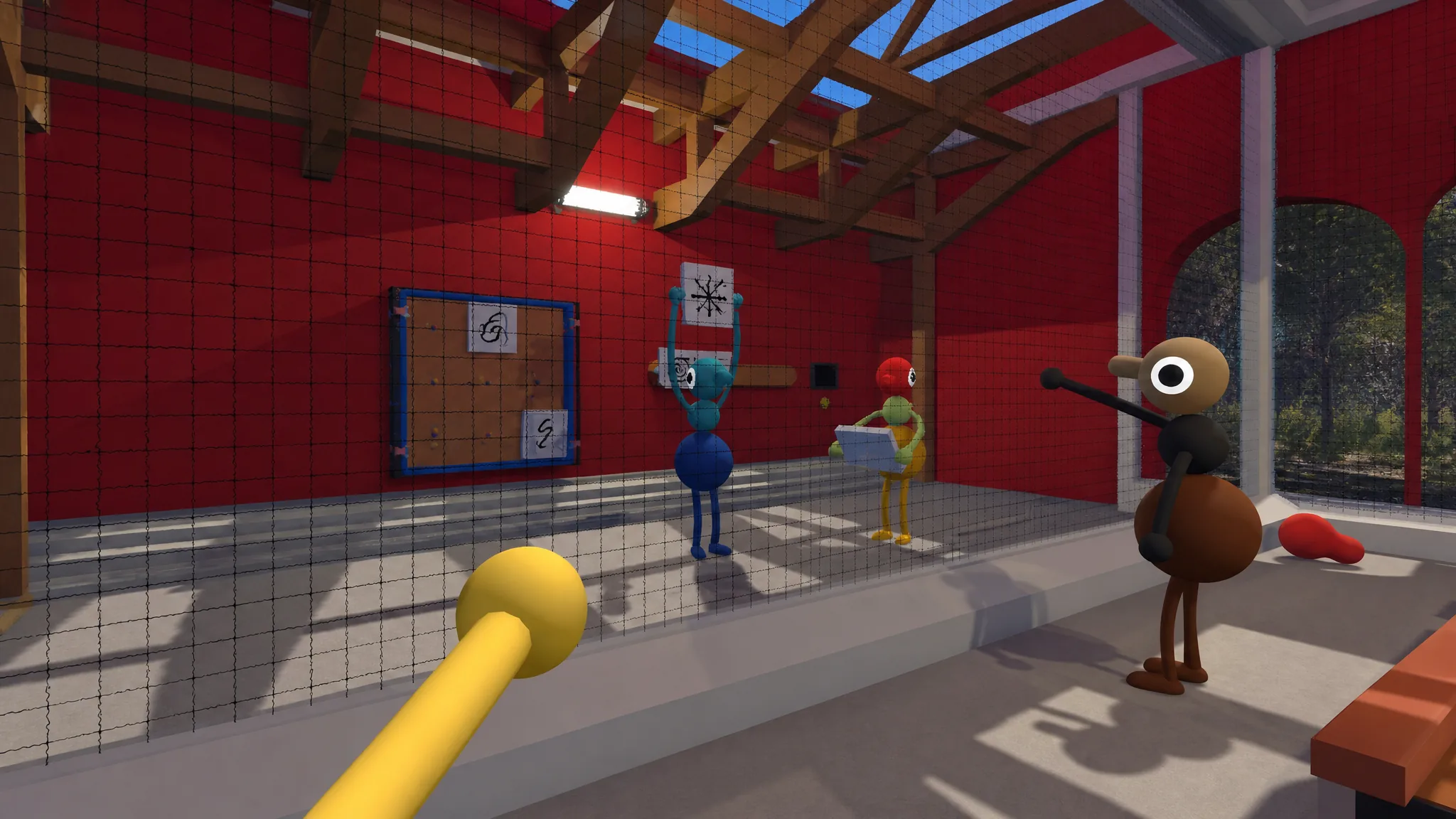
| Whiteboards / signs | Leave written notes readable from afar with a spyglass or binoculars |
| Flares | Sit atop every tower and other high points to signal your location |
Flashlights and the large bouncy bulbs around the island double as signaling devices if you agree on a code with your group, such as one blink for yes. If a microphone stops working mid-session, the built-in text chat is a reliable backup, so you do not have to restart just to fix an audio problem.
Carry a light and use the camera’s night vision
The day and night cycle moves fast, so darkness arrives sooner than you expect while exploring. Prioritize finding a flashlight and keeping it on hand. Until you have one, large lanterns scattered around the island can be picked up and carried for light while you move.
The camera is the standout item after dark. Equipping and using it at night activates a night vision mode that lights up the area and marks nearby items and players. For scavenger-style puzzles where objects are hard to spot, scanning the environment with the camera at night is the fastest way to locate what you need.
Read character faces to spot who is away or disconnected
Every character shows facial expressions that shift during play, and they double as a status check for the group. When someone goes AFK, their character visibly falls asleep with U-shaped eyes, so you can tell they stepped away rather than assume they are stuck on a puzzle. A disconnect from the server looks different from that sleeping state, so keeping an eye on everyone’s face is a quick way to know what is actually happening across the island.
Try multiple solutions before skipping a puzzle
Almost nothing in Big Walk can be finished alone. It is a co-op game for two to twelve players, and nearly every puzzle needs more than one person. The basketball hoop near the red tower is about the only thing a single player can complete, so plan on solving things as a team.
Most puzzles have more than one valid solution, so it is worth experimenting from different angles before you give up. Everything on the island is placed for a reason, and many answers are sitting in plain sight once you know what to look for. If a puzzle becomes a genuine wall, an accessibility mode makes certain puzzles skippable, which suits mixed-experience groups or anyone who would rather focus on exploring and hanging out. Reach for the skip toggle after you have tried the alternatives, not before.
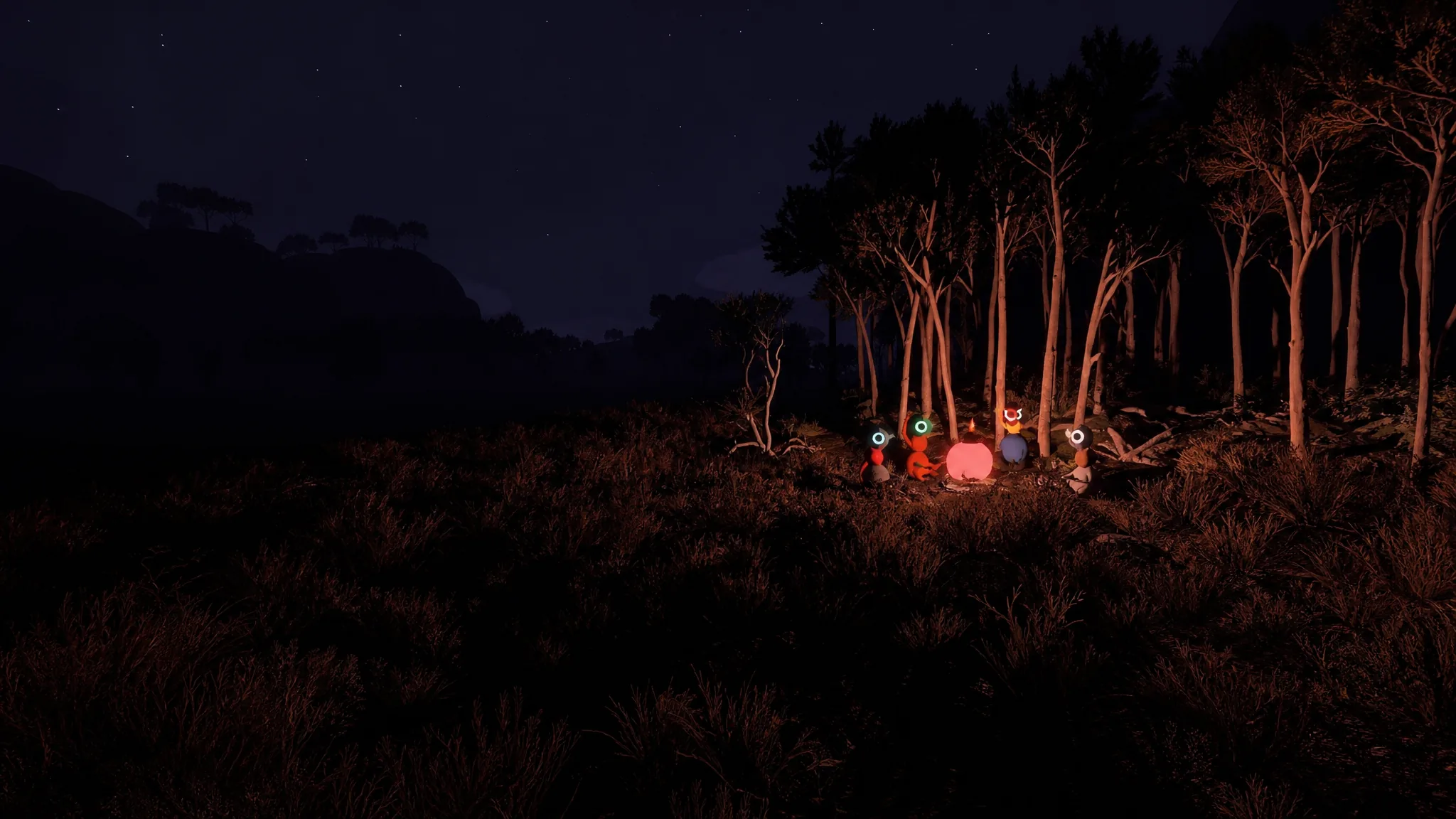
Hold your key items when the host ends the session
Sessions begin in a gym area, and that gym has a Lost and Found table. Whatever your group was holding when the last session ended shows up there, which makes it easy to start the next session already equipped. If you find a flashlight you want on hand from the start, make sure someone is holding it when the host ends the session, and it will be waiting on that table next time.
Backpacks, belts, and the items inside them count as held items too, so they carry over the same way. Forget to hold something and it is not lost. Items respawn at the spot where you first found them, so at worst you know exactly where to go and grab it again.
None of this is meant to strip the mystery out of the island. It just removes the friction that stops a group in its tracks, so the time you spend together goes toward the puzzles and the exploration the game is built around.