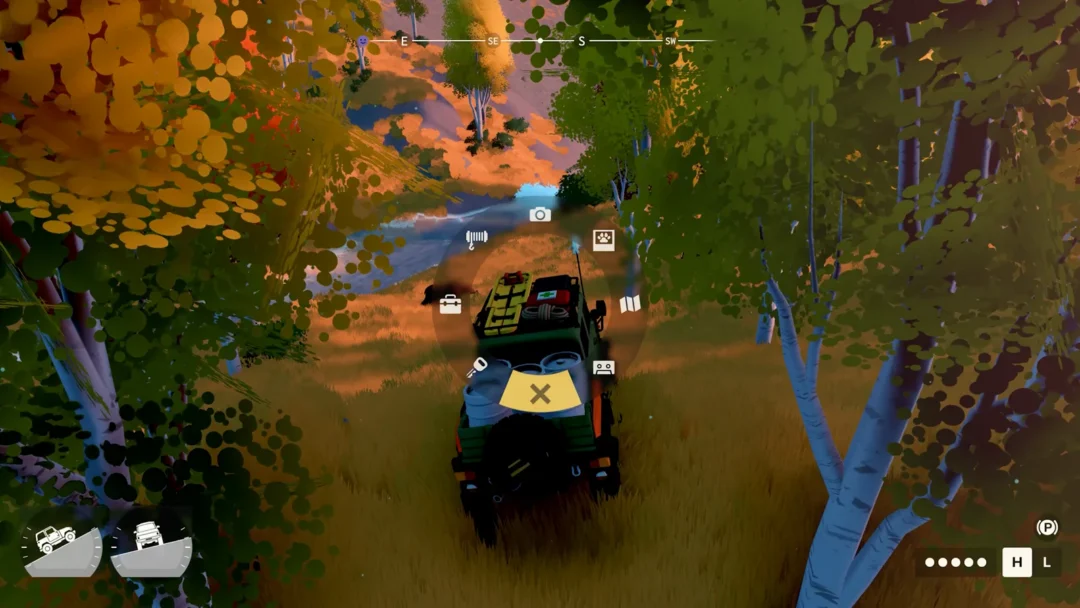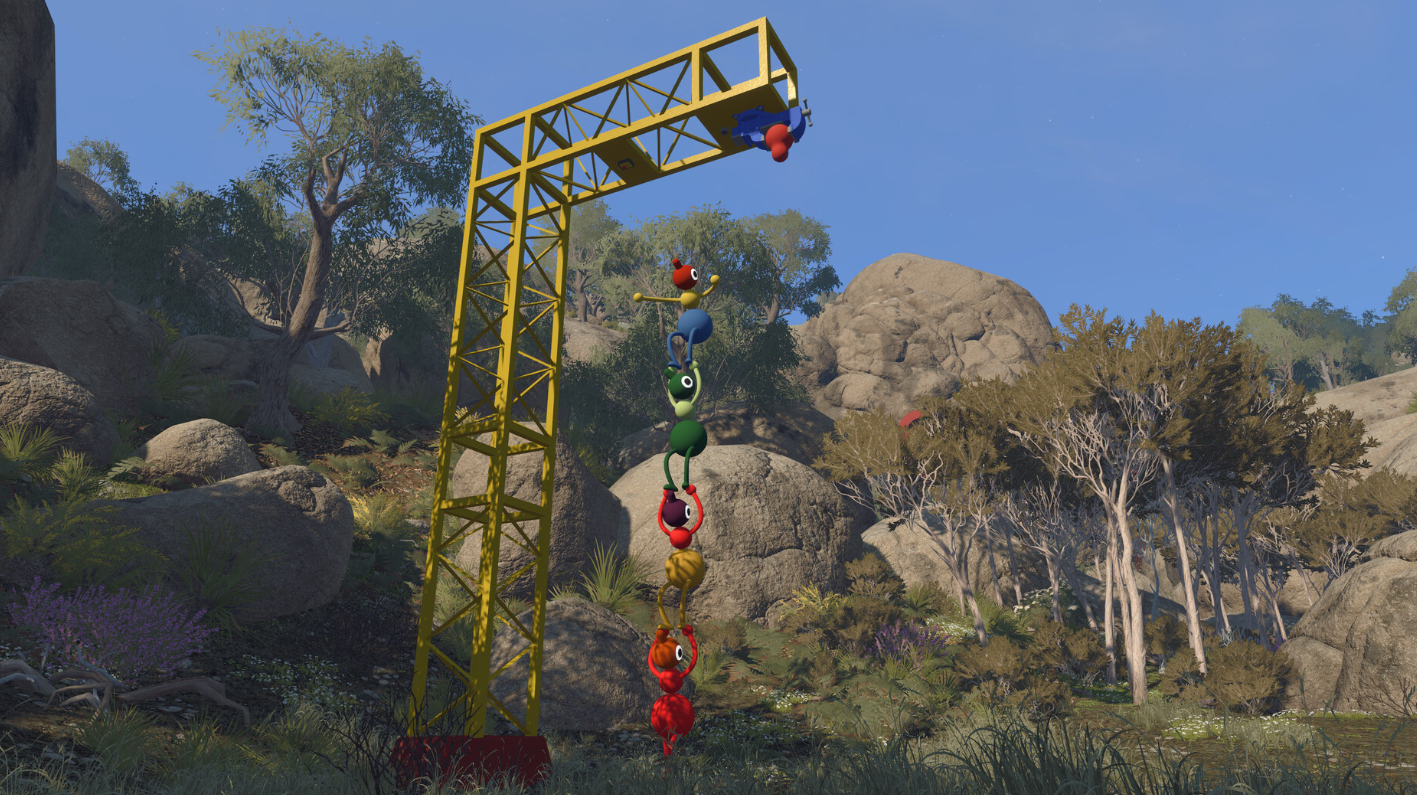
Big Walk is built entirely around online multiplayer, so anyone hoping to sit two controllers on one couch will hit a wall right away. The cooperative “walker-talker” from House House connects a group of friends across the internet, and it leans on that separation as a core part of how the game plays.
Quick answer: Big Walk has no local co-op, no split-screen, and no LAN play. Every player needs their own device and copy, sessions hold 2 to 12 players, and crossplay works across PC, PlayStation 5, and Nintendo Switch 2.
Which multiplayer modes Big Walk supports
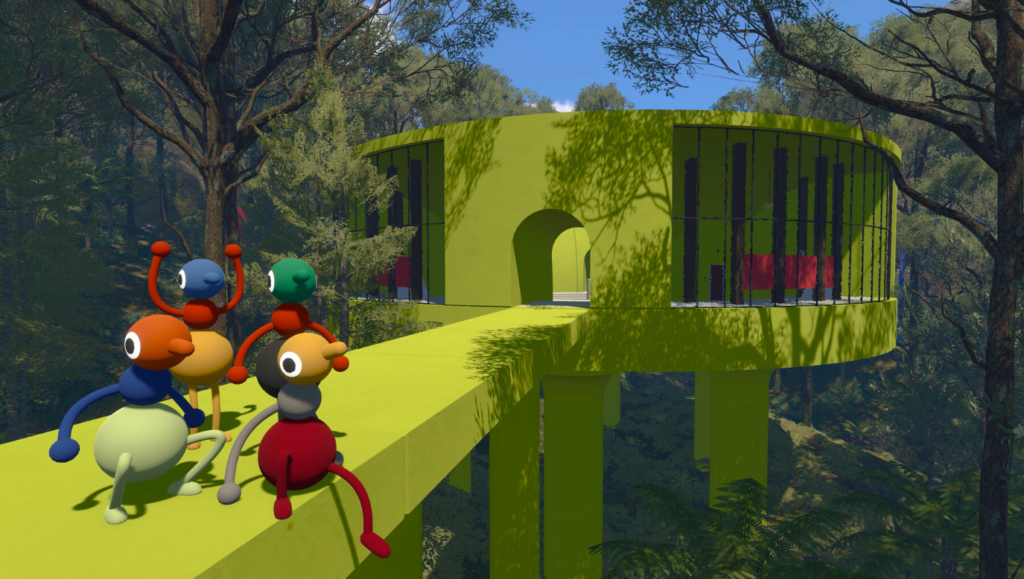
The game is online co-op only. There is no shared-screen option and no system link, so a single console or PC cannot host two players in the same session. Each person joins from their own machine, and everyone can be on the same platform or mixed across platforms.
| Feature | Status |
|---|---|
| Online co-op | Supported, 2–12 players |
| Local / couch co-op | Not supported |
| Split-screen | Not supported |
| LAN / system link | Not supported |
| Crossplay | PC, PS5, Switch 2 |
| Drop in / drop out | Supported |
The world itself scales with your group. There are separate versions of the map tuned for two players, three players, and four or more, so the size of your party changes the layout you explore.
Why there is no couch co-op
The absence of local play is a deliberate design choice, not a missing feature. Big Walk runs on a proximity voice chat system where your voice fades as you move away from teammates, echoes down corridors, muffles through walls, and crackles through walkie-talkies. Managing that distance is a mechanic you work with the whole game.
Sitting next to a friend breaks that entirely, because you would simply turn and talk in the room and ignore the in-game audio. House House recommends avoiding out-of-game communication where possible, including being in the same physical space, and lays this out in the official Big Walk FAQ. Keeping players apart is what preserves the puzzle and communication systems.
Join a session on the same platform
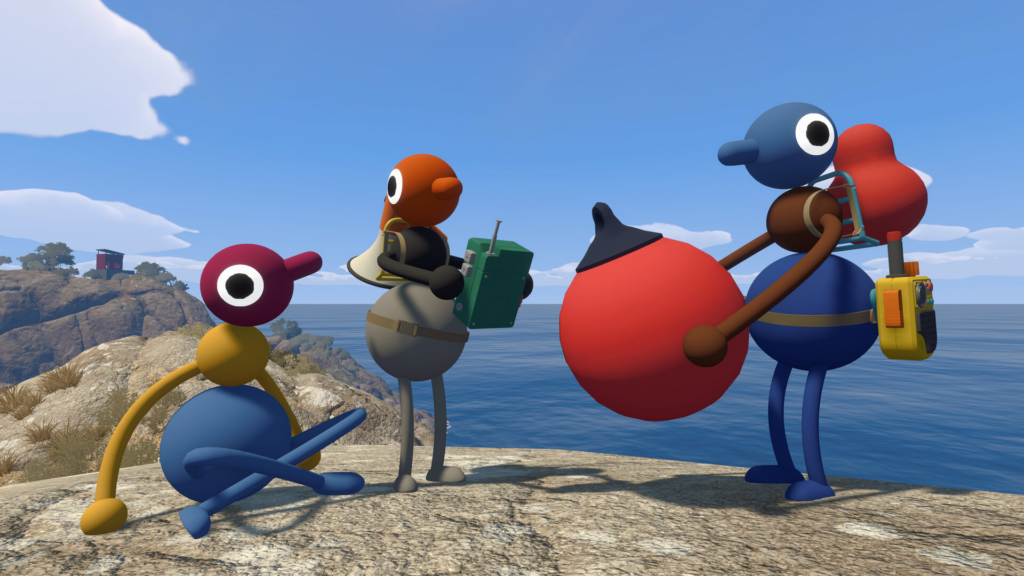
If everyone is on the same platform, for example all on PS5, all on Steam, or all on Switch 2, the host’s session appears in your friends list and you jump in from there.
Join across platforms with a session code
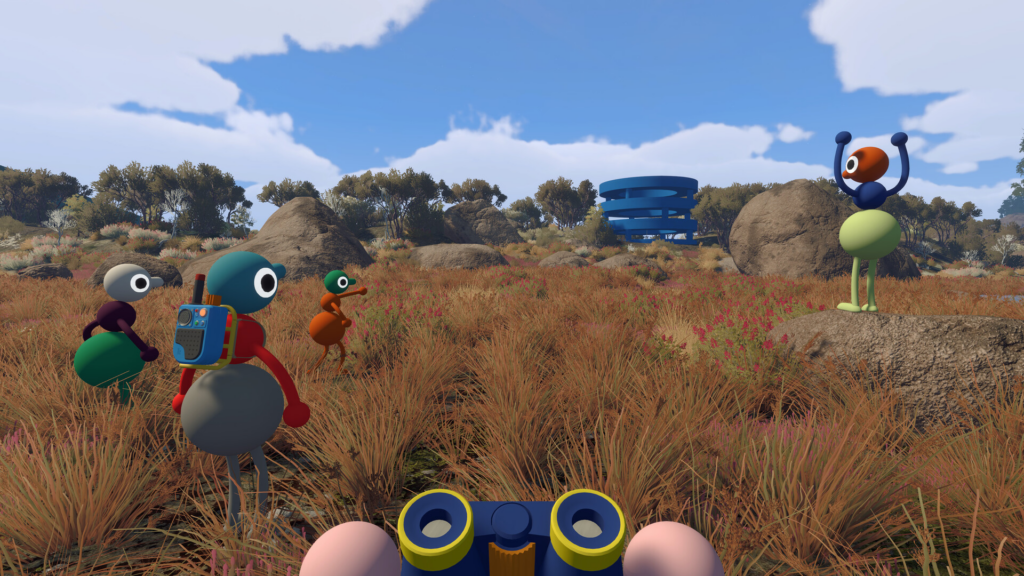
When your group spans different platforms, Big Walk uses a session code. Every session generates one automatically, and the host shares it with the rest of the party.
Entering a code drops you straight into the starting area, so make sure everyone is ready before anyone joins. Otherwise your group can end up scattered before you have had a chance to coordinate.
Player count and what each person needs
Big Walk supports 2 to 12 players in a single session. A pair gets a focused co-op run, while a full lobby of 12 turns the walk into a much busier, messier trip. Because there is no shared screen, every participant needs their own device and their own copy of the game.
The game is available on Windows and macOS through Steam, on PlayStation 5, and on Nintendo Switch 2, and crossplay lets those platforms play together in the same lobby. Drop-in and drop-out are supported, so players can come and go without ending the session for everyone else. If your party stays connected on the friends list or through a shared session code, you are set up correctly and the group can start exploring the island together.