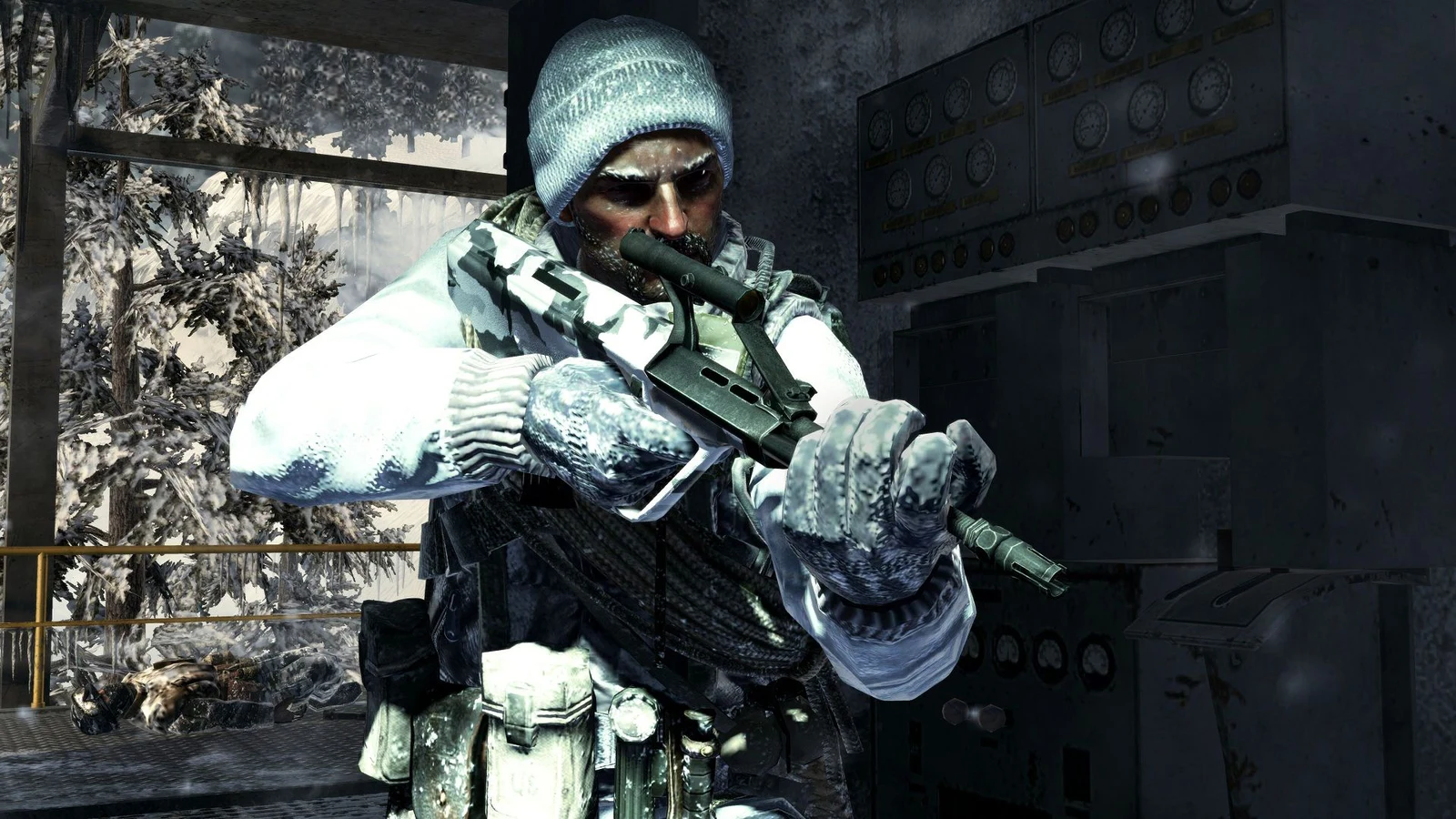
The round-based zombies mode from the original Call of Duty: Black Ops now runs entirely inside a web browser, free of charge. The fan project covers all ten launch maps along with every DLC map, and it works without owning or installing the 2010 game.
Quick answer: Open the browser port at vel.gg/bo1z, turn on hardware acceleration in your browser settings, then boot any map. You know it worked when the map loads and plays at a steady frame rate instead of a slideshow.
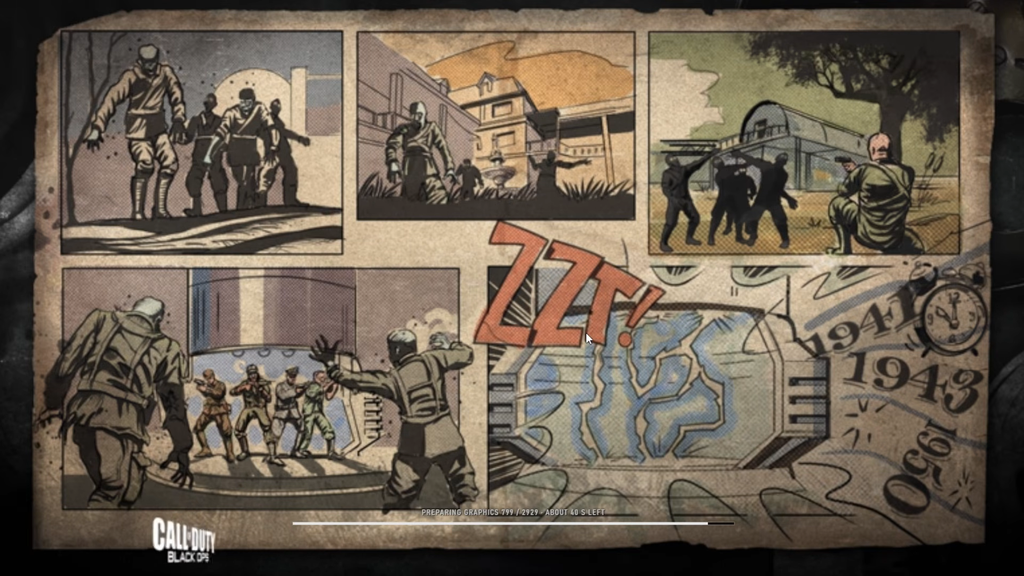
What the browser port includes
The full map pool from the original release is present, and the DLC maps are bundled in at no extra cost. You get the complete solo survival loop: buying wall weapons, spinning the Mystery Box, flipping the power switch, drinking perks, and upgrading guns at the Pack-a-Punch machine.
- All ten launch maps from the original game.
- Every DLC zombies map, included for free.
- Full in-game settings you can customize, as you would on PC.
- Keyboard and mouse controls in the browser.
The recreation sticks closely to the source game. Weapon buys, perk machines, teleporter routes, and the round structure match the native experience, so veterans will recognize the layouts and the late-round squeeze when the screen fills with zombies.
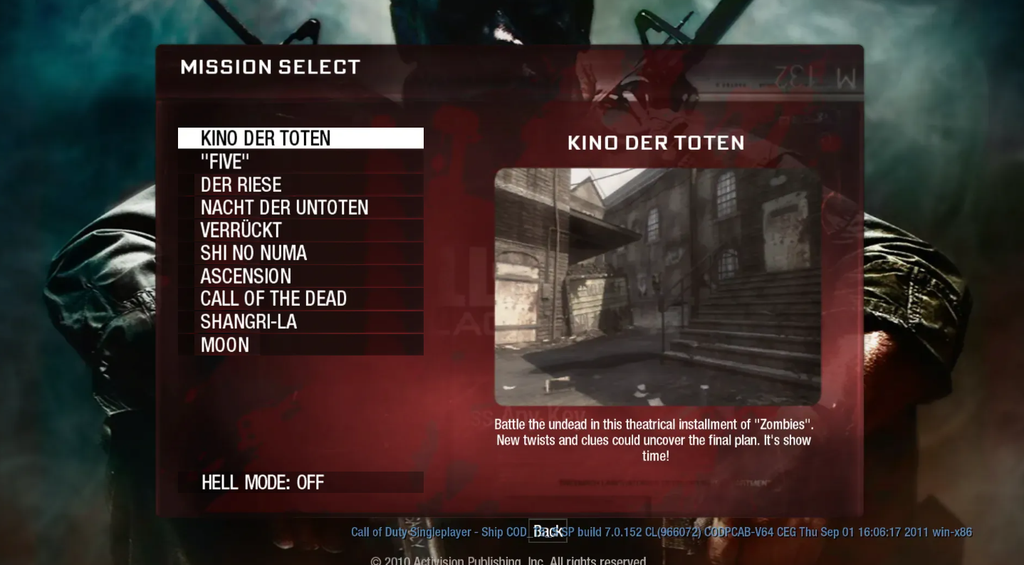
How to launch the port and start a map
Performance varies between browsers, so if one feels unplayable, try a different browser before giving up on the port.
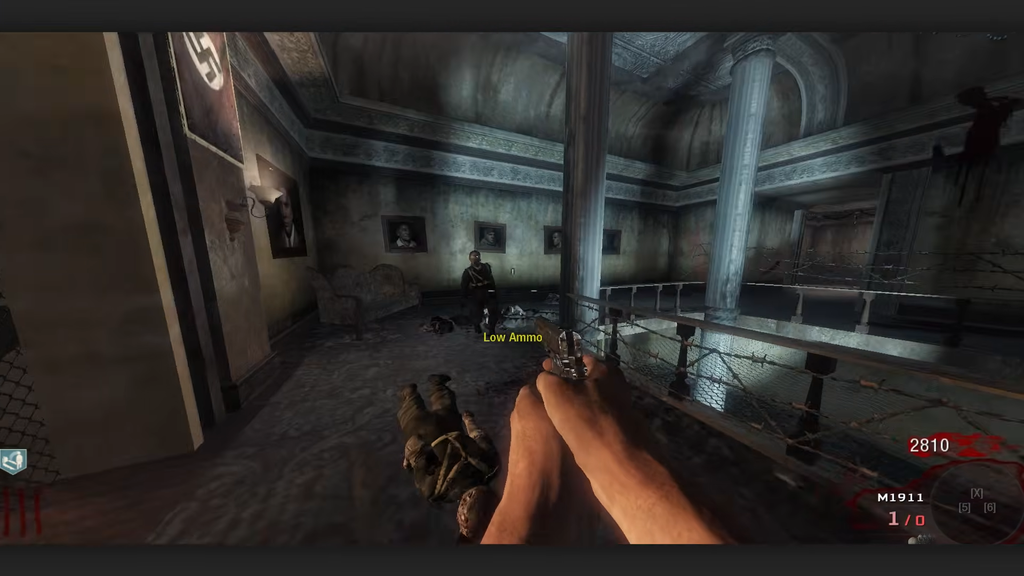
Enable hardware acceleration for playable performance
Without GPU support switched on, the port can crawl to a slideshow on some browsers. Turning on hardware acceleration or GPU usage in your browser settings is what brings it up to a playable state.
With acceleration on, the port runs better than the format might suggest. Frame rate dips show up mainly in the larger maps once a big horde crowds the screen, which is the same late-round pressure the native game always had.
No co-op or split-screen
The port is solo only. There is no multiplayer and no split-screen, so you are chasing rounds on your own rather than sharing the couch. That is a real loss for a mode built around playing with friends, but the core survival loop stays intact.
Activision has not announced an official browser version of Black Ops. This remains a community effort rather than a supported release, and it sits alongside other recent browser ports of classics like Grand Theft Auto, Half-Life, and the original Halo: Combat Evolved.