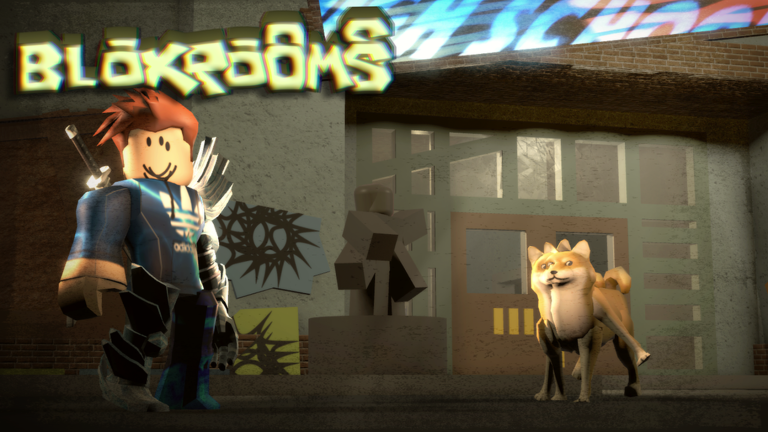
Bloxrooms sends players through corrupted, half-familiar levels filled with strange entities and scavengeable artifacts. Codes are the quickest way to stock up on Cash before you head into the deeper rooms.
Working Bloxrooms codes
Two codes are redeemable right now, and each one hands over 1,000 Cash, so entering both nets you 2,000 Cash total.
RELEASE— 1,000 Cash100K— 1,000 Cash
How to redeem codes in Bloxrooms
Type each code exactly as shown above. Codes are case-sensitive, and even a small typo means the Cash won’t be applied to your account.
You’ll know a code worked when your Cash balance updates immediately after pressing Redeem. Repeat the process for the second code to collect the full 2,000 Cash.
Where new Bloxrooms codes get announced
New codes tend to surface through the developer’s own channels before anywhere else. The Bloxrooms Corporation Roblox community page and the official Discord server are the places to watch for announcements tied to updates or milestones.
Cash from codes goes straight into gear upgrades, things like better flashlights, extra stamina, or tools that help you survive longer in the corrupted rooms. Since Bloxrooms is still in open beta, its code list can grow whenever the developers hit a new player count or ship a content update.