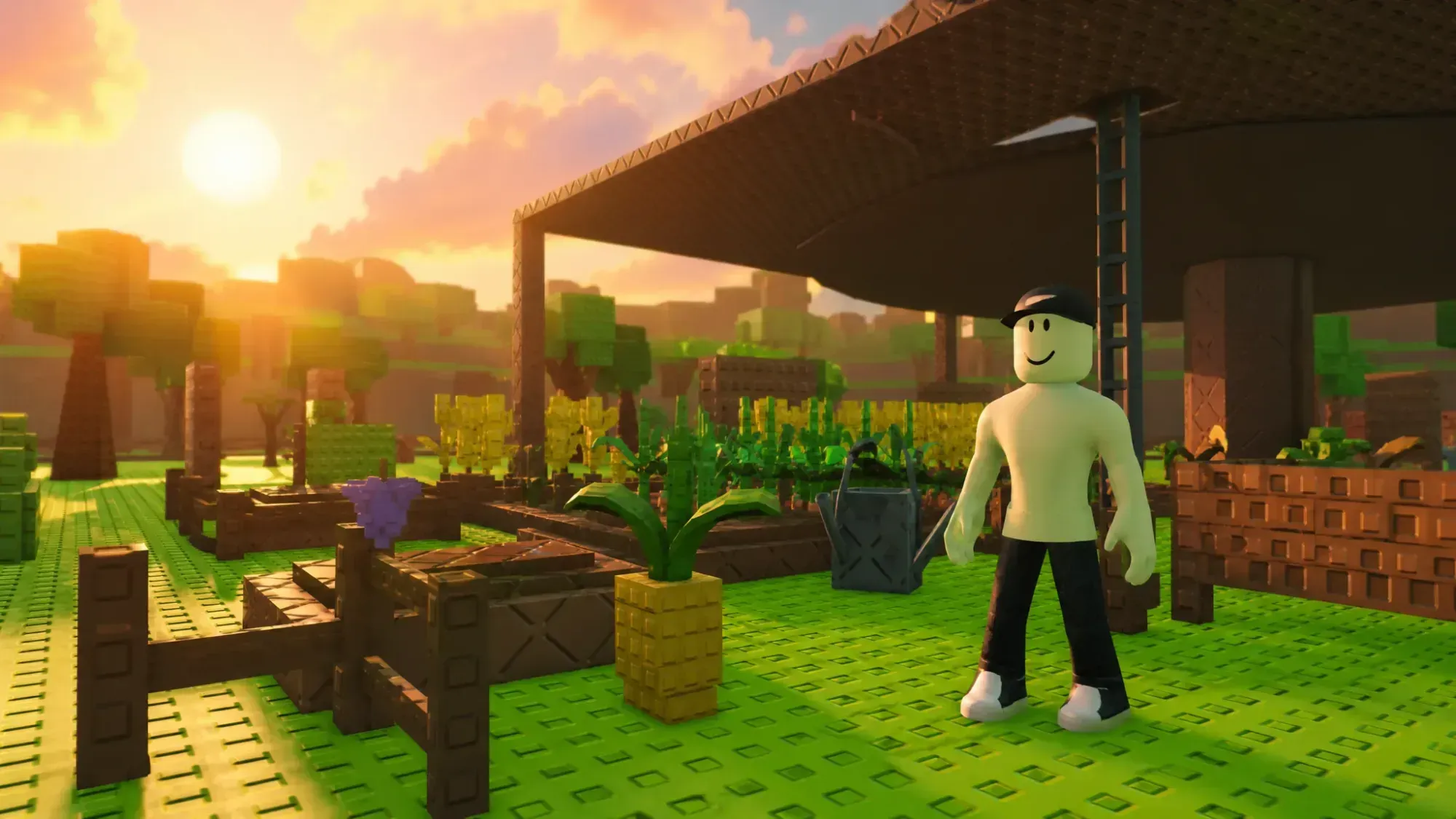
Farm skins in Build a Ring Farm change how your plot looks and quietly raise your Cash earnings while equipped. There are six to chase in Update 4, ranging from a default starter look to a Robux-only Cyber Farm, and you can swap between any you own whenever you want from a single board near your base.
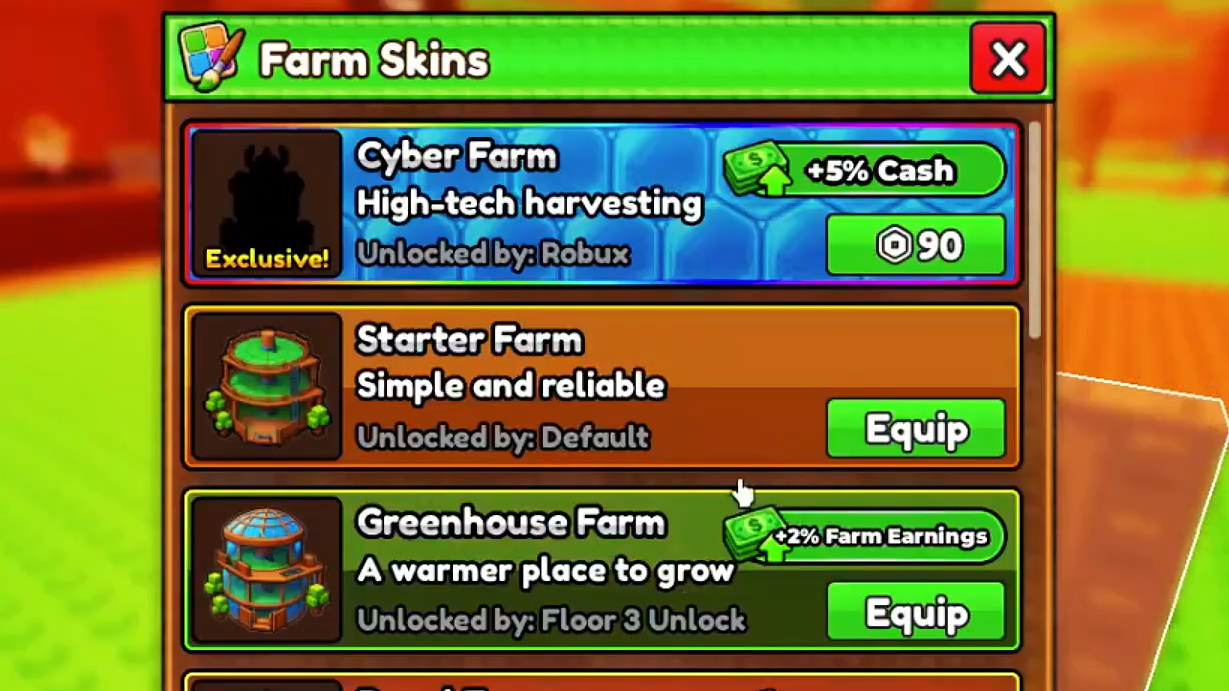
All farm skins in Build a Ring Farm and their effects
Only one skin can be active at a time, and its bonus replaces whatever the previously equipped skin gave you. The Starter Farm comes unlocked from the beginning and provides no buff, while every other skin either costs Cash, requires a progression unlock, or needs Robux.
| Skin | Effect | Cost | Description |
|---|---|---|---|
| Starter Farm | None | Unlocked by default | Simple and reliable |
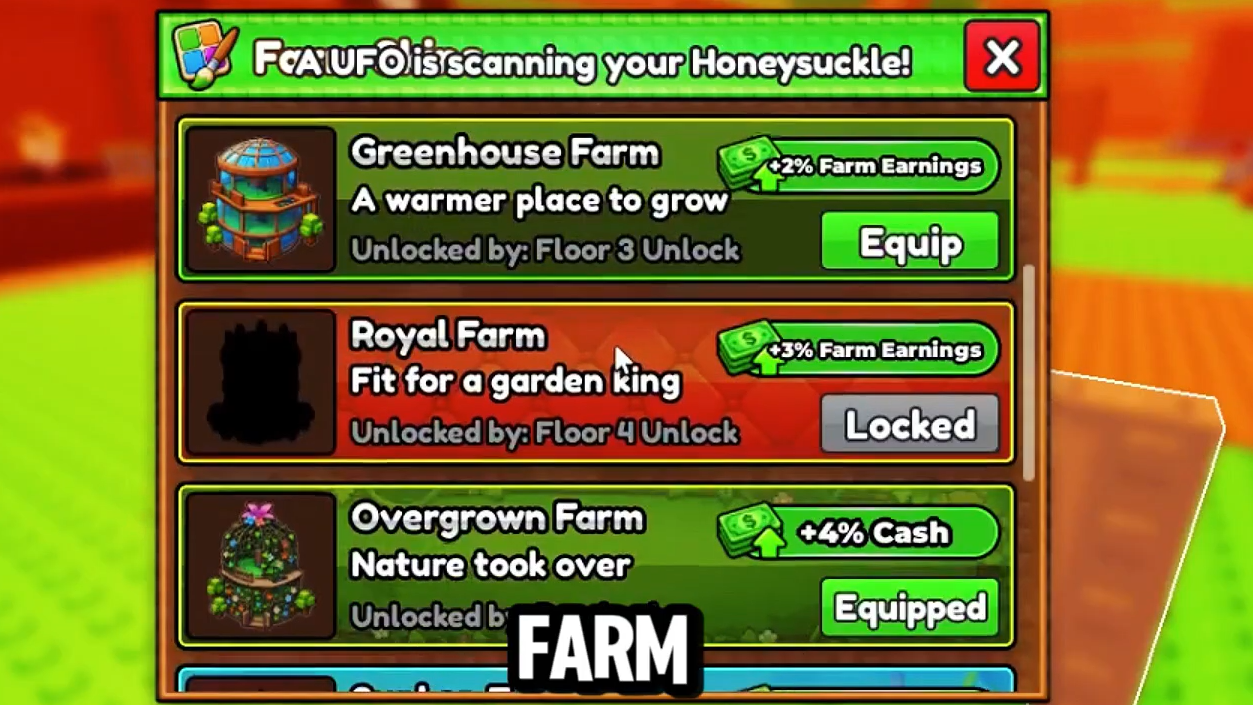
| Greenhouse Farm | +2% Farm Earnings | Unlocked after Floor 3 upgrade | A warmer place to grow |
| Royal Farm | +3% Farm Earnings | Unlocked after Floor 4 upgrade | Fit for a garden king |
| Overgrown Farm | +4% Cash | 25T Cash | Nature took over |
| Cyber Farm | +5% Cash | 99 Robux | High-tech harvesting |
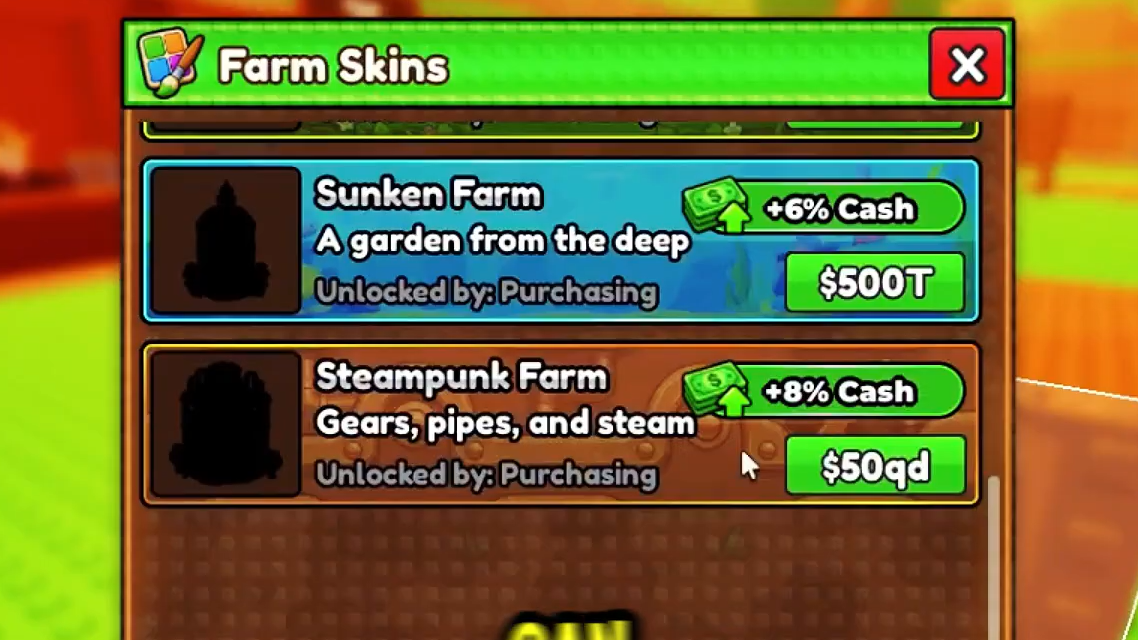
| Sunken Farm | +6% Cash | 500T Cash | A garden from the deep |
| Steampunk Farm | +8% Cash | 50Qd Cash | Gears, pipes, and steam |
Most skins are bought with Cash, the currency you earn from selling crops and from redeeming codes. The Greenhouse Farm and Royal Farm work differently and unlock through farm progression instead, tied to the Floor 3 and Floor 4 upgrades. The Cyber Farm is the only one locked behind Robux, and developer Aidan called it their favorite skin in a server-wide message during the Admin Abuse event that followed the fourth update.
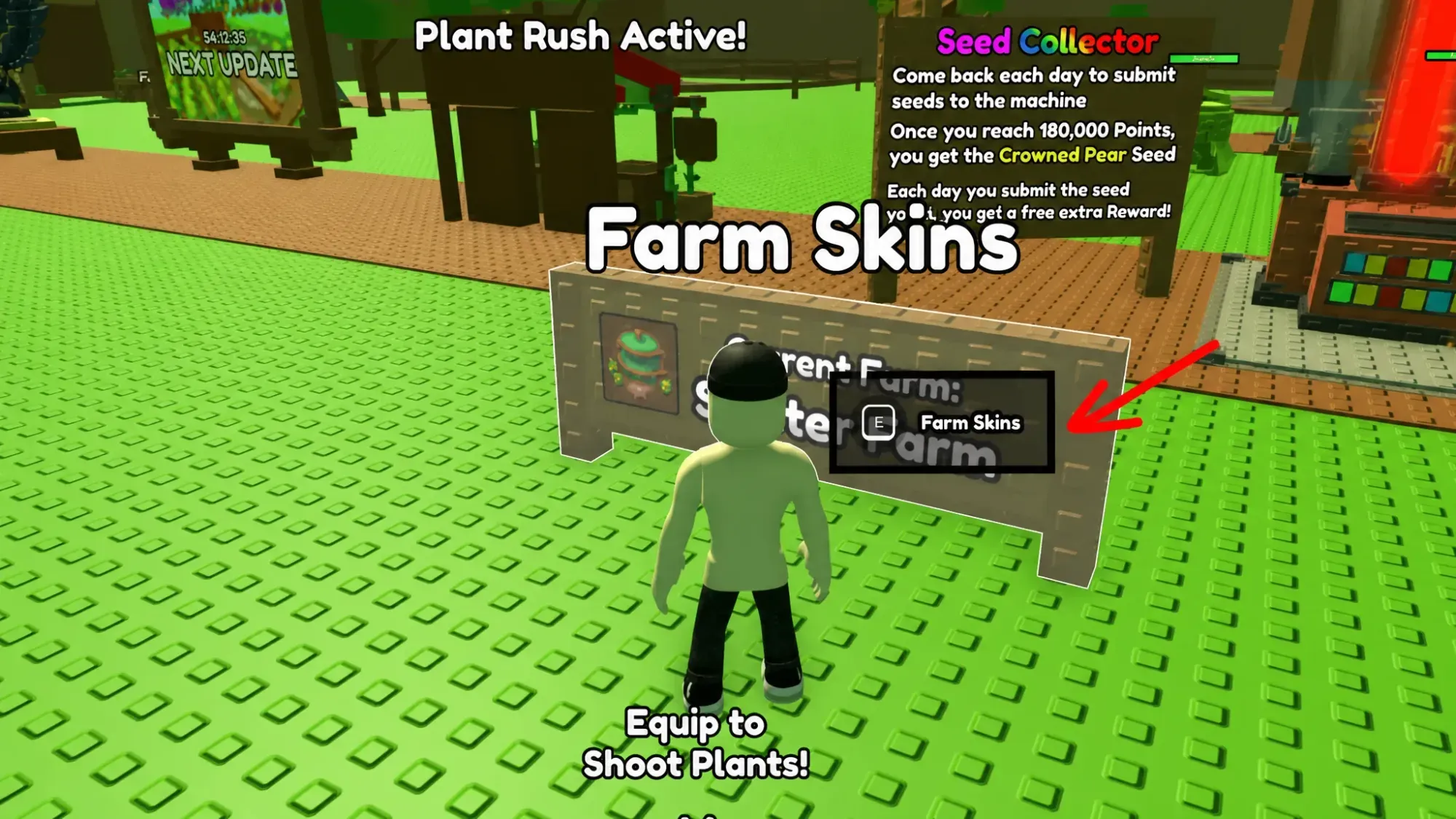
How to equip a farm skin
Buying and switching skins both happen at the same spot, so there is no separate menu to hunt for.
Best farm skin for Cash earnings
The Steampunk Farm is the strongest option right now. Its +8% Cash boost beats every other skin, and the increase stacks with the bonuses your pets provide, so it pays off most for late-game players moving heavy crop volume. The catch is the price, which sits at 50Qd Cash, written out as 50,000,000,000,000,000.
The look matches the name. The central column that holds the farm’s sprinkler turns into a large grey metal pipe, and black-and-yellow cogwheel pieces are scattered across the plot to sell the mechanical theme. Until you can afford it, the cheaper Cash skins like Overgrown and Sunken give you a smaller but useful step up over the buff-free Starter Farm.
Because farm skins are tied to Cash, codes, and floor upgrades, they reward steady progress more than quick spending, with the exception of the 99 Robux Cyber Farm. More skins could arrive in future updates, but for now the climb from Greenhouse to Steampunk is the full set, and equipping the highest-percentage skin you can afford is the simplest way to keep your earnings ticking up.