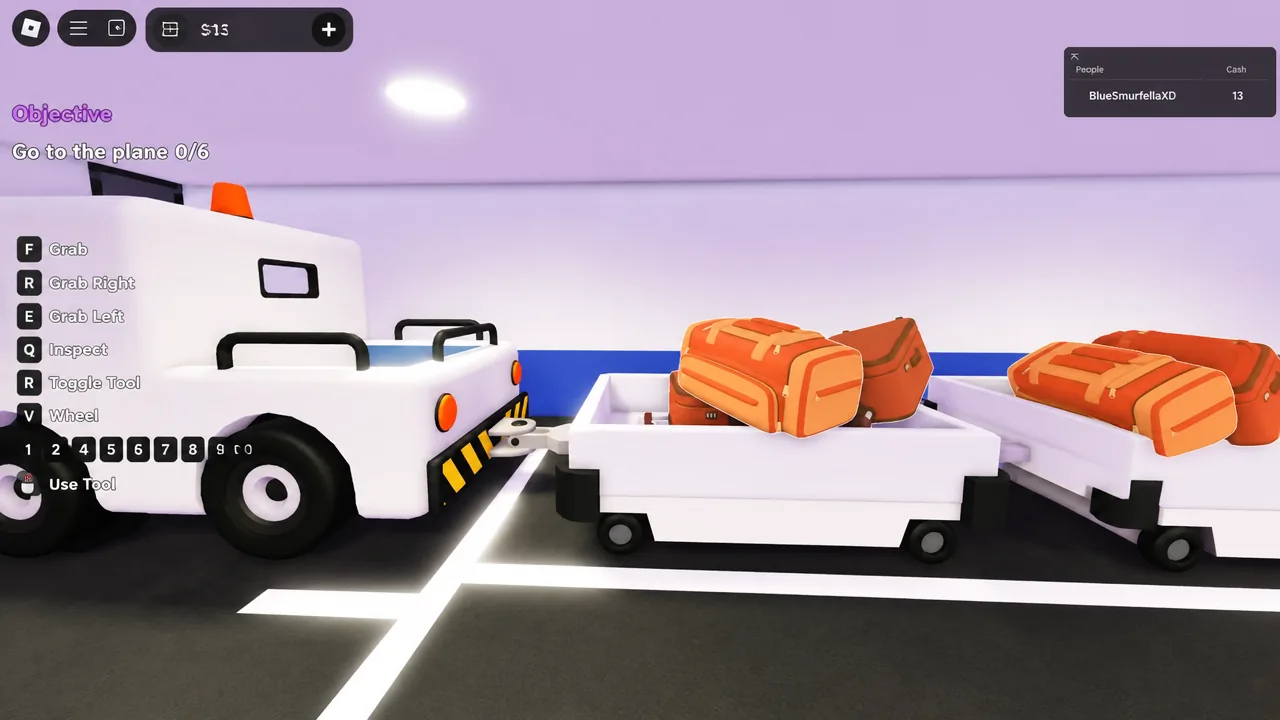
Bumpy Flight is a Roblox co-op vehicle sim where your server becomes the crew of a single airliner. You load the bags, seat the passengers, fill the tanks, fly the route, and then survive whatever the game throws at you halfway through. It is still in BETA, so bugs and half-built features come with the ticket, but the win condition has never been complicated.
Quick answer: Clear all five tasks in the order the panel lists them — bags, passengers, fuel, takeoff, landing — and put the aircraft back on a runway under control with passengers alive. Anything else, including a spectacular crash after a perfect cruise, scores nothing.
What counts as a completed flight
The TASKS panel on the left of your screen is the entire scoreboard. It runs top to bottom and does not let you skip ahead, so the plane will not leave the ground until the ground work is finished.
| Task | What the panel shows |
|---|---|
| 1 | Load the bags into the plane (counter varies by aircraft, such as 0/4 or 0/6) |
| 2 | Board all passengers |
| 3 | Refuel the plane (0/100) |
| 4 | Take off |
| 5 | Land (Safely…) |
Finishing that loop is what levels you up and unlocks new aircraft and cosmetics. A run that ends with the “YOU DIED!” and “NO SURVIVORS” screens burns the same ten to fifteen minutes for zero progress, which is why the ending matters more than the flying.
You can start a run solo from the CREATE FLIGHT menu — the Classic Skies map is the usual first pick — but every job then stacks onto one avatar. Public servers hold up to 20 players, though a coordinated pair beats a full lobby of people filming the chaos.
Split the crew jobs before anyone sits down
There is no class menu in the game. Roles are a social agreement, and the runs that fall apart are almost always the ones where four people sprint at the same prompt while nobody is flying.
| Role | Owns | Avoids |
|---|---|---|
| Pilot | Throttle, pitch, alignment, announcements | Leaving the seat to chase a wrench |
| Cabin crew | Boarding, blankets, medicine, sick passengers | Wandering to the cockpit mid-request |
| Engineer | Tools, engine repairs, warning prompts | Taking the pilot seat during a failure |
| Support | Luggage runs, fuel, supply terminal trips | Standing idle after takeoff |
A two-player stack works fine. One flies, one floats between the cabin and repairs. With three or four, hand the fourth player luggage and supplies so the engineer never has to leave a warning to fetch something.
Bumpy Flight controls
Learn these before you sit down, not while an engine is on fire. The bind that catches new players is CTRL, which does double duty as the throttle cut and the mouse unlock.
| Input | Action |
|---|---|
| W / S | Pitch up / pitch down |
| A / D | Turn left / turn right |
| SHIFT | Increase throttle |
| CTRL | Decrease throttle, and unlock the mouse cursor |
Fly in taps. Holding a key makes the aircraft over-correct, and the correction for that over-correction is what usually puts a wing in the dirt. Press, wait for the plane to respond, press again.
Pre-flight: bags, passengers, and fuel
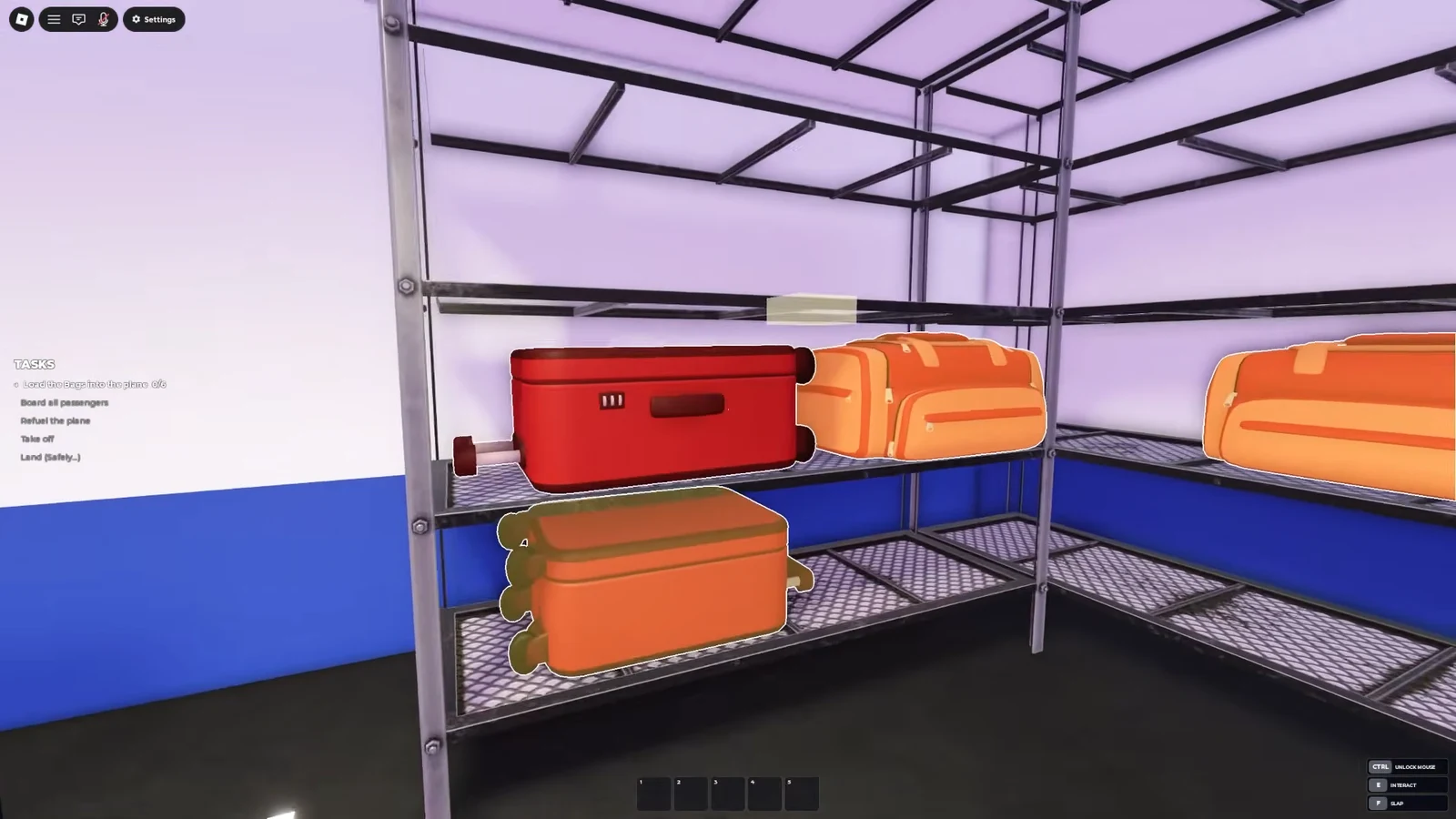
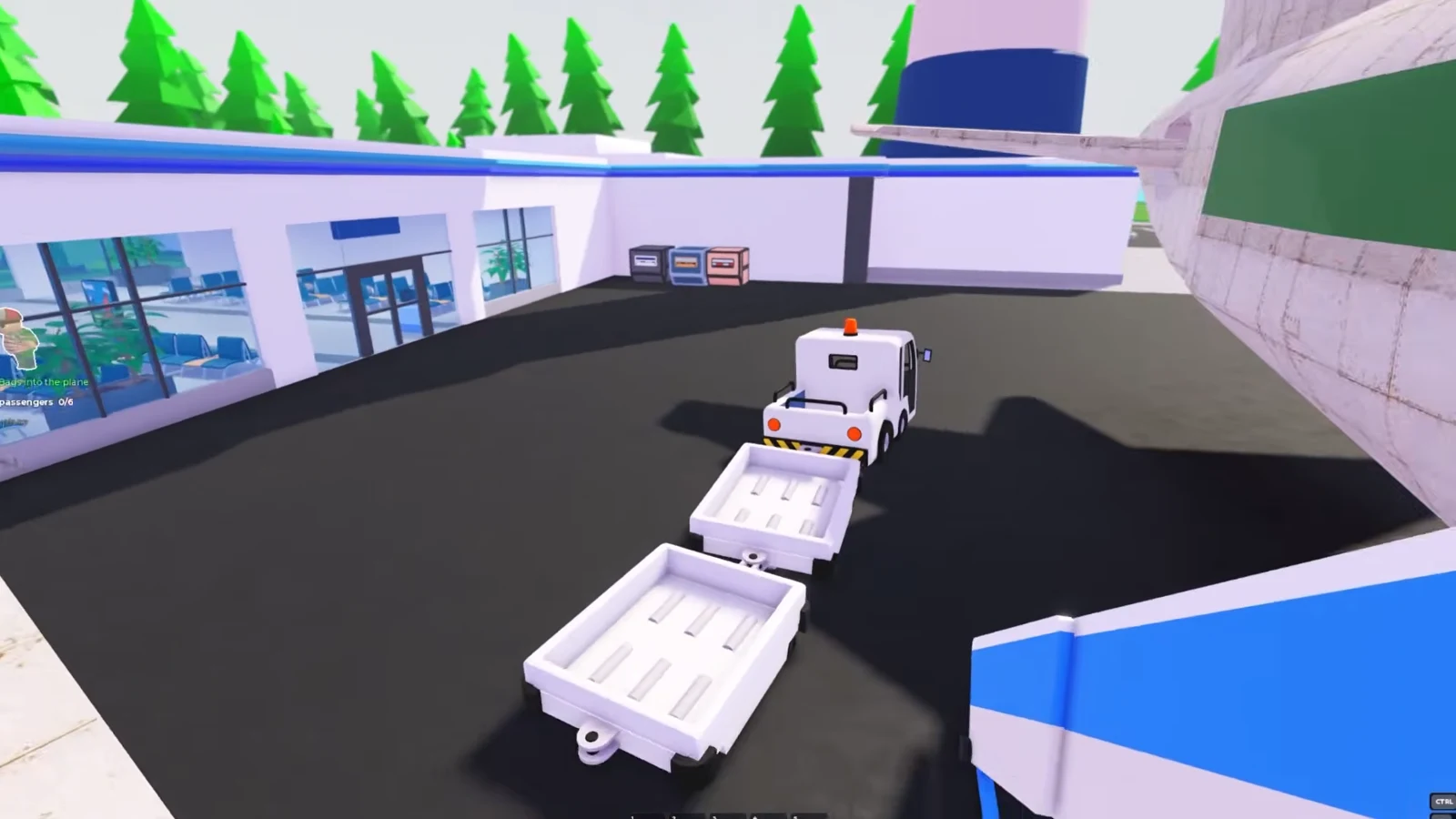
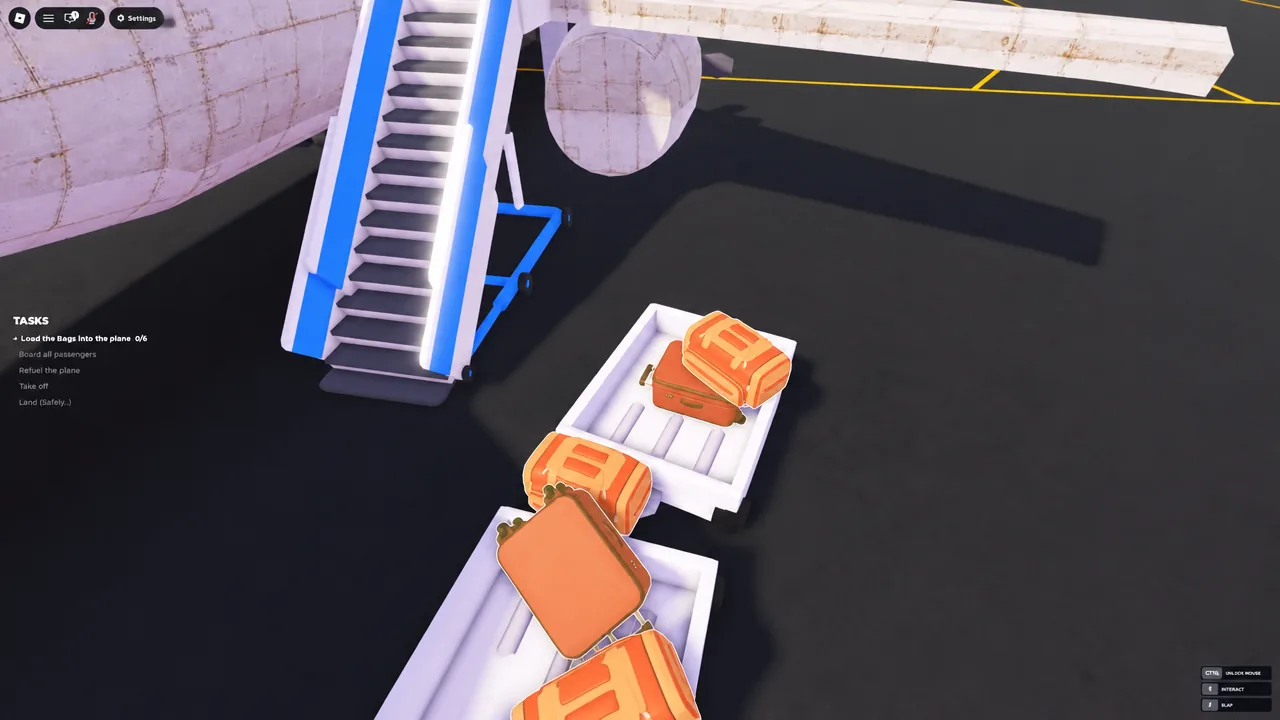
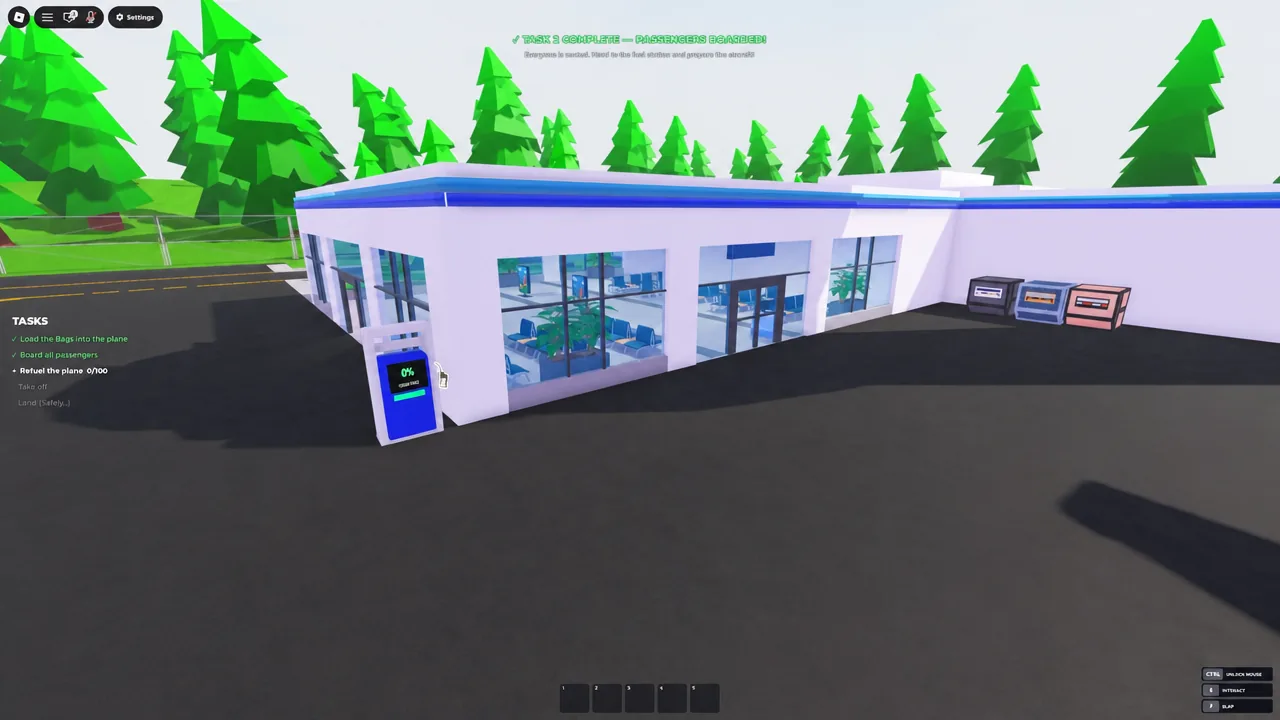
Tip: while someone is fueling, send another player to scout the supply terminal. Knowing where medicine, sick bags, and the wrench live saves thirty seconds later, and thirty seconds is roughly the length of an unattended emergency.
Takeoff: pulse the throttle instead of holding SHIFT
Once the panel flips to PREPARING FOR TAKEOFF, the pilot takes the seat and everyone else stops touching the cockpit door. Line the nose up with the runway before adding power, because correcting a crooked roll with a hard turn tends to end the run early.
Tap SHIFT, let the speed build, tap again. Rotate with a short press of W and then hold that attitude rather than chasing the horizon. If the nose starts wandering upward on its own, you have too much power in, and a single CTRL tap settles it. Once you see CLIMBING TO CRUISE ALTITUDE, stop adding throttle and let the aircraft settle before the first cabin call arrives.
If something is still unfinished when the roll starts — a bag left on the ramp, a passenger out of a seat, a fuel prompt that never closed — cut the throttle and stay on the pavement. Rejecting the takeoff costs a minute. Flying an incomplete aircraft costs the whole route.
Cruise and emergencies: read the warning before you run
Cruise is where the game earns its name. A DISTANCE REMAINING readout tracks how far you have left, and prompts appear along the way — announcements the pilot needs to make, passenger requests, and hard failures like ENGINE FAILURE. Storms and turbulence roll in on top of all of it.
The rule that saves flights is simple. Read the warning first, work out whether it is a people problem or a metal problem, and send exactly one player at it. The pilot stays on the controls no matter what the warning says.
| Situation | Who responds | Action |
|---|---|---|
| Engine failure | Engineer | Grab the wrench from the supply terminal and repair the failed engine |
| Open cabin door | Cabin crew | Close it and get loose passengers back into seats |
| Sick or unconscious passenger | Cabin crew | Bring Medicine or a Sick Bag from the supply terminal |
| Blanket or food request | Cabin crew or support | Collect the item and hand it to the passenger who asked |
| Storm and turbulence | Pilot | Small pitch inputs, hold altitude, no sudden corrections |
| Announcement Needed | Pilot | Trigger the cabin announcement from the cockpit |
The classic wipe is a storm that knocks out an engine while the doors pop open, and everyone panics at once. Bailing out of the aircraft is not an escape — the plane keeps flying without a pilot, and it ends in a crash with the crew already dead.
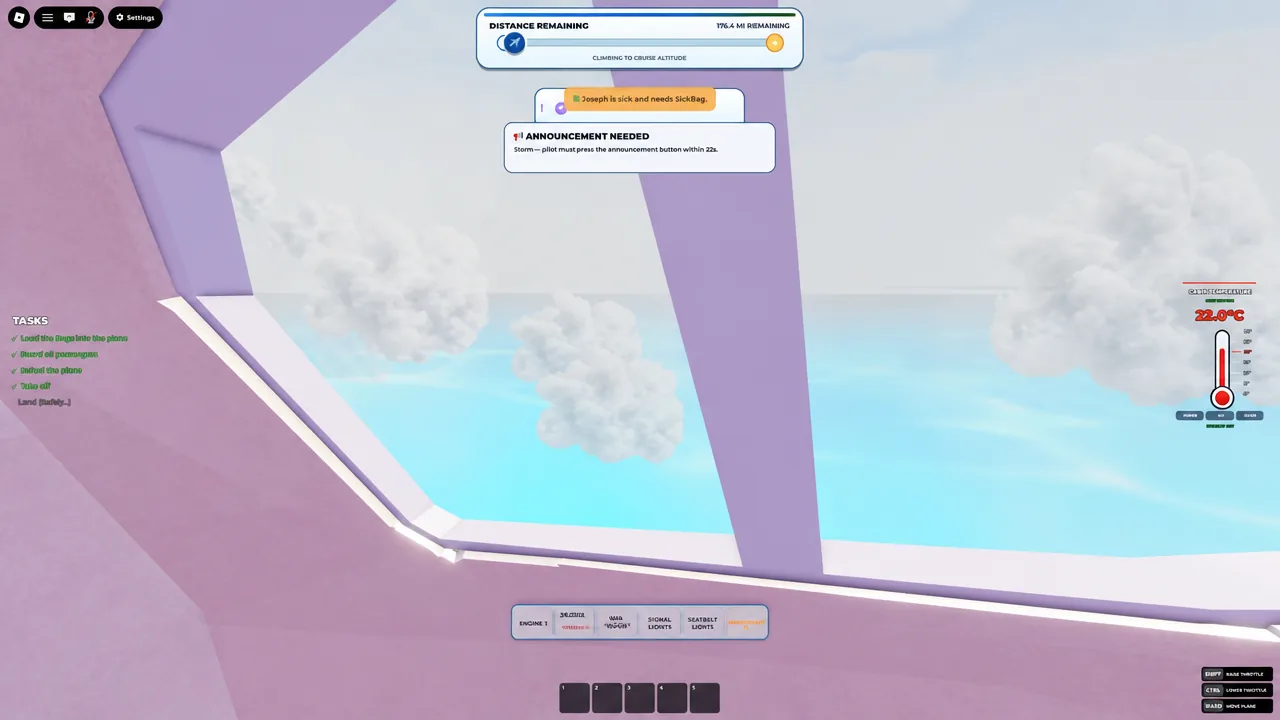
Playing solo, the answer is to slow everything down. Level the aircraft, leave the seat, do the single action the prompt named, and get back on the controls. Nothing in the game requires you to fix two things at once.
Landing: start down early and use the ALIGN prompt
Arriving high and fast is the single biggest cause of failed landings. Begin descending while the destination is still a distant shape, and bleed speed with the same CTRL taps you used to add it, waiting between each one.
Landing Assist provides an ALIGN prompt and 500-stud distance guidance on approach. Keep the fuselage straight with light A and D corrections and resist the urge to dive with a long S press to make the runway. Diving trades a long landing for a crash.
Flare small and late. A big pull at the last moment balloons the aircraft back into the air. After the wheels touch, keep steering until the game confirms you have stopped — standing up during the rollout is how crews wreck a landing they had already survived. The flight registers as complete when the final task clears and the route summary appears, and a bounced arrival still counts as long as the plane stays on the surface and the cabin is intact.
Why flights fail
| Mistake | Result | Fix |
|---|---|---|
| Taking off with tasks unfinished | Missing fuel or bags stalls the run mid-route | Confirm all three ground tasks read complete first |
| Holding W, S, SHIFT or CTRL | The aircraft over-corrects and becomes unrecoverable | Tap and wait for a response between inputs |
| Everyone chasing the same prompt | The cockpit is empty during an emergency | Assign roles out loud before boarding |
| Ignoring cabin requests | Small problems escalate into passenger emergencies | Run an aisle circuit during stable cruise |
| Starting the descent late | Overshoot or a dive into terrain | Begin slowing well before the airport fills the screen |
| Jumping from the aircraft | Death screen and a total loss | Stay aboard and fly it down, however rough |
Bumpy Flight is still being built out, with a Big Update in late August 2026 adding fresh aircraft and maps, so prompts and layouts can shift between sessions. The loop underneath does not move. Prepare the aircraft properly, keep one person on the controls, answer each warning with one player and one action, and land early rather than late. Everything else the game dangles in front of you — new planes, skins, levels — comes out of completed routes, and completed routes come from a crew that stops sprinting long enough to read the screen.