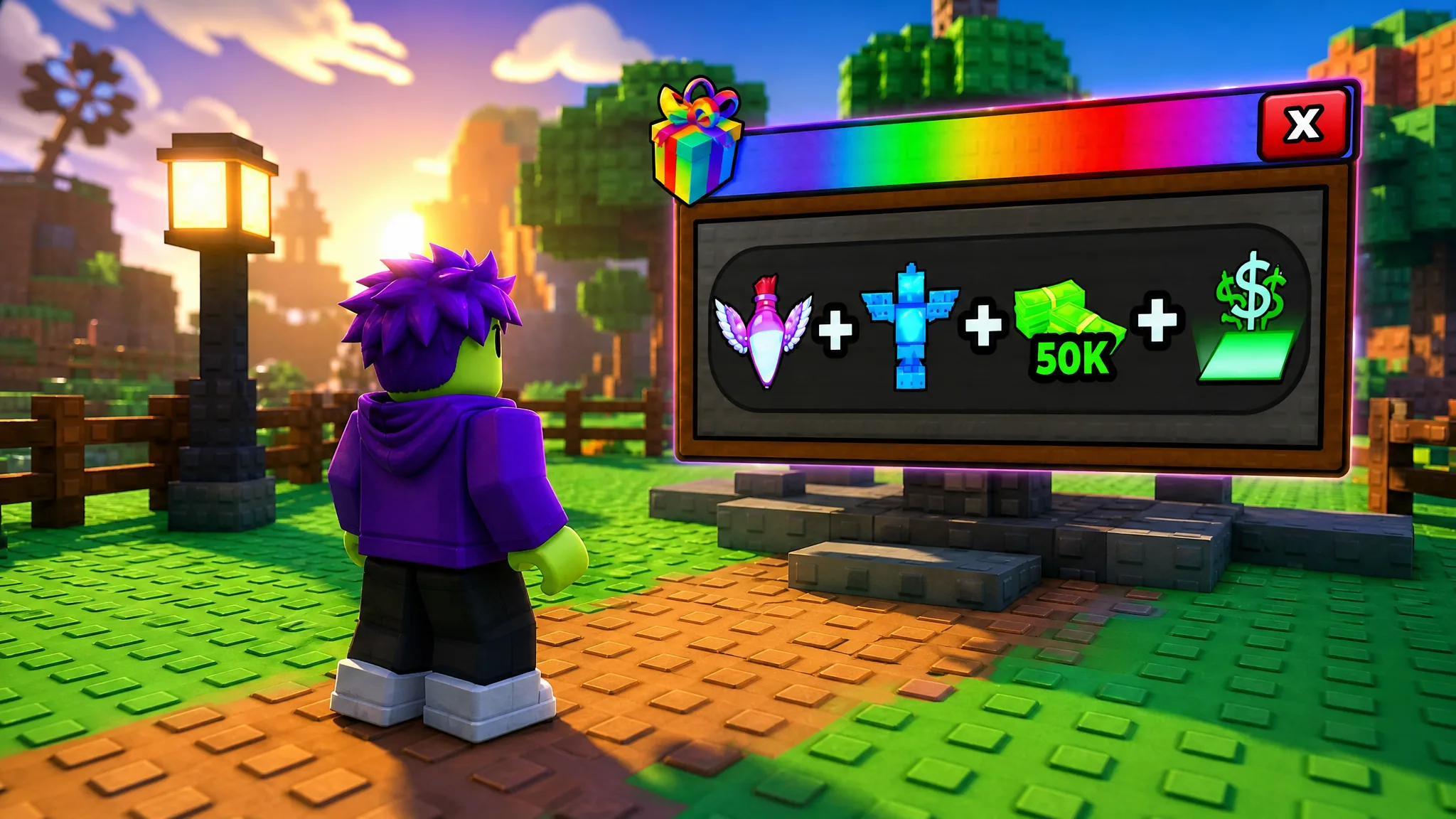
Community Rewards in Catch and Tame is a one-time bundle you unlock by linking your Roblox account to the game’s Discord server and redeeming a personal code. It pays out 50K Cash, a Flying Potion, a Rain Totem, and the autoCollect feature that gathers pen income for you.
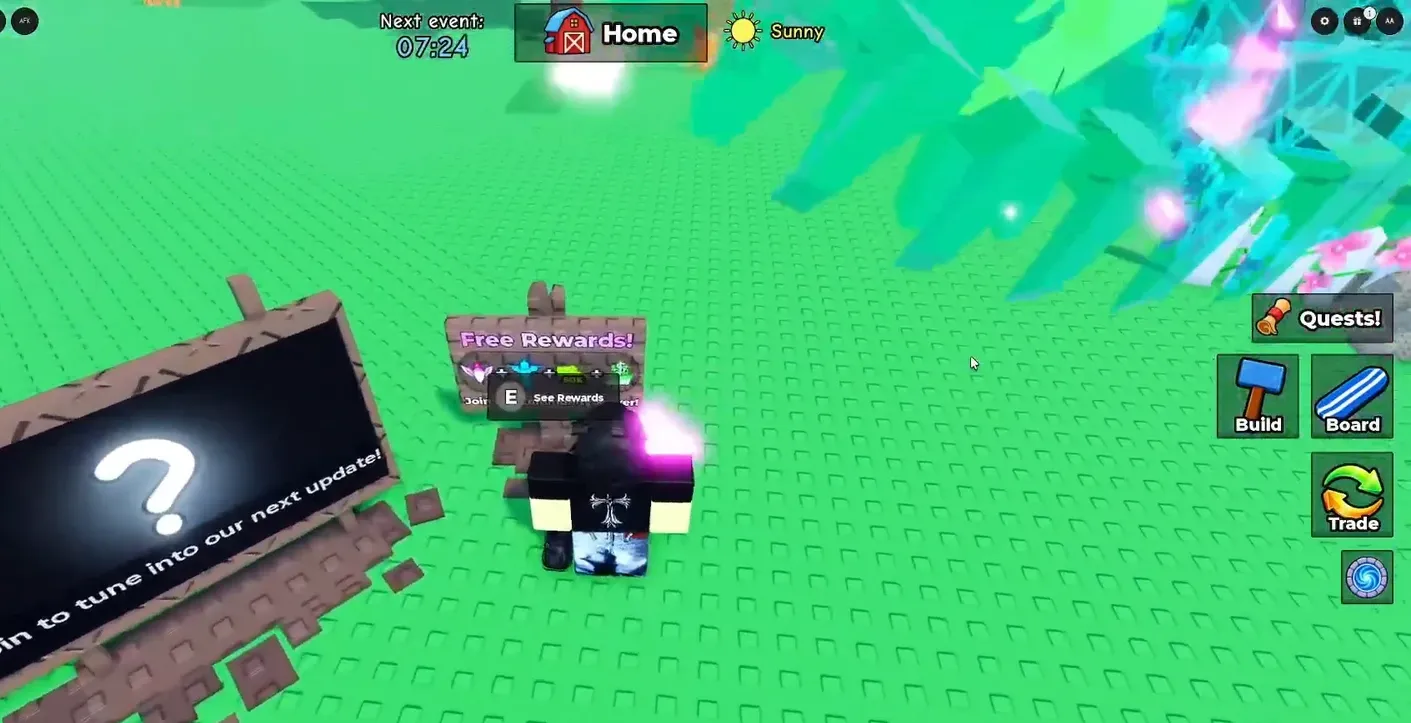
Quick answer: Open the “Free Rewards!” board at your base, join the official Discord, verify with Bloxlink, click “Claim Code” in the #in-game-reward channel, then type the code the bot sends you into the Community Rewards menu and press “Check!”.
What the Community Rewards bundle gives you
The reward set is fixed and lands in a single redemption. The autoCollect unlock is the most useful part for long-term progression, since it pulls in the cash your pets generate without manual clicks.
| Reward | What it does |
|---|---|
| 50K Cash | Instant in-game currency for eggs and upgrades |
| Flying Potion | Grants flight movement |
| Rain Totem | Triggers rain, which affects encounters and pens |
| autoCollect | Automatically collects your pen earnings |
This reward can only be claimed once per account. There is no way to redeem it a second time on the same Roblox profile.
Before you start
You need two things ready: an active session in Catch and Tame and a Discord account you can log into. The code that unlocks the bundle is tied to your verified Roblox identity, so the Discord verification step is required and cannot be skipped.
- Catch and Tame open on Roblox, with your character standing at your base
- A Discord account to join the official server and verify through Bloxlink
Claim the Community Rewards code
#in-game-reward channel from the server menu. Press the “Claim Code” button below the reward description to generate a unique code.MDTG-PSJ9. This code is tied to your account and will not work for anyone else.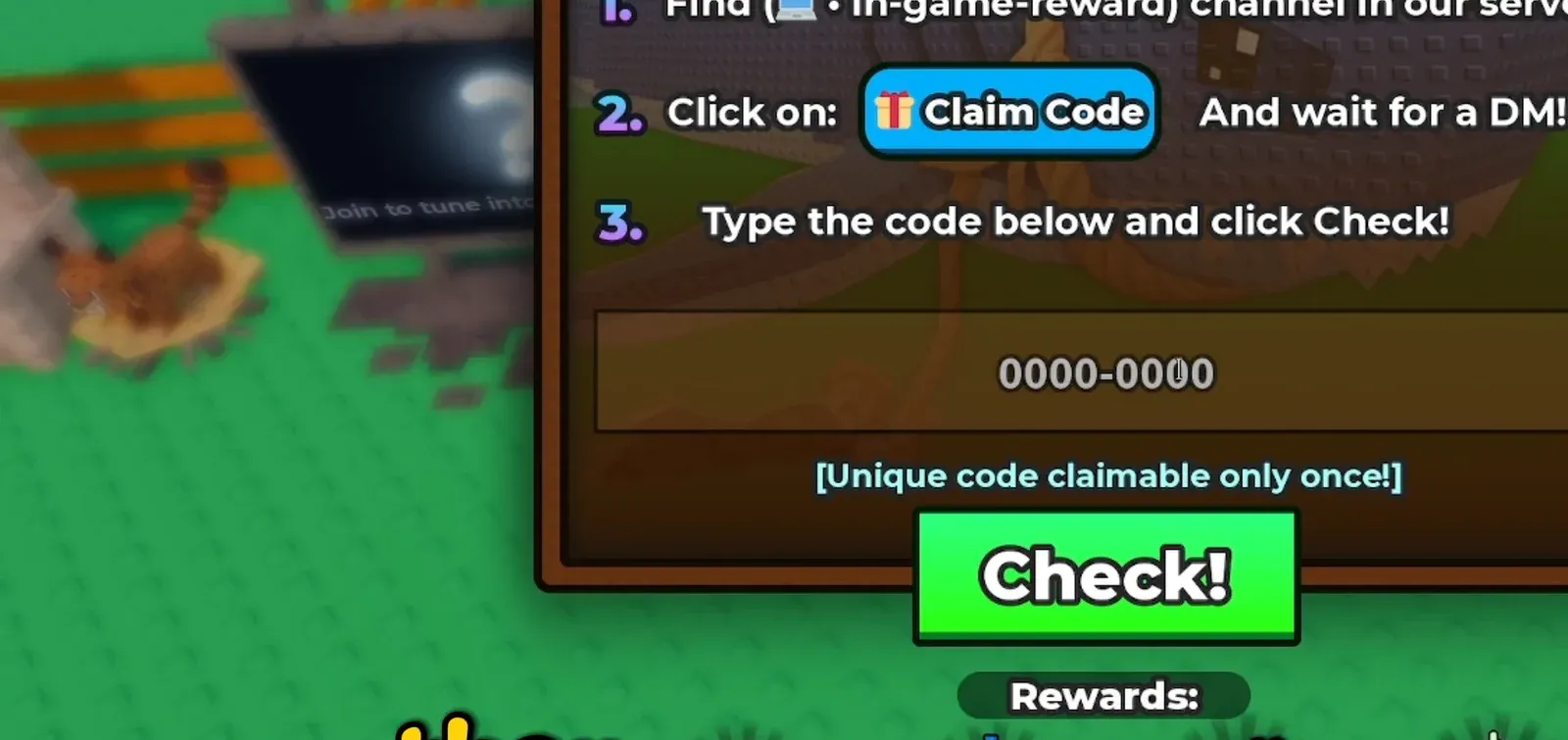
How to confirm it worked
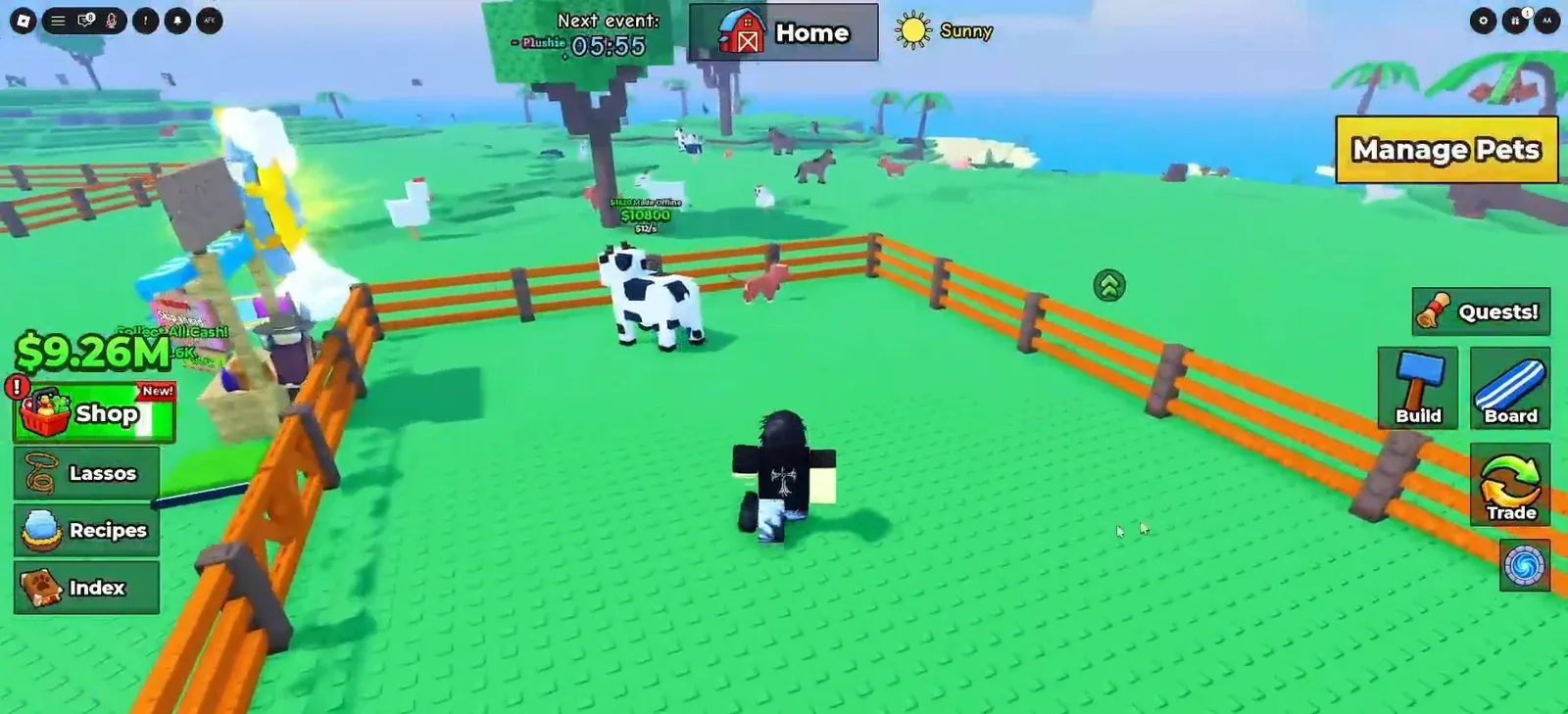
After a valid code, the menu shows a “Code redeemed successfully” message. The 50K Cash is added to your balance, and the Flying Potion, Rain Totem, and autoCollect become available. Any pet included in the bundle appears in your pen at Home, where you can open Manage Pets to view it.
Why the code might not redeem
If “Check!” does not accept your code, the cause is almost always one of a few specific things. Rule each one out in order.
| Problem | Fix |
|---|---|
| Account not verified | Complete Bloxlink verification first; the bot won’t issue a code otherwise |
| Already claimed | The reward is one per account and cannot be redeemed again |
| Typed incorrectly | Match the code from your DM exactly, including character order |
| No DM received | Re-open #in-game-reward and press “Claim Code” again after verifying |
Once the confirmation appears, the bundle is locked to your profile for good. Keep the Discord server handy, since it is also where the regular Catch and Tame reward codes for cash and food items are posted.