
Category
Windows
Windows 11, Windows 10, troubleshooting, and tips for power users.
-
Nvidia’s GeForce 581.94 hotfix targets Windows 11 KB5066835 gaming slowdown
The emergency driver update aims to reverse frame rate drops seen after Windows 11’s October 2025 cumulative update.
-
Windows 11 KB5068860 brings a quiet Canary build focused on fixes
Build 28000.1199 (26H1) arrives in the Canary Channel with no new features, just low‑level tweaks and stability work.
-

Fix Steam Big Picture UI using the integrated GPU on Windows
Route Big Picture to your discrete GPU by targeting the process Windows actually runs and adjusting per‑app graphics settings.
-
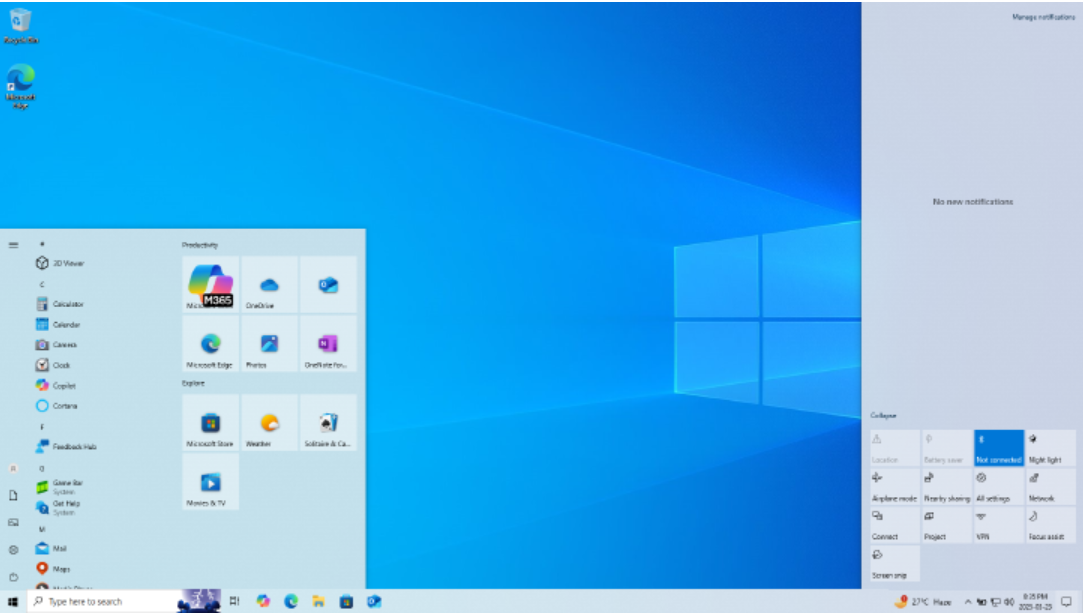
Windows 10 KB5068781 ESU update: what’s fixed and how to install the .msu
Microsoft’s first Windows 10 ESU patch raises 22H2 to build 19045.6575 and fixes an actively exploited flaw.
-

Fix Outlook opening in a browser instead of the desktop app (Windows)
Clear fixes for New Outlook and Classic Outlook launching the web instead of the desktop client.
-
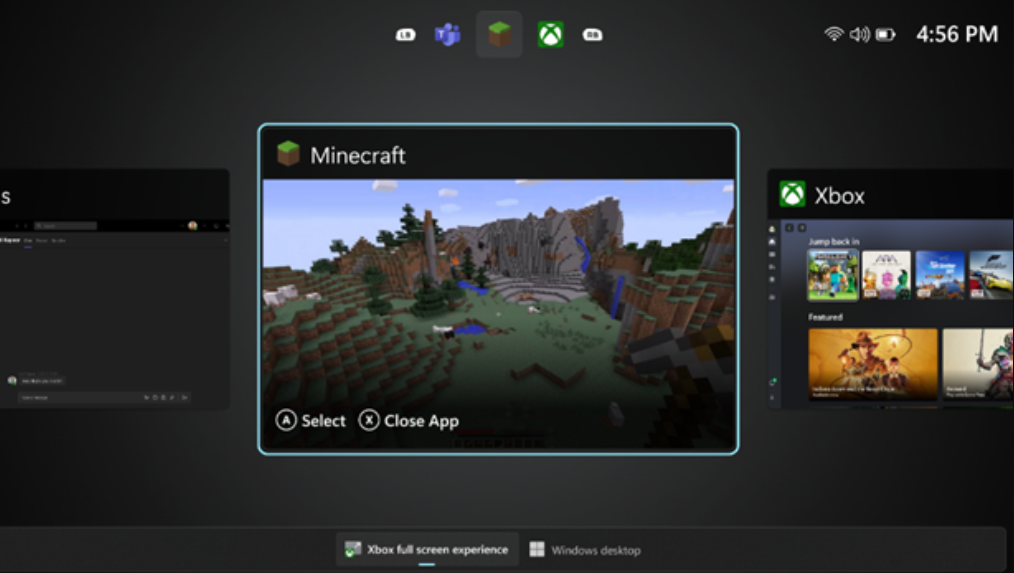
How to Enable Windows 11’s Xbox full‑screen mode on handhelds and PCs
Turn on the new console‑style experience with Windows 11 25H2, a couple of flags, and a small display shim for desktops.
-
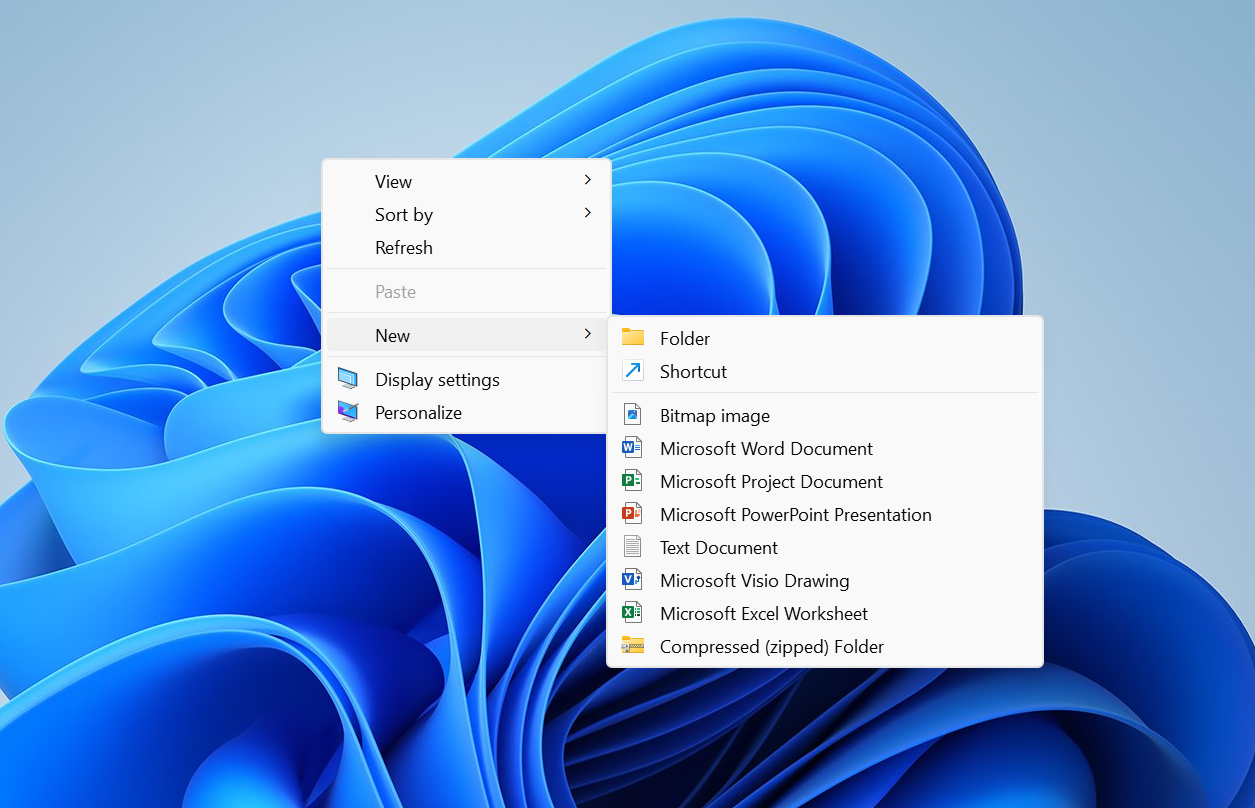
Windows 11’s right‑click menu is getting split, context‑aware menus
Microsoft is testing a new “Split Context Menu” that groups related actions, trims duplicates, and can cut menu height by up to 38%.
-

Fix ‘Your Personal Vault isn’t up to date’ in OneDrive (Windows)
Proven fixes to clear the red X and get Personal Vault syncing again.
-

Fix Clipchamp screen recording on Windows 11 — permissions and setup
A practical checklist to resolve grayed-out record buttons, mic errors, and missing screen capture.
-
Windows 11 KB5068861 (Nov 2025) — fixes, features, and how to install
The November Patch Tuesday update for 24H2 and 25H2 delivers critical security fixes, a Task Manager shutdown fix, and gradual UI changes.
