Fix Outlook opening in a browser instead of the desktop app (Windows)
Clear fixes for New Outlook and Classic Outlook launching the web instead of the desktop client.
Clear fixes for New Outlook and Classic Outlook launching the web instead of the desktop client.
by Pallav Pathak
New Outlook sometimes launches a browser tab instead of opening the desktop window, leaving only a small “stub” window with an envelope. The fastest fixes are to clear the New Outlook cache, re-authorize the app, and re-create the shortcut so it targets the desktop client.
Fix New Outlook opening in a browser by clearing the OLK cache
This removes the New Outlook app’s local cache (including its embedded web view). No mail is deleted; the app rebuilds the cache on next launch.
Close New Outlook and all web browsers. If you see a small Outlook window with only an envelope/logo, close it as well. This prevents files from being locked while you clear the cache.
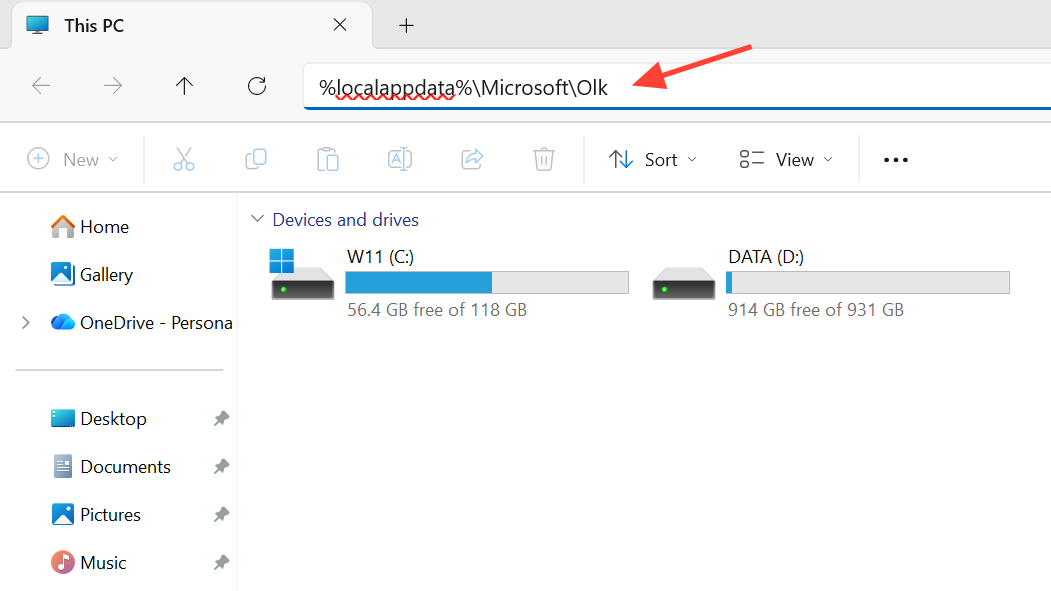
Open File Explorer and paste %localappdata%\Microsoft\Olk into the address bar, then press Enter. This opens the New Outlook cache directory under your user profile.
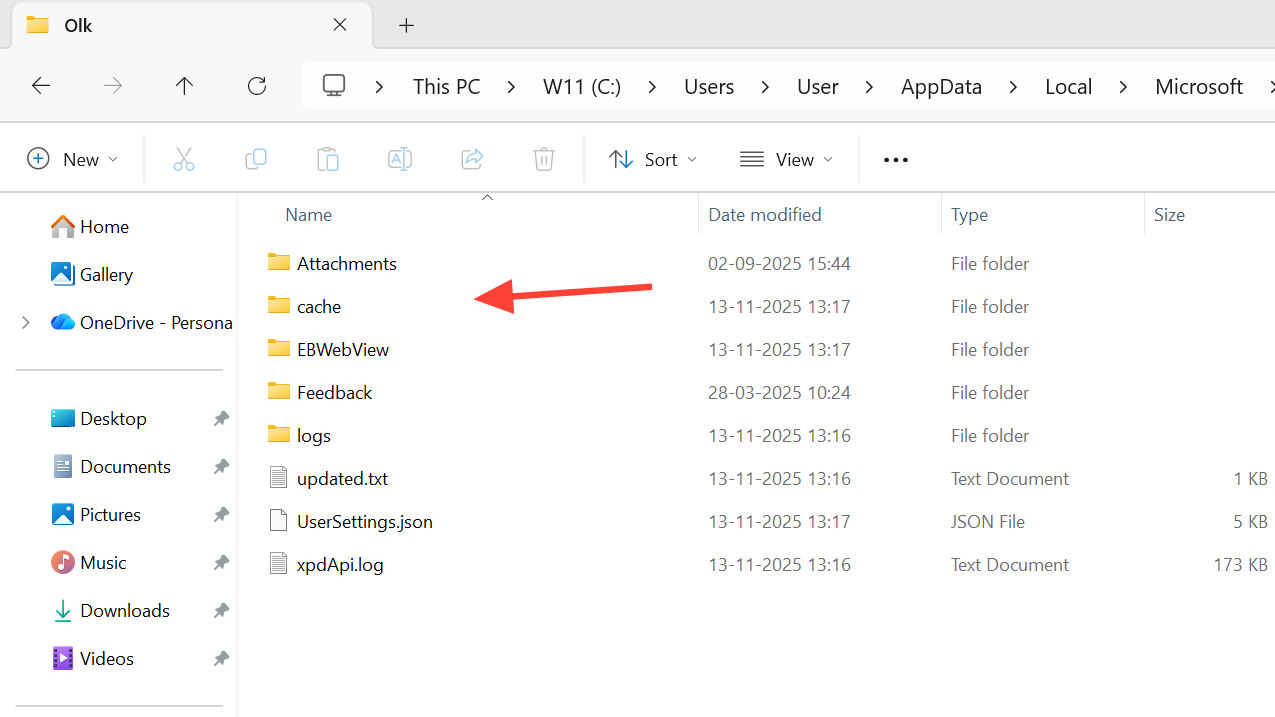
Delete the entire Olk folder. If you prefer a lighter touch, delete its cache, EBWebView, Feedback, and logs subfolders. These are rebuilt automatically on next launch.
Launch New Outlook from Start. Sign in if prompted. The app should open in its own window rather than redirecting to your browser.
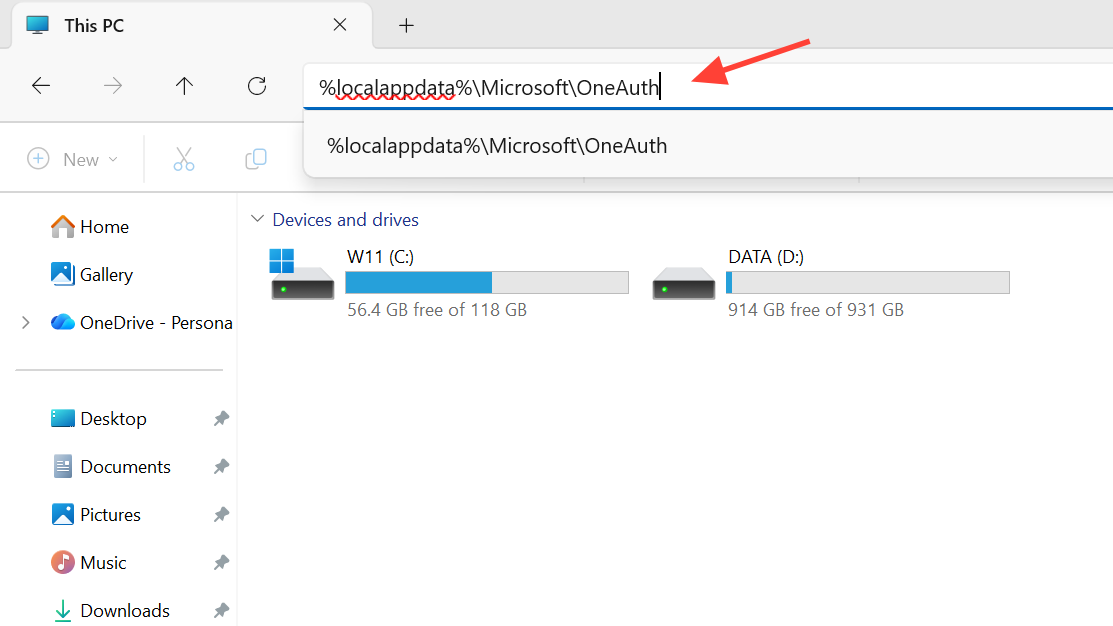
Re-authorize New Outlook by clearing OneAuth
If clearing the OLK cache doesn’t stick, resetting the local authentication tokens forces a clean sign-in and often stops the browser redirection loop.
Press the Windows key and type Outlook. For New Outlook, right‑click “Outlook” and choose Pin to taskbar. For Classic Outlook, right‑click “Outlook (classic)” and Pin to taskbar.
For Classic Outlook specifically, right‑click its Start entry and choose Open file location, then repeat Open file location, right‑click the Outlook app, and Pin to taskbar. This ensures the shortcut points to the desktop executable.
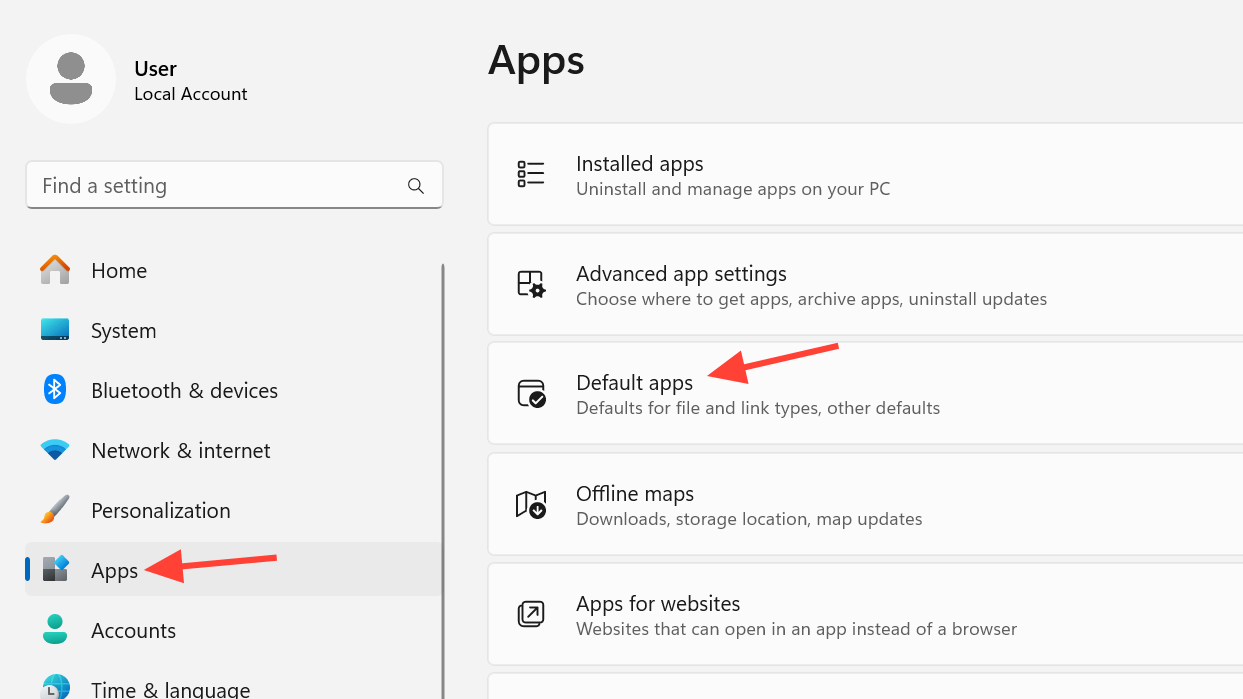
Check Windows default apps and protocols
Incorrect protocol/file associations can push Outlook actions into a browser.
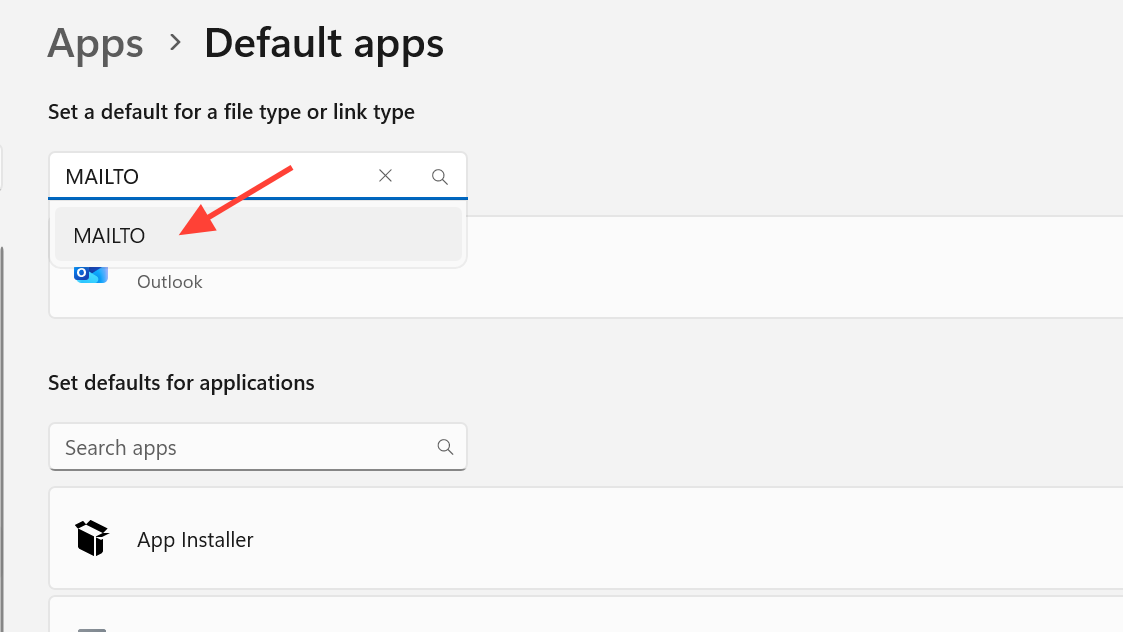
Still in Default apps, search for “Outlook” and set it as default for email-related file types you use, such as .eml, .msg, and calendar files like .ics.
Classic Outlook opens a browser window when starting or opening items
In some environments where Outlook on the web (OWA) is disabled, Classic Outlook may try to launch a browser tab. Ensure Office updates are applied; Microsoft has published guidance for this scenario under “Outlook unexpectedly opens a browser window if OWA is disabled.”
If your organization blocks OWA, ask your admin to review your Exchange and client policies against Microsoft’s guidance to avoid the browser tab behavior.
When the issue returns after a restart
Recurring redirects usually point to a local cache/auth problem, a shortcut issue, or a component conflict.
New Outlook relies on a local embedded web runtime; if that runtime or security software interferes, you may see browser launches. Coordinate with your IT team to review endpoint security policies and ensure the runtime is up to date. Avoid disabling security controls on your own.
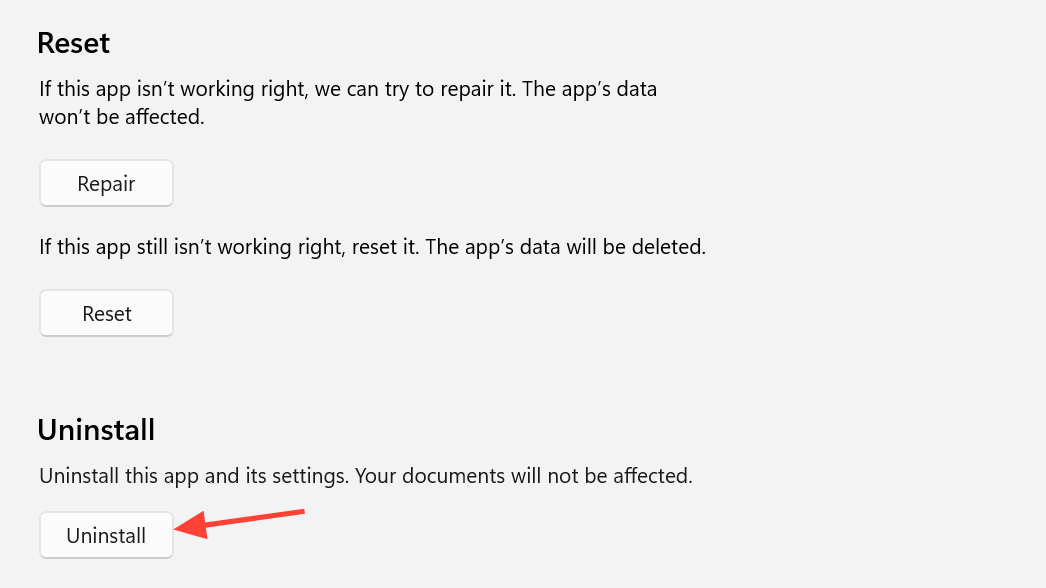
If nothing else works, fully uninstall and reinstall New Outlook, then re-create the taskbar shortcut from Start. Test before signing into additional accounts or add-ins to isolate the cause.
What clearing OLK and OneAuth actually does
Deleting %localappdata%\Microsoft\Olk removes the app’s local cache and its embedded web view folders. Deleting %localappdata%\Microsoft\OneAuth clears local authentication tokens so you’ll sign in again. Your email, calendars, and server-side data remain intact; the app re-syncs them.
If Classic is impacted by a policy or service-side issue, use Outlook on the web temporarily while you apply the fixes above or wait for an admin-side change.
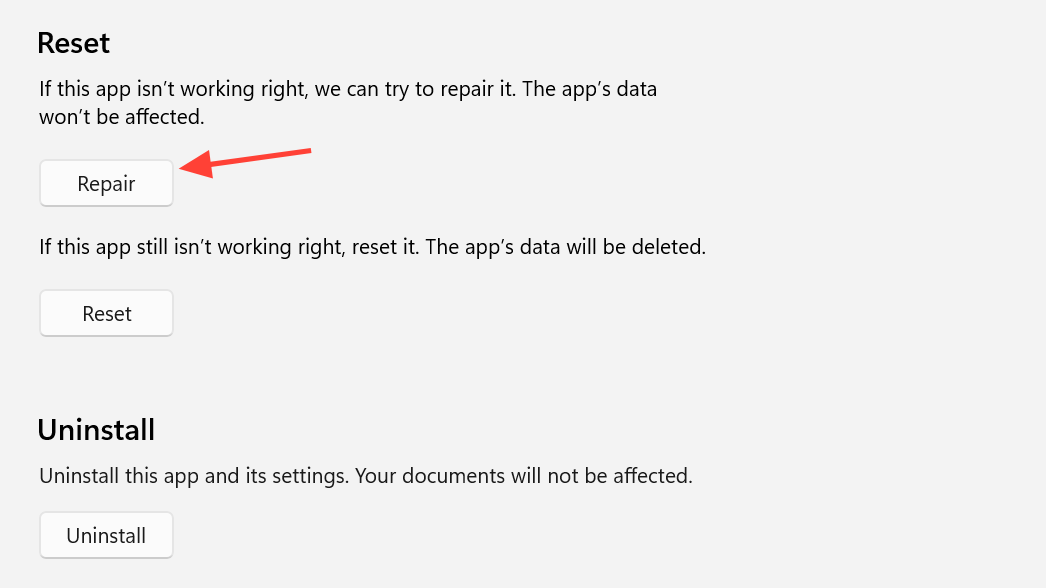
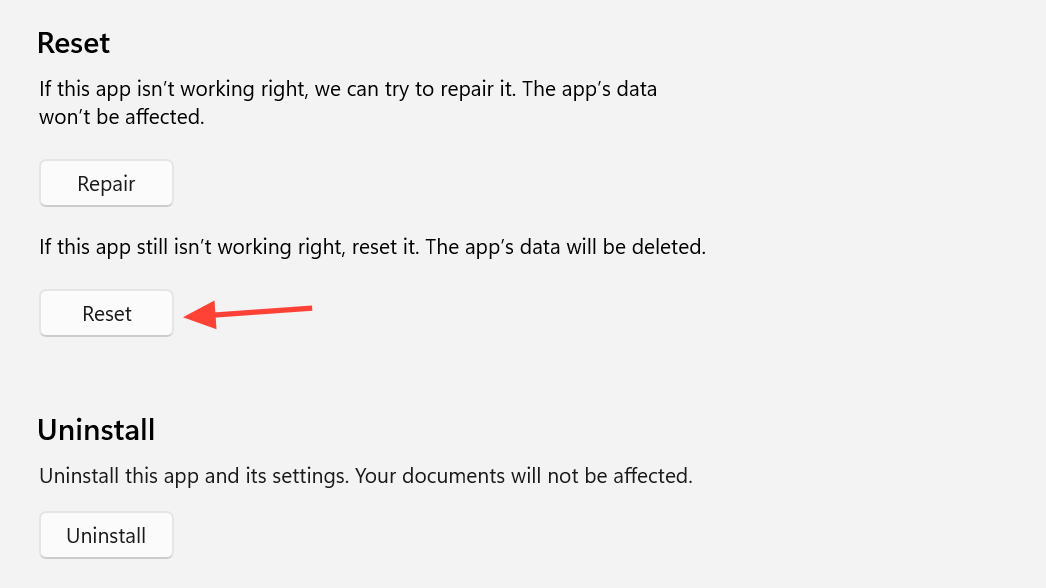
After clearing the OLK cache and re-authorizing, most systems launch New Outlook in a proper desktop window again. If the problem comes back, repair/reset the app and replace shortcuts to keep it stable.