
Category
Windows
Windows 11, Windows 10, troubleshooting, and tips for power users.
-

Automate Linux Tasks with Bash and GPT Tools
Streamline repetitive Linux operations and boost productivity by combining Bash scripting with GPT-powered command-line utilities.
-
Reset Windows 11 Without Losing Your Files
Learn the most effective methods to restore Windows 11 to a working state while keeping your personal files safe and minimizing downtime.
-

SteamOS Compatibility Ratings Are Here: What They Mean for Gaming on Any Device
Valve’s new SteamOS Compatibility system brings clear, actionable game support ratings to handheld PCs and desktops running SteamOS, moving beyond the Steam Deck and…
-

Check If Your PC Has a Vulnerable TPM or Secure Boot Issue
Identify, verify, and resolve Trusted Platform Module (TPM) and Secure Boot vulnerabilities to meet Windows 11 security requirements and protect your system from threats.
-
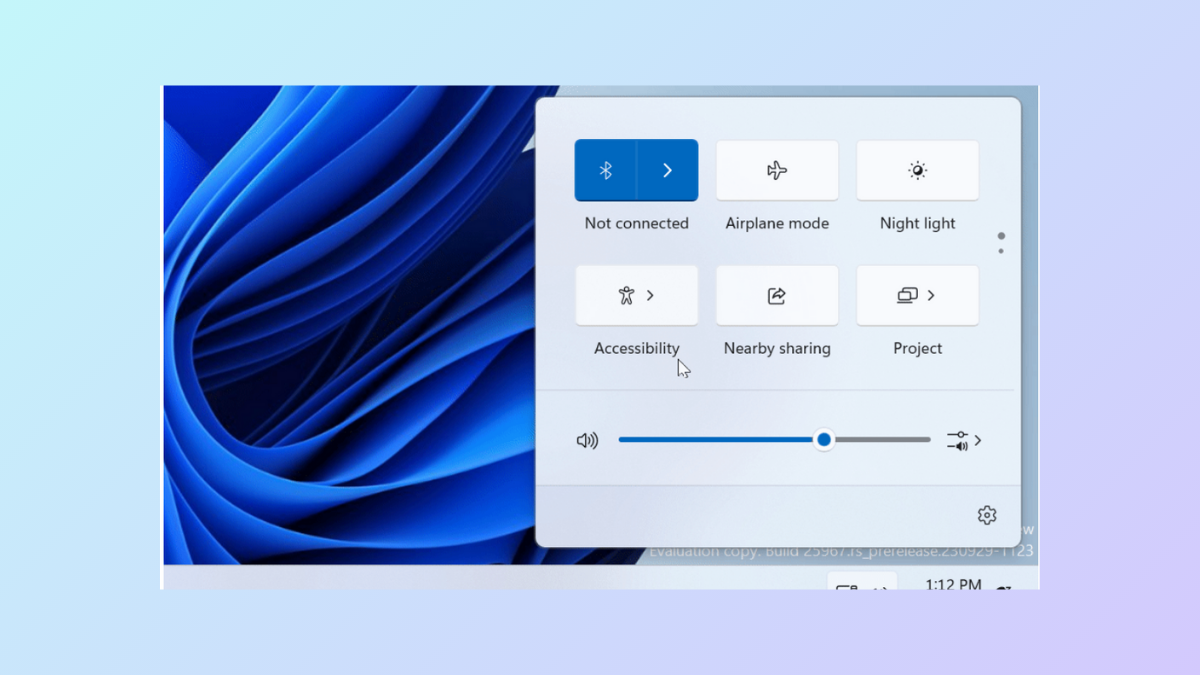
Customize the Quick Settings Panel in Windows 11 24H2
Drag and drop to reorder quick settings tiles in Windows 11, but note that adding or removing tiles is now restricted.
-

Run Local LLMs on Linux Using Ollama and LM Studio
Deploy large language models locally on Linux with Ollama’s command line and LM Studio’s user-friendly interface for privacy, speed, and flexible control.
-

Set Up a WireGuard VPN on Linux
Create a secure, high-performance VPN tunnel by configuring WireGuard on your Linux server and clients.
-
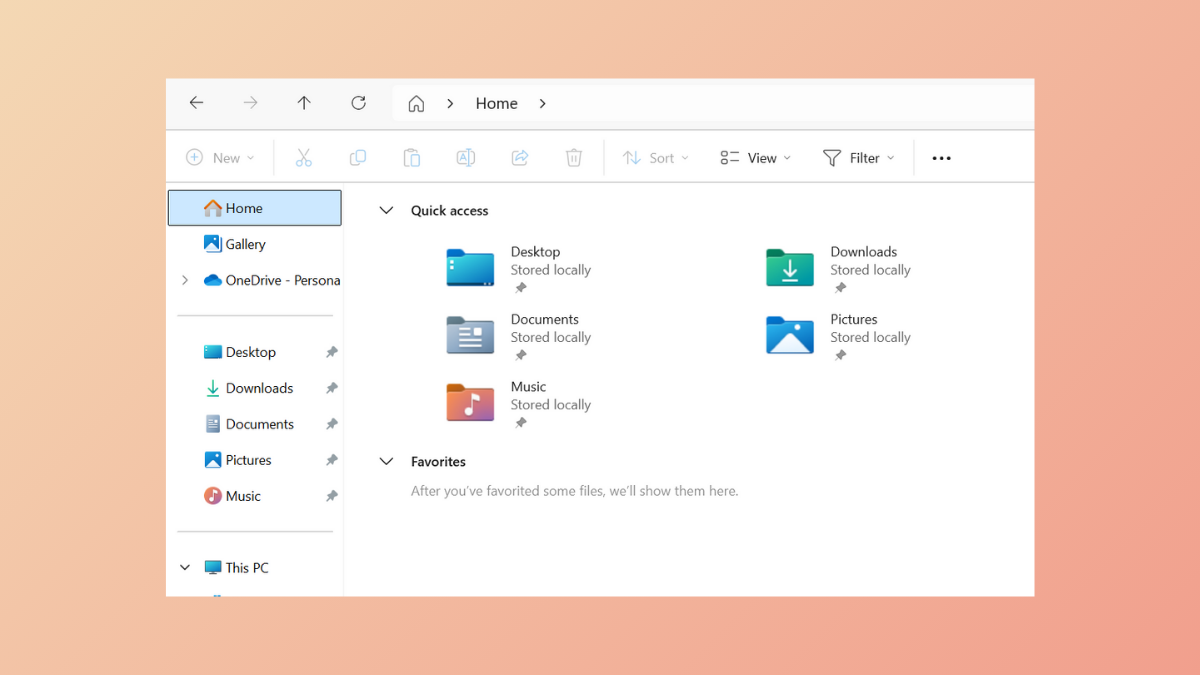
Fix File Explorer Lag When Browsing Large Folders on Windows 11
Resolve persistent delays and freezing in Windows 11 File Explorer when navigating directories with many files by applying targeted solutions that address indexing, background…
-

Use Storage Spaces to Protect Your Data on Windows 11
Combine multiple drives into a resilient storage pool with Storage Spaces in Windows 11 to reduce risk of data loss and streamline disk management.
-

Use Systemd Soft-Reboot Feature in Systemd 255 and Later on Linux
Systemd 255 introduces a soft-reboot option, allowing Linux systems to reboot userspace into a new root filesystem without restarting the kernel, streamlining updates and…