
Category
Windows 11
-
How to Stop PC from Connecting Automatically to a Wi-Fi Network in Windows 11
Prevent Windows 11 from joining unwanted Wi-Fi networks by managing auto-connect settings and forgetting saved networks.
-
How to Fix Task Host Stopping Background Tasks Automatically on Windows 11
Resolve persistent shutdown and restart delays caused by Task Host blocking background tasks in Windows 11 with targeted troubleshooting and repair steps.
-
How to Fix “Windows Could Not Update the Computer’s Boot Configuration” Error in Windows 11
Resolve Windows 11 installation failures caused by boot configuration errors using proven methods for both UEFI and Legacy BIOS systems.
-
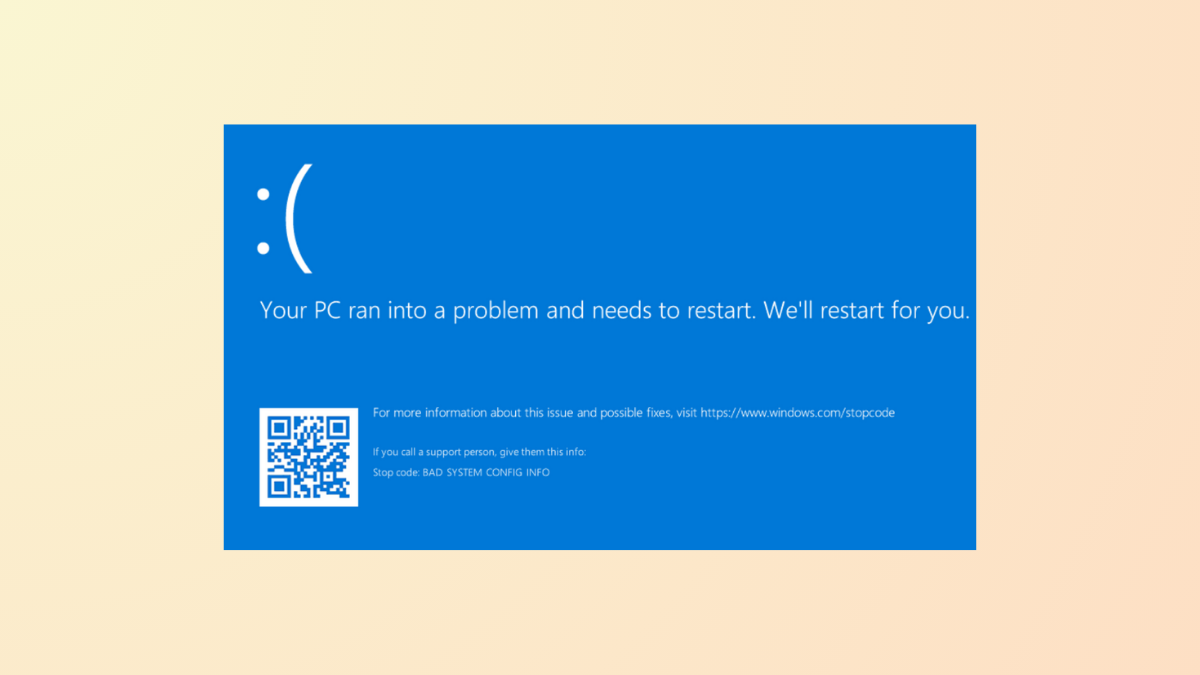
How to Fix “Your PC Ran Into a Problem and Needs to Restart” Error in Windows 11
System crashes and repeated restarts in Windows 11 often indicate hardware, driver, or system file issues—here’s how to diagnose and resolve the problem.
-
How to Fix Windows Security Center Service Can’t Be Started Error in Windows 11
Effective solutions to restore the Windows Security Center service and get your system protection running again on Windows 11.
-
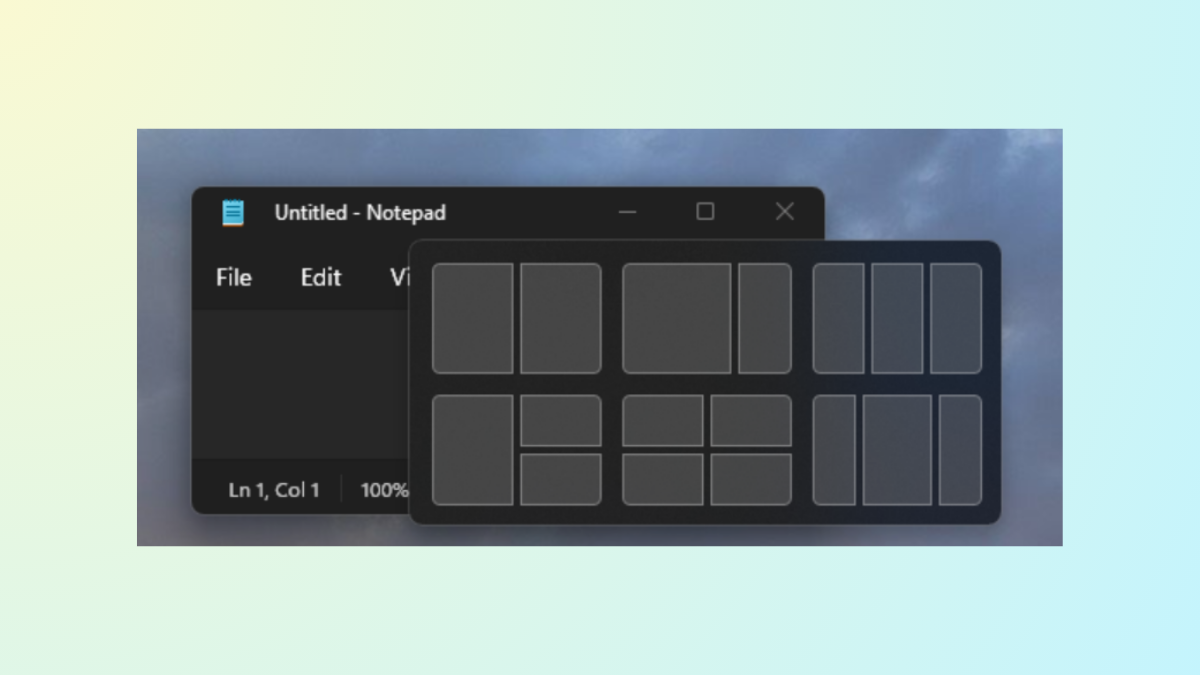
How to Turn Off Snap Assist in Windows 11
Disable Snap Assist to prevent automatic window suggestions and regain manual control over window arrangement in Windows 11.
-
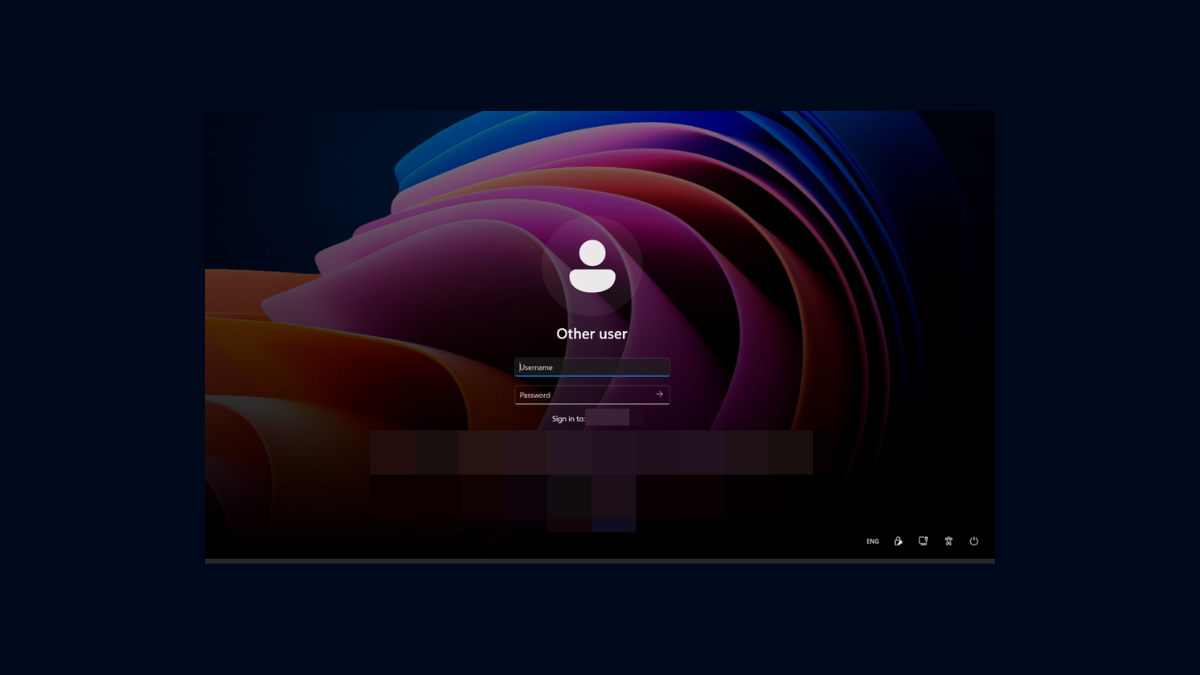
How to Remove Email Address From Login Screen on Windows 11
Learn various methods to hide or remove your email address from the Windows 11 login screen for improved privacy.
-
How to Fix It When Reset This PC Does Not Work on Windows 11
Resolve the “There was a problem resetting your PC” error on Windows 11 with multiple solutions, including clean installation and troubleshooting advanced reset failures.
-
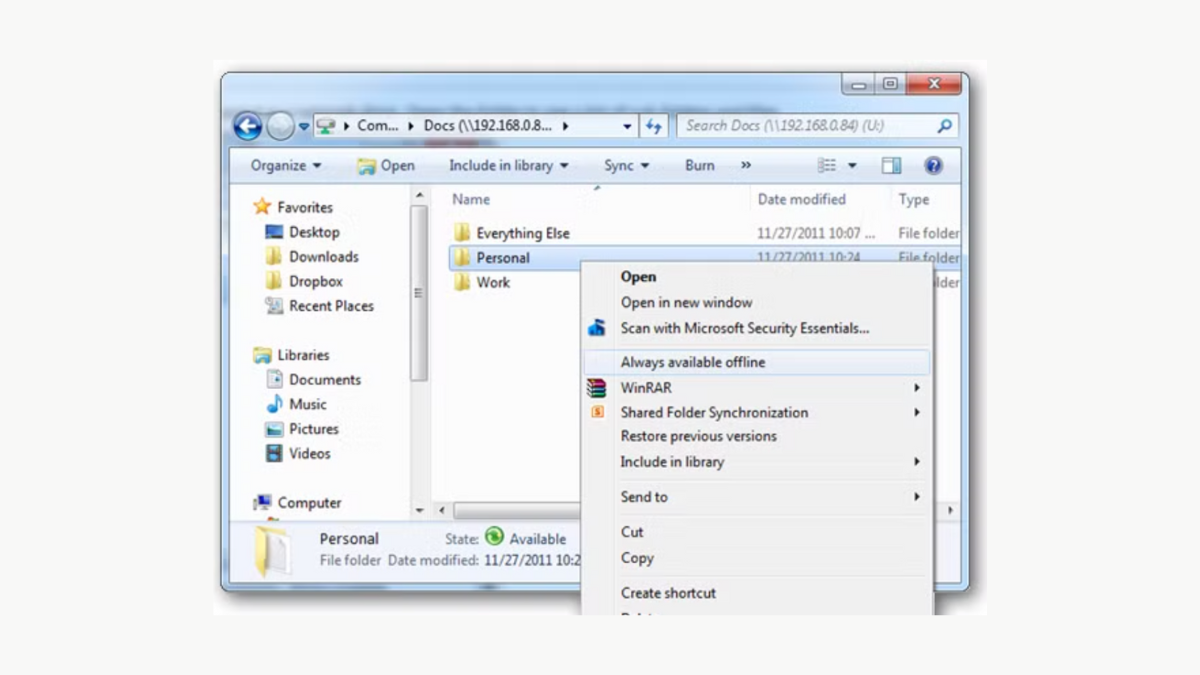
How to Restore Missing Always Available Context Menu Item in Windows 11
Regain direct access to the classic right-click options in Windows 11 File Explorer by modifying the registry and restarting Explorer.
-

How to Fix Video Could Not Be Decoded Error in Windows 11
Resolve video playback issues in Windows 11 by addressing codec compatibility, updating drivers, and switching media players.