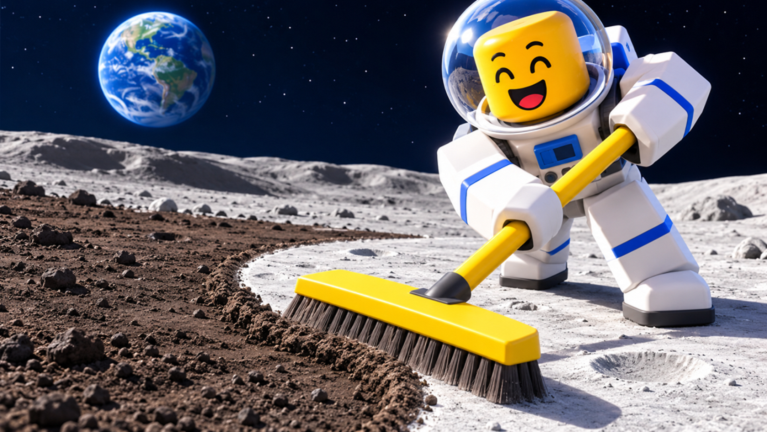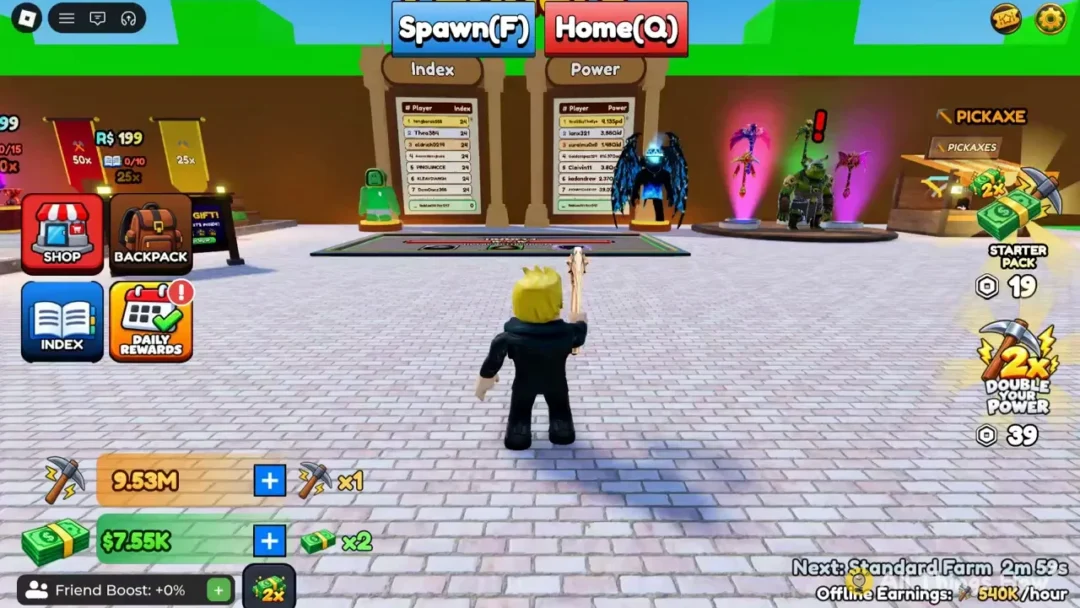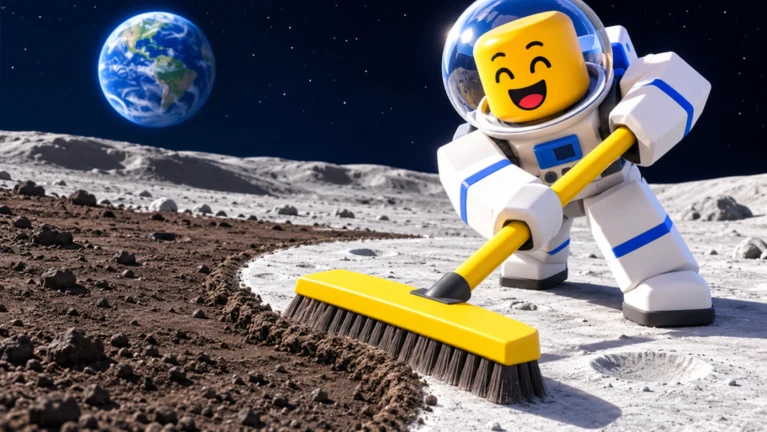
Every upgrade in Clean the Moon! on Roblox is paid for with cash from moon dust. You sweep the dust, sell it at the Lunar Converter, and spend the money in the Upgrades menu. The menu is split into four tabs. Each one changes a different part of the loop, and the prices are low enough that a single full load can usually pay for one or two of them.
Quick answer: Fill your bin, park in the green sell zone at the Lunar Converter, then open Upgrades (the button shows a Tab key hint). Buy from the General, Tool, Bag, or Vehicles tab.
Earning cash for upgrades with the Junk Hauler
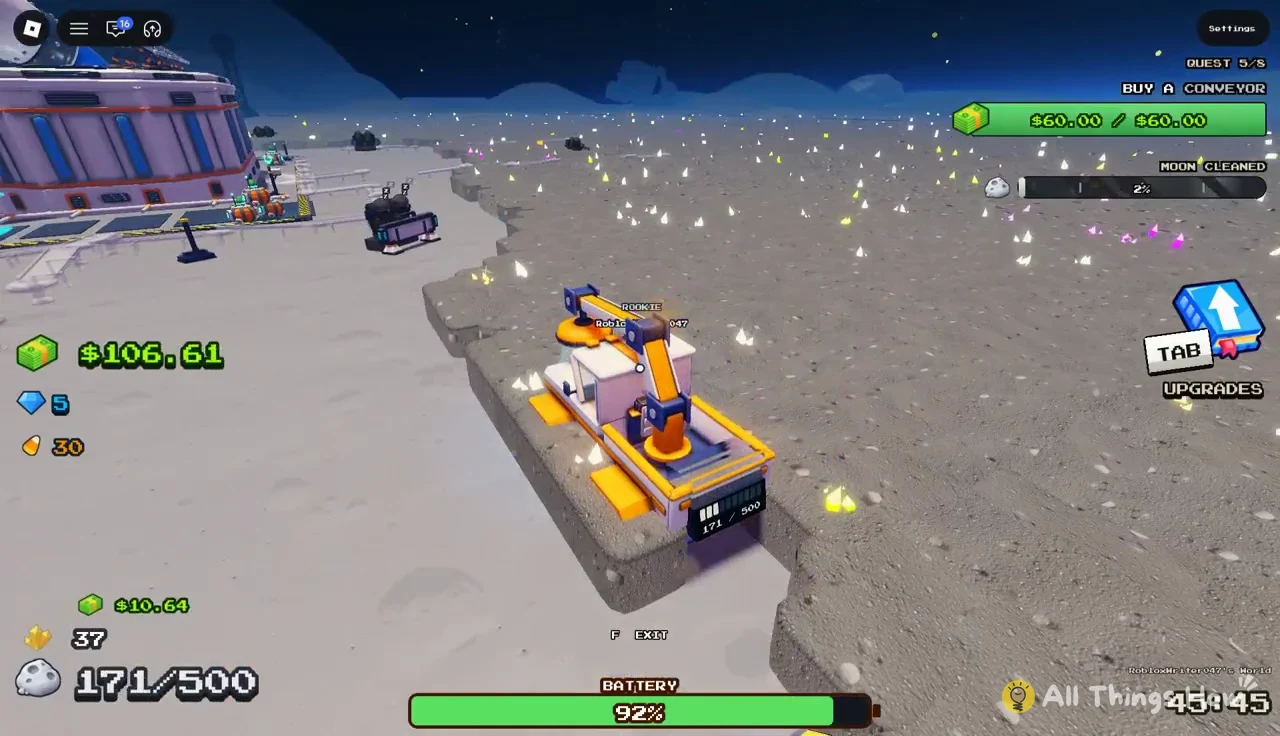
Upgrades cost cash, and cash only comes from selling what you clean. The Junk Hauler is a cleaning vehicle that scrapes layers of dust off the surface and pulls loose ores into an onboard bin as it drives. It also picks up crystals and candy along the way. The loop below runs the same way whether you are on foot with a broom or behind the wheel. The vehicle simply carries more per trip.
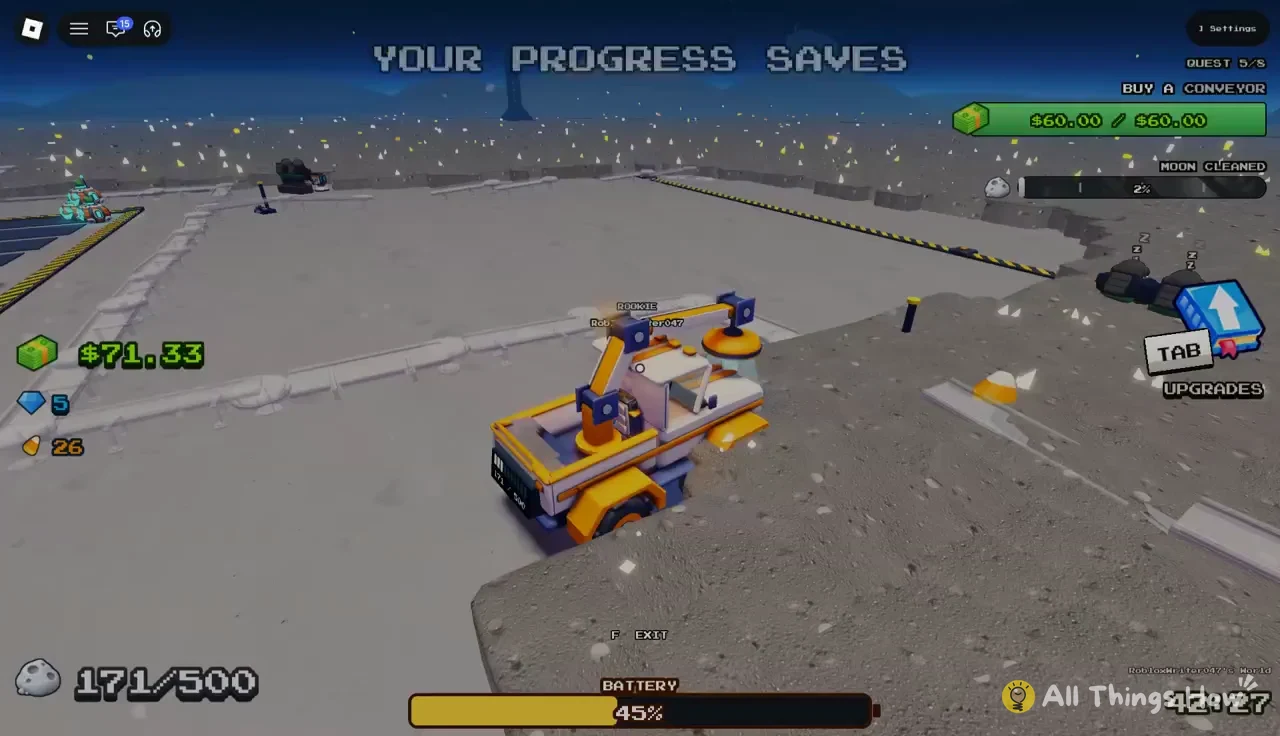

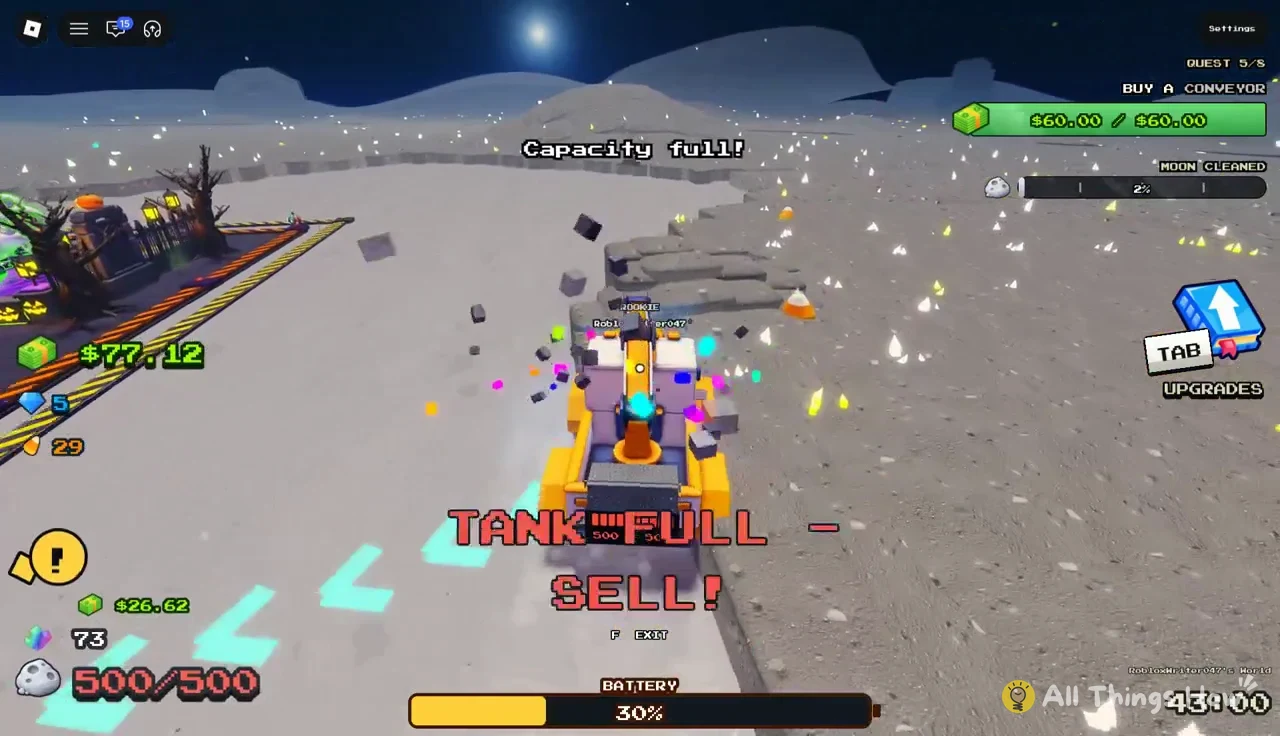
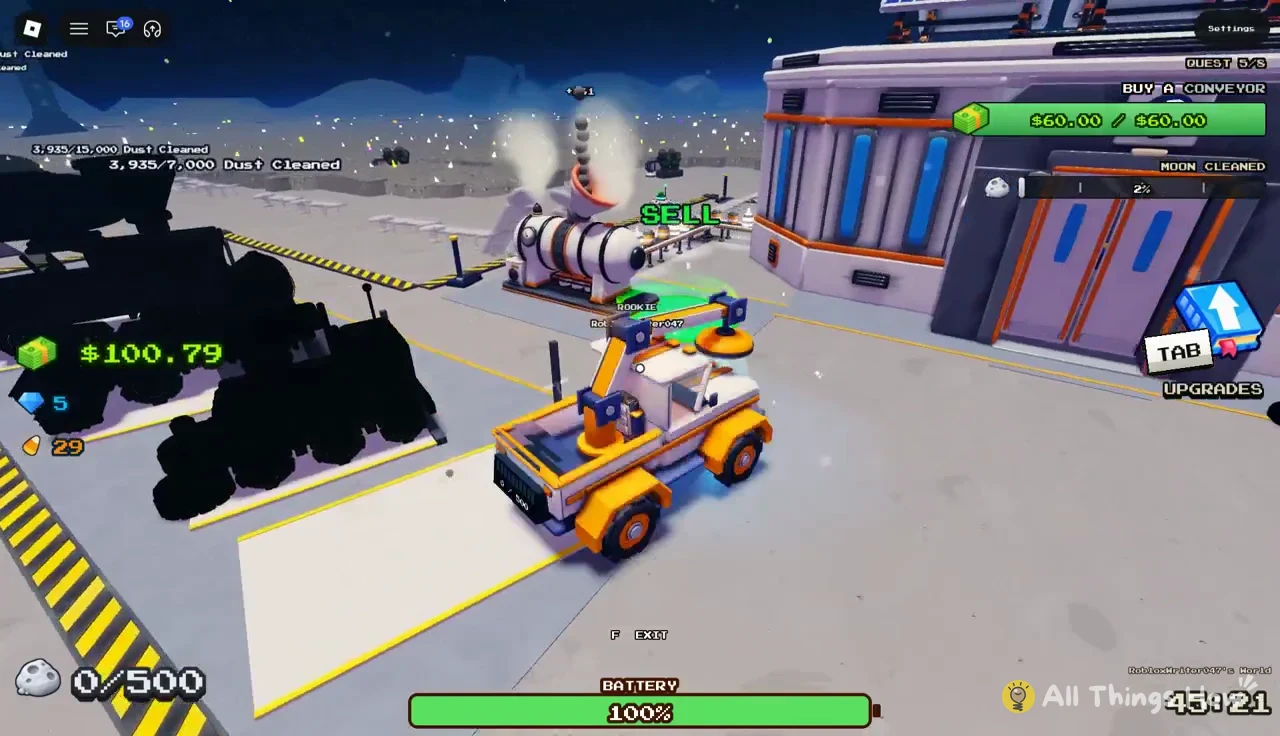
Because the Converter processes dust at a fixed rate per item, your cash total keeps climbing for a few moments after you park. The Convert Time upgrade shortens that wait.
Clean the Moon upgrade costs and stats by tab
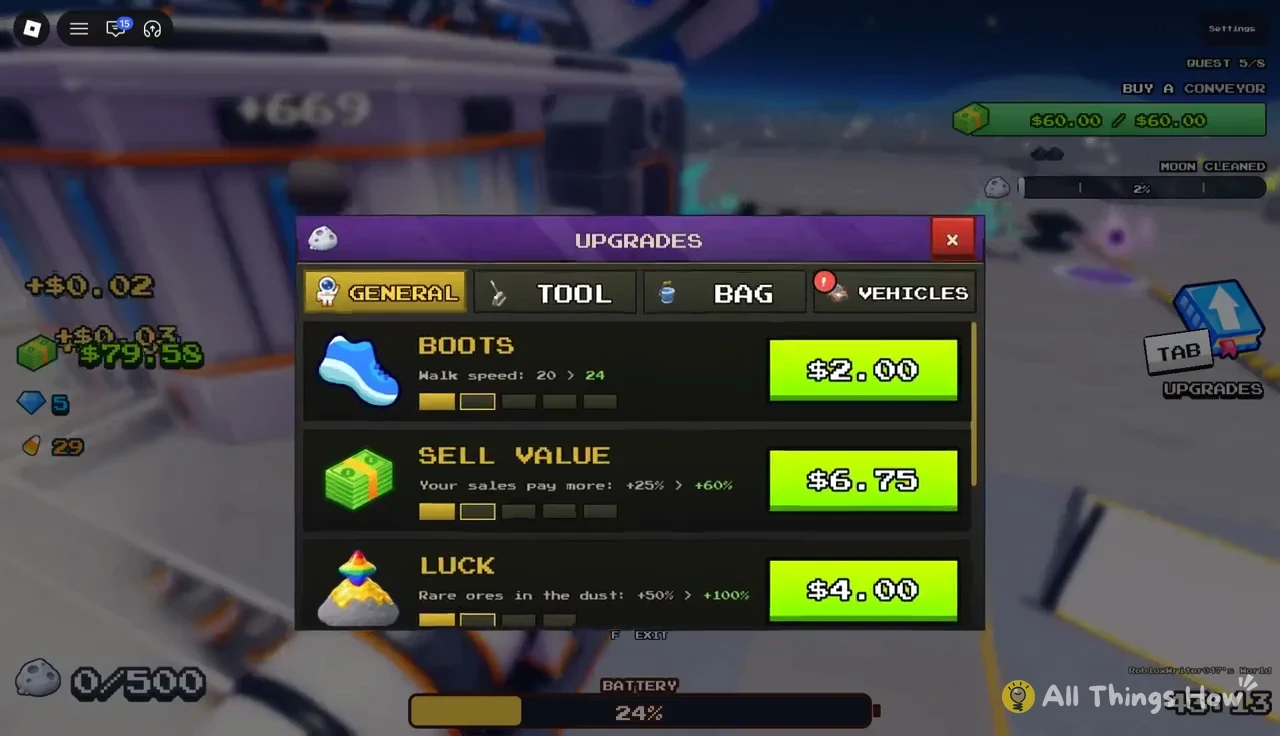
The Upgrades menu has four tabs: GENERAL, TOOL, BAG, and VEHICLES. Each row shows the stat’s current value, what it becomes after the purchase, and the price. The price listed is always for the next level only, and it goes up after you buy. Boots, for example, cost $2.00 for one level and $6.00 for the one after it.
General tab
General upgrades apply to you and your base rather than to a specific tool. They stay useful no matter which broom, bag, or vehicle you are using at the moment.
| Upgrade | Effect | Change | Cost |
|---|---|---|---|
| Boots | Walk speed | 20 → 24 | $2.00 |
| Boots | Walk speed | 24 → 29 | $6.00 |
| Sell Value | Your sales pay more | +25% → +60% | $6.75 |
| Luck | Rare ores in the dust | +50% → +100% | $4.00 |
| Conveyor Speed | Belt speed | 3 → 5 studs/s | $9.00 |
| Convert Time | Time per dust | 0.3s → 0.25s | $1.25 |
Sell Value is a straight multiplier on every sale, so it pays back on each load you bring in. Luck raises how often rare ores show up in the dust you sweep. Convert Time is the cheapest row on the tab and cuts how long the Lunar Converter spends on each item. At level 5 the Converter handles one item every 0.25 seconds. Conveyor Speed only matters once you own conveyors. Each of the four conveyor slots around the base (North-West, South-West, South, and East) costs $60.00, and buying one is an early quest objective.
Tool tab (Push Broom)
The Tool tab upgrades the broom you sweep with on foot, which is the Push Broom here. All three rows change how much ground each swing clears.
| Upgrade | Effect | Change | Cost |
|---|---|---|---|
| Stroke Speed | Time between strokes | 0.6s → 0.48s | $4.00 |
| Sweep Width | Tiles per stroke | 5 → 7 | $3.75 |
| Power | Layers per stroke | 3 → 4 | $11.00 |
Stroke Speed makes you swing more often, Sweep Width makes each swing cover more tiles, and Power strips more dust layers per swing. Power is the priciest of the three, but it means fewer passes over the same tile before it is clean.
Bag tab (Bucket)
The Bag tab has a single stat for the Bucket, Extra Capacity, which raises how much dust you can carry on foot before a trip back to the Converter. Two levels in a row cost $2.00 (144 → 163) and then $3.00 (163 → 188). That makes it one of the cheapest ways to cut down on walking.
Vehicles tab (Junk Hauler)
The Vehicles tab has the most rows, and every one of them applies to the Junk Hauler.
| Upgrade | Effect | Change | Cost |
|---|---|---|---|
| Drive Speed | Speed | 24 → 26 | $3.00 |
| Brush Size | Brush width | 1.5 → 1.75 tiles | $4.50 |
| Power | Layers per pass | 1 → 2 | $14.00 |
| Bin Size | Bin holds | 500 → 600 | $3.00 |
| Battery | Drive time | 190s → 238s | $1.00 |
| Battery | Drive time | 238s → 285s | $2.50 |
Battery is the cheapest upgrade in the whole menu. Its first level adds 48 seconds of driving for a dollar. Bin Size adds 100 units to every load, so each trip to the Converter is worth more. Power doubles the layers the Hauler removes per pass, from one to two, and it is the most expensive row shown at this stage. Drive Speed and Brush Size shave time off each run by moving you faster and widening the strip you clear.
How to buy an upgrade and confirm it applied
You know it worked because a confirmation appears on screen naming the new value. Examples are “Bucket extra capacity upgraded to 163!” and “Junk Hauler battery upgraded to 238s!” The row also updates. A Boots upgrade, for instance, then shows the next level as “24 > 29” at $6.00. Some upgrades note their level directly, such as “Boots level 3” or “Lunar Converter level 5.”
Recharging the Junk Hauler battery
The Junk Hauler drains its battery the whole time you drive, and the Battery upgrade only extends how long a full charge lasts. It does not refill the vehicle. Upgrading after a long run usually leaves you with a low battery, so check the meter before heading back out.
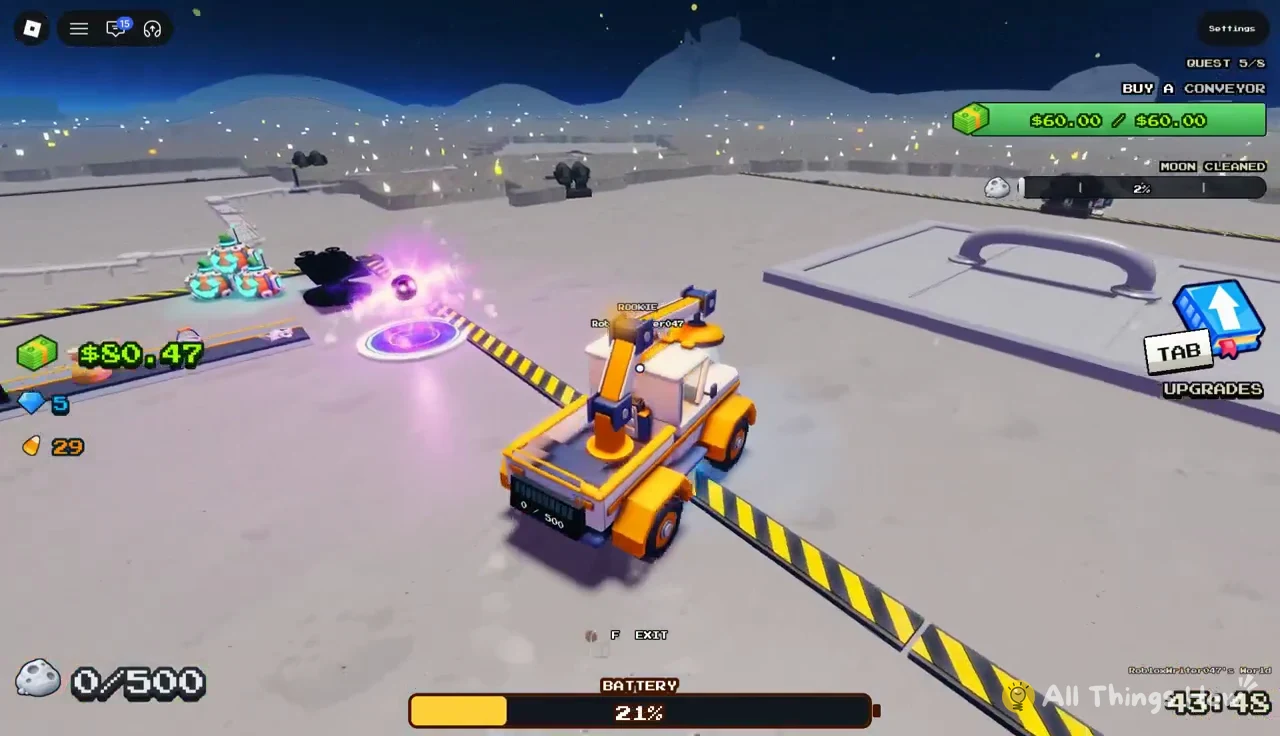
Drive onto the white-and-yellow charging pad at the base and stay parked. The screen reads “CHARGING JUNK HAULER” while the percentage climbs, then switches to “FULLY CHARGED JUNK HAULER” at 100%. A charge from 21% to full takes a noticeable stretch of time, so it is a good moment to look over the Upgrades menu.
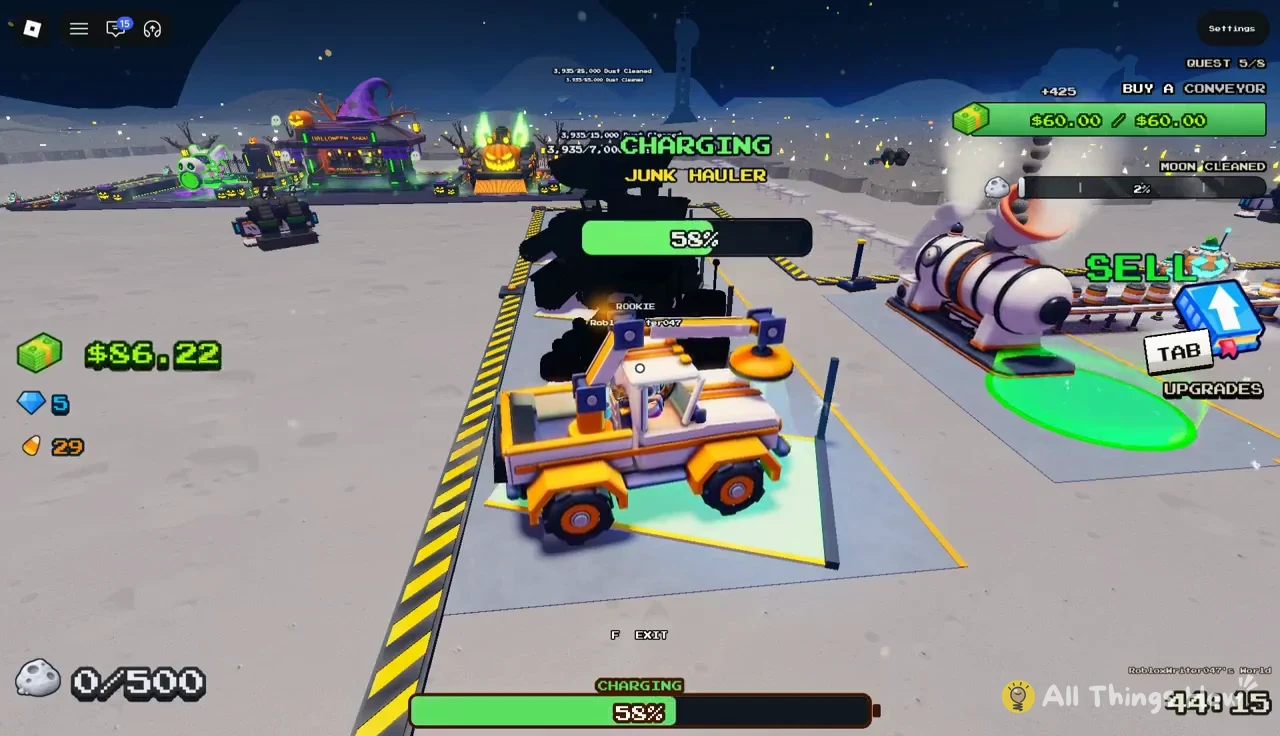
Once it is full, drive back out to fresh dust. Any upgrades you bought, such as a larger bin or longer battery, apply from the next run onward.
Goblin Raids during a cleaning run
A Goblin Raid can interrupt your upgrade loop. A 10-second countdown appears alongside the alert “GOBLIN RAID INCOMING FROM EVERY SIDE”. Next, the game instructs you to take your ray gun and defend the Outpost.

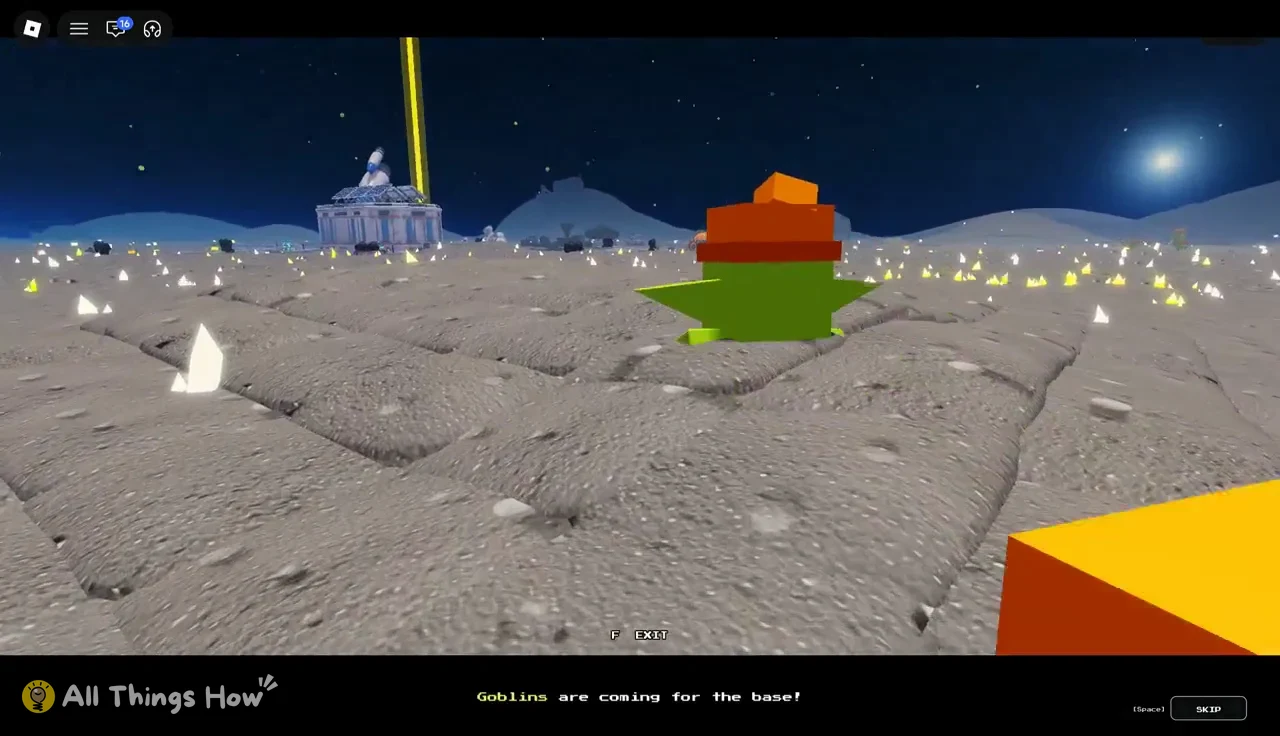
A short cutscene follows, showing green goblins landing with the message “Goblins are coming for the base!” You can skip it, and you can leave the vehicle with F. During the raid, an objective counter tracks the goblins (32/32 at the start) alongside a timer. The game also confirms “Moon saved! Your progress is kept if you leave,” so the cash and upgrades you have earned are safe if you step away.
Once the raid is dealt with, the routine is unchanged. Fill the bin, sell at the Lunar Converter, buy the next upgrade, and top up the battery before the following run.