If you spot a CodexSandboxOffline or CodexSandboxOnline account on a Windows 11 machine, it was created by the OpenAI Codex command-line tool. Both belong to a local group called CodexSandboxUsers, and Codex uses them to run agent commands inside an isolated sandbox rather than under your own account.
Quick answer: These are legitimate accounts, not malware. They are safe to keep if you use Codex. If you have removed Codex or never want its Windows sandbox, delete both users with net user CodexSandboxOffline /delete and net user CodexSandboxOnline /delete, remove the group with net localgroup CodexSandboxUsers /delete, then clean any leftover folder permissions with icacls.
What the Codex sandbox accounts are
Codex CLI on native Windows can enable an experimental filesystem and network sandbox. When it does, it provisions two local Windows accounts with randomly generated passwords and places them in the CodexSandboxUsers group. The design goal is to run agent commands under these restricted identities so that Codex needs fewer manual approvals while limiting what a command can touch.
| Item | Detail |
|---|---|
| Account names | CodexSandboxOffline, CodexSandboxOnline |
| Local group | CodexSandboxUsers |
| Created by | Codex CLI and the Codex IDE extension on Windows |
| Purpose | Run sandboxed agent commands with restricted permissions |
| Passwords | Randomly generated during setup |
The same accounts appear whether you use the CLI or the IDE extension, because the extension downloads precompiled binaries that behave the same way through codex-windows-sandbox.exe.
Why they touch your user folders
The sandbox grants these accounts write access to the project folder where Codex runs. The problem many users hit is that the setup also assigns permissions across the wider profile. When the workspace write root is %USERPROFILE%, Codex can expand it into top-level profile children such as OneDrive, AppData, Documents, Downloads, and Desktop, and in some reports it reached the entire C:\Users\<USER> tree or even a drive root like D:\.
On systems with Controlled Folder Access turned on, that behavior produces a stream of Windows security notifications as Codex tries to read files across the profile. In at least one case, adding the sandbox account to a drive root also stripped other existing permissions from that drive.
Deleting the accounts does not automatically remove the permission entries they left behind. Stale CodexSandboxUsers and capability SID access-control entries can remain on folders after Codex is uninstalled, which is why manual cleanup matters.
Should you delete the CodexSandboxUsers accounts?
Keep them if you actively use Codex on that machine, since the sandbox depends on them. Remove them if you no longer run Codex, never enabled the sandbox intentionally, or want to close down the broad folder access they were given. They are not tied to your Microsoft account, and deleting them does not affect your own sign-in.
How to remove the accounts and clean up permissions
Sign in to your own administrator account first. Confirm you are an admin under User Accounts in Control Panel, and consider keeping a second local admin account as a safety net before you change anything.
net user to list every local account. Confirm that CodexSandboxOffline and CodexSandboxOnline appear before you remove anything.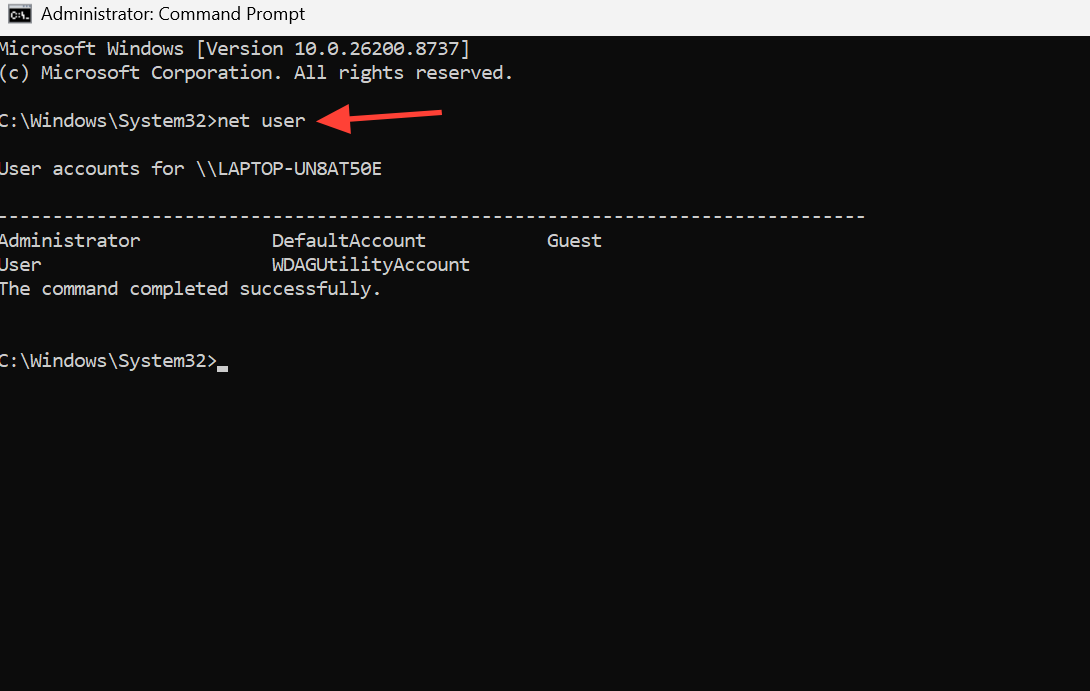
net user CodexSandboxOffline /delete
net user CodexSandboxOnline /delete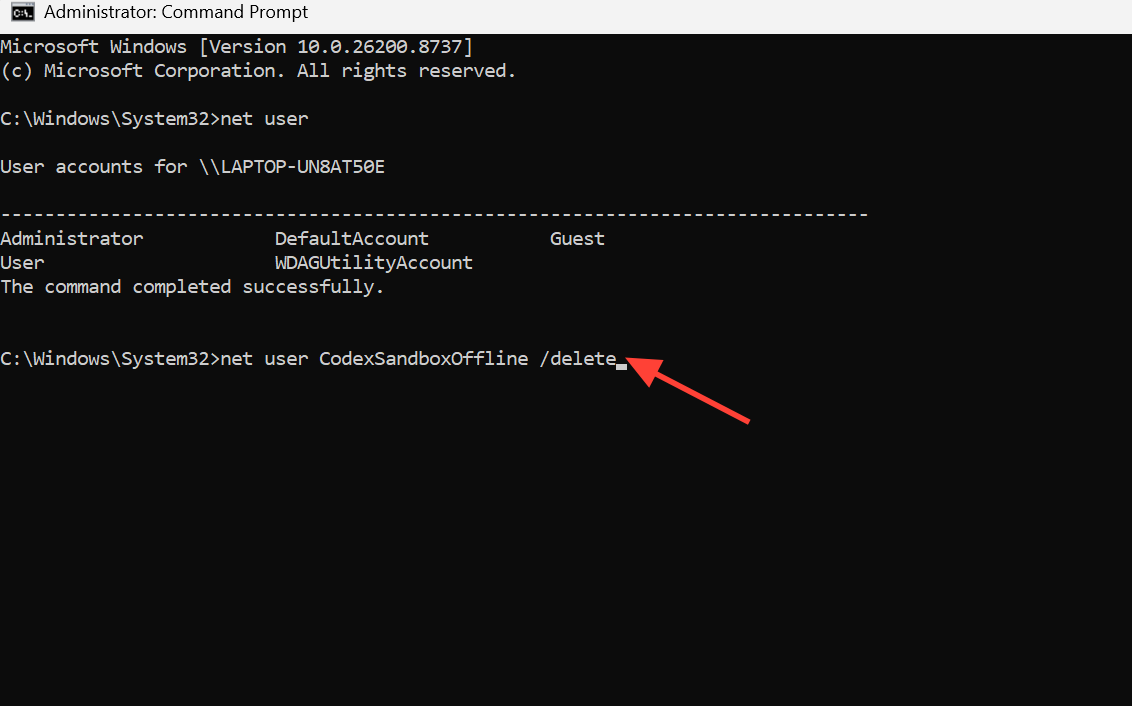
net localgroup CodexSandboxUsers /delete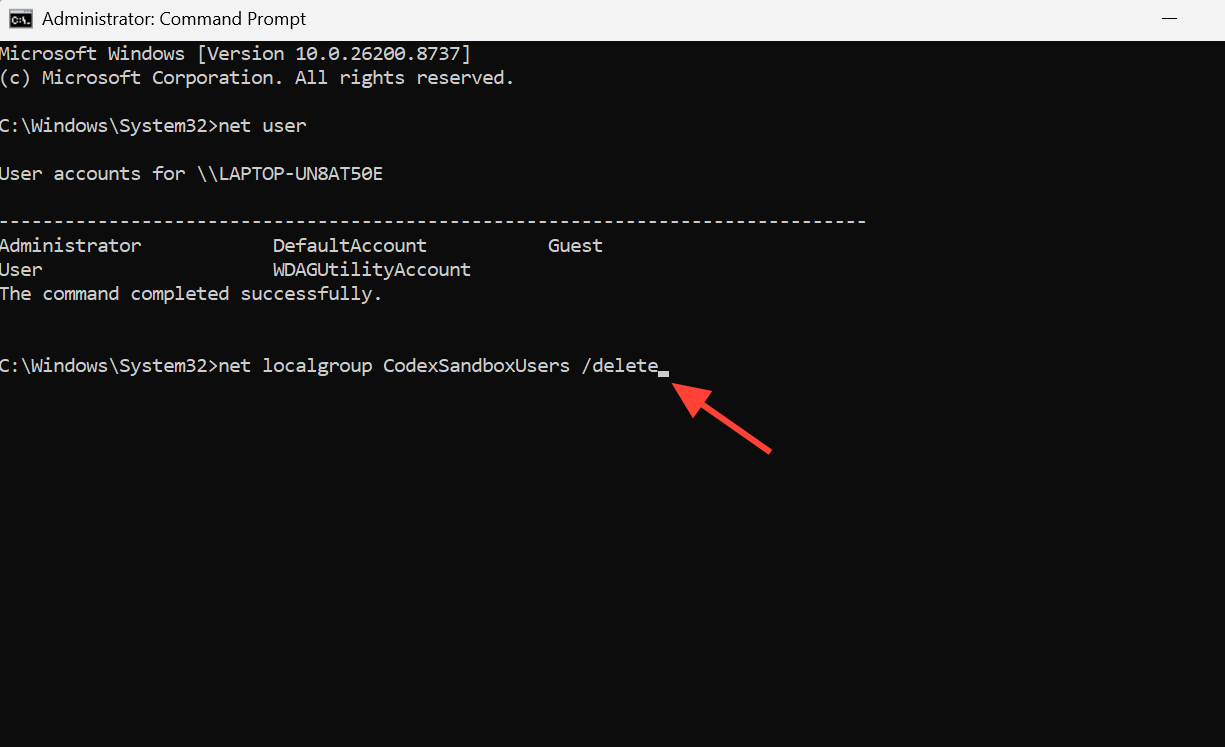
icacls on any folder that received them, including your profile directory and any drive root that was affected. This removes the sandbox entries while leaving your normal access intact.icacls "%USERPROFILE%" /remove:g CodexSandboxUsers /T
icacls "%USERPROFILE%" /remove:g CodexSandboxOffline /T
icacls "%USERPROFILE%" /remove:g CodexSandboxOnline /T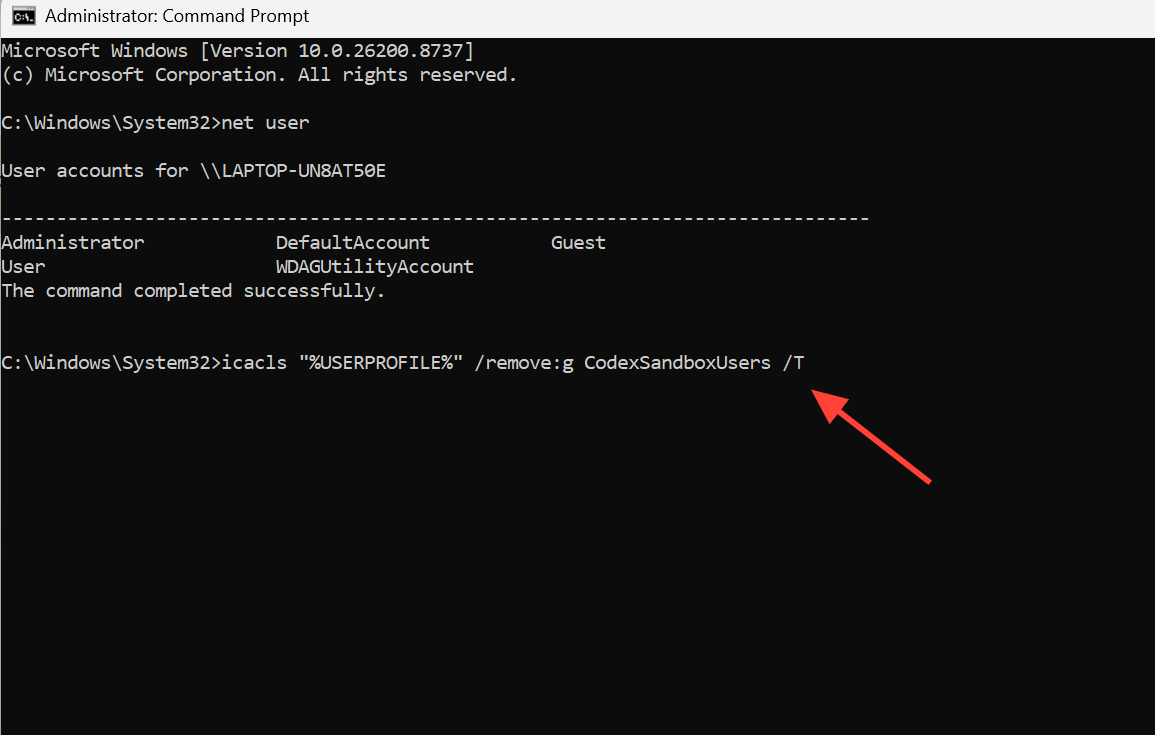
How to confirm it worked
Run net user again. Neither CodexSandboxOffline nor CodexSandboxOnline should be listed, and net localgroup should no longer show CodexSandboxUsers. If Controlled Folder Access was flooding you with alerts, those notifications should stop once the accounts and their permission entries are gone.
The sandbox itself remains a fast-moving feature, and its configuration keys have shifted over time from the early experimental_windows_sandbox flag toward windows.sandbox modes such as Elevated and Unelevated. If you plan to keep using Codex on Windows, review the current sandbox behavior in the official Codex on Windows documentation before re-enabling it, and avoid pointing the workspace write root at your whole user profile.