Control Resonant: Freeze Frame Camera Locations in the West Incursion Zone
Grab both Instant Photos in the House of Mirrors, then shutter the two paranatural cameras that match them.
Grab both Instant Photos in the House of Mirrors, then shutter the two paranatural cameras that match them.
by AllThingsHow Staff
Image: Remedy Entertainment
The Freeze Frame side mission in the West Incursion Zone of Control Resonant hands you two Instant Photos and asks you to find the exact spots where they were taken. Each photo points to a paranatural camera, and shutting its lid marks that photo complete. Both cameras sit close to the House of Mirrors theater, so the whole objective can be cleared in a single loop through the district.
Quick answer: Pick up both Instant Photos from the folding tables inside the House of Mirrors, then press L1 (Shut Camera Lid) at the rooftop camera north of the Parking Garage and the window-washer platform camera near the Museum of Curiosities.
Collect both Instant Photos in the House of Mirrors
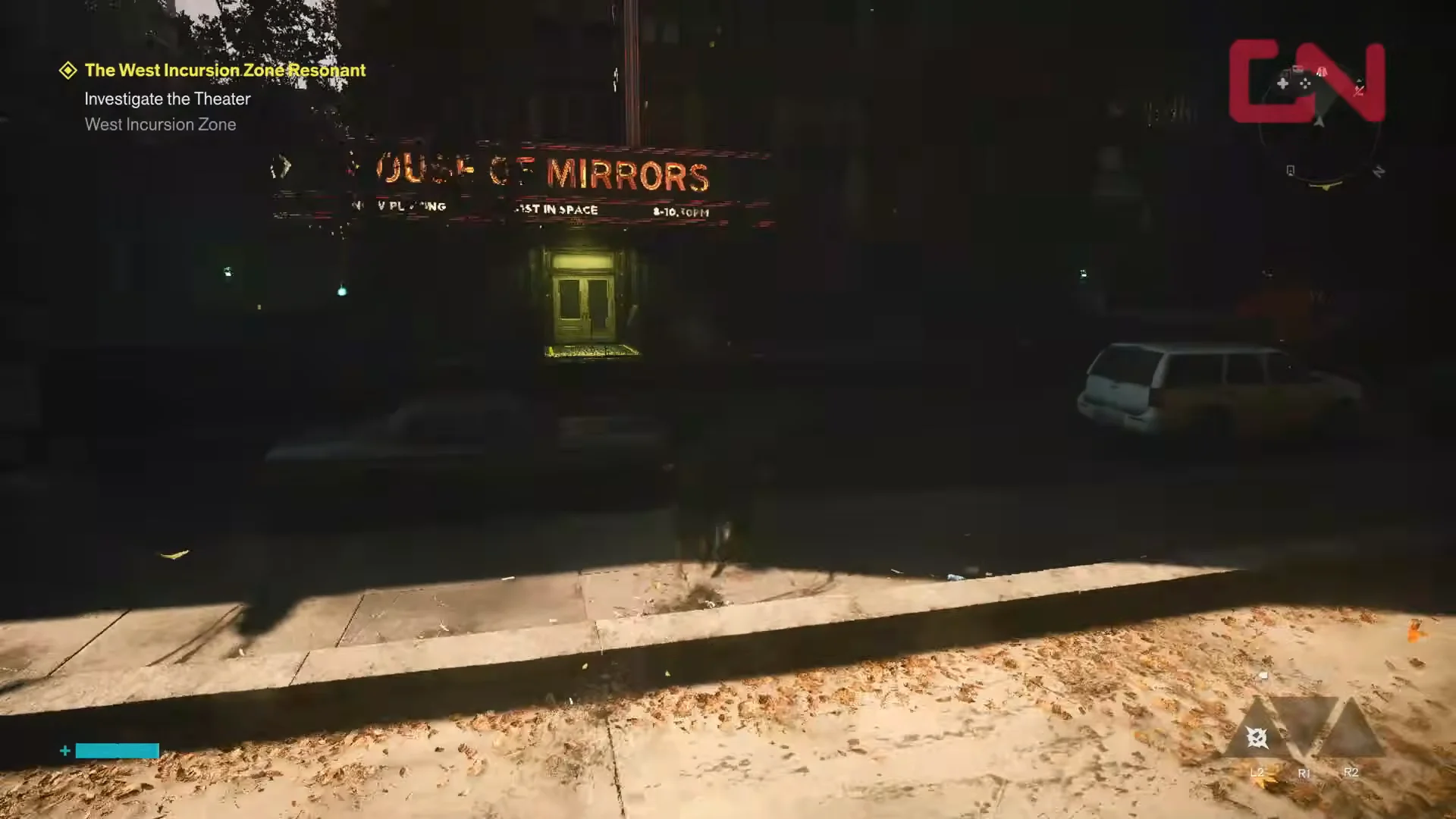
Both photos for this zone are inside the House of Mirrors theater lobby, resting on the long green folding tables directly ahead of the entrance. Fast travel to the West Incursion Zone Checkpoint and drop down into the street toward the marquee to reach it quickly.
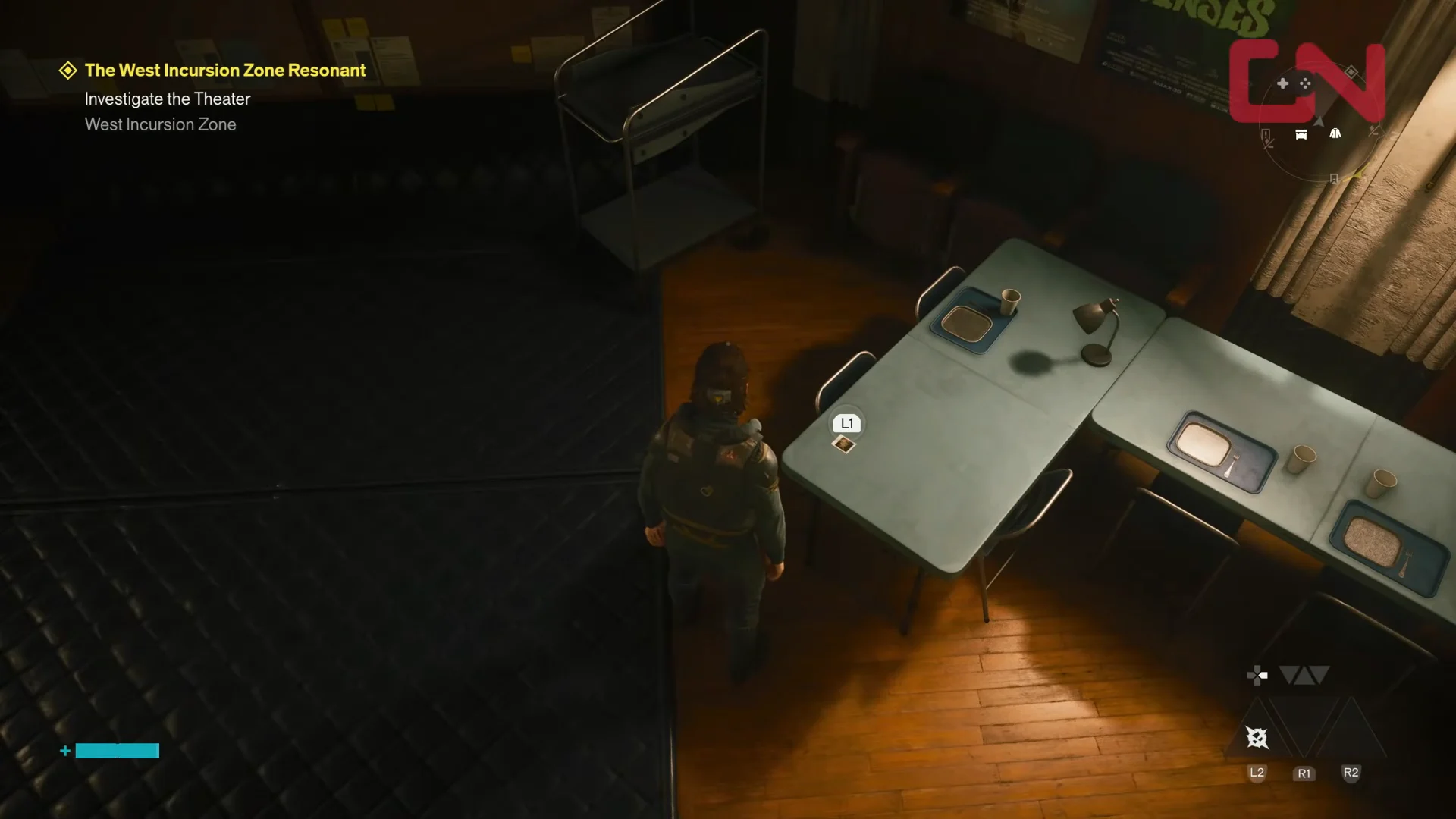
Enter the lobby and walk up to the first folding table. Interact with the item to add the first Instant Photo, shown by the +1 Instant Photo pop-up.
00:23Collect First Instant PhotoThe interaction prompt at the first folding table marks where to collect the first Instant Photo. Shown at 00:23 in GosuNoob’s video. Image: Remedy Entertainment
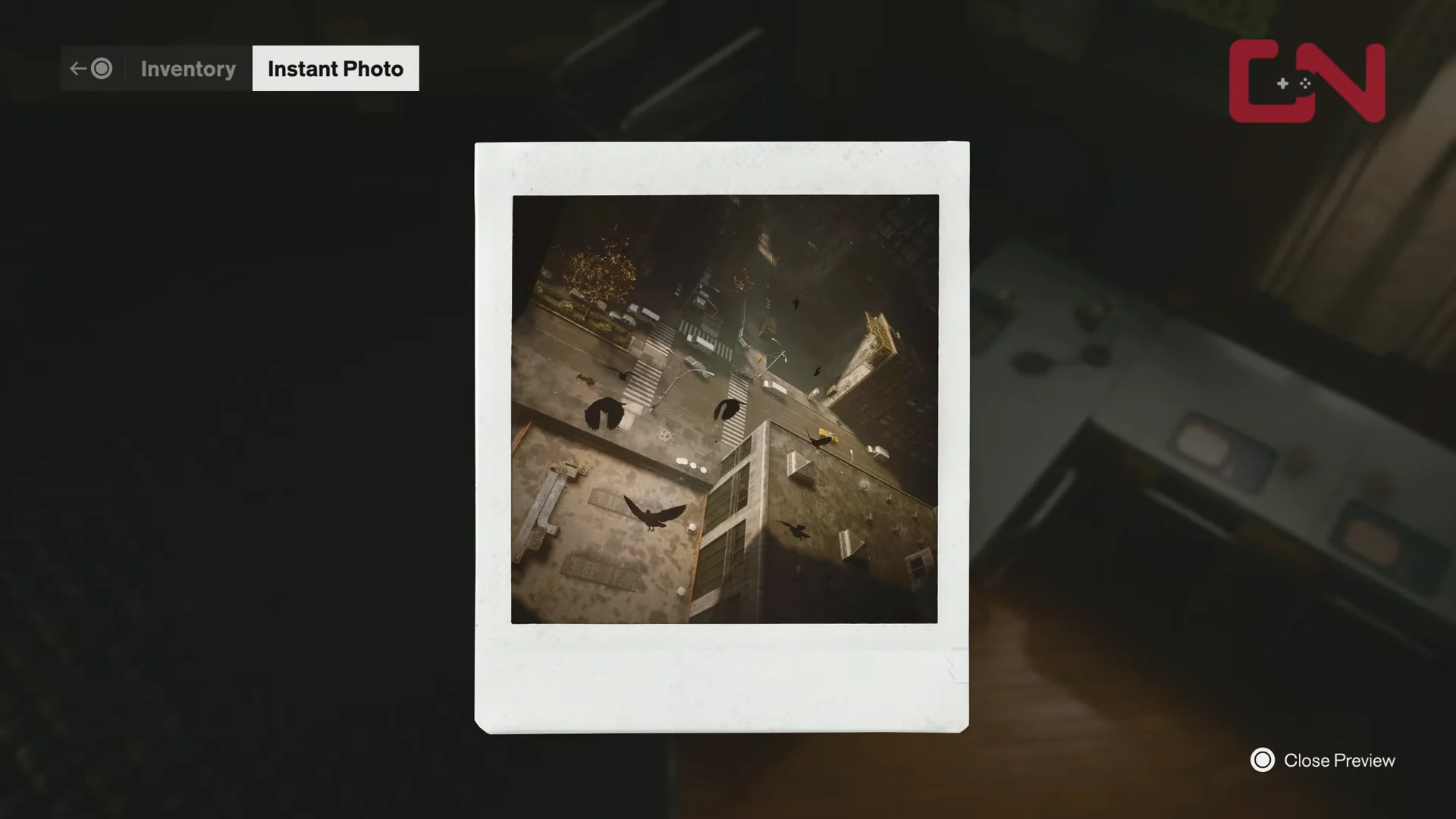
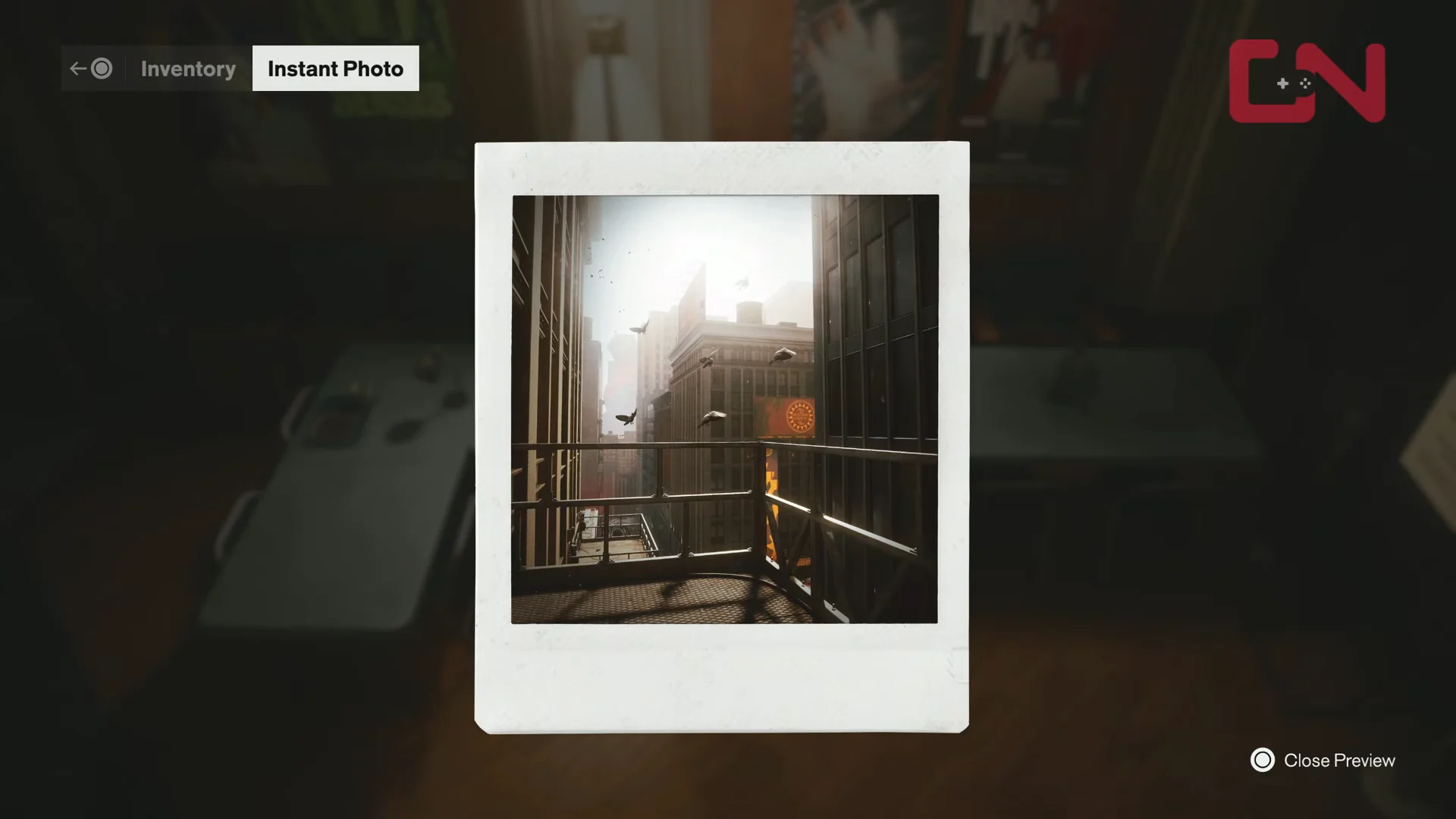
Open your inventory to preview the first photo. It frames a view looking straight down the gap between two buildings, which is the clue for the first camera.
00:32Inspect First PhotoThe first Instant Photo frames the gap between buildings, pointing to the first camera’s view. Shown at 00:32 in GosuNoob’s video. Image: Remedy Entertainment
At the nearby table, collect the other Instant Photo. The preview frames the street canyon from a hanging platform, indicating the position of camera two.
00:56Inspect Second PhotoThe second Instant Photo’s suspended-platform view of the street canyon clues the camera’s vantage point. Shown at 00:56 in GosuNoob’s video. Image: Remedy Entertainment
Camera 1: Rooftop north of the Parking Garage
The first camera sits on a tripod on a rooftop directly north of the Parking Garage, overlooking the street below. It matches the first photo’s downward framing between the buildings.
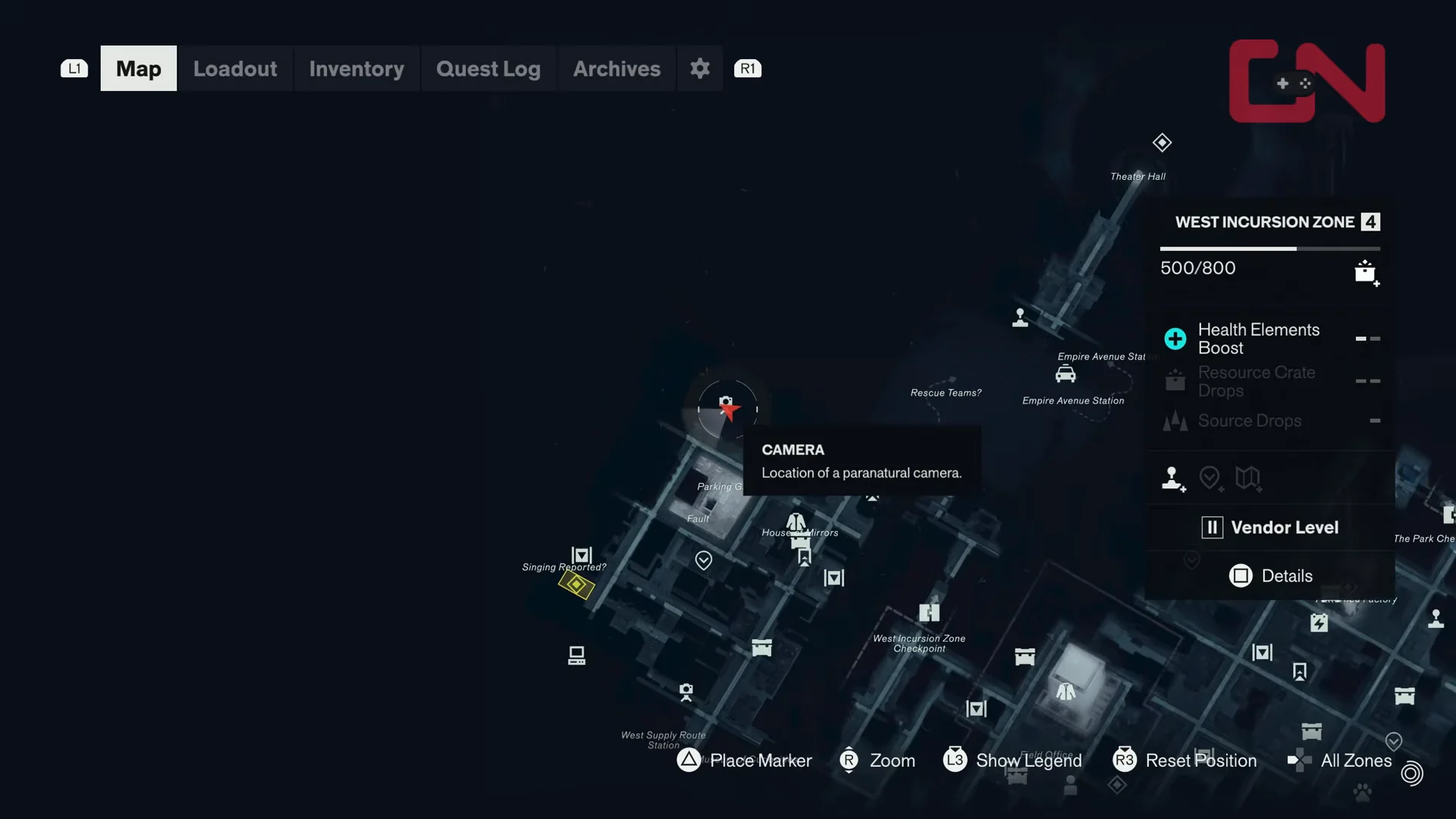
Open the map to confirm the camera icon sitting north of the Parking Garage, then move to the roof ledge overlooking the street canyon.
01:48Camera 1 Map LocationThe map marker north of the Parking Garage confirms where to head for the rooftop camera. Shown at 01:48 in GosuNoob’s video. Image: Remedy Entertainment
Walk around the rooftop ductwork until you reach the tripod camera facing the street. Press L1 (Shut Camera Lid) to close it. You will earn a Completed Instant Photo and a +1 Undefined Reading.
Camera 2: Window-washer platform near the Museum of Curiosities
The second camera is fixed to a window-washer scaffold hanging high along a high-rise’s side, aimed in the direction of the Museum of Curiosities and, separately, West Supply Route Station. The second photo shows this platform.
Drop down from the first rooftop and run south through the streets, passing the House of Mirrors again as you move toward the Museum of Curiosities district.
Jump over the floating debris and barrels, then land on the suspended scaffold. Move up to the tripod camera and press L1 (Shut Camera Lid) to finish the second photo.
How to confirm both photos are complete
Each time you shut a camera lid, the matching photo in your inventory changes from an Instant Photo to a Completed Instant Photo and gains a green checkmark. Open the inventory after each camera to verify the mark. Once both entries show the checkmark, the West Incursion Zone portion of Freeze Frame is finished, and the description reads “A photo taken with a paranatural camera, prone to freezing people and running.”