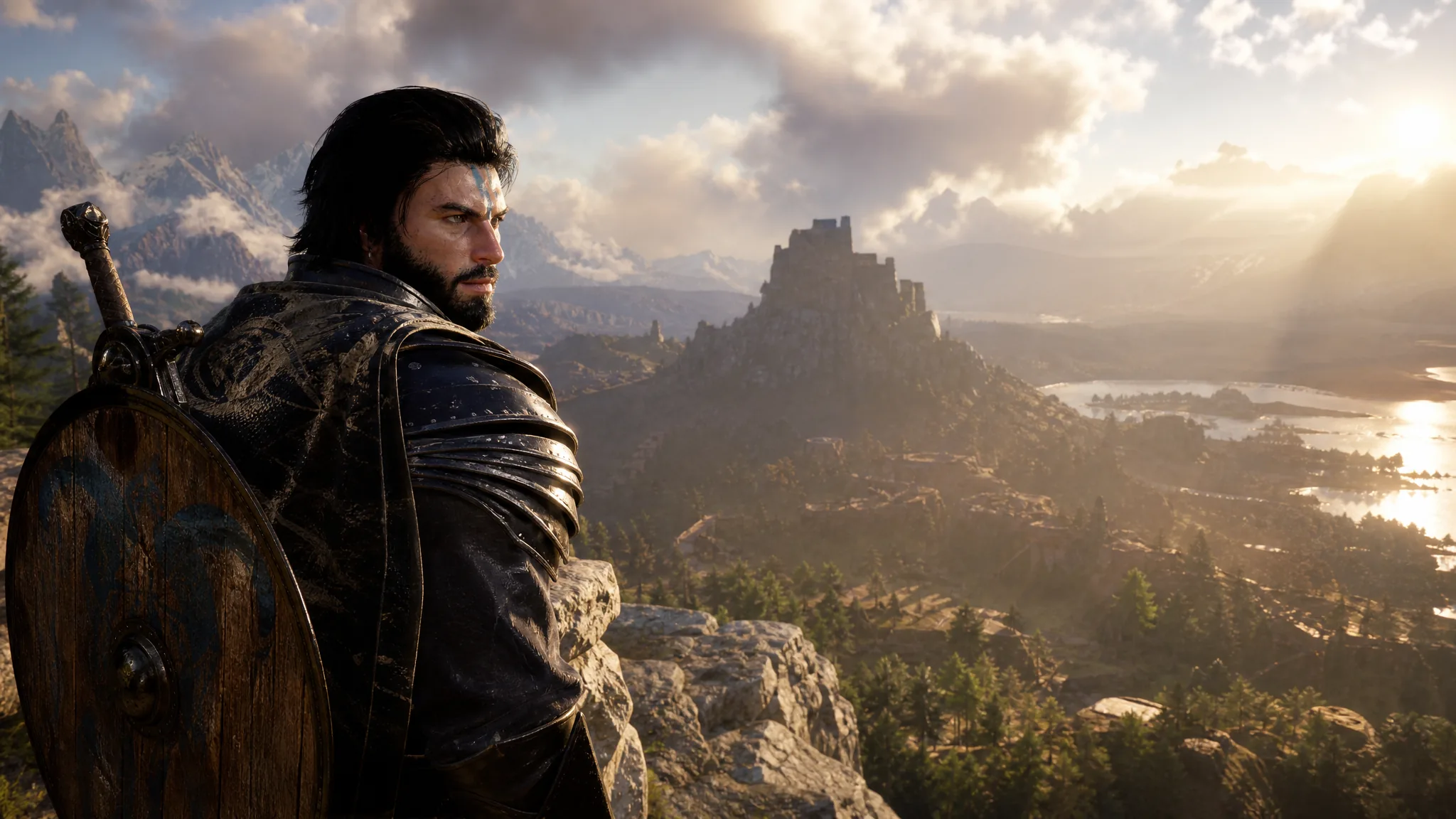
Crimson Desert’s version 2.0 update, branded as the Enhanced Edition, is now live and free for existing owners. The download runs past 33 GB and is built almost entirely around story content, but the change most players will notice first is a carry-over system that acts like a light New Game Plus. There is no traditional New Game Plus that keeps your skills and gear intact, so it helps to know exactly what transfers and what resets before you start a second run.
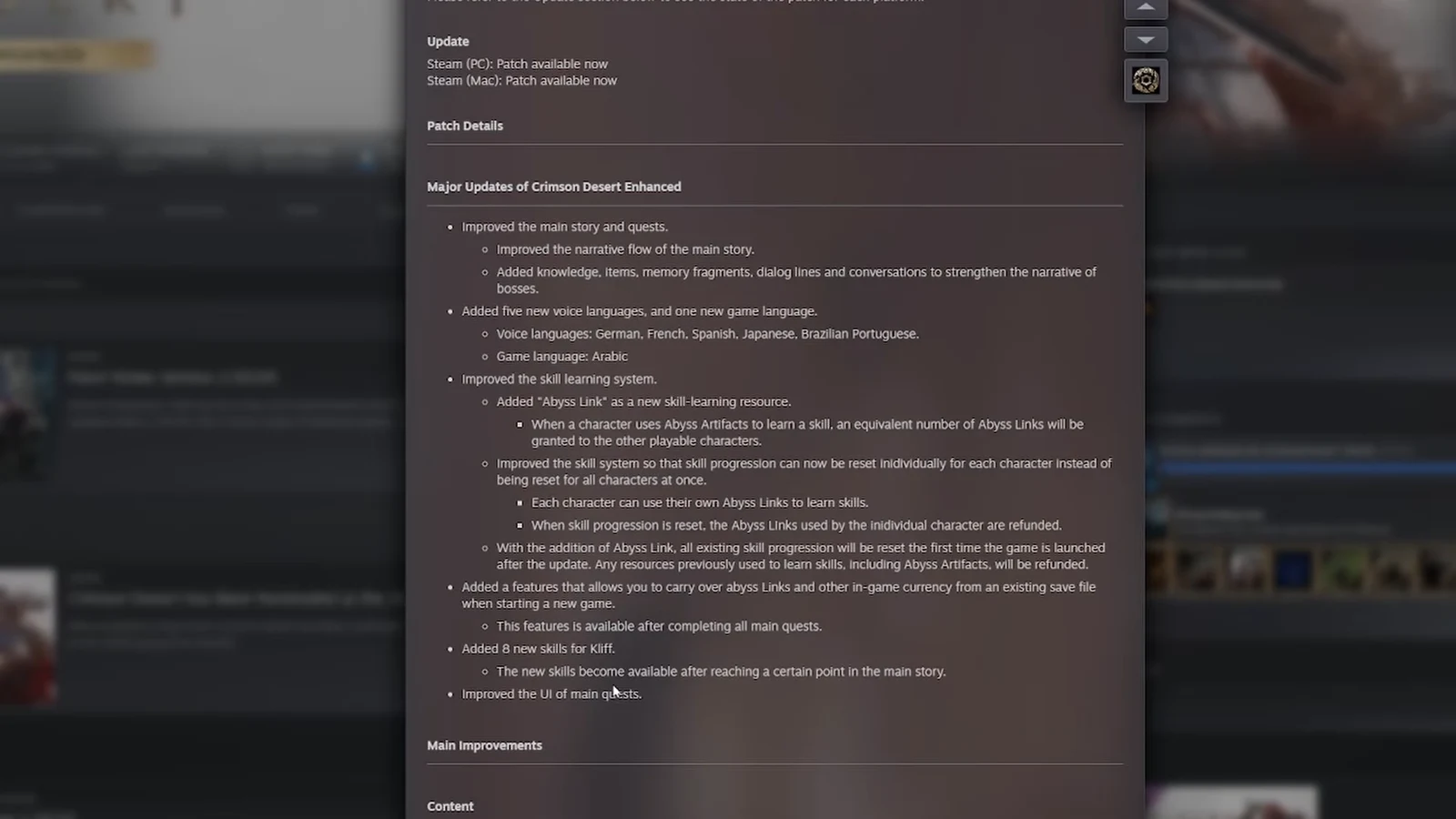
Quick answer: After you finish all main quests, you can start a brand-new game and bring your Abyss Links and in-game currency with you. Skills and equipment do not carry over, and all existing skill progression is wiped once the first time you launch the game after installing 2.0.
What the carry-over New Game Plus actually does
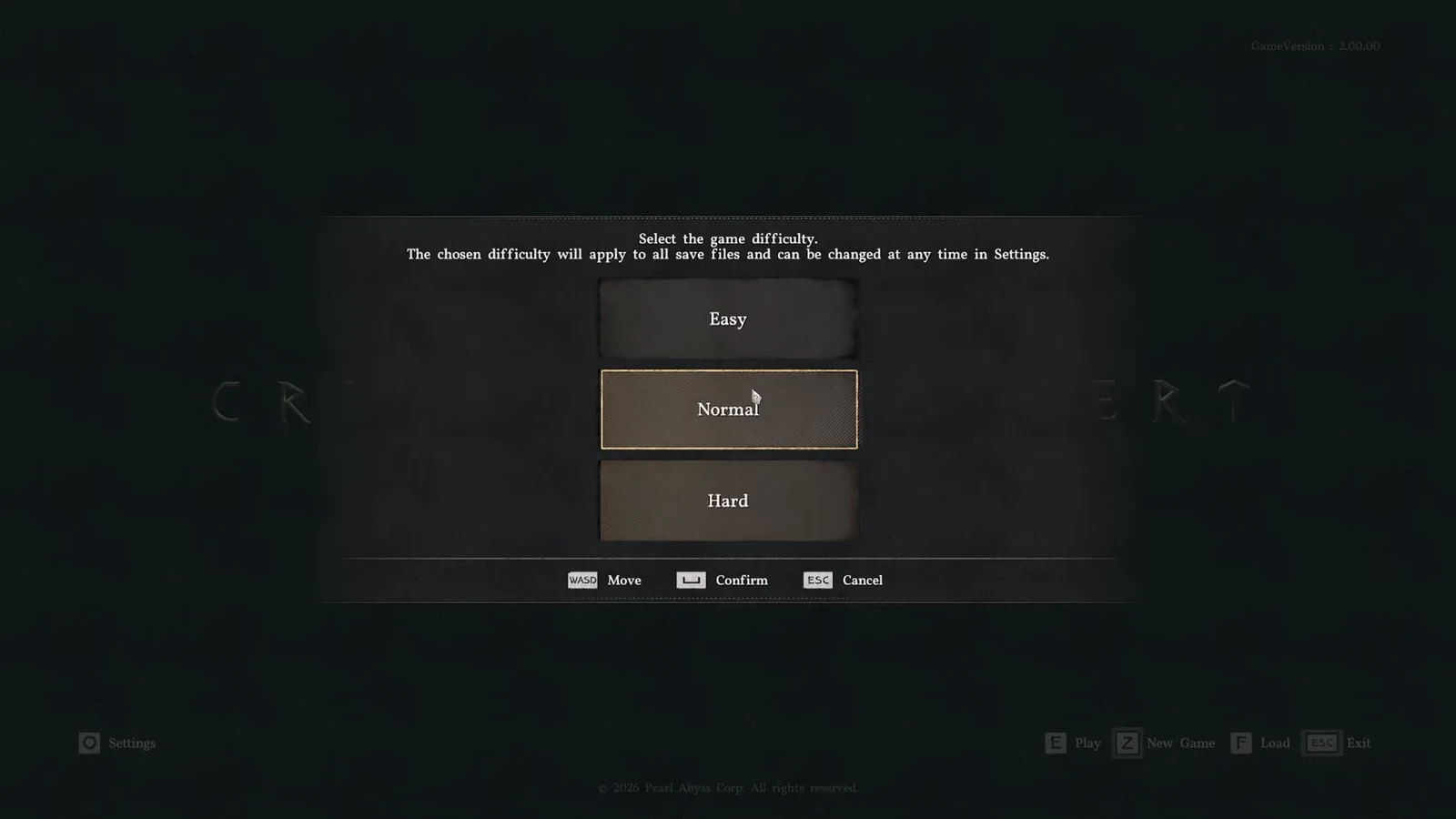
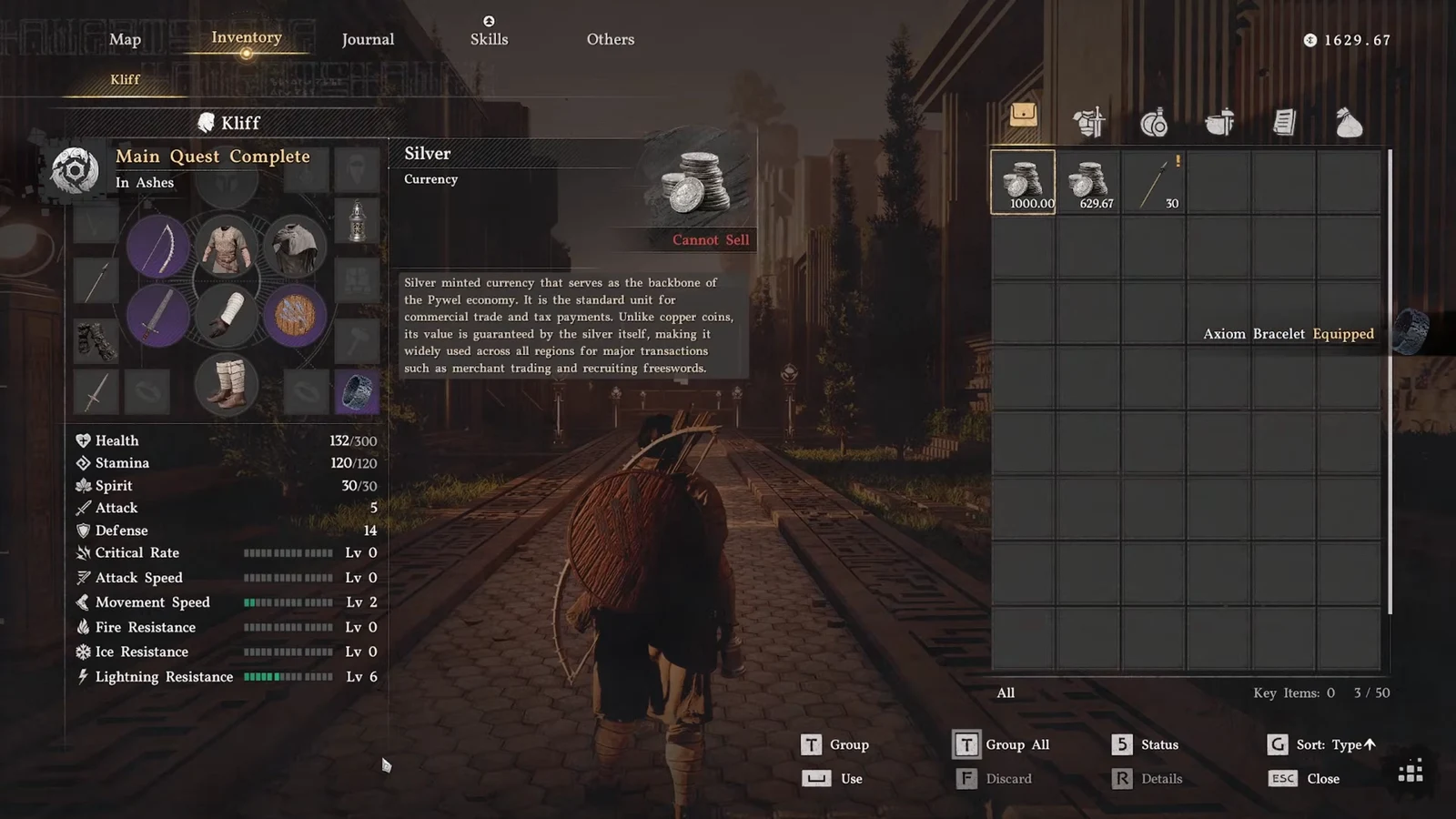
The feature is a carry-over, not a full New Game Plus. When you start a new save, you can transfer your Abyss Links and other in-game currency items from a completed file. That is the whole scope of what moves across. Character stats, learned skills, and equipment stay behind in the old save, so the second run still begins with combat progression reset to the start.
The main purpose is smoother multi-character scaling. Because the game locks you into specific characters during certain story beats, arriving with a stock of Abyss Links lets you skill up whoever you are forced to play without grinding from zero again.
One hard requirement gates the whole thing. The carry-over option only appears after you have completed every main quest, which spans the game’s twelve chapters.
Start a carry-over run after finishing the main story
How Abyss Links change skill learning
Abyss Links are a new resource for learning skills, and they solve the pain of leveling several characters. Whenever one character spends Abyss Artifacts to learn a skill, the other playable characters each receive an equal number of Abyss Links. Each character then spends their own Abyss Links on their own skill trees.
Skill resets are also more flexible now. You can reset skill progression for a single character instead of wiping everyone at once, and when you reset a character, the Abyss Links they spent are refunded back to them.
| Resource | How you get it | What it does |
|---|---|---|
| Abyss Artifacts | Farmed in the world | Spent by a character to learn a skill |
| Abyss Links | Granted to other characters when one spends Artifacts | Let each character learn their own skills |
The one-time skill reset on first launch
Because Abyss Links are new, every skill you had learned is reset the first time you open the game after the update. This is a one-time event, not a bug. Everything you previously spent to learn skills, including Abyss Artifacts, is refunded so you can rebuild your trees with the new system in place.
You will see the refunds delivered through the Extra Rewards List when you next play. That batch includes materials such as Wild Ginseng, Red Seaweed, Abyss Cells, Abyss Artifacts, and Greymane’s Token, followed by automatic skill-unlock animations.
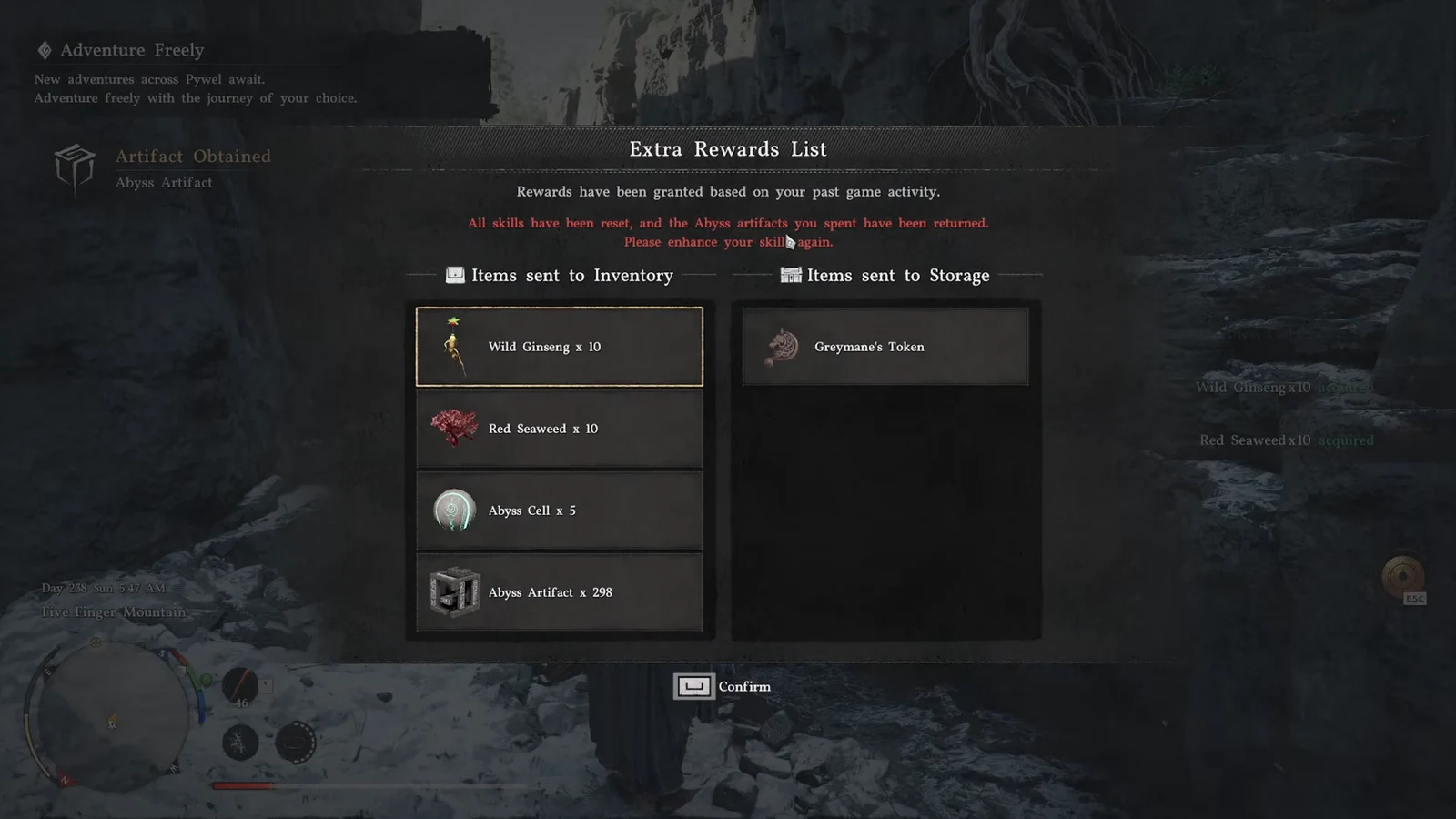
You know the reset worked when your trees are blank, the refunded materials land in your inventory, and Abyss Links become spendable per character.
Kliff’s new skills and the Enhanced story content
Kliff gains 8 new skills that unlock once you reach a certain point in the main story. On the narrative side, the update improves the flow of the main quests and layers in extra knowledge, items, memory fragments, dialogue, and conversations to flesh out the bosses. New cutscenes and story moments run throughout the campaign, and the main quest UI has been redesigned.
Voice-over support expands with five new languages: German, French, Spanish, Japanese, and Brazilian Portuguese. Arabic is added for the interface and subtitles.
Camera and Manual options for flying mounts
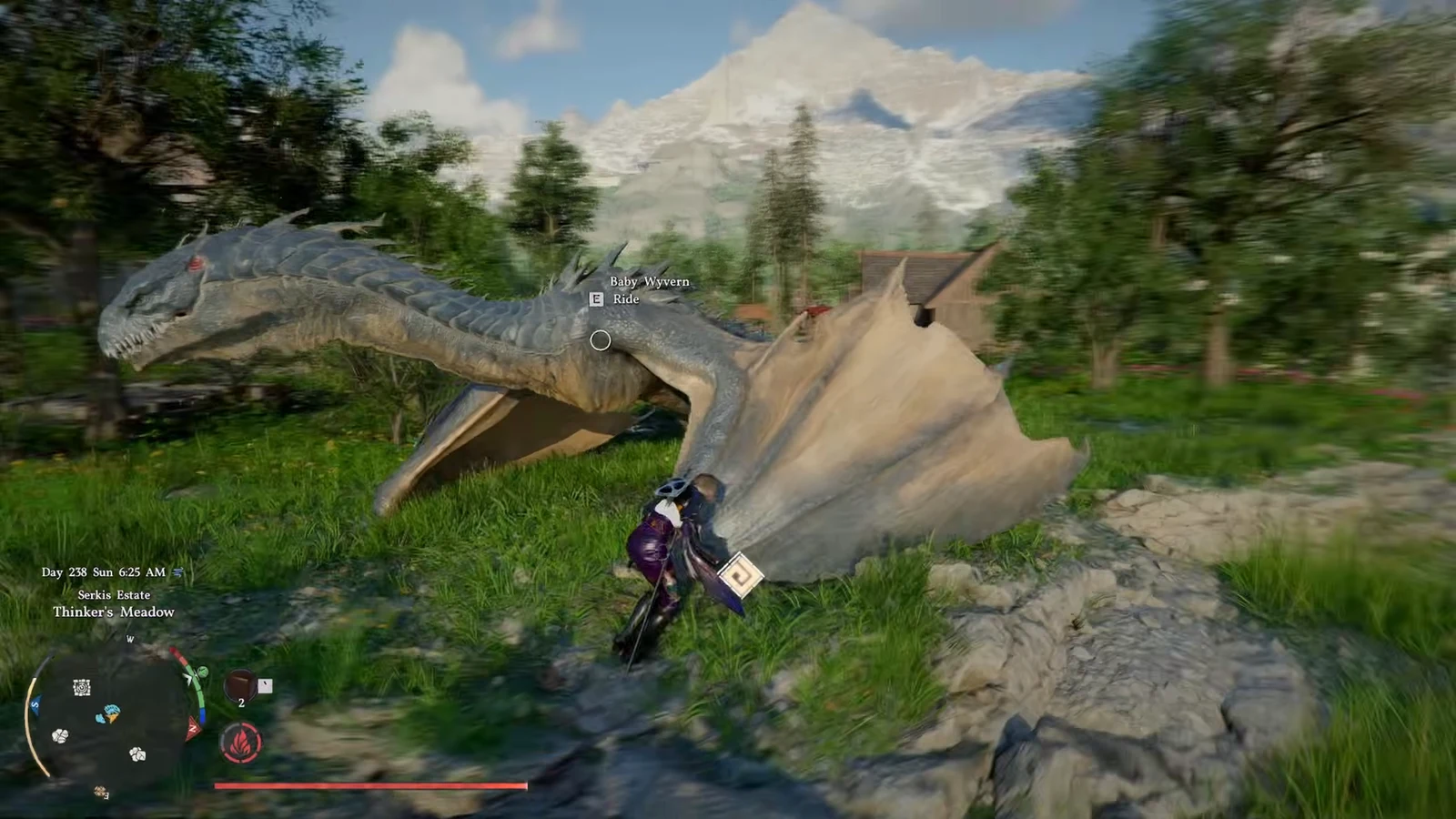
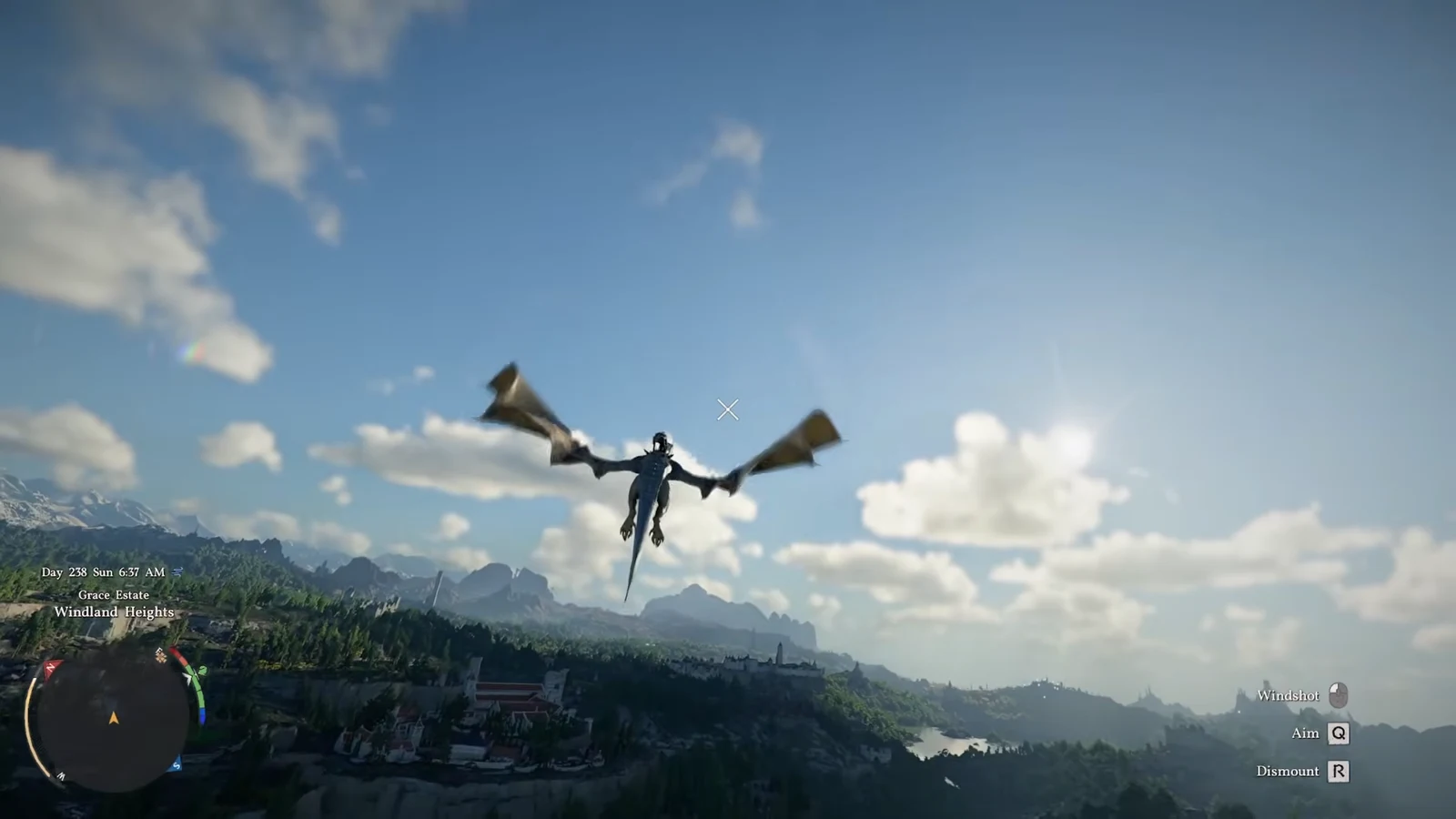
Flying mounts now have two control schemes. Manual gives you direct steering and altitude input, while Camera ties your direction to where the camera is pointed. You can switch between them mid-game.
Combat fixes and other changes in 2.0
The update also cleans up a range of combat, quest, and interface issues. The notable fixes and tweaks include the following.
- Double Jump rewards and reduced companion damage in combat
- Fixed spawns for the Forgotten General’s Phantom Knight and separated the Golden Star’s phases
- Fixed the Black Star being summoned without a cooldown in certain situations
- Corrected the “Desperate Rescue” challenge progress count
- Fixed an unintended item filling a quick slot after all assigned food was eaten
- Fixed special headgear effects that failed to activate in some cases
- Fixed crafting in the Kilnden workshop
- Fixed overlapping footstep sounds and animation stutter while moving
- Removed unobtainable treasure chest icons and abnormal trade routes from the map
- Fixed the contribution and currency interface that would not disappear during play
- Improved localization quality across all languages
The Enhanced Edition rebrand and 20% sale
With 2.0, the game is simply Crimson Desert Enhanced Edition. Anyone buying it from now on gets the Enhanced version by default, and existing owners receive it as a free update. Pearl Abyss shadow-dropped the patch alongside its reveal trailer during Gamescom, roughly five months after the game’s March launch.
A 20% discount is running across Steam, Epic Games, PlayStation, the Microsoft Store, and Mac. The Mac version had not received the 2.0 update at the time it went live, so keep that in mind if you are buying on that platform.
Between the carry-over system, the Abyss Links rework, and the added story scenes, a second playthrough is the intended way to experience most of what 2.0 adds. Just remember the carry-over unlocks only after the campaign is done, and the first launch after updating will reset your skills before you rebuild them.