Quick answer: In Dice Hoarder, you manage a welcoming shop from a first-person view, putting 414 groups of seven dice back across 60 displays. Its seven-day Story Mode includes skills, a basement that starts locked, and hidden edible dice.
Zen Mode runs the same restock with nothing getting in your way. The rest of the game, including the trapdoor and the dice you can eat, comes down to knowing where to look and when.
Story Mode and Zen Mode
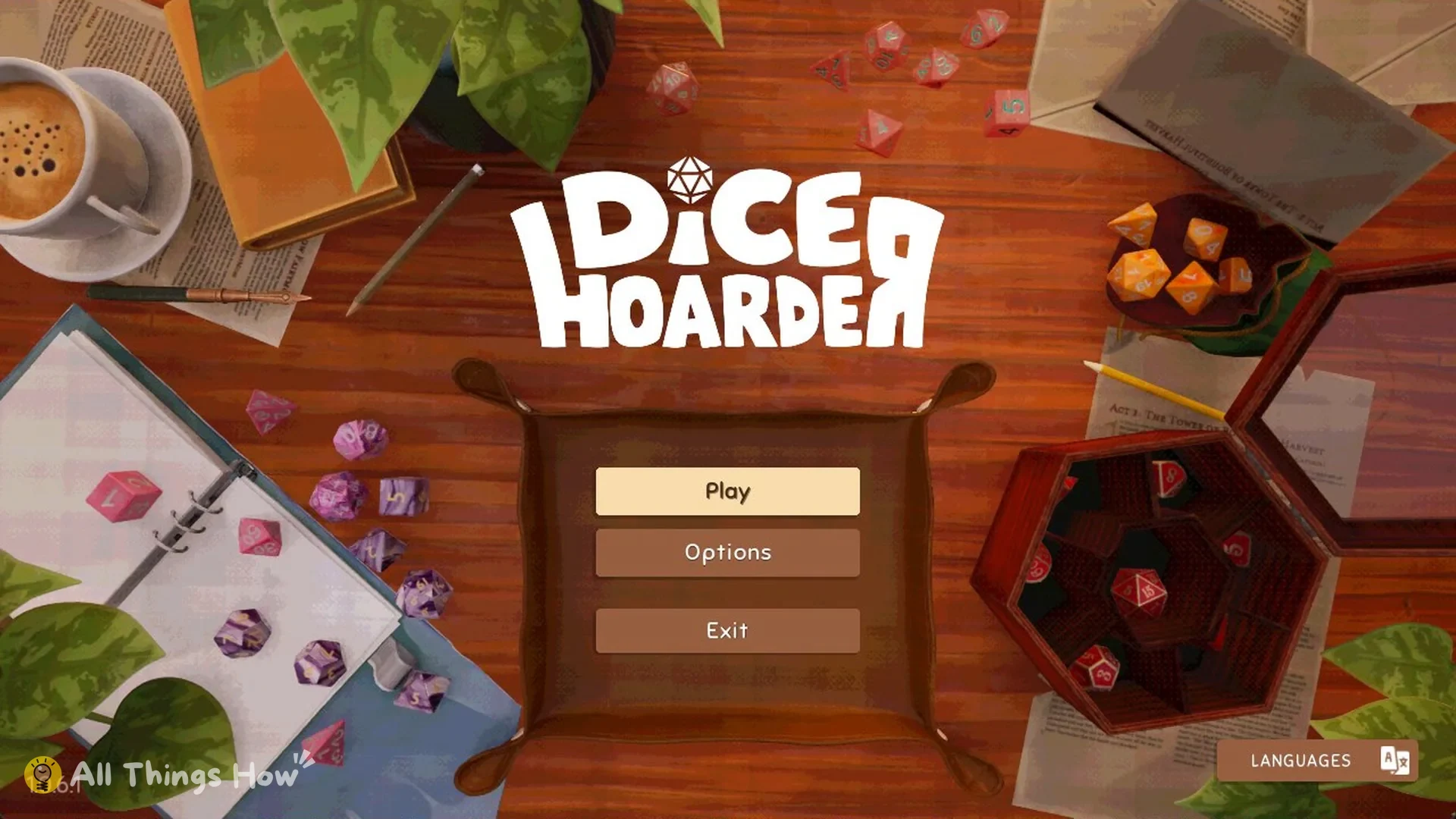
Choose Play on the title screen to see both modes. Each one has its own Continue and New Game option. Zen Mode carries the line “Restock the dice shop without any interruptions”, and Story Mode reads “Restock the dice shop and uncover the secrets behind your new job”.
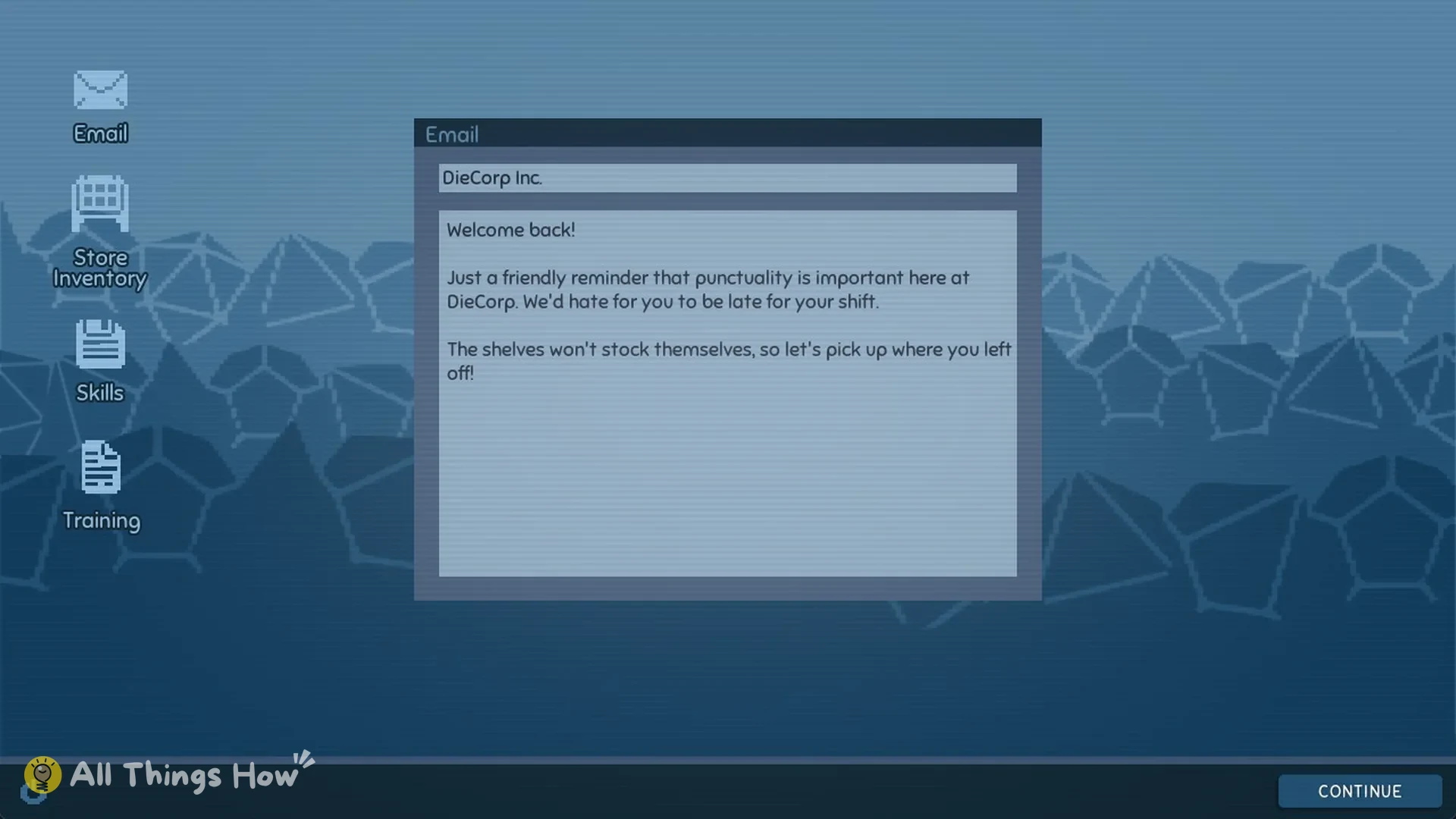
Story Mode lasts 7 days. Every morning starts at the computer in the bedroom, where an email from DieCorp Inc. is waiting. On day 2 that email opens with “Welcome back!” and reminds you that punctuality is important.
Your work day wraps up in the evening once you hit Levels 4, 6, 9, 12, 15 and 18. New floppy disks show up the next morning. Zen Mode skips the day structure, so skills unlock by level rather than by day.
How restocking works
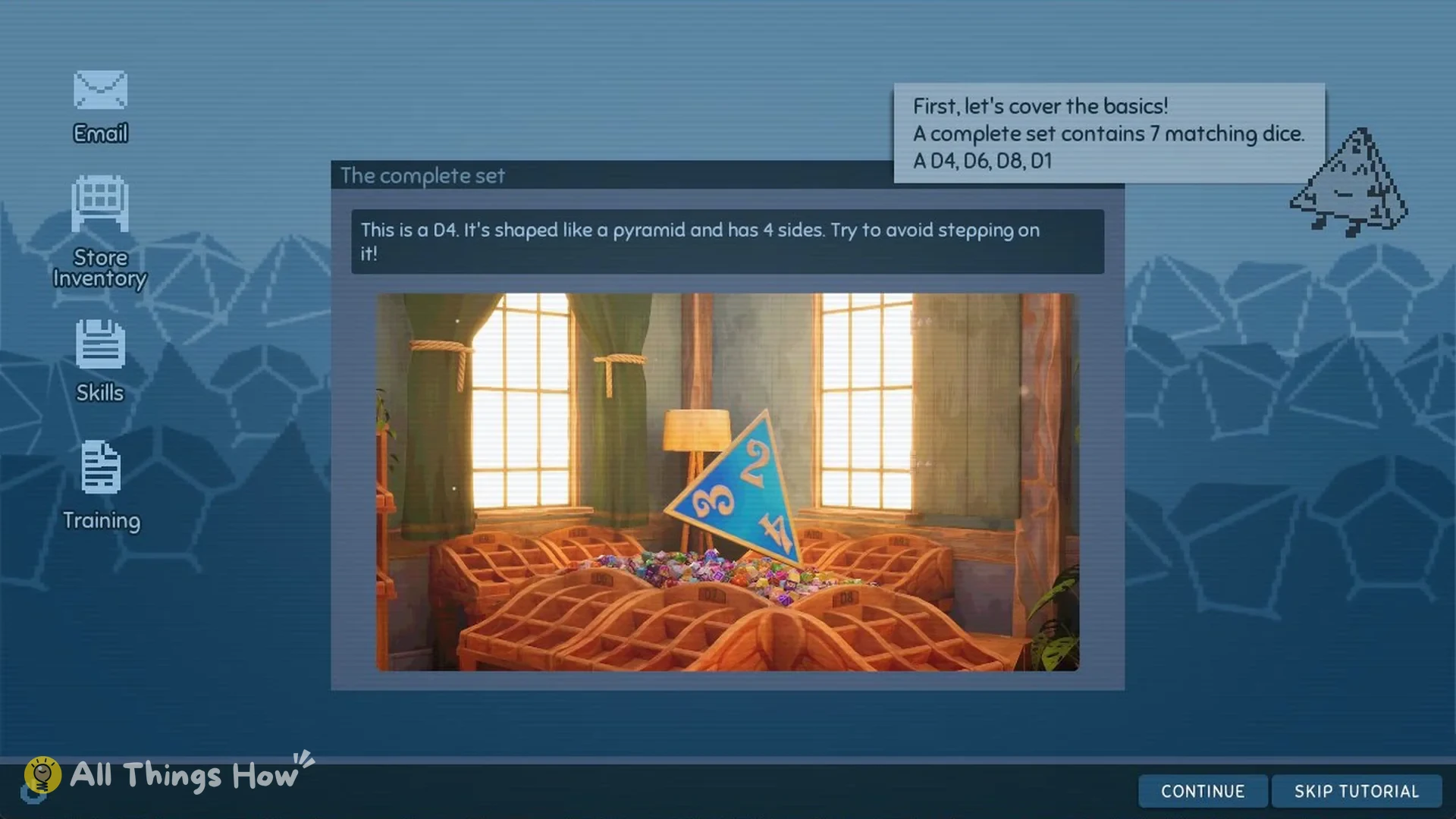
A matching group contains seven dice. Its members, in order, are the D4; next is the D6; the D8 follows, then the D10, D12, D20, and D100. The shop-computer assistant presents them in the training app.
The shop stocks 414 sets, adding up to 2,898 dice across its 60 dice displays. Letter-and-number codes identify the displays, from A1 to G4, and each is assigned a single set type. Check a display’s status in the Store Inventory app on the computer.
Pick up a die with the left mouse button, then press F to put it in your inventory. That inventory holds 7 dice, exactly one set. Press E to place a die on its display.
Every correctly placed die earns 5 XP, and finishing a set adds 25 XP on top, so one full set is worth 60 XP. Levels cap at 20.
Skills and floppy disks
Floppy disks grant skills; the names, in sequence, are Fleet Foot, then Nimble Step, then Extended Reach, followed by Guidance, followed by True Sight, followed by Dice Summons, followed by Critical Sort, and finally Extended Placement.
Guidance, Dice Summons, True Sight and Critical Sort are active skills. You trigger them with keys 1 to 4. The other four work automatically once unlocked.
A disk can appear in any of 9 spots across the shop floor and on low shelves, so inspect both areas. Three additional story disks show up overnight on days 2, 4 and 6.
The basement
From day 1, the “Enter Basement” prompt is available at the trapdoor, which is built into the bedroom floor next to the desk chair.
Head down the dark stairs and the door at the bottom says “Requires an employee ID card”. You get that card at the end of the story. Once the whole shop is restocked, it is left on the shop counter.
Hidden edible dice
When a new game begins, 10 edible dice are found across the shop and back room. Their colors, in order, are: (1) Pink, (2) Red, (3) Light Green, (4) Yellow, (5) Light Blue, (6) Galaxy, (7) Dark Purple, (8) Orange, (9) Dark Blue, and (10) White.
The game places them at 10 of 14 possible spots, chosen at random for each save. That means two saves won’t share the same layout. Some dice sit on the floor, and others are on shelves well above head height, so look up as well as down.
Collect and eat every one of the 10 to earn the Hungry Hoarder achievement. The Brown edible set isn’t included in the hunt; it arrives separately as a chocolate box gift.
Achievements
The achievement list contains 16 entries, all visible rather than hidden. Most are earned by completing sets and unlocking skills.
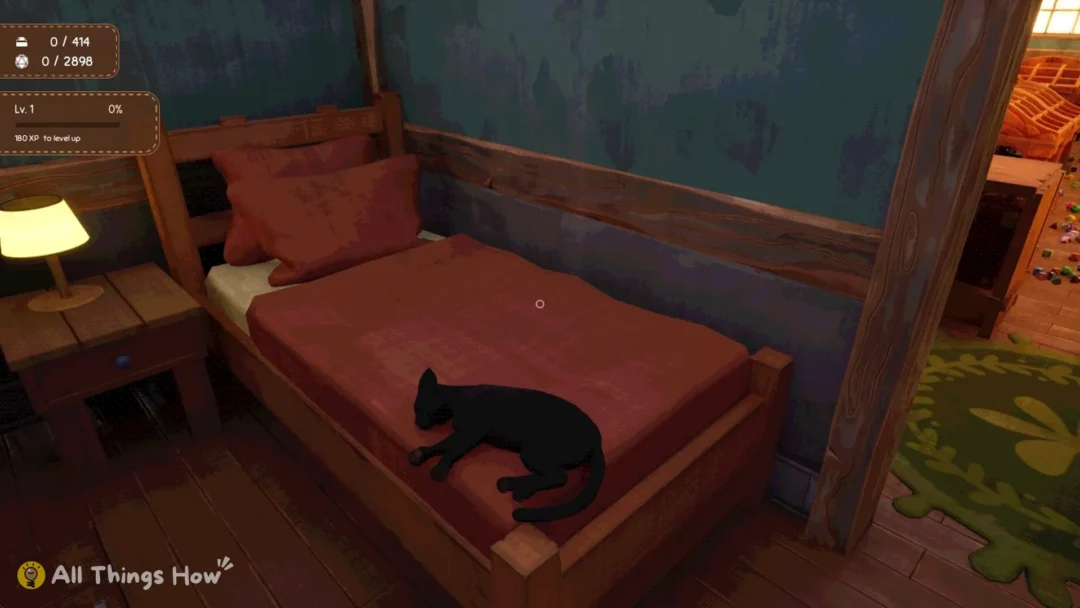
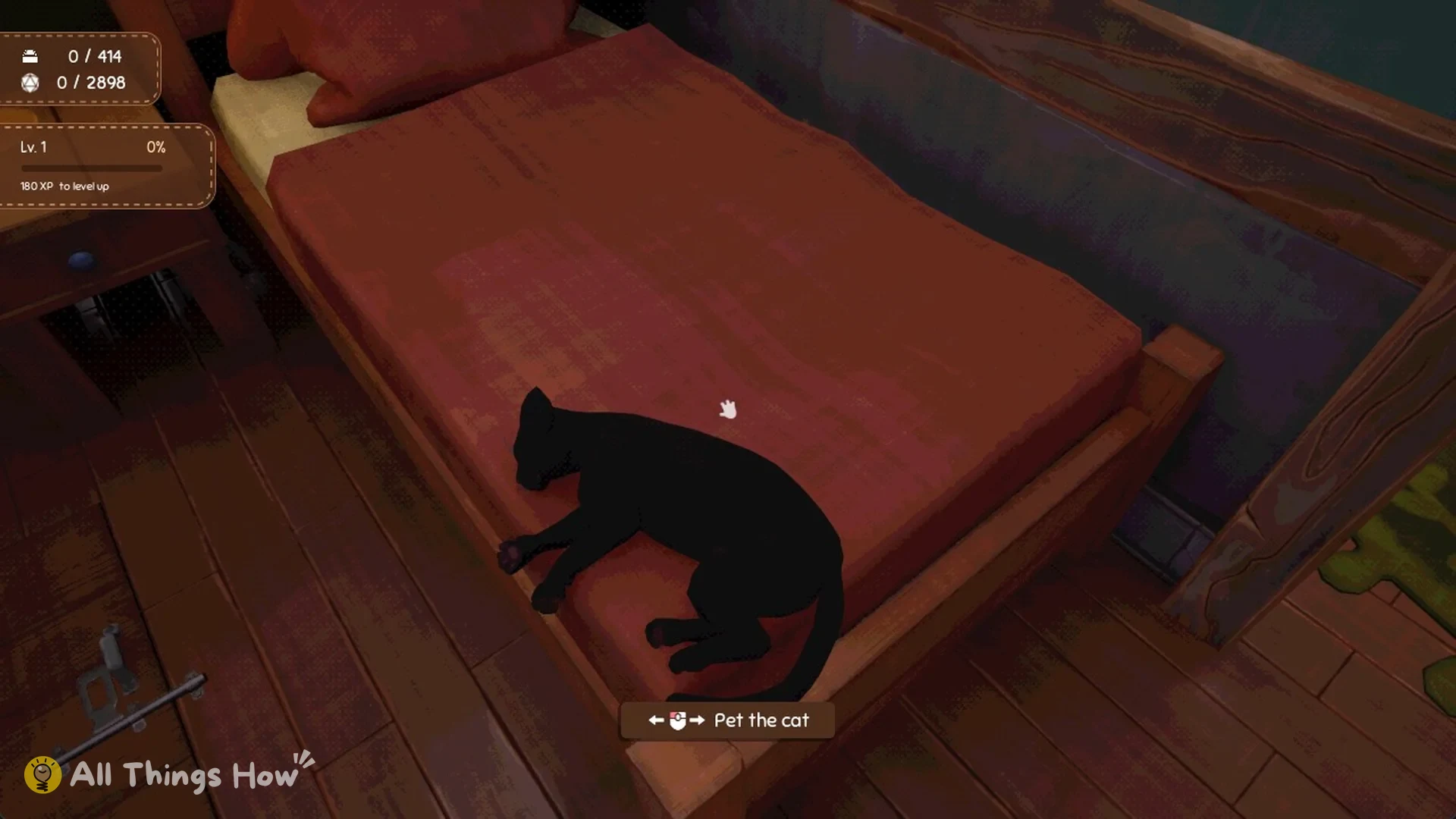
A few need a specific action. For Find Familiar, look at the black cat on the bed until “Pet the cat” appears, then pet it. No Magic, No Problem asks you to restock the entire shop without using any of the four active skills.
Saving and the pause menu
From the pause screen, you can choose Continue; then Options; next Recover Dice; and lastly Save and Quit. The listed core actions are Pick Up; Drop on Q; Zoom; Place/Open on E; and Remove/Add to Inventory on F.
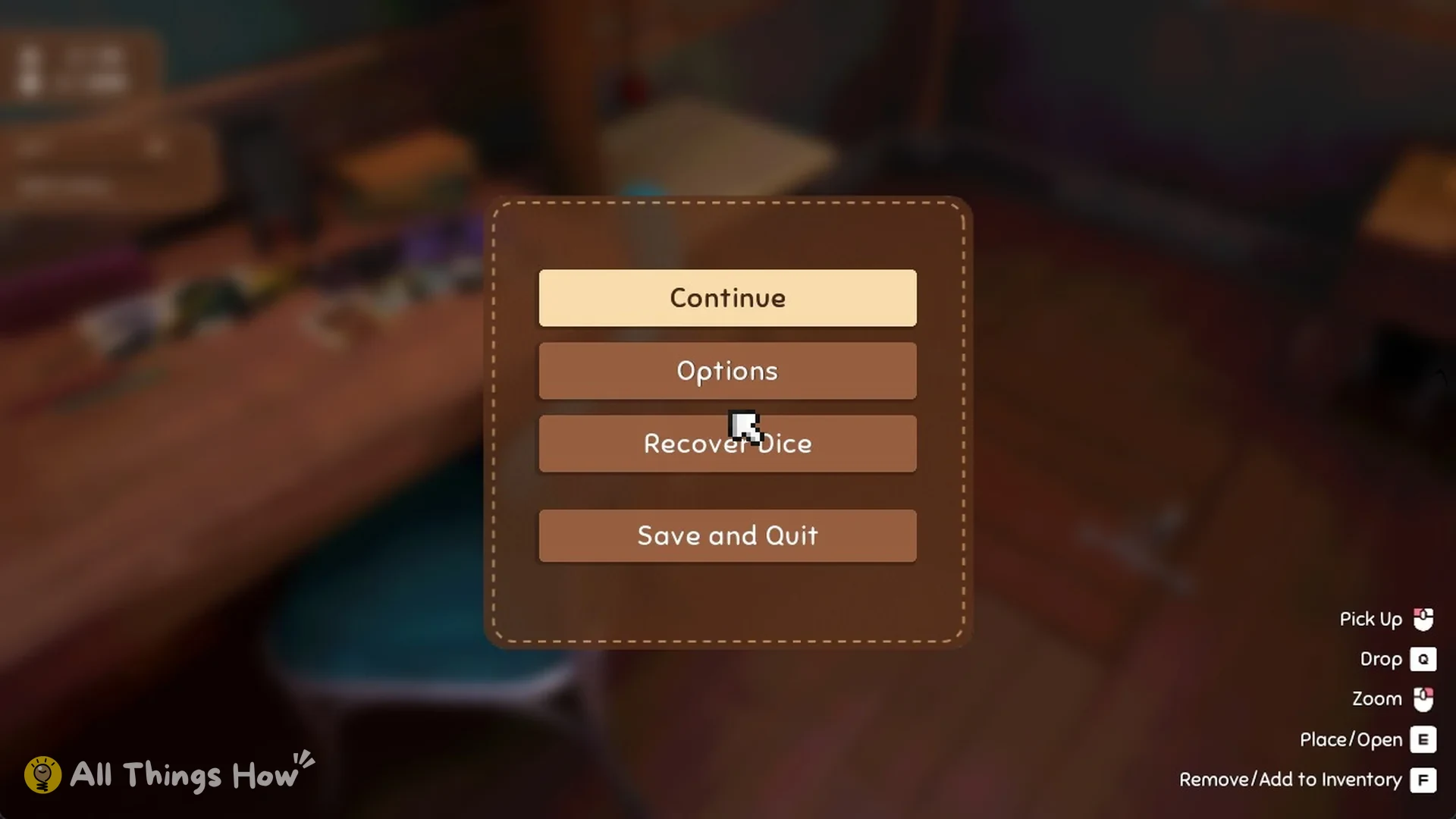
Days have no timer, so you can choose Save and Quit whenever you like and resume exactly where you stopped.
Every Dice Hoarder guide
- How to Sort Dice and Restock the Shop in Dice Hoarder (Beginner Guide)
- Dice Hoarder: All Dice Sets (414 Sets Across 60 Displays)
- Dice Hoarder: Where Floppy Disks Appear and Every Skill They Unlock
- Dice Hoarder: How to Get Into the Basement
- Dice Hoarder Achievements Guide: All 16 Achievements and How to Unlock Them