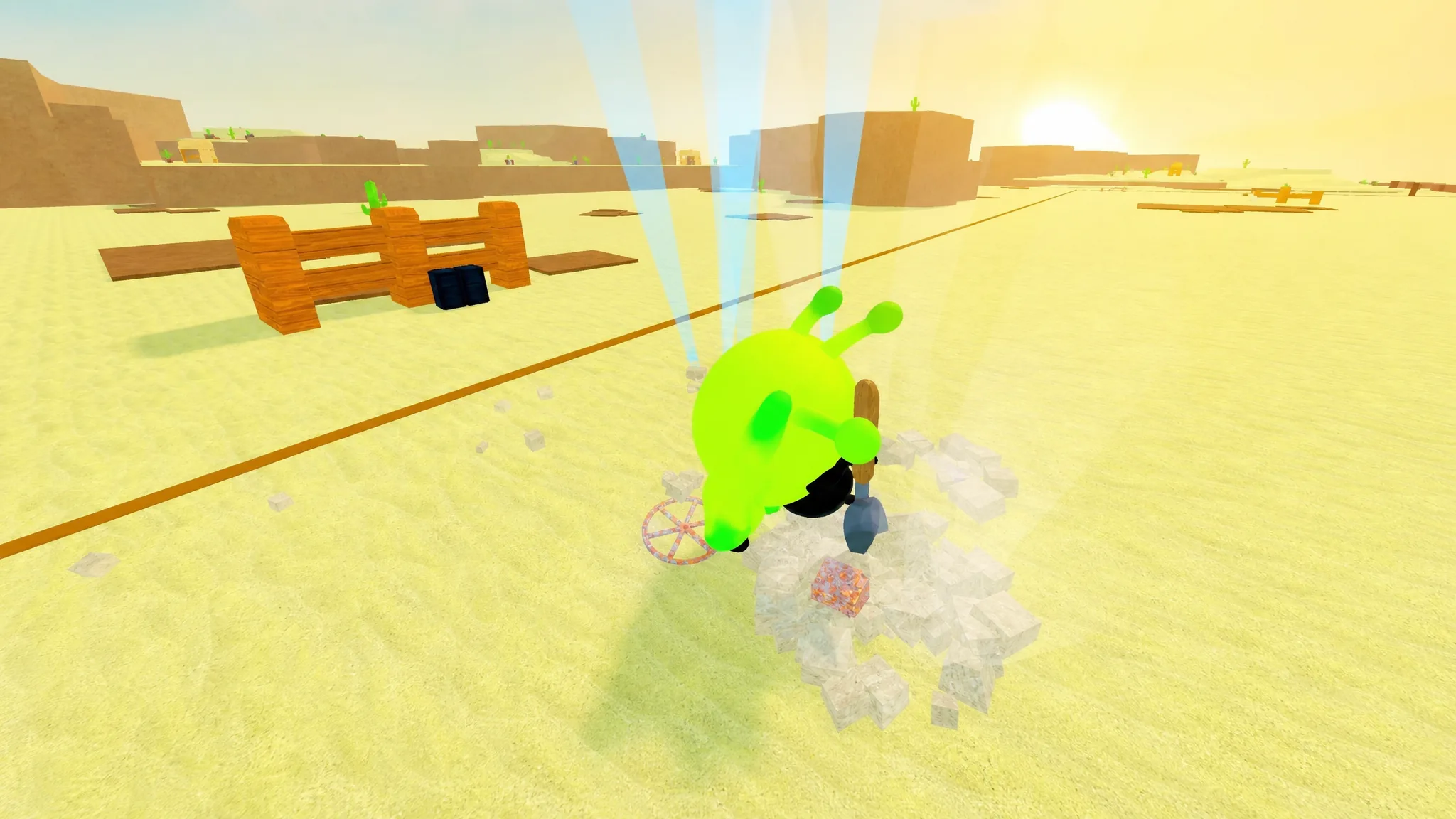
Dig & Clean is a Roblox treasure game where you dig up buried items, clean off the dirt, and display them in your base to earn Cash over time. The trap for new players is spending money on gear that barely improves anything. Knowing which shovels, detectors, and sprays to buy, and which to skip, keeps your earnings climbing instead of stalling.
Quick answer: Skip side-grade tools and save for the Cobalt Shovel to pull legendary items, then the Diamond Shovel for mythic items. Buy Detectors and Sprays only when a rarity keeps resisting your current gear.
How the digging minigame works
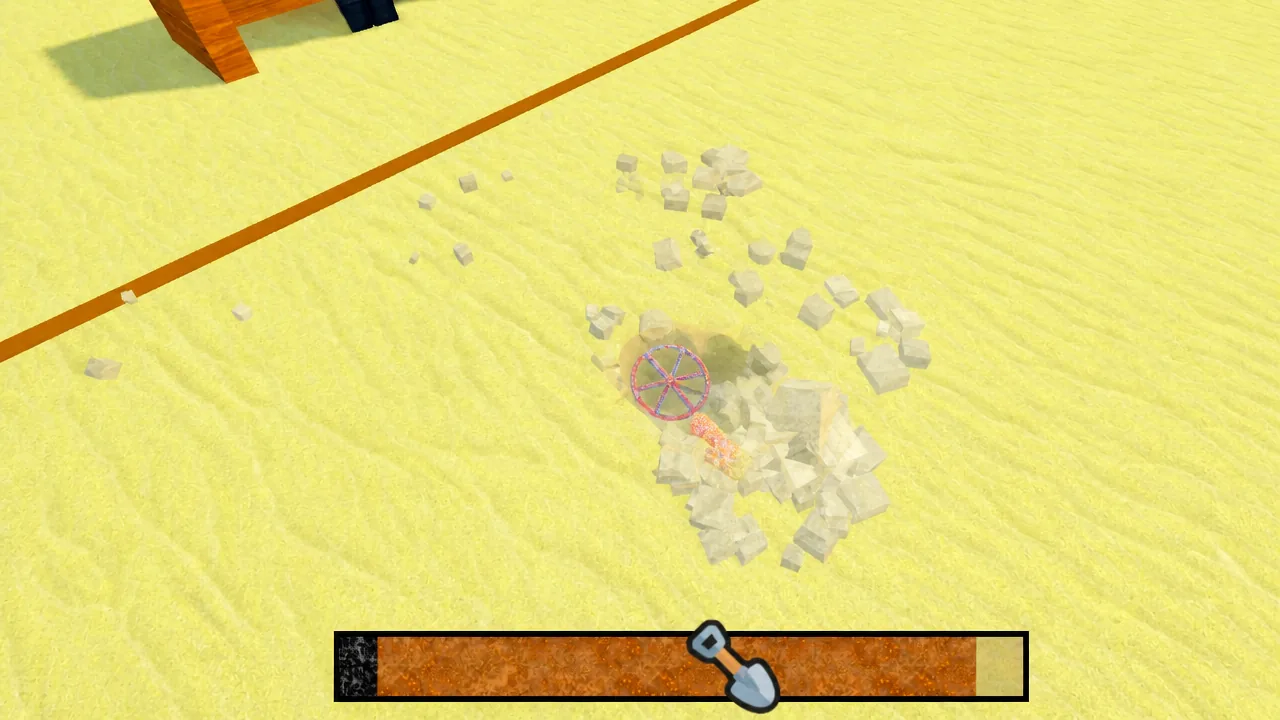
Digging is a timing minigame. A small cartoon shovel sits on the left side of a bar, and your job is to move it all the way to the right. You do that by clicking the mouse or tapping the screen, using the left mouse button to fill the meter.
Items come in different rarities, and your shovel has to be strong enough to pull them out. A basic shovel handles common items but struggles against anything rarer. If you click fast and the shovel keeps moving forward instead of sliding back, you can still land the item, so it is worth pushing through spots that look out of range, especially small items.
Best shovel progression
Early shovels are close enough in power that buying every one wastes money. Follow this order instead. The Wood Shovel is a skip because it barely differs from the Stone Shovel, and the Metal, Titanium, and Carbon shovels are optional stops you can pass by if you save a little longer for the stronger pick.
| Shovel | Power / Walk Speed | What it does for you |
|---|---|---|
| Stone Shovel | 3 / +5% | Skip the Wood Shovel. Aim to collect a few green (uncommon) items, even if the minigame takes effort. |
| Gold Shovel | 7 / +9% | Jump here once you have some blue (rare) items. Handles the first three rarities but not purple (epic). |
| Amethyst Shovel | 9 / +11% | Focus on purple (epic) items. This is the last shovel from the home beach, so start saving for Shipwreck Cove. |
| Cobalt Shovel | 17 / +14% | Wait for this over the similar Titanium Shovel. Digs gold (legendary) items. |
| Ruby Shovel | 26 / +16% | Skip the Carbon Shovel and save for this instead. |
| Diamond Shovel | 40 / +17% | The final Shipwreck Cove shovel. Pulls legendary and red (mythic) items. |
Best detectors
Detectors carry a Luck stat and a Range stat. Higher Luck raises your odds of finding higher-rarity items, and bigger Range widens the area you can scan for glowing dig spots.
| Detector | Luck | Range |
|---|---|---|
| Silver Detector | x5 | 8 |
| Gold Detector | x8 | 8.5 |
| Platinum Detector | x12 | 9 |
| Onyx Detector | x18 | 9.5 |
| Jade Detector | x44 | 10.75 |
| Crystal Detector | x110 | 12 |
Best sprays
Sprays clean the dirt off items at the Cleaning Station. Power and Range decide how fast that happens. These matter least of the three tool types, so it is fine to sit through slower cleans on high-rarity items before you invest in a stronger bottle.
| Spray | Power | Range |
|---|---|---|
| Plastic Spray Bottle | 57 | 26 |
| Copper Spray Bottle | 71 | 28 |
| Plastic Pressure Washer | 137 | 36 |
| Opal Pressure Washer | 235 | 42 |
How items earn money
The Cash an item generates depends on three things: rarity, weight, and condition. Rarity shows up as the color a dig spot glows from the ground, and you can check each color in your Collection index. Heavier items are the ones that feel hard to dig out, and they pay more.
Condition has no visible sign while you dig. It ranges from Ok, then Good, Great, Perfect, up to Mint at the top. Better condition means more money per item. Early on, place everything you dig in your base until the slots fill, then start swapping in higher-value pieces. Your inventory is limited, so sell the leftovers. Most items you collect before endgame will not matter later, so do not hesitate to sell them.
Polishing items for better condition
If you dig a high-rarity item with a weak condition, you can raise it at the Polish station. Unlocking the station costs 20M, and it is best done after you have cleared Shipwreck Cove and bought all its gear. Higher-rarity items take longer to polish. You can buy a second Polish station for another 20M, but hold off until the rest of your equipment is unlocked first.
Keeping tourists coming back
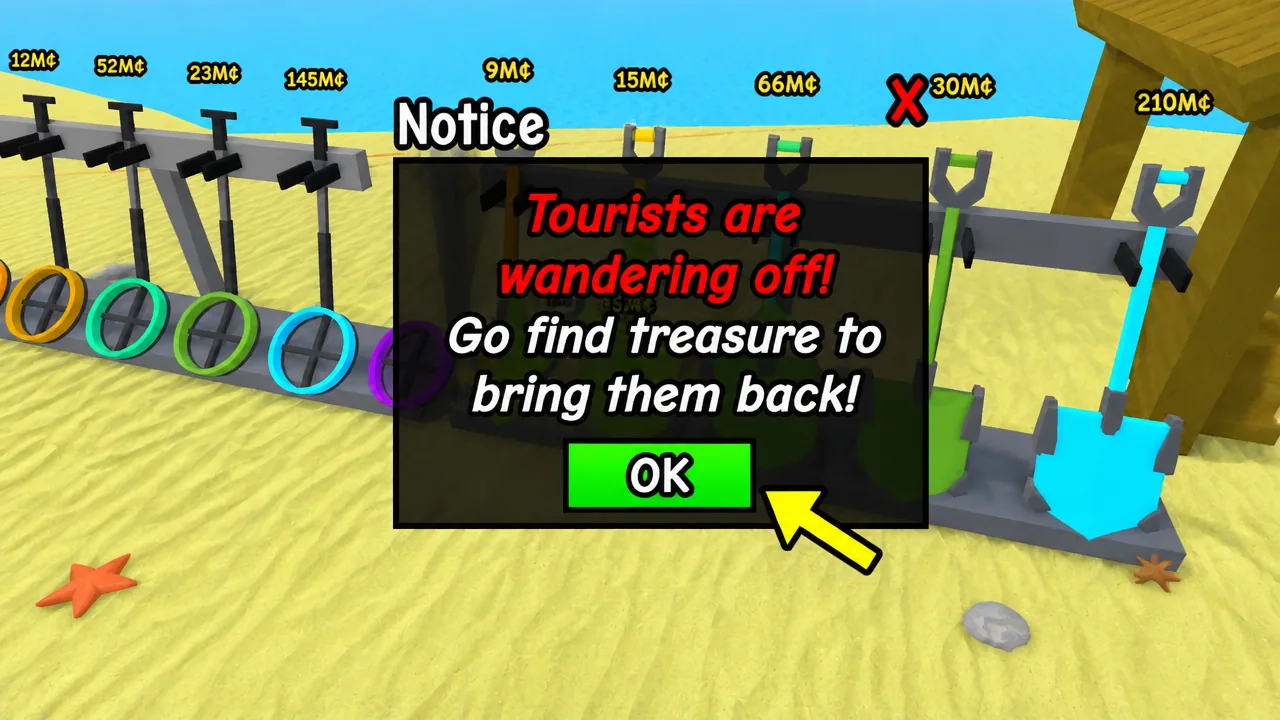
Tourists are what turn your displayed items into income. A warning sign that your tourist numbers are dropping means you have not added anything new to the base in a while. To avoid that, limit each digging trip to about 20 to 25 items, especially on other islands. Shorter trips let you clean up fast and refresh the base before the crowd thins out.
How to favorite items
Favoriting arrived with Update 1 and protects items from being sold by accident. Double-click any item in your inventory to favorite it. This is handy when you dig up something strong and want to hold it until you unlock the upstairs level of your base, which adds more display slots and more income.
Once you have the gear above and a full base, your next targets are unlocking Sphinx Sands Island for the best equipment and opening the upstairs section for extra slots. Keep digging for the highest rarity your shovel can handle at any moment, and let the cheaper finds fund the upgrades that actually move you forward.