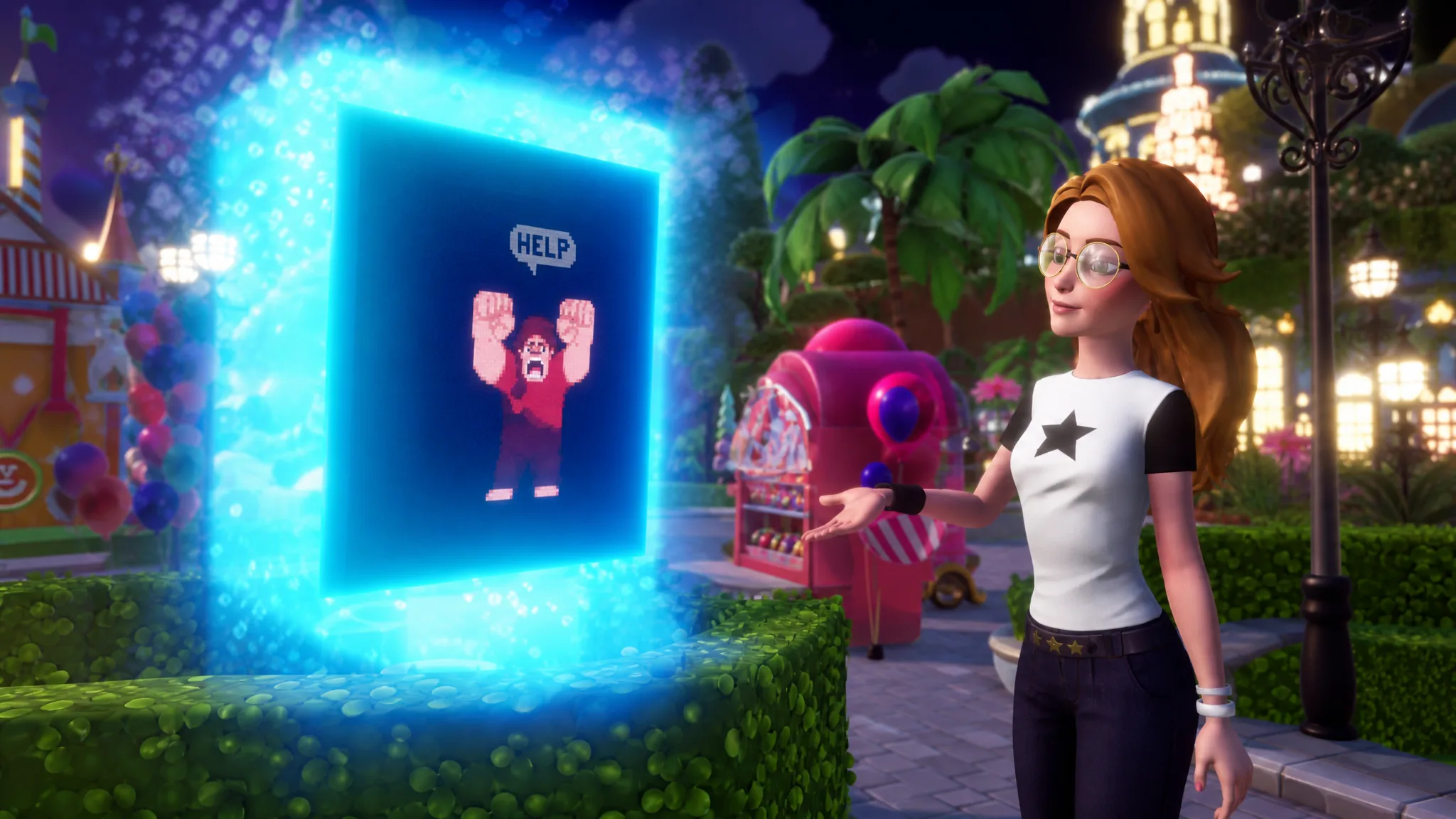
Ralph from Wreck-It Ralph finally walks into Disney Dreamlight Valley with the Pixel Perfect update, and unlike most residents he is not hidden behind a Dream Castle Realm. He shows up inside the main Valley, tied to a glitchy arcade machine and a rescue storyline you tackle alongside Vanellope. Getting to him takes some setup, because the game will not let the quest start until you have finished several earlier stretches of content.
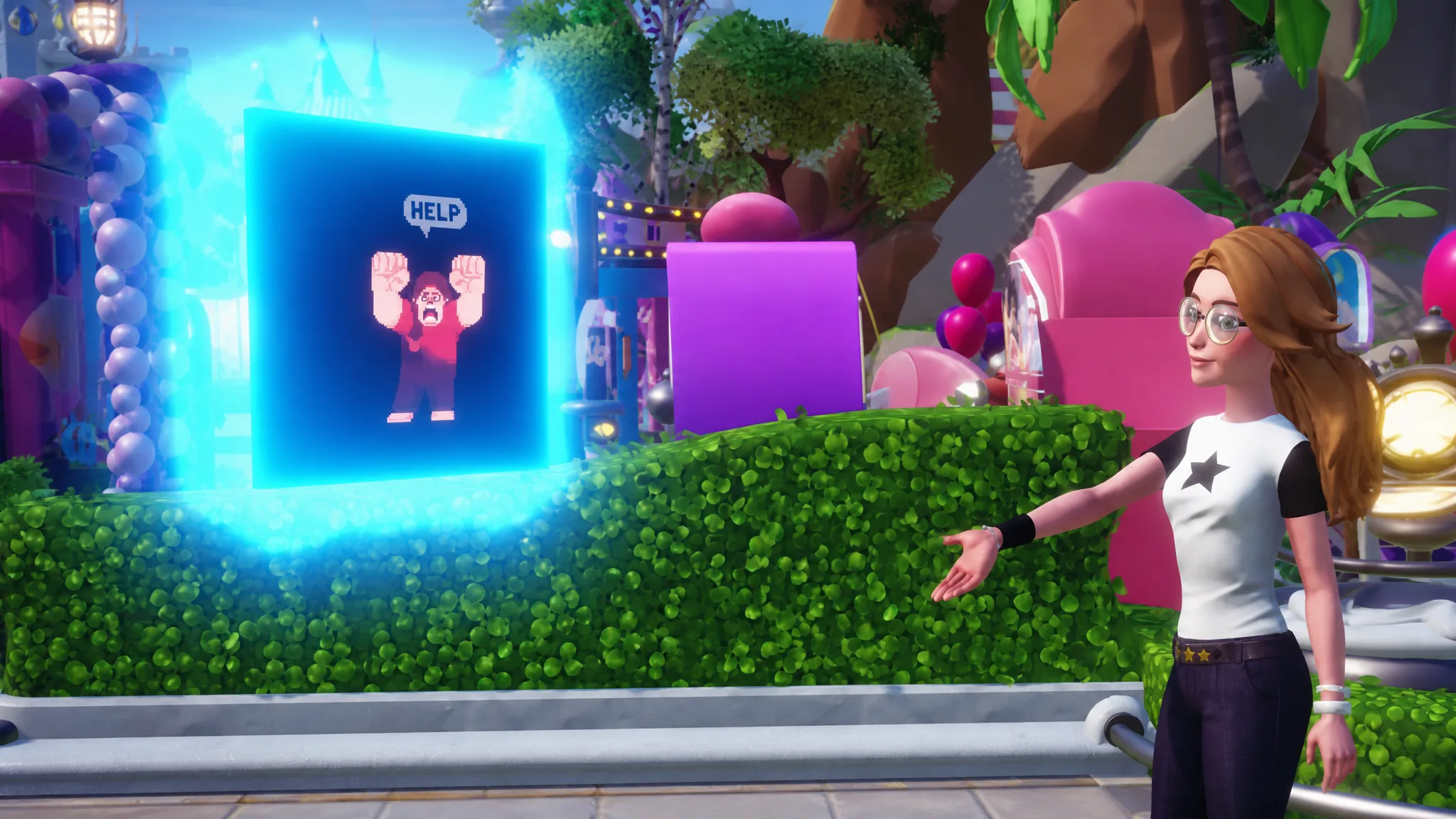
Quick answer: Unlock The Forgotten, open Skull Rock, unlock Peter Pan, and finish The Music’s on the Walls quest. Then go to the wishing well in the center of the Plaza and interact with the glitchy arcade machine to start the Continue? quest.
Requirements before the Ralph quest will trigger
Four things must already be done in your save before the arcade machine becomes interactive. Miss any one of them and the Continue? quest simply will not appear at the well. Work through them in whatever order suits your progress, since they are separate pieces of earlier content rather than a single chain.
| Requirement | What it involves |
|---|---|
| Unlock The Forgotten | Progress far enough to bring The Forgotten into your Valley. |
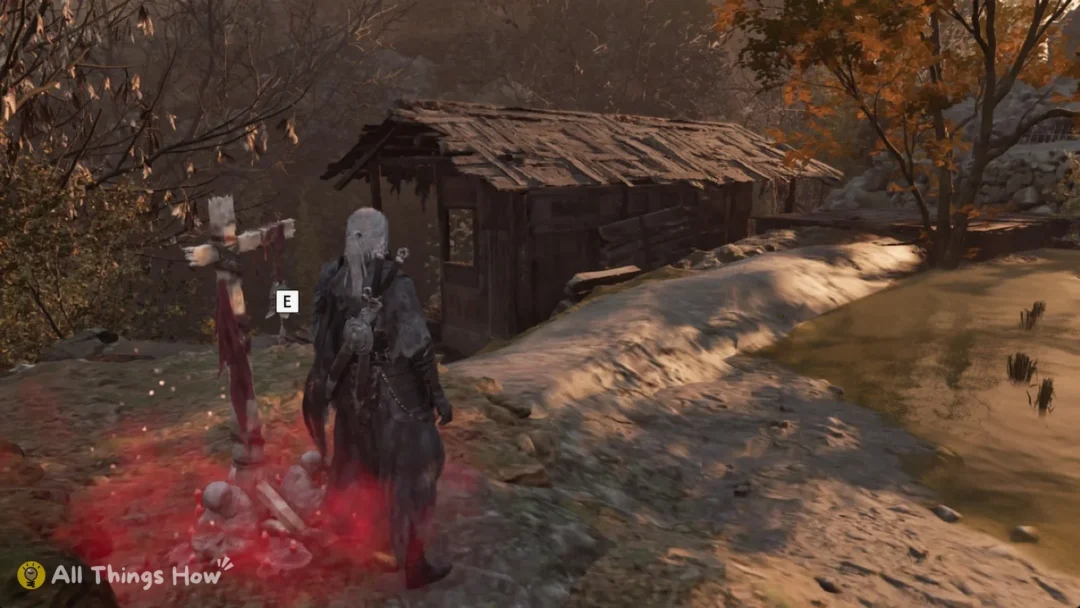
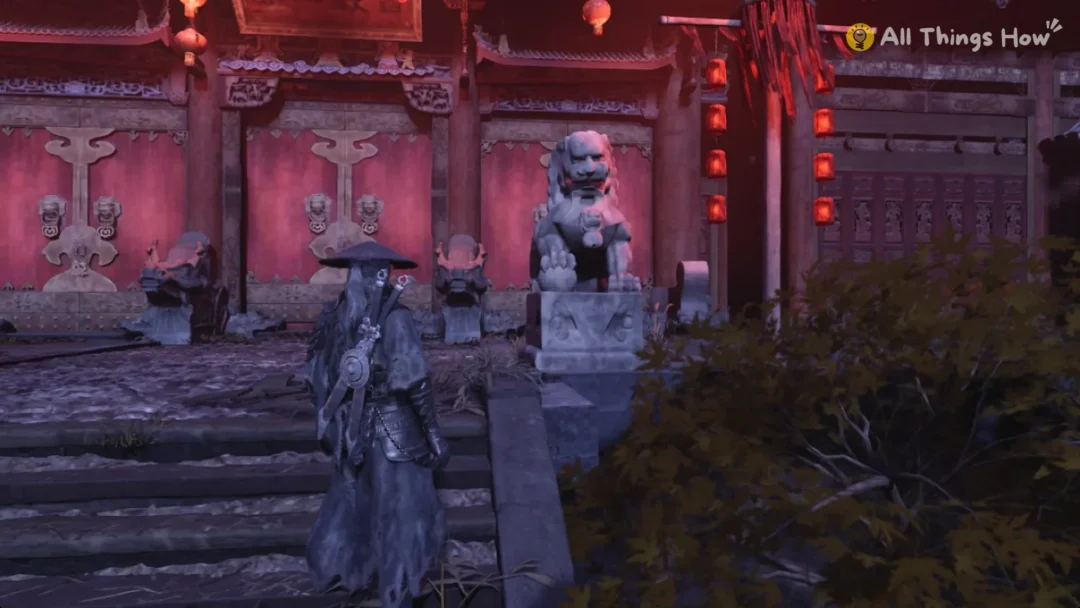
| Open Skull Rock | Complete the steps that give you access to Skull Rock. |
| Unlock Peter Pan | Add Peter Pan as a resident through his questline. |
| Complete The Music’s on the Walls | Finish this quest in full before checking the Plaza. |
Ralph sits in the same category as Cinderella, Sally, Stitch, and Peter Pan, all of whom join through the Valley itself rather than a Realm portal. That is why there is no door to open in the Dream Castle for him.
Start the Continue? quest at the Plaza well
How to confirm Ralph is unlocked
You know it worked when Ralph settles into the Valley as a resident at the close of the Continue? quest and his own villager quests become available. From there he behaves like any other character, so you can gift him, raise Friendship levels, and continue his personal story for the Wreck-It Ralph rewards.
If the arcade machine is not at the well, the cause is almost always an unmet prerequisite. Check that The Forgotten and Peter Pan are both unlocked, that Skull Rock is open, and that The Music’s on the Walls is fully complete rather than mid-progress. Also confirm the Pixel Perfect update actually installed, since an out-of-date client will not show the machine at all.
Because Ralph arrives as part of a wider content drop that also brings the Pop City Star Path and returning seasonal events, there is plenty to do once he moves in. But the arcade machine at the Plaza well is the single gateway to adding him, so clearing those four prerequisites is the only thing standing between you and finally welcoming Ralph home.