Unlike mainland inns, Norgan keeps item storage separate from the innkeeper. A physical chest rests on the floor of the Norgandian Inn in the Norgandian Settlement; use it to reach your deposited items rather than Dwayne.
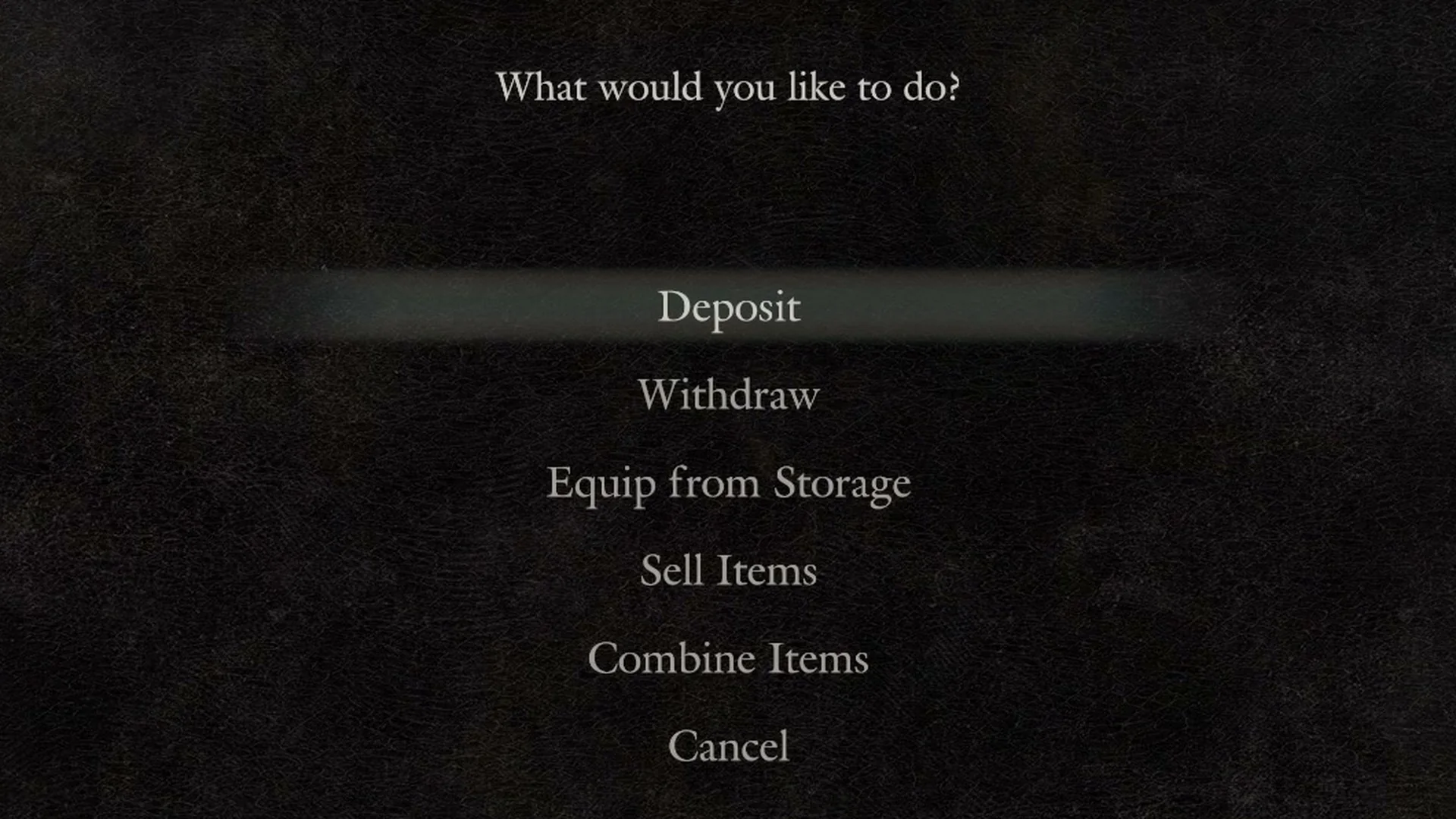
Quick answer: Walk up to the chest on the floor inside the Norgandian Inn and press Examine. The menu “What would you like to do?” opens with Deposit, Withdraw, Equip from Storage, Sell Items, Combine Items, and Cancel.
Where the storage chest is in the Norgandian Inn
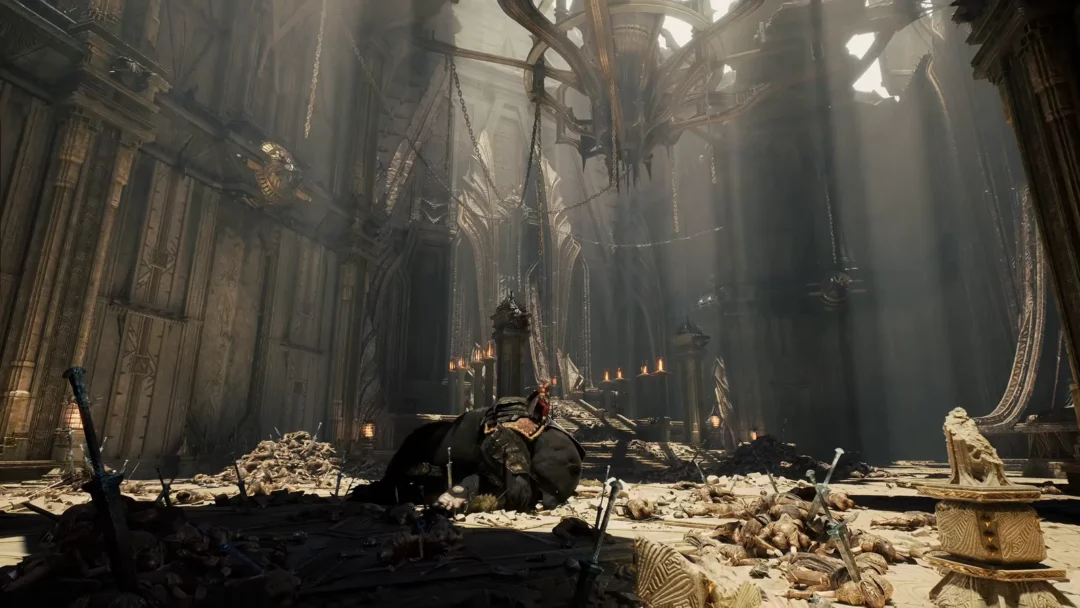
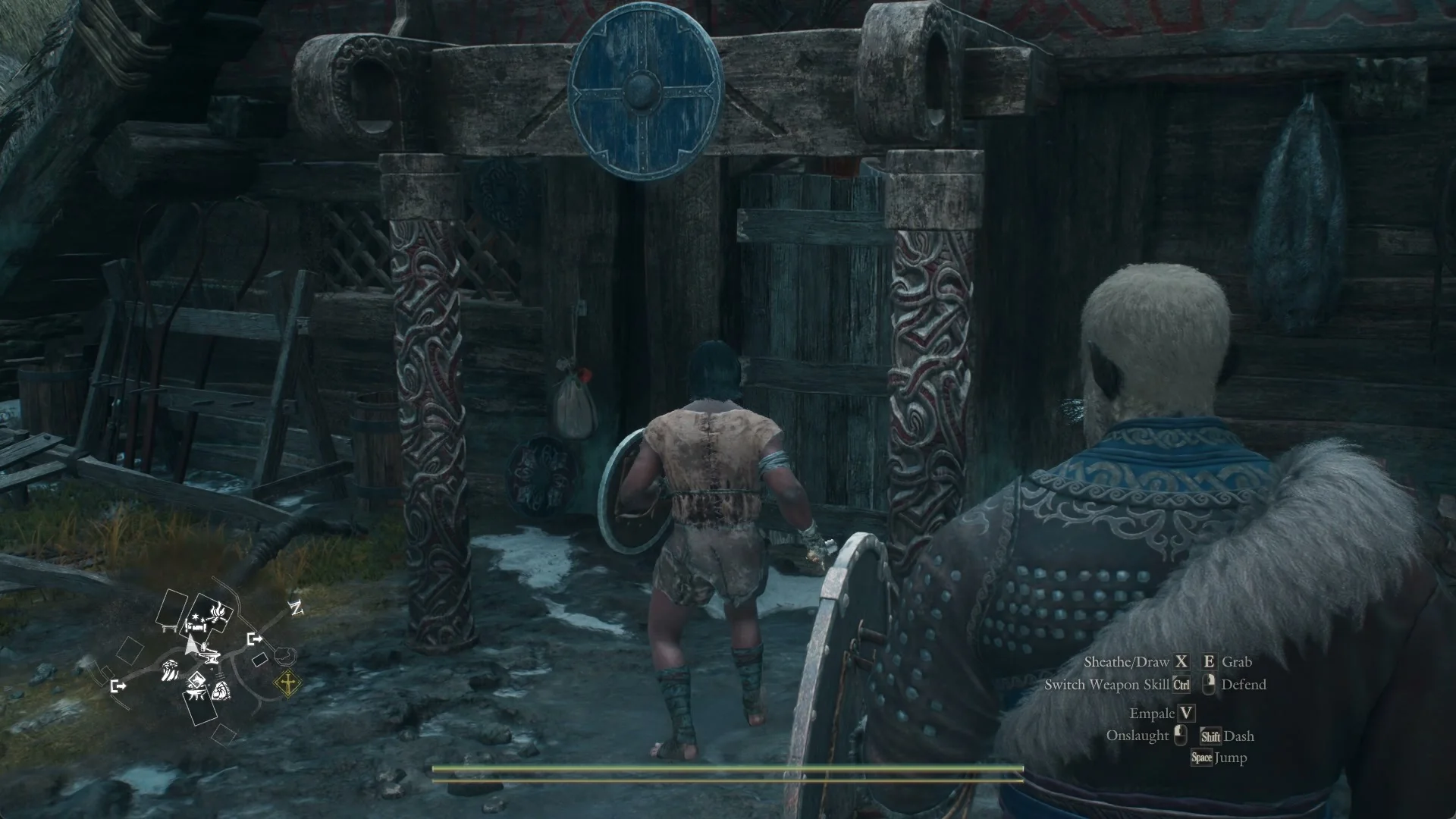
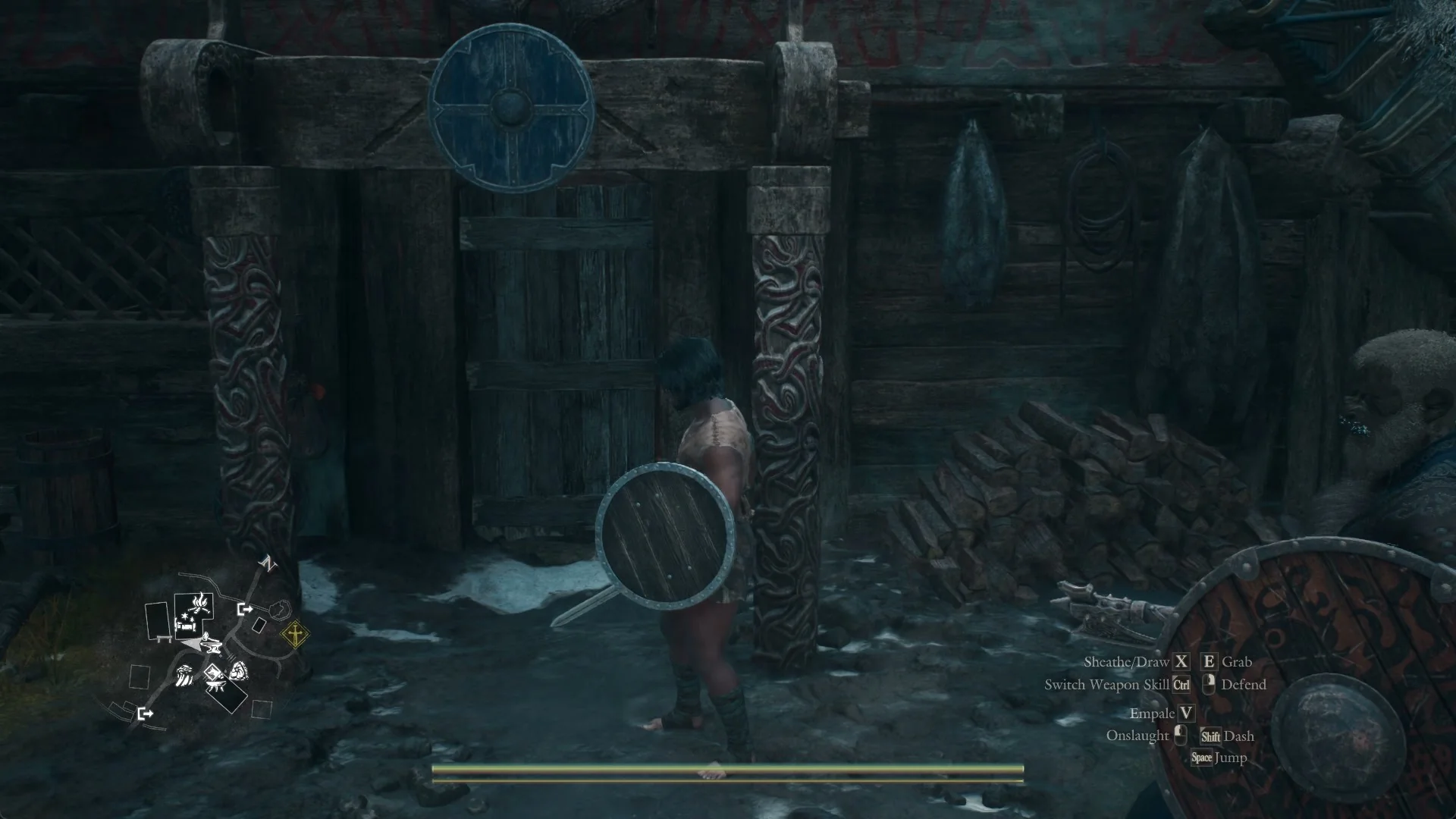
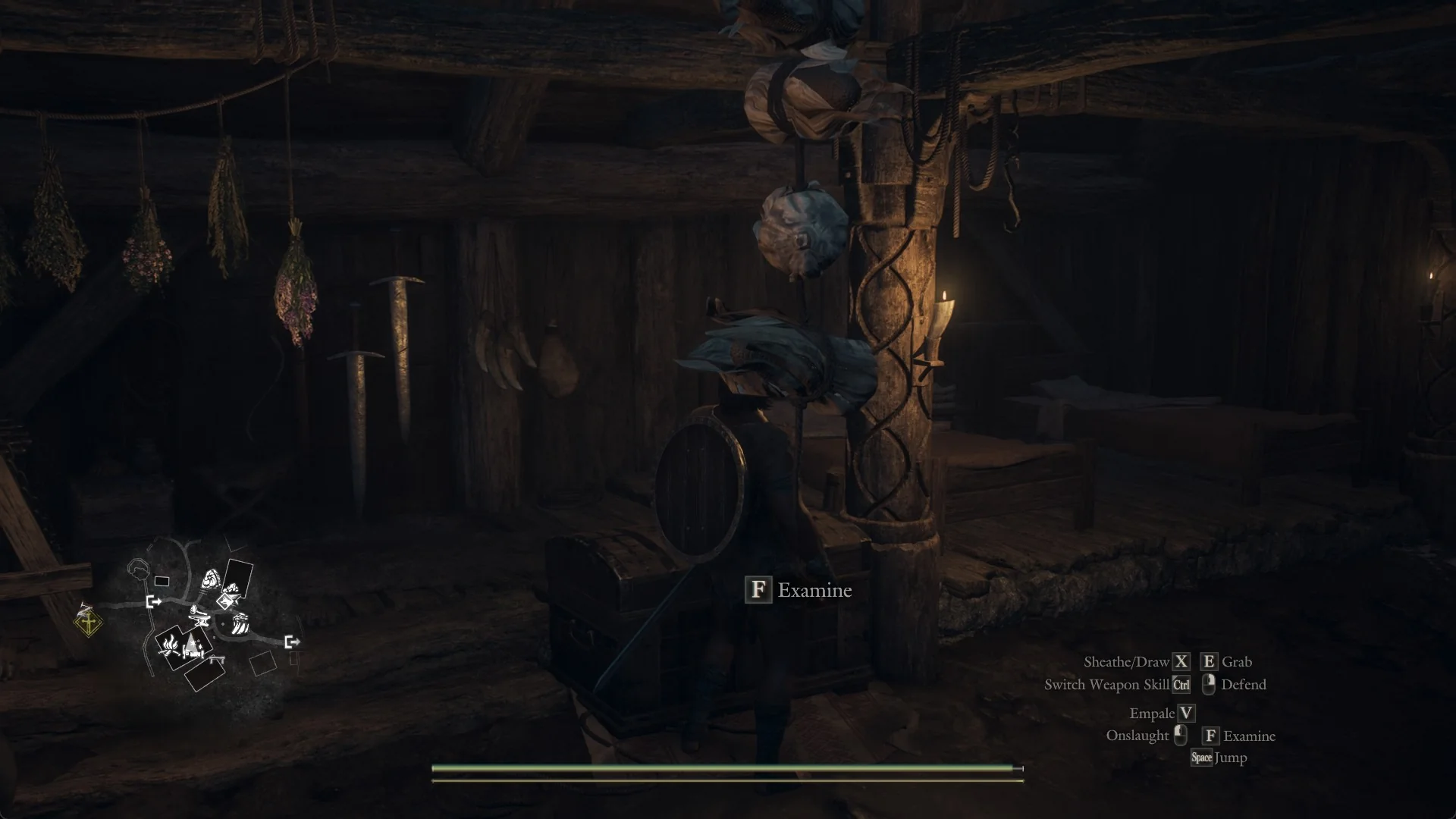
The Norgandian Settlement is home to the Norgandian Inn. Across from the settlement bonfire, the inn’s north-east-facing entrance has a carved frame and a round blue shield above it. After entering, check the place name at the screen’s left: it reads “Norgandian Inn”.
Locate Dwayne first: he stands in front of a carved wooden post with a lit candle on it. Dried herb bundles hang overhead, and a tall shield is hung up behind him. Face Dwayne and turn to your right. Beyond him is a slanted wooden stand holding swords; just to its right is a thick timber pillar with a winding-rope carving and a candle holder. The chest is at the pillar’s base, on the side nearest Dwayne.
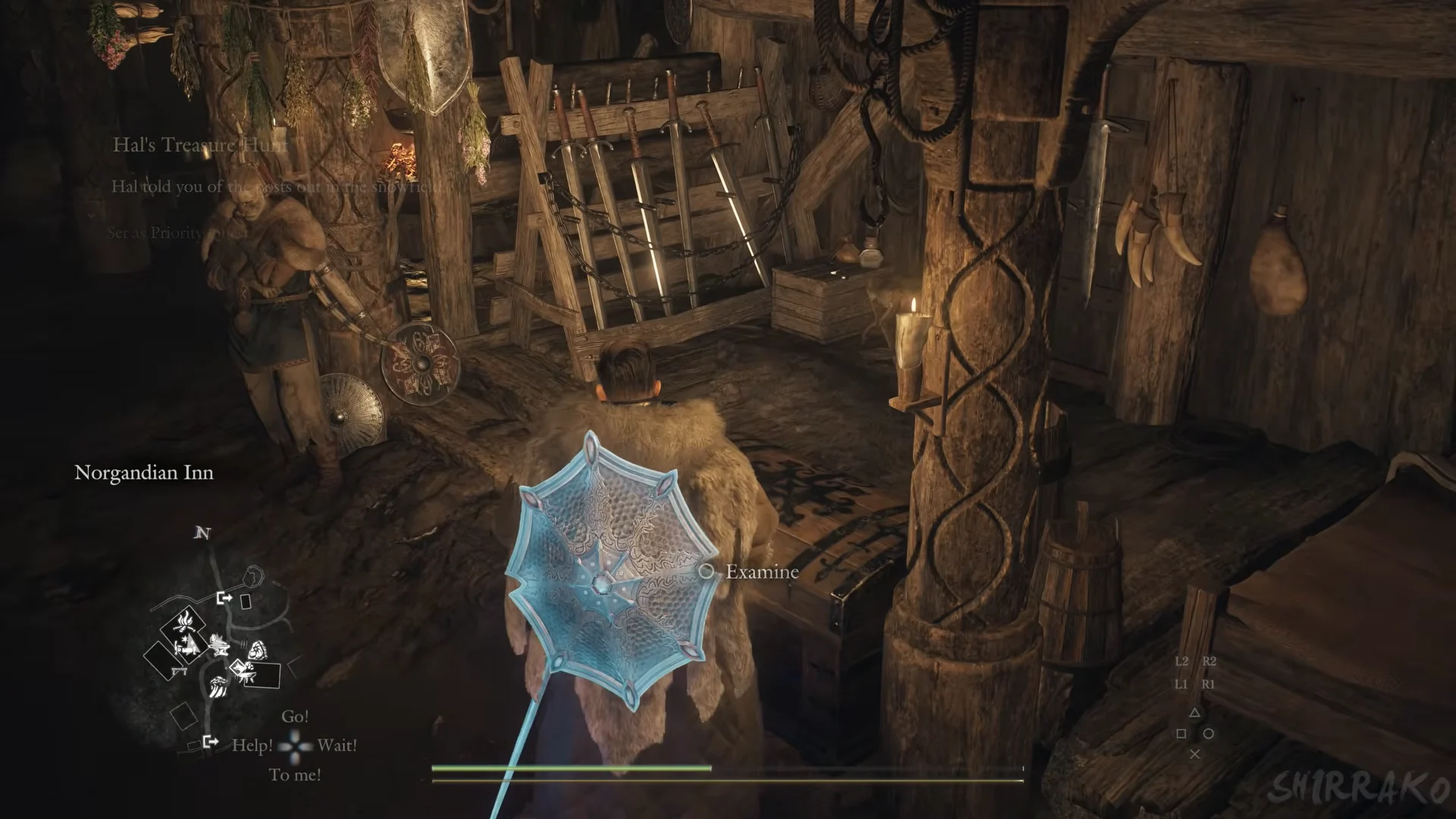
Look for a low chest built from dark wood, its lid decorated with pale metalwork. The sleeping pallets are in the dimmer part of the room beyond the pillar.
Why Dwayne’s menu has no storage option
Dwayne’s conversation menu has Rest 500 G, Vocation Guild, Trade Norgan Ducats, Talk, and Cancel, but no Organize Storage option. Leave him and interact with the chest to manage your items.
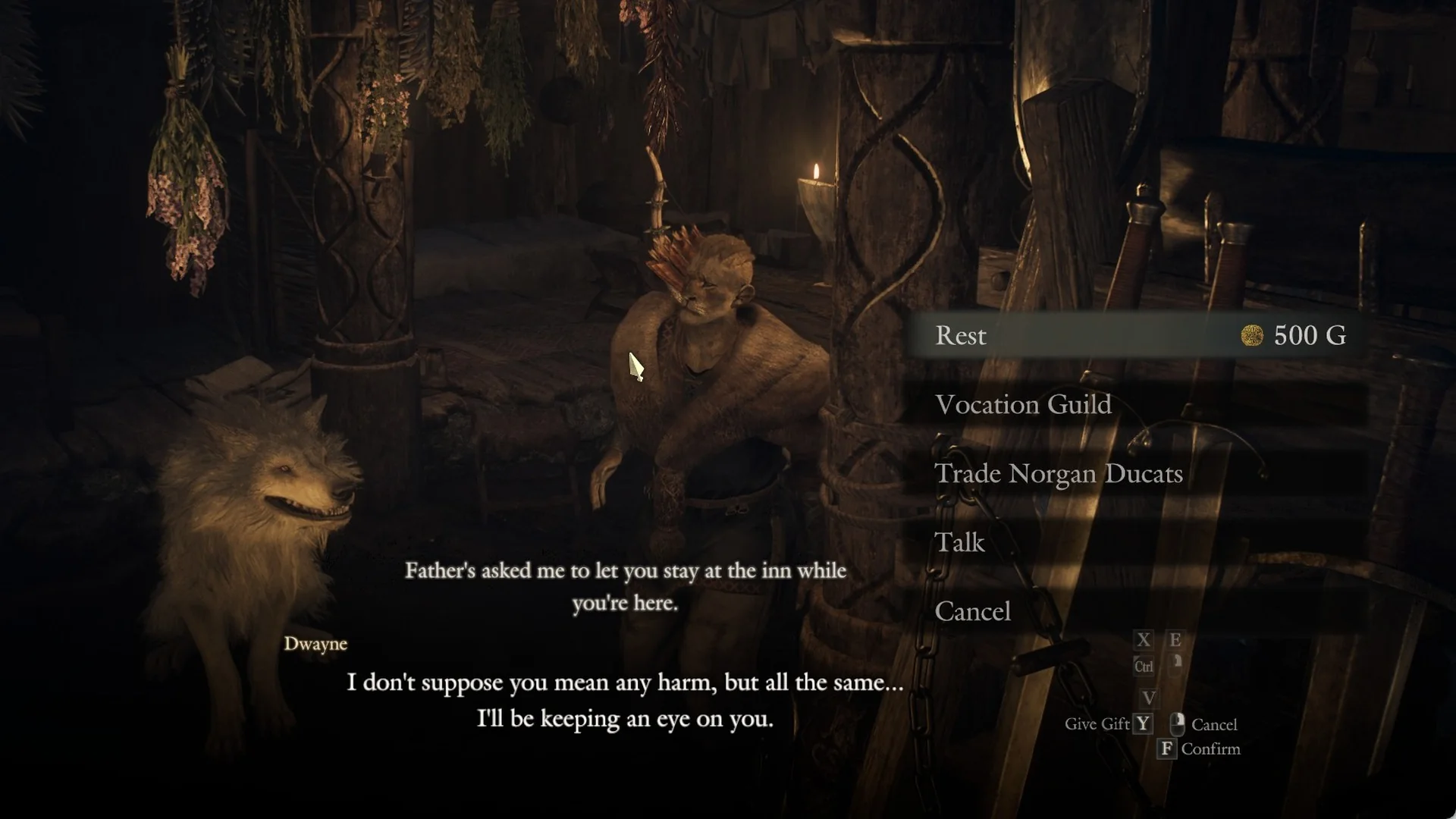
That is different from the inns on the mainland, where storage is folded into the innkeeper’s conversation. In Melve the innkeeper’s menu is Rest 500 G, Organize Storage, Vocation Guild, Talk, and Cancel. In Vernworth, Shakir’s menu is Rest, Organize Storage, Talk, and Cancel. The table below shows where each innkeeper menu puts it.
| Inn | Innkeeper | Storage access |
|---|---|---|
| Norgandian Inn | Dwayne | Chest on the floor (no menu row) |
| Melve inn | Innkeeper | Organize Storage row |
| Vernworth inn | Shakir | Organize Storage row |
Opening the chest and the six menu rows
Move close enough to the chest for Examine to appear; on PlayStation, its prompt uses the Circle glyph, and on PC it is F. The prompt shows only from about a metre away. Press the button to open “What would you like to do?” with Deposit selected initially.
Each time you open it, the six options appear in this sequence (on PC, Esc does not close this menu; choose Cancel):
- Deposit
- Withdraw
- Equip from Storage
- Sell Items
- Combine Items
- Cancel
How to deposit items into storage
Use the same process for weapons and armor in their respective categories. Selecting a piece reveals its stats and a Special Skills line in the right panel. Depositing items lowers the weight shown beside the character, and may change the weight label—for instance, from Average to Light.
Above the grid, the sort bar starts at Optimized and has a Triangle glyph beside it. Change the setting to Weight (Highest) to put the heaviest items first so you can clear weight fast.
How to withdraw items from storage
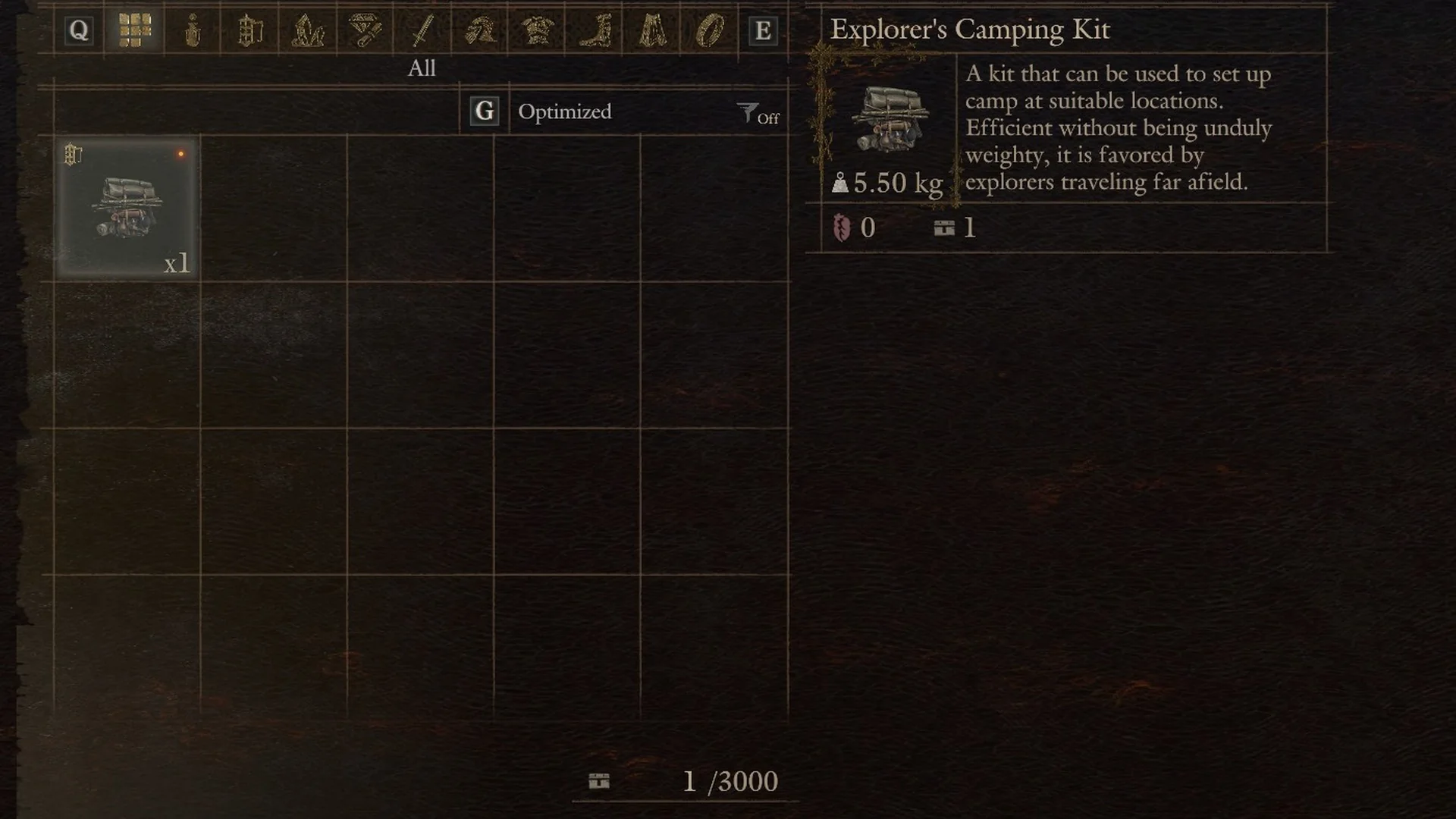
Check storage before setting out on an errand for a common material: if you put the item away earlier, Withdraw saves you from finding another. The chest can contain goods brought from beyond Norgan as well as Norgan Maple Sap, including Leapworm Skin, Asp Toxiscale, Sunbloom, Salubrious Draught, and Misshapen Eye. Items that would spoil or rot in your pack remain fresh while stored.
The storage counter and the 3000 item limit
On both Deposit and Withdraw, a counter sits under the grid beside a small chest icon, which may read “140 /3000”. The second figure is the limit: the game’s tutorial gives 3000 as the maximum number of items in storage. The first figure shows current usage and rises as you deposit. Taking only some items from a stack does not lower it, so withdrawing one Rabbit Pelt from a stack of six left the counter as it was.
Once the count exceeds the limit, the game deletes the least valuable item from among those you have in multiples. Equipment marked as a favorite is less likely to be removed. Items may also go into storage automatically, such as when you lose a pawn, so clear the chest regularly instead of letting it reach capacity.
Send appraised gear to storage from Jiera
You can handle fresh spoils without carrying them to the inn. Jiera sits on a porch in the Norgandian Settlement, and her options are Appraise, Trade Spoils for Rift Crystals, Talk, and Cancel. After appraisal, the screen is titled “Appraisal” and asks “What do you wish to do with the selected items?” The available rows are:
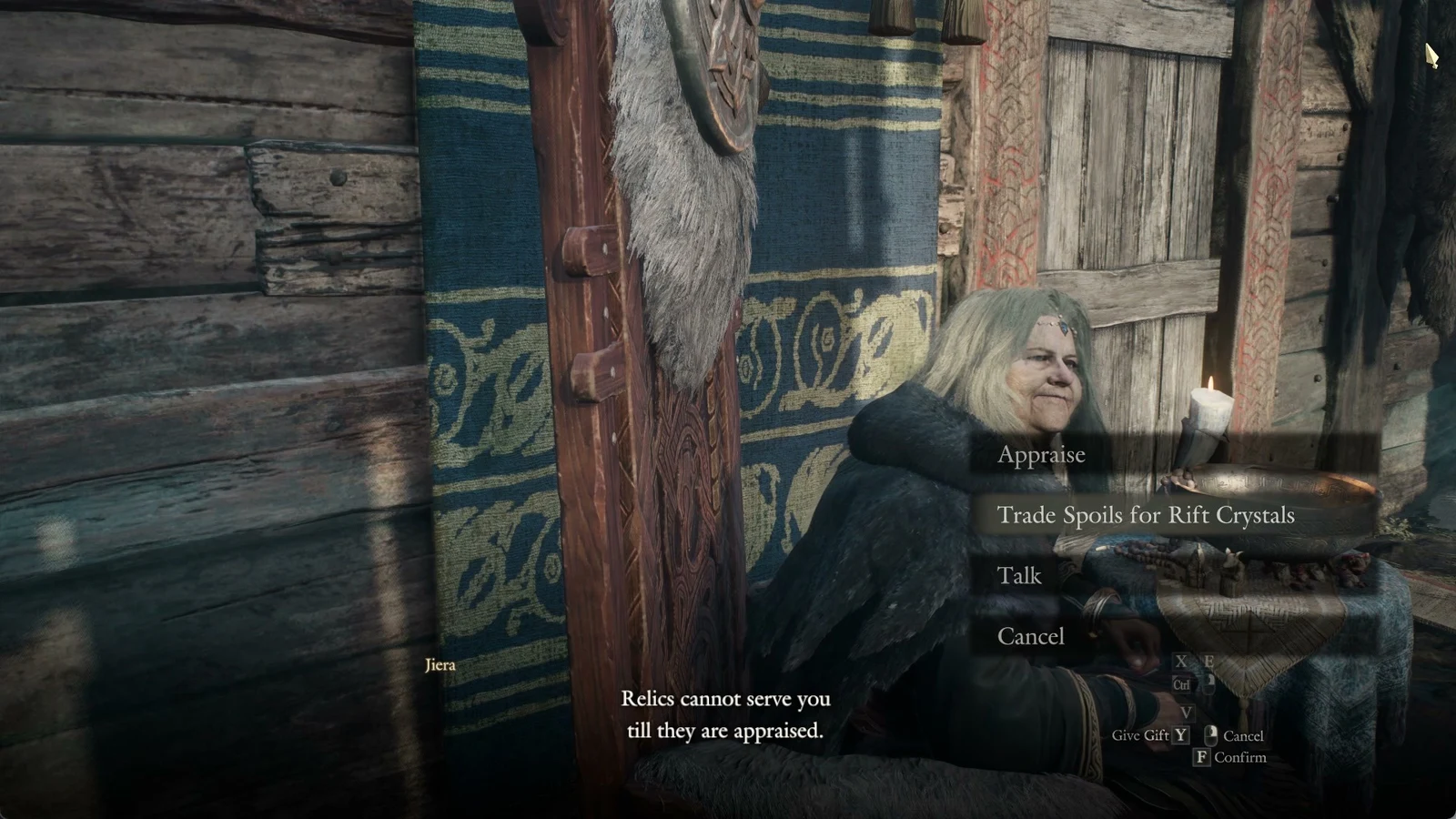
- Your Arisen Receives All
- Your main pawn Receives All
- Send All to Storage
- Sell All
- Cancel
Picking Send All to Storage drops every appraised piece into the same storage the inn chest opens, so none of it is added to your carried weight. If you select a single appraised item instead, its own menu offers Take, Add to Favorites, Send to Storage, Sell, and Cancel. You can then collect or equip those pieces later from the chest.
Once you know the chest sits on Dwayne’s side of the rope-carved pillar and that Jiera can bank appraised relics straight from her porch, you can store spoils from either spot.