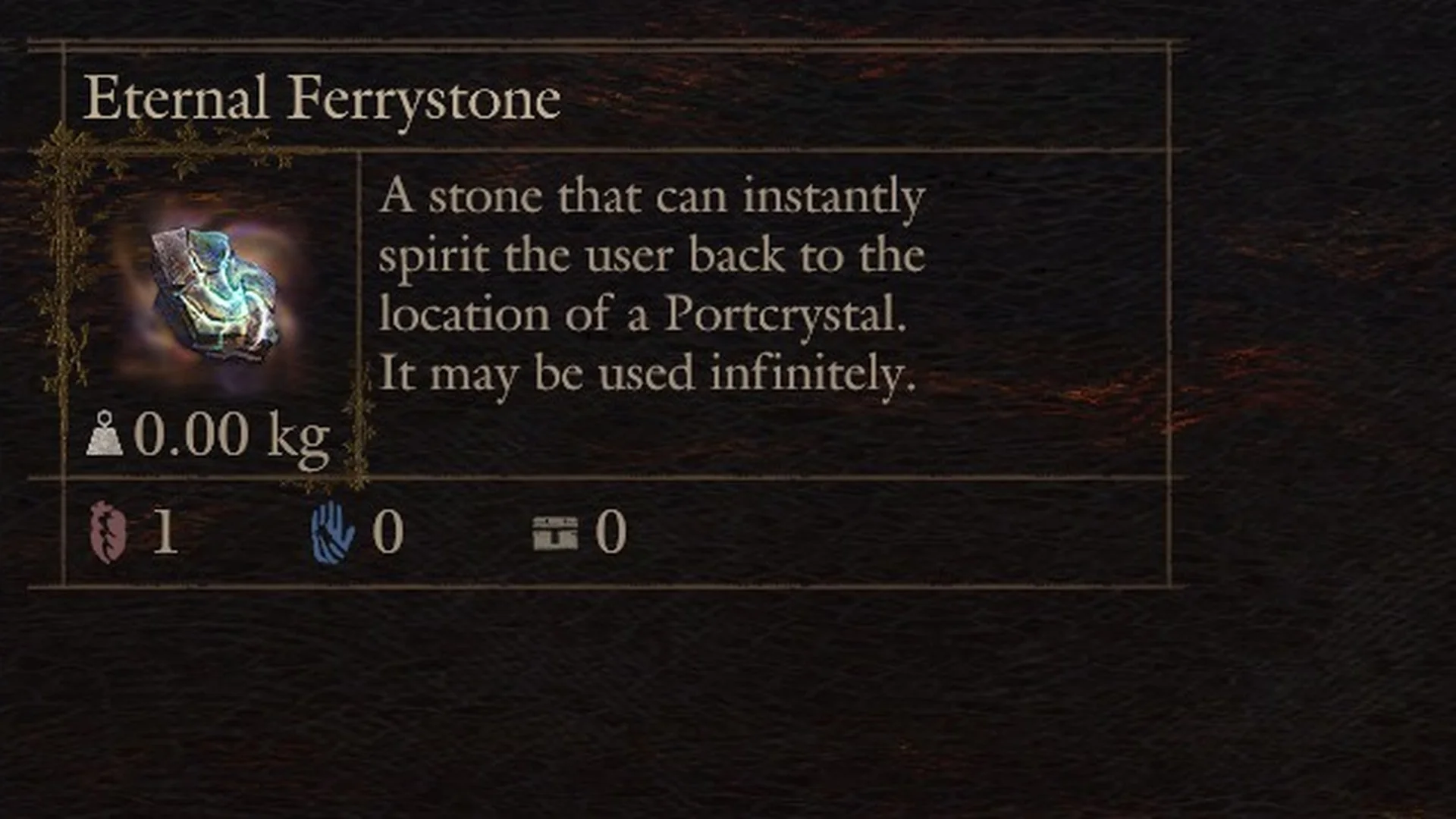
The Eternal Ferrystone is the travel stone you never run out of. Its item text reads, “A stone that can instantly spirit the user back to the location of a Portcrystal. It may be used infinitely.” It weighs 0.00 kg.
Quick answer: You receive the “Eternal Ferrystone” automatically after the Arisen reaches Vernworth and speaks with Captain Brant. To warp, open the Map, put the cursor on a portcrystal, press F, and choose “Yes”.
Where the Eternal Ferrystone comes from
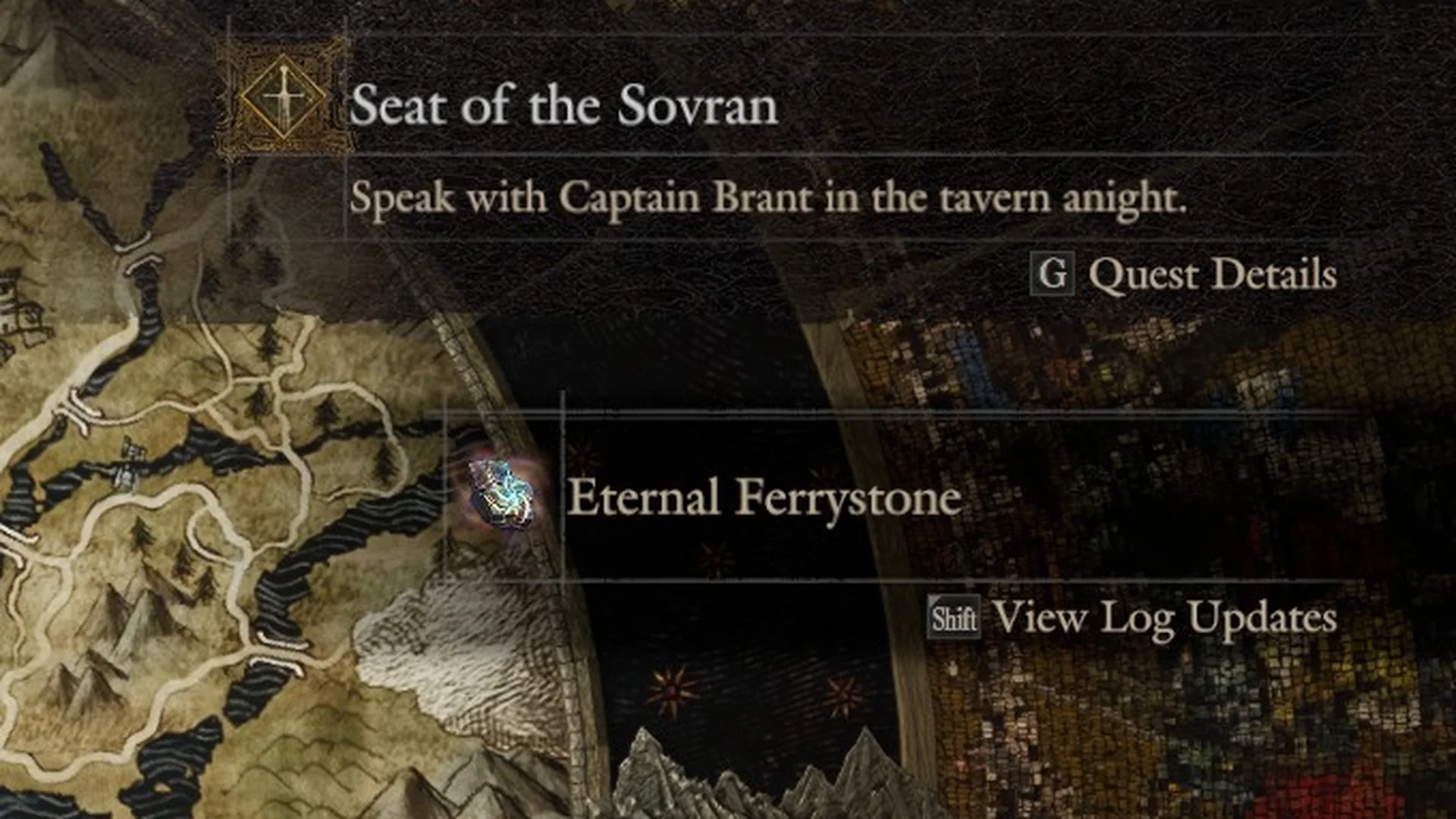
You do not buy this stone and you do not find it in a chest. With Dark Arisen installed, it lands in your pack right after the first conversation with Captain Brant, when the Arisen is first brought into Vernworth during the main quest “Seat of the Sovran”. At that point the quest’s next task reads, “Speak with Captain Brant in the tavern anight.”
Getting the item triggers a log-update notice in the Pause Menu: it displays “Eternal Ferrystone” with “Shift View Log Updates” underneath. In the Items menu, your pack contains “Eternal Ferrystone” x1.
How to fast travel with the Eternal Ferrystone (PC)
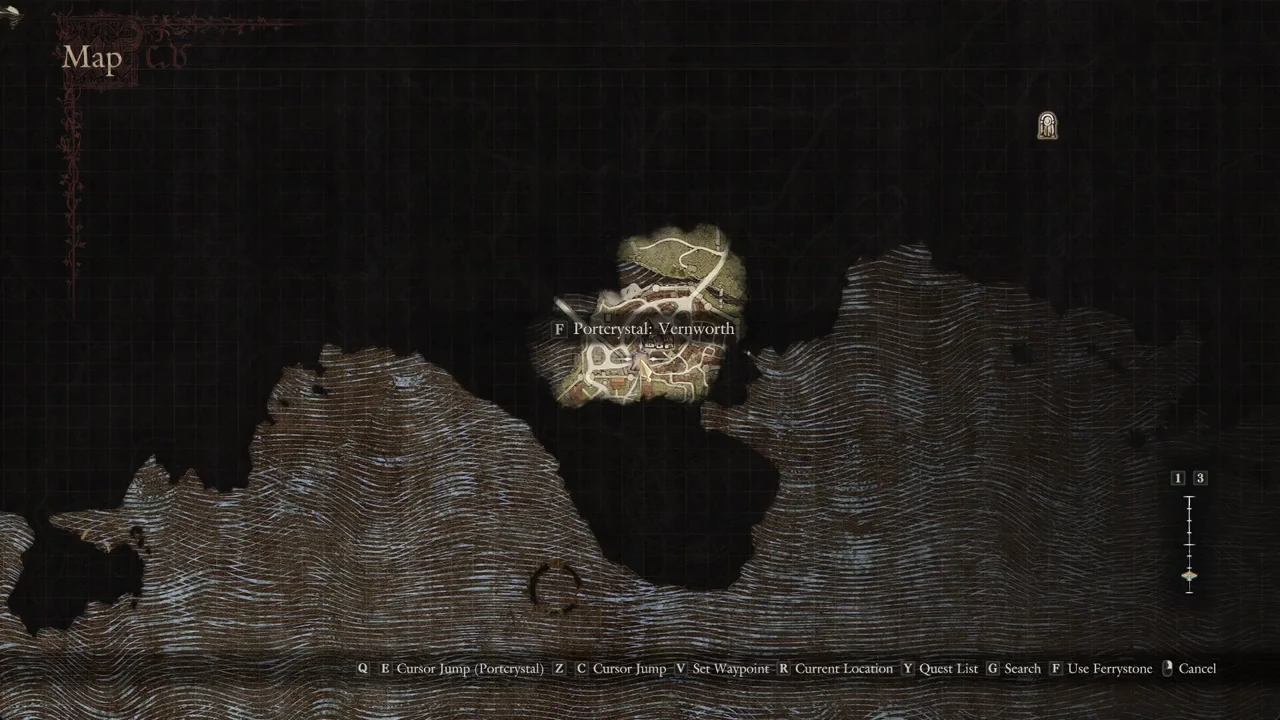
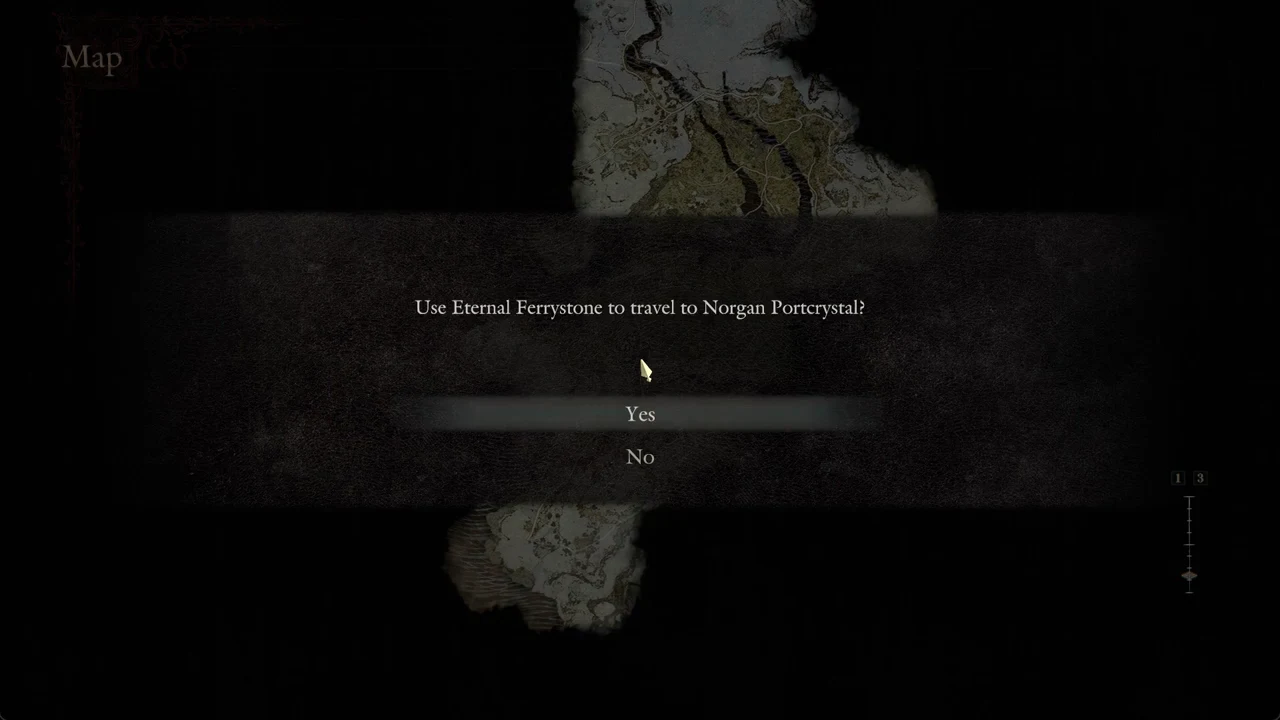
The “Use Ferrystone” hint only appears when the cursor sits on a portcrystal. Move the cursor onto open ground and the prompt disappears.
What happens when you confirm
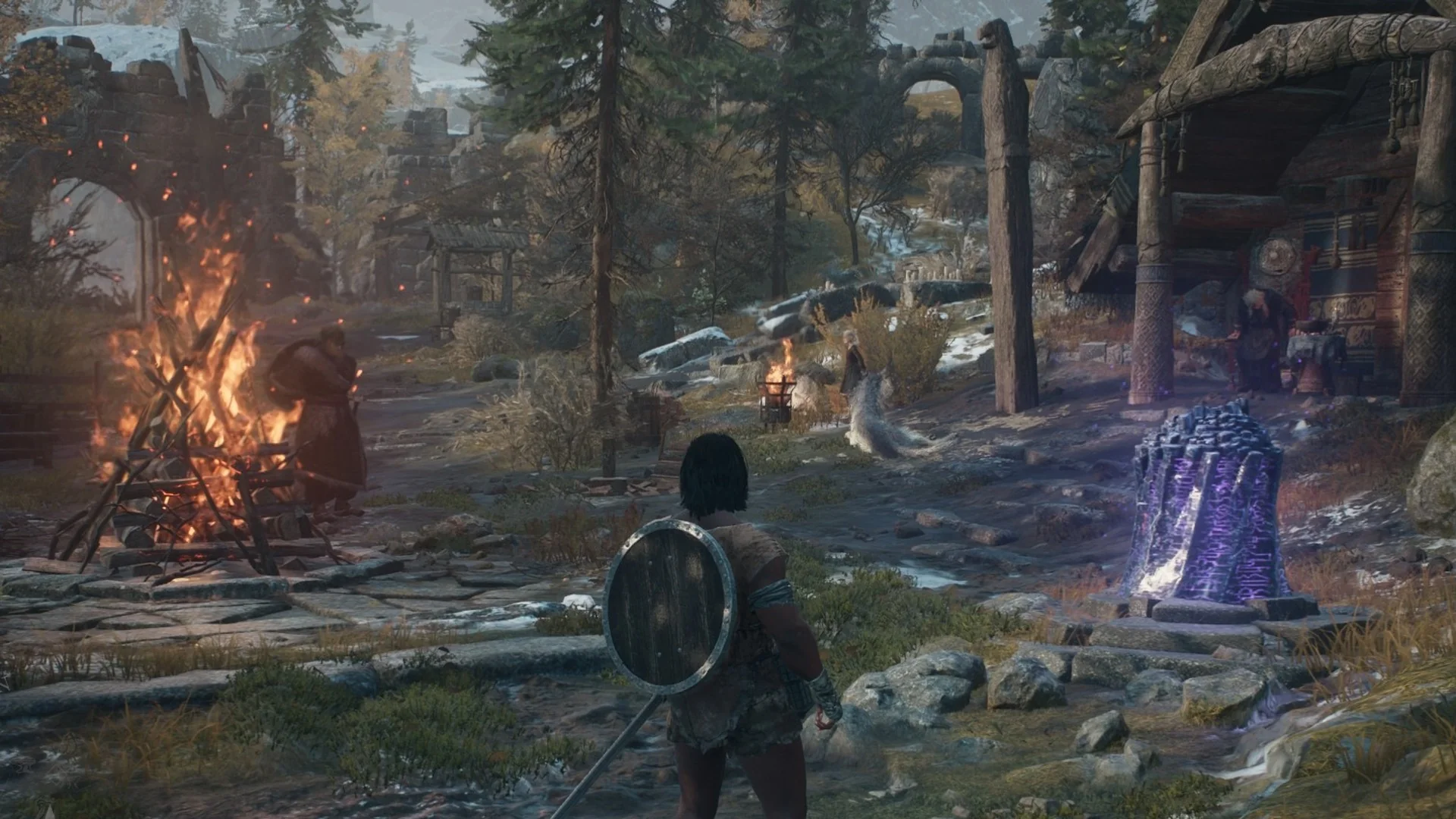
The Arisen rises in blue light and arrives as a glowing white figure beside the chosen portcrystal, and the area name appears on screen. On the trip from the frozen pool in the cave below Lorade Castle to the Norgandian Settlement, the name “Norgandian Settlement” came up and control returned beside the purple portcrystal near the big bonfire. That single use carried the Arisen from deep inside Norgan back to the village.
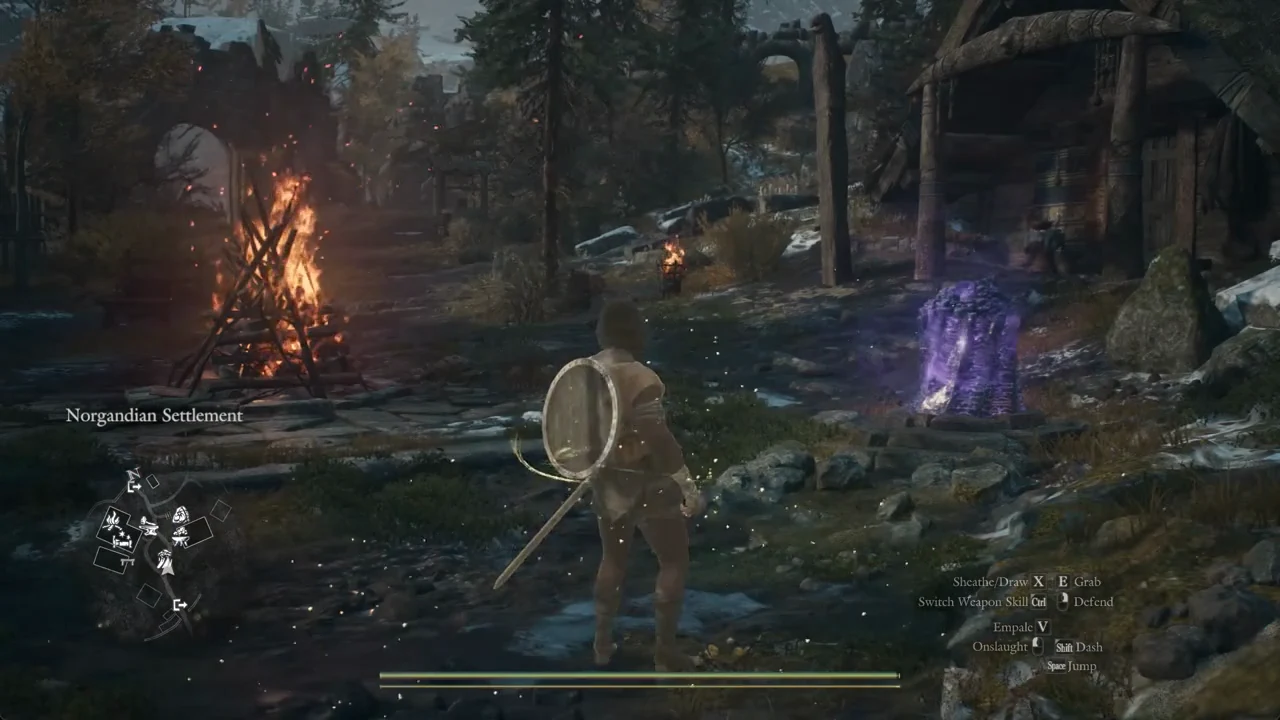
Seeing the area name pop up and control handed back next to the purple portcrystal confirms the warp worked.
Touch every portcrystal you pass
Walk up to a portcrystal and it shows “F Examine”, as seen on the Norgan Portcrystal at Gagana’s Grotto, a squat crystal ringed with purple runes on a circle of stones. Press F and the Arisen lays a hand on it, the runes flare, and its icon appears on the minimap. No text box follows.
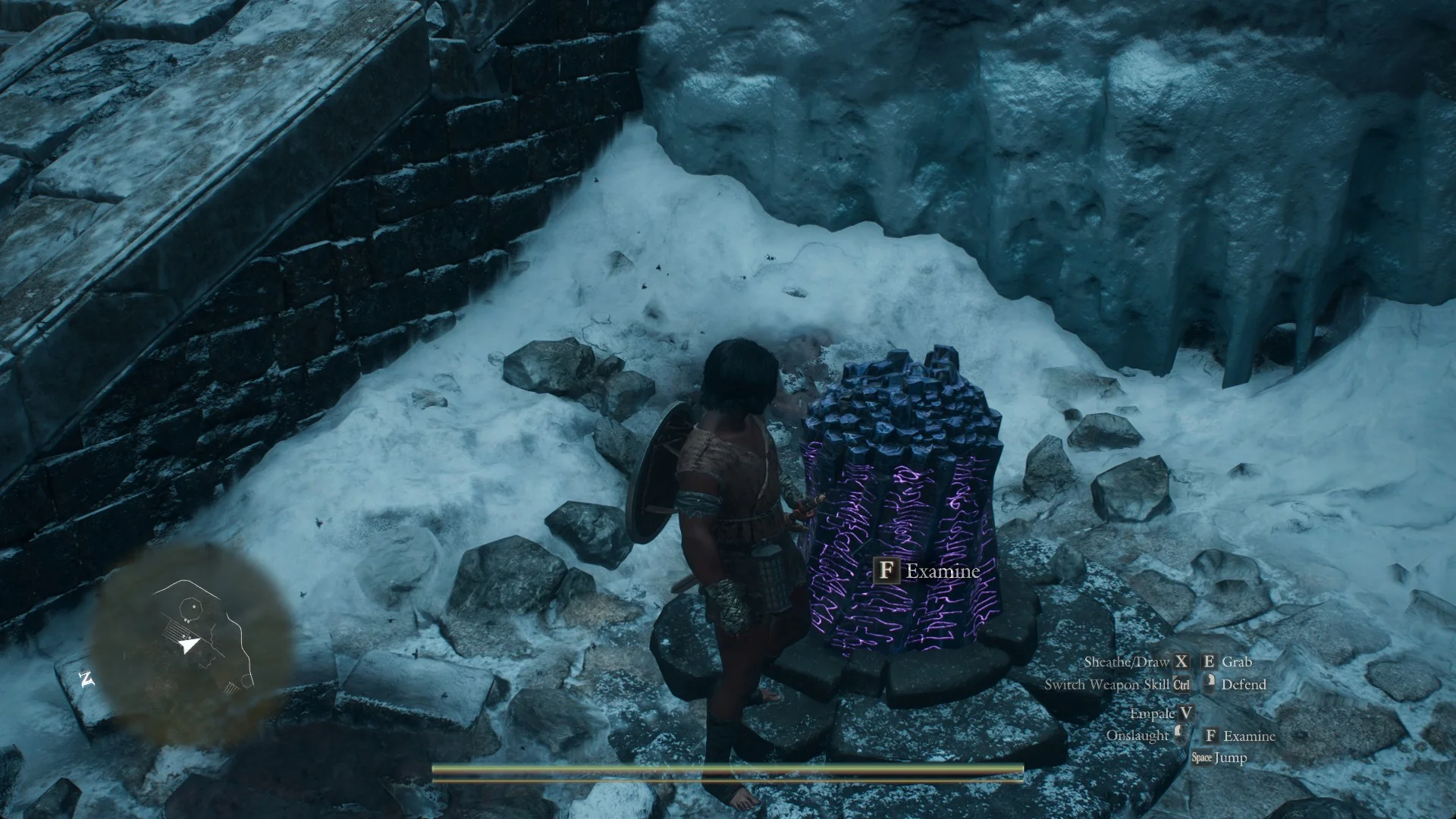
Make a habit of touching each portcrystal you come across. A crystal touched this way is then offered as a destination: the Gagana’s Grotto portcrystal was missing from the travel choices before it was examined and listed among them afterwards.