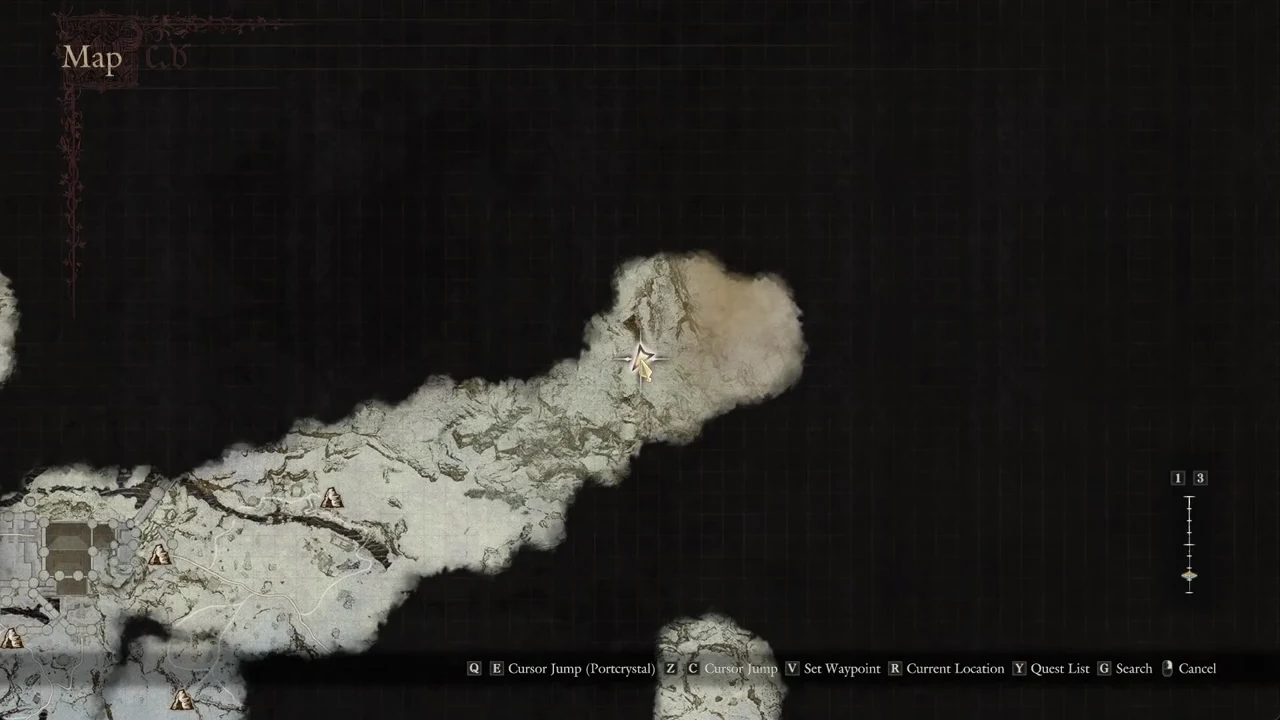
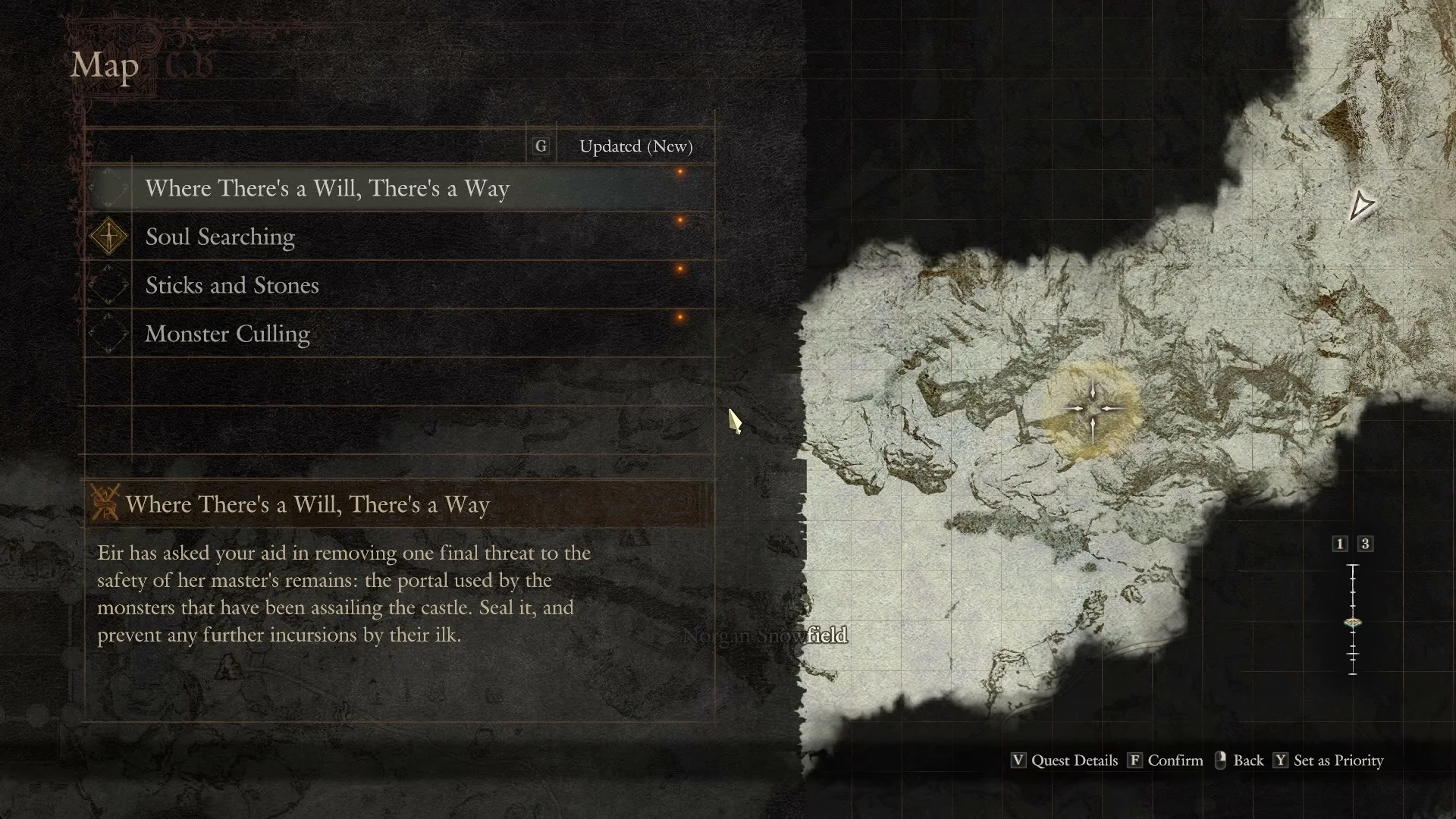
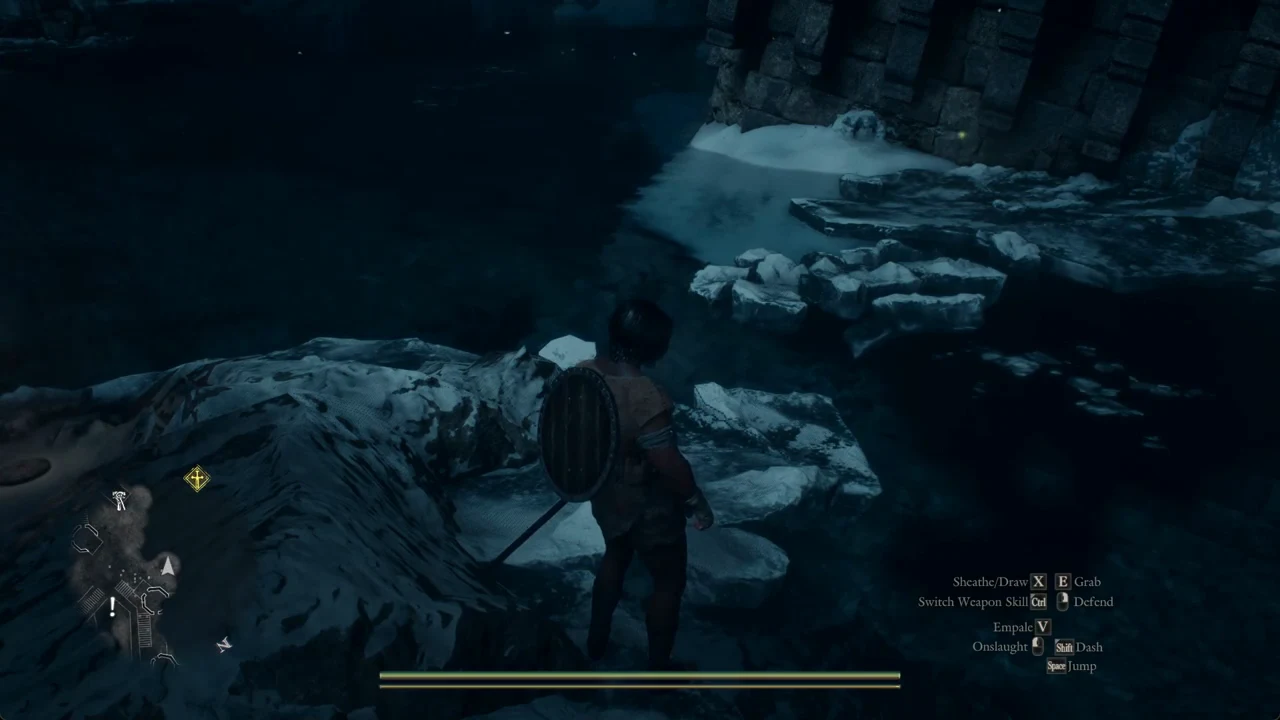
In Dragon’s Dogma 2 one quest at a time is the priority quest, and that is the quest the minimap points to. The other active quests show no marker. With “Soul Searching” set as the priority quest, “Where There’s a Will, There’s a Way” had nothing pointing to it on the minimap. If a quest you want to follow has no arrow or diamond, you need to make it the priority quest yourself.
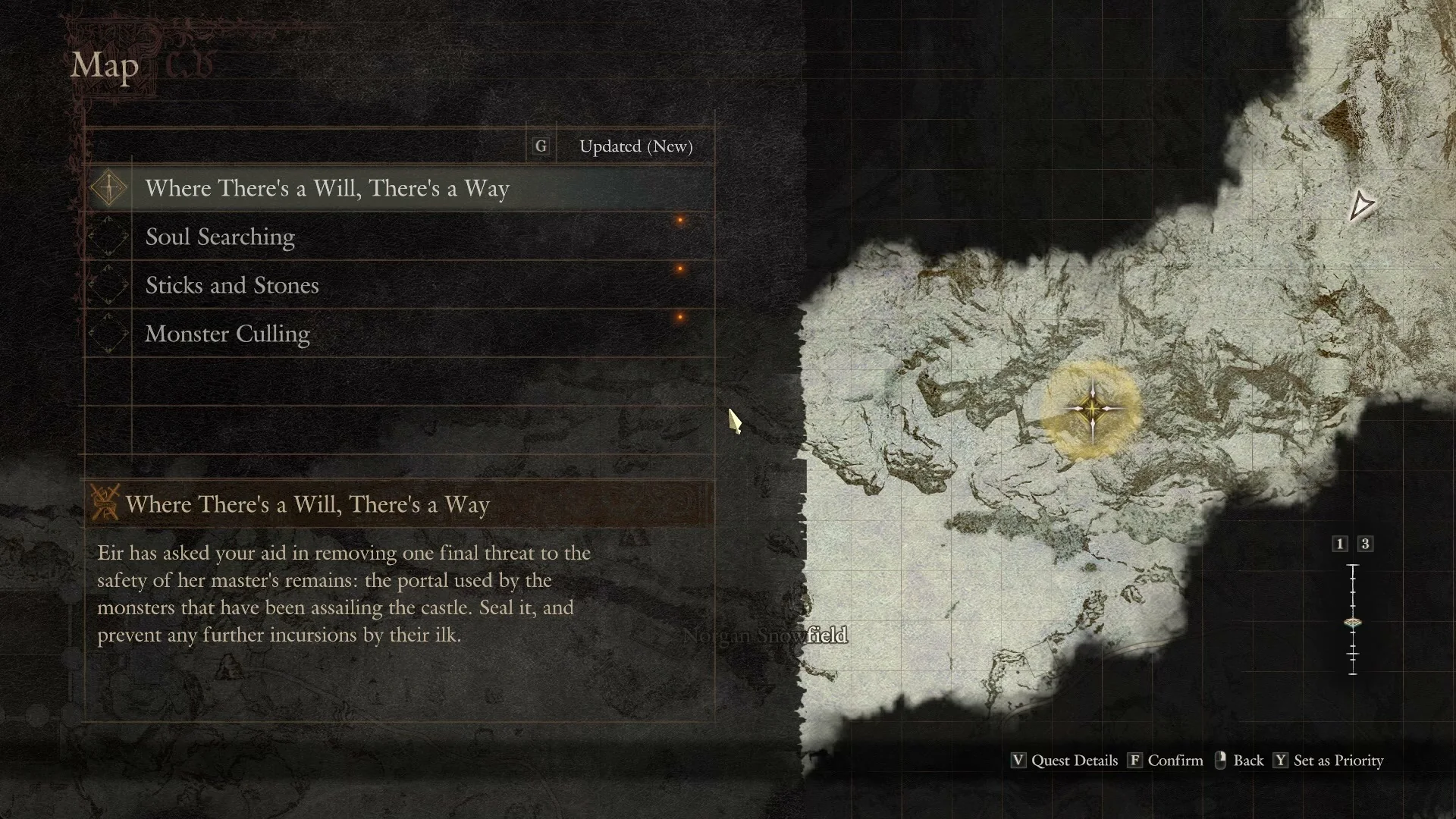
Quick answer: Open the Map (Tab), press Y for the Quest List, highlight a quest, then press Y to Set as Priority. Its yellow diamond appears on the minimap rim.
Set a priority quest from the Quest List
The Quest List lives on the world map. The game teaches this early with a tutorial named “Setting a Priority Quest” in Melve, but you can change your tracked quest at any point from the map.
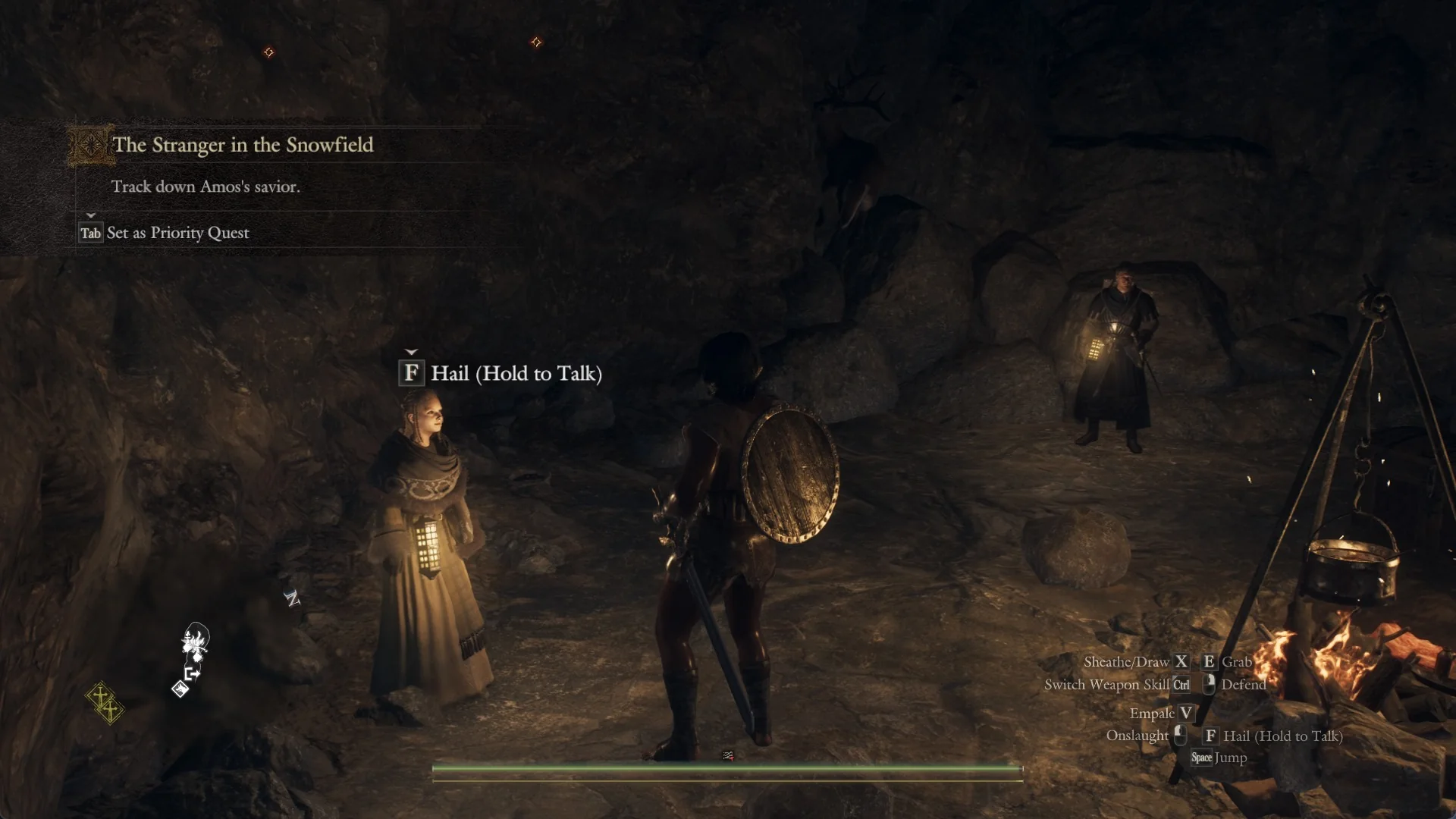
The “Set as Priority Quest” banner
When a quest is added or moves to a new task, a banner appears at the top left showing the quest’s name and task, with the hint “Tab Set as Priority Quest” under it. This showed on “The Stranger in the Snowfield / Track down Amos’s savior.” and on “Where There’s a Will, There’s a Way / Speak with Eir.” You can also switch at any time, including to an older quest, from the Quest List described above.
Setting priority inside caves and castles
Inside a cave or castle the Map opens on the local map first. For example, “Snowfall Valley Cavity” shows floors 1F, B2F, and B1F that you switch with Q and E, with “Return to the World Map” at the top left. Only the parts you have already walked are drawn.
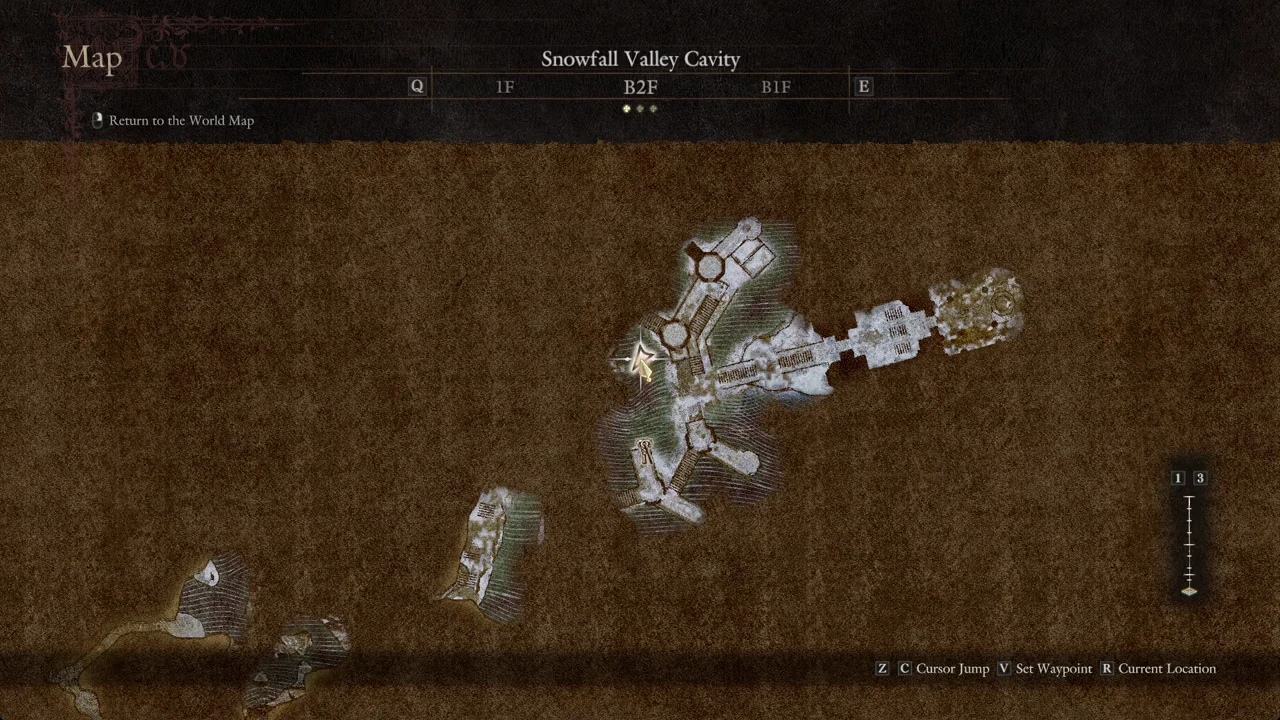
You won’t find the Quest List hint on the local map. First select “Return to the World Map”; then press Y to open the Quest List and choose your priority quest.
Common mistakes to avoid
- Expecting every active quest to have its own world marker. Only the priority quest shows one.
- Pressing F (“Confirm”) to set priority. The hint for setting priority is Y.
- The local map doesn’t show the Quest List hint; find it on the world map.
You know the change worked the moment the yellow diamond jumps to your chosen quest’s box in the Quest List, and again when that diamond appears at the edge of the minimap once you close the map. Follow it to reach the quest’s area.