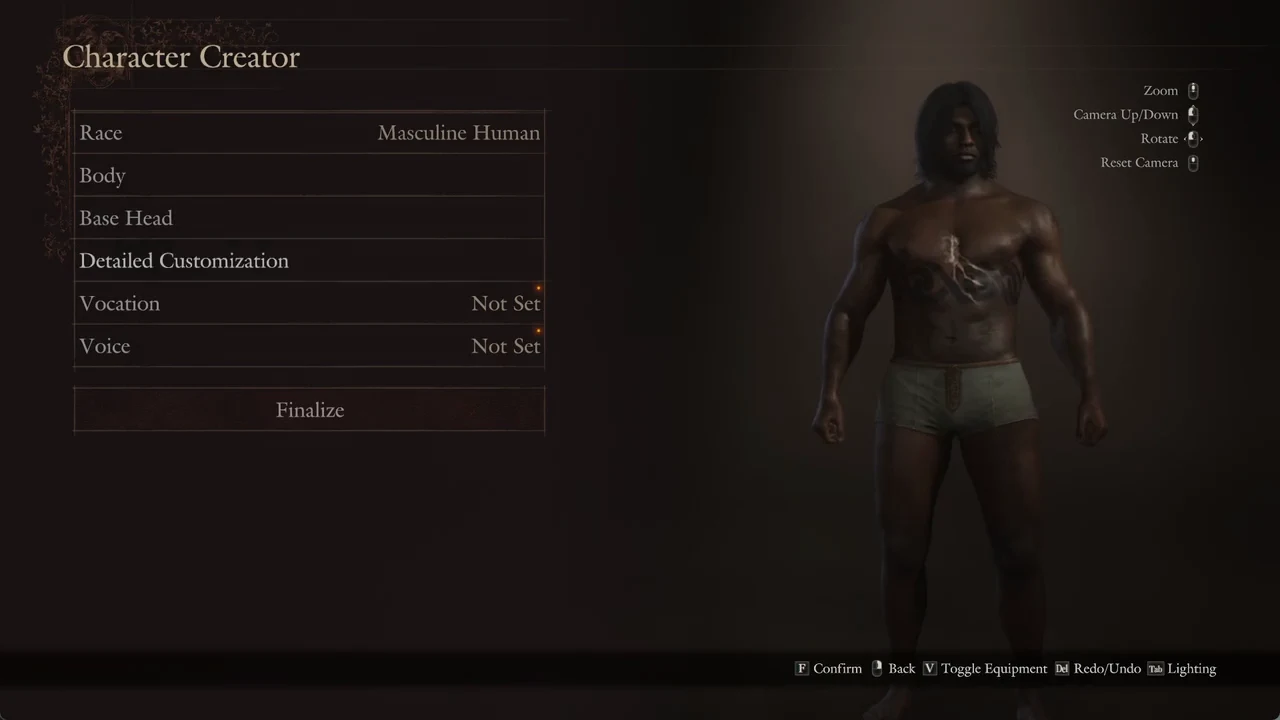
The hairstyles and tattoos that came with Dragon’s Dogma 2: Dark Arisen all live in the same Character Creator you already know, tucked near the end of their respective grids. You can spot the expansion’s items by the small download-arrow icon.
Quick answer: In Detailed Customization, look for Dark Arisen hairstyles at tiles 58–78 on Body Hair, and body tattoos at tiles 67–98 on Tattoos/Markings.
How to tell the expansion items apart
Look at the top-left corner of a tile, just under its number: a small white download-arrow icon sits there on anything that belongs to Dark Arisen. Tiles without that icon are base-game options.
The game spells this out for you. Inside any style grid, pressing V (Help) opens a page that shows the icon and explains that items carrying the mark are content included in the Dragon’s Dogma 2: Dark Arisen expansion.
There is a second marker worth knowing. An orange dot flags anything you have not looked at yet. It appears on the main-menu rows, on the Body Hair and Tattoos/Markings tabs, on the rows that lead to new items, and on each unseen tile. The dot on a tile disappears once your cursor rests on it, but the download-arrow mark stays.
| Category | Grid total | Marked tiles | New styles |
|---|---|---|---|
| Hairstyle | 1–78 | 58–78 | 21 |
| Body Tattoo 1 Style | 1–98 | 67–98 | 32 |
These figures use the Masculine Human preset. Tile 1 in both grids is the blank option: no hair or no tattoo. The Right Arm, Left Arm, Right Leg, and Left Leg tattoo rows also have the orange dot, but their grids aren’t shown here, so counts for their new styles aren’t provided.
Find and apply the new hairstyles
On PC the controls you need are simple: F confirms, Esc or the right mouse button goes back, Q and E switch tabs, and V opens Help inside a grid.
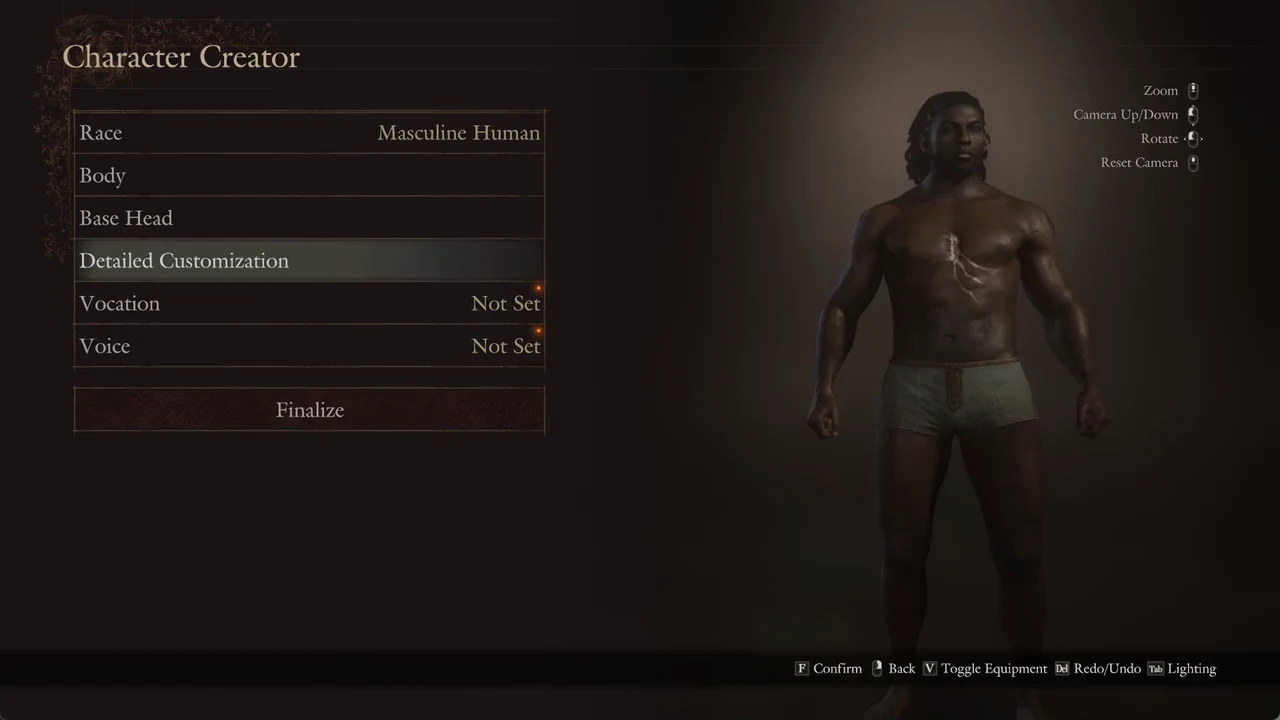
E twice to pass Head and reach Body Hair, the third tab in the five-tab set.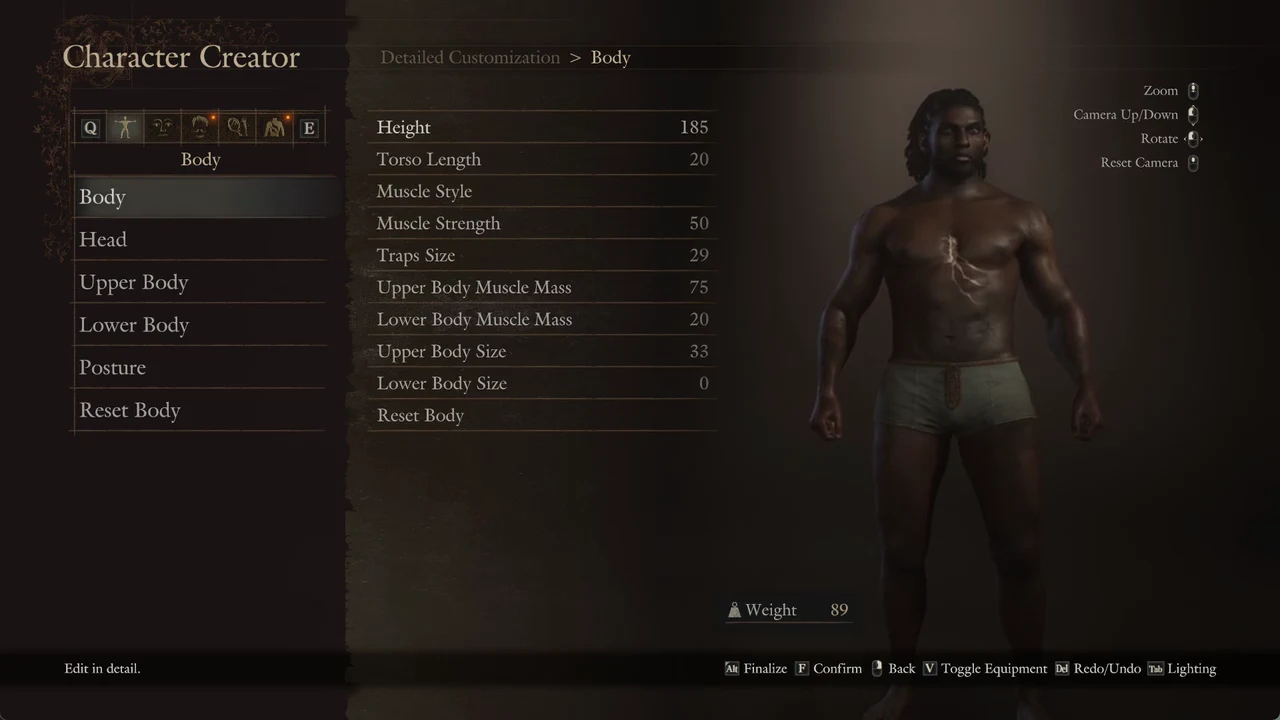
V; press F to dismiss it.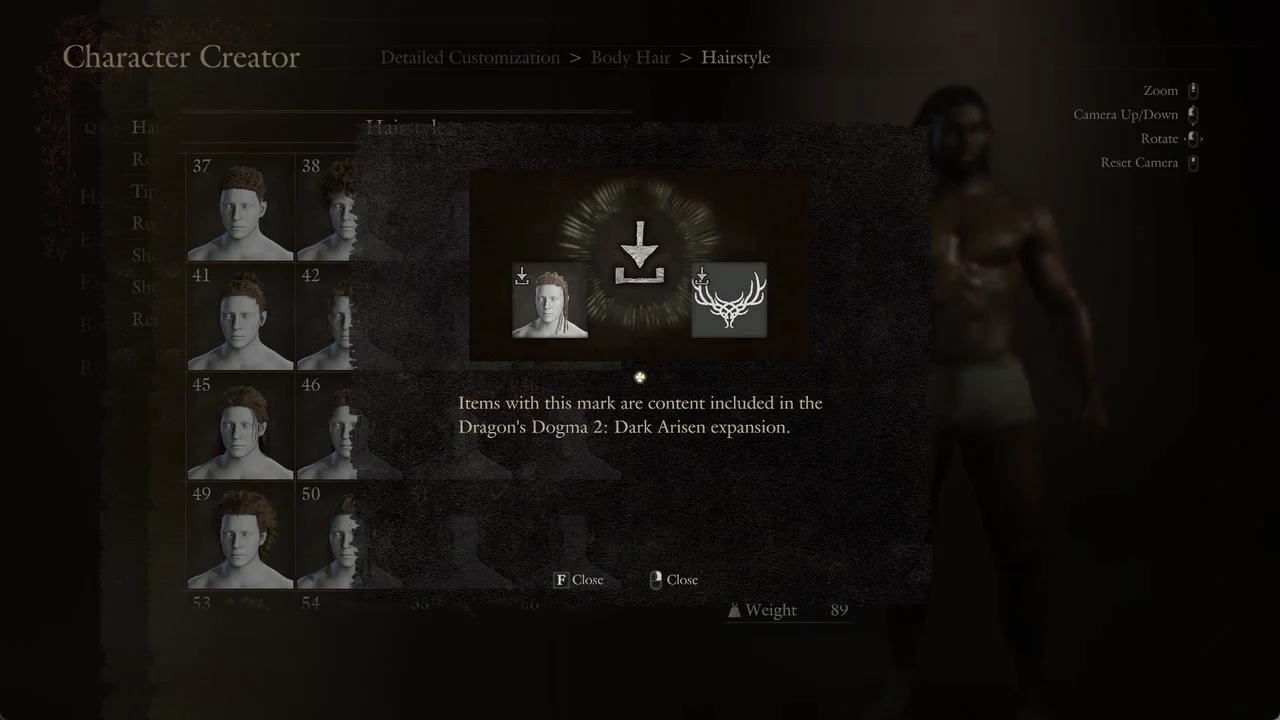
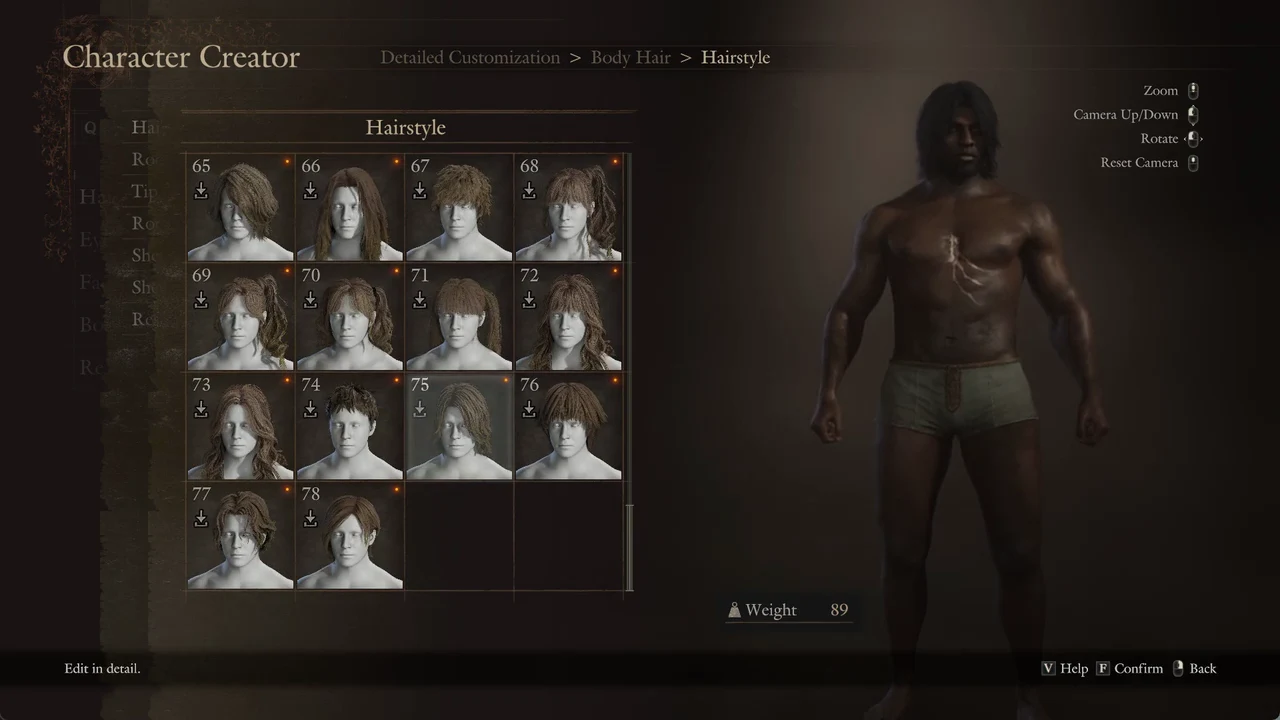
Find and apply the new body tattoos
E twice to reach the Tattoos/Markings tab, the fifth tab. Confirm Body Tattoos.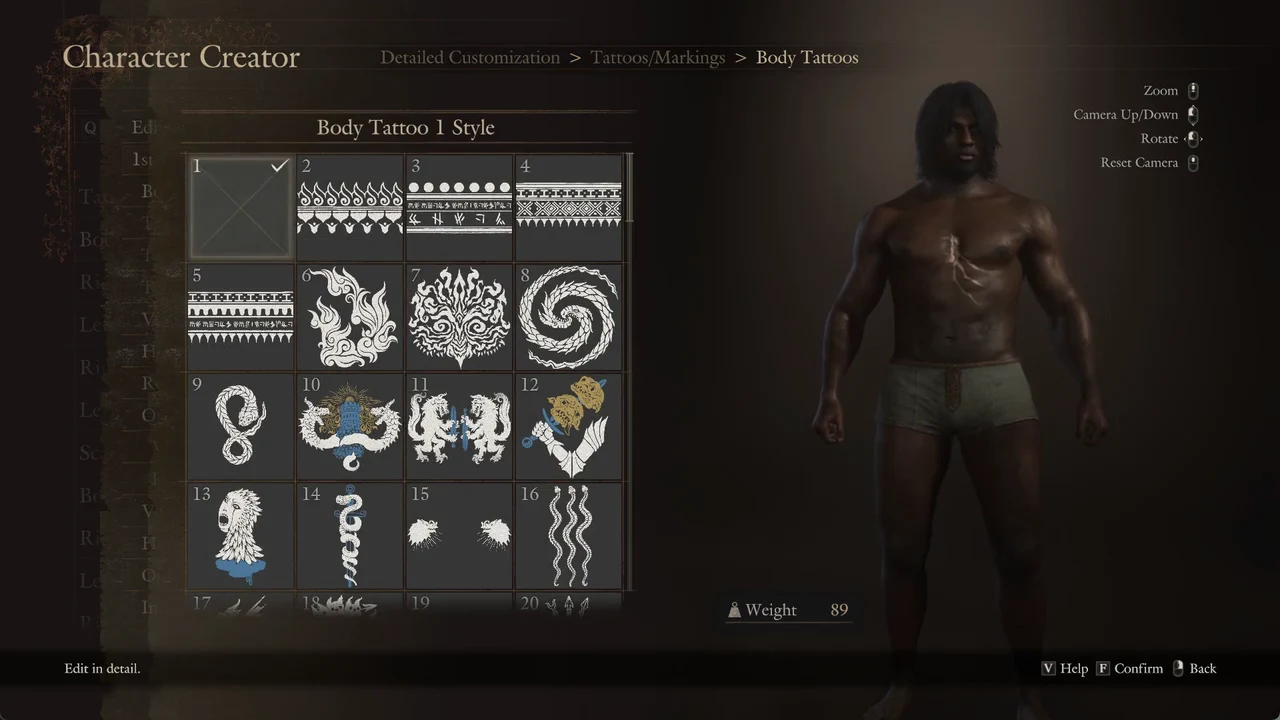
Up once to reach the grid’s final section, around tiles 85 to 98. Marked options span 67 to 98, so every tile on the last screens is part of the expansion. Move upward through the designs to compare them; the character previews each one.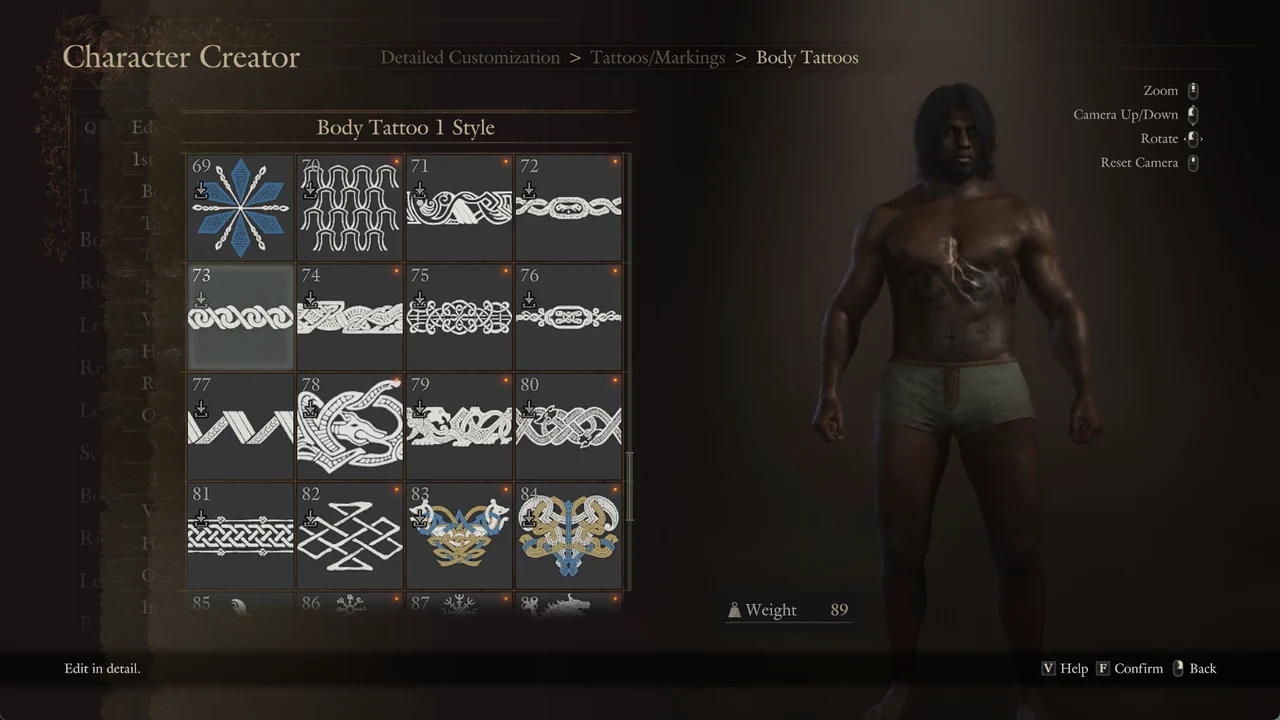
Confirm the change sticks
On exiting Detailed Customization, the game presents “Proceed with this change?” and the choices Yes, Reset to Default, and Cancel. Select Yes to retain your edits and return to the creator’s main menu.
Once you confirm a tile, the style row shows its tile number with the download-arrow icon next to it. Back on the main menu, the finished character stands with the new hair and tattoo in place.