Crates in Dungeon Quest Reborn are pure gambling on paper. The Legendary Case has a 15 percent chance of paying out a legendary cosmetic, which means most spins hand you something you did not want. There is a timing quirk in how the game saves that result, though, and it turns a 15 percent roll into an eventual certainty.
Quick answer: Buy a Legendary Case from the Shop’s Crates tab, start the spin, and leave the server before the roll finalizes if it is not landing on legendary. Rejoin and the unused crate is back in your inventory, so you can spin again until you get the tier you want.
Crate prices and drop odds in the Shop
Three crates sit under the Crates tab, and only the most expensive one lists a legendary chance worth chasing. The odds panel is printed on the crate itself, so you can check it before spending anything.
| Crate | Cost | Odds |
|---|---|---|
| RARE CASE | 5,000 | Not listed on the crate |
| EPIC CASE | 7,500 | Not listed on the crate |
| LEGENDARY CASE | 10,000 | Rare 50%, Epic 35%, Legendary 15% |
Half of every Legendary Case spin is a rare result. Another third lands on epic. That leaves roughly one spin in seven actually giving you the tier you paid for, which is exactly why the reroll trick exists at all.
Why leaving mid-spin refunds the crate
The result of a crate is not written to your account when you press open. It is written when the spin finishes and the item is awarded to you. Anything that ends your session before that moment means the game never records the roll, so your purchase stays in the unopened state it was in when you bought it.
Rejoining loads that last saved state. The crate is sitting there unused and your balance reads the same as it did before the spin started. Nothing about the outcome carries over, so the next spin is a fresh roll at the same 15 percent.
Note: this is unintended behavior, not a feature the developers documented. It works because of where the save happens, and a patch that saves the roll earlier would close it without warning.
How to reroll a Legendary Case until it hits
How to confirm the legendary actually saved
A successful roll fires an unlock popup naming the item, in the format “Cosmetic Armor Unlocked: Evil Beastmaster”. That popup is the point of no return in a good way — the reward is on your account.
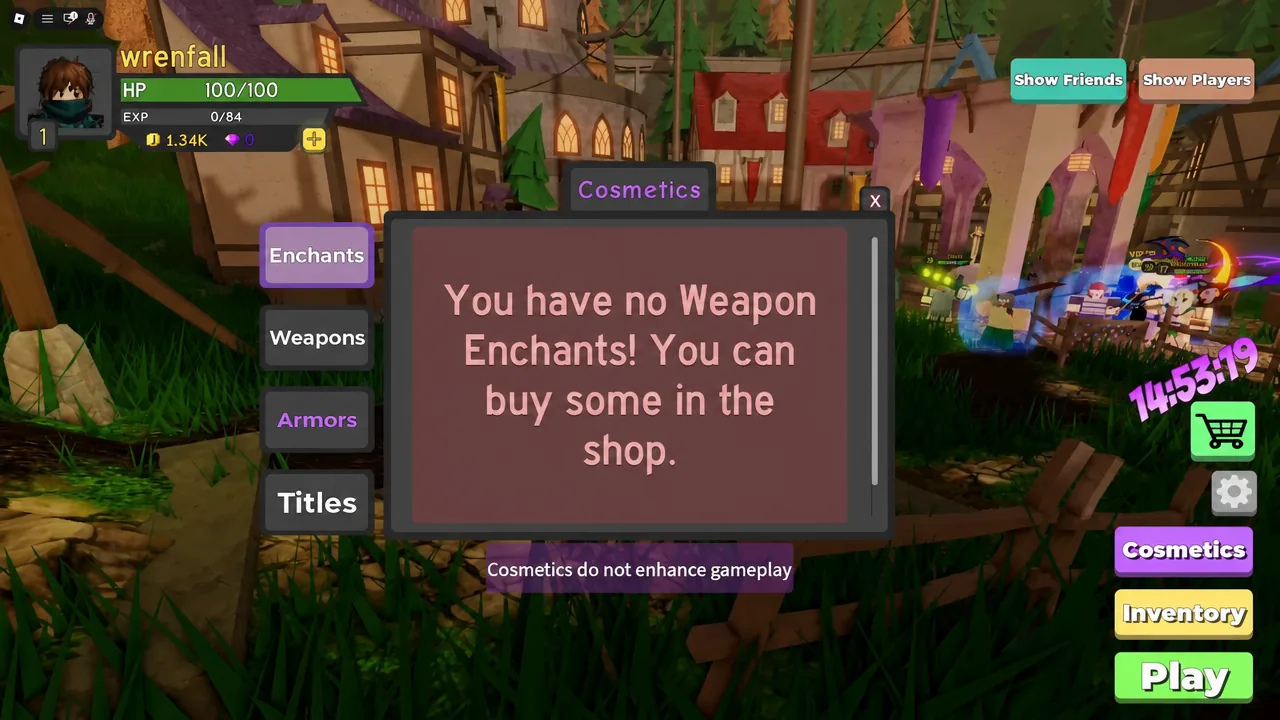
To double-check, go to Cosmetics and open the matching tab. Armor rewards appear under Armors, and equipping one immediately overrides your character’s look in the lobby. If the item is missing after a rejoin, the spin was interrupted before it finished and the crate should still be sitting unopened in the Shop.
Common reasons the reroll does not work
- You left too late. Once the item is awarded and the unlock popup appears, the result is saved and rejoining will not undo it.
- You clicked out of the leave prompt instead of confirming. The dialog has to be confirmed for the session to end in time.
- You are in the wrong Shop tab. Featured and Cosmetics sell fixed items, not spins.
- You cannot cover the 10,000 cost, so the crate never opens in the first place.
What legendary cosmetics do and do not change
Cosmetics in this game are appearance only. Auras, enchant effects, weapon skins, armor skins, and titles all layer over your equipped gear without touching damage, health, or spell power. A legendary armor skin like Evil Beastmaster makes you look like a late-game player while you are still swinging starter gear.
The practical test is the item tooltip. If a modal lists Damage, Spell Power, or Health, it is combat gear and belongs in your upgrade budget instead. If it only describes a look, it is fashion.
Tip: dumping 10,000 into crates while your weapon is still starter-tier slows your clear speed and your XP. Get stable clears on the difficulty you are pushing first, then spend on looks.
Because the whole thing hinges on when the game commits a roll to your save file, treat it as temporary. If a future update writes the result the moment you press open, leaving mid-spin will cost you the crate instead of protecting it — so if a spin ever completes after you have already left, stop and re-test with a cheaper case before risking another 10,000.