In Enshrouded, press V to open CRAFTING, select a recipe card, and press F to pin it. The right side of the HUD, under Journal, then lists the recipe and the materials it needs. Once you have the required materials, the tracker shows “Craftable amount”. Press F on that card again to remove the pin.
Quick answer: In CRAFTING (V), select a recipe and press F (“Pin”). Its materials show under Journal on the HUD. Press F again (“Unpin”) to remove it.
How to pin a crafting recipe in Enshrouded
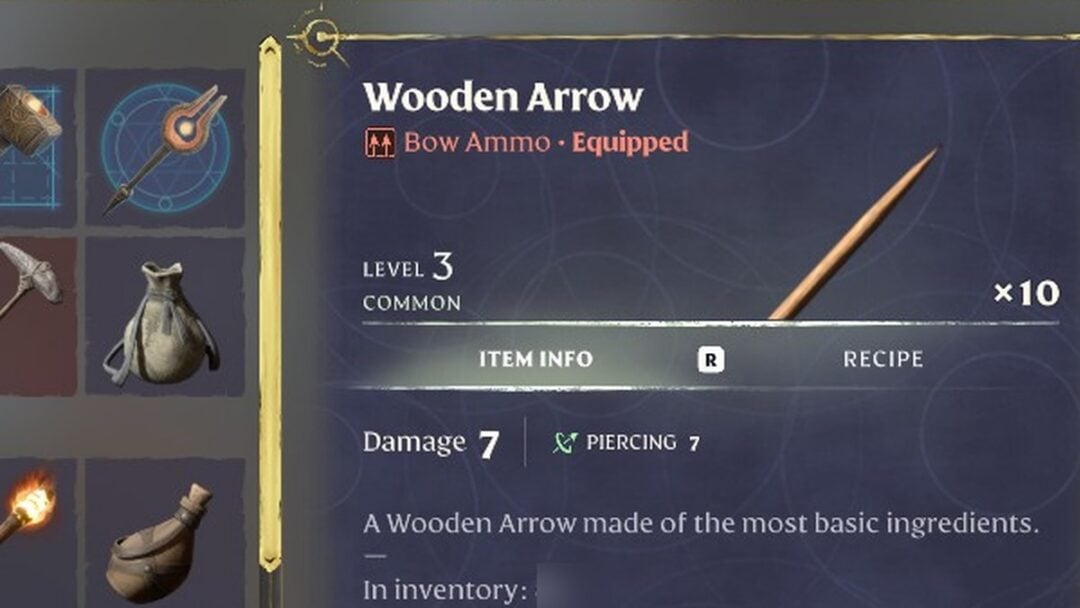
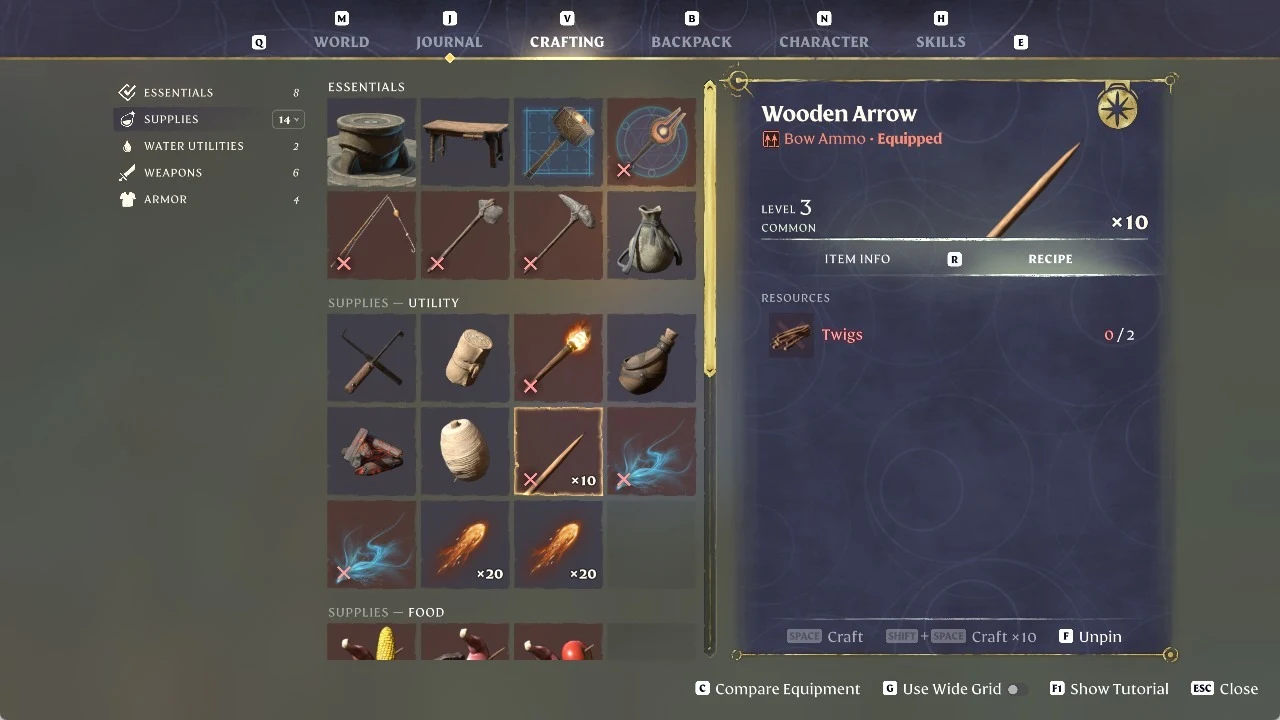
Press F to pin a recipe. We pinned the Wooden Arrow, which needs Twigs.
Press V to open CRAFTING, then select the recipe you want to track. The Wooden Arrow is a hand-crafting recipe under SUPPLIES > UTILITY.
Press F to pin the card. A pin badge appears in the card’s top right corner, and the footer changes from “F Pin” to “F Unpin”, next to “SPACE Craft” and “SHIFT + SPACE Craft x10”. If you have none of a material yet, its line shows in red. With no Twigs, the Wooden Arrow reads 0 / 2.
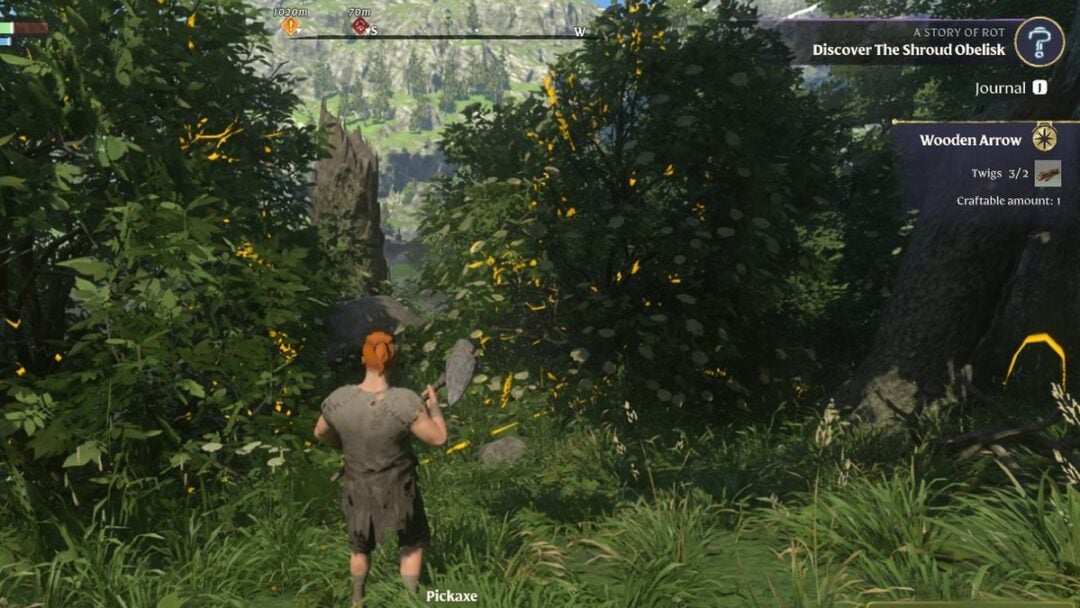
Exit the menu to see the pinned recipe on the right of the HUD, under Journal. “Wooden Arrow” appears above “Twigs”, and the count is red until you have enough.
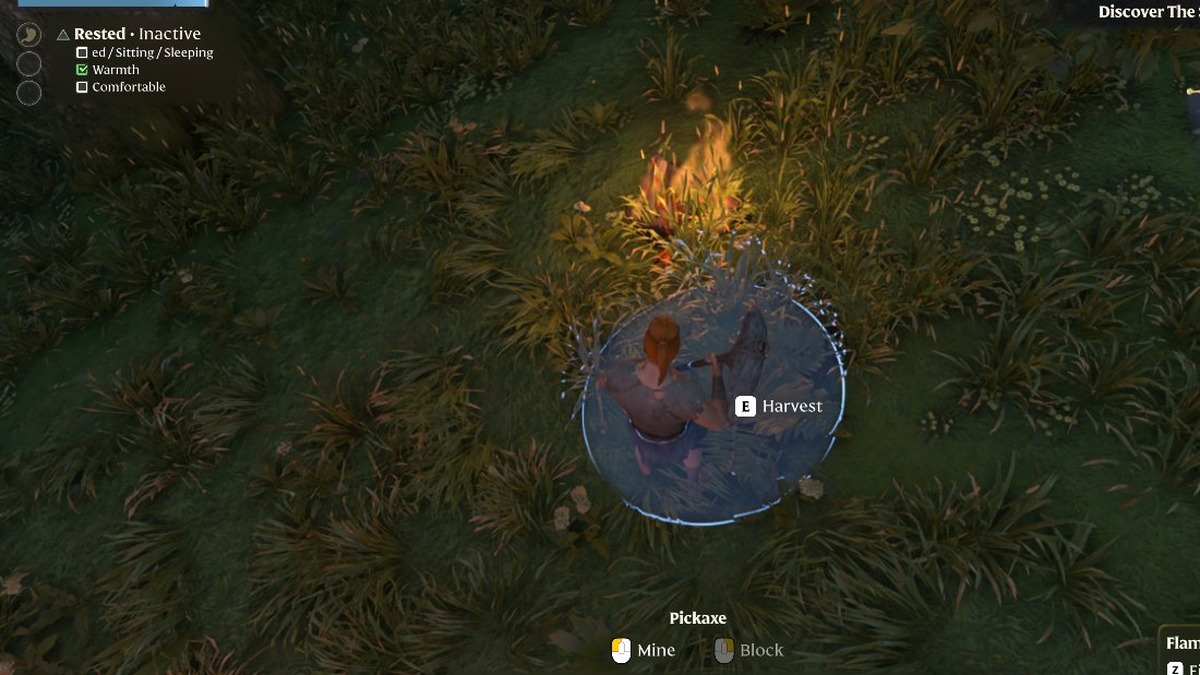
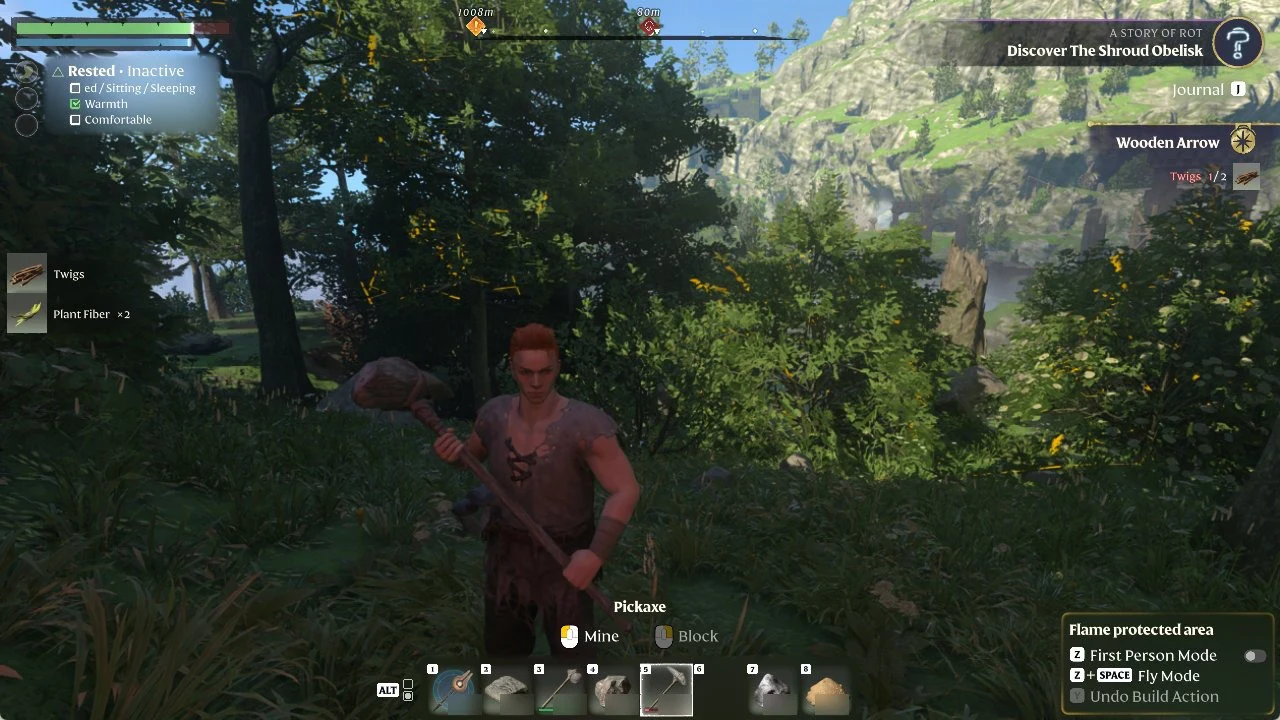
Gather the material. Harvesting a bush (E Harvest) gave us “Twigs” and “Plant Fiber x2”, and the tracker updated on its own to “Twigs 1/2”.
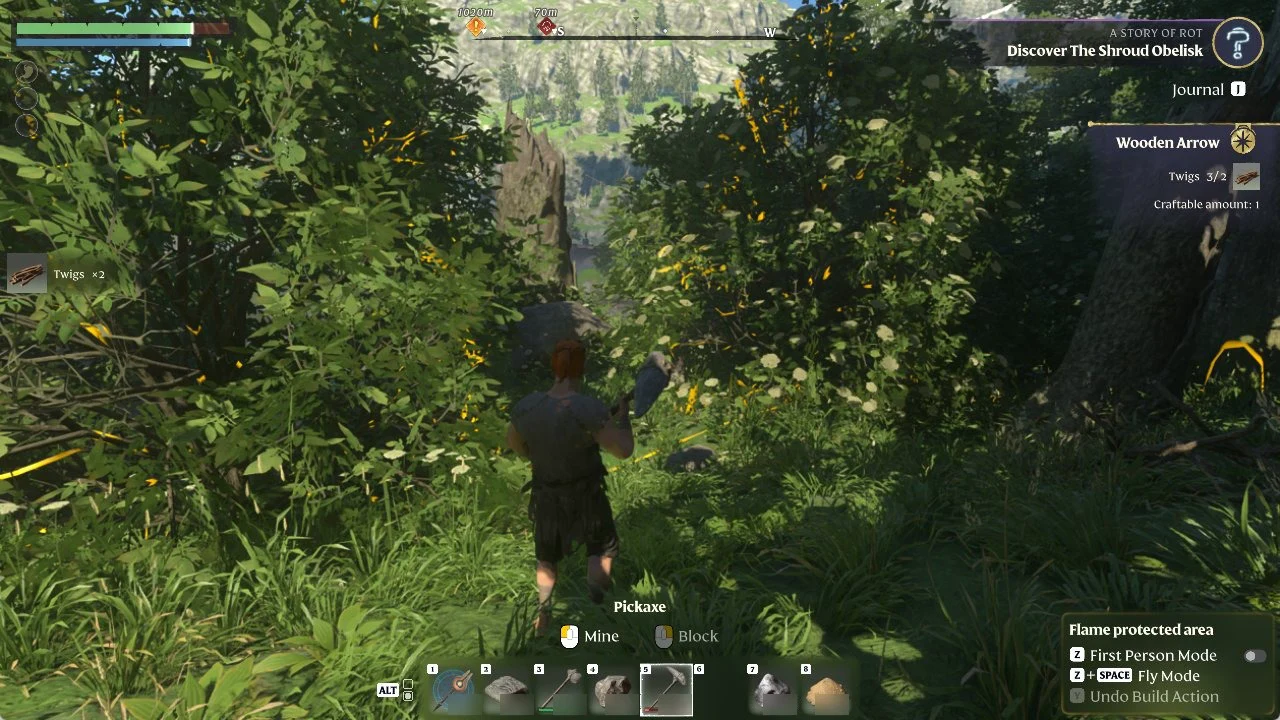
Keep collecting until the count is full. Picking up a fallen branch (E Collect) added “Twigs x2”. The line then turned white and read “Twigs 3/2”, with “Craftable amount: 1” underneath.
Reading the recipe tracker
The tracker’s color and labels show how close you are to crafting the recipe.
- A red count means you don’t have enough of that material yet.
- A white count means you have enough.
- “Craftable amount” appears once you can make the recipe.
How to unpin a recipe in Enshrouded
To remove the tracker, open CRAFTING (V) again, select the same recipe card and press F (“Unpin”). We left ours pinned.