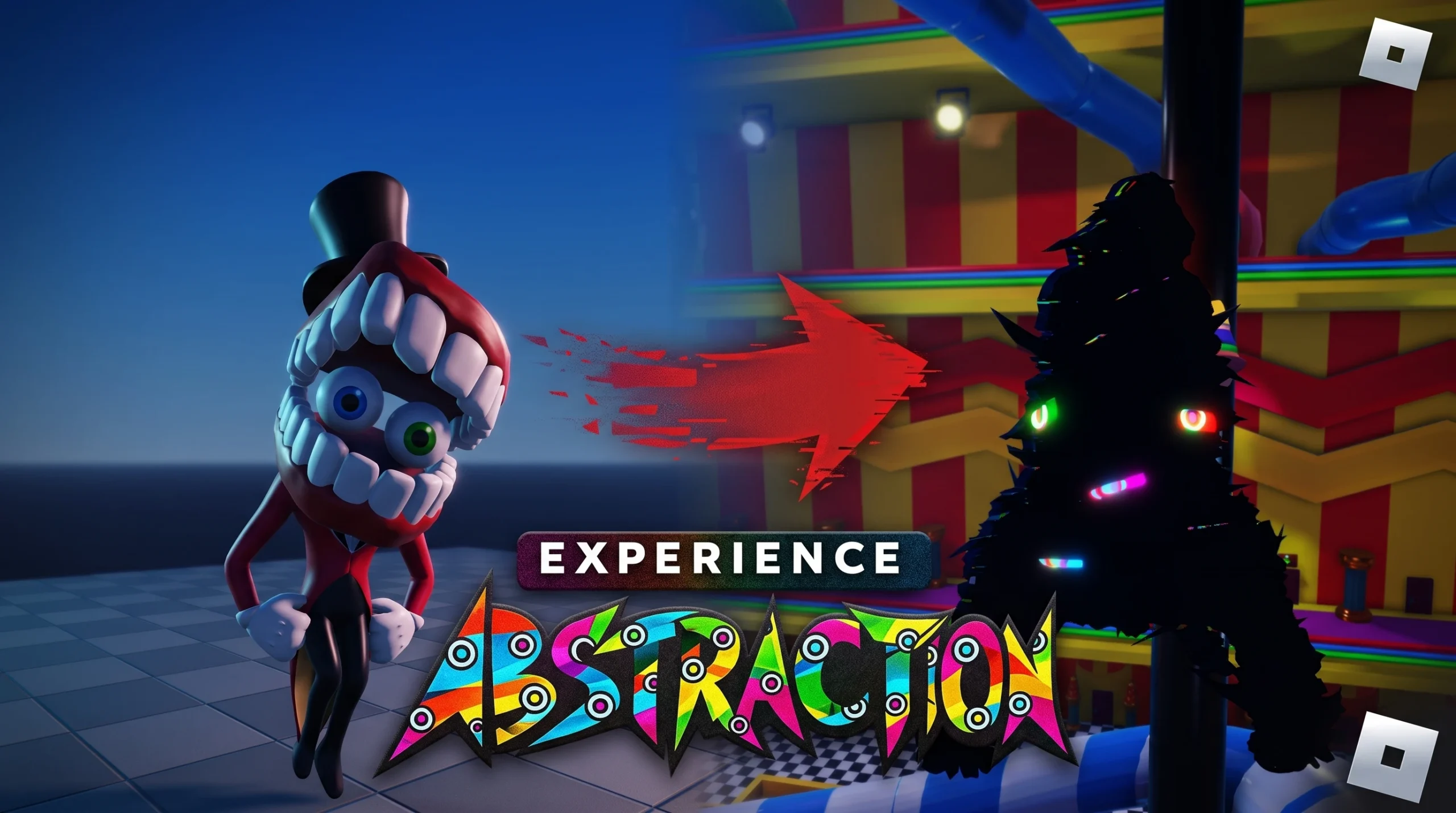
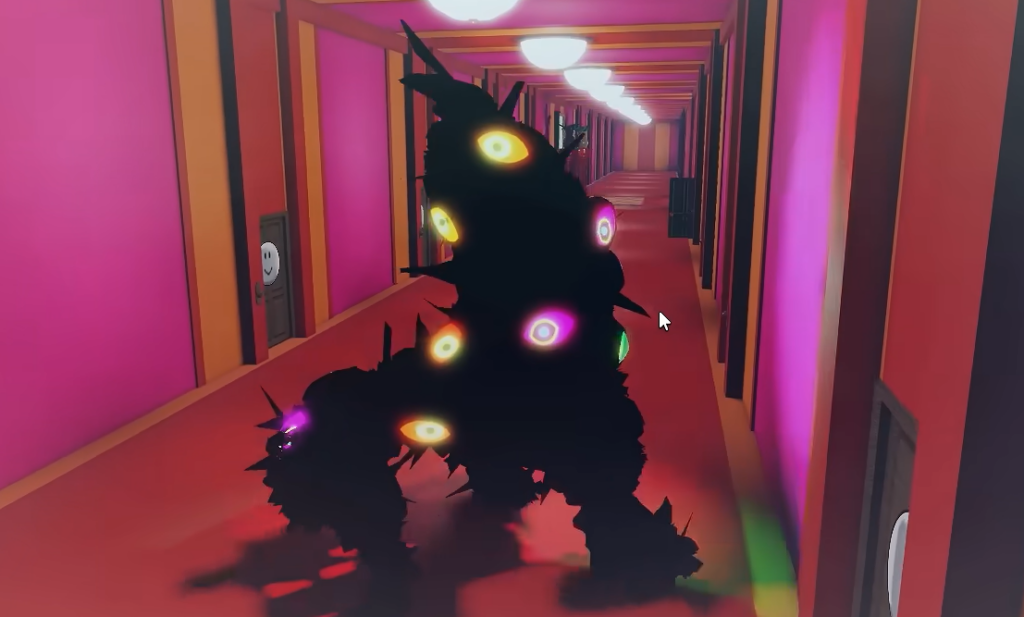
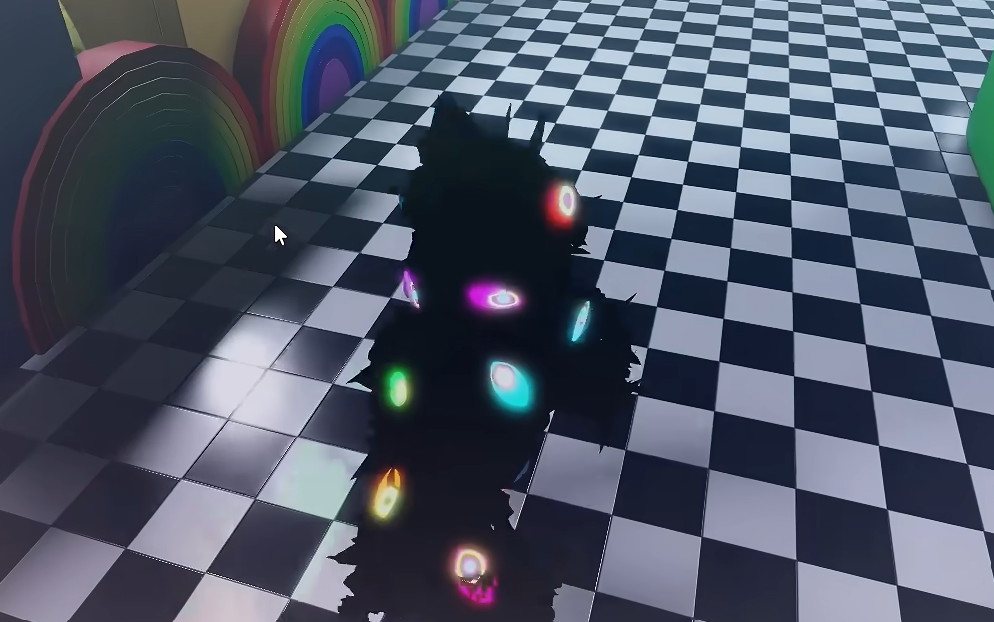
In Experience Abstraction, the entire goal is to drain your Sanity meter to zero so your avatar transforms into an Abstraction, a black, glitchy creature covered in colorful eyes. The Sanity bar sits in the bottom-left corner as a brain icon with a colored bar, and it only starts draining when you meet one of a few specific conditions. Once it empties, the transformation animation plays automatically and you spawn back as the beast.
Quick answer: Go to the room with your Roblox avatar on the door, enter, close the door, and press [E] on the light switch to turn the lights off. Stand in the dark for roughly two to three minutes until Sanity hits zero and you Abstract.
The three conditions that drain Sanity
Abstraction happens when your Sanity reaches zero, and only three situations cause it to fall. Each one has a different speed and a different level of risk.
| Method | Condition | Notes |
|---|---|---|
| Room isolation | Alone in your dark room with the lights off | Slowest and safest, around 2–3 minutes |
| Vacant spot | Standing still in an empty, isolated area away from players | Works even in lit areas because you are alone |
| Near an Abstraction | Staying inside the aura of an already-Abstracted player | Fastest drain, but the Abstraction can attack and damage you |
Method 1: Isolate in your own room
This is the most reliable route because nothing can interrupt you. Your personal room is marked by a door that displays your own Roblox avatar.
[E] Door Open prompt to go inside.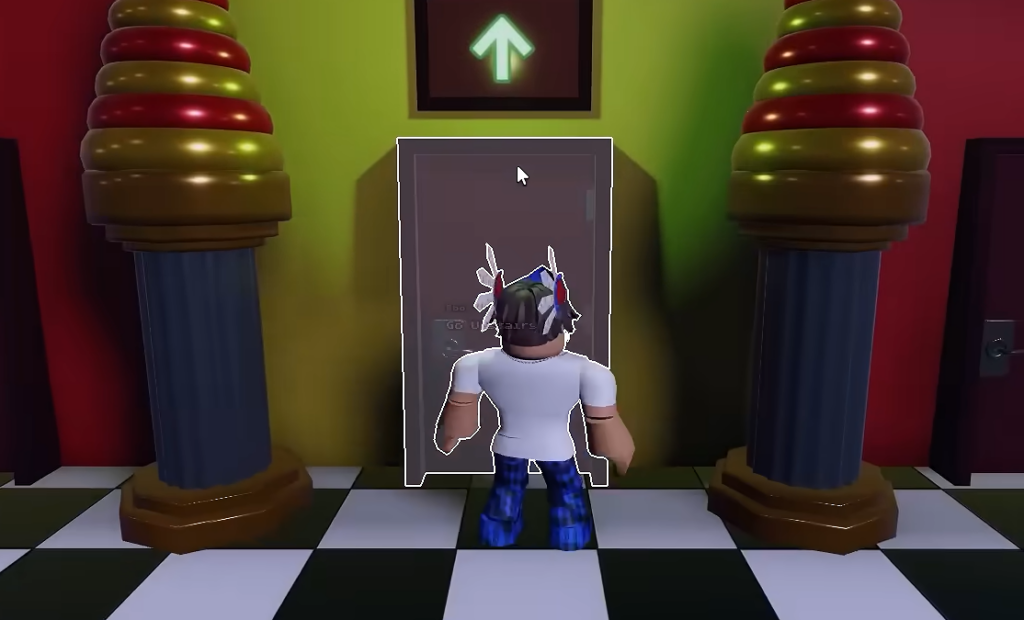
[E] Lights Turn Off. The room goes fully dark and the message “When you stay alone in your dark room for some time, you’ll start losing sanity…” confirms the drain has begun.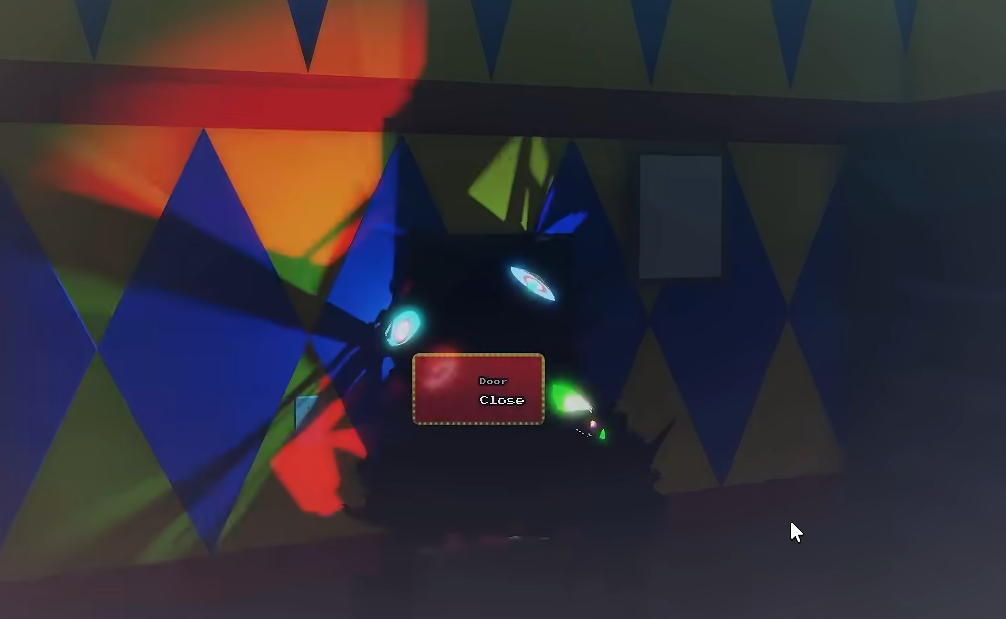
If you change your mind, turning the lights back on stops the Sanity drain immediately.
Bed Easter egg
There is a hidden version of the room method that uses your bed. Let your Sanity drop to 25% while in the dark room, then interact with the bed using the [E] Bed Sleep prompt. Your character lies down, the camera zooms to their face, and a glitchy black hand reaches out from under the bed to pull them into the darkness, triggering the Abstraction.
Method 2: Find a vacant spot outside your room
You do not need darkness to Abstract if you are far enough from everyone else. A quiet, empty spot away from other players drains Sanity on its own, even when the area is well lit.
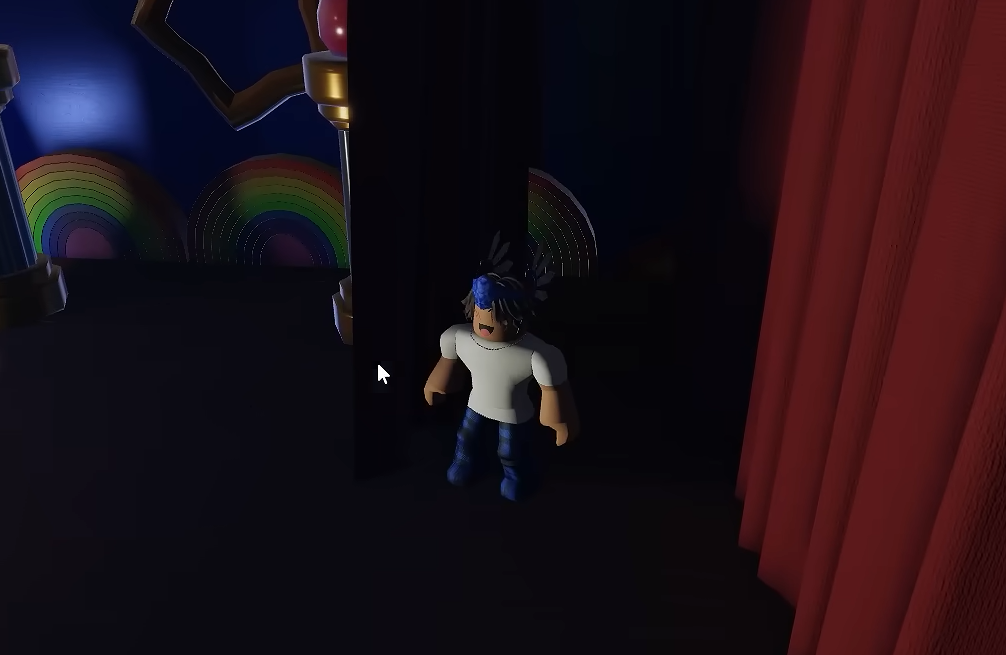
A clear example is climbing the red spiral staircase in the lobby up to the high platform with blue curtains. Stand still there and away from other players, and the Sanity bar drains until you transform. After Abstracting on the platform, your character simply falls to the lobby floor below. The general rule is that the farther you are from other people, the faster your Sanity slips.
Method 3: Stay near an Abstracted player
The quickest way to lose Sanity is to stand near a player who is already an Abstraction. A blue circular aura appears around you to show the drain is active, and the bar drops much faster than either of the other methods.
The trade-off is danger. Abstractions can attack, knock you down, and deal damage while you wait, so keep some distance and watch your health. If you can survive inside the aura long enough, your Sanity empties and you Abstract on the spot.
How to confirm you Abstracted
You know it worked when the screen fills with flashing multicolored eyes, your character falls through a dark void under a spotlight, and then respawns fully changed into the black, glitchy creature. From that point, you can walk the hallways, knock on doors with [E] Door Knock, and chase or attack normal players. If the transformation does not start, it is almost always because your Sanity is not draining, which means another player is nearby or your room lights are still on.
Caine and the Cellar: what can stop you
Being an Abstraction is not permanent safety. Any non-abstracted player can type “caine” in chat to summon Caine, a tuxedo-wearing character with a teeth-like head. Caine opens a black void beneath a nearby Abstraction and drops them into the Cellar, a dark room already holding other captured beasts. Trying to run away does not reliably work, since Caine can still catch and banish you.
To leave the Cellar, open the Roblox menu and choose Respawn. That resets you as a normal player again. Normal players can also trap an Abstraction by shutting them inside a room and forcing them to abstract, so movement matters even after you transform.
How to avoid Abstracting when you don’t want to
If you would rather stay human, the same conditions run in reverse. Keeping company and light around you holds the Sanity bar full.
- Stay in the vicinity of friendly players to stop the isolation drain.
- Turn your room lights back on to halt the darkness drain.
- If an Abstracted player is trying to drain you, run away and hide in your room or call Caine on them.
One extra detail worth knowing: chat messages get filtered in a playful way. Typing an insult produces a cartoon speech bubble filled with symbols like % $ ! # and a boing sound over your head rather than the actual words. Whether you are racing to become the beast or trying to resist it, the outcome always comes down to one number, so keep an eye on that Sanity bar in the bottom-left corner.